-
-
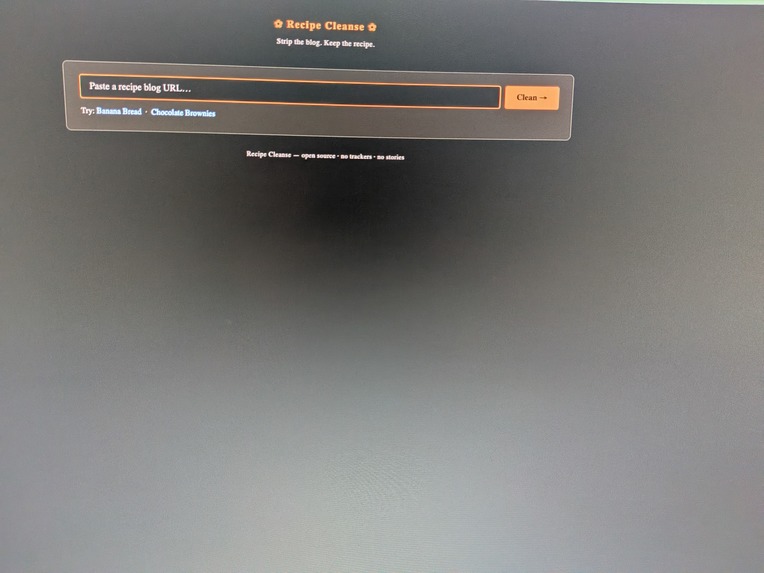
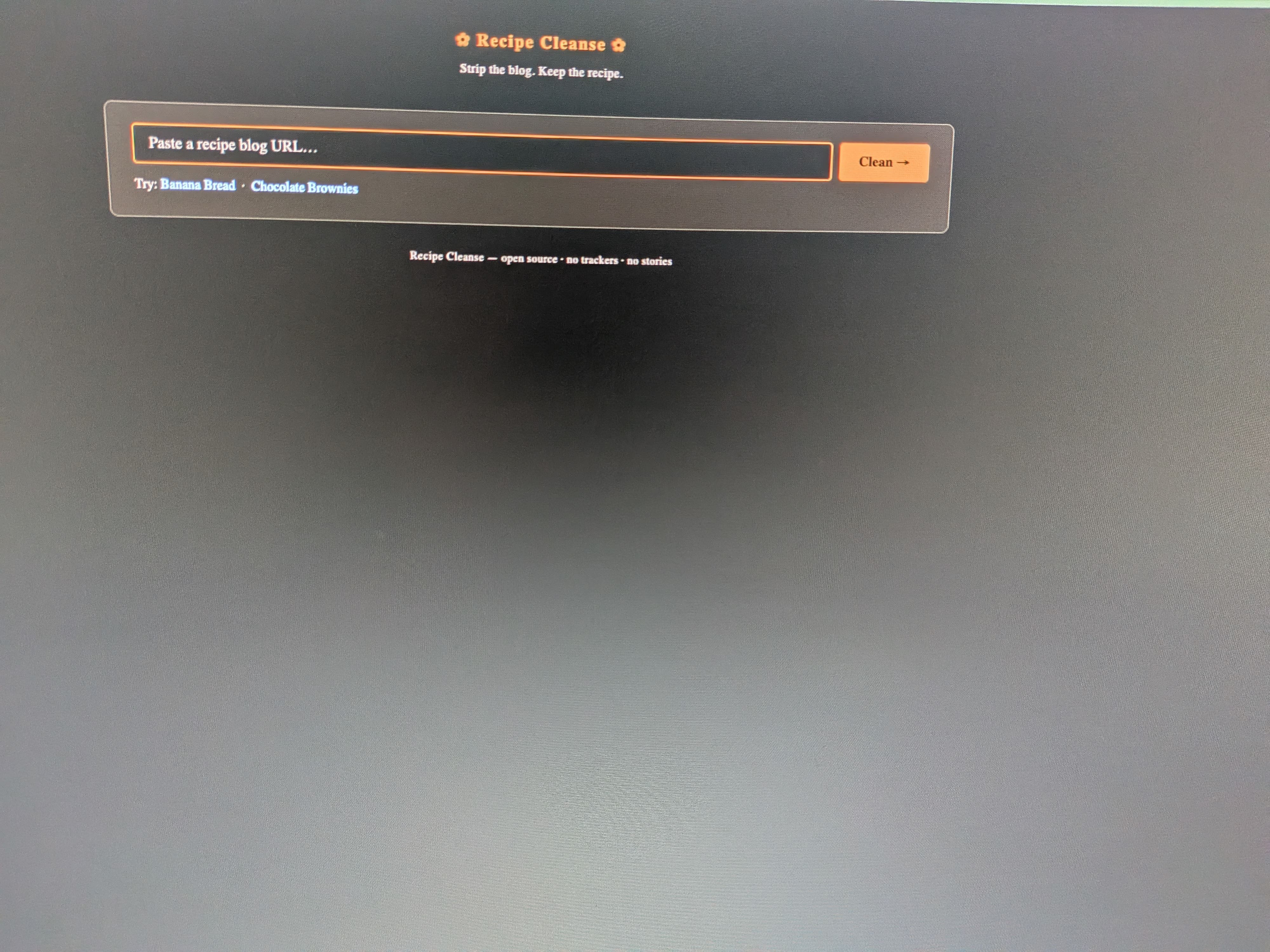
main page
-
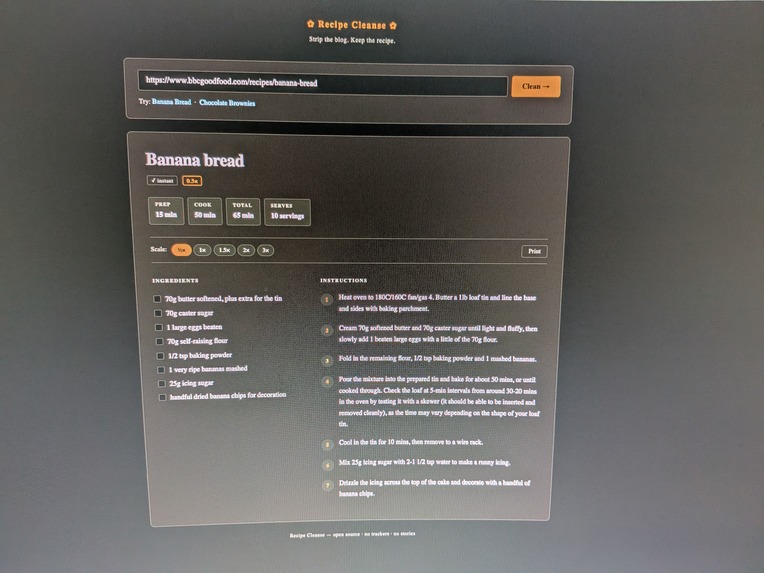
recipe summary
-
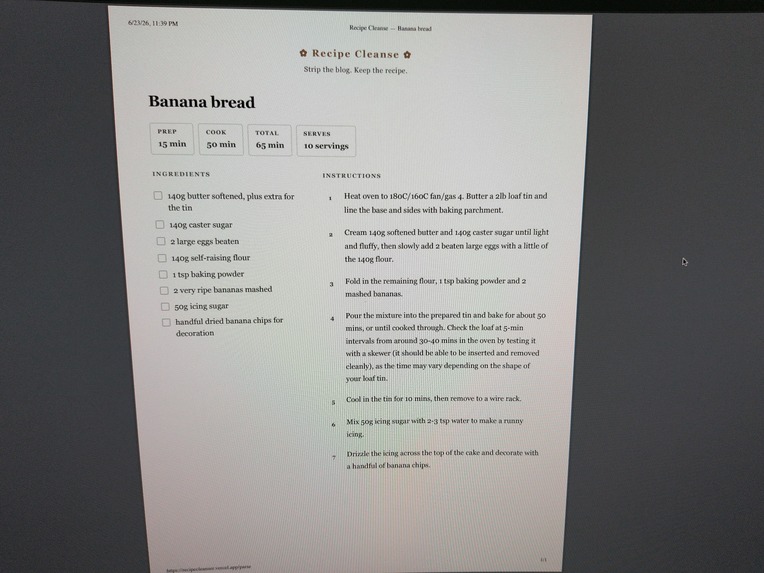
printable pdf
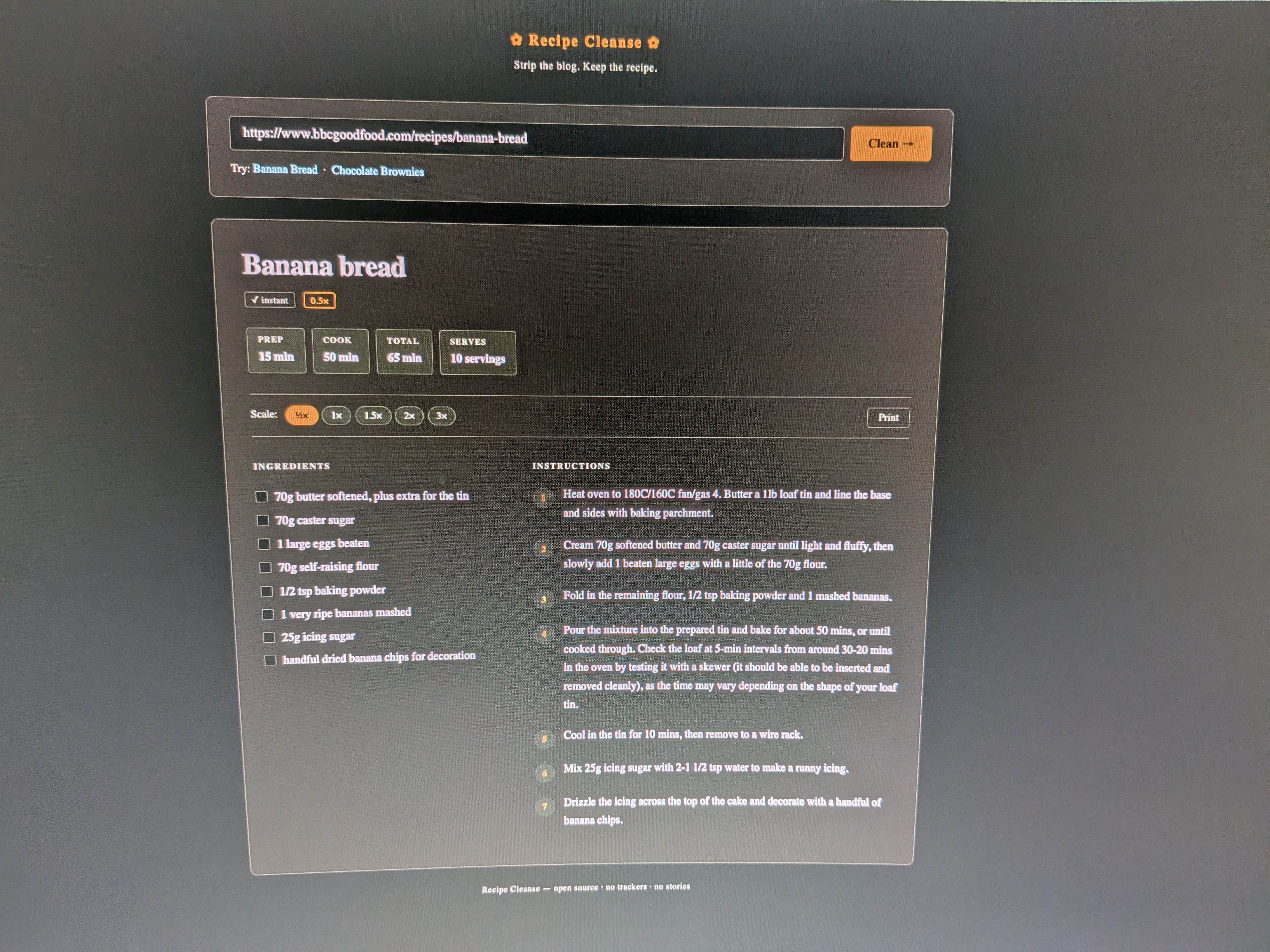
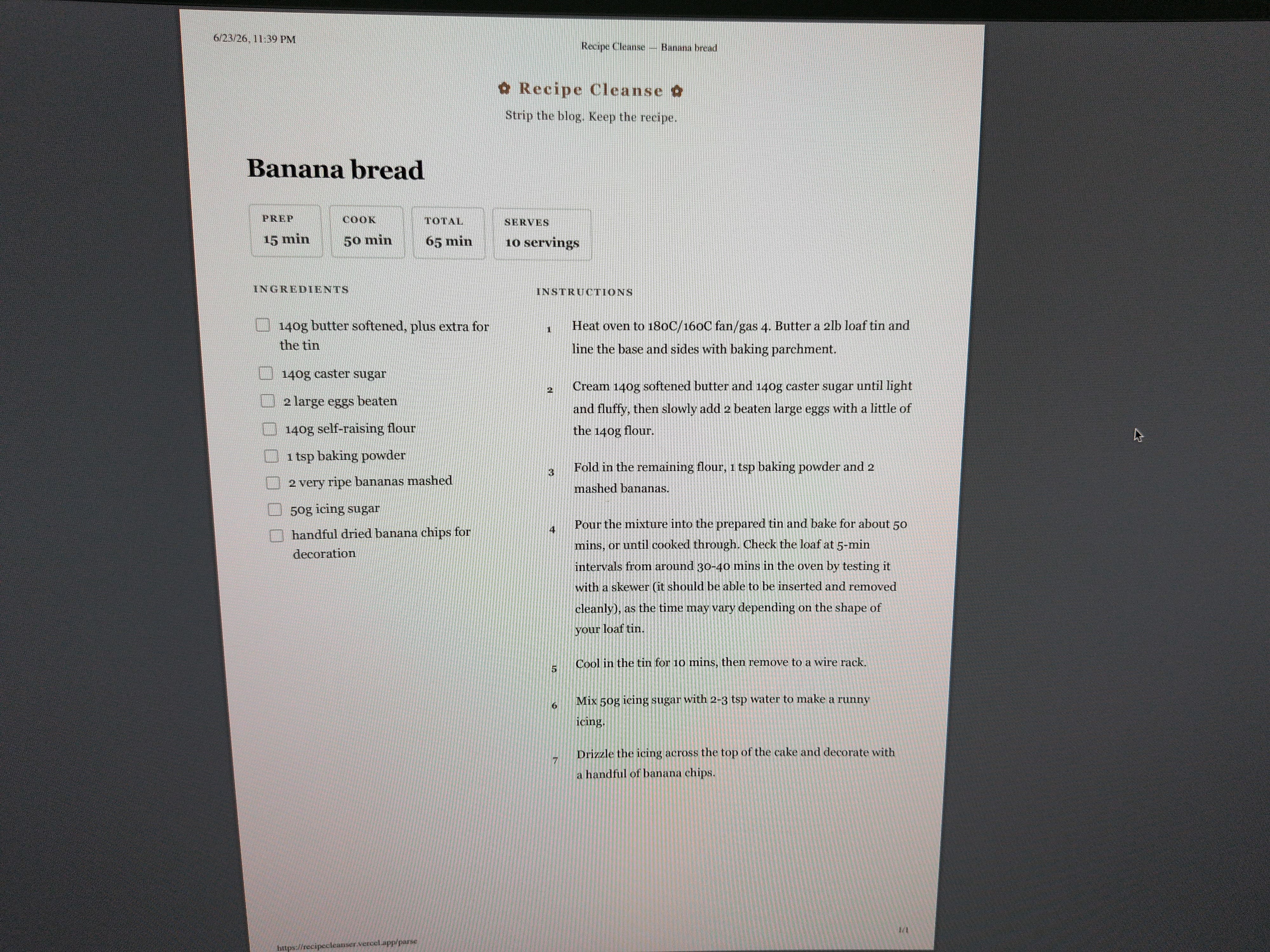
Anyone who's tried to cook something from the internet knows the problem. You search for "chocolate chip cookies," click a link, and have to scroll past a 1,200-word essay about someone's grandmother before you find out you need 2 cups of flour. It's genuinely frustrating, especially when you're mid-cook and your hands are messy.
Recipe Cleanser fixes this.
You paste a URL, hit the button, and get back just the recipe: title, prep time, cook time, ingredients, and step-by-step instructions in one clean card. There's also a serving size scaler where you type in 1.5 or 2 and all the ingredient quantities update automatically, so "1 1/2 cups" becomes "3 cups," fractions and everything.
| How It Works |
The entire backend is Python, and I split it into modules so each piece of the pipeline has one job.
The first module tries to find structured recipe data already hidden in the page's code using a library called "recipe-scrapers", since a lot of big cooking sites embed it for SEO purposes. If that works, it's instant and uses no AI at all.
If the site has a cutsom or unusual layout, a second module kicks in: it uses the "requests" and "beautifulsoup4" libraries to scrape the raw page text, strips out navigation bars, footers, and scripts, and sends what's left to an LLM through Groq's API with a strict prompt that tells it to ignore everything except the actual recipe and return clean JSON.
The ingredient scaling runs in its own module too. It uses regex and Python's built-in "fractions.Fraction" class to find quantities inside ingredient strings, multiply them by whatever the user typed in, and format the result back into something readable like "1 1/3" instead of "1.333." It also handles unicode fraction characters like ½ and ¾ which was a fun edge case.
The web interface is a Flask app deployed on Vercel, and the project also has a fully working CLI version that uses the "rich" library to render a styled terminal UI where you can keep changing the serving size and watch the recipe update live.
| Challenges & Bugs |
The first challenge was just getting the thing to actually deploy. Vercel kept throwing Internal Server Errors and I had to learn to read the logs instead of just refreshing and hoping.
| Python Version Compatibility |
The first real bug was that I was using Python 3.10+ type hint syntax ("float | None") but Vercel was defaulting to Python 3.9 where that's not valid. It crashed on import before any request was even handled.
I fixed it by adding "from future import annotations" to the affected files and pinning Python 3.12 in a ".python-version" file.
| Flask Template Conflict |
The second one caught me off guard. Flask's "render_template_string()" function uses "source" as its own internal parameter name, and I had a template variable called "source" too, so passing it as a keyword argument caused a "multiple values for argument" error.
That took way longer to figure out than it should have because the error message wasn't obvious at all. Renaming my variable to "parse_source" fixed it immediately.
| AI API Limits |
The free tier situation was a real lesson. I started with Google Gemini, hit the limit fast, switched to OpenAI, hit their free quota too.
Eventually I found Groq, which gives you about 14,000 requests a day for free because they run models on custom hardware. That's when I realized picking your tools and understanding their actual constraints matters just as much as writing the code itself.
| Ingredient Scaling |
The ingredient scaling math was also more interesting than I expected.
Converting "1 1/2 cups" to a float, multiplying it, and then formatting the result back as a clean fraction required using Python's "Fraction" class with "limit_denominator(16)" so you get "3/4" instead of "0.75000001".
It handles unicode fraction characters like ½ and ⅓ too which was a fun edge case to solve.
| What I Learned |
The biggest thing I learned overall is that the gap between "it works on my machine" and "it works in production" is huge.
Debugging deployed apps is a completely different skill from debugging local code. Reading logs, understanding runtime environments, and tracing errors across a stack you don't fully control is where most of the real work ended up being.
I also learned that breaking a project into small focused modules makes everything easier to fix when something goes wrong, because you always know exactly where to look. Before this I would just write everything in one file.
I also genuinely learned how to think about software architecture for the first time.
The two-layer parsing idea, where you try the fast free method first and only call the AI if you have to, wasn't something I planned upfront. I figured it out after realizing that hitting an AI API for every request would be slow and expensive.
That kind of thinking, designing systems to be efficient and not just correct, is something I want to keep building on.
| Future Improvements |
The thing I most want to add is a way to save recipes.
Right now everything disappears when you close the tab, which kind of defeats the purpose of having a clean version. I want to add a simple account system so people can build a personal cookbook of cleaned recipes they've saved.
I also want to make the scaler smarter. Right now it scales every number it finds, but sometimes a recipe says something like "heat oil in a 12-inch pan" and it shouldn't change the pan size when you double the recipe.
Teaching it to know the difference between a quantity and a measurement that shouldn't change would make it a lot more useful.
On the technical side I want to add support for JavaScript-heavy sites. A lot of newer recipe sites load their content dynamically, so "requests" and BeautifulSoup can't see it. Adding a headless browser option using Playwright would cover those cases.
And honestly I just want to keep using it myself. That's how I know it's a real project worth continuing.

