-
-
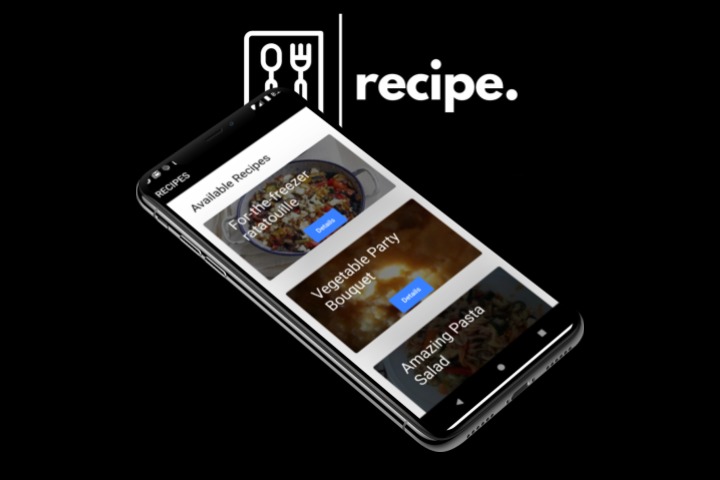
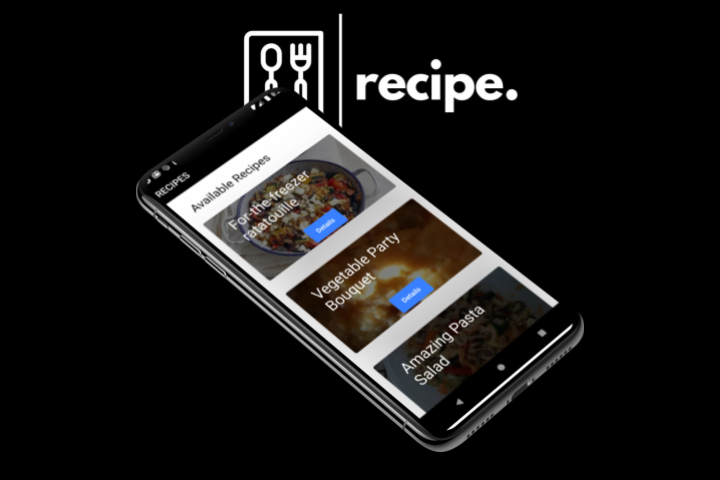
Recipe Screen
-
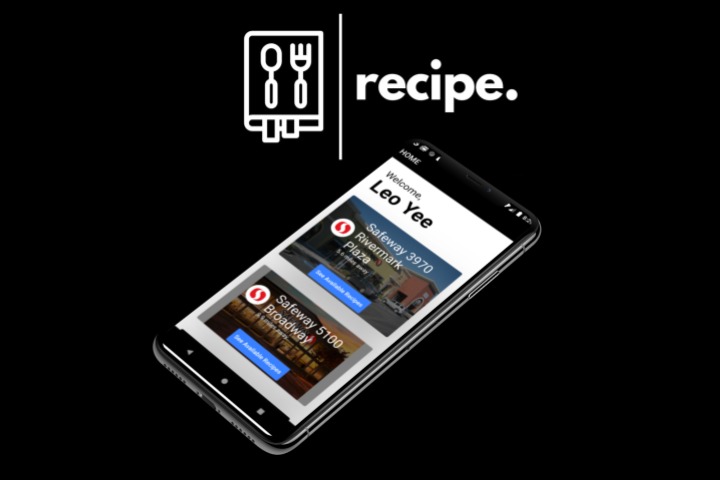
Home Screen
-
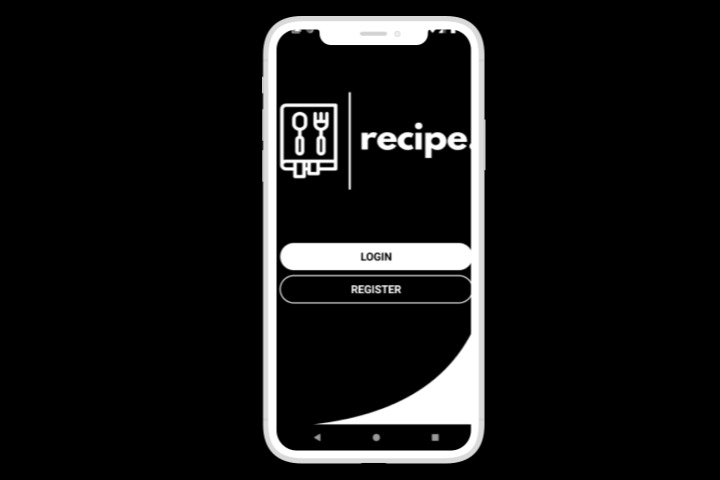
Login Screen
Introduction
For a moment close your eyes and imagine. It’s sunday evening and you’re craving some mango fried rice. You search up a recipe and prepare your shopping list. As you shop at the supermarket, you realize that they don’t sell fresh mangoes. You are forced to take extra time and go to another market, not even sure if it has your wanted ingredients. How inconvenient is that?! Introducing Recipe, an app-based startup, that will prevent you from wasting easily avoided time, effort, and energy!
We use a combination of node.js, flutter, and puppeteer to create an app that can search for recipes based on the selected market location.
App
Users first create an account and logs into the app. With flutter’s efficent and easy integration with Firebase, we are able to easily implement Firebase features. We use firebase authentication to ensure that our user’s accounts and passwords are encrypted when they enter our server. This will also allow us to implement email/phone verification for accounts in the near future.
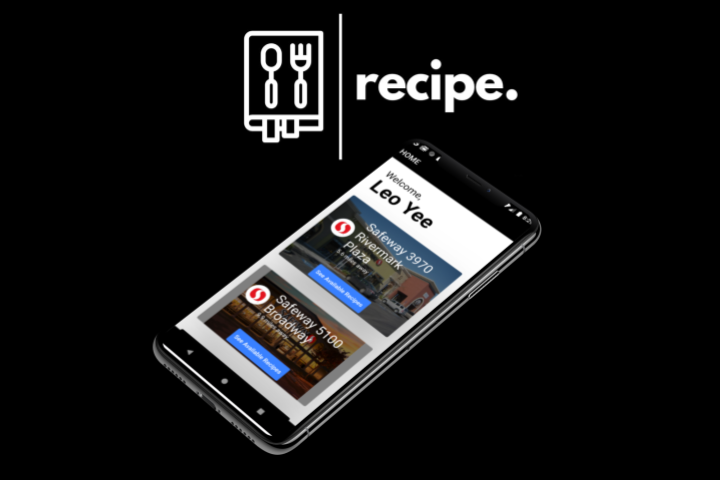
After they login, they will be greeted with a welcome screen, that will display stores nearby. This information is retrieved from the store collection in the Cloud Firestore database. They can then select a nearby supermarket that they have decided to go to. The app will then display recipes that can be made from the ingredients from that one selected supermarket. The app uses tracked current store inventory data, so the all needed ingredients are guaranteed to be available at the selected store.
Web-scraper
In order to create a database of recipes that relate to the inventory of each store, our nodejs program involves the use of web scraping and automation with puppeteer, and the use of a food recipe api, called spoonacular, and a cloud firestore database.
Puppeteer, a chromium automation plugin for NodeJS, first accesses the Safeway page, clicks all the load more buttons, and uses CSS selector to get the titles of the products.
We then insert the titles of these products into a findRecipeByProduct query with the Spoonacular API, Our implementation of this step is currently not perfect because of the fact that some branded product titles are not detected as ingredients. In the future we will use AI in order to find generic product names, given branded product titles.
Finally we insert the result of this query, along with other information about the store into the Cloud Firebase database, in the stores collection.
Future Plans
Our future plans mainly comprises of app development and bringing the app to market. We devised 4 stages towards the go to market plan to ensure startup success, each, lasting about a year. Stage A is to finish app development (expand store database to nationwide network, be able to find generic names of online product titles, use realtime inventory apis from stores) and create and to run pilot tests to make sure everything runs smoothly. Stage B is focused on promotion through social media and through sponsorships to increase our reach. Stage C is focused on increasing profit, where we will minimize our customer acquisition costs by streamlining our marketing efforts to the most effective platforms in past pilots, as well as limiting maintenance costs also from the data from pilot tests. Finally, stage D is focused on optimization, where we will optimize the previous three stages and prioritize efficient growth to lead a successful future.





Log in or sign up for Devpost to join the conversation.