-
-
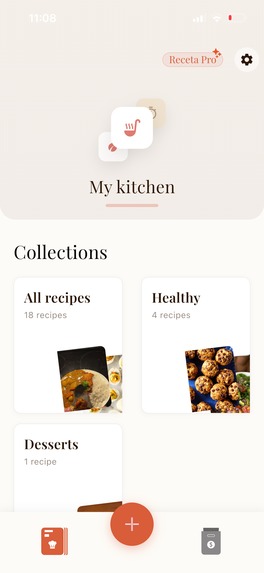
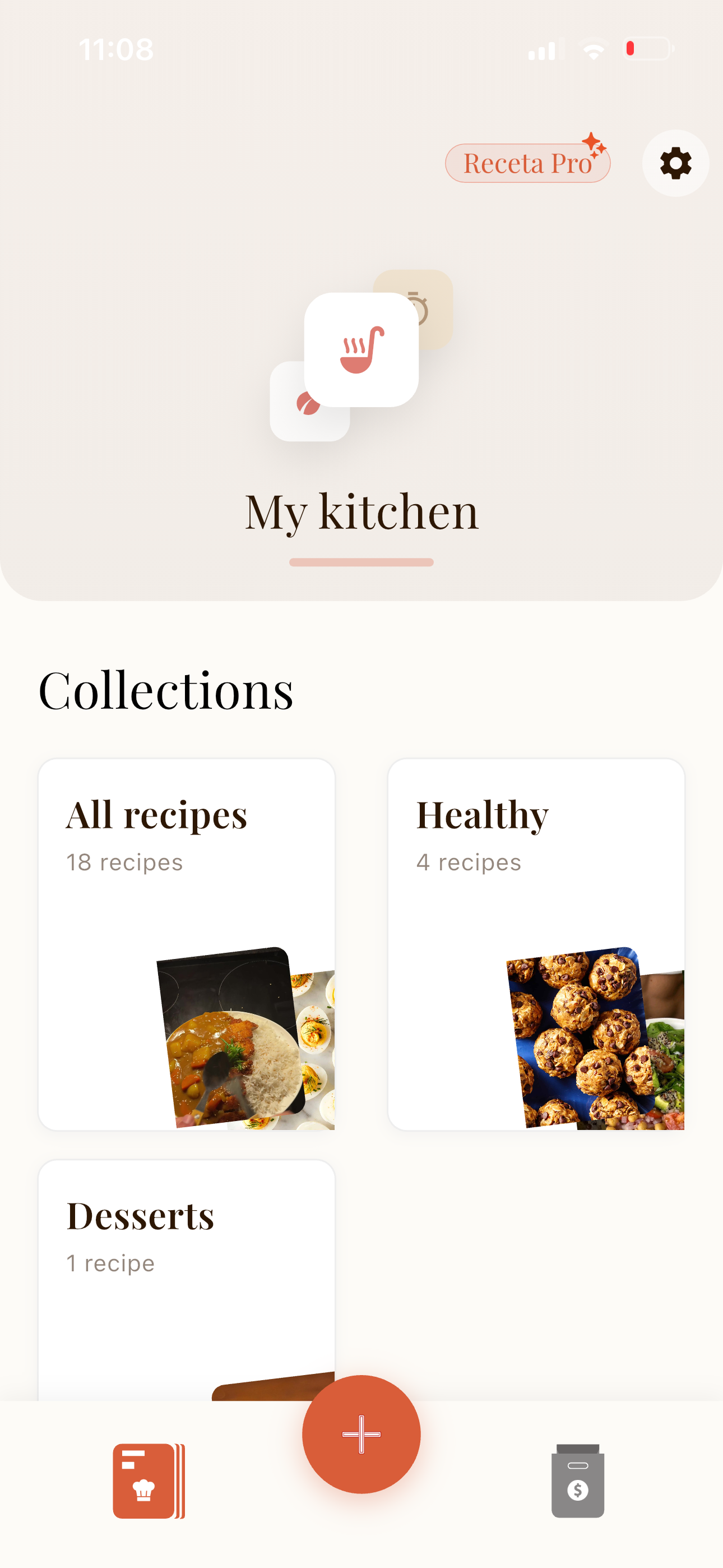
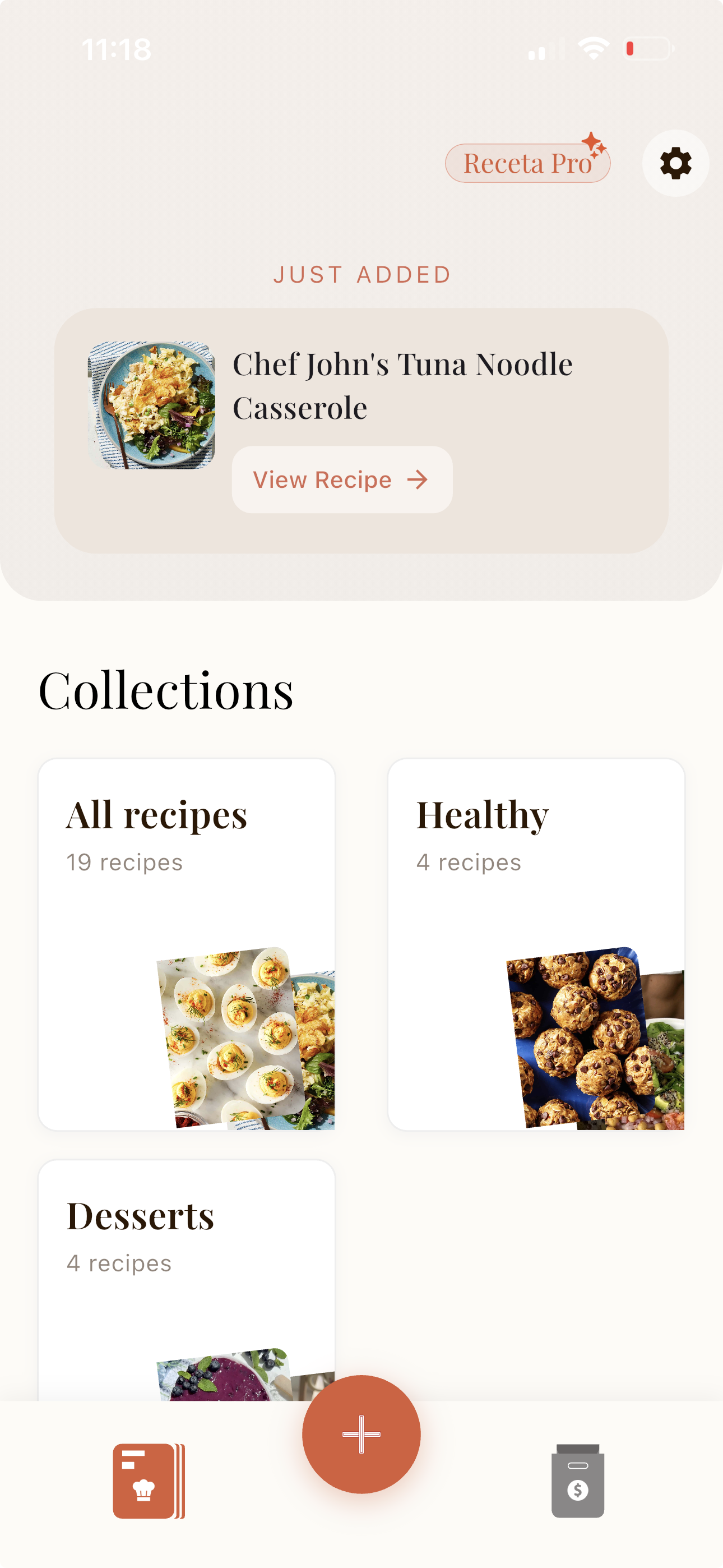
Home Screen
-
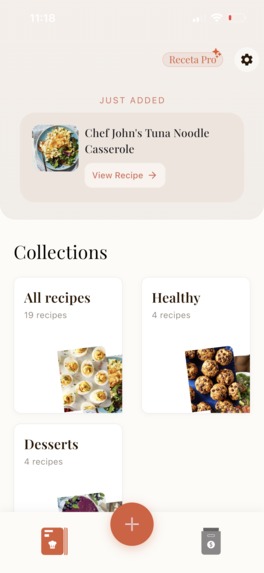
Swipable home screen header
-
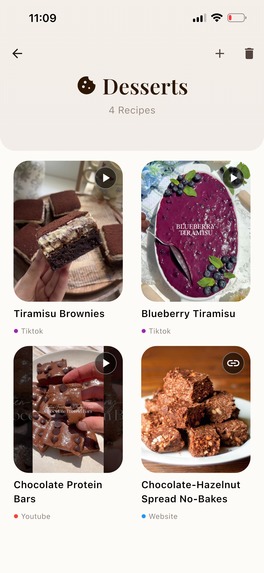
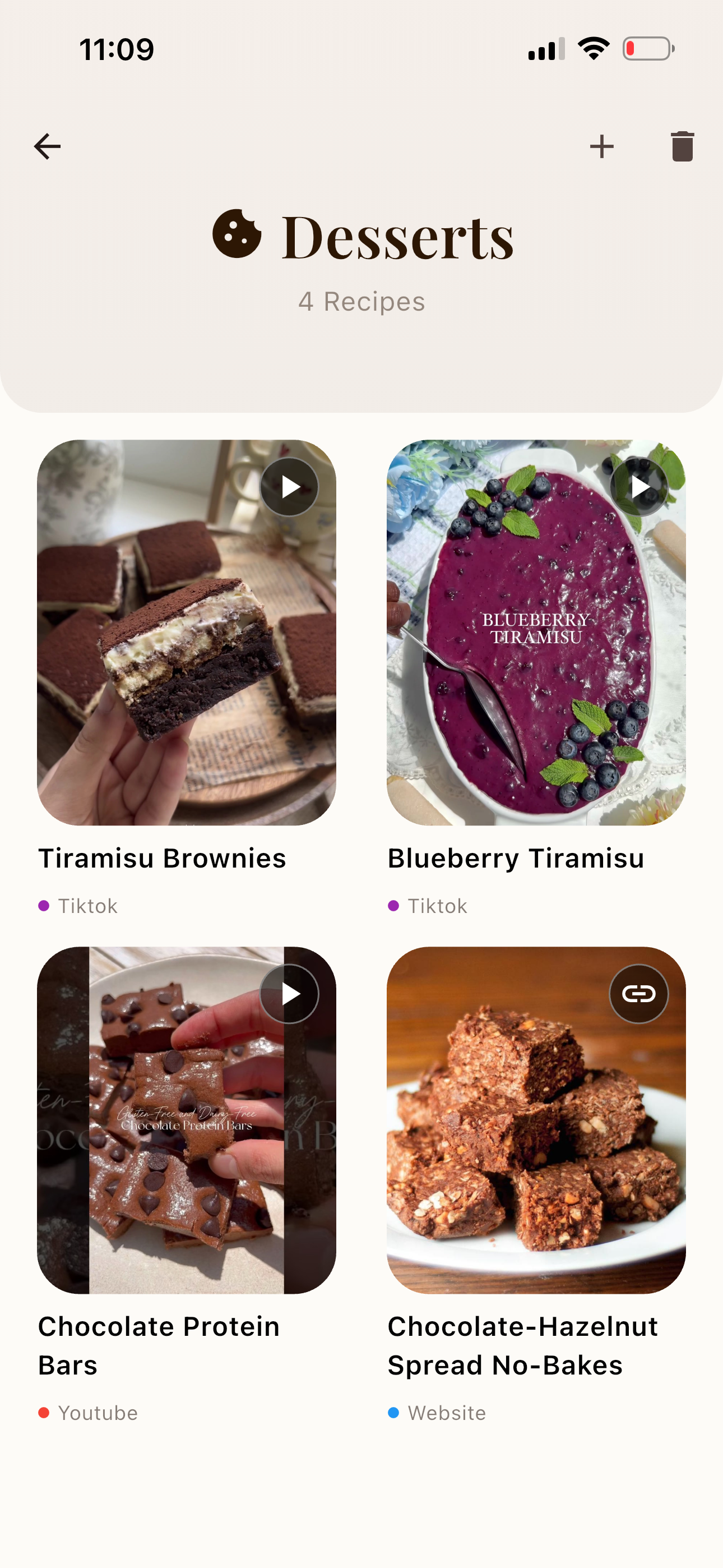
Collection screen
-
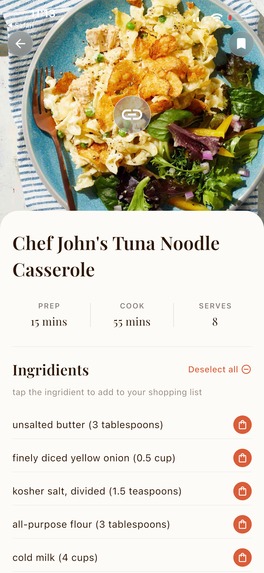
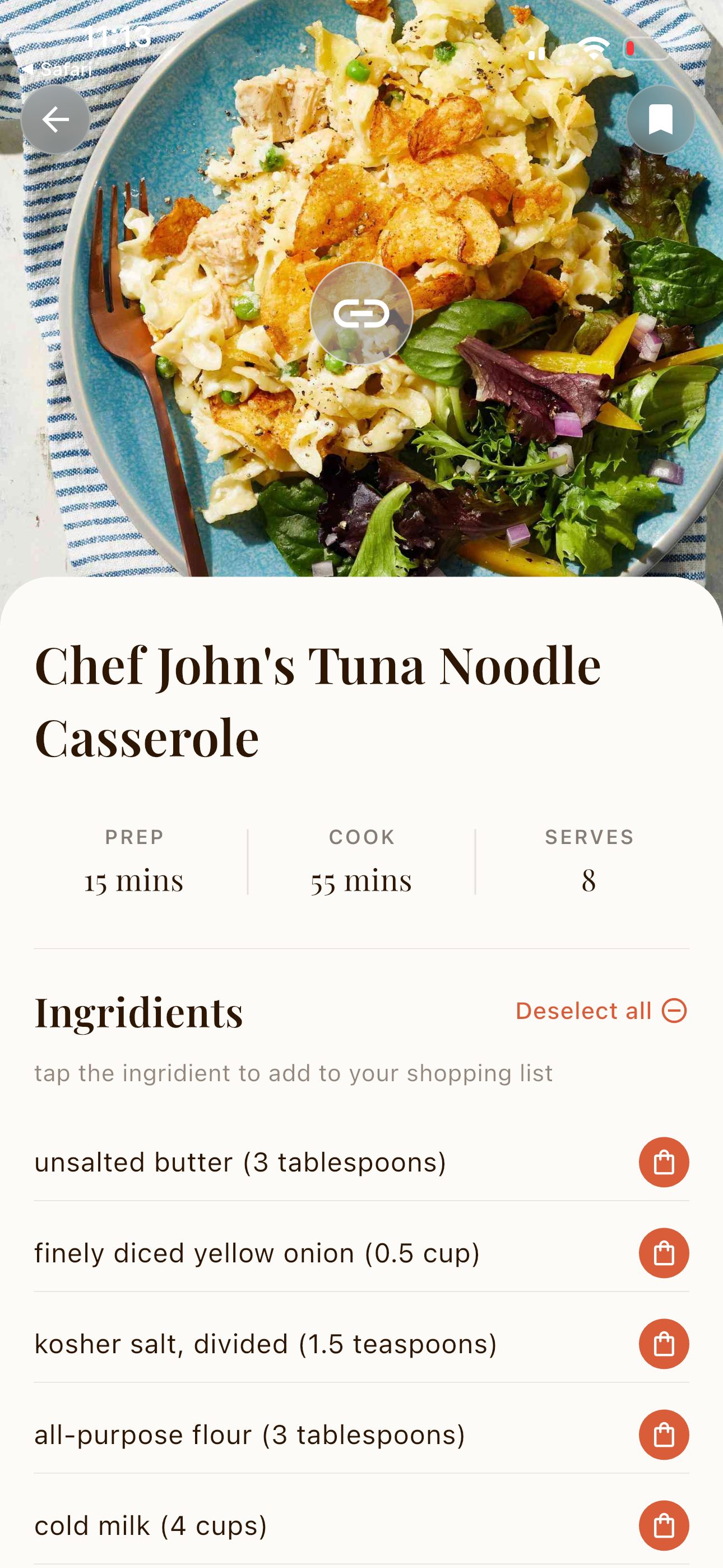
Recipe details
-
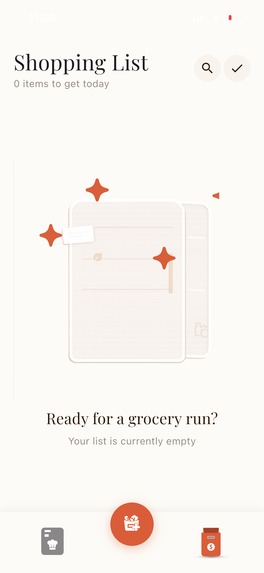
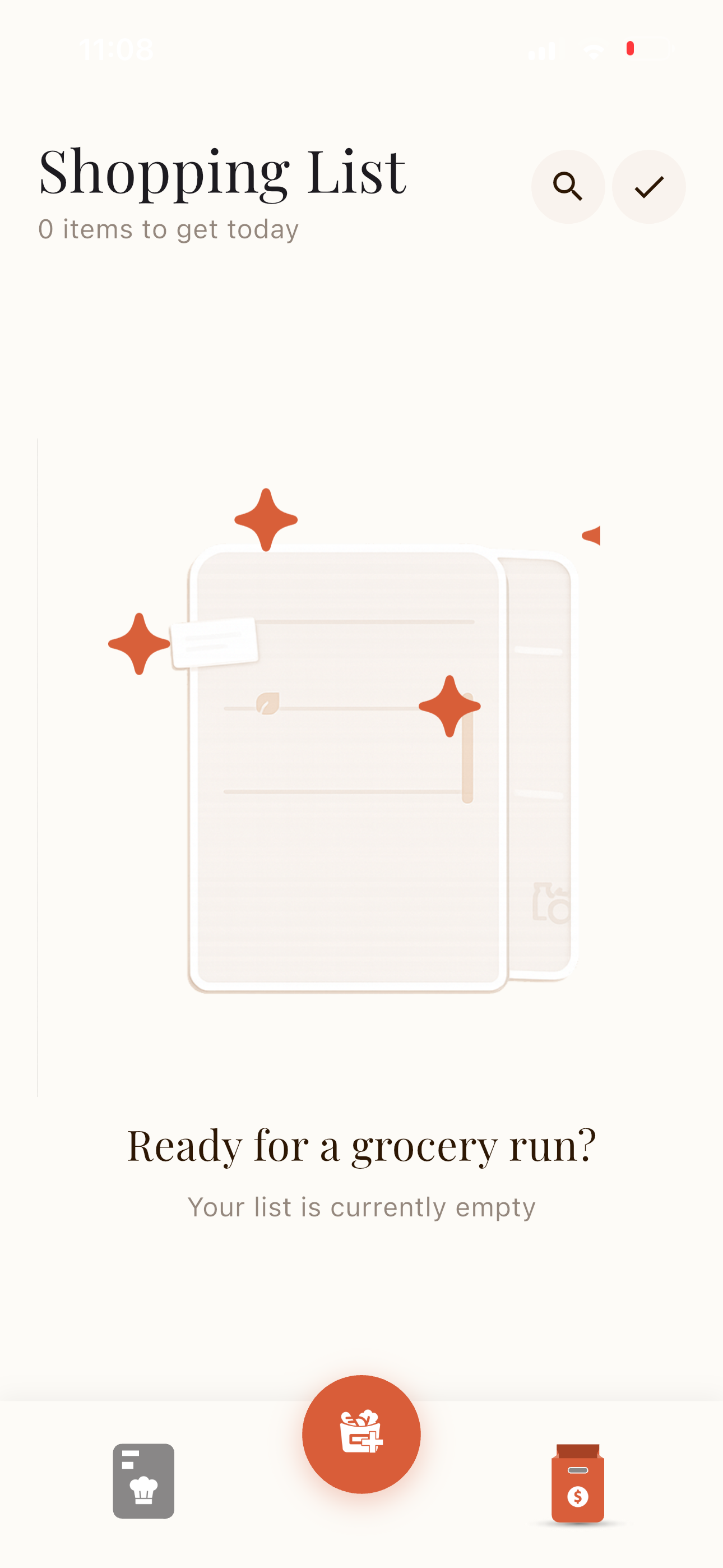
Empty shopping list
-
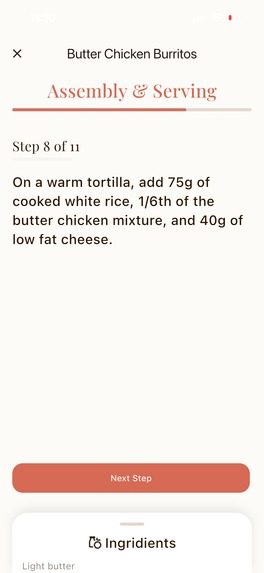
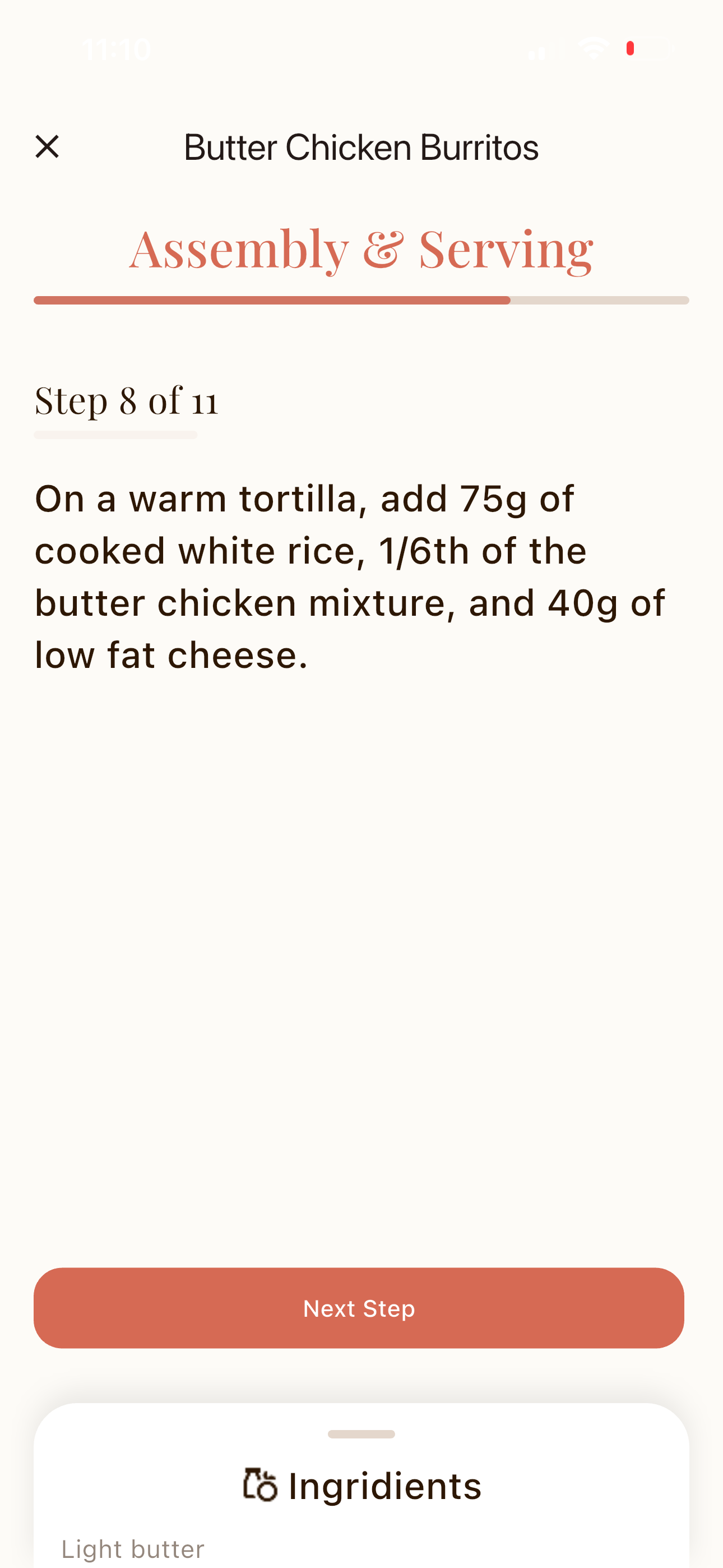
Cooking mode
-
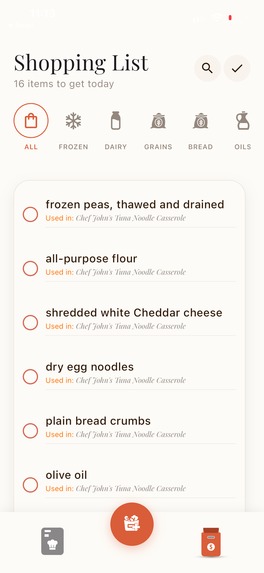
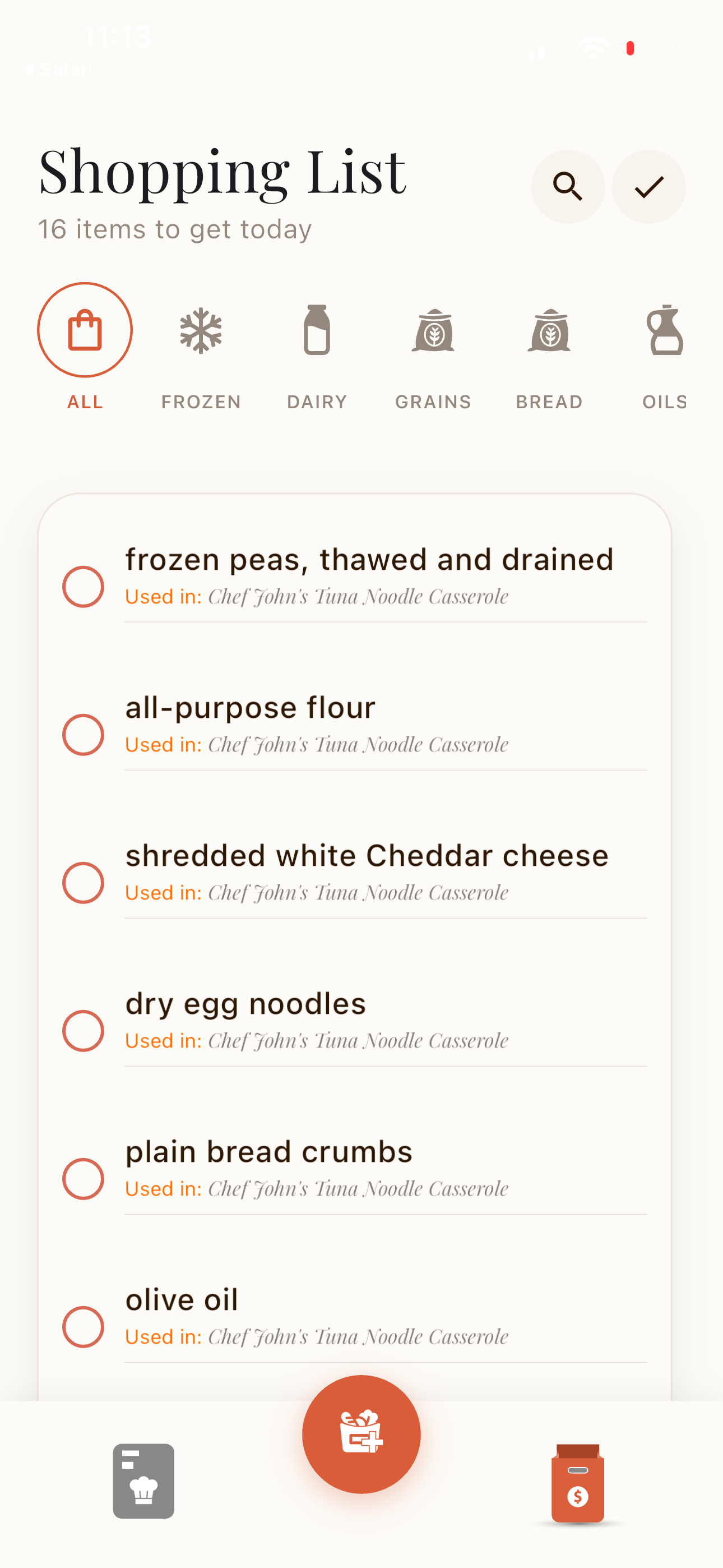
Shopping list
-
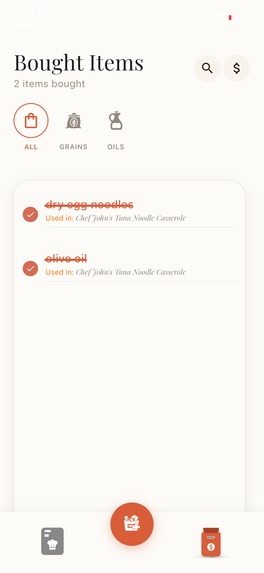
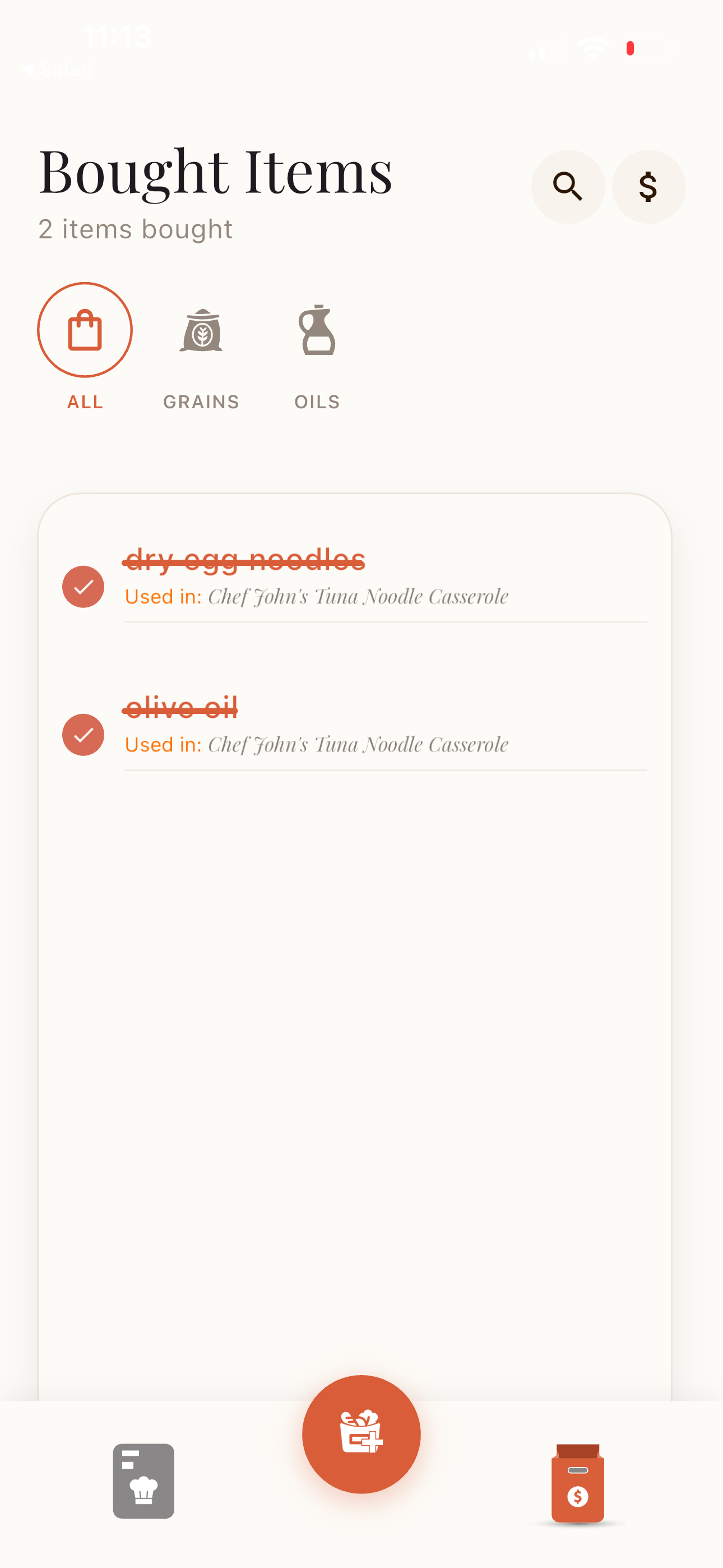
Bought shopping list items
Inspiration
The goal behind Receta was simple: help people actually cook the recipes they save.
Cooking content today lives online — on social media and websites. As a food lover, I constantly save recipe videos I genuinely want to try. But most of the time, they stay saved… and forgotten.
Even when I open them, following a fast-paced video while cooking isn’t ideal — especially for beginners. You rewind, pause, scroll comments for ingredients, and the excitement slowly turns into friction.
And even if you’re motivated enough to cook, there’s another barrier: you still have to manually list missing ingredients and build a shopping list yourself.
Receta was built to remove that friction.
Instead of saving videos and hoping to cook them someday, Receta turns them into clean, structured recipes you can actually use — and automatically generates a smart grocery list from the extracted ingredients, helping users move from inspiration to action effortlessly.
What It Does
Receta allows users to add recipes in multiple ways, making the experience frictionless and flexible:
- Paste a video link directly inside the app (currently supports YouTube and TikTok)
- Use the native share button in TikTok or YouTube — even if Receta is closed — and import the recipe instantly
- Share any recipe from a website using the same native share flow
- Manually type a recipe in natural language and let Receta structure it automatically
Every imported recipe is transformed into a clean, structured format that includes:
- Original video URL (for later viewing)
- Video thumbnail (when available)
- Recipe title
- Prep time, cook time, and servings
- Structured ingredients list
- Clear, step-by-step cooking instructions
All recipes are fully editable. Users can:
- Add or remove ingredients
- Modify steps
- Adjust times and servings
- Customize any part of the recipe
Cooking Mode
Each recipe includes a “Start Cooking” button when step-by-step instructions are available.
Cooking Mode guides users through the recipe one step at a time in a focused, distraction-free view. Instead of scrolling through a video, users can:
- Move through steps sequentially
- Focus on one instruction at a time
- Cook without constantly rewinding
This directly supports the app’s mission: helping users move from saved inspiration to actually cooking.
Smart Grocery Workflow
Receta doesn’t stop at saving recipes — it helps users prepare for them.
By default, all extracted ingredients are automatically selected and added to the shopping workflow. Users can:
- Choose which ingredients to include
- Toggle off auto-selection in settings
- View ingredients grouped by category
- Search instantly
- Mark items as bought
Users can also organize recipes into collections to group related meals together.
Freemium Model
Receta operates on a freemium model:
Free users can:
- Import up to 5 recipes
- Experience the core functionality
Premium users unlock:
- Unlimited recipe imports
- Longer video import durations
- Automatic categorization for manually added ingredients
- Secure account backup via Google or Apple Sign-In
This structure allows users to experience real value before upgrading, while offering meaningful benefits for frequent cooks.
How We Built It
Receta is built with Flutter, allowing us to ship seamlessly on both iOS and Android.
We used Rive to create smooth, lightweight animations that give the app a polished, modern feel.
On the backend, Firebase handles authentication, real-time data storage, and Cloud Functions for recipe extraction.
RevenueCat powers our subscription system, managing premium access, paywalls, and cross-platform purchases reliably.
Challenges We Faced
One major challenge was working with Rive. We had no prior experience, so we had to learn animation workflows from scratch while building the app.
Time was another constraint. We had just three weeks to design, build, and polish the entire product.
Those limitations forced us to prioritize what truly mattered — core functionality, performance, and user experience.
Accomplishments We're Proud Of
We’re most proud of the design and overall user experience.
From the beginning, we focused on making every interaction simple, intuitive, and fluid.
Rather than overloading the MVP with features, we invested our time in refining the core experience — staying aligned with our main goal: making it easier for people to actually cook the recipes they save.
What We Learned
We entered this hackathon to challenge ourselves to build a great product under tight constraints.
It showed us how much is possible when you stay focused, prioritize intentionally, and execute with clarity.
What’s Next for Receta
This is just the beginning for Receta.
We plan to expand full support across all major social media platforms — including Instagram, Facebook, and Pinterest — making recipe importing truly universal.
Cooking Mode will evolve to sync each step with the exact video moment demonstrating that action.
We also plan to introduce a built-in meal planner and expand personalization through theme customization and a more value-driven premium experience.
We’re actively preparing Receta for a full production release on the App Store and Google Play.
We’ve built a strong design foundation and clear product direction — and now it’s about scaling that vision thoughtfully and intentionally.
Built With
- firebase
- flutter
- revenuecat
- rive
- typescript

Log in or sign up for Devpost to join the conversation.