-
-
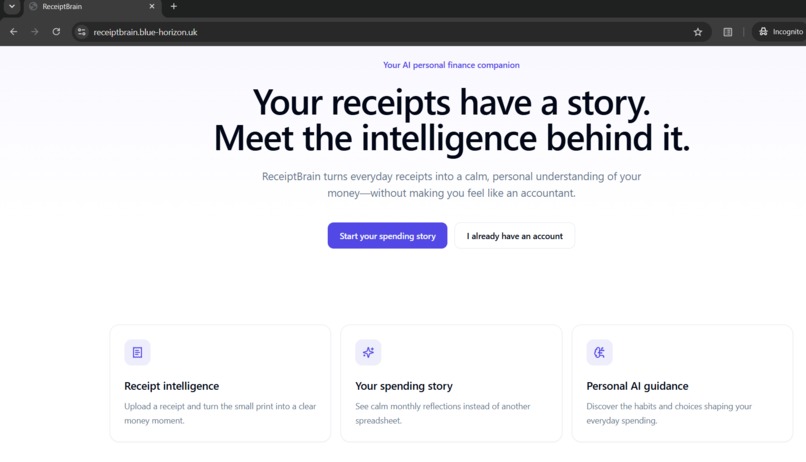
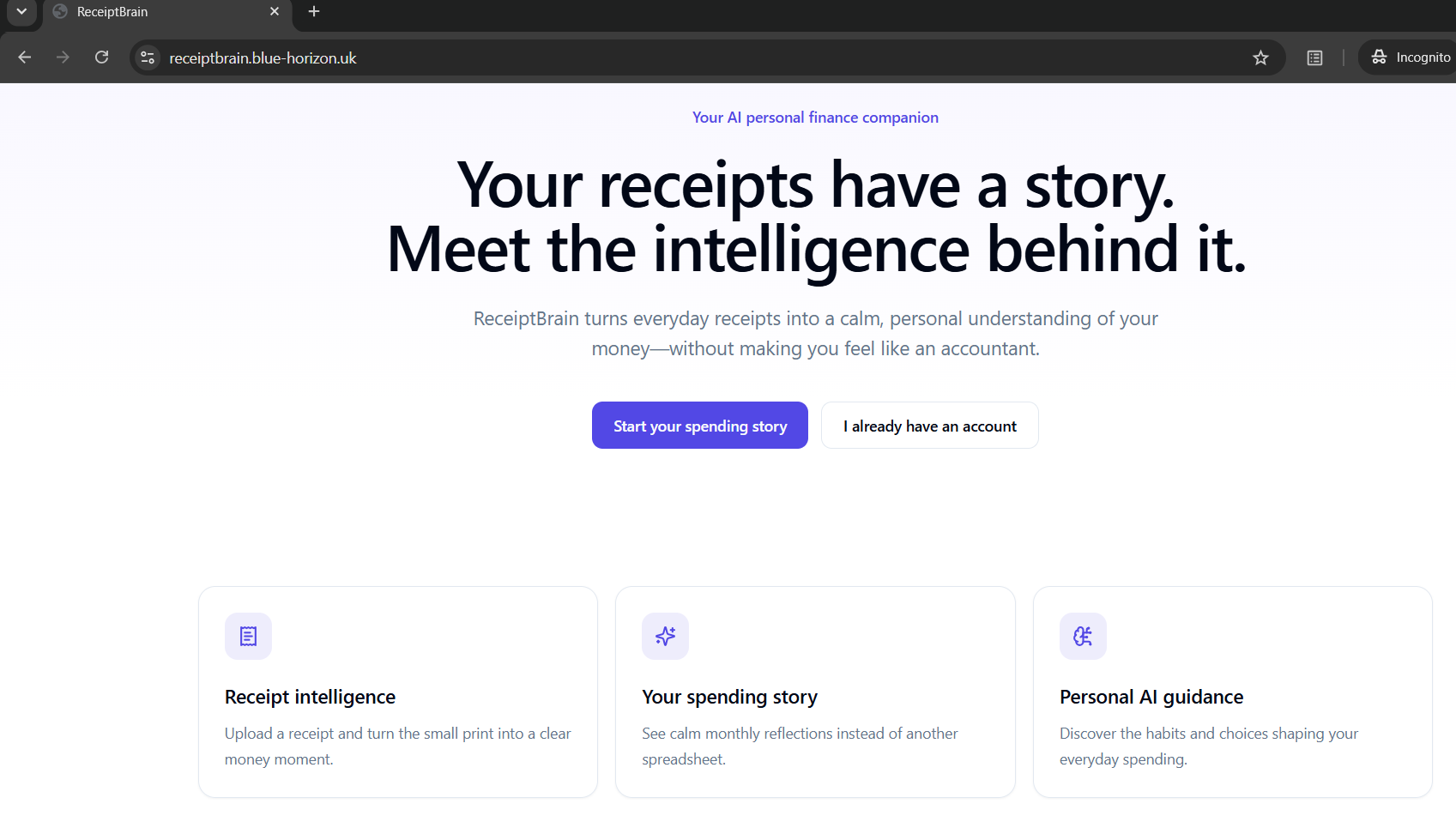
landing_page
-
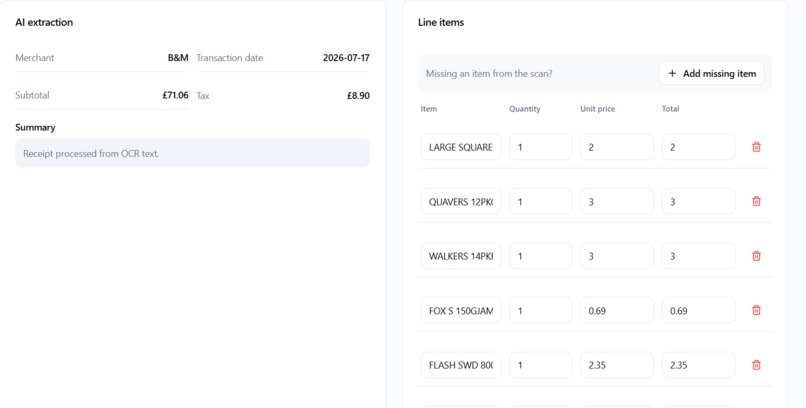
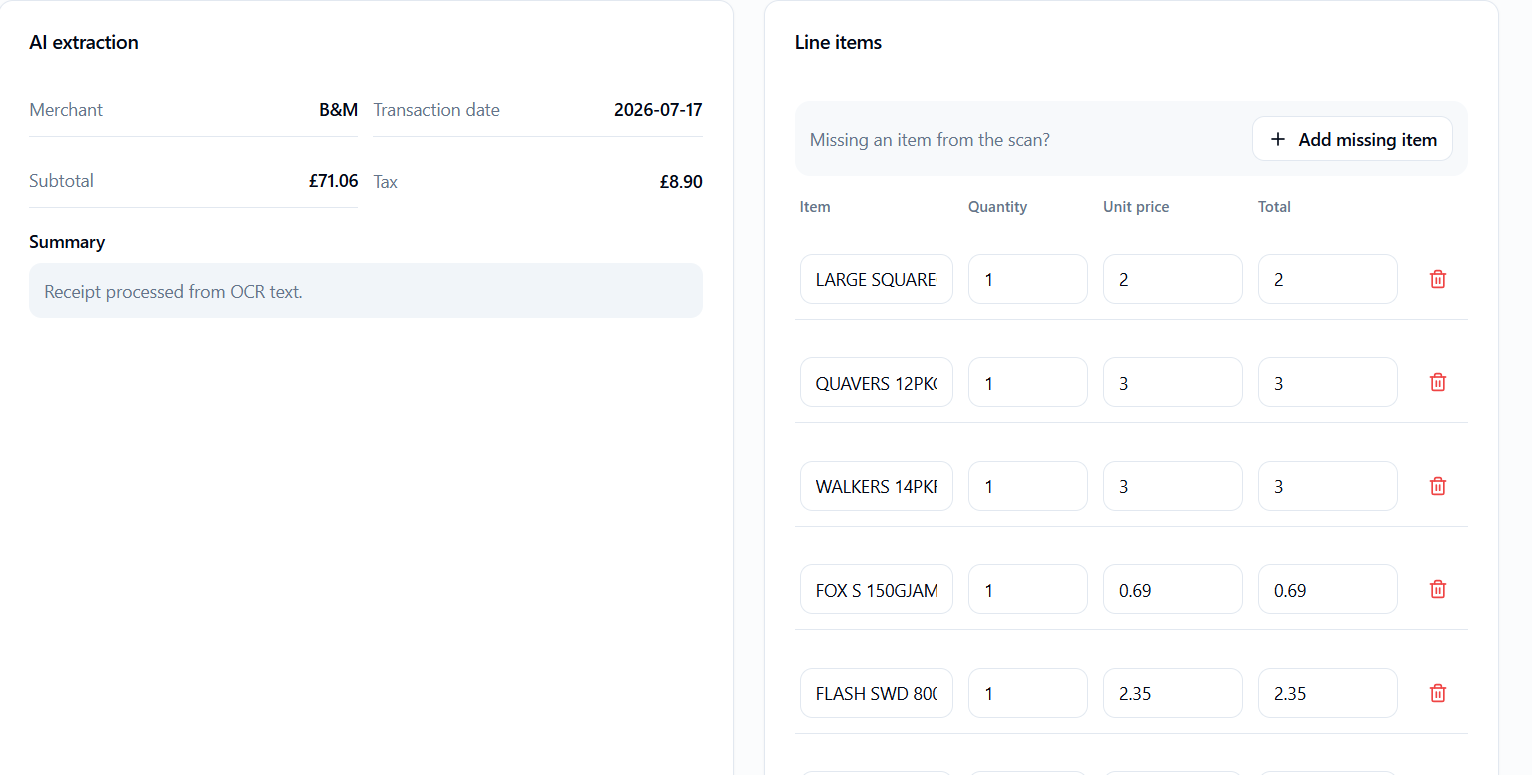
captured_items from receipt
-
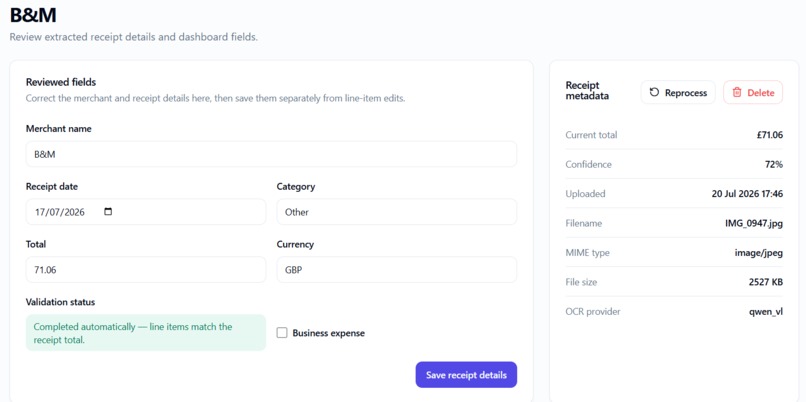
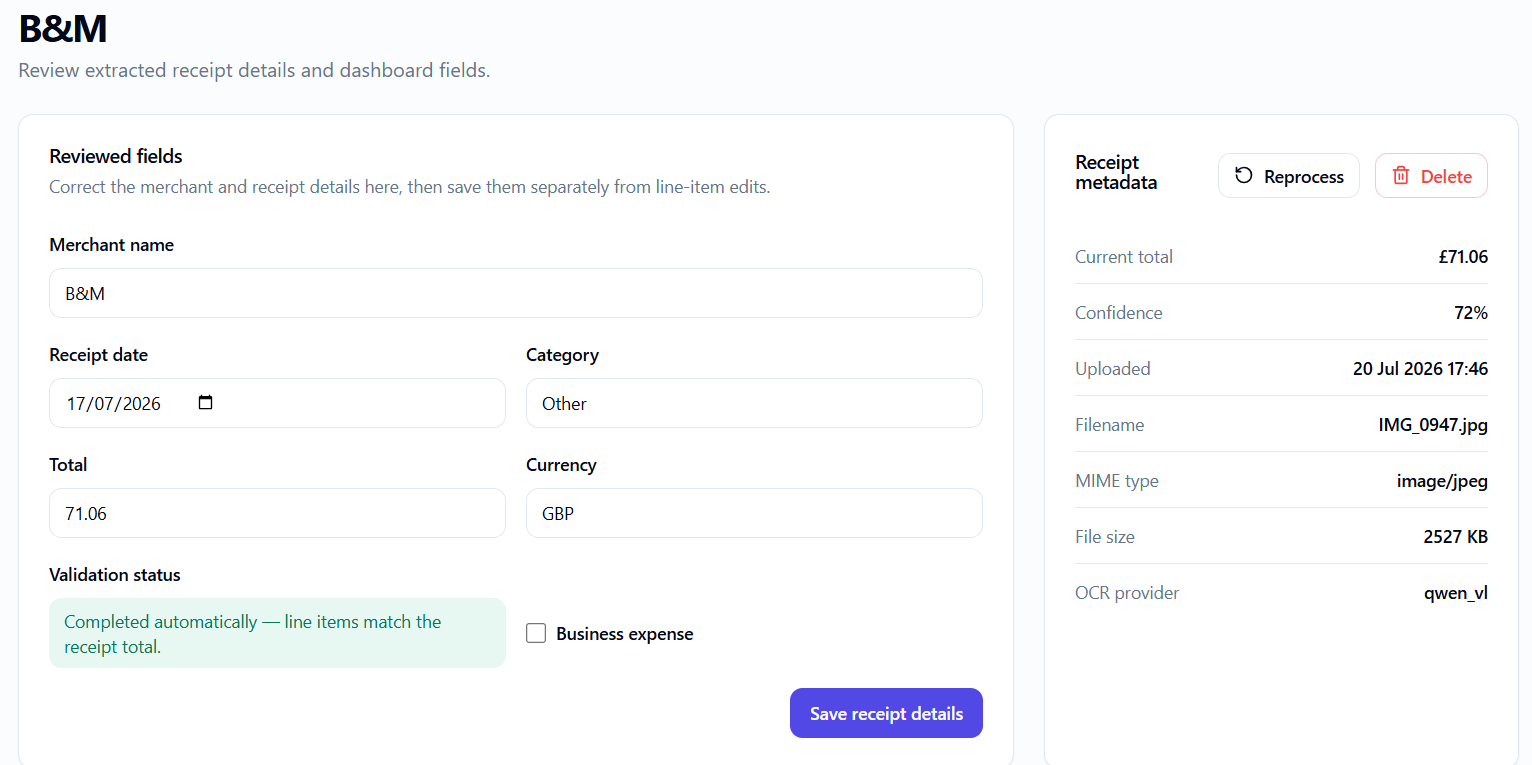
receipt_review_items
-
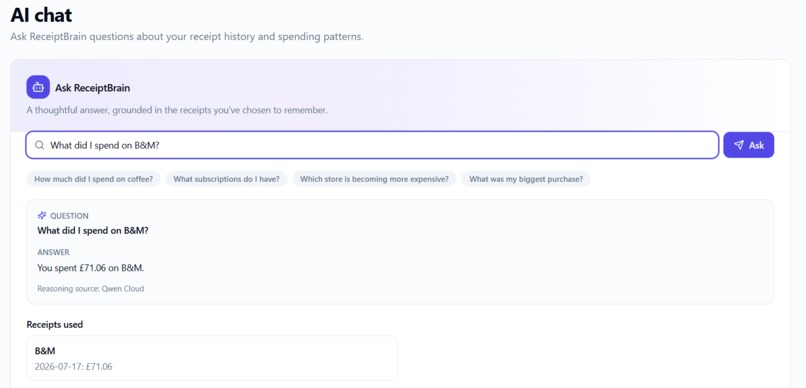
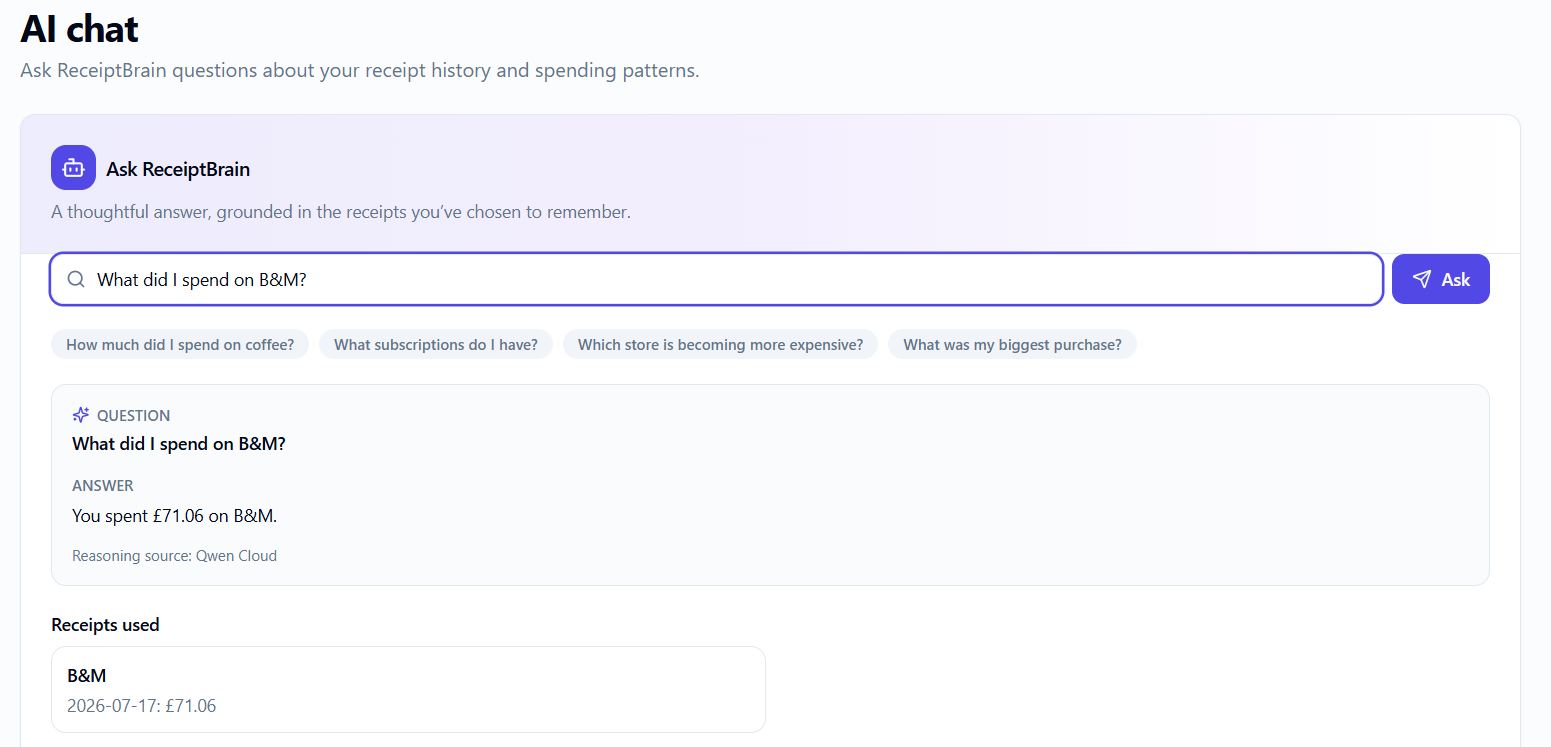
AI chats on receipts
-
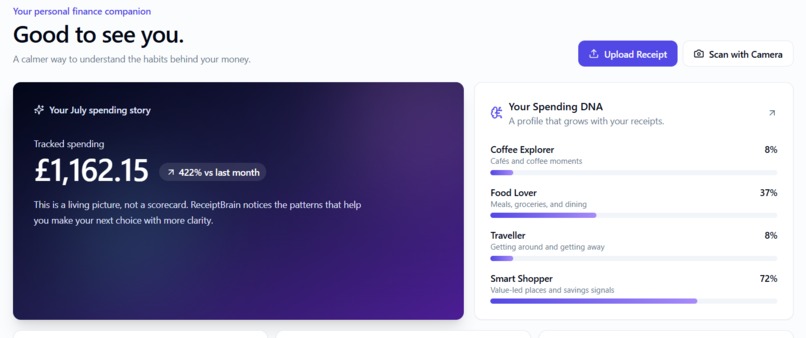
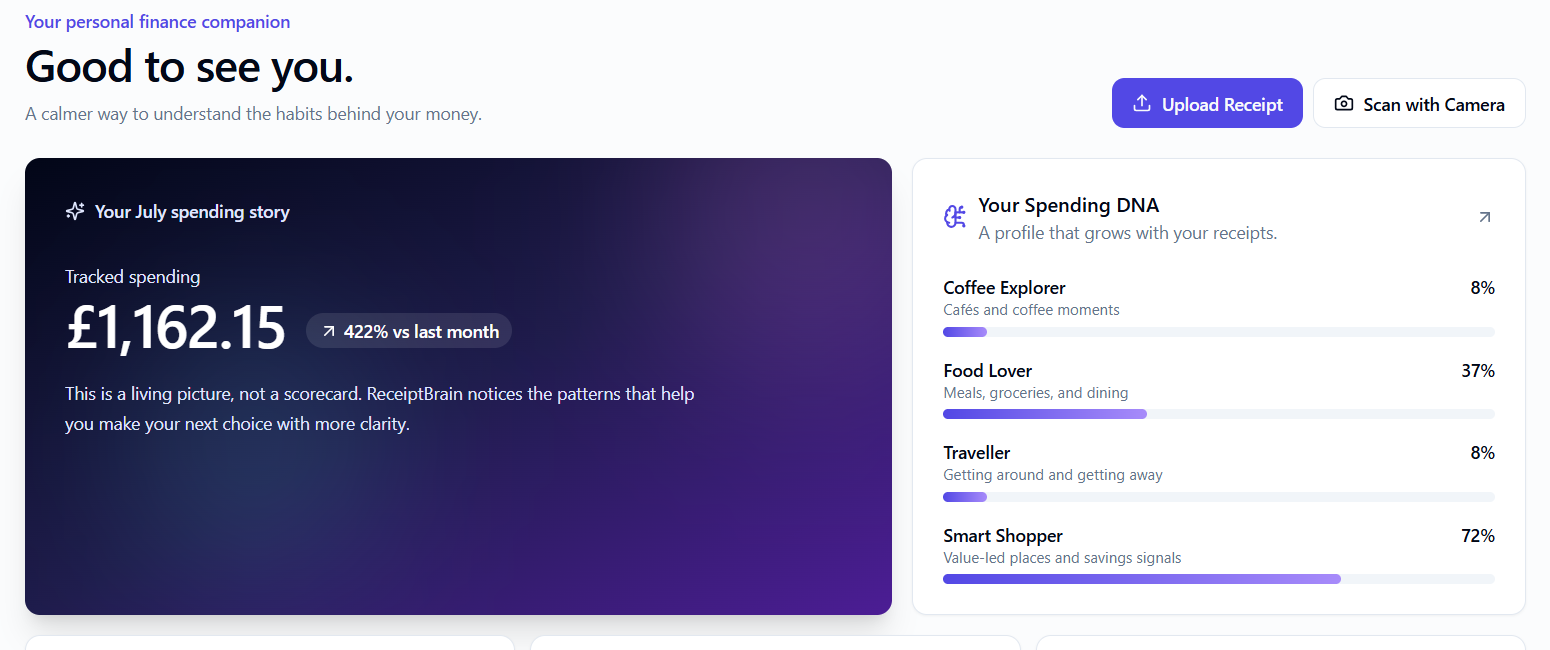
Monthly insights
Inspiration
Bank transactions show where money went, but they do not show what was purchased, which discounts were applied, or what habits are building over time. Receipts contain that missing context, yet they are normally discarded or forgotten. We wanted to make receipt tracking feel rewarding rather than like accounting: a private AI companion that remembers everyday decisions and helps people discover useful patterns in their spending.
What it does
ReceiptBrain accepts JPG, PNG, and PDF receipts and turns them into reviewed spending records. Qwen OCR reads receipt images. ReceiptBrain extracts the merchant, date, total, tax, categories, discounts, and line items. It then checks whether the item totals match the receipt total. If they do not reconcile, the receipt stays in Review until the user corrects it. Verified receipts become persistent, owner-scoped memory. ReceiptBrain uses that memory to create a Spending Story, Spending DNA, and grounded Qwen chat answers. Each chat answer links to the receipts used as evidence
How we built it
The frontend uses Next.js, React, TypeScript, Tailwind CSS, and Supabase SSR authentication. A FastAPI receipt-processing service handles file validation, private storage, Qwen OCR, deterministic receipt parsing, Qwen line-item refinement, and reconciliation checks Qwen Cloud is used for:
qwen-vl-ocrreceipt text extraction- Qwen structured line-item refinement for difficult OCR layouts
- Qwen-powered grounded receipt chat Supabase provides Auth, Postgres, Row Level Security, and private receipt storage. The application is deployed on Alibaba Cloud ECS with PM2.
Challenges we ran into
Receipt OCR is messy: item names, prices, quantity rows, discounts, VAT, payment data, and receipt footers can appear in inconsistent layouts. A key challenge was preventing plausible-looking but incorrect AI output from entering the dashboard. We solved this by combining deterministic parsing with Qwen refinement and accepting refined line items only when their totals reconcile to the receipt total within £0.01. We also tested cross-user access to ensure one user cannot list or open another user's receipts, even through a direct URL.
Accomplishments that we're proud of
- Live Qwen OCR successfully extracts receipt data in production.
- Receipts remain in Review when totals do not reconcile.
- Users can correct line items and discounts, then complete a receipt only after validation.
- Qwen chat answers are grounded in receipt history and show citations.
- Persistent receipt memory drives Spending Story, Spending DNA, and contextual AI answers.
- The app is deployed on Alibaba Cloud ECS.
- Supabase RLS was tested with two users, including direct-link access protection.
What we learned
Reliable AI finance experiences need evidence and validation, not just polished model responses. Qwen OCR is powerful for extracting receipt text, but real-world receipts still require structured parsing, quantity handling, discount logic, user correction, and mathematical guardrails. We learned that making uncertainty visible builds more trust than hiding it.
What's next for ReceiptBrain
Next, we plan to add asynchronous processing for higher-volume uploads, a feedback/archive loop for insights, better recurring-payment detection, price history for repeat purchases, and richer preference memory so ReceiptBrain can become more proactive while staying private and explainable.
Built With
- alibabacloudecs
- fastapi
- nextjs
- nginx
- pm2
- python
- qwencloud
- qwentextreasoning
- qwenvlocr
- react
- rls
- supabaseauth
- supabasepostgres
- supabasestorage
- typescript


Log in or sign up for Devpost to join the conversation.