-
-
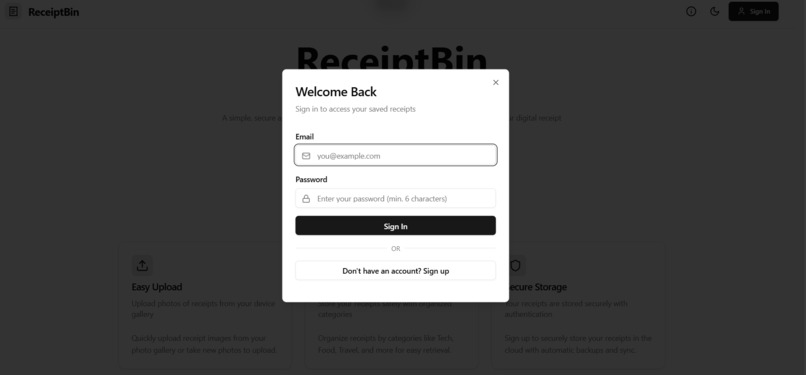
Signup/Login
-
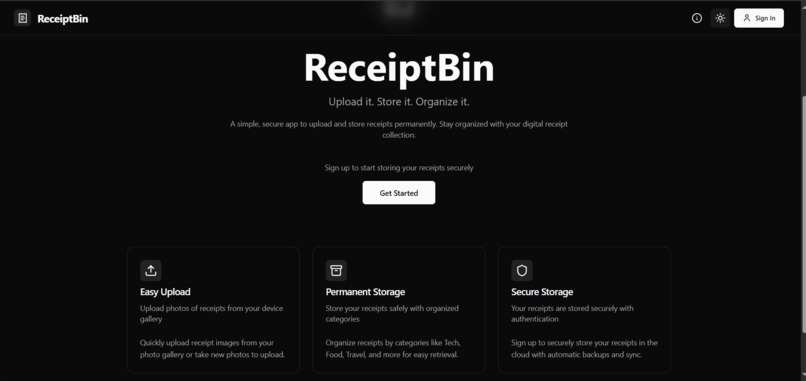
Home Page (Dark theme)
-
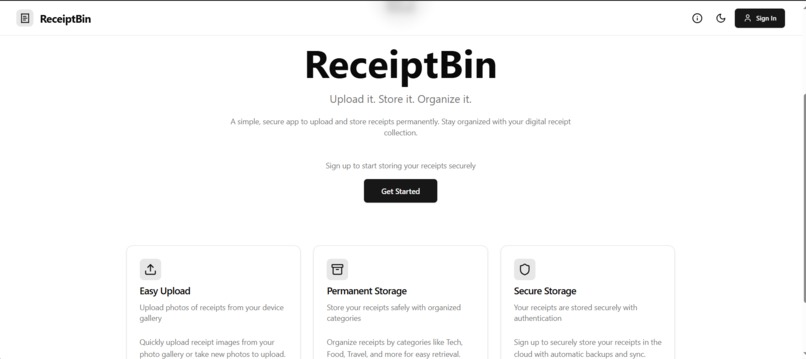
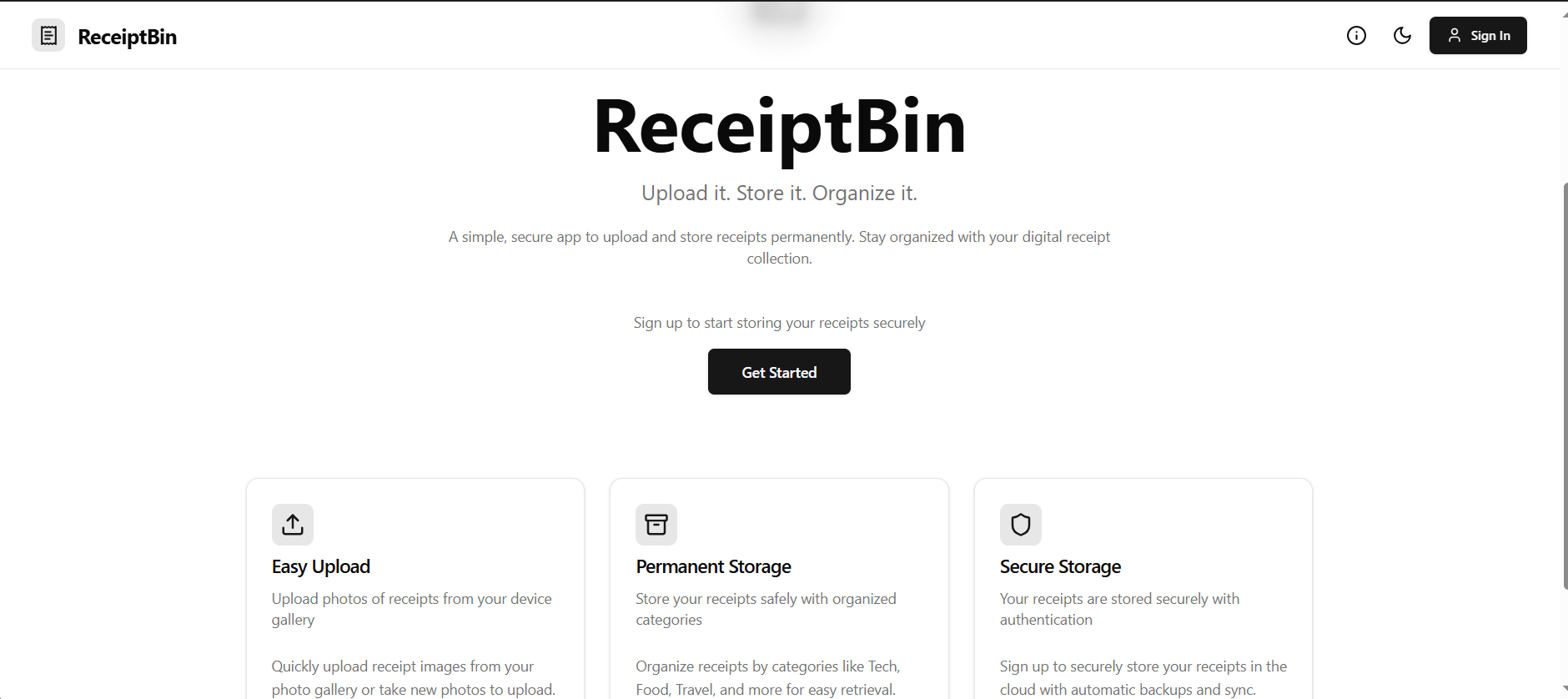
Home Page (white theme)
-
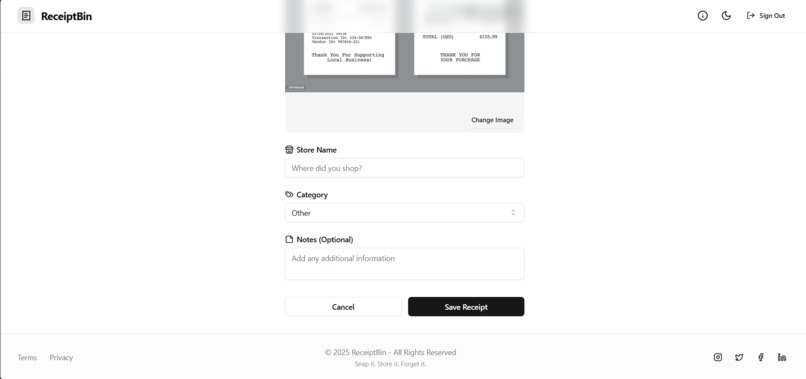
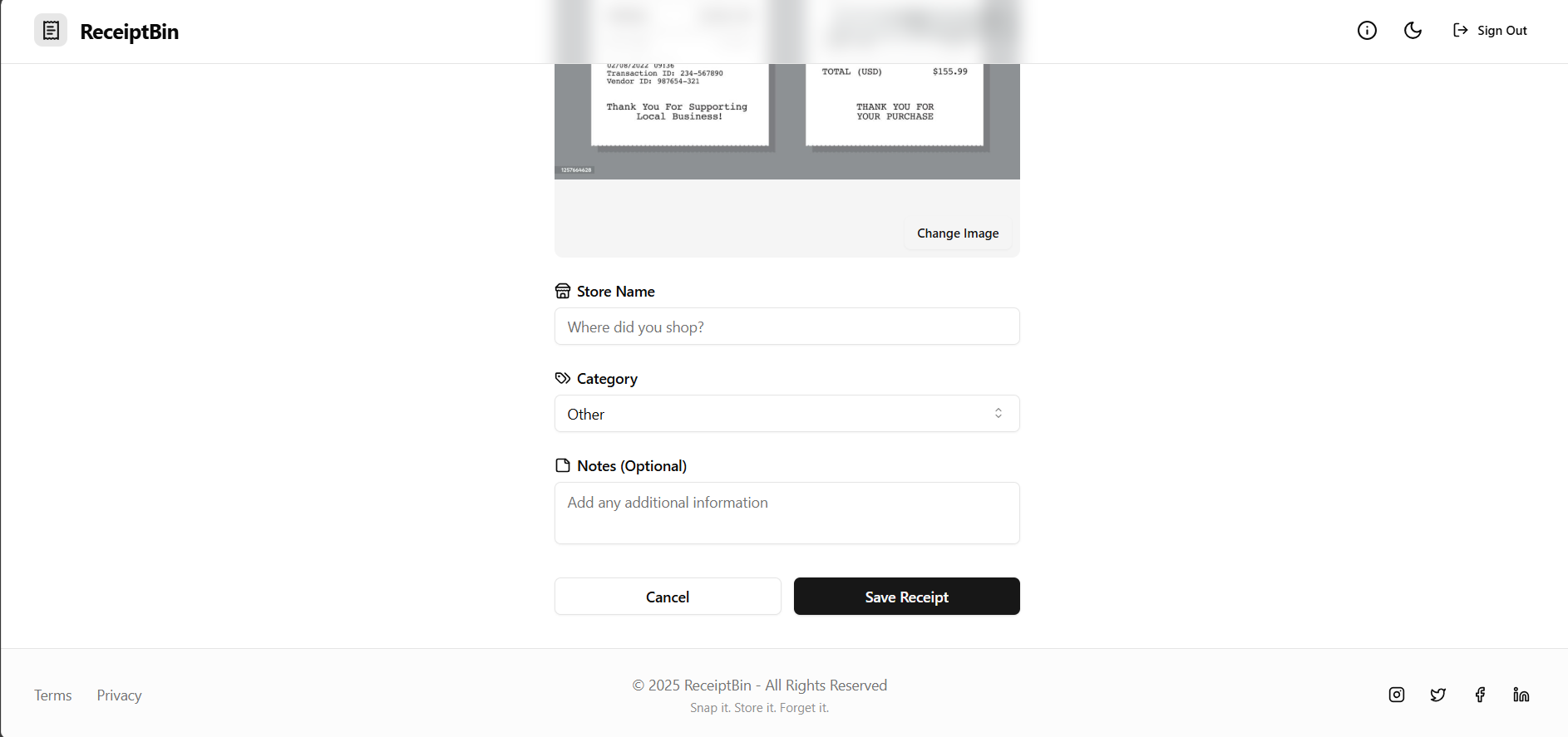
Adding receipts
-
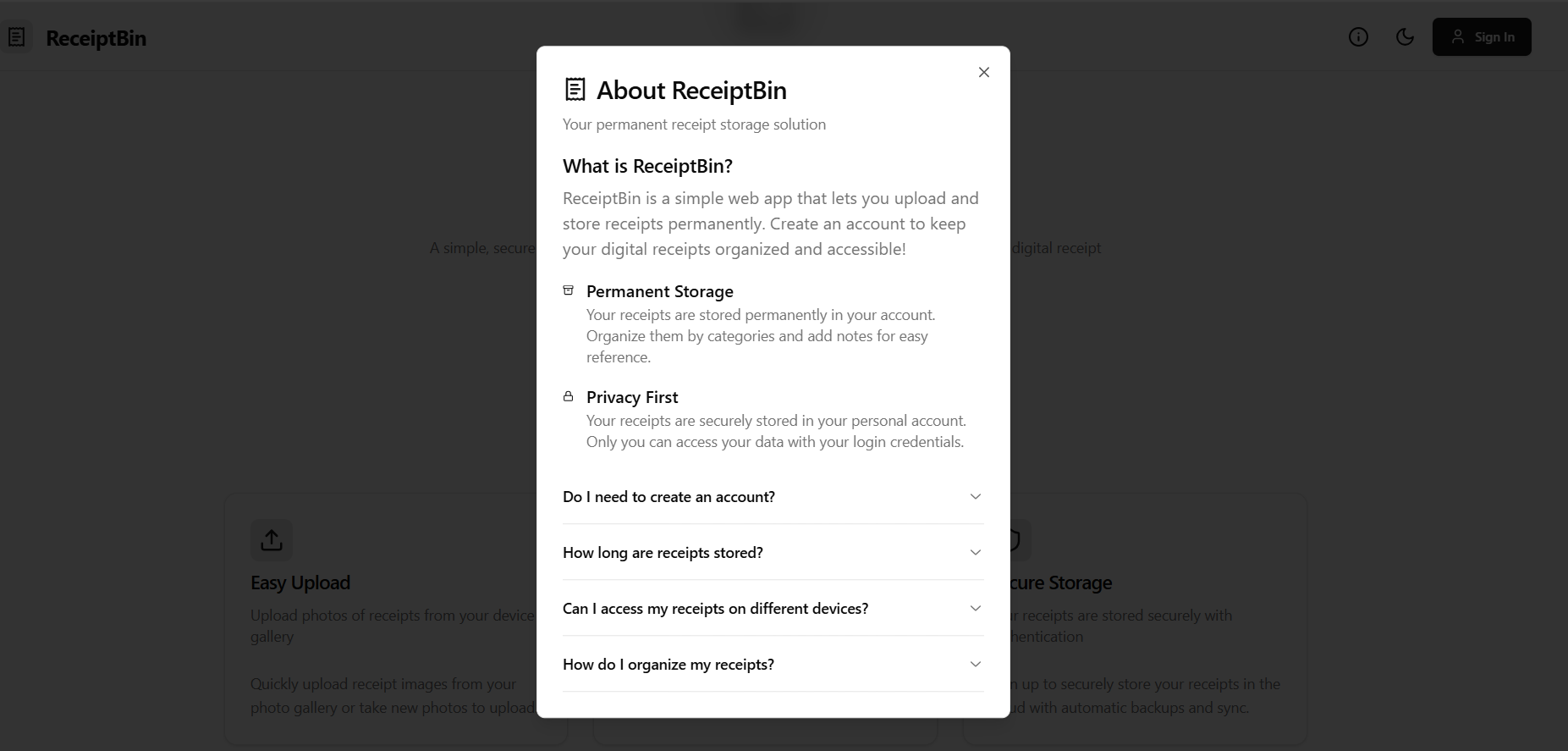
About
-
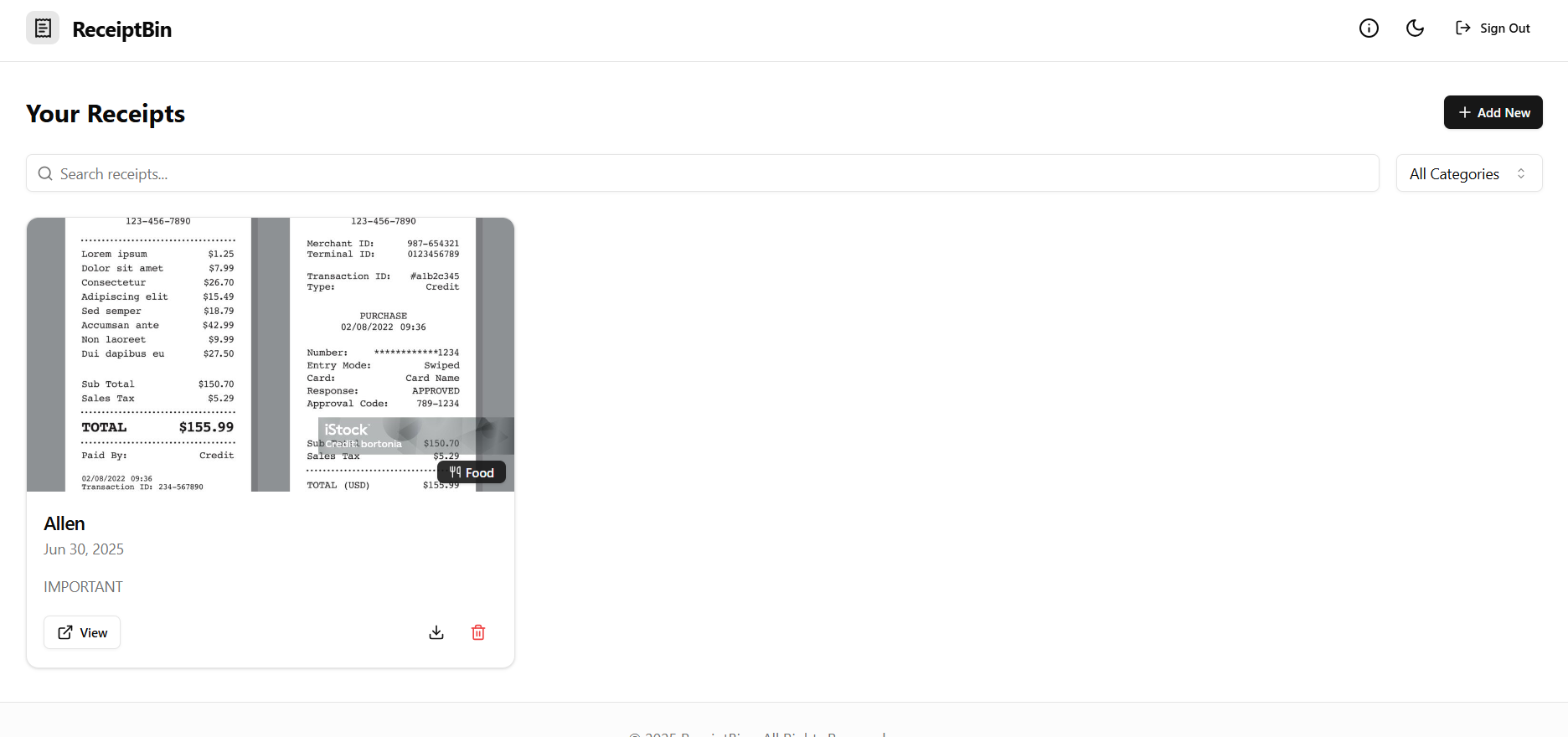
Viewing Receipts
Inspiration
I kept losing paper receipts and hated searching emails for proof of purchase. I wanted a simple, secure app to store all my receipts in one place and make them easy to find later.
What it does
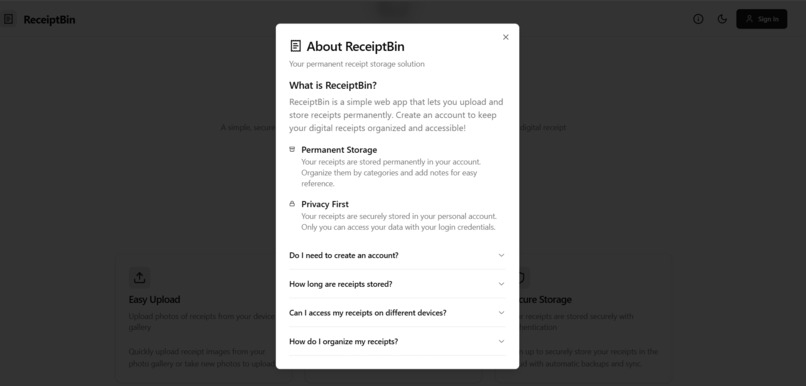
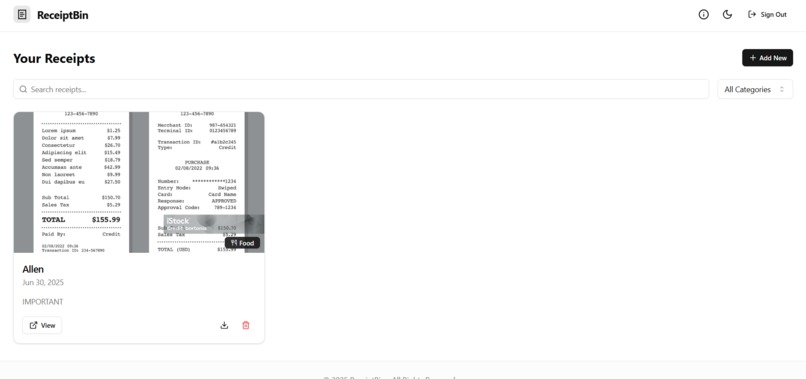
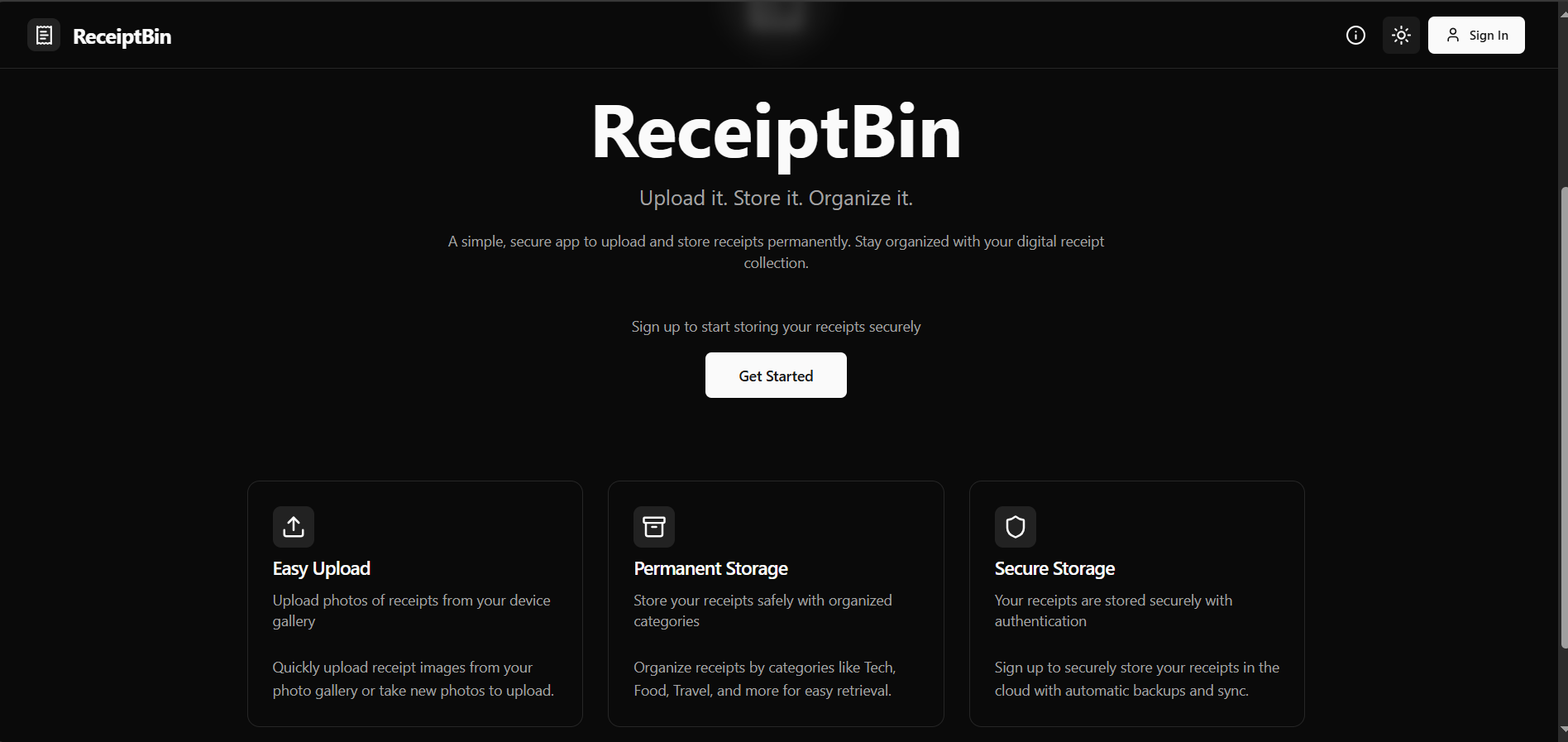
ReceiptBin lets users upload and store receipts permanently in their personal account. It organizes them by categories, allows adding notes, and makes receipts accessible from any device.
How we built it
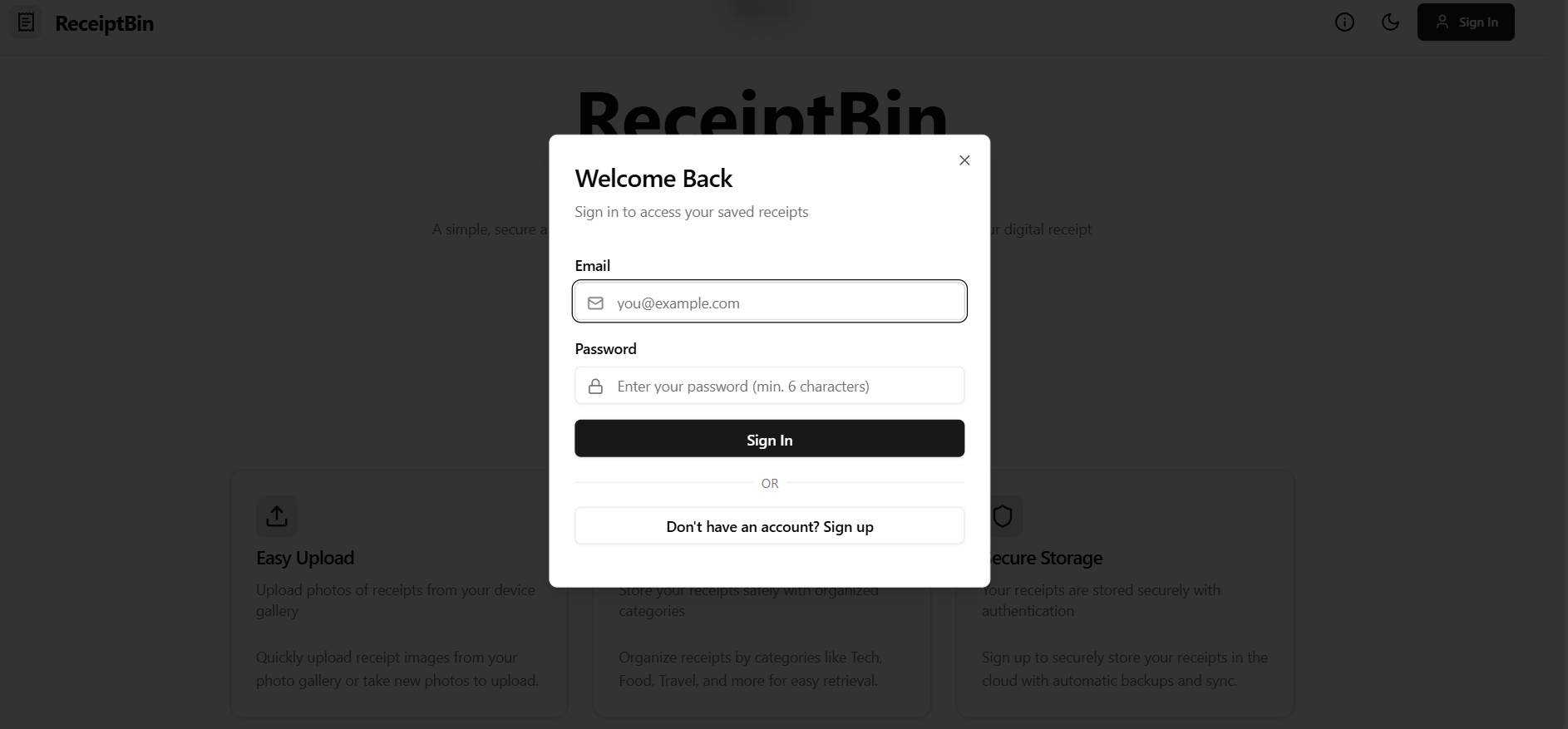
We used React with TypeScript and Vite for the front-end, styled it with Tailwind CSS, and used Supabase for user authentication and secure file storage. The app features sign-up/login, uploading, categorizing, and searching/filtering receipts.
Challenges we ran into
Handling secure file uploads and linking them to user accounts was tricky. Designing a clean, intuitive UI while supporting categories, notes, and filters was also a challenge.
Accomplishments that we're proud of
We’re proud of building a working, secure full-stack app that solves a real problem. The interface is simple and clean, and users can confidently store and organize their receipts forever.
What we learned
We learned how to build and deploy a full-stack app, integrate authentication and storage with Supabase, and design a smooth user experience with React and Tailwind.
What's next for ReceiptBin
We’d like to add features like bulk uploads, PDF generation, expense summaries, and maybe sharing receipts with others. We also plan to improve the UI and make it even easier to use.n
Built With
- javascript
- postgresql
- react
- supabase-(auth-&-storage)
- tailwind-css
- typescript
- vite


Log in or sign up for Devpost to join the conversation.