-
-
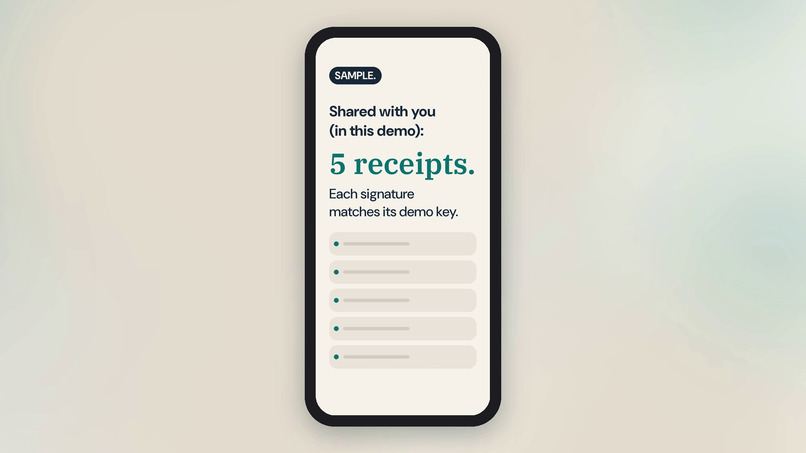
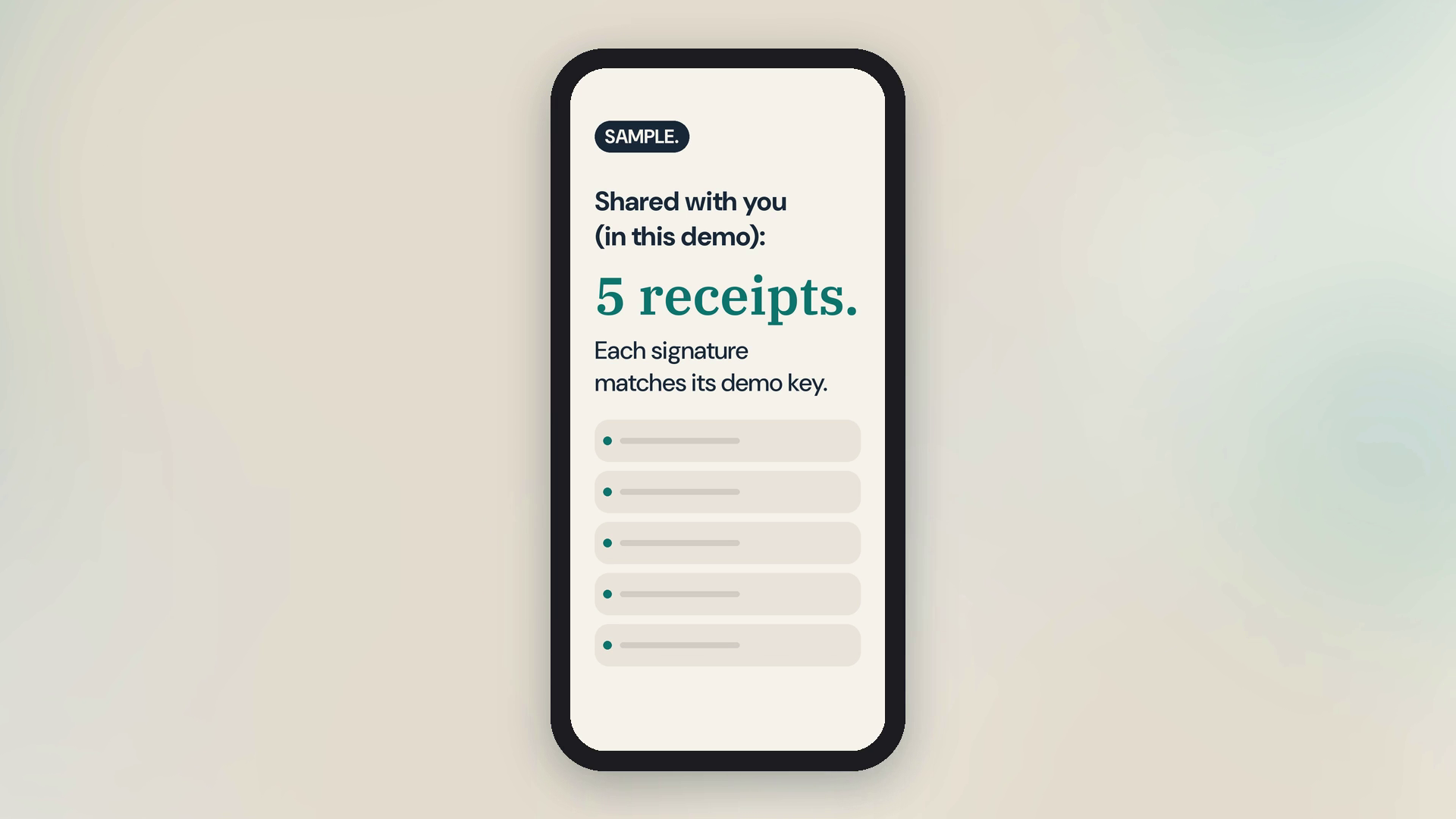
The owner's phone copy of a visit receipt
-
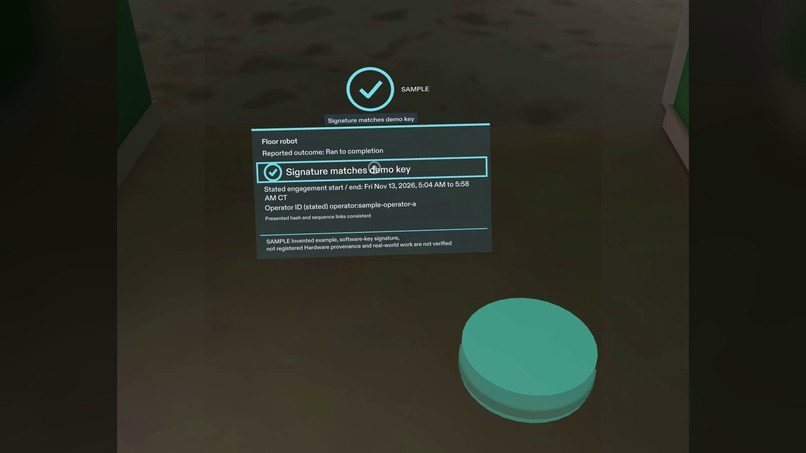
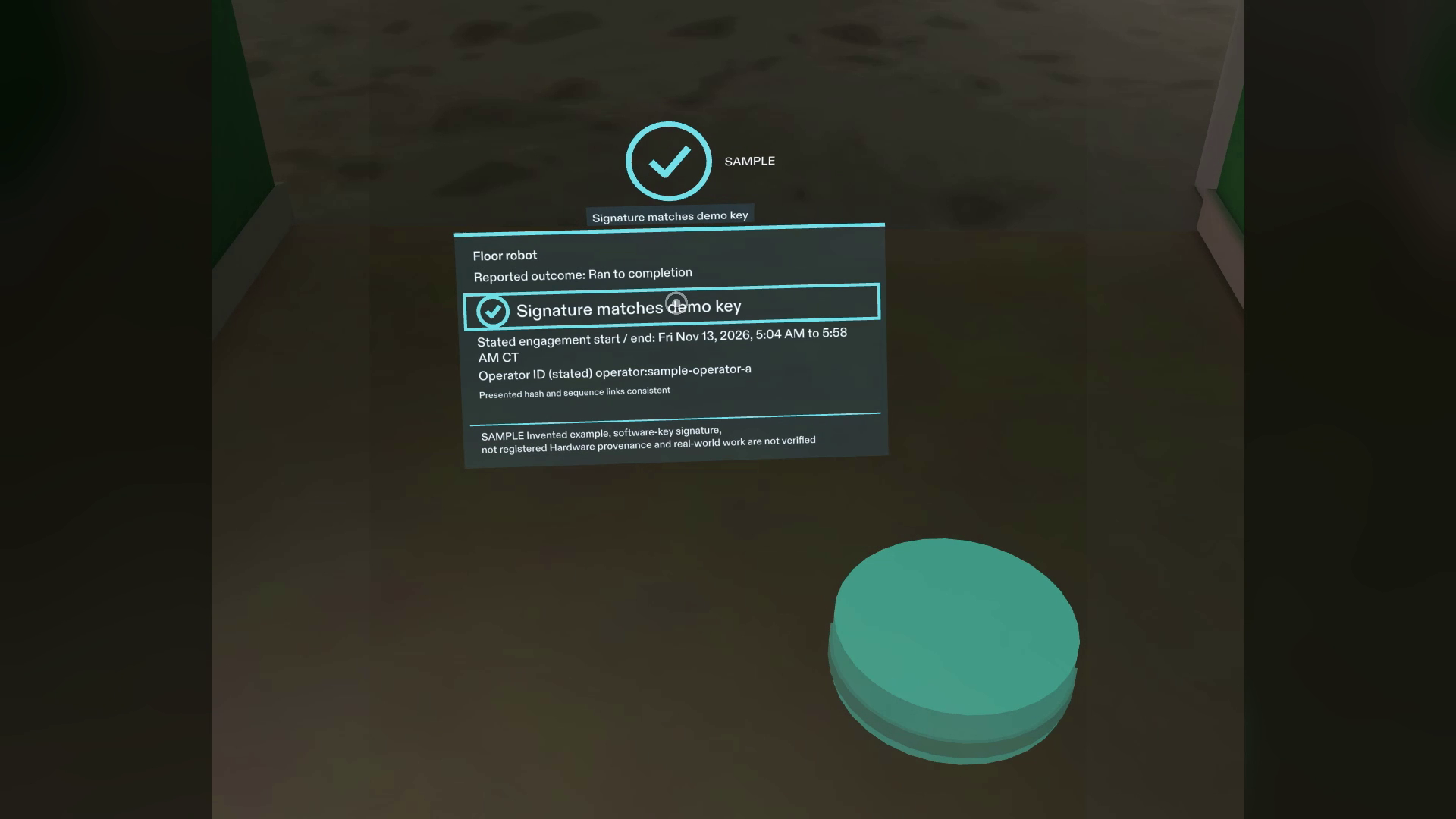
Pinch for the floor robot's details.
-
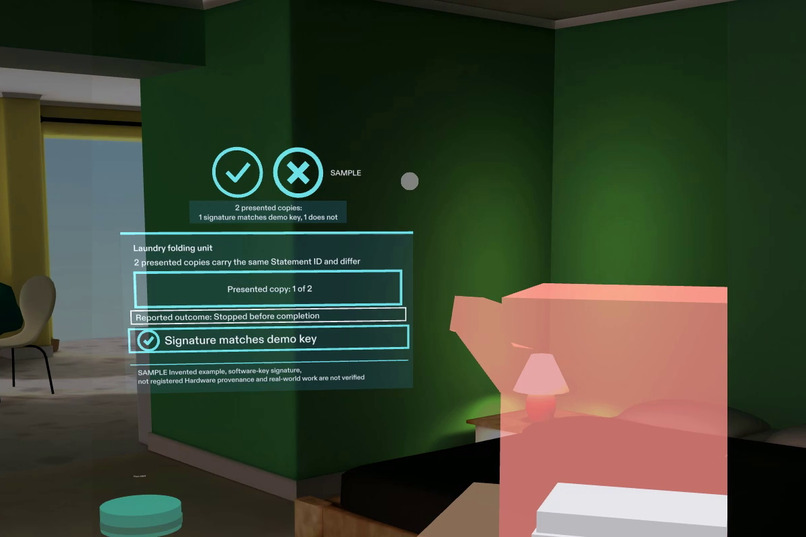
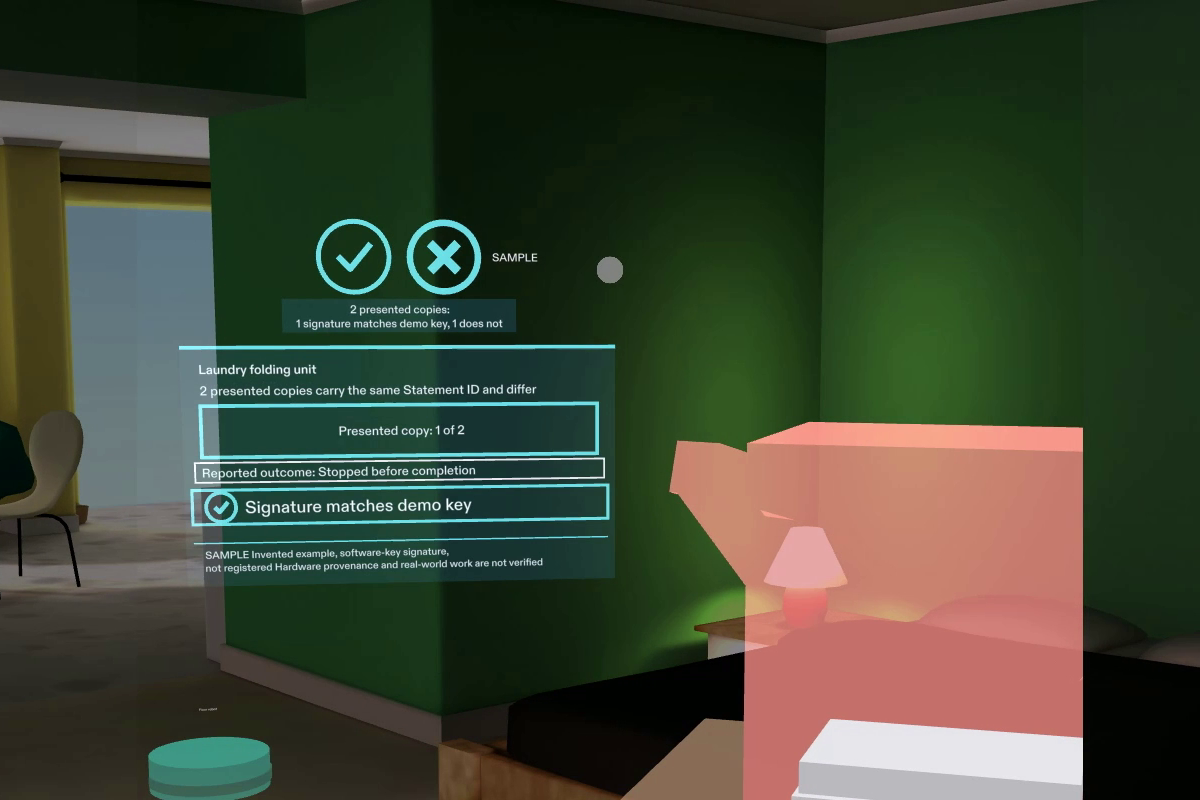
The laundry unit's two copies, side by side.
-
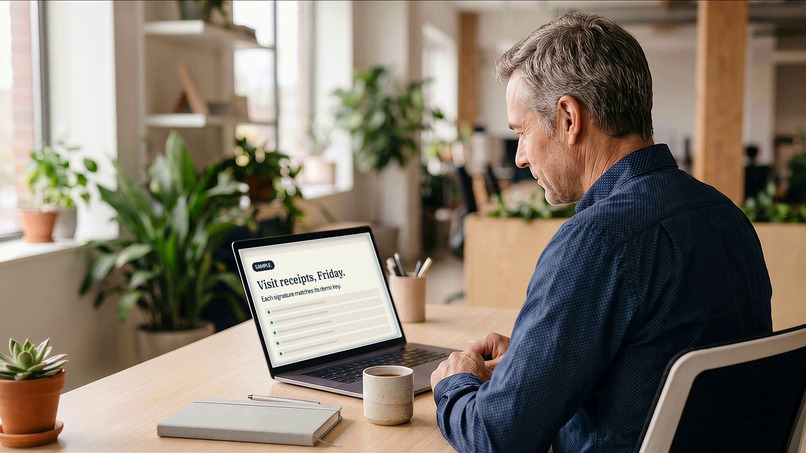
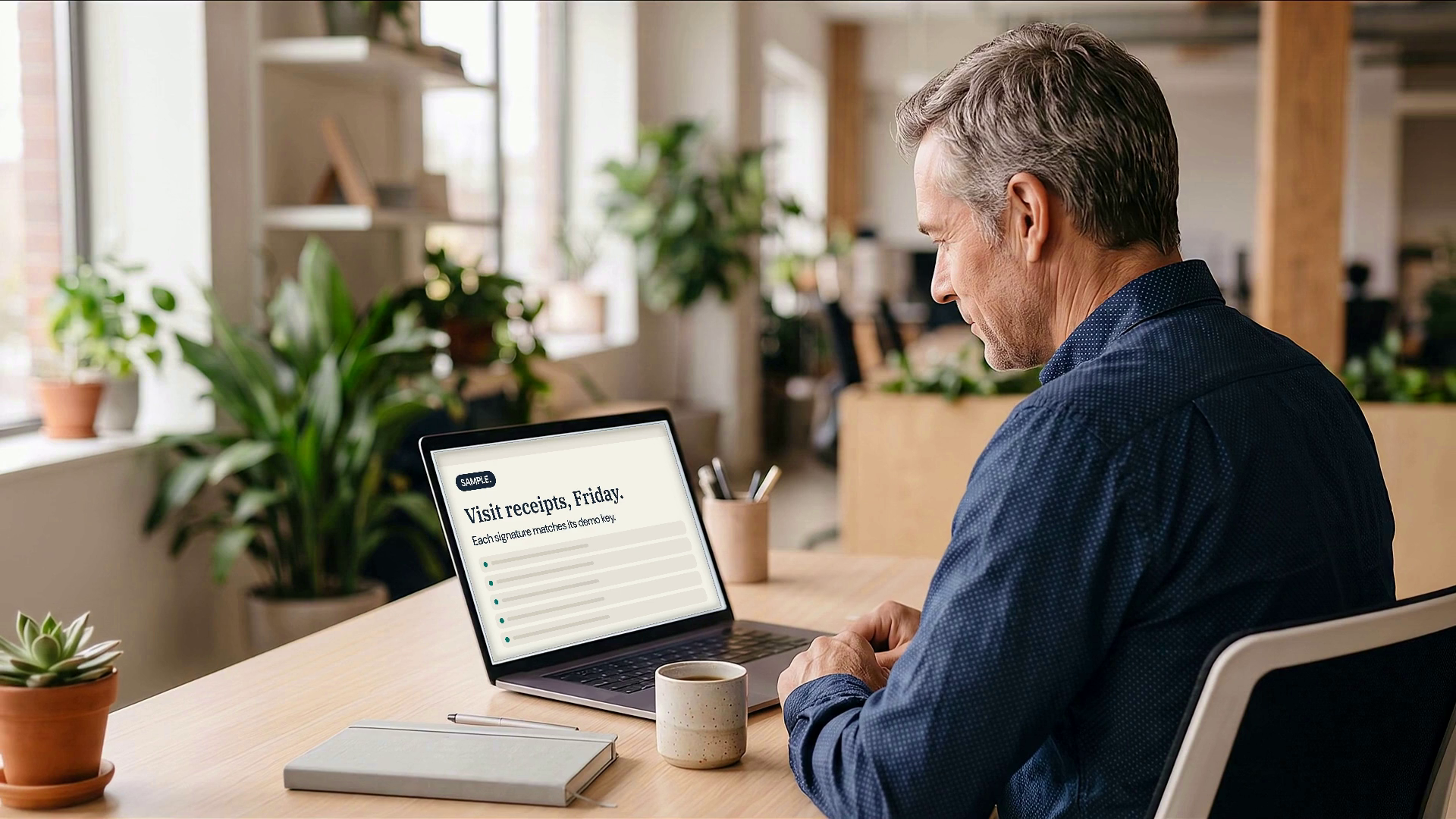
After a loss, her insurer checks the same receipts.
Inspiration
Traditional robotics defines perception in one direction: cameras, LiDAR, and sensors that help a robot see the physical world so it can move (locomotion) and act on objects (manipulation). As Physical AI moves into shared spaces like homes, HOA properties, and commercial buildings, that leaves the other half of perception missing. Robots can perceive the room, move through it, and do work while no one is watching, yet a person walking back in has no direct way to perceive what the robots recorded.
Receipt in View treats AR as the human side of the perception layer. Pask supplies the receipt format from its open IETF Internet-Draft (a draft, not a standard) for tamper-evident signed receipts, and the Snap SPECS Lens turns those invisible cryptographic checks into something a person can see right beside each robot in the room.
Instead of hunting through raw JSON files, dashboards, or hashes detached from the physical space, the wearer looks at a robot and sees what was recorded: the stated engagement window, the reported outcome, and whether the presented copy's signature matches its demo key. When two copies share the same Statement ID and disagree, the glasses show the mismatch and the failed signature check right next to the machine. Just as important, it stays honest about what perception can and cannot claim: it shows only the check results and where two copies differ, without claiming who altered a copy or claiming that a signature by itself verifies physical work.
Robots perceive our spaces; Receipt in View lets people perceive what the robots recorded.
What it does
It is Friday in an invented scenario. You come home after robots were scheduled to work in the house. Wearing Snap SPECS, you look at each machine, and a card opens beside it, showing what that robot recorded and whether the presented copy matches its demo key.
Three robots are in the room. The humanoid helper has a short passing card, and its signature matches its demo key. The floor robot is a low teal disc with linked receipts, and its links line appears only after all three presented files have been checked and the links are consistent. The laundry folding unit is the hero: two presented copies share a Statement ID and differ. Copy 1 reports that the job stopped before completion, and its signature matches. Copy 2 reports that the job ran to completion, but the signature does not match the demo key. A cyan crack appears on that copy after the real check fails. The failing copy stays in the room.
On a card whose signature matches its demo key and shows no failed check, a pinch held for half a second moves a small receipt slip to two chips labeled Owner and Insurer. The line under them reads "Shared with: Owner, Insurer (in this demo)". A hold on the laundry unit's failing copy does nothing. Nothing is transmitted in this demo; the chips are labels only.
The two chips stand for two different moments. Day to day, receipts simply stay in the owner's own records, and nobody else needs them. The Insurer chip stands for the hand-off she would make only if a robot ever damaged something or someone got hurt, and she opened a claim. In that moment, everyone has questions about what happened, and she already holds a record of each visit that can be checked. Insurers are not watching routine robot work in this story.
Every card keeps a small footer: SAMPLE, "Invented example, software-key signature, not registered", and "Hardware provenance and real-world work are not verified". All sample data is invented, and the keys are demo software keys.
How we built it
The Lens was built in Lens Studio 5.25, in TypeScript, for Snap SPECS. It was planned with the Devpost Learn skill pack and built with Claude Code, Snap's CLAD plugin, and the Lens Studio MCP. Scenario tests run in Lens Studio Preview with LEAF, alongside a logic test suite. In the final build, 627 logic tests pass, 1 known shortfall is logged, and all 32 LEAF scenarios pass.
Receipts are modeled on the record fields in Pask's IETF Internet-Draft, with invented sample data. This is a draft, not a standard. The Lens runs real Ed25519 signature checks, JCS (canonical JSON) payload checks, and hash and sequence link checks. Those checks are precomputed at the start, spread across the first frames, and the cards play back the saved real results. A test flips one byte in a receipt and confirms the saved result turns to a fail, so no result is hard-coded.
Challenges we ran into
Live signature checks during the walk dropped the frame rate to about 25 fps, from about 36 fps in an empty room, far more than the project's limit of a 4.5 fps drop. The fix was to run every real check once at Lens start, during the opening wait, then play back the saved results when a card opens. After that change, and through the later sharing work, the locked build sits at 33.7 fps idle and 33.8 fps walking, against an empty room of 37.4 and 37.1, inside the limit.
What we learned
Cryptographic evidence is easy to treat as backend plumbing until you can see a check fail beside the machine it belongs to. Anchoring real signature checks in AR made the two-copy case readable in a few seconds.
We also learned that honesty has to stay on screen. The Lens can show that a copy does not match its demo key. It cannot say who changed that copy, and it cannot treat a software-key signature as proof that physical work took place. The footer lines and the failing-copy rule exist to keep that limit visible.
On the build side, doing heavy cryptographic work in the middle of a walk is what broke the frame rate. Moving that work to start-up, without faking any result, was what made the demo filmable.
What's next for Receipt in View
For Wilder Management, the same walk could support inspections and work orders: a property manager sees what machines recorded, in place, without stopping at a terminal.
For Robotkeepers field service, a technician could stand next to a robot, see its record, and talk through that record with an offsite expert.
Next, we want a site's receipts to live in the owner's own records day to day, and be ready to hand over if there is ever a loss. After a loss, the insurer or an adjuster could run the same check in their own tools, instead of rebuilding the visit from each robot maker's separate logs. In this demo, that hand-off is shown only by the Owner and Insurer chips; nothing is transmitted, and no insurer has reviewed or accepted these records.
Accomplishments that we're proud of
A complete Specs Lens, planned and built inside the submission period with Devpost Learn, CLAD, and the Lens Studio MCP, and tested in Lens Studio Preview without glasses. In the final build, 627 logic tests pass, 1 known shortfall is logged, and all 32 LEAF scenarios pass. The receipt card opens beside the robot it describes, so the owner gets the answer where she is already looking, with no phone or laptop needed. In this demo, receipts follow the published IETF draft format, and only those that match the demo key can be shared.
Built With
- clad
- claude
- devpost
- leaf
- lensstudiomcp
- node.js
- snap
- spectacles
- typescript
