-
-
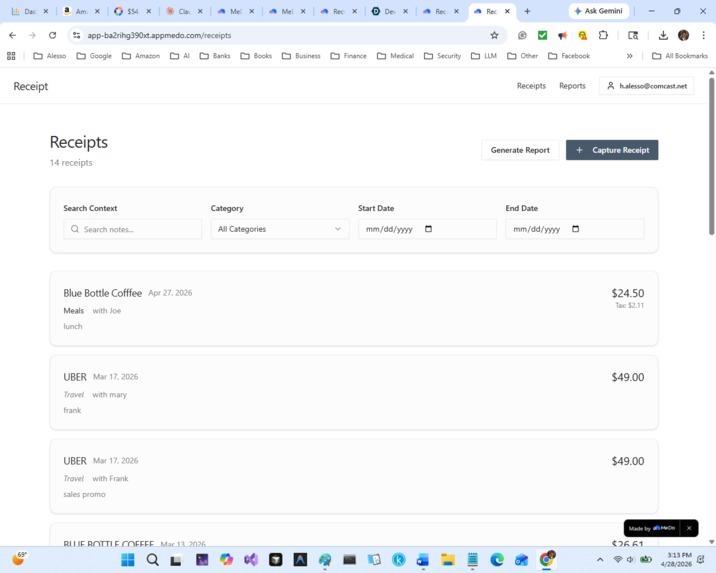
captured receipts
-
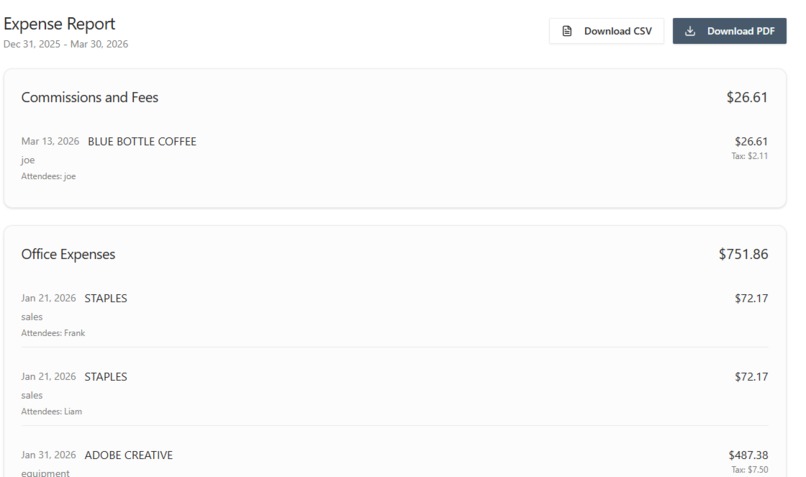
a quarterly report of receipts
Inspiration
Every freelancer I know dreads the same week in March. The shoebox of receipts comes out, the credit card statements get printed, and the same painful guessing game begins. What was this $47 dinner for? Who was at that lunch? Was the $312 hotel for the client trip in May or the family weekend in June? The receipts themselves never tell you. Memory has faded. The bank statement is no help. Hours disappear into reconstructing a year of context that was perfectly clear on the day each expense happened.
Receipt is built on a simple observation. The information that makes a receipt useful at tax time is not on the receipt. It lives in the freelancer's head for about forty-eight hours after the expense happens, and then it is gone. The fix is not better organization. It is capturing the context while it still exists.
What it does
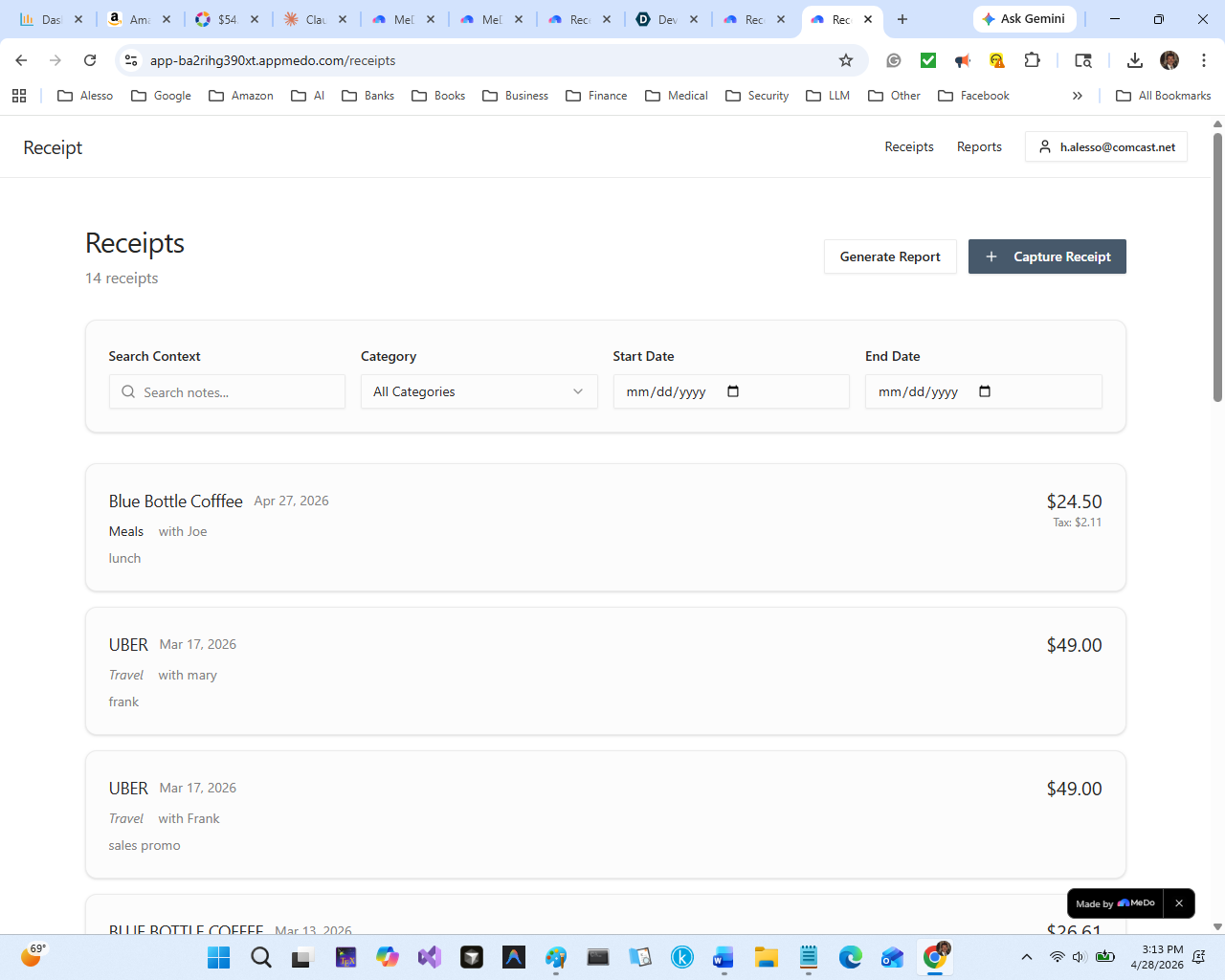
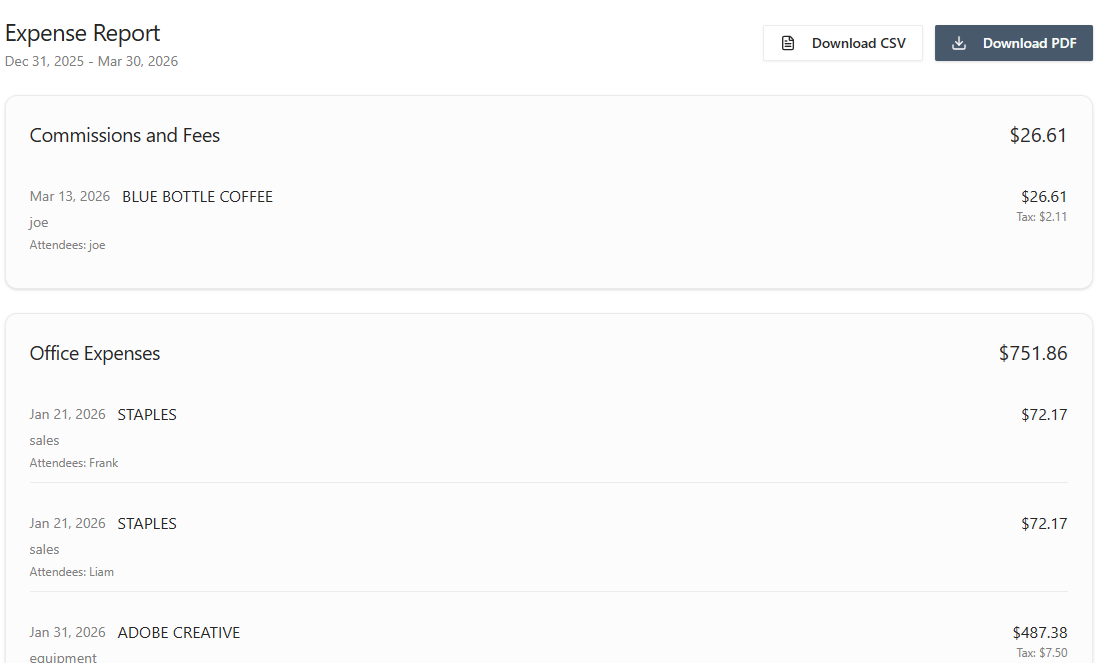
Receipt is an expense reconciliation tool that asks you one short question while you still remember the answer. You photograph each receipt as it happens. The app uses AI vision to extract the vendor, date, and total. Then it asks one thing, namely "What was this for?", with optional fields for who was with you and which Schedule C category it belongs to. You answer in a single sentence, the receipt is saved, and you go on with your day. At quarter end, you select a date range and Receipt produces a clean structured expense report. Every receipt is categorized. Every business meal has the attendee and purpose attached. The IRS Schedule C totals are calculated. You can download the report as a PDF for your records or as a CSV for your accountant. The application replaces a week of March panic with thirty seconds of monthly intention.
How we built it
I built Receipt entirely on MeDo, Baidu's agentic full-stack app builder, with no code written by hand. The architecture is a React frontend, a Node.js backend, Supabase for persistent storage, and ERNIE for the AI vision extraction and category suggestion layers.
The data model is intentionally minimal. Three tables hold everything the application needs, namely Users, Receipts, and Categories. The Categories table is seeded once with the fifteen IRS Schedule C labels and is otherwise read-only. Receipt photographs are stored in a private Supabase bucket scoped per user.
The build proceeded through MeDo's multi-turn conversational refinement loop rather than as a single monolithic specification. I started with a tight initial brief that described the three core flows: receipt capture, the receipt list, and the quarter-end report. MeDo asked clarifying questions about authentication, database structure, and visual style, and I answered each with a deliberate bias toward simplicity. The first generated version was rough but functional within roughly fifteen minutes. From there, six rounds of targeted refinement brought the application to its final state.
Challenges we ran into
The hardest single problem was getting the AI vision extraction to handle real-world receipts reliably. Clean printed receipts under good lighting parsed cleanly on the first attempt, but crumpled thermal-paper receipts photographed under typical room lighting gave the model trouble, particularly on the total amount, where subtotal and total appear in similar visual positions. I solved this in two stages. First, I tightened the extraction prompt to explicitly request the largest amount on the receipt as the total.
Second, I made every extracted field editable in the capture flow, so the user can correct any field the AI missed before saving. This second decision turned out to be the more important one, because no vision model is yet reliable enough to remove the human verification step entirely, and accepting that fact made the application more honest.
A second meaningful challenge was category suggestion. The AI tended to suggest "Office Expenses" for nearly everything. I added the user's one-line context note to the category prompt, which materially improved the suggestions because the context note often contains the keywords that distinguish a meal from a supply from a travel expense.
Accomplishments that we're proud of
I am proudest of how much the application does not do. There is no team functionality. There is no multi-currency support. There is no integration with QuickBooks. There is no recurring expense tracking. There is no mileage tracking. Each of these is a reasonable feature in a mature product, and each one was deliberately left out. The result is an application a freelancer can understand in thirty seconds and use without instruction. That kind of restraint is harder to ship than a feature list, and I think it is what makes Receipt actually usable rather than merely impressive.
I am also proud of the time-shifting nature of the value proposition. Most productivity tools ask the user to do work today for a benefit today. The receipt asks the user to do 30 seconds of work today for a benefit they will feel 6 months from now. That delayed-gratification design is unusual, and getting it right required careful thought about how to make the daily friction low enough that the future benefit is actually realized.
What we learned
I learned that the best no-code applications are built through conversation rather than specification. I came into this project with a detailed written brief, and my first instinct was to dump the entire brief into MeDo's dialogue box at the start of the session. That produced a generic application that missed the point. Backing up and walking MeDo through the brief in stages, with multi-turn refinement at each step, produced something meaningfully better in about the same total time. The platform rewards conversation, and the conversation is where the design decisions actually get made.
I also learned that AI vision is a partner rather than a replacement. Every time I tried to engineer the application around the assumption that vision would be perfect, I ended up rebuilding that part. Every time I designed for the case where vision is good but not flawless, the application got better. The honest framing in the user interface, namely "here is what I read, please confirm or correct," is more trustworthy than the alternative and is also what real production accounting software does.
What's next for Receipt
The most-requested feature from early users is integration with the major accounting platforms, particularly QuickBooks Self-Employed and Wave. The CSV export already produces output compatible with both, but a native integration that pushes receipts directly would remove the manual import step and is a clear next priority.
The second priority is mileage tracking, which sits naturally next to receipt capture in a freelancer's expense workflow and which is the one category Schedule C explicitly tracks separately. A mileage entry uses the same one-question capture model as a receipt, namely "Where were you going and why?", and would slot cleanly into the existing data model with a new entry type.
The third priority is a quarterly tax estimate calculator that takes the categorized expense totals plus the user's revenue and produces an estimated tax payment for the next quarterly deadline. The IRS treats freelancers as small businesses with mandatory quarterly estimated payments, and most freelancers either over-pay out of fear or under-pay and face penalties. Closing that loop would extend Receipt from an expense tracker to a full quarterly tax companion, which is the natural product expansion if the project continues past the hackathon.
Built With
- medo
- none.

Log in or sign up for Devpost to join the conversation.