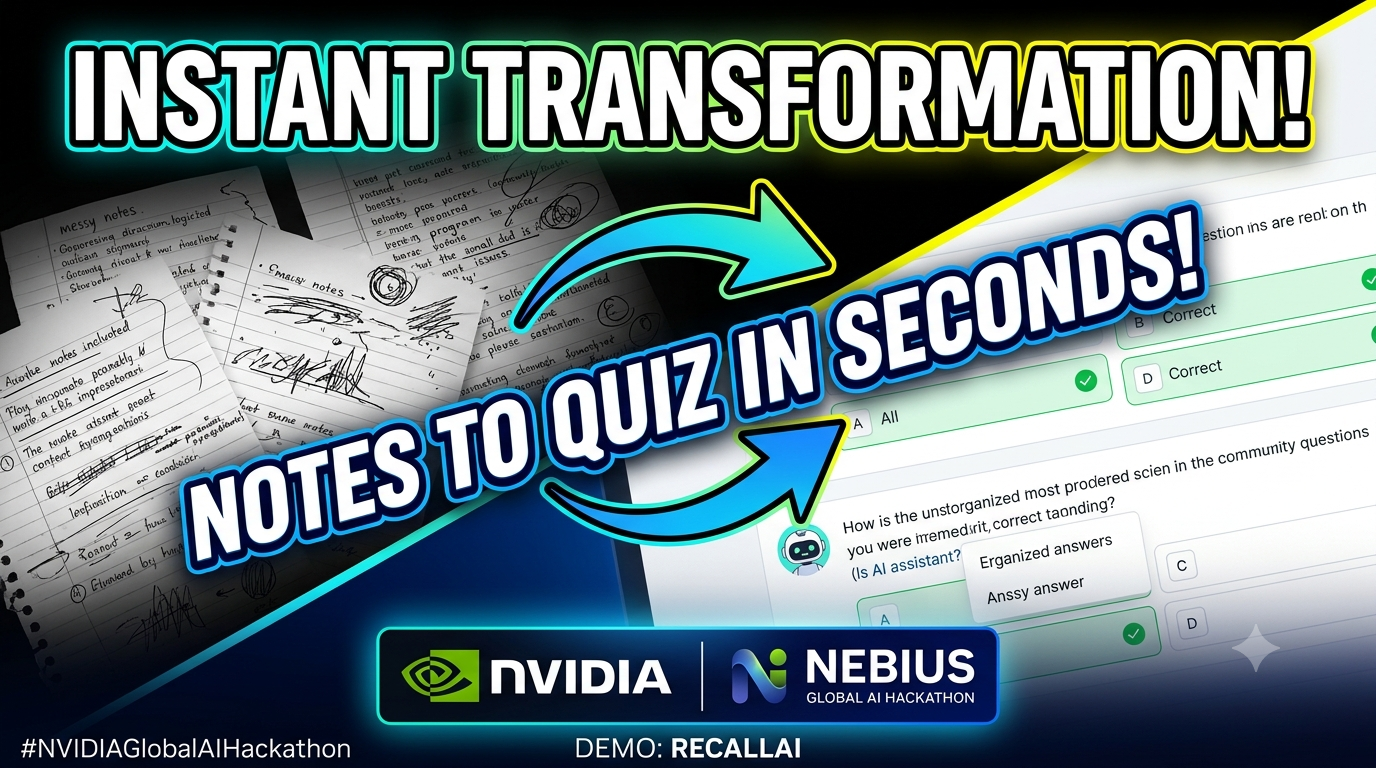
RecallAI — AI-Powered Study Quiz Generator
Turning Study Notes into Smarter Practice with NVIDIA Nemotron and Nebius Token Factory
Inspiration
Students often spend valuable study time converting lecture notes and textbook content into practice questions. As a first-year engineering student, I wanted to explore how generative AI could simplify this process and make revision more interactive. This inspired me to build RecallAI, an AI-powered study assistant that transforms study notes into ready-to-use multiple-choice quizzes.
What It Does
RecallAI allows students to paste their study notes into a simple web interface and generate a quiz using an AI model. For each set of notes, the application generates five multiple-choice questions, each with four answer options, the correct answer, and a short explanation.
The goal is to help students test their understanding, reinforce important concepts, and spend less time manually preparing revision questions.
How I Built It
I built RecallAI using Python and Flask for the backend, with HTML and CSS for the web interface. The application connects to an NVIDIA Nemotron model through the Nebius Token Factory API using an OpenAI-compatible client.
The application follows a straightforward workflow:
- The student enters study notes through the web interface.
- The Flask backend receives the submitted text.
- The backend sends the notes and structured instructions to the AI model through the Nebius API.
- The model generates five multiple-choice questions with four options, correct answers, and explanations.
- The application displays the generated quiz in the browser.
I used environment variables to manage API credentials rather than hard-coding secrets into the source code. I also used Git and GitHub for version control and deployed the application as a live web app using Render.
Challenges I Faced
As a beginner in AI application development, one of my biggest challenges was connecting a language model API to a working web application. I had to understand how the frontend communicates with the Flask backend, how API requests are structured, and how the model's response is returned to the user.
Configuring the deployment environment was another challenge. The application needed the correct dependencies and securely configured environment variables to work outside my local machine. Testing the deployed version helped me verify that the complete workflow—from submitting notes to displaying generated questions—worked in a real browser.
Working through these challenges helped me understand that building an AI application involves more than selecting a model: the surrounding software, API integration, configuration, and deployment are equally important.
What I Learned
This project gave me practical experience with Python, Flask, API integration, prompt design, environment variables, GitHub, and web application deployment. I also learned how a generative AI model can be guided with structured instructions to produce a more consistent output format for a specific task.
Most importantly, I gained a clearer understanding of how AI models can be integrated into useful software products that address everyday problems.
What's Next
Future improvements could include adjustable quiz difficulty, additional question formats, interactive answer selection, quiz scoring, progress tracking, and saved revision sessions. These features could help evolve RecallAI from a basic quiz generator into a more comprehensive learning assistant.
Built With
- Python
- Flask
- HTML and CSS
- NVIDIA Nemotron
- Nebius Token Factory API
- OpenAI-compatible Python client
- Git and GitHub
- Render


Log in or sign up for Devpost to join the conversation.