Inspiration
Learning with AI is often passive: users receive long walls of text or chat responses that are easy to skim but difficult to retain. I wanted to build an experience that combines the clarity of a strong lecture, the engagement of a conversation with a tutor, and active recall techniques that help learners remember what they studied.
My goal was to make learning any topic feel approachable, interactive, and memorable.
What it does
Recall Tutor transforms any topic into a personalized learning experience.
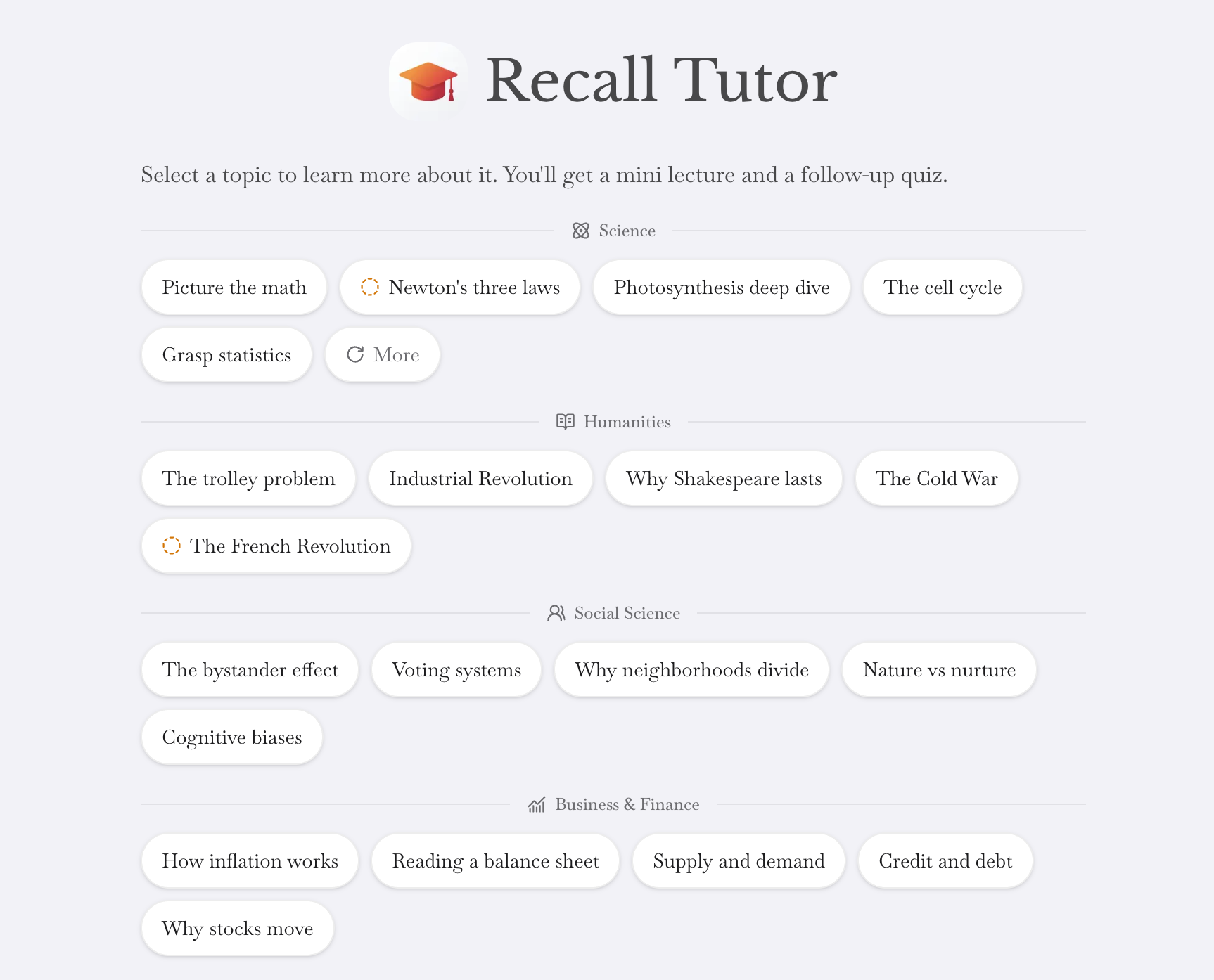
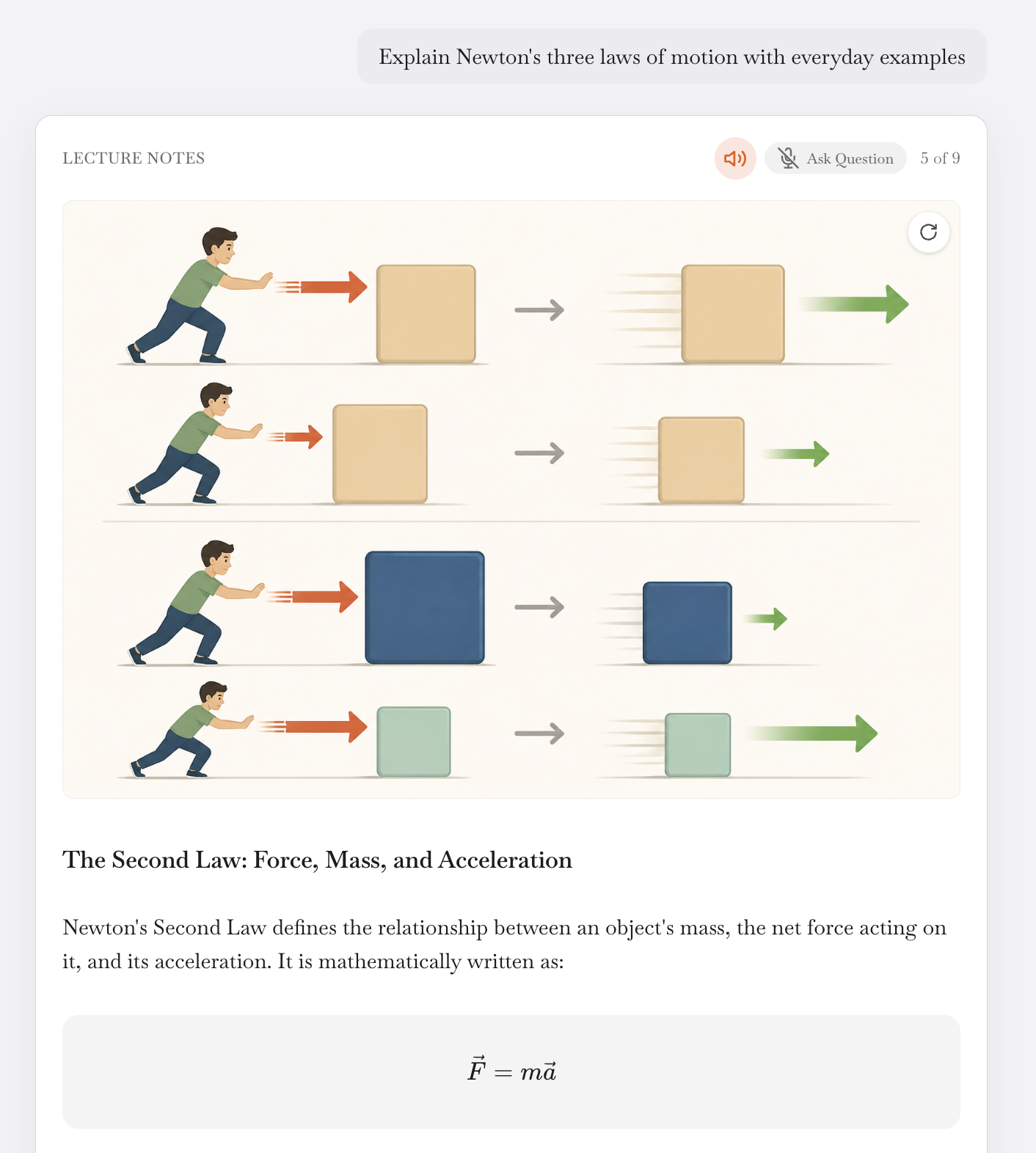
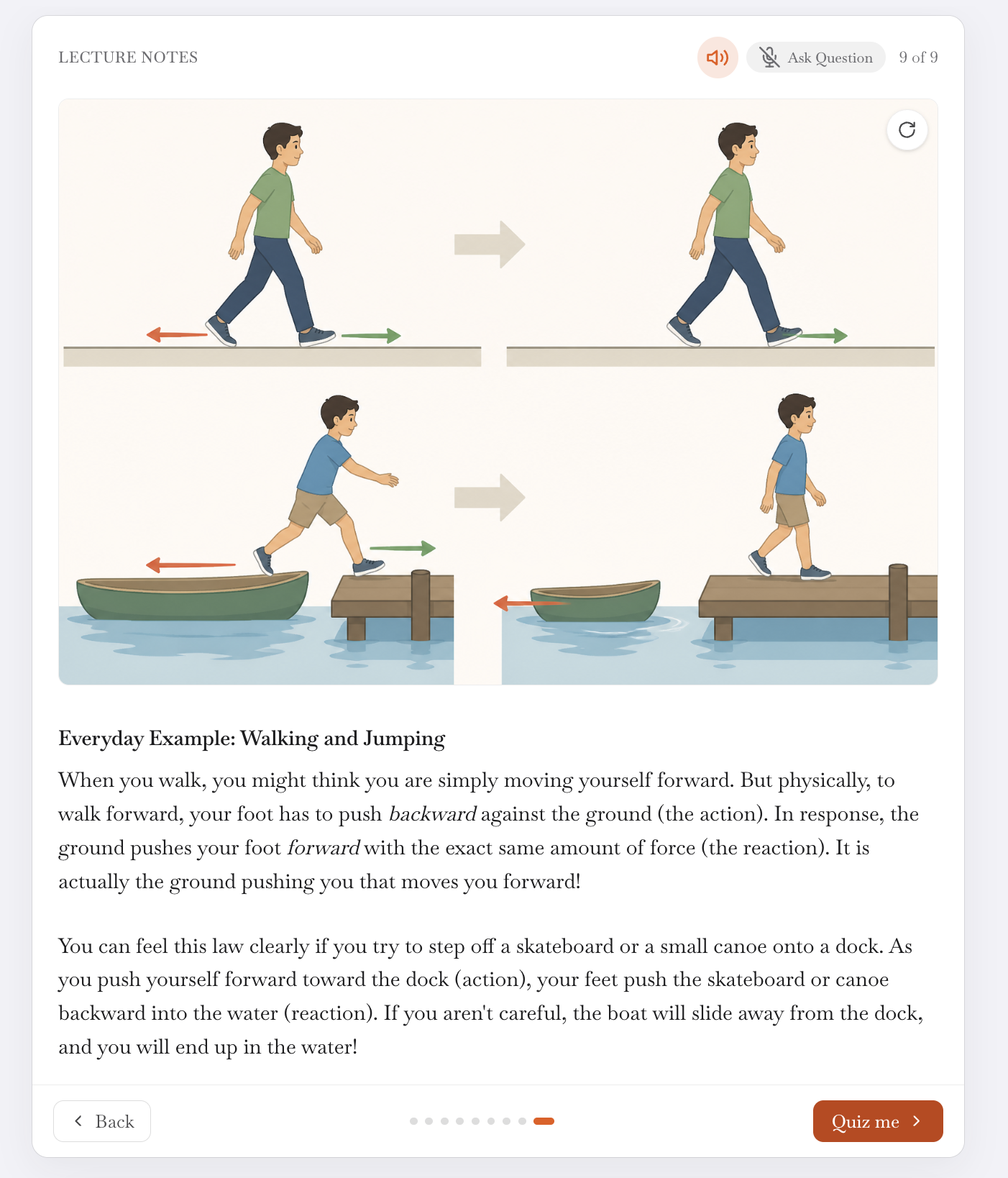
Users can generate bite-sized AI lectures on virtually any subject, organized into concise visual cards at their chosen reading level, from elementary school through university. Each lecture can include AI-generated illustrations, an interactive voice tutor that reads the cards aloud and answers spoken follow-up questions, and a quiz that reinforces understanding through active recall rather than memorization.
The app includes built-in AI access with no API key required. Users can also connect their own Anthropic or Gemini API key for unlimited use without a subscription.
How I built it
I built Recall Tutor as a web app designed to work across desktop and mobile browsers.
The app uses AI models to generate structured educational content, conceptual illustrations, personalized quizzes, and conversational tutoring. Speech recognition and text-to-speech power the voice tutor experience, while prompt engineering helps ensure lectures are clear, logically organized, and appropriate for the selected reading level.
I designed the interface around swipeable learning cards to reduce cognitive overload and help users focus on one concept at a time.
Challenges I ran into
One of the main challenges was designing prompts that consistently produce age-appropriate explanations across several reading levels.
I also had to determine how to break complex topics into short, logical cards without removing important context. Building the voice tutor introduced additional challenges around maintaining conversation context, answering follow-up questions, and keeping responses grounded in the current lecture.
Other challenges included balancing generation speed with a responsive web experience, generating useful illustrations without unnecessary visual clutter, and creating quiz questions that test understanding rather than repeat the lecture word for word.
Accomplishments that I'm proud of
I built a complete AI-powered learning experience that combines lectures, voice tutoring, illustrations, and quizzes in one web app.
I am also proud that the app can explain the same topic differently for learners ranging from elementary school students to university-level users.
The app works without requiring users to manage API keys, while still giving advanced users the option to connect their own AI provider. I also designed the experience to encourage active learning rather than passive reading.
What I learned
Building an educational AI product is as much a user experience challenge as it is a technical challenge.
I learned that strong prompts, clear information architecture, and progressive disclosure can significantly improve comprehension. I also found that conversational interfaces work best when they complement structured content rather than replace it.
Combining text generation, voice interaction, image generation, and assessment creates a more engaging learning experience than relying on a standard chatbot alone.
What's next for Recall Tutor
Next, I plan to add personalized learning paths that build on previous lectures, along with progress tracking and long-term retention insights.
I would also like to add spaced repetition, interactive diagrams, additional languages, richer voice conversations, and better cross-device syncing.
Longer term, Recall Tutor could support teachers and classrooms by allowing educators to create or assign lectures and review student progress.
Built With
- codex
- typescript
Log in or sign up for Devpost to join the conversation.