-
-

Mema app icon
-
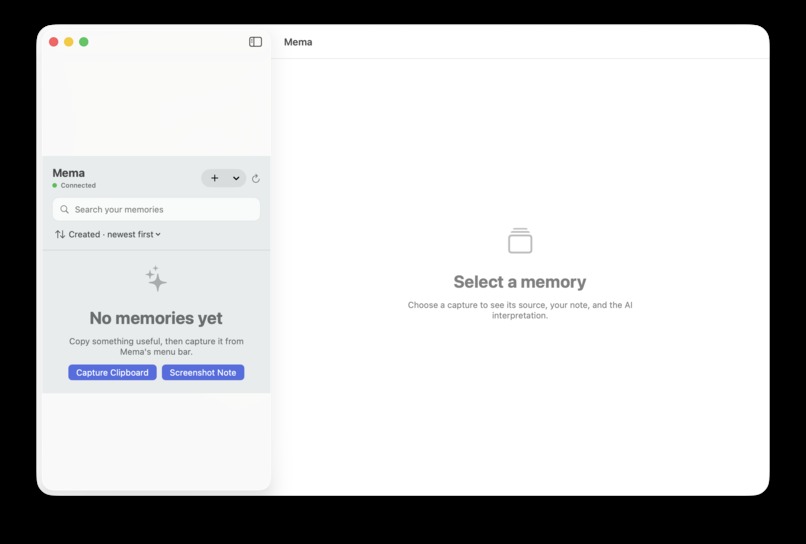
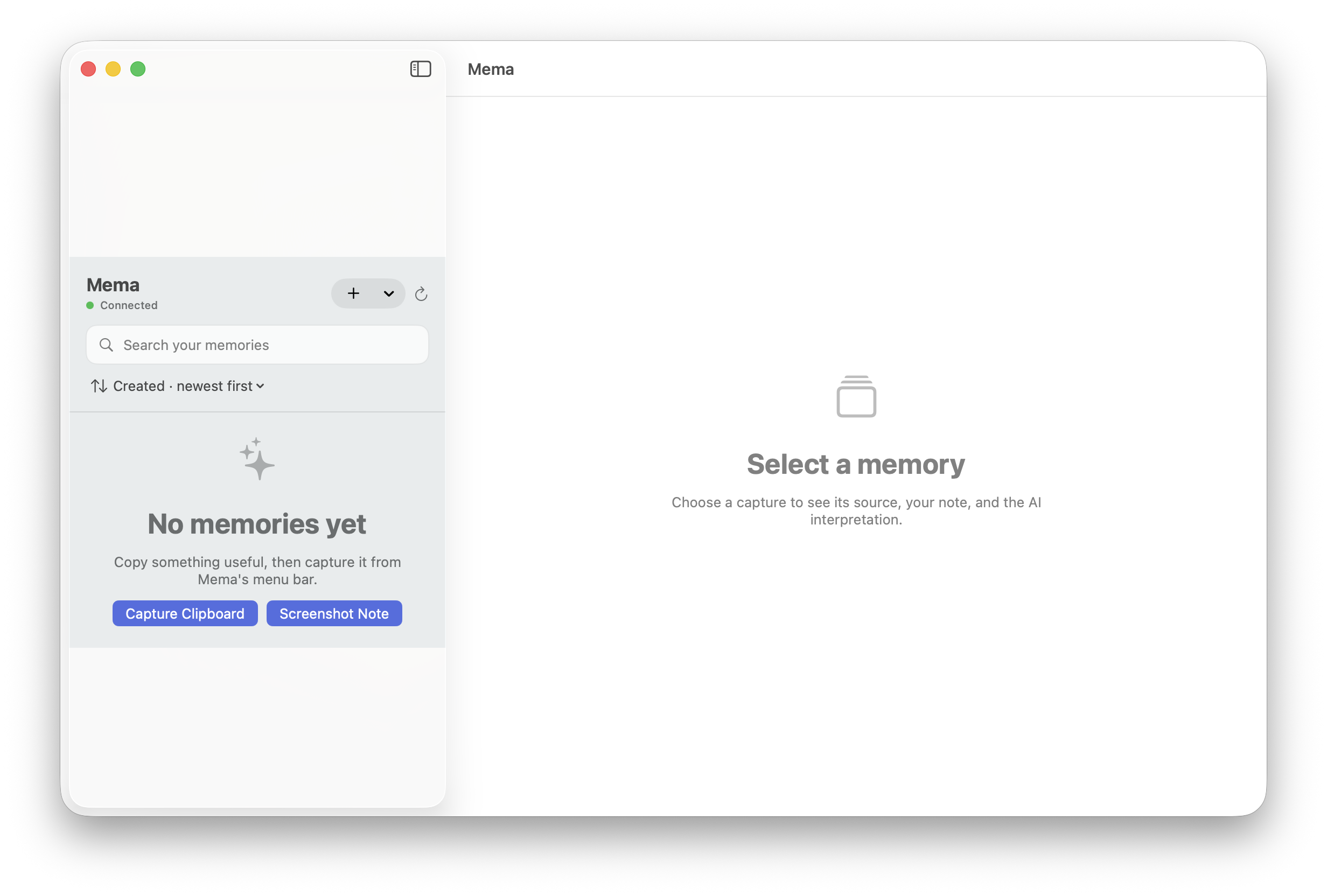
Mema app UI
-
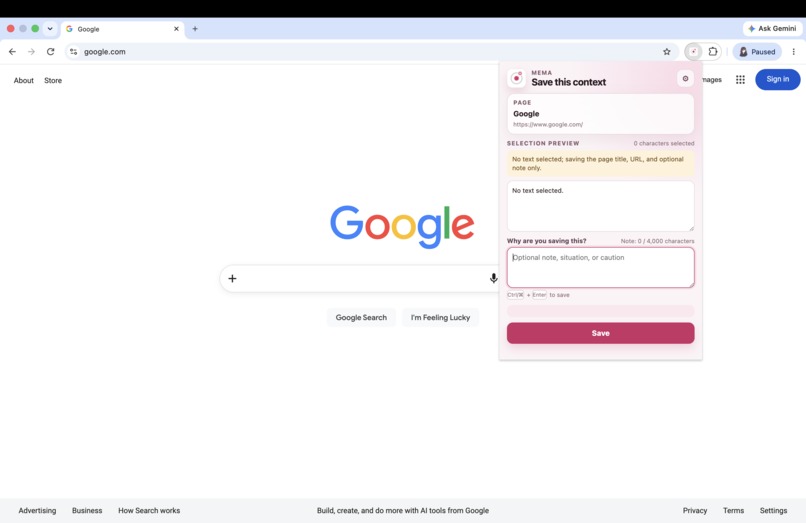
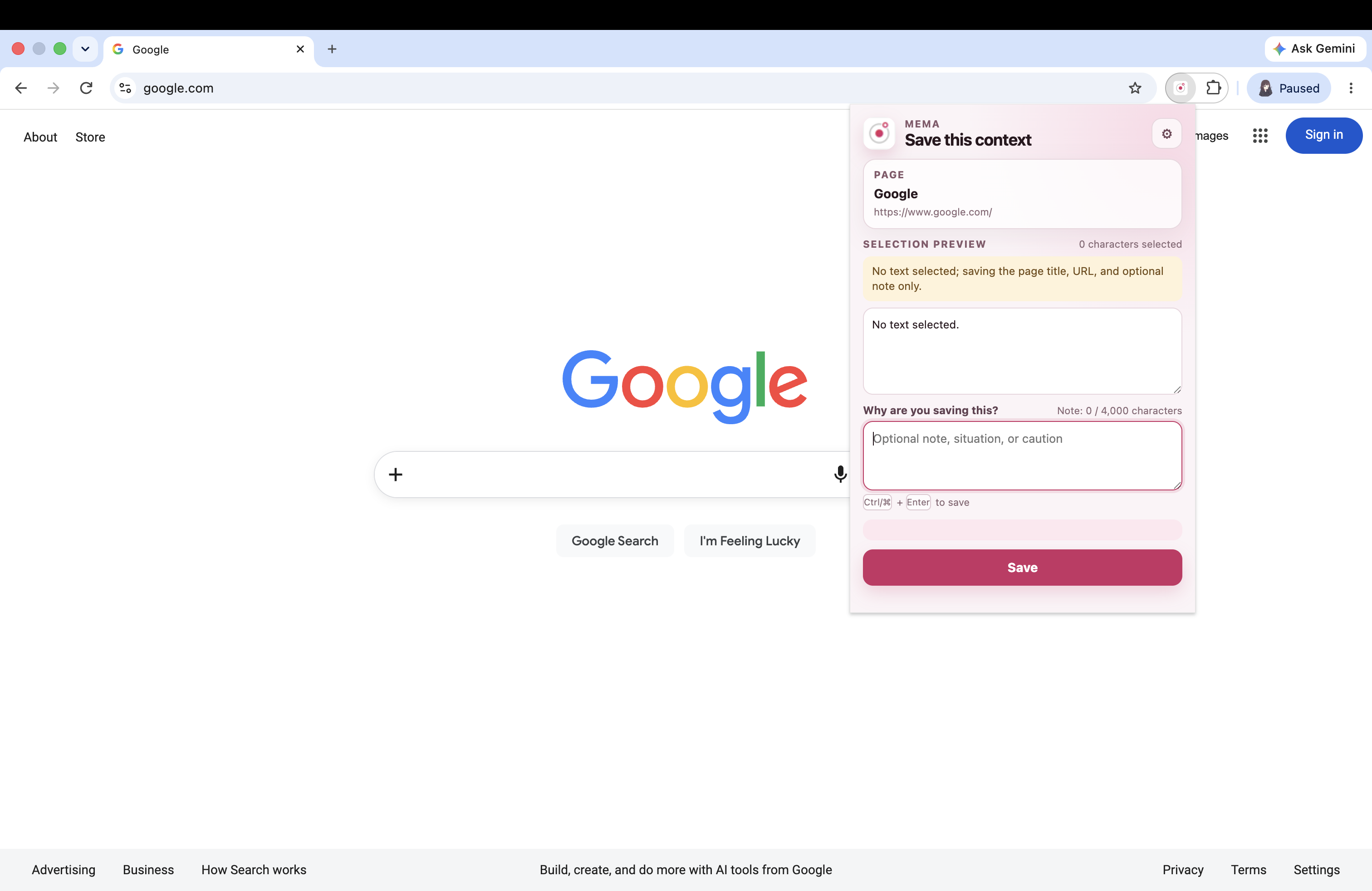
Mema Chrome extension

Inspiration
Mema started with a problem we kept running into. We could save a useful Stack Overflow answer, a passage from a paper, a conversation, or a screenshot, but weeks later we often forgot why we saved it. We might remember that it was useful, yet forget the problem we were working on, what stood out, or what terms to search for. Bookmarks save links, and note-taking apps save text, but they do not always preserve the reason something mattered at the time. We realized that the real challenge was not saving information. It was saving enough context to understand it later. That idea led us to build Mema, a local-first memory tool designed for quick capture and easy retrieval. It keeps the original source, the user’s personal note, and the generated description as separate parts of each memory. Our goal is to help users remember not only what they saved, but also why they thought it was worth saving.
What It Does
Mema turns information from different sources into searchable memories without requiring users to copy, paste, tag, or organize everything by hand. Users can save selected text, browser context, clipboard content, or text taken from a screenshot. They can also add a short note explaining why the information matters.
Mema then:
- Preserves the original content and source
- Stores the user’s note separately
- Creates a title, summary, tags, entities, and related search terms
- Saves the memory locally
- Supports both keyword and semantic search
- Continues to support keyword search when cloud services are unavailable
For screenshots, users can choose between GPT-based text extraction and Apple Vision for on-device recognition. The extracted text can be reviewed and edited before it is saved. Mema keeps the source, the user’s note, and the generated description separate. Enrichment can add useful context, but it never changes the original capture.
How We Built It
Mema includes a native macOS application built with SwiftUI and AppKit, a Chrome extension, and a local FastAPI backend. All captures are stored in a local SQLite database and indexed with FTS5 for fast offline keyword search. OpenAI Structured Outputs is used to create consistent titles, summaries, tags, entities, and search terms. OpenAI embeddings support semantic search, while hybrid ranking combines semantic similarity, keyword matches, and metadata. Mema currently supports two processing paths. OpenAI provides full context enrichment, while screenshot text can be extracted either through GPT or locally through Apple Vision. Both methods use the same storage and retrieval pipeline. Screenshot images are temporary. Mema saves the extracted text rather than the image itself. Shared JSON schemas keep the macOS app, browser extension, API, database, and model responses consistent. This setup also makes it easier to replace cloud services with local models in the future without rebuilding the rest of the system.
Challenges We Ran Into
One of our first challenges was deciding what to build. Mema began as a much larger idea for a complete personal memory system, but we only had three to four days. We had to focus on the main experience, choose the right platform, and remove features that would make the product harder to finish or test. This was also our first time using Codex asynchronously across a full-stack project with two developers. We had to decide what access to provide, divide responsibilities, and avoid conflicting changes. Separate branches, shared schemas, written decisions, regular integration checks, and automated tests helped us stay organized. Another challenge was handling enrichment failures without putting the original memory at risk. Model responses can fail, return incomplete data, or become unavailable. To prevent data loss, Mema saves the original capture before any enrichment begins. If processing fails, the memory remains stored, searchable, and available for another attempt. Search quality was also difficult to balance. Technical terms and identifiers need exact matches, while vague memories are better handled through semantic search. Mema combines both methods and uses keyword search as a fallback when cloud services are unavailable. Screenshot capture created additional privacy and reliability concerns. We addressed them by offering both cloud and on-device extraction, limiting image size, clearly showing how each option works, and deleting temporary images after processing.
Accomplishments We Are Proud Of
We are proud that Mema provides a complete capture-to-retrieval experience across macOS, Chrome, OpenAI, Apple Vision, and a local database.
The system:
- Preserves the original memory even when enrichment fails
- Supports both cloud-based and on-device screenshot text extraction
- Remains searchable without an internet connection or API key
- Shows failed or incomplete processing as clear, retryable errors
- Uses shared data formats across all parts of the application
Most importantly, Mema feels different from a standard notes app. It shows how saved information can become searchable and organized without requiring the user to maintain folders, tags, or detailed notes.
What We Learned
We learned that building a strong product in three to four days requires careful limits. Choosing one polished capture-to-retrieval workflow helped us focus on reliability and explain the product more clearly. Working with Codex asynchronously also showed us that AI-assisted development still depends on good coordination. Clear responsibilities, limited permissions, separate branches, shared API contracts, written decisions, and frequent testing were necessary to keep the project consistent. We also learned that a useful memory tool needs context, not just content. A saved paragraph becomes much easier to understand when it includes its source, the surrounding information, and the user’s reason for saving it. Finally, we learned that systems using generated output must be designed for failure. Original data should be saved first, search should still work when cloud services are unavailable, and users should always know whether processing happens locally or in the cloud. These decisions made Mema more reliable and easier to trust.
What Is Next for Mema
Our next goal is to move more of Mema’s processing on-device. We plan to support local summarization, tagging, embeddings, and semantic search so personal content can remain on the user’s Mac. Cloud models would still be available as an optional feature. We also want to make capture faster and less noticeable through a global shortcut, smoother overlays, and immediate confirmation after saving. Future versions could connect related memories, suggest links between saved items, and support conversational search. This would allow users to find information even when they do not remember the exact wording or where it came from. Our long-term goal is simple: users should be able to ask Mema what they were thinking about, rather than where they saved it, and quickly return to the idea they wanted to remember.


Log in or sign up for Devpost to join the conversation.