-
-
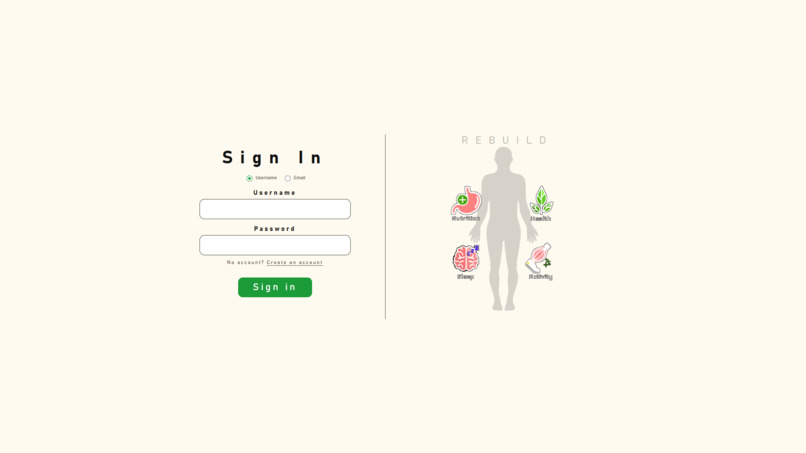
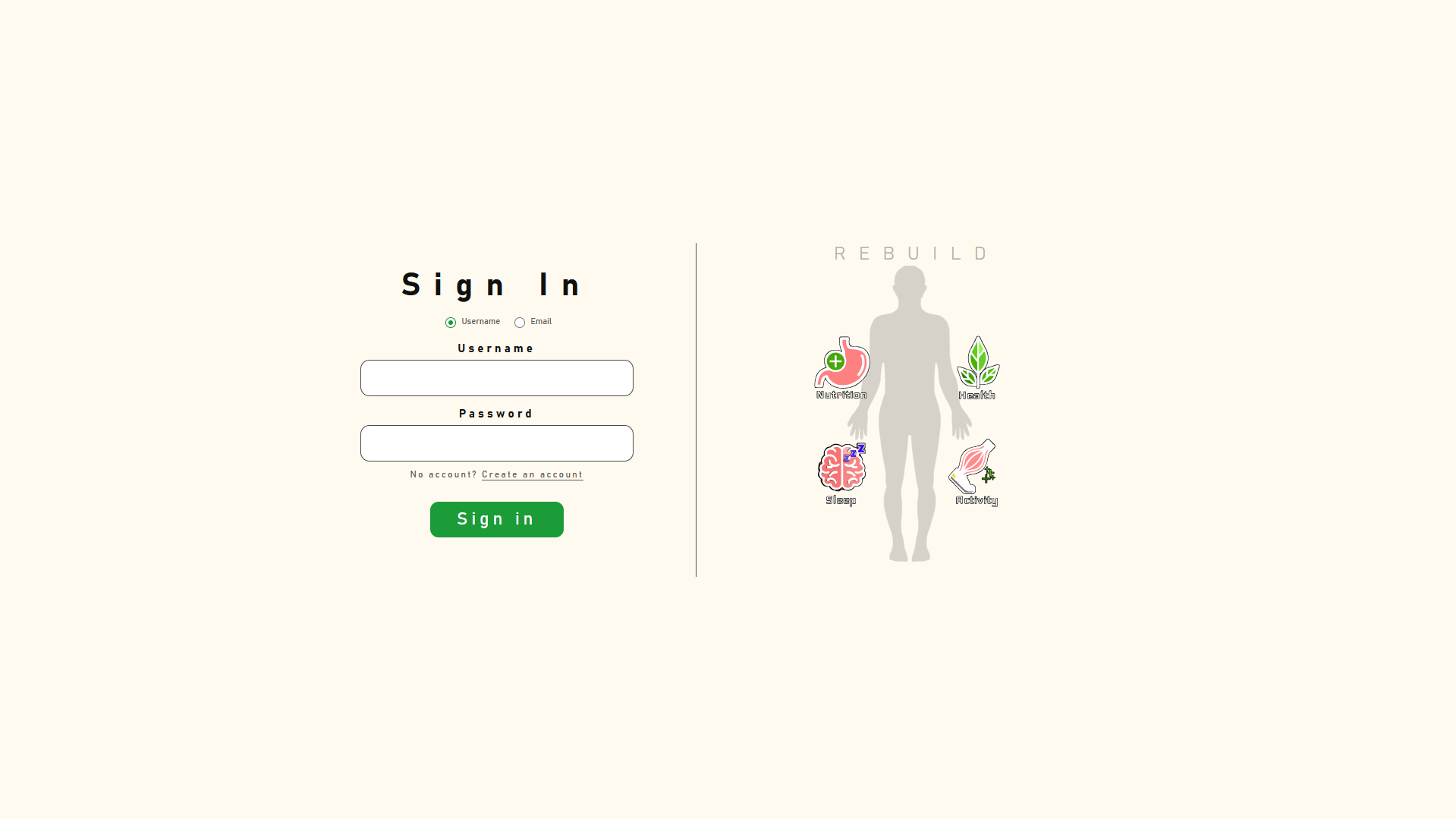
Login page
-
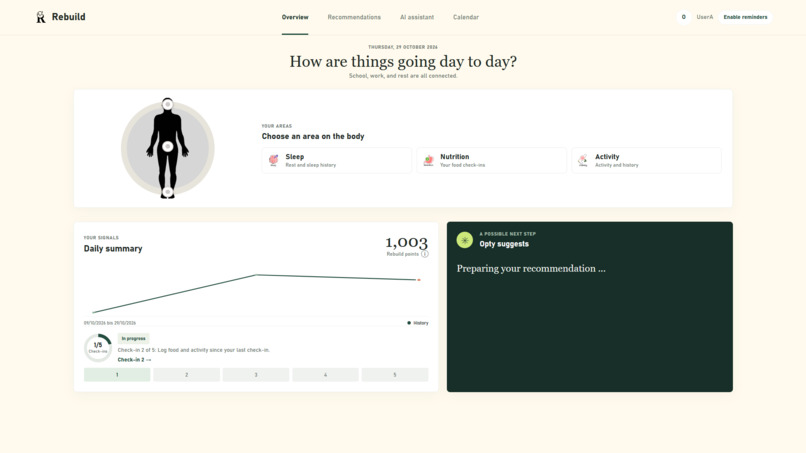
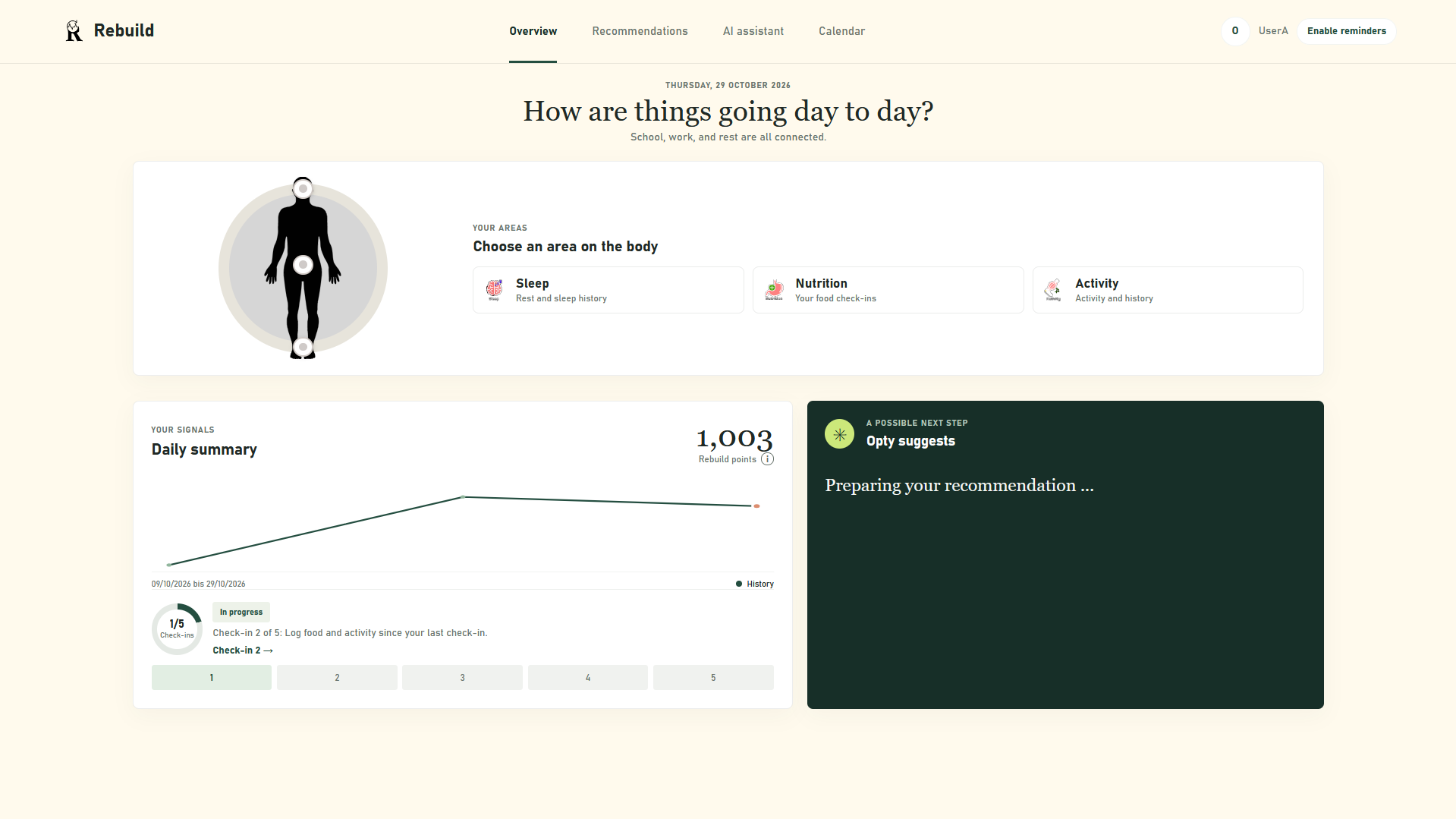
main Dashbord
-
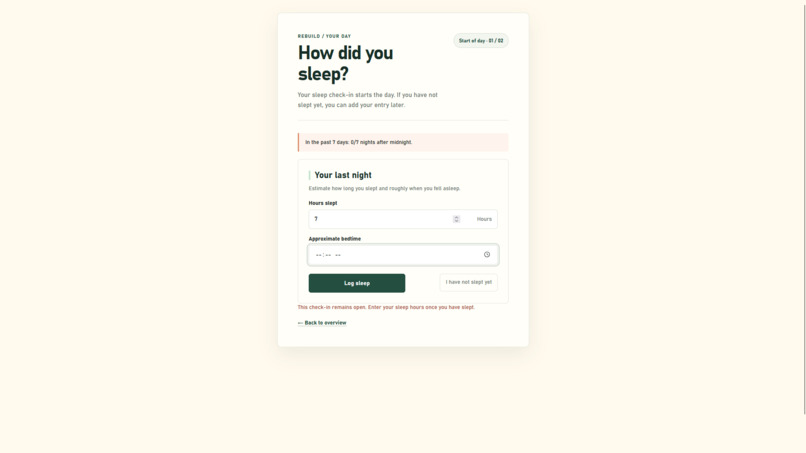
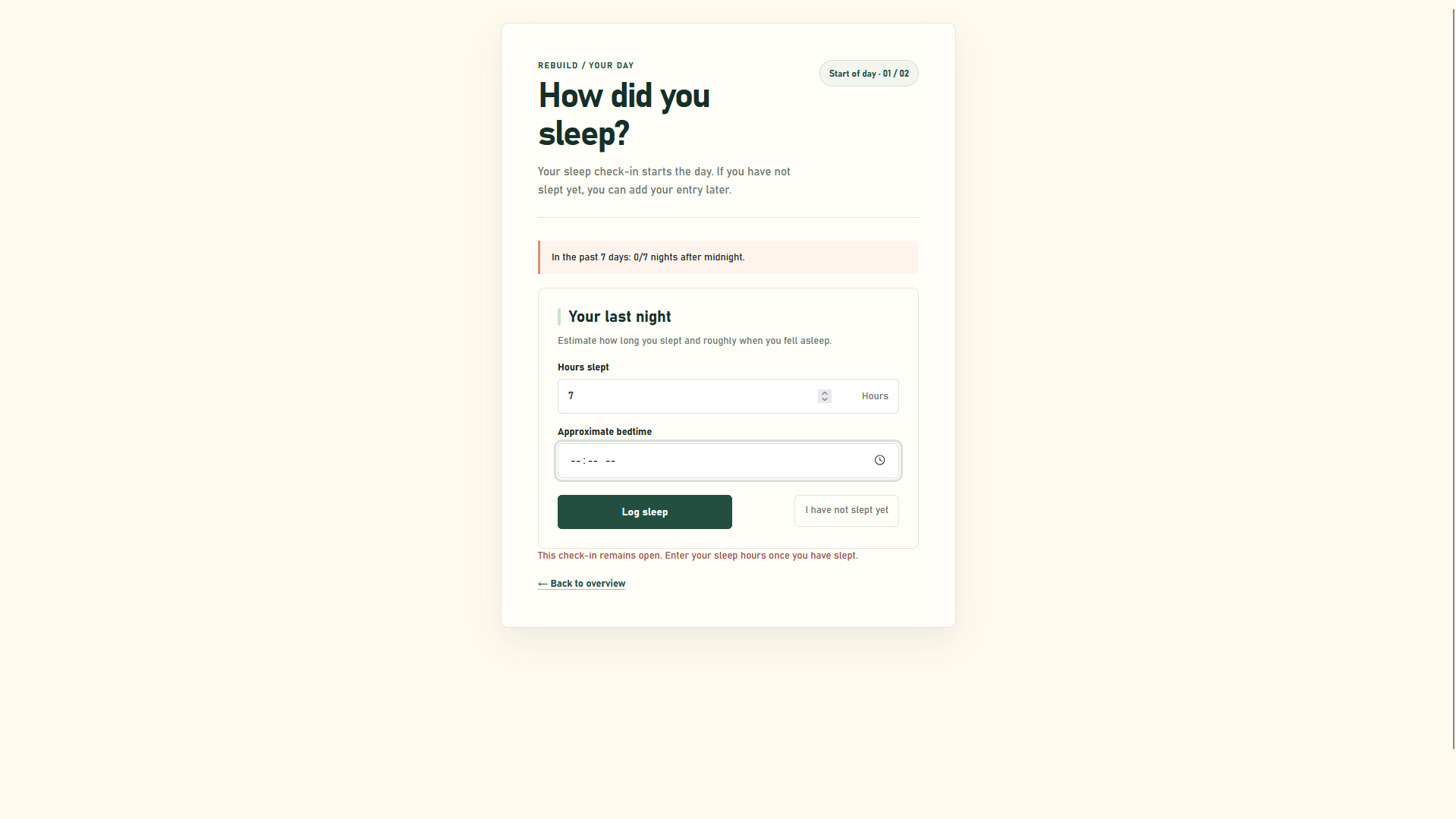
Daily Checkup 1/5
-
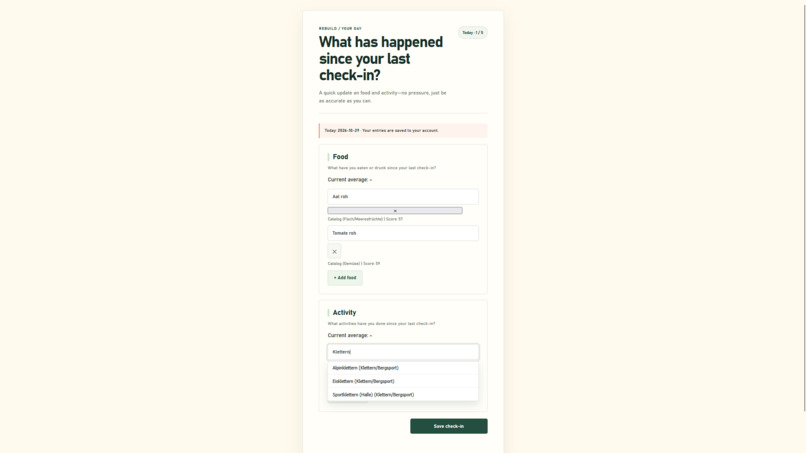
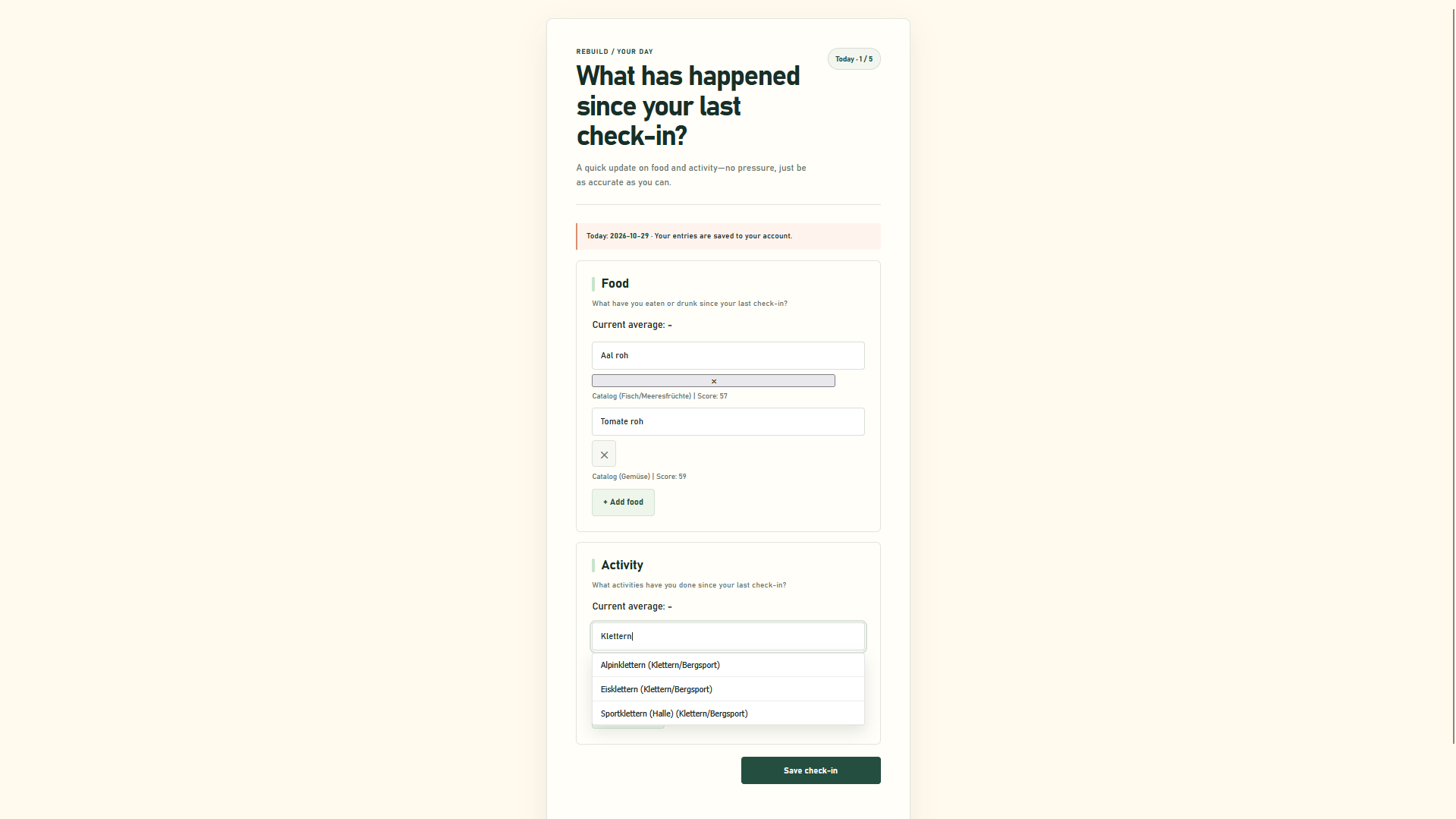
Daily Checkup 2-5/5
-
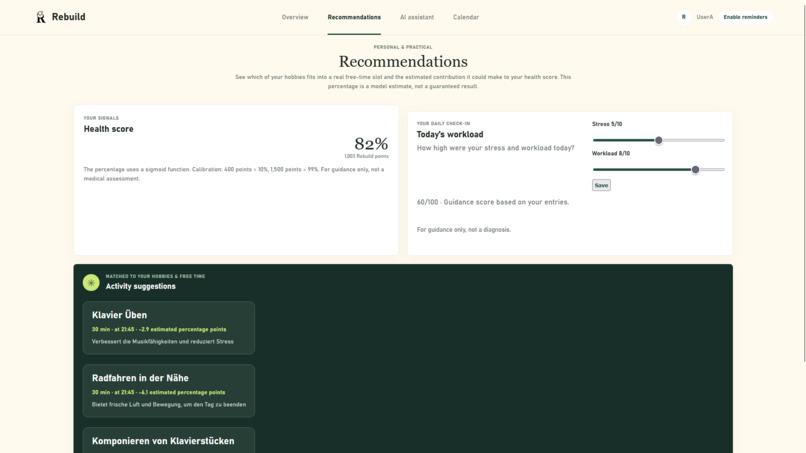
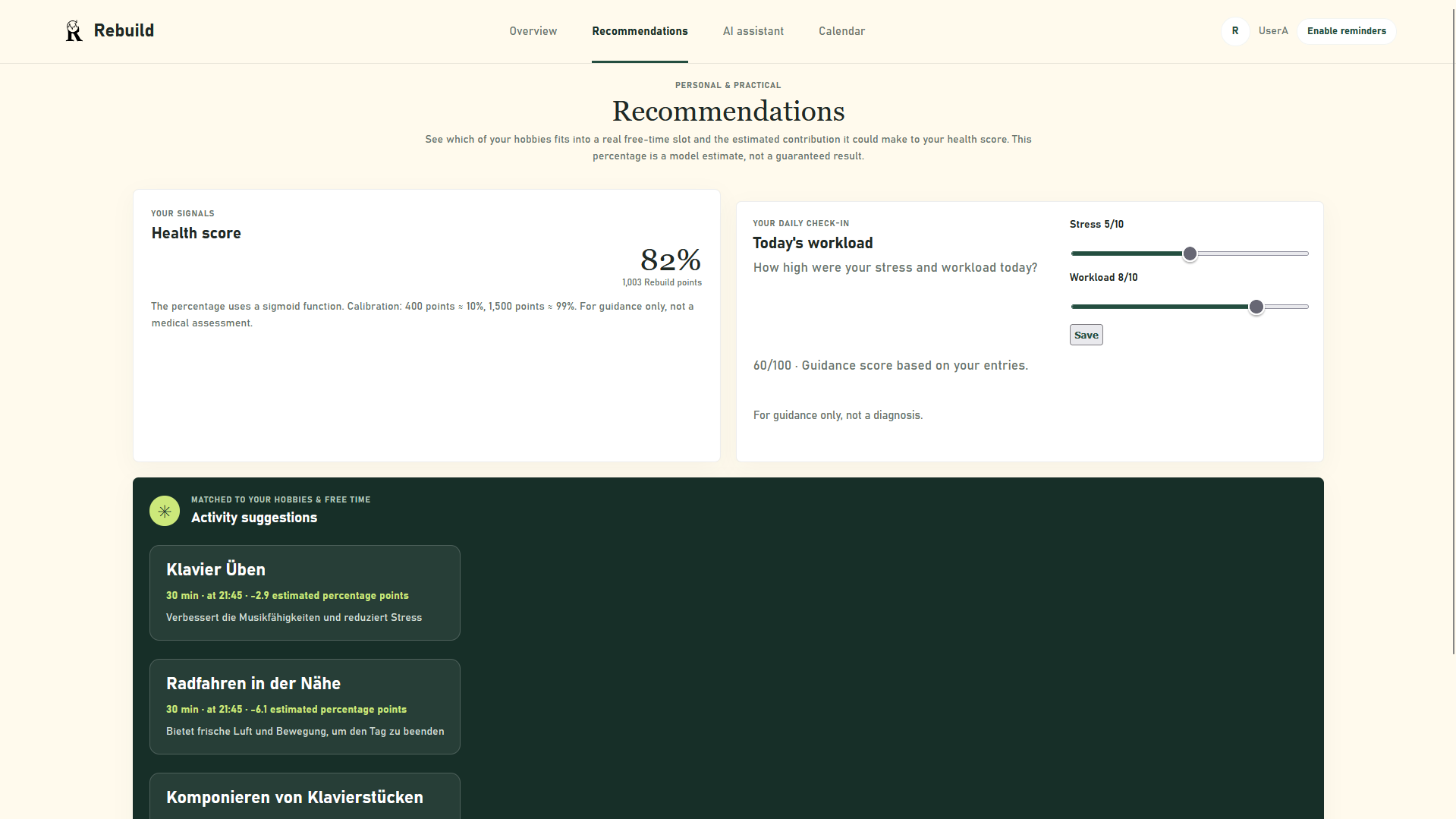
Recomandation Page
-
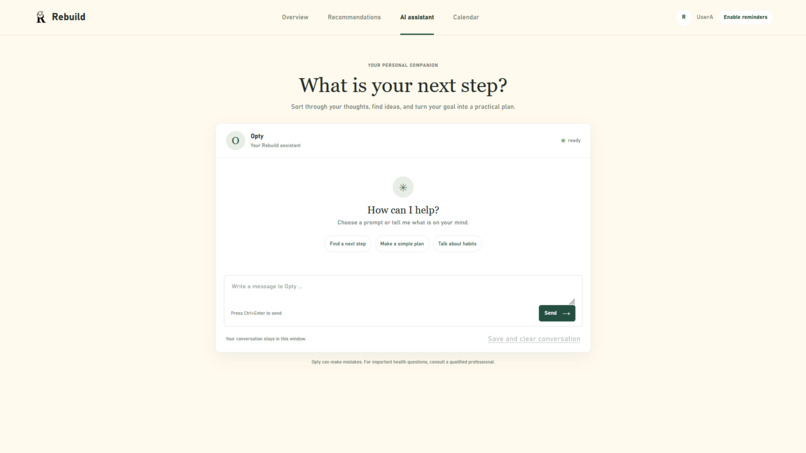
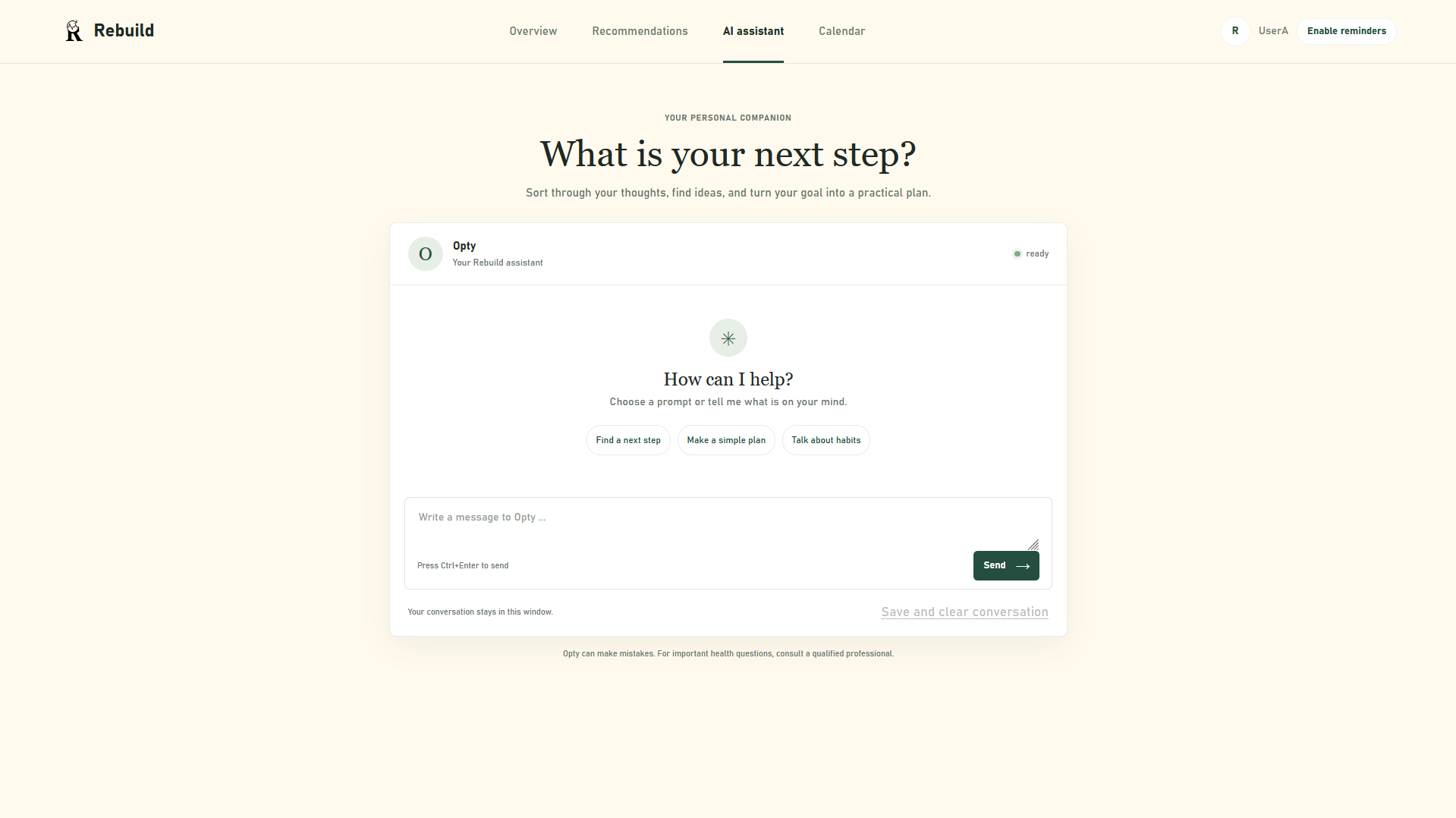
Opty-AI Chat
-
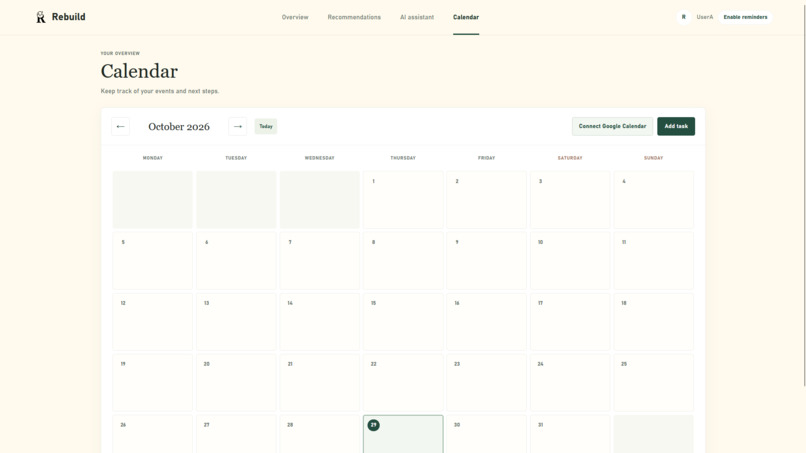
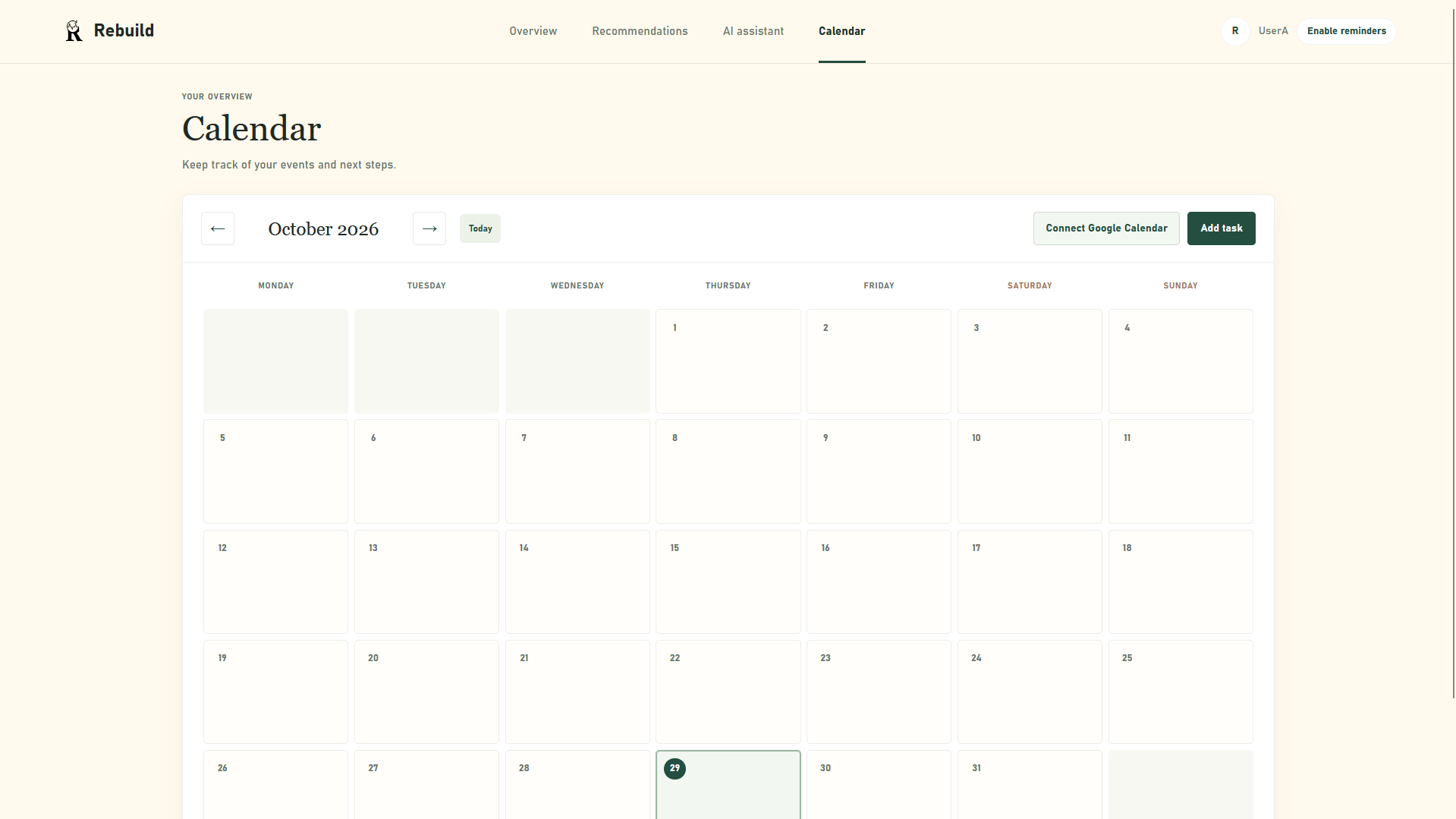
Calender
-
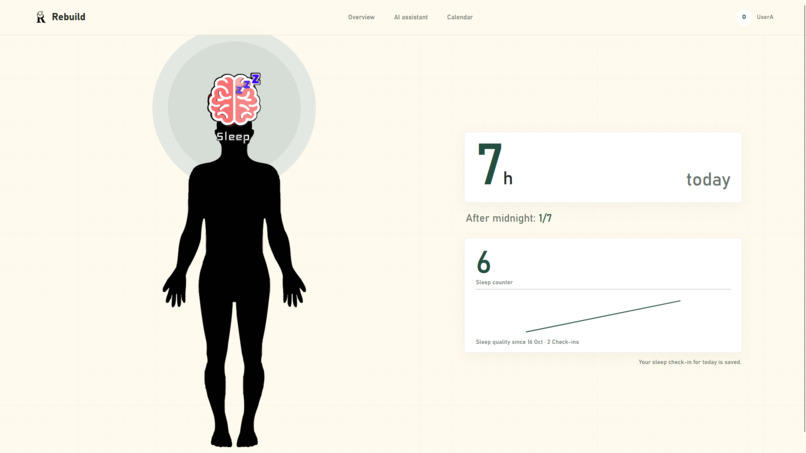
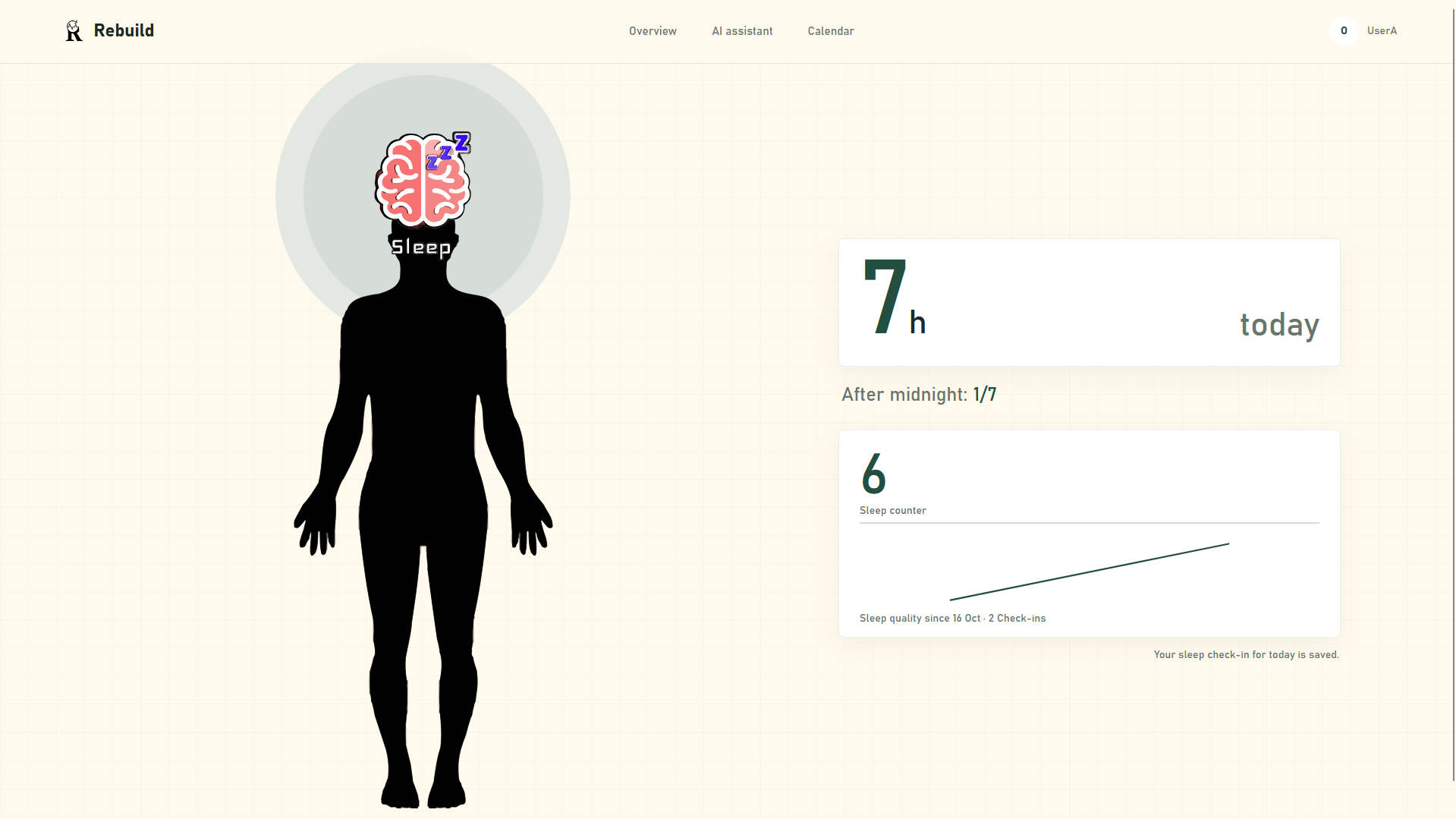
Sleep-Analysis Dashbard
-
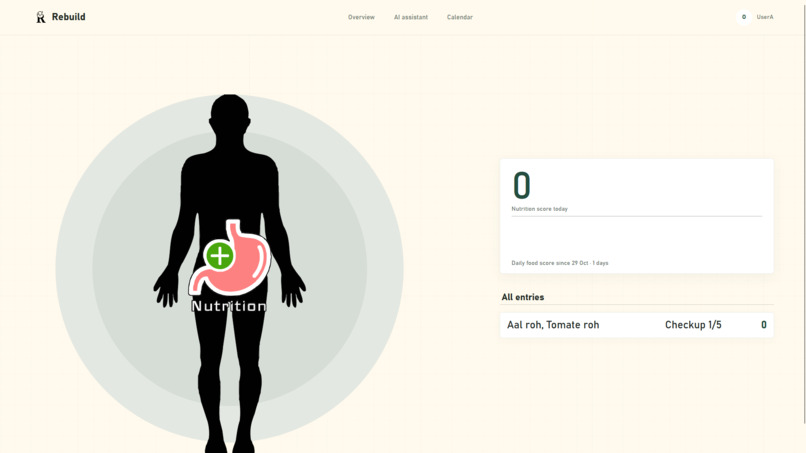
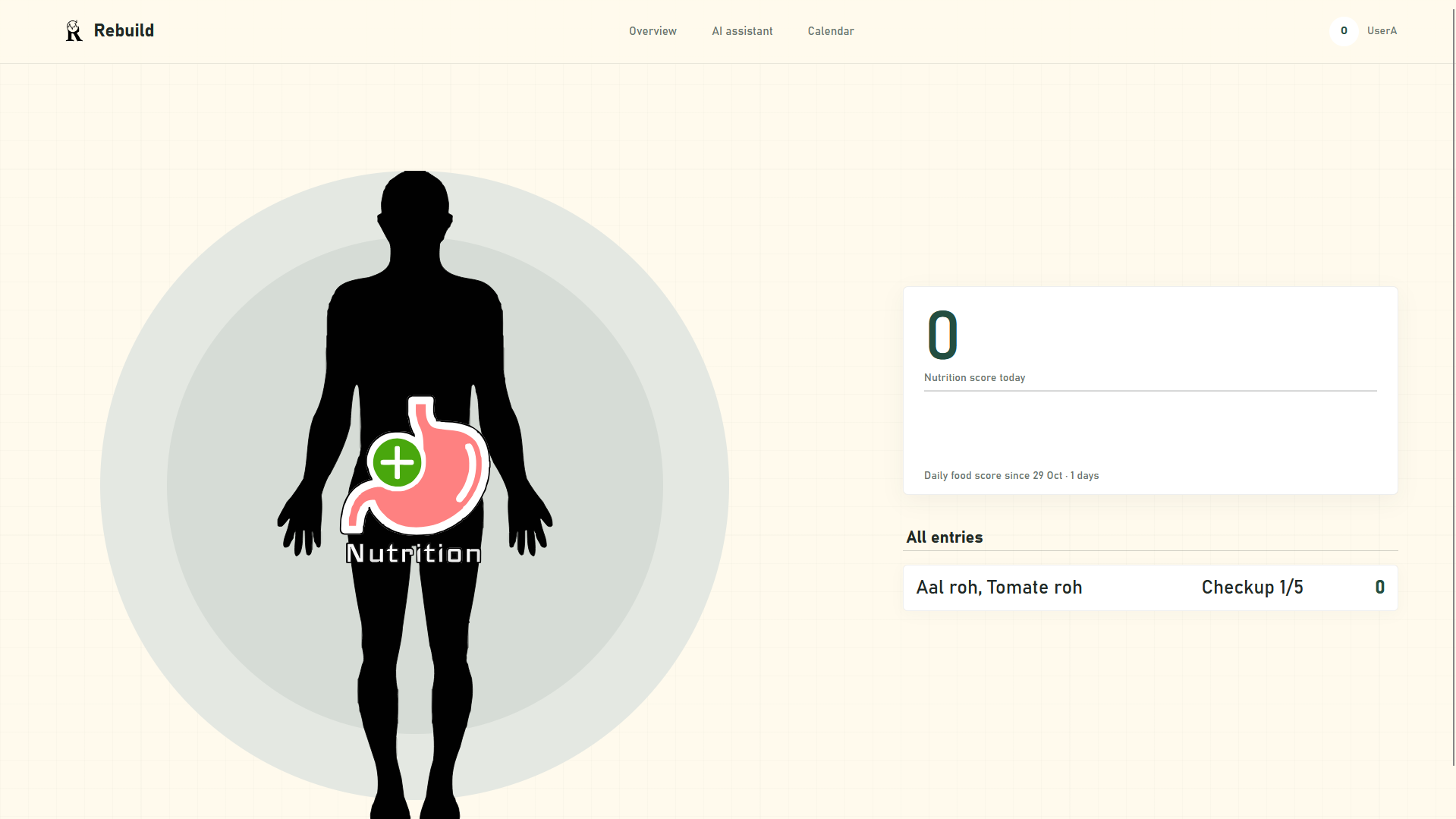
Nutrition-Analysis Dashbard
-
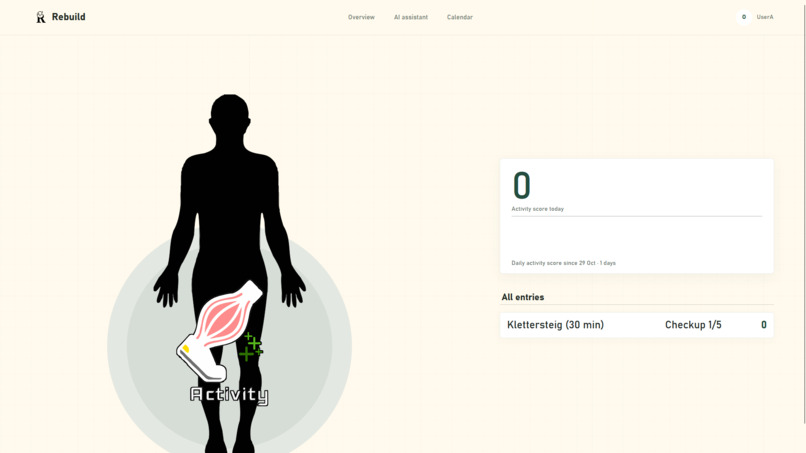
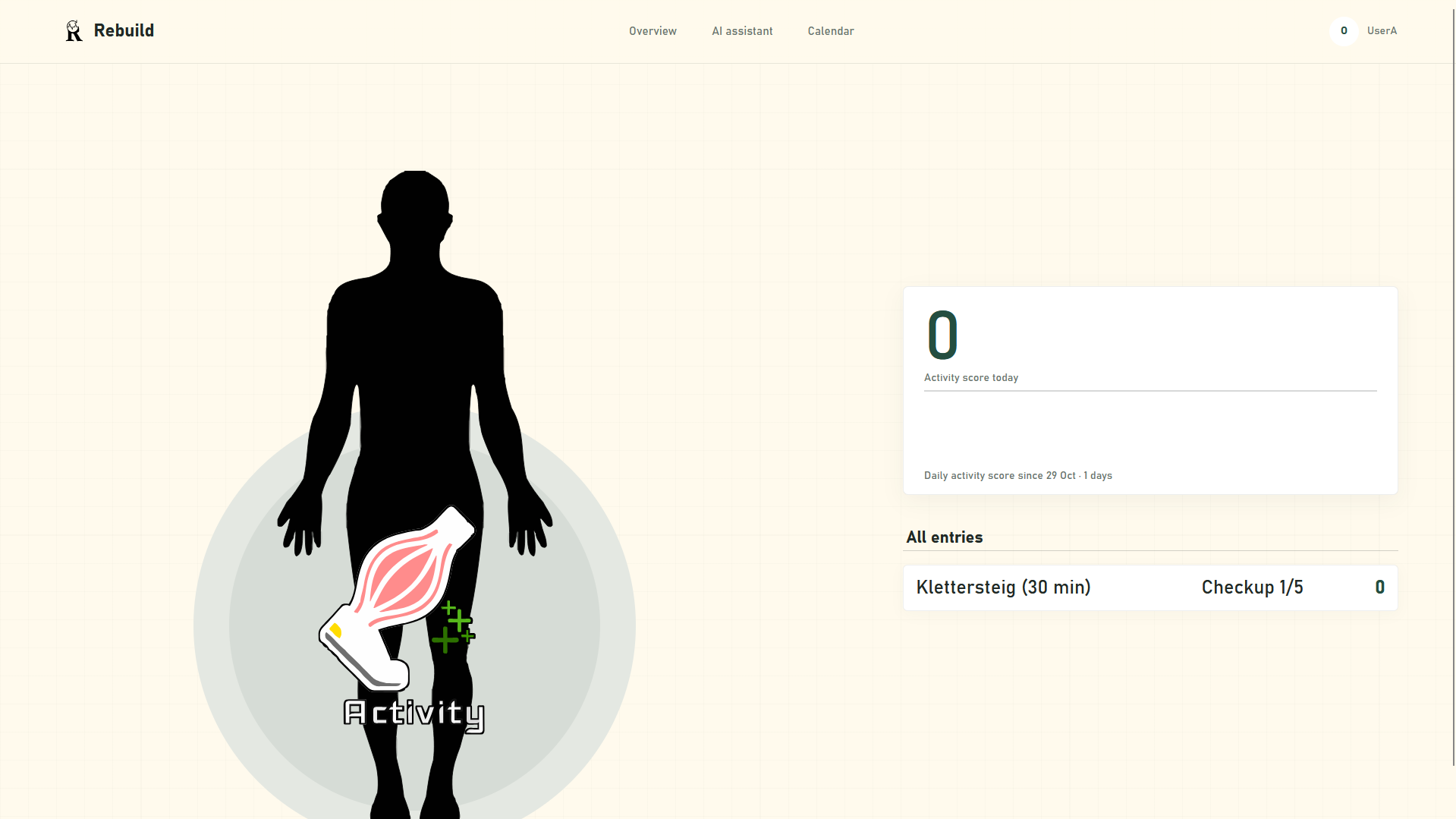
Activity-Analysis Dashbard
Inspiration
I built Rebuild out of personal experience. As a student spending long hours programming and video editing, I often neglected basic nutrition, sleep, and physical activity. I noticed the exact same pattern in IT and office workers, including my parents. High-stress indoor jobs consume so much energy that people forget to care for their fundamental health, risking serious long-term consequences.
Unlike fitness apps focused on aesthetics or extreme muscle standards, Rebuild centers on foundational health: proper sleep, nutrition, and daily movement. It is designed to help modern knowledge workers manage high-stress indoor lives sustainably, serving as a reminder that our bodies will eventually pay the price for neglect. In today's grind-heavy culture, Rebuild bridges the gap between productivity and well-being.
What it does
Rebuild checks in with users 5 times daily via browser notifications to prompt quick health checkups. These checkups gather fundamental data, such as morning sleep tracking, daily nutrition, and outdoor activities. Each entry is evaluated across three categories, that then affect a dynamic overall health score that reflects current well-being Status of a person. Additionally, a visual trend graph tracks progress over time to hopefully keep users motivated when they see how far they have come and how much they have developed over time. Furthermore, an integrated AI (=opty) has access to all this data to provide personalized tips for improving your daily routines. Moreover, the user can also ask opty what they need to do to improve their health and why the AI pointed out certain weaknesses. Lastly, users can sync their calendars, enabling the AI to scan for scheduling gaps and automatically suggest optimal timeframes to squeeze in healthy habits, like running and biking. etc.. This recommendation is also based on the hobbies the user stated in their registration.
How we built it
Architecture
Rebuild is a web application with a browser-based frontend and a Python backend. The frontend uses HTML, CSS, and JavaScript to display pages, handle forms, and communicate with the server.
The backend is built with FastAPI in server.py. It serves the pages, provides API endpoints, checks user sessions, and coordinates access to the databases, scoring logic, calendar, and AI features. SQLite stores user data and reference data.
Opty uses Ollama to generate responses. The backend sends requests through a Python client and adds relevant context from the app’s data and reference documents.
Food and activity check-ins are scored by a small neural network. On supported systems, Python passes model data to a compiled C program through shared memory. On Windows, or when the compiled program is unavailable, the app uses a Python implementation instead.
Features and documentation
Rebuild includes account registration, sleep and daily check-ins, food and activity tracking, a personal dashboard, recommendations, and calendar planning.
The docs/architecture guides explain how these features work, including their forms, data flow, and current limitations.
Neural network: For food and activity check-ins, Python loads reference features and model weights, prepares the input, and runs it through the scoring network. On supported systems, Python passes the data to compiled C code through shared memory. On Windows, the network runs in Python instead. The resulting score is returned to the backend and saved with the check-in. Priority queue: Opty and other LLM tasks enter a queue in the backend. The queue assigns requests priorities and processes them one at a time, giving user chat requests precedence over recommendations and background summaries. The result is returned to the endpoint that started the request. Ollama and vector database: For a chat request, the backend gathers relevant personal context and searches Chroma for related reference documents. It combines that context with the conversation and sends the prompt to Ollama through the queue. Ollama’s response is then returned to the browser. Database communication: The backend mediates access between the application and its data stores. It checks the user session, validates requests, and calls the relevant database code. User records, health reference data, model weights, calendar data, and Chroma documents are stored separately; the backend reads or updates the appropriate store and sends results back to the frontend.
Challenges we ran into && Accomplishments that we're proud of
One of our biggest challenges was running the demo entirely on a locally hosted Ollama model instead of relying on services such as ChatGPT or Claude. Because several features share the same model, we had to consider response times and make sure important system requests were handled reliably. I addressed this by building a priority queue: user requests to Opty receive higher priority, while background tasks such as summaries are processed later. This helped balance system tasks with the user experience. Another challenge was turning sleep, food, and activity check-ins into consistent scores. I designed feature vectors to represent the entries numerically, then developed formulas to calculate their impact. For sleep, I used exponential functions to model how the impact changes with sleep duration and timing. I plotted the functions in GeoGebra to compare their shapes and choose values that seemed appropriate for the app. I had already worked on organizing AI data in an earlier project, so I could reuse some of that experience. Setting up the FastAPI endpoints was also relatively familiar. User management was new to me, though: handling multiple accounts, session cookies, and user-specific data took time to understand and implement. The biggest personal challenge was bringing many parts together into one application. I had mostly built smaller projects before, so keeping the architecture in mind while connecting the frontend, backend, databases, scoring logic, calendar, and AI features was difficult. I’m proud that I was able to connect those pieces into a working system and learn how to manage a project at a much larger scale.
What we learned
We learned that connecting familiar technologies into one application creates new challenges of its own. As the project grew, it became harder to keep the overall architecture in mind and understand how a change in one part could affect the others. We also learned how to manage user-specific data using accounts and sessions, and how Python can communicate with a program written in C. We could have used a machine-learning framework, but implementing the neural network ourselves helped us understand the underlying math and how the model works. Finally, we learned that a relatively small architectural component, such as a priority queue, can help coordinate many requests to a shared model. It gave us a way to organize competing tasks and control which requests are processed first.
What's next for Rebuild
I considered switching to a faster AI model or running Ollama on more powerful hardware to make Opty feel more responsive. I’d also like to expand the vector database so Opty can draw on a broader range of useful information and give more detailed answers. Another idea is a companion app that lets users photograph meals or activities. The app could use the images to help log what they ate or document an activity, making check-ins quicker and easier.
