-
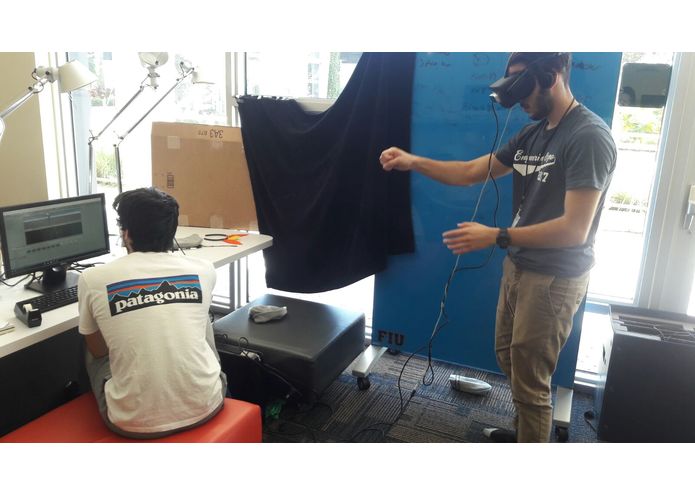
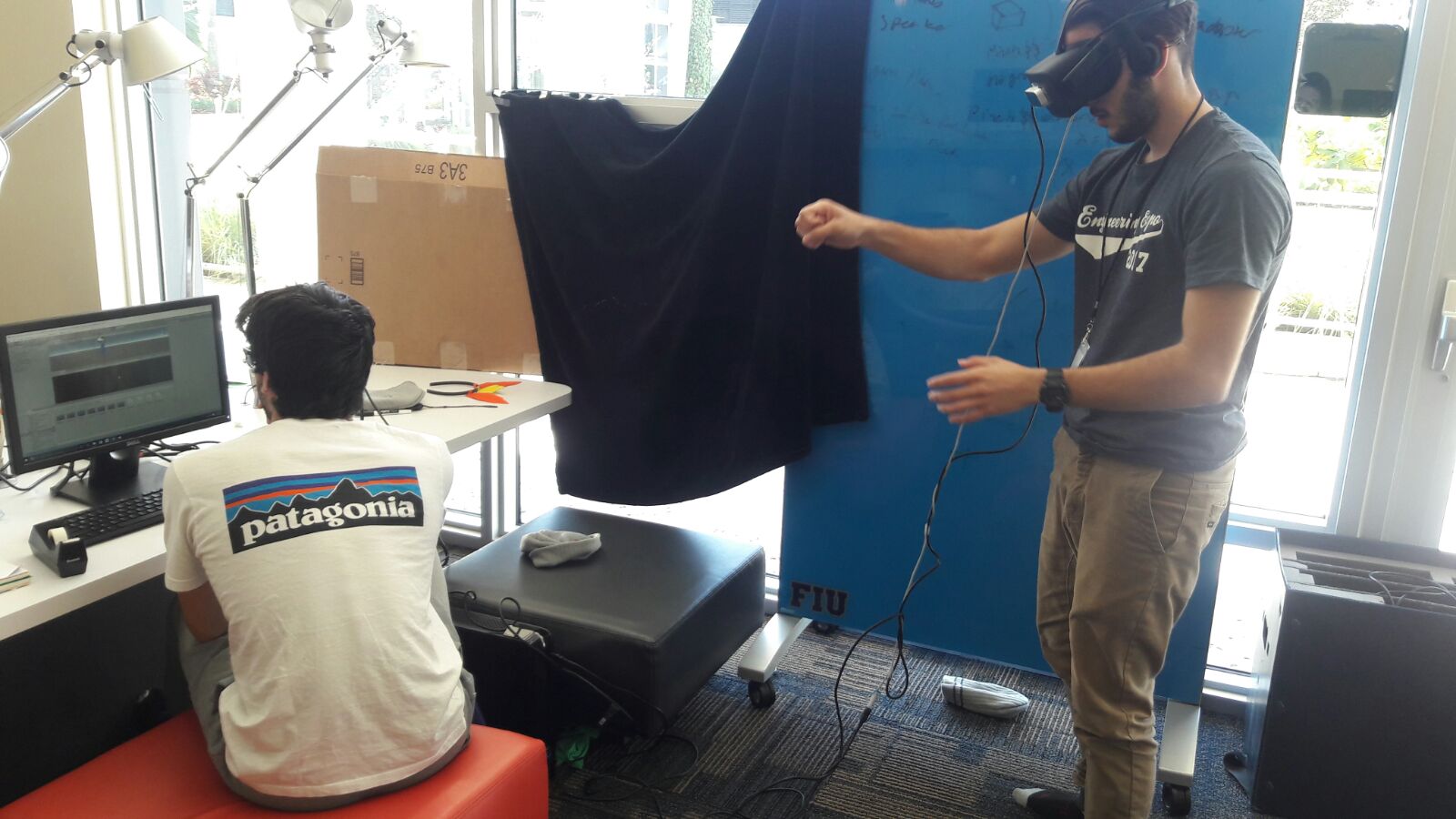
Testing out the object manipulation
-
-
Abstract
SolidWorks is a program that many hobbyists, engineers, construction planners, architects, and many more people use on a daily average basis. As a 3D object rendering program, Solidworks allows for objects to be 3D printed, circuit boards to be rendered, and highly precise parts to be planned. Solidworks can also run simulations on the models such as thermal and aerodynamics tests. Although the program is extremely beneficial, we, the RealWorks team decided to take the extra mile. Using the Oculus Rift, and Leapmotion, our team was able to implement an augmented reality program that allows the user to shrink, rotate, or expand any 3D .obj file imported from SolidWorks, and position the object in the augmented reality space to see how the size compares to real objects. We also envision this software to be used for interior decoration and previewing furniture in your own home before purchasing it. The most challenging part of the project was that we had absolutely no experience with Visual Basic, C#, Unity, the Oculus Rift, or really anything included in the making of the project, but we learned, and we learned fast! Next, we're probably going to try to solve world hunger, but maybe that'll take more than 36 hours.
Inspiration
We realized that a lot of time is spent re-printing 3D model prototypes because they don't work. This will help visualize how the 3D model interacts with and compares to real world objects. Later along the process we realized this could also apply to furniture and interior decor, which would save people the time of moving around heavy furniture or purchasing something they regret later on.
What it does
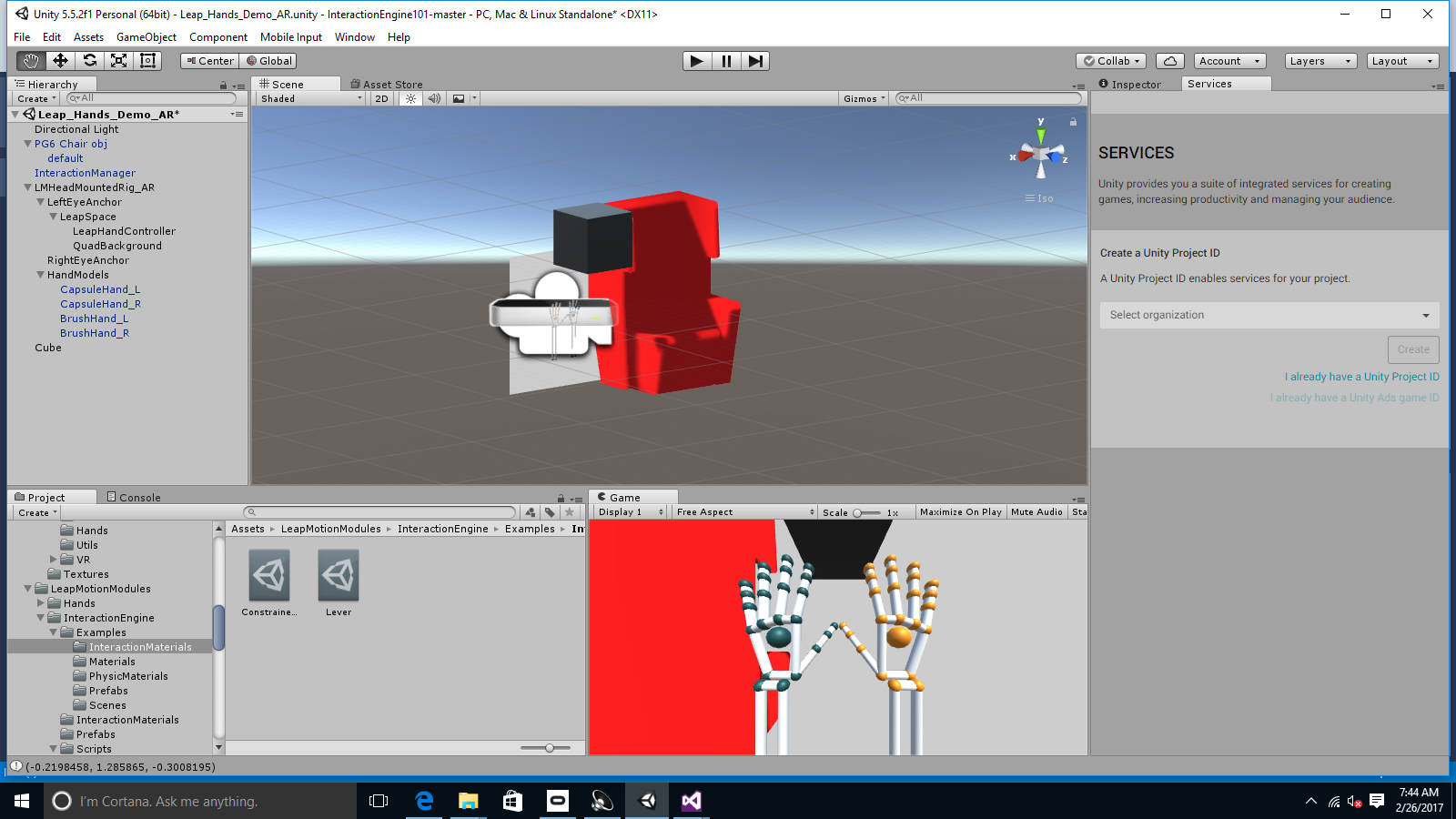
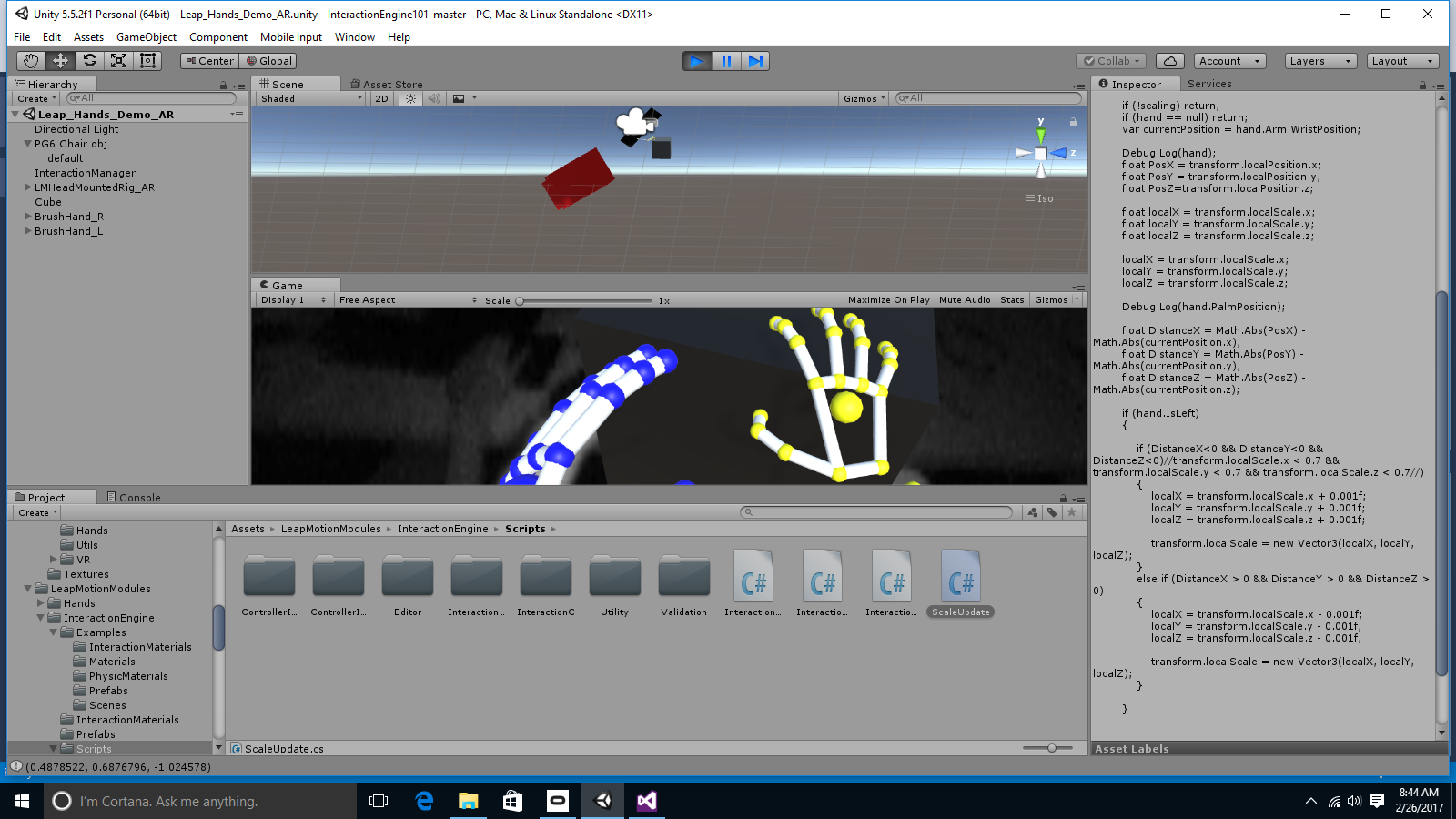
Realworks renders 3D models into augmented reality and allows user's to manipulate the objects directly with their hands. Users can move, rotate, and resize the objects using different hand gestures.
How we built it
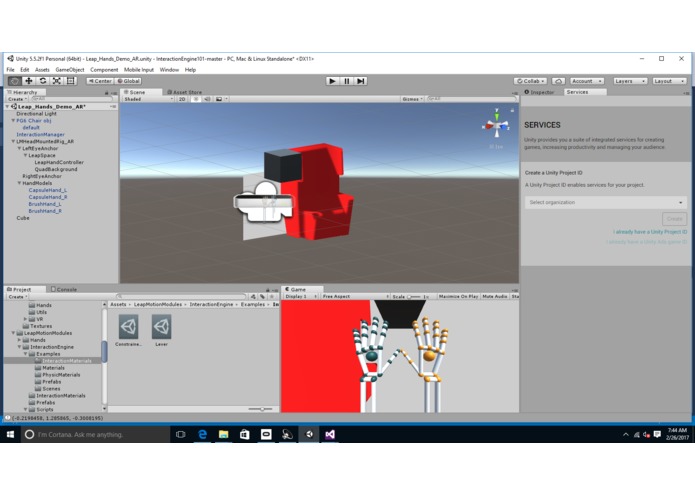
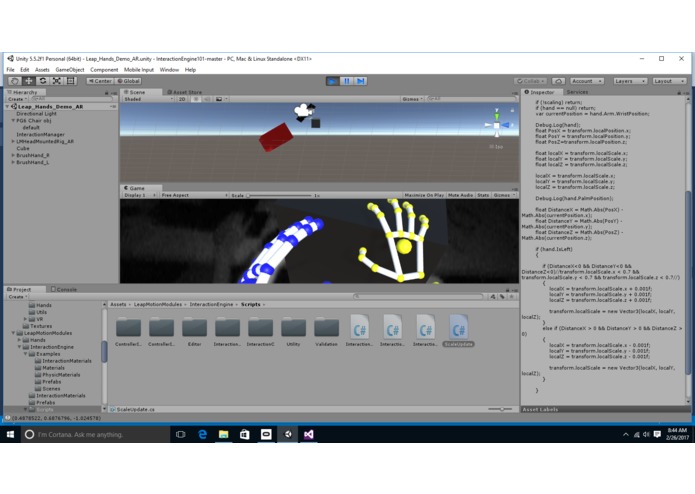
We designed the models in Solidworks and used Meshlab to convert the stl files into obj files. We used Unity and C# to build the augmented reality environment and the objects in it. The unity interaction engine facilitated the use of the Leapmotion generated hands to interact with the objects.
Challenges we ran into
- We spent 7 hours setting up the Oculus Rift since none of the computers we had recognized the HDMI connection. The alienware desktop we had kept crashing so we had to reinstall windows to finally be able to use the Oculus Rift.
- The Leapmotion sensor wouldn't properly calibrate because of all the interfering lighting from the window so we had to place whiteboards, blankets, and sleeping bags to block the sunlight.
- The Unity camera would be too high during the playback and sometimes the objects would be below the floor, out of our reach.
- Our pinching gesture wouldn't recognize pinching so we had to use a different library to implement pinching
- The computer froze on Saturday at 10 PM when implementing the Augmented Reality and lost all our work so we had to recreate our whole program from the beginning.
- The computer froze again on Sunday at 8 AM and reverted a lot of our work.
Accomplishments that we're proud of
- Getting the Oculus to work
- Rendering our 3D models in Augmented Reality
- Interacting with the 3D models
- Being able to do all this without any prior knowledge of Unity or C#
What we learned
Unity, C#, VR, AR
What's next for RealWorks:
Including a camera passthrough to the oculus to overlay textures onto the augmented environment. Polishing the manipulation to divide functionality between hands. Add size scaling measurement display to know what the desired scale is.
Built With
- c#
- leap-motion
- meshlab
- oculus
- unity
- unity-interaction-engine
Log in or sign up for Devpost to join the conversation.