-
-
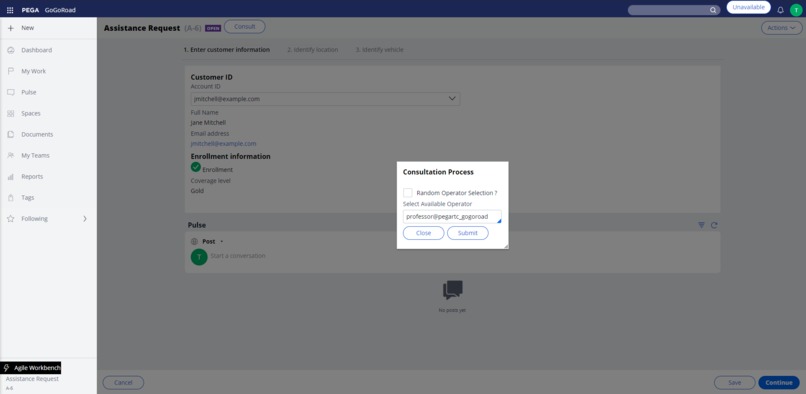
Initiate Consultation
-
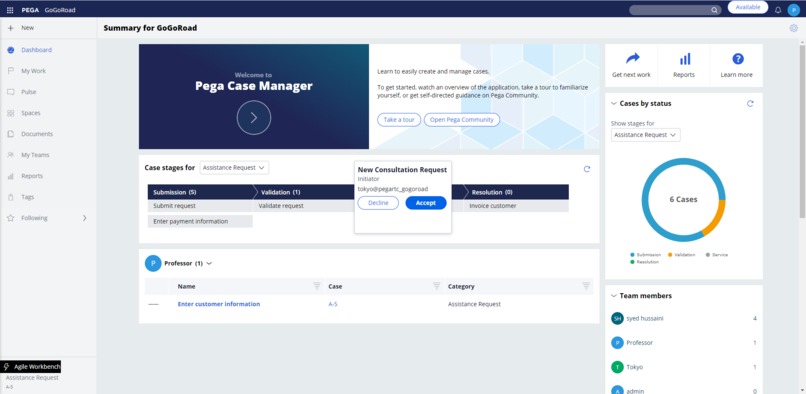
New Consultation Request

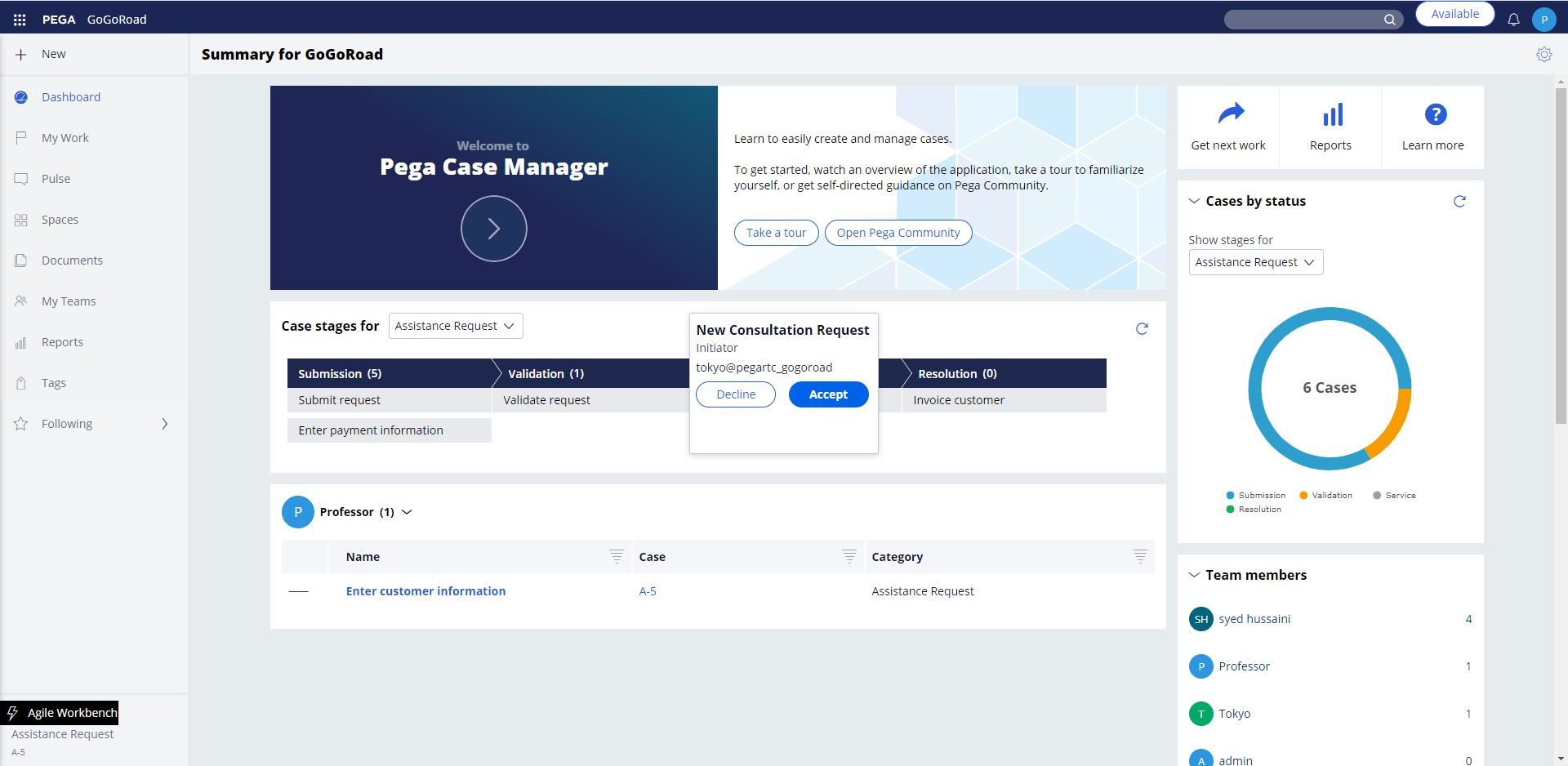
Inspiration
Business Context: Business users works on open cases which are assigned to them or in work queues by finishing assignments. Sometimes, they would need help from other business users to be able to complete that assignment. So, they usually do below things:
- Add a note in Pulse by referring the user from whom help is needed and later transfer the case to that user.
- If the other business user is available in the office and he/she is nearby, then 1st business user will go to 2nd business user’s desk and gets the required inputs and based on that finishes the assignment.
- Directly transfer the case to other business user by just adding case notes.
Problem Statements: Below are some of the issues in the current consultation/transfer process:
- The person to whom the case was transferred may not be available as he/she is on vacation. So, in this case the overall time to finish that assignment will be more.
- Because of Covid-19, many business users are working from home. So, a business user cannot go to other person’s desk and take inputs. A business user may need to contact other business user by pulse/other external chat application/phone call to discuss about it and complete the assignment. If other business user is contacted via a different chat application, then there are chances that some sensitive information might be entered in chat application.
- In customer service applications, some clients may not be using CTI for phone call interactions. In this case, if a CSR wants to transfer phone call interaction they would first transfer phone call to other CSR and later transfer the phone call interaction/service case created from it to other CSR’s worklist. The other CSR needs to note down the interaction id or service case id and then open that case from worklist. Only after this other CSR can complete customer’s request.
What it does
Solution Overview : The solution provides a way for different business users to consult other business users in real-time. The solution includes below features:
- A business user can make himself available/unavailable for consultation.
- A business user can consult other business user by selecting a user from the list of available users. A pop-up will be displayed to the selected business user to accept/decline. Once 2nd business user accepts incoming request then both users can interact in real-time using Pega’s pulse.
- A randomly selected business user by the system can also be consulted.
- If the other business user wants to work on case which is being consulted then he/she can accept the transfer request and work on that assignment.
How I built it
We created Pega's notification channel to publish notifications for different events between initiator( person who initiated consultation) and receiver ( person to whom consultation request is sent). Used javascript functions and Pega's javascript APIs to process received notifications.
Accomplishments that I'm proud of
At the time when we came up with this idea we were not sure if we can implement it. We are proud that the features which we thought of implementing as part this idea, have been implemented by using correct Pega features.
What I learned
We learned about Pega's notification channel and how it can be utilized for sending and listening to those notifications. This concept can be utilized in other notifications related functionalities.
What's next for Real-time Consultation and Transfer
Below enhancements can be made in future:
- Publishing notifications ends as soon as receiver accepts consultation request. We can send further notifications when either receiver or initiator closes consultation and when receiver accepts transfer.
- Play sound notification when a new consultation window is displayed.
- Currently, we check if a user is available for consultation based on consultation availability option selected by user. We can also check if users session is active or not. In this way, if the user had not logged off or browser had crashed we can accurately get users available for consultation.
- A queue processor to remove older consultation availability records from database table.





Log in or sign up for Devpost to join the conversation.