EaseLearn AI: The Real-Time Tutor EaseLearn AI is an intelligent, real-time teaching platform that generates dynamic visual lessons and delivers them through a voice-interactive AI tutor.
Inspiration Education is often static. Textbooks are rigid, pre-recorded videos can't answer questions, and private tutors are often inaccessible or expensive.
I wanted to bridge this gap by building a system that combines the structure of a classroom lesson with the adaptability of a human tutor. The goal was to create an app where a student could ask to learn about anything—from "Quantum Physics" to "The French Revolution"—and instantly receive a tailored, illustrated lesson taught by a friendly voice that listens and responds.
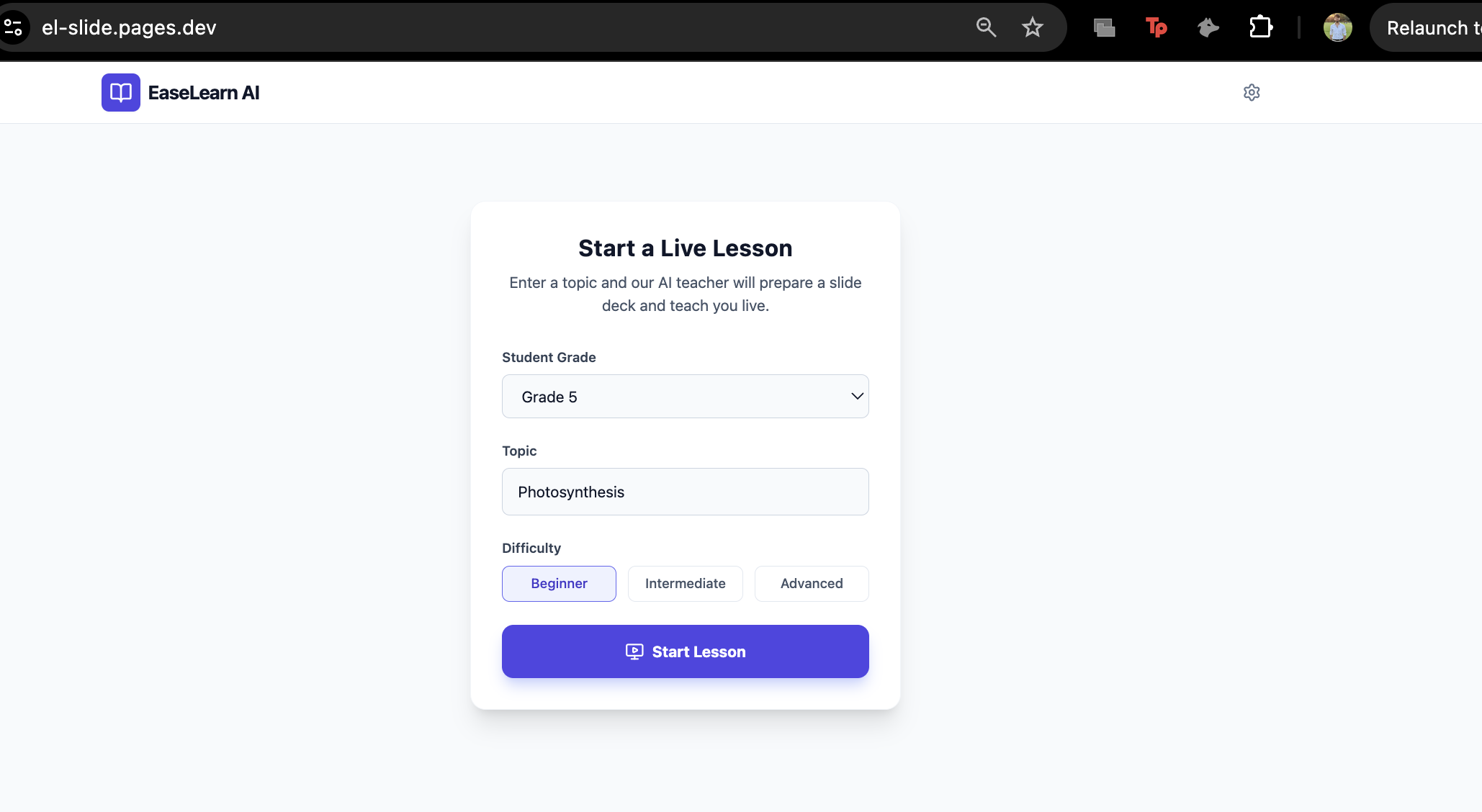
What it does Instant Lesson Planning: The user inputs a topic and grade level. The system uses Gemini 3 Flash to generate a structured lesson script (JSON) with slide titles, bullet points, and pedagogical notes.
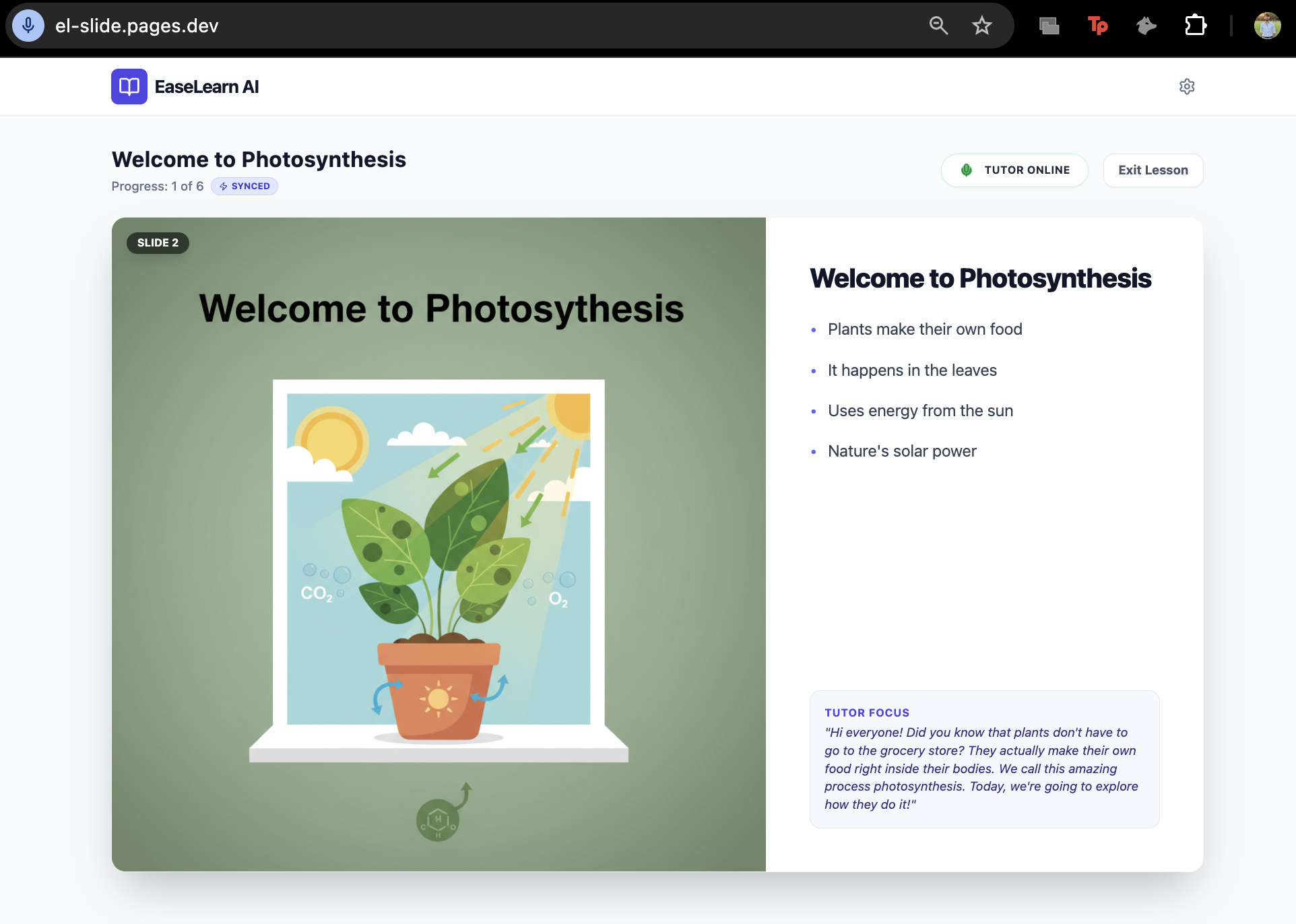
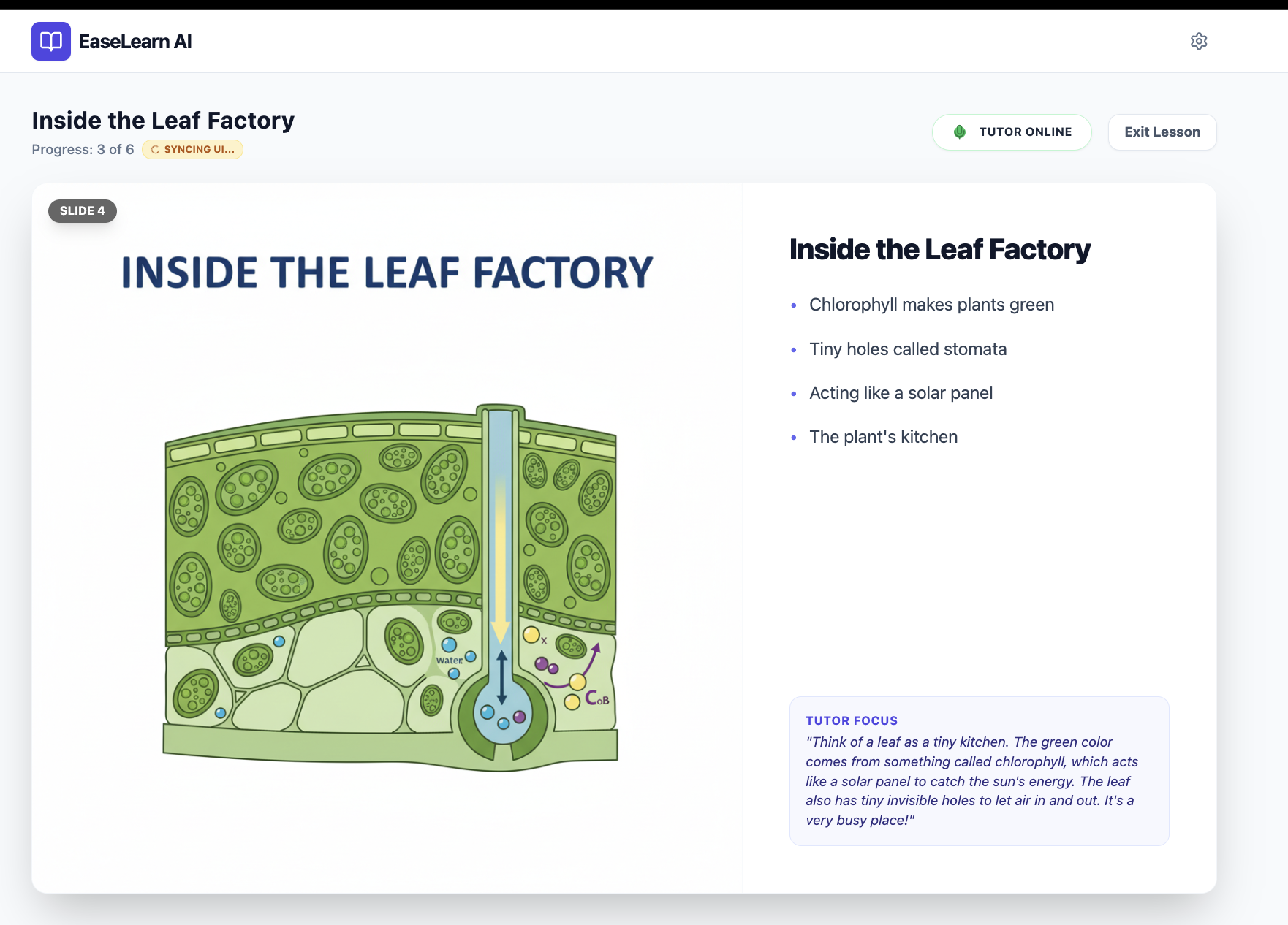
Dynamic Illustrations: While the script loads, the app uses Gemini 2.5 Flash Image to generate custom, high-resolution educational illustrations for every slide in parallel.
Real-Time Voice Tutoring: The app connects to the Gemini Multimodal Live API via WebSockets. An AI tutor greets the student, guides them through the slides, explains concepts, and answers questions in real-time.
UI Synchronization: The AI "controls" the screen. Using function calling, the model automatically advances slides as it progresses through the lesson, ensuring the visual context always matches the audio explanation.
How we built it The application is built on React 19 and TypeScript, styled with Tailwind CSS. The core intelligence powers are provided entirely by the Google Gemini API.
The Architecture Lesson Generator (The Brain): We use gemini-3-flash-preview with structured JSON schema enforcement to create the lesson plan.
Visual Engine (The Artist): We use gemini-2.5-flash-image to generate 1024x1024 educational diagrams based on the lesson content.
The Live Tutor (The Voice): We use gemini-2.5-flash-native-audio-preview for the interactive session.
Technical Implementation Audio Streaming: We implemented a custom Web Audio API pipeline. We capture microphone input at 16kHz (PCM), encode it, and stream it to the model. Conversely, we receive raw PCM audio chunks from the model, decode them to 24kHz, and play them back seamlessly using an audio buffer queue.
Tool Usage: To sync the AI's "mind" with the user's screen, we defined a tool called syncAndExplainSlide. The model is instructed to call this function whenever it moves to a new topic, triggering a state update in React to change the slide.
Challenges we faced Audio Engineering: Handling raw PCM audio data in the browser is tricky. We had to manually implement float32ToInt16 conversion and buffer management to ensure smooth playback without clicking or popping sounds.
Model Control: Getting an LLM to stick strictly to a lesson plan while remaining conversational is a balancing act. We iterated heavily on the systemInstruction prompt to create a specific "Teaching Loop": Sync Slide -> Explain -> Ask for Doubts -> Wait -> Repeat.
Race Conditions: Managing the state between the image generation (which happens asynchronously) and the live connection required careful effect management in React to ensure the tutor didn't start speaking before the visuals were ready.
What we learned Building EaseLearn AI taught us that Multimodal AI is not just about chatbots. By combining structured data generation (JSON), image generation, and low-latency audio streaming, we can create immersive experiences where the AI acts as a controller for the entire application interface, not just a text generator.
Built With
- api
- gemini
- live
- multimodal
- react-19
- tailwind-css
- typescript
- webrtc


Log in or sign up for Devpost to join the conversation.