Inspiration Before starting this project, I spent several days learning about cybersecurity, phishing, social engineering, identity theft, and online scams. I became especially interested in how many digital attacks succeed by manipulating people rather than directly attacking technology.
People receive suspicious messages through SMS, email, Messenger, and social media every single day. These messages can create fear, urgency, curiosity, or false trust. One wrong click can lead to stolen login details, financial loss, identity theft, or compromised accounts.
That inspired me to create Real or AI? This is a simple tool that helps people stop, examine the warning signs, and think before they interact with a suspicious message.
The name reflects the uncertainty people experience online. We often do not know whether a message comes from a real person, an automated system, or an AI-assisted scam. However, the main purpose of the app is not to guess who wrote the message. It is to actually assess the potential risk.
What it does Real or AI? allows users to paste a message into the app and receive a clear, security-focused risk assessment.
The app looks for observable warning signs associated with phishing, fraud, manipulation, and social engineering. These can include suspicious links or unusual requests. Even unsolicited login details, financial promises, urgency, impersonation, pressure, and attempts to move the user toward an unsafe action.
The result is presented using understandable risk levels, such as Low Risk or Critical Risk. The app explains which signals were detected, why they may be dangerous, and what the user should do next.
The tool intentionally does not provide a percentage claiming that a message is “AI-generated.” These scores can be unreliable and may lead to false accusations. Instead, Real or AI? focuses on the issue that matters most: whether the content shows signs of a potential scam or security threat.
How we built it I built the working prototype with GlideOS, using a no-code and AI-assisted development process. I cannot code fully yet, so I developed the project through carefully written prompts, repeated testing, observation, and refinement.
Security was part of the process from the beginning. In my development prompts, I instructed the AI to use Row Level Security or equivalent access controls whenever database or API access was involved. I also specified that secret API keys must never be stored in frontend code and should always be protected through environment variables.
I tested the prototype with two different examples. The first was a normal message that I wrote myself. The app found no suspicious links, requests, urgency, or manipulative calls to action and returned a Low Risk result.
The second test used a real message that had previously appeared in my Messenger spam folder. I copied and pasted only the text and did not open or interact with the link. The app detected several indicators associated with a cryptocurrency phishing scam, classified the message as Critical Risk, explained the warning signs, and provided practical safety recommendations.
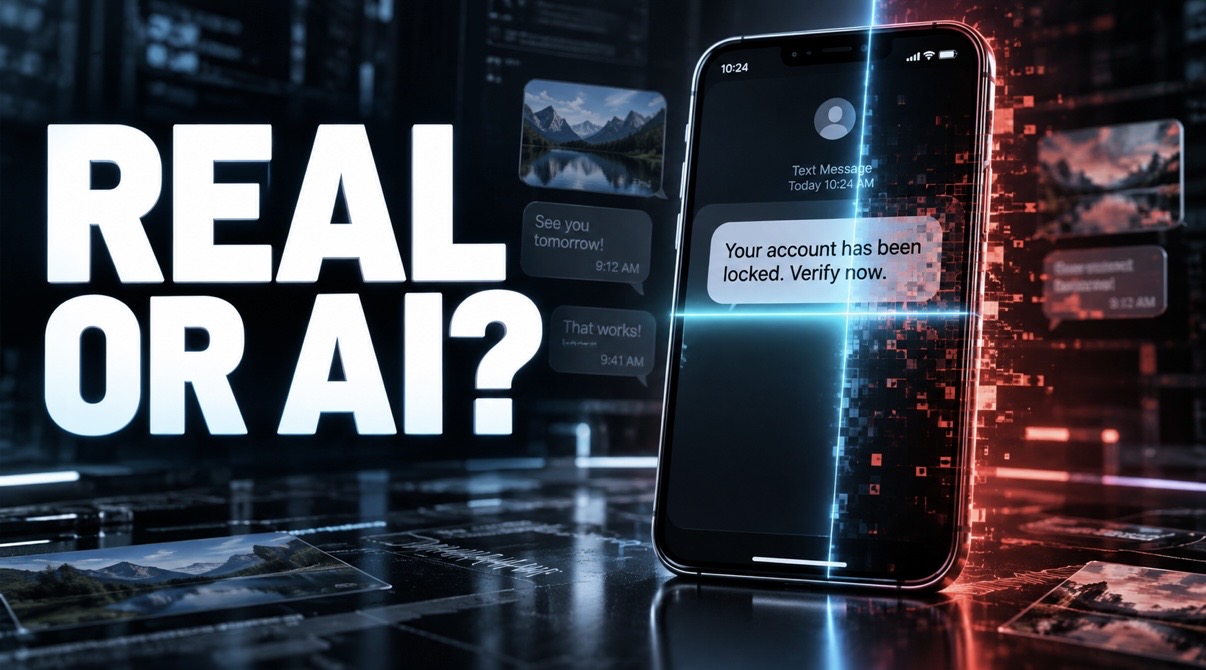
I created the demonstration video in CapCut. The intro and outro were generated with Gemini Omni using detailed prompts, while the main phone visual was created with ChatGPT Image Generation.
Challenges we ran into My biggest challenge was building a functional technology project without previous fully coding experience. So this will be my next move. I had to learn how to communicate precisely with AI tools, understand their output, recognize errors, and repeatedly adjust my prompts until the app behaved as intended.
Another challenge was deciding what the app should actually measure. The original concept focused on whether something was real or AI-generated, but during my research I learned that AI-detection percentages are not reliable enough to present as facts. I therefore changed the approach and made risk signals, scam indicators, and user safety the central focus.
It was also challenging to make the results detailed enough to be useful while keeping the language clear for people without cybersecurity knowledge. The app needed to explain the risk without overwhelming or unnecessarily frightening the user.
Testing was another important challenge. I needed examples that clearly demonstrated the difference between ordinary communication and a potentially harmful message while ensuring that I did not interact with suspicious links or unsafe platforms.
Accomplishments that we’re proud of I am proud that I transformed an initial idea into a working prototype despite not knowing how to code.
Real or AI? does more than label a message as safe or dangerous. It explains the reasoning behind the assessment, identifies specific warning signs, and gives the user clear actions they can take immediately.
I am also proud that the tool avoids presenting unreliable AI-detection percentages as certainty. It is designed to be transparent about what it can assess and focuses on observable security risks instead of making unsupported claims about authorship.
The successful real-world demonstration was especially important to me. The app distinguished between a normal self-written message and an actual message from a spam folder, then produced two clearly different and relevant assessments.
What we learned I learned that cybersecurity is not only about software, networks, passwords, and technical attacks. It is also actually about human behavior, trust, emotion, decision-making, and social engineering.
I learned how scammers use curiosity, urgency, financial promises, impersonation, and psychological pressure to influence people. I also learned why a suspicious message should be evaluated through several signals rather than one isolated word or feature.
Through the development process, I learned how to build a no-code prototype with AI assistance, write more precise prompts, test different outcomes, identify weaknesses, and improve the user experience.
Most importantly, I learned that using AI does not remove human responsibility. I still needed to understand the project, make the decisions, test the results, and be able to explain what I created and why.
What’s next for Real or AI? The next step is to continue testing the prototype with a wider variety of safe and suspicious examples, including SMS messages, emails, social media messages, and fake profiles.
Future versions could support screenshot analysis, additional languages, improved accessibility, and more detailed explanations of specific social-engineering techniques. The tool could also include educational examples that teach users how to recognize warning signs before encountering a real scam.
I would also like to improve privacy controls, strengthen the technical security, gather feedback from users, and work with people who have more experience in cybersecurity and software development.
The long-term goal is for Real or AI? to become an accessible digital safety tool that helps ordinary people make more informed decisions before they click, reply, log in, send money, or share personal information.
Built With
- ai
- capcut
- english
- glideos



Log in or sign up for Devpost to join the conversation.