Real or AI?
Calgary Hacks 2026
Inspiration
We wanted to educate the younger generation on AI-generated images and videos in a way that’s engaging and easy to understand. At the same time, we wanted the experience to be inclusive for older users so that kids, parents, grandparents, and educators can all learn together how to tell AI-made content apart from real photos and videos. We believe that in a world full of AI content and potential misinformation, everyone deserves simple, practical tools to build that skill.
What it does
Real or AI? is a browser-based game that helps players practice spotting AI-generated images versus real ones.
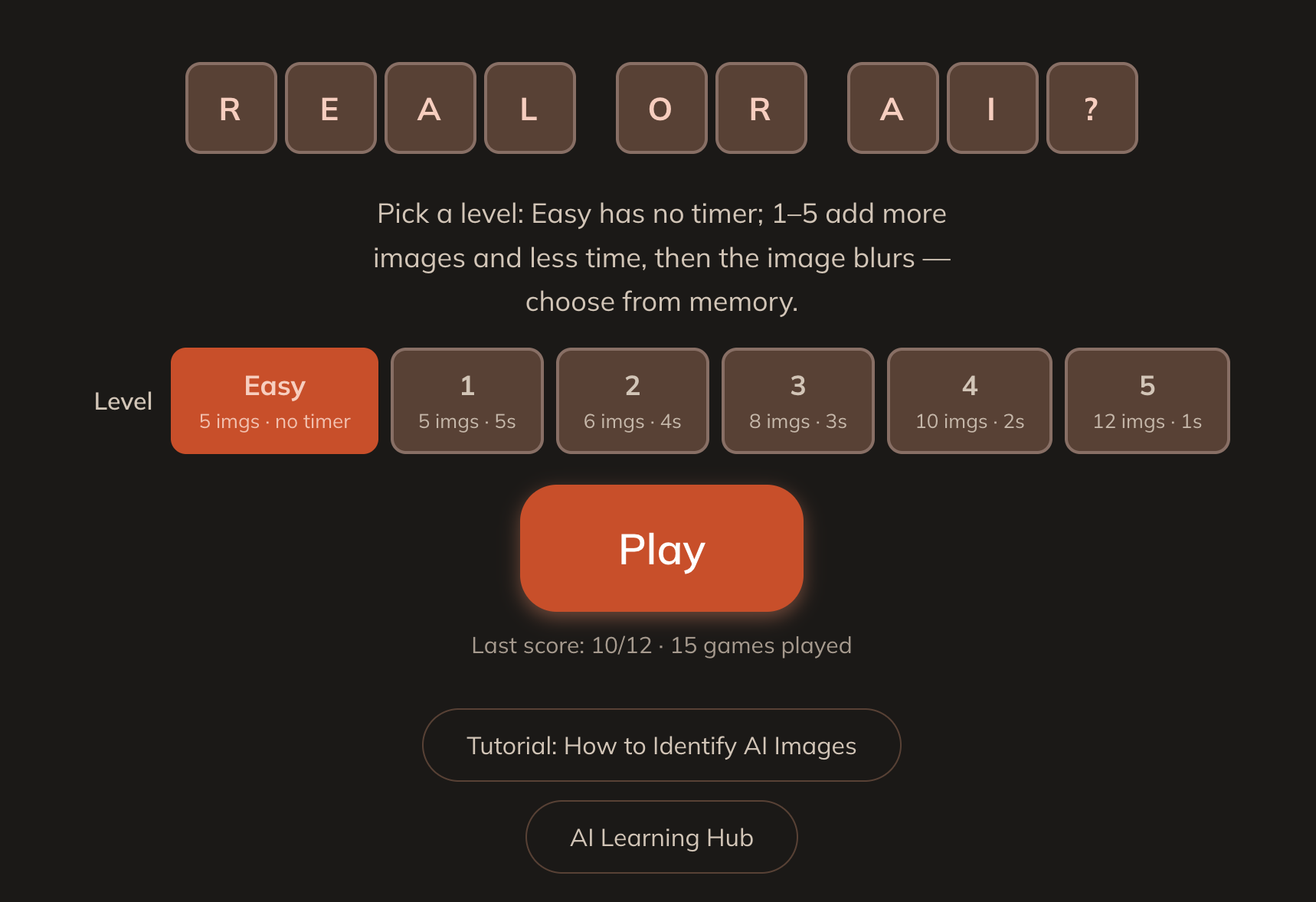
- Levels 0–5: From “Easy” (no timer, image stays visible) to harder levels with more images and less time before the image blurs, so players rely on memory and quick observation.
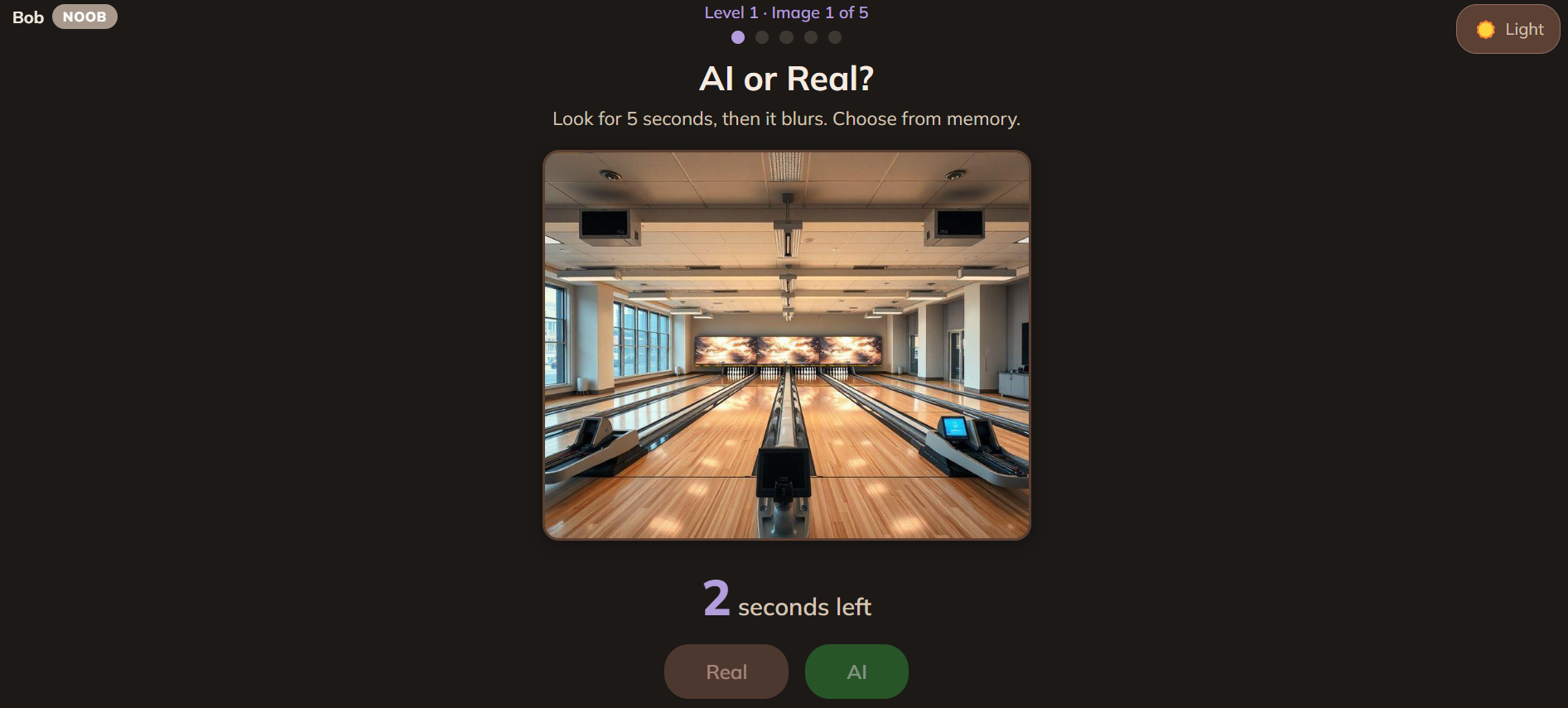
- Play a round: See an image, then choose “AI” or “Real.” After each round, you get a score and a breakdown of what you got right and wrong.
- AI comparison: The app can show how an AI model (e.g. GPT-4o) would classify the same image, so users can compare their own judgment with the model’s.
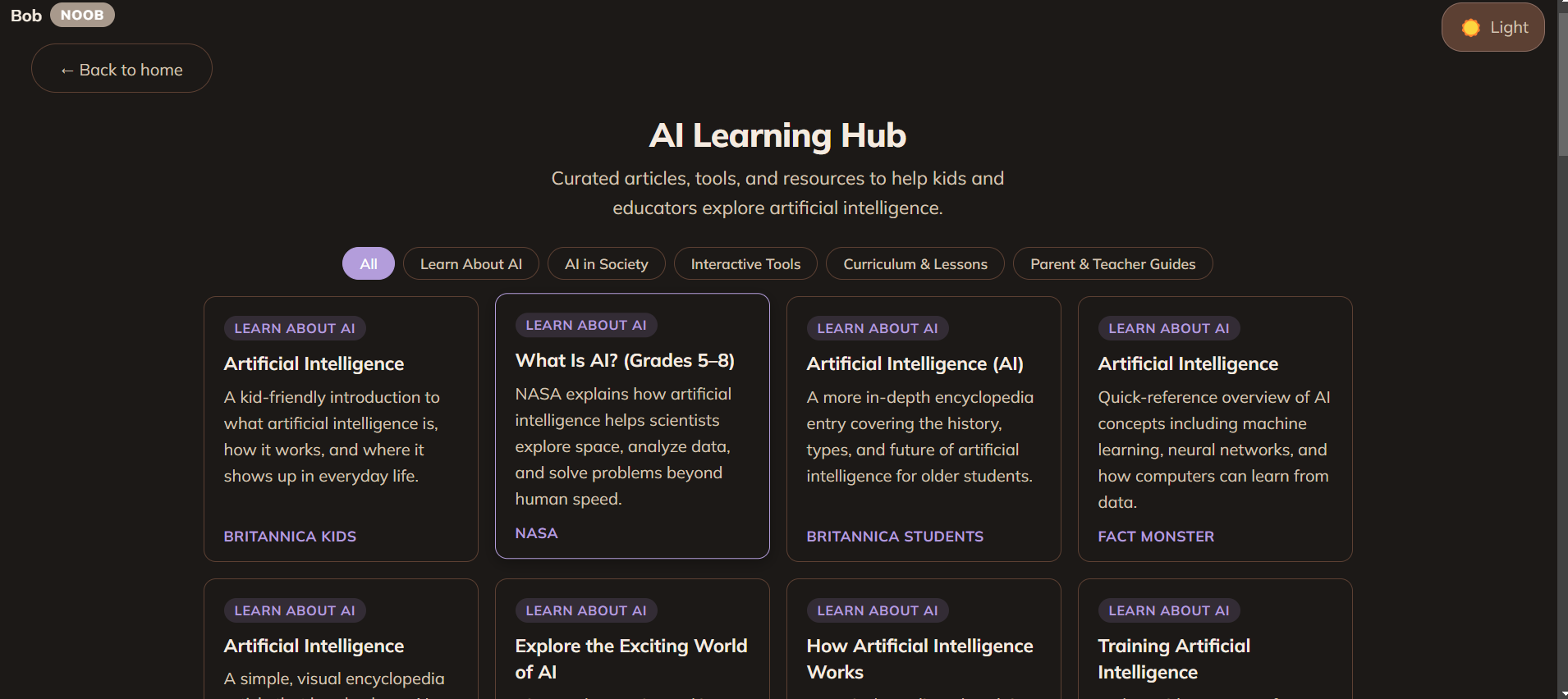
- Tutorial & AI Learning Hub: A short tutorial explains what to look for (e.g. weird details, lighting, text), and the Learning Hub links to curated articles and resources for kids and educators.
- Accessible and mobile-friendly: Larger text and touch targets, light/dark mode, and a layout that works on phones and tablets so it’s easy to play with friends, family, or in a classroom.
How we built it
- Frontend: React (Vite + TypeScript), with CSS for theming (light/dark), responsive layout, and safe areas for notched devices.
- Game logic: Level-based config (image count and view time), image pool loaded from local folders (
ai/andreal/) so you can plug in your own datasets. - AI analysis: OpenAI Vision API used to classify images.
- Storage: Cookie-based storage for last score and game count so returning users see their progress; optional player name and “perfect score” tracking.
- Deployment: Static frontend + serverless API on Vercel for easy sharing and classroom use.
Challenges we ran into
- Curating the image set: Finding and choosing images that aren’t obviously AI or obviously real was difficult. We had to select images one by one so that the game stays challenging and educational without being too easy or too frustrating.
- Balancing difficulty: Designing levels (especially timer and blur) so that the game reflects how briefly people usually look at images (about 1–2 seconds) while still being fair and playable.
Accomplishments that we're proud of
- Easy to access and play: No sign-up required; you can open the link and play immediately with friends, family, or in a teacher-led setting.
- Built for all ages: Clear typography, simple controls, and optional “Easy” mode make it usable for kids and older generations alike.
- Educational beyond the game: The tutorial and Learning Hub turn the game into a starting point for real learning about AI and media literacy.
What we learned
- Attention and memory: With so much AI and so much scrolling, many people only look at an image for about 1–2 seconds before moving on. We used that insight to design the game: by adding a timer and blur, we push players to actually look, remember, and think instead of guessing quickly, which makes the skill more transferable to real-life feeds and news.
- Inclusive design: Making the game accessible and enjoyable for both young and older users required careful choices in wording, contrast, and touch targets—and made the experience better for everyone.
What's next for Real or AI?
- Expand to video: Support short clips so users can practice distinguishing AI-generated video from real footage, not just images.
- Expand to voice: Support short voice clips so users can practice distinguishing AI-generated audio from real audio, not just images. or videos
- Stronger focus on misinformation: Position the app as a tool to help kids and older generations tell AI and real media apart so they’re better prepared for fake news and deepfakes.
- Classroom and curriculum: Provide lesson ideas or activity guides so teachers can use Real or AI? as part of media literacy and digital citizenship units.
- Richer image sets: Grow the pool of images (and eventually video) and allow educators to upload or choose sets tailored to their audience.
Built with ❤️ for Calgary Hacks 2026.
Built With
- openai
- react
- typescript
- vercel

Log in or sign up for Devpost to join the conversation.