-
-
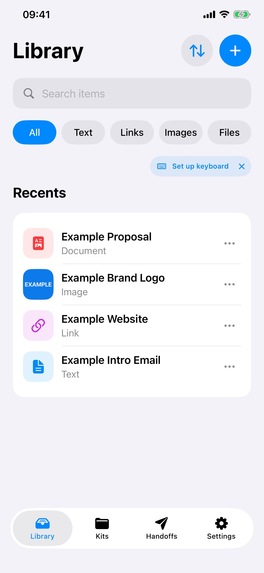
Save text, links, images and files in your Library.
-
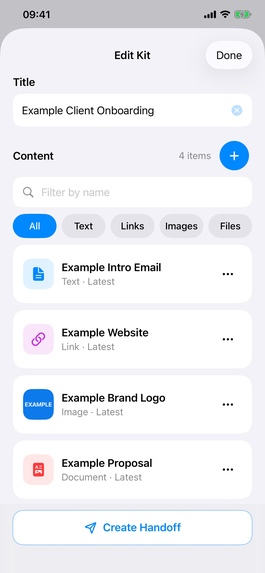
Arrange related content in a Kit.
-
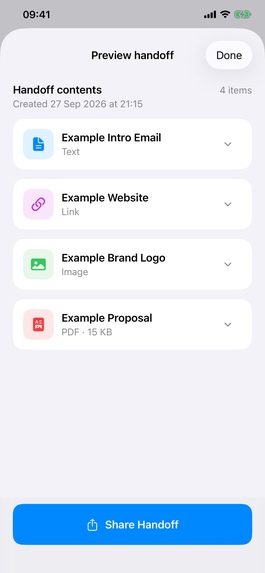
Preview the exact Handoff before sharing.
-
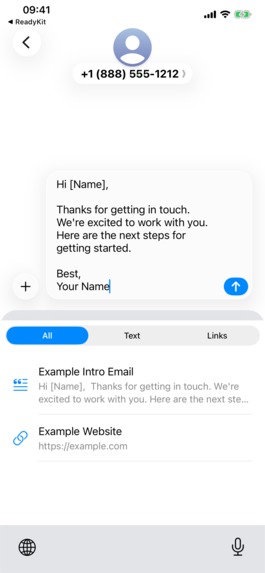
Use saved text and links from the optional keyboard.
-

ReadyKit app icon.
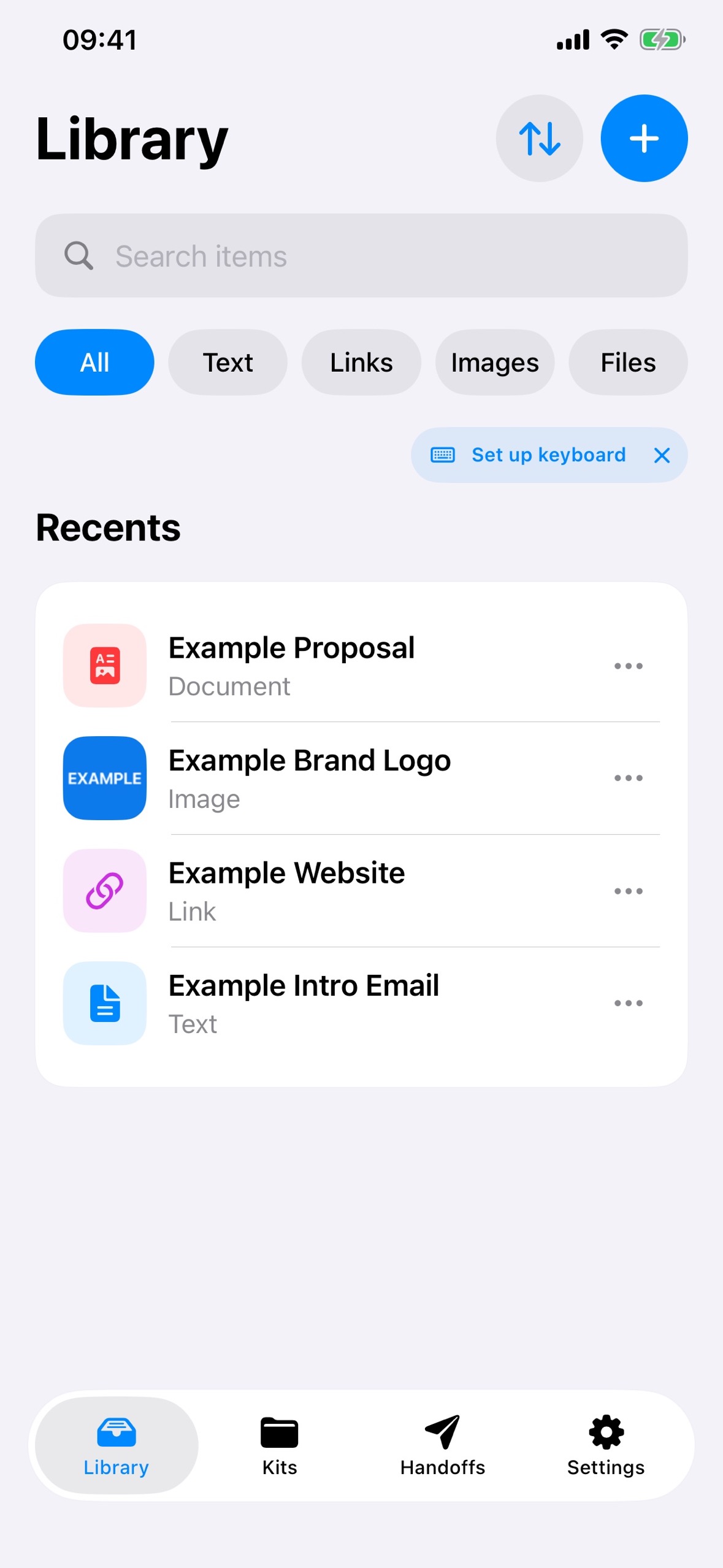
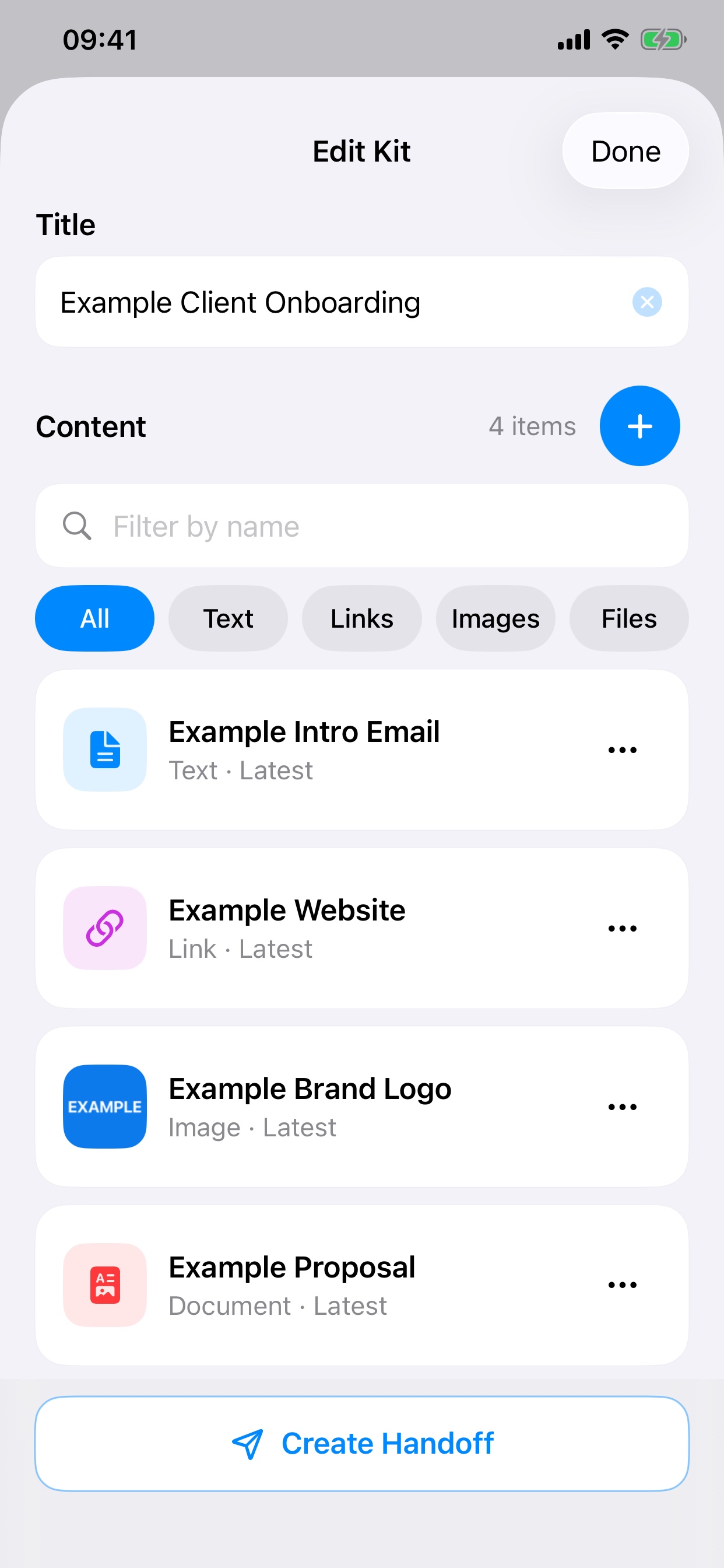
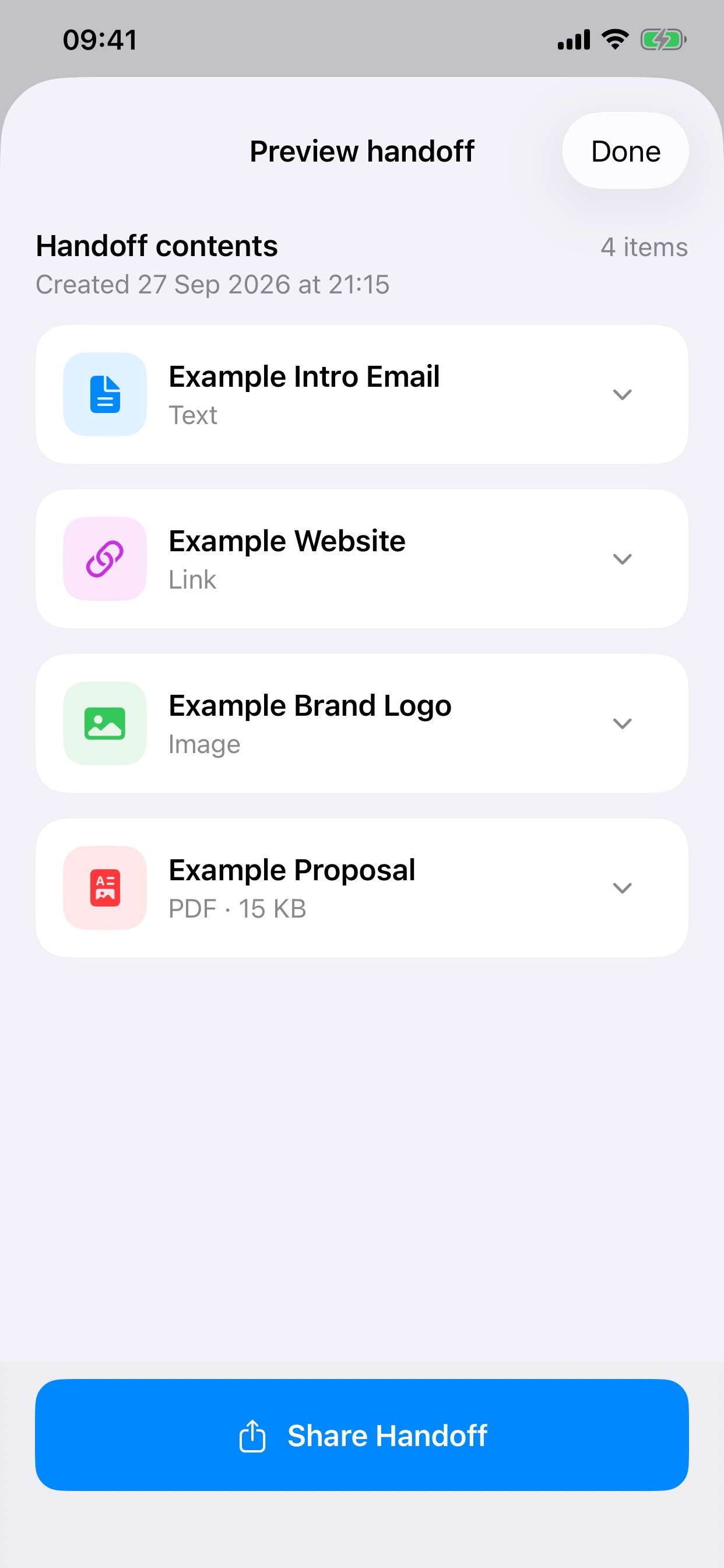
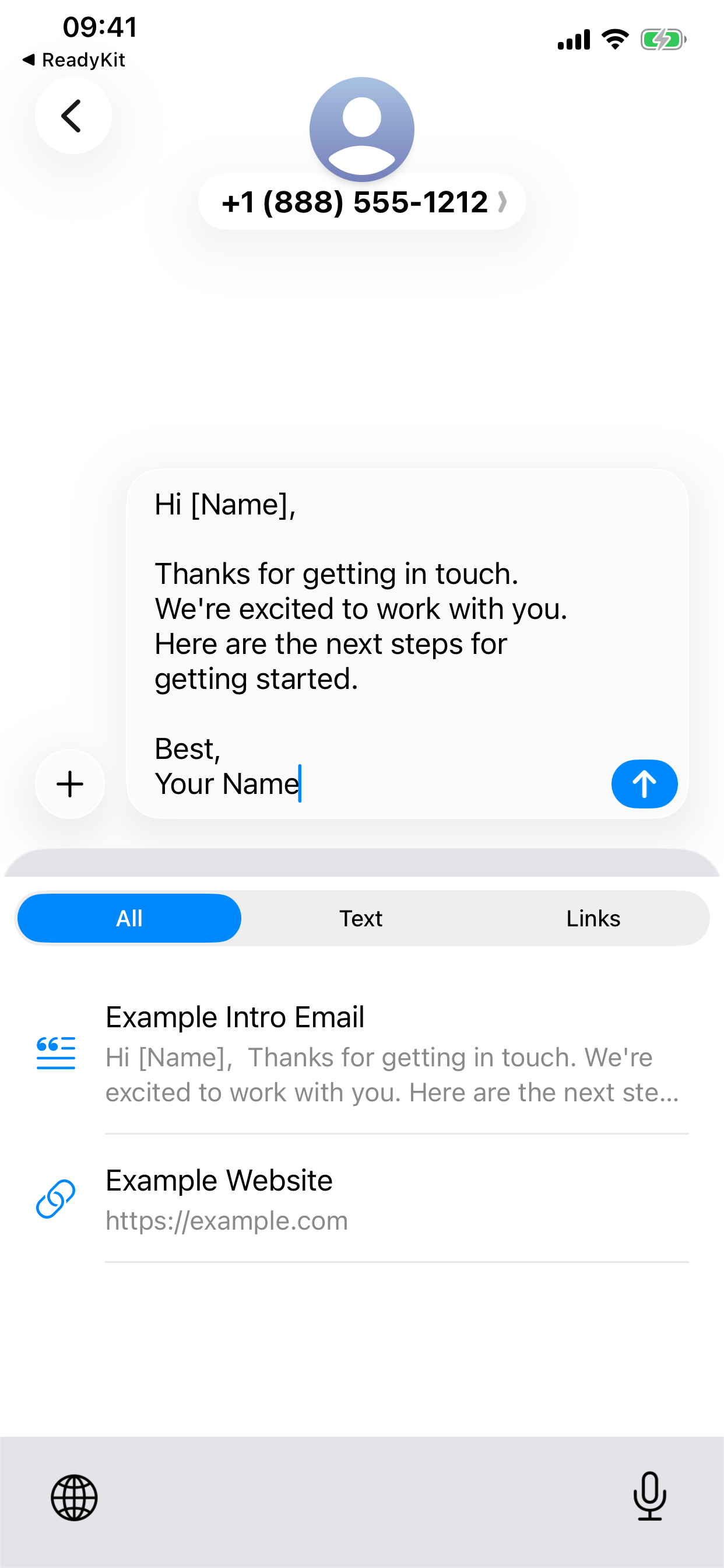

Bring reusable text, links, images and files together in Kits. Choose the versions you need, then share a handoff that stays unchanged, even when the original items change.
Why I built ReadyKit
Useful text, links, images and documents get scattered across apps. Reusing them means searching, copying and rebuilding the same bundle. I built ReadyKit to make that repeat work quicker and more reliable on iPhone. A press kit is one example: an introduction, website link, artwork and PDF that need to stay together and be ready to share.
What it does
Save content in one Library or bring it in through the iOS Share sheet. Group related items in a Kit, choose the versions you need, then create a Handoff: a previewable copy of exactly what you prepared. Later edits to Library items do not change a saved Handoff. The optional keyboard inserts saved text and links in other apps. ReadyKit syncs your Library, Kits and saved Handoffs across your devices using iCloud. Free includes three active Kits and access to current and previous item versions. Pro adds unlimited Kits, unlimited pins and complete version history.
How I built it and what I learned
ReadyKit is a native SwiftUI and UIKit app with on-device storage, a Share extension and a custom keyboard. RevenueCat manages subscriptions. The hardest part was keeping selected versions and Handoff exports exact when source items change. Testing on an iPhone taught me that clear previews and simple capture instructions matter as much as saving taps.

Log in or sign up for Devpost to join the conversation.