-
-
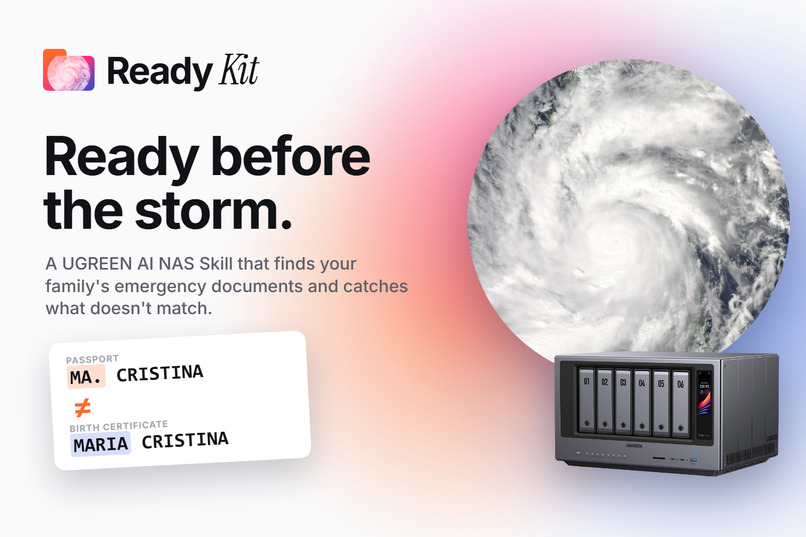
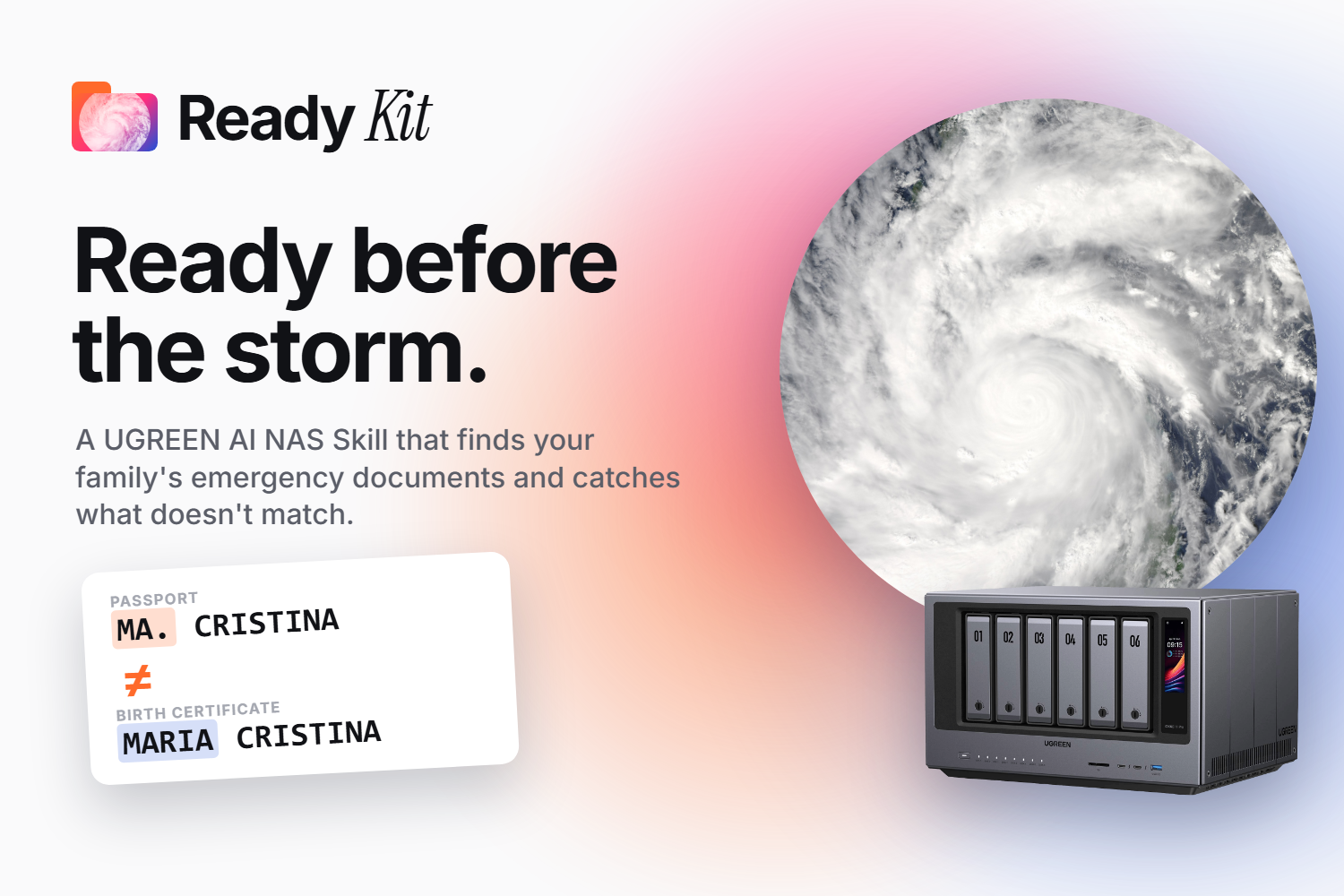
Ready Kit: a UGREEN AI NAS Skill that finds your family's emergency documents and catches what doesn't match.
-
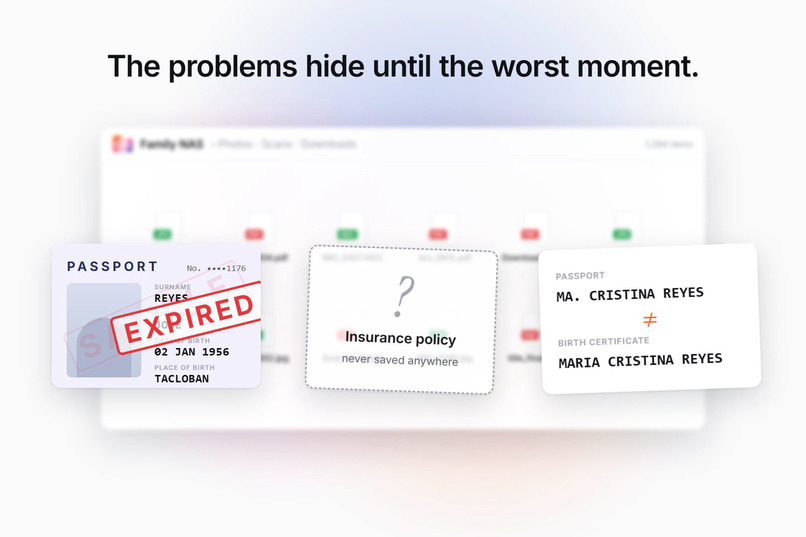
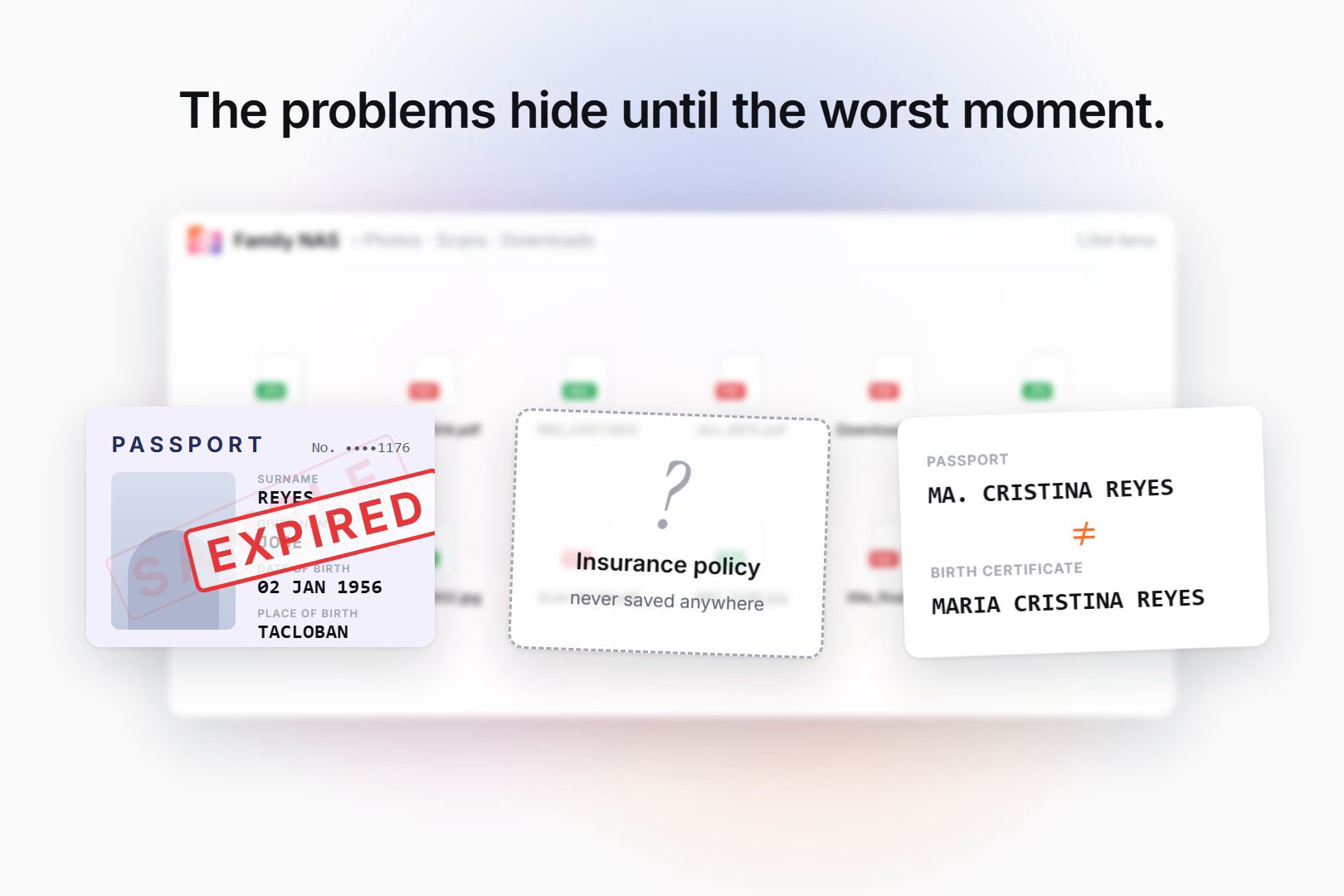
The problems it catches early: an expired passport, a policy never saved, a name spelled two ways. (Planned output, sample data.)
-
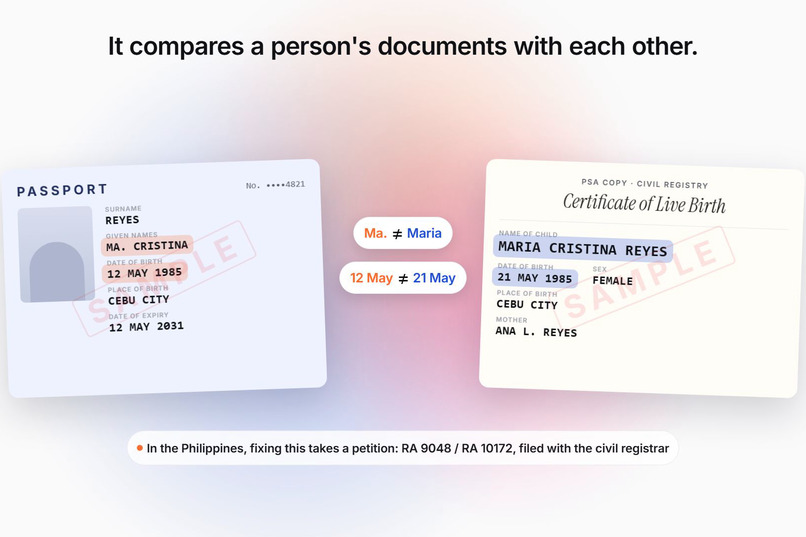
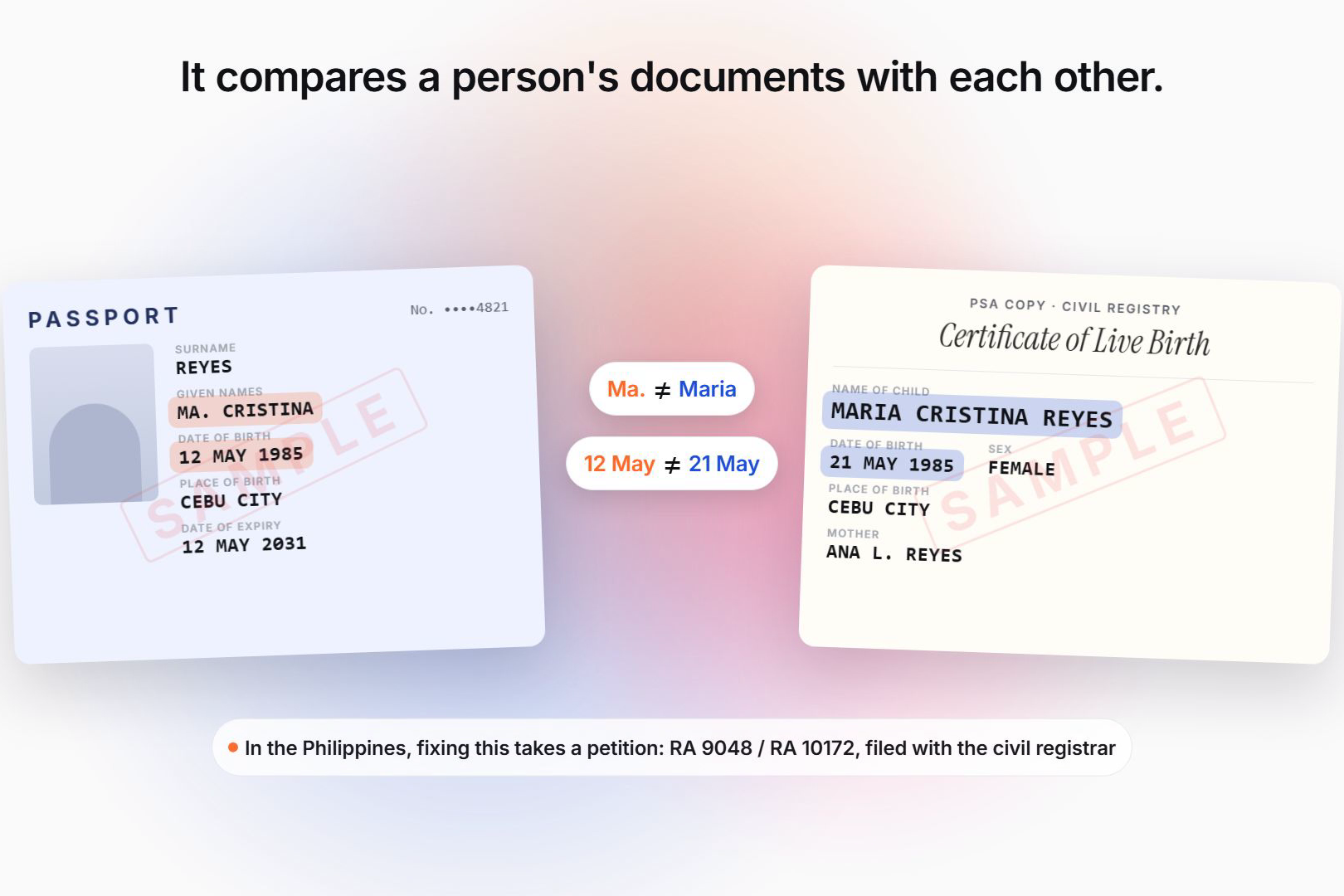
Cross-document check: Ma. vs Maria, 12 May vs 21 May, flagged for the user to confirm, with the PSA fix (RA 9048/10172). (Planned output.)
-
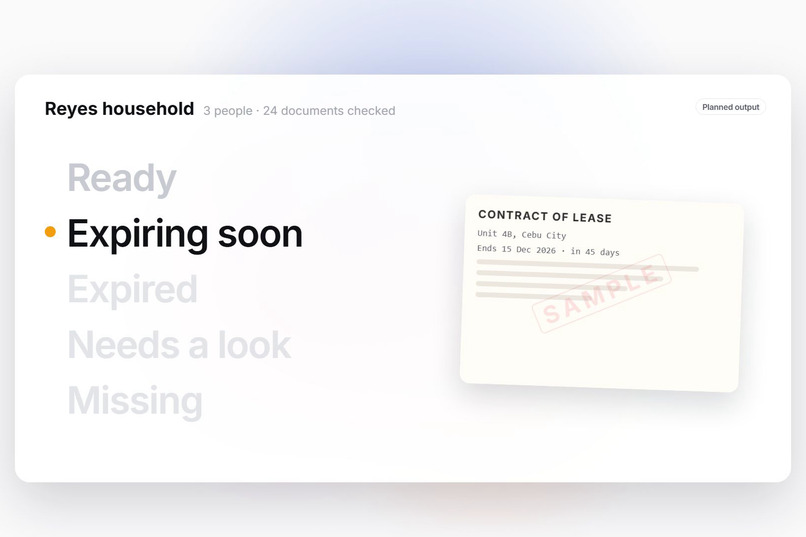
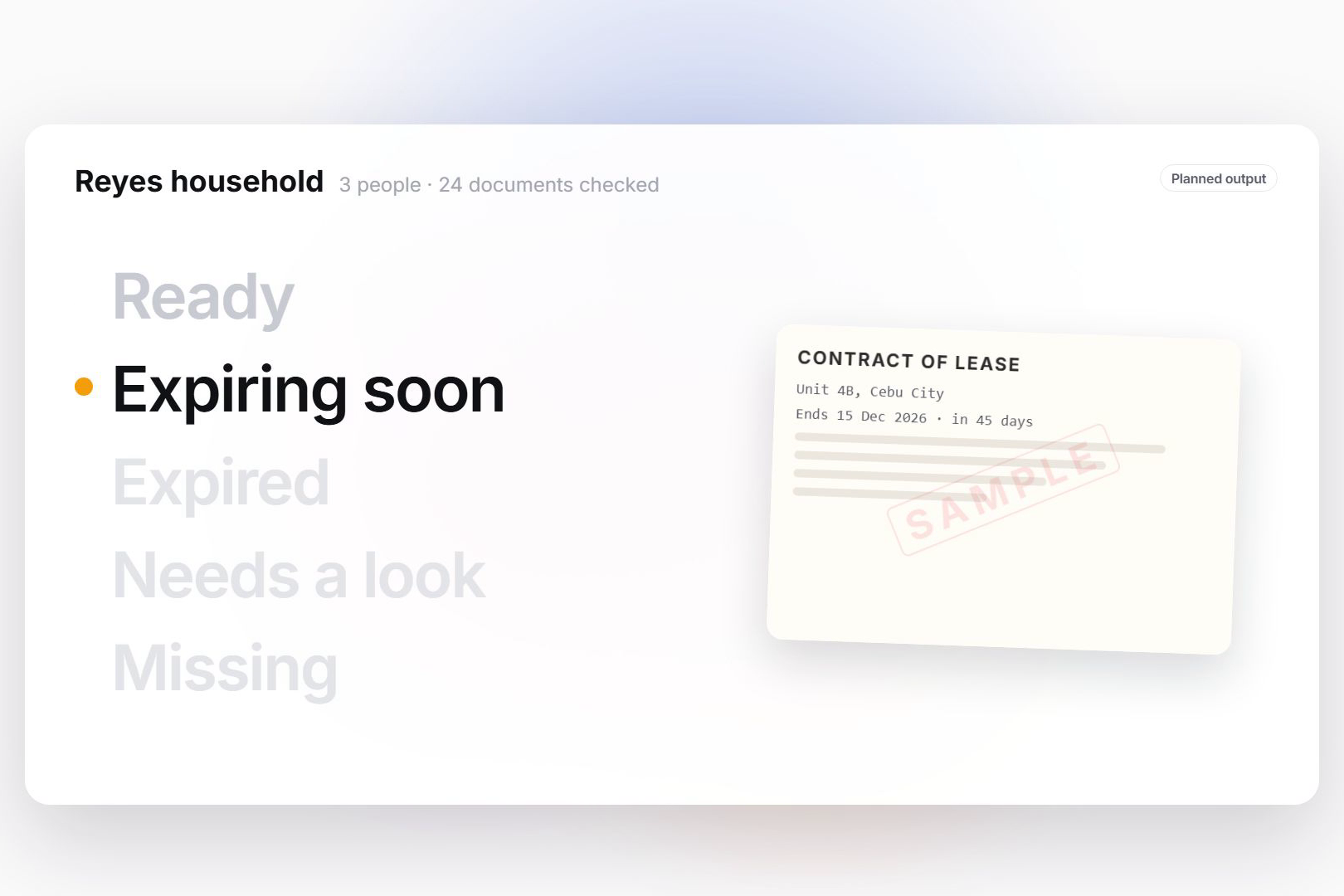
One report per person: Ready, Expiring soon, Expired, Needs a look, Missing, plus a Family Readiness Score. (Planned output.)
-
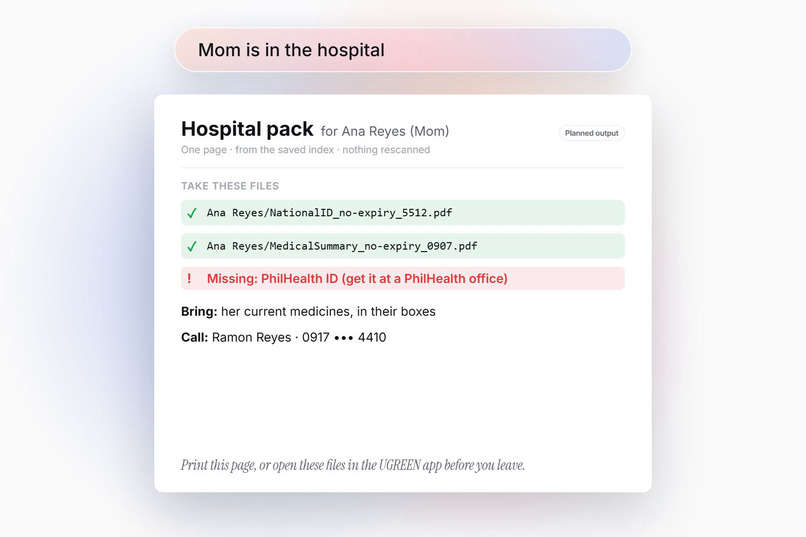
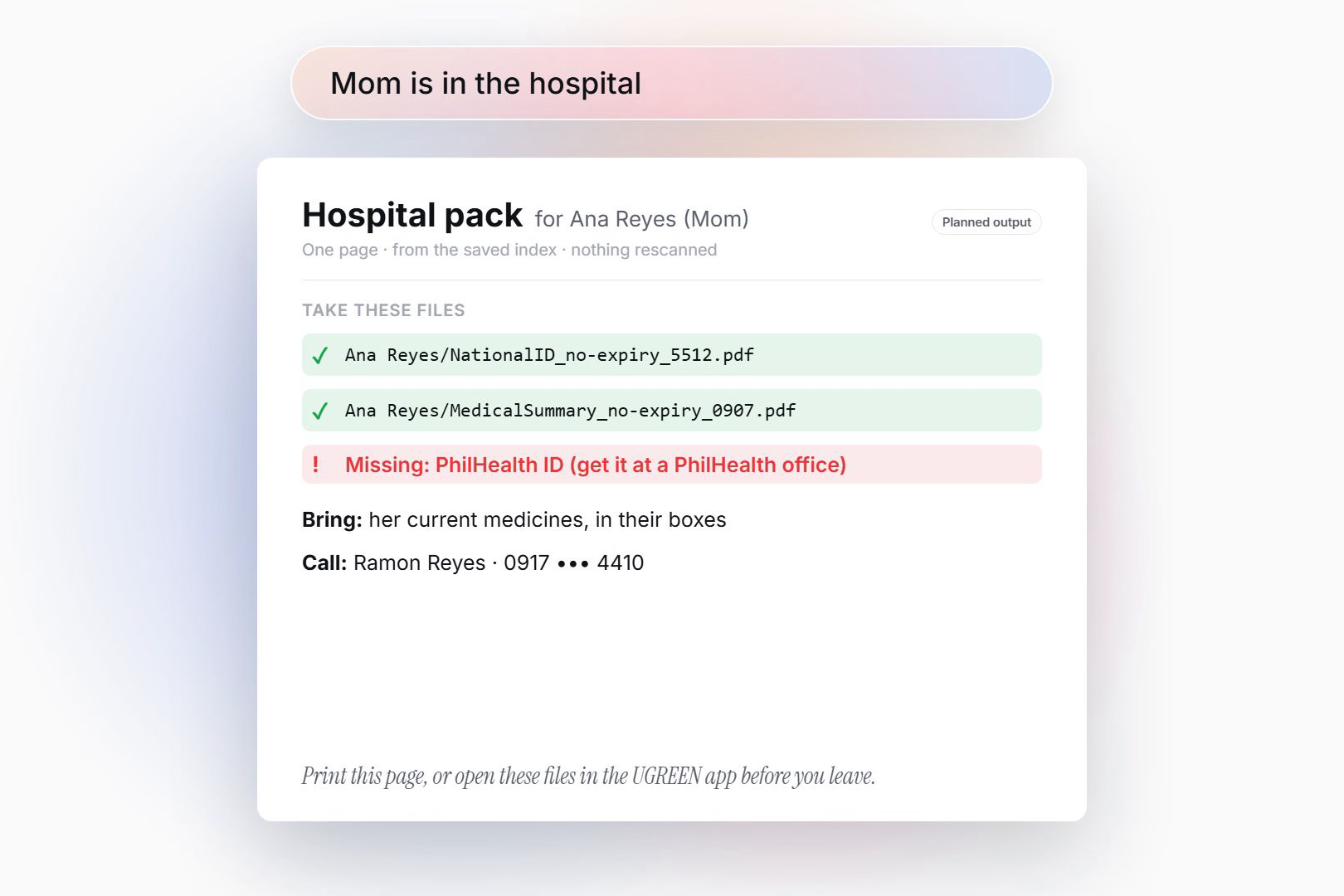
"Mom is in the hospital" turns the saved index into a one-page brief: files to take, what's missing, who to call. (Planned output.)
-
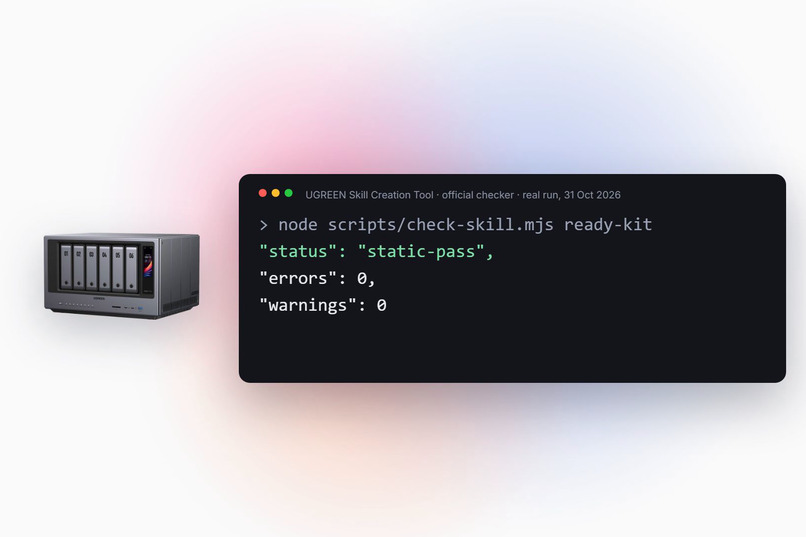
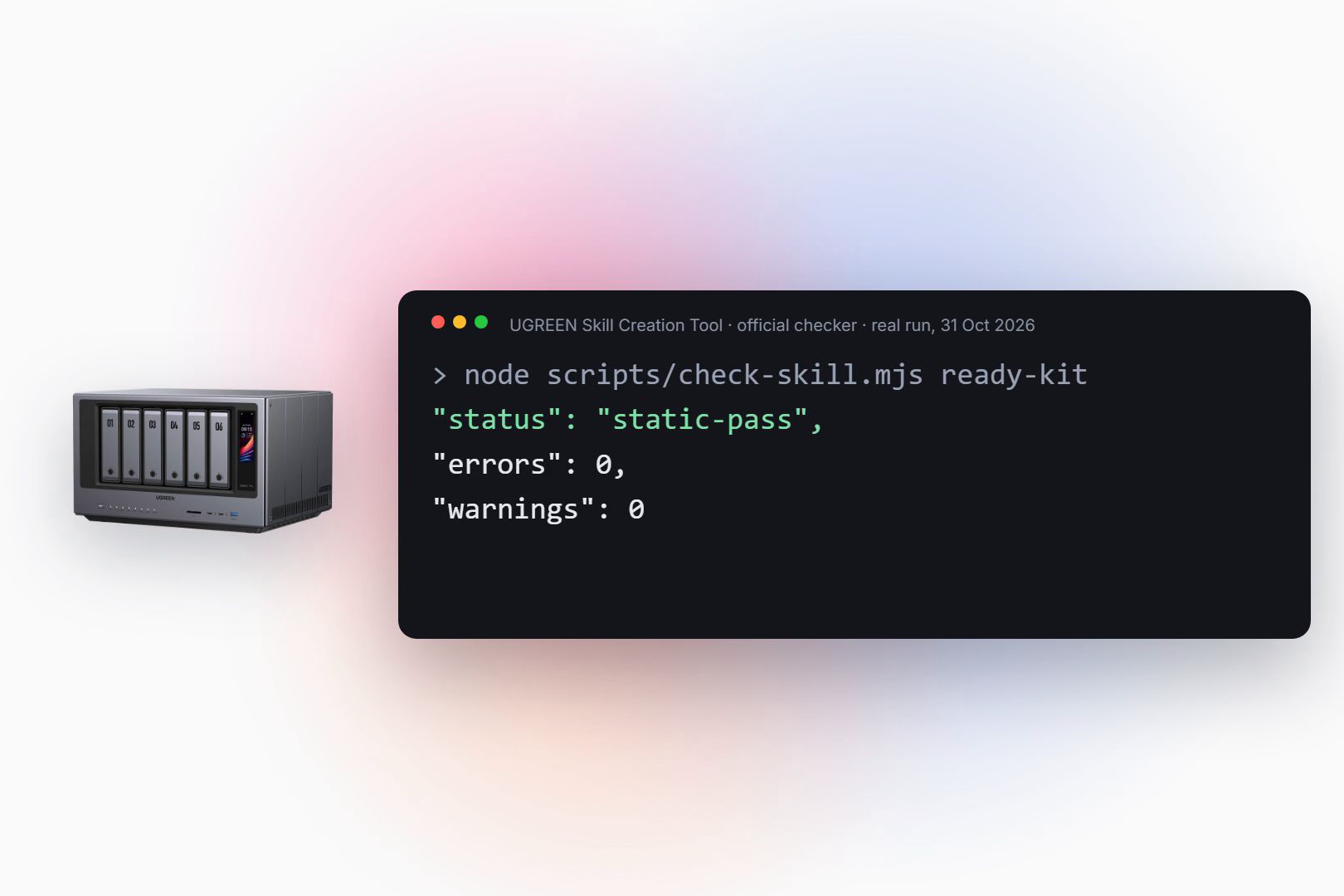
Built with UGREEN's Skill Creation Tool: four NAS expert agents, user approval for every change. Real checker run: 0 errors, 0 warnings.
Inspiration
When a typhoon, flood, hospital admission or death hits a household, the family suddenly needs a few documents fast: IDs, passports, birth and marriage certificates, land titles, insurance policies, prescriptions. On a home NAS those files usually already exist, but as scans and phone photos named IMG_2231.jpg. Families find out that a passport expired, a policy was never saved, or a name is spelled differently on two documents only at the worst moment: at the hospital, the passport counter or the insurance claim.
In the Philippines that last problem is common and costly. A first name written "Ma. Cristina" on one document and "Maria Cristina" on the PSA birth certificate needs a formal petition under RA 9048 to fix. People usually discover it when an application is already stuck.
What it does
Ready Kit is a Uliya Skill with two modes.
Audit ("Build my family's ready kit", "Are we ready for the typhoon?")
- Finds candidate documents across the NAS folders the user picks, plus ID cards and text photos from the photo index (IDs forgotten in the camera roll).
- Reads them and matches each document to a family member.
- Sorts everything into five sections per person and for the household: Ready, Expiring soon, Expired, Needs a look, Missing.
- Mismatch check: compares each person's documents with each other and flags names, birth dates and birthplaces that disagree, worded as "please confirm this reading". After the user confirms, it shows the usual PSA correction route as information, not legal advice.
- Family Readiness Score: 0 to 100 per person and for the household, with the trend across runs.
- After one approval: copies the documents into a
Ready Kitfolder with clear names likePassport_2031-05-12_4821.pdf, tags the originals and saves an index that later runs compare against.
Crisis pack ("Mom is in the hospital", "We need to evacuate", "Dad passed away", "We're travelling in March")
- Builds a one-page brief from the saved index without rescanning the NAS: which kit files to take, what is missing or expired, the emergency contact, and "print this page or open these files in the UGREEN app before you leave".
Originals are never moved, renamed or deleted. Document numbers are shown only as their last four characters.
How we built it
- Built with UGREEN's official Skill Creation Tool (
uliya-skill-kit0.7.3), following the Uliya Skill Development Standard. The package is oneSKILL.mdplus five Markdown references: checklist with score formula, crisis packs, mismatch rules with PSA sources, the index format, and the required disclosure of sources, licenses and AI tools. - Every capability was checked against the catalog (v2.0.0). The parent Skill only delegates, to four expert agents:
file-agent:ug-filesystem,ug-filemgr,file-workflowphoto-agent:ug-photodocument-agent:ug-documentknowledge-agent:ug-knowledge
- Between delegations, Uliya does the reasoning over returned fields: matching, identity keys for duplicates and renewals, statuses, mismatches and scoring.
- Approvals: one plan lists every change; the platform then confirms each state-changing action.
- Privacy: experts return extracted fields, never full text. Before reading anything, a notice explains that a cloud model would receive document text and recommends Uliya's local model.
- The package passes the official static checker: static-pass, 0 errors, 0 warnings.
Challenges we ran into
- Designing for the platform's real capabilities. The bulk-move action renames only by date, so the kit copies each document and then renames it, with name clashes routed through a staging folder.
- Keeping the parent Skill to delegation only, while still doing cross-document reasoning between steps.
- Avoiding false alarms. A mismatch is raised only when both values were read with high confidence. Unclear fields are "not compared". A suffix like "Jr." is never merged automatically, because a father and son can share a name.
Accomplishments that we're proud of
- A cross-document mismatch check, which goes beyond the usual expiry tracking.
- Crisis packs that turn a stressful moment into one sentence and one printed page.
- A clean static pass on the first full package, with every failure and decline path written down: nothing found, permission denied, cloud notice declined, size cap, partial copy, index or tags declined.
What we learned
- The hardest part of a document skill is not finding files. It is deciding what "the same document", "a renewal" and "a real mismatch" mean, and saying so honestly when the reading is unsure.
What's next for Ready Kit
- Validate on the iDX6011 Pro with a fictional, SAMPLE-watermarked household (expired passport, ID phone photo, a policy named
doc_8812.pdf, the Ma. Cristina / Maria Cristina mismatch). - Measure OCR quality on phone photos and the real number of approval prompts.
- Per-person wallet cards and more country checklists.
Built With
- claude-code
- file-workflow
- markdown
- ug-document
- ug-filemgr
- ug-filesystem
- ug-knowledge
- ug-photo
- ugos
- ugreen-ai-nas
- uliya-skill-kit


Log in or sign up for Devpost to join the conversation.