-
-
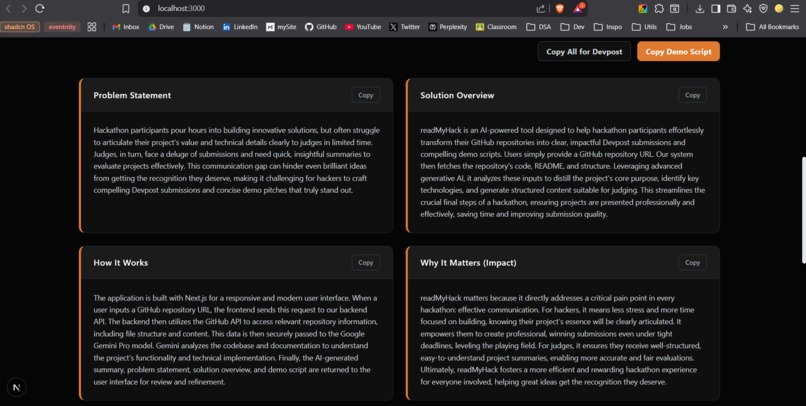
output
-
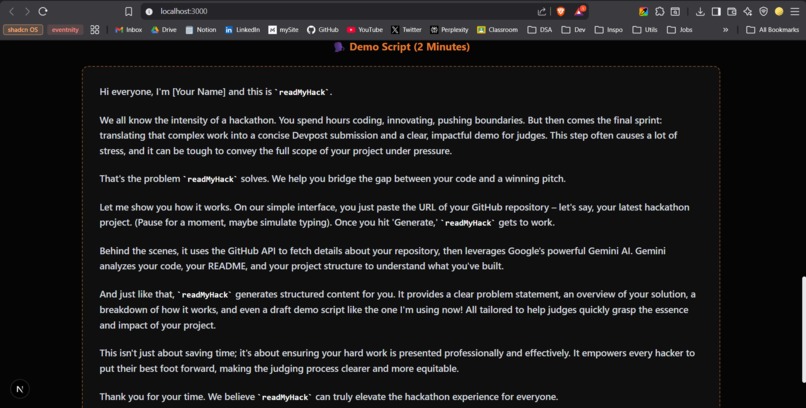
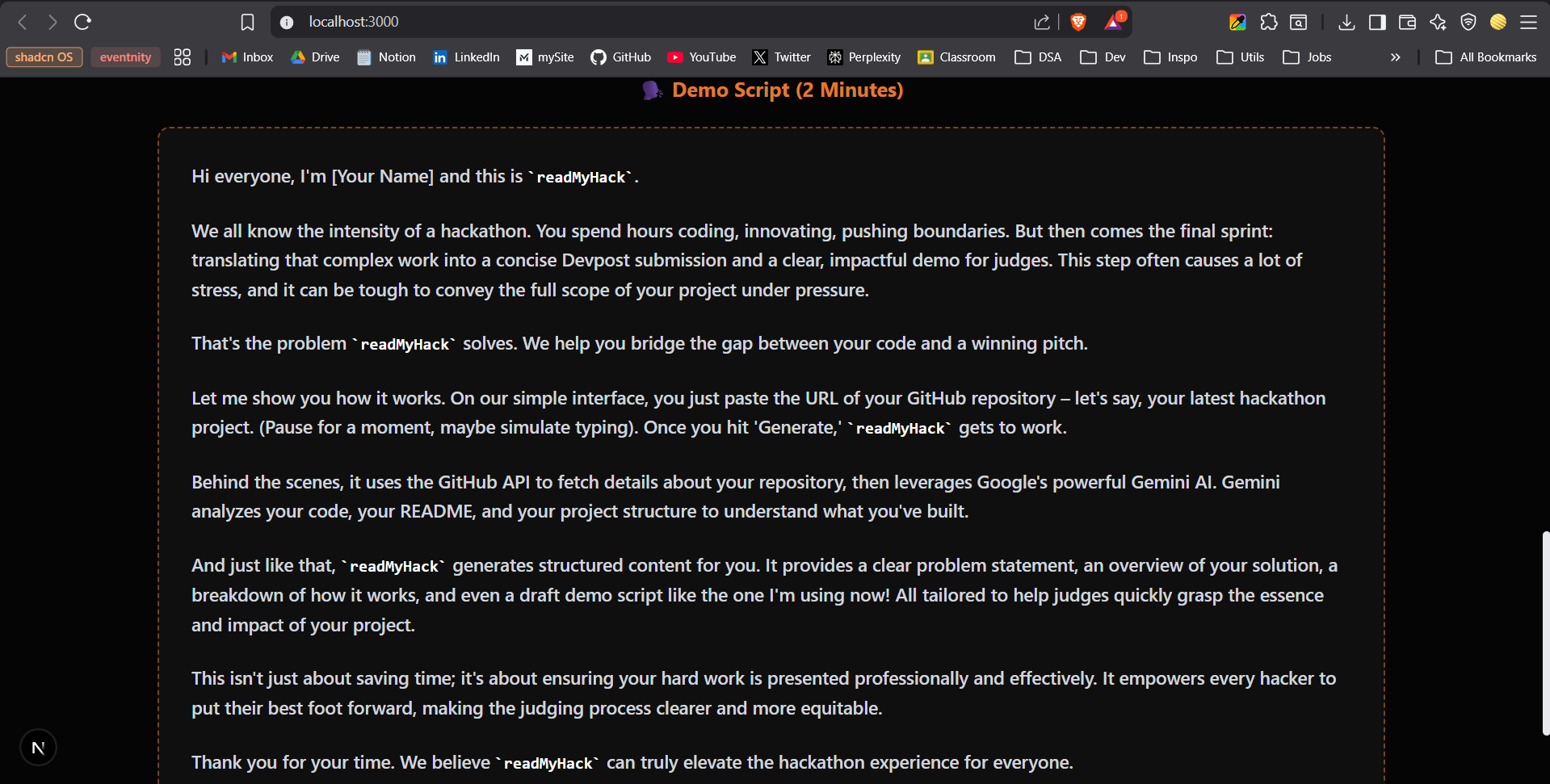
output (demo script)
-
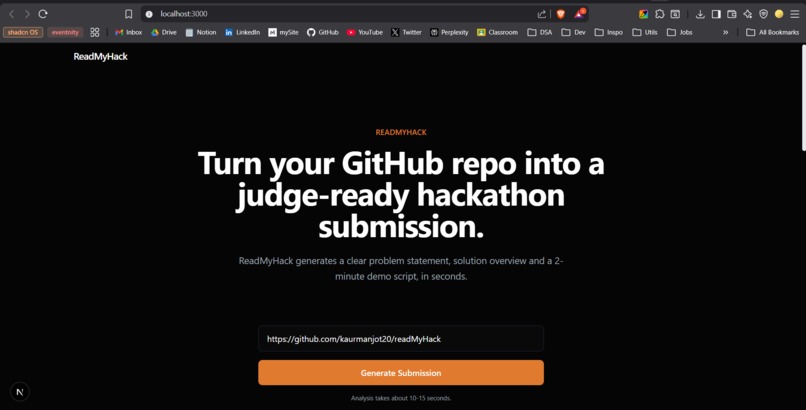
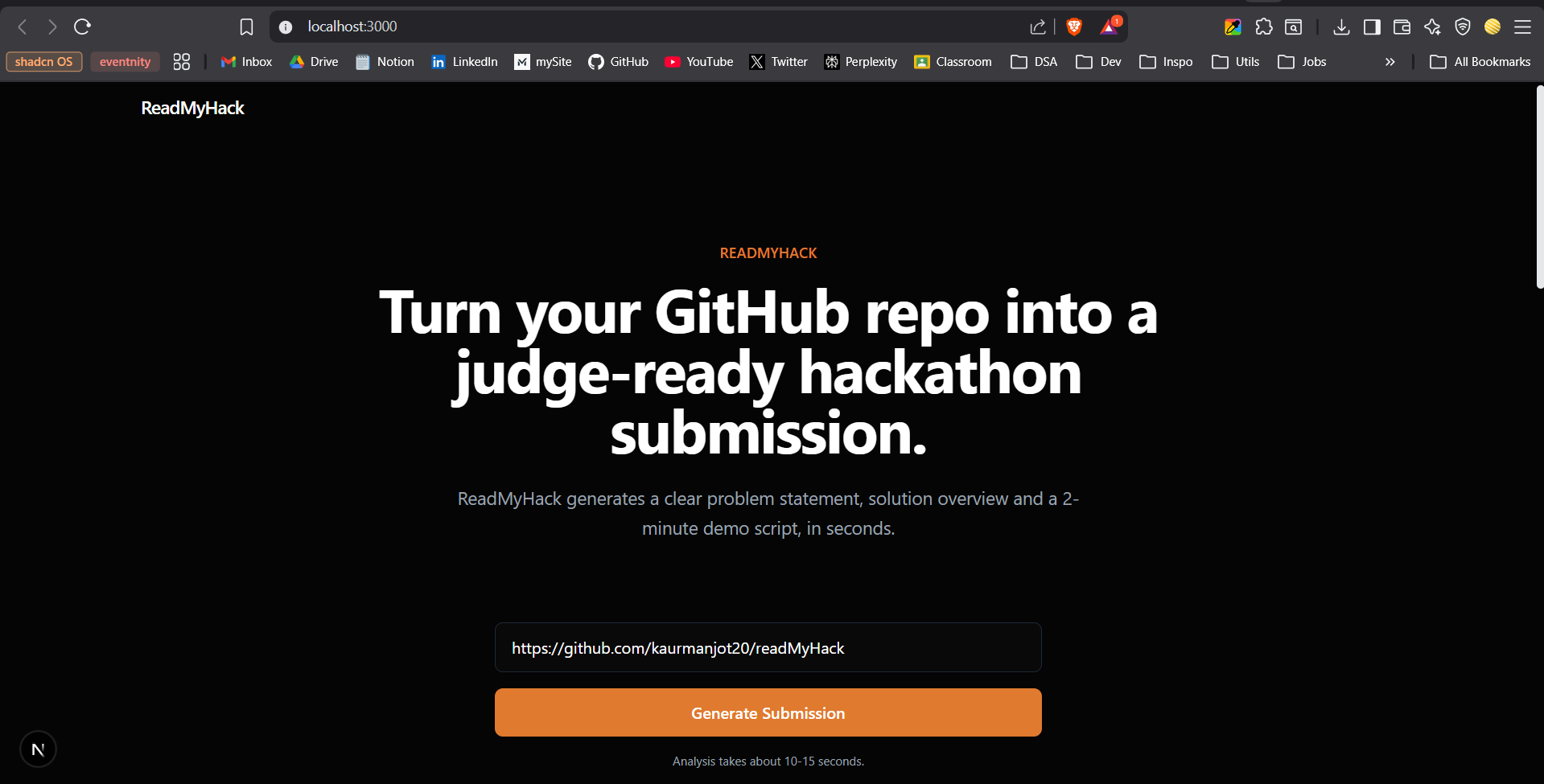
hero section
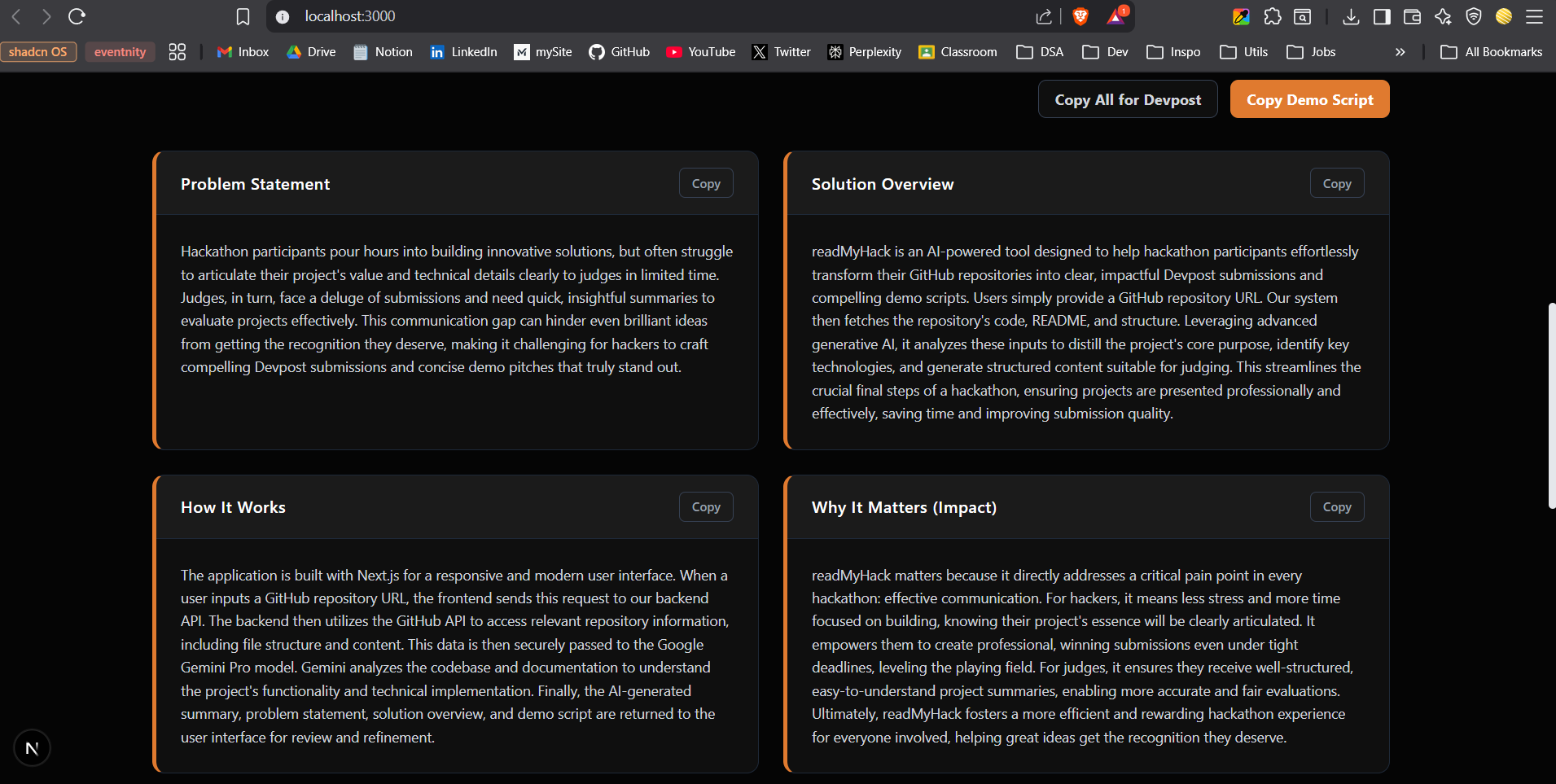
Inspiration
Hackathons reward great ideas and solid execution, but in practice, many strong projects lose out simply because they’re poorly explained. I’ve seen (and experienced) situations where teams build something genuinely useful, yet struggle at the last moment to articulate the problem, solution, and impact clearly to judges.
Judges, on the other hand, review dozens or even hundreds of submissions under severe time constraints. When explanations are unclear or unstructured, even good work can be overlooked.
This gap between building and explaining was the core inspiration behind ReadMyHack.
What it does
ReadMyHack turns a public GitHub repository into a judge-ready hackathon submission.
By pasting a GitHub repo URL, users get:
A clear problem statement
A concise solution overview
A simple explanation of how the project works
An impact section explaining why it matters
A spoken 2-minute demo script tailored for hackathon judging
This helps hackers present their work clearly and helps judges understand projects faster.
How we built it
ReadMyHack is built as a lightweight web tool using:
Next.js for the frontend and API routes
Tailwind CSS for a clean, minimal UI
GitHub REST API to fetch README content and repository structure
Google Gemini API as the core intelligence layer
When a user submits a repository URL:
The backend fetches the README, top-level file structure, and relevant metadata.
This context is passed to Gemini with a carefully designed prompt that frames the task from a hackathon judge’s perspective.
Gemini generates structured, judge-friendly content.
The results are displayed in clearly separated sections with copy/export options for Devpost and demo preparation.
The system intentionally avoids parsing full source code to keep analysis fast and focused on explanation rather than implementation details.
Challenges we ran into
Avoiding generic AI output: Early outputs sounded too verbose and marketing-heavy. This required multiple prompt refinements to keep the language natural, clear, and judge-friendly.
Balancing detail vs clarity: Including enough technical context without overwhelming judges was a constant trade-off.
UI tone: Designing an interface that felt professional and trustworthy, not like a flashy startup landing page , required careful design decisions.
Scope control: It was tempting to add more features, but staying focused on the core problem was essential.
Accomplishments that we're proud of
Built a tool that solves a real, recurring hackathon pain point
Successfully used Gemini as a reasoning engine, not just a chatbot
Created a workflow that genuinely saves hackers time during submissions
Designed a calm, tool-first UI that prioritizes clarity over aesthetics
Delivered a complete, demo-ready product within hackathon constraints
What we learned
AI outputs improve dramatically when prompts are framed around real user roles (in this case, judges)
Less UI is often more , simplicity builds trust
Building tools for hackers requires understanding their pressure points, especially near deadlines
What's next for ReadMyHack
Support for private repositories via GitHub OAuth
Multiple tone modes (technical, beginner-friendly, judge-focused)
Direct Devpost-formatted exports
Team collaboration and submission history
Improving explanation quality with feedback loops
ReadMyHack has the potential to live beyond a single hackathon as a practical tool for the hacker community.
Built With
- github-rest-api
- google-gemini-api
- javascript
- next.js
- node.js
- react
- tailwind-css

Log in or sign up for Devpost to join the conversation.