Inspiration## Inspiration
Every great open-source project deserves a great landing page, but developers often dread writing documentation. We noticed that many brilliant projects go unnoticed simply because their README.md files are blank, poorly formatted, or lack visual appeal.
We were inspired to build Mind Forge to eliminate this friction. We wanted to create a tool that acts as a "forge" for your ideas—taking the mental overhead out of documentation and instantly generating beautiful, professional, and highly engaging GitHub READMEs so developers can get back to what they do best: coding.
What it does
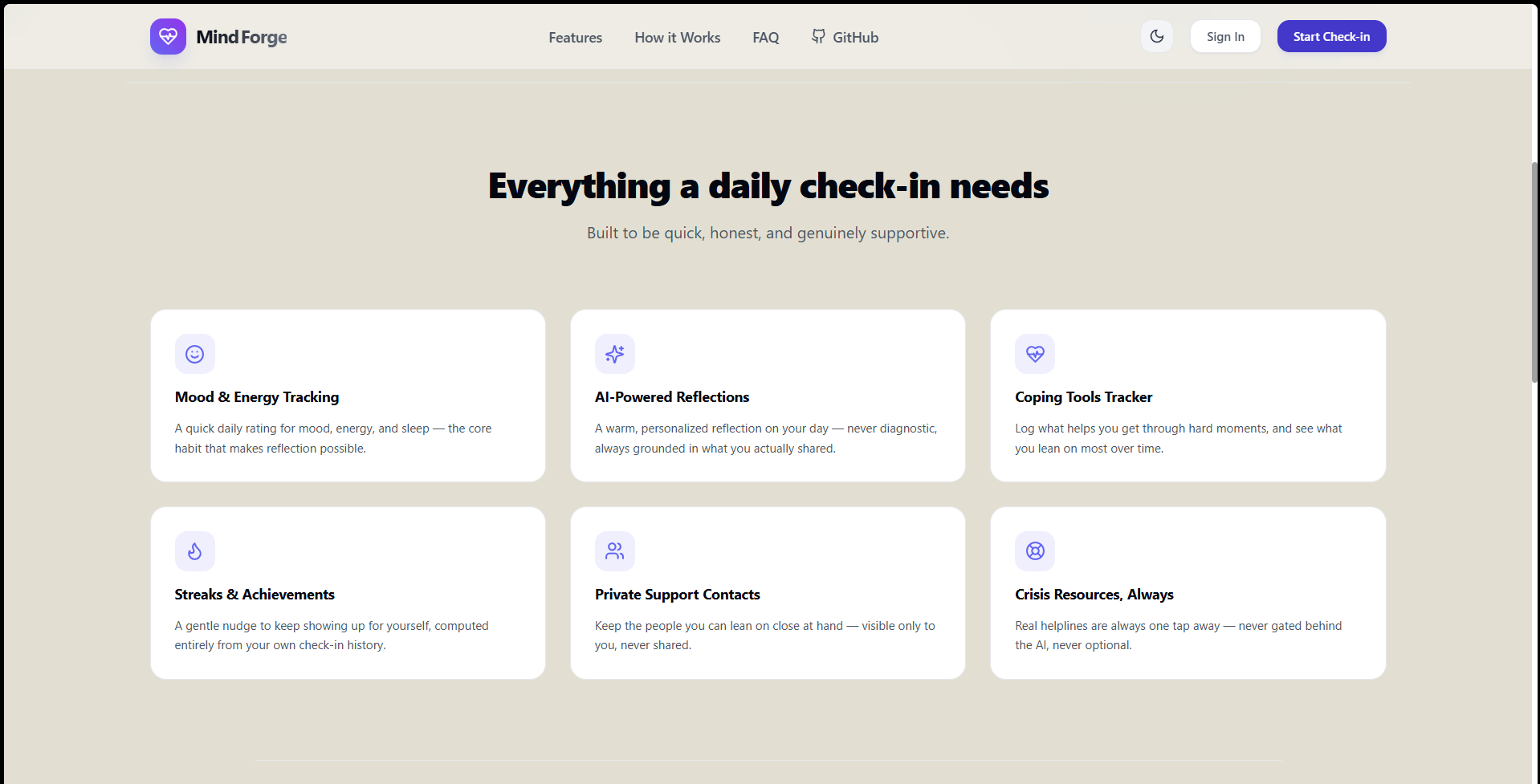
Mind Forge is a streamlined web application designed to automatically generate well-structured GitHub README files.
- Intuitive Interface: Users can input their project details, features, and tech stack through a clean, beginner-friendly UI without needing to memorize Markdown syntax.
- Instant Generation: It compiles the inputs into a beautifully formatted Markdown file complete with standard open-source sections (Overview, Installation, Tech Stack, Contributing, and License).
- Visual Enhancements: It automatically structures layout elements like badges and code blocks to ensure the repository looks like a premium, enterprise-grade project.
How we built it
Mind Forge was developed with a focus on speed, responsiveness, and a flawless user experience:
- Frontend: Built with a modern JavaScript framework (React/Next.js) and hosted on Vercel for lightning-fast, edge-network performance.
- Styling: We utilized Tailwind CSS to create a minimalist, accessible, and highly responsive user interface that looks great on any device.
- Core Logic: Engineered a dynamic state-management system to capture user inputs in real-time and parse them directly into clean Markdown string templates.
Challenges we faced
One of the main challenges was balancing flexibility with simplicity. We wanted to give users enough options to customize their READMEs (like adding specific shields/badges or installation steps) without overwhelming them with a massive, cluttered form. Structuring the underlying Markdown parser to perfectly format spacing, code blocks, and markdown tables dynamically required careful string manipulation and state handling.
Accomplishments that we're proud of
We are incredibly proud of the clean, seamless User Experience (UX). We successfully built a tool that takes a completely blank slate and turns it into a ready-to-publish GitHub README in just a few clicks. Deploying it successfully on Vercel so that any developer worldwide can access it instantly is a huge win for us.
What we learned
Building Mind Forge deepened our understanding of dynamic text parsing and frontend state management. We also learned a lot about what truly makes a "good" README by studying top open-source repositories and reverse-engineering their layout structures into our templates.
What's next for Mind Forge
We plan to expand Mind Forge by adding AI-powered generation (where you just paste your GitHub repo link and it writes the README for you), custom theme templates, and direct GitHub API integration to push the generated README.md straight to the user's repository!
What it does
Mind Forge is a streamlined web application designed to automatically generate well-structured GitHub README files.
- Intuitive Interface: Users can input their project details, features, and tech stack through a clean, beginner-friendly UI without needing to memorize Markdown syntax.
- Instant Generation: It compiles the inputs into a beautifully formatted Markdown file complete with standard open-source sections (Overview, Installation, Tech Stack, Contributing, and License).
- Visual Enhancements: It automatically structures layout elements like badges and code blocks to ensure the repository looks like a premium, enterprise-grade project.
How we built it
Mind Forge was developed with a focus on speed, responsiveness, and a flawless user experience:
- Frontend: Built with a modern JavaScript framework (React/Next.js) and hosted on Vercel for lightning-fast, edge-network performance.
- Styling: We utilized Tailwind CSS to create a minimalist, accessible, and highly responsive user interface that looks great on any device.
- Core Logic: Engineered a dynamic state-management system to capture user inputs in real-time and parse them directly into clean Markdown string templates.
Challenges we faced
One of the main challenges was balancing flexibility with simplicity. We wanted to give users enough options to customize their READMEs (like adding specific shields/badges or installation steps) without overwhelming them with a massive, cluttered form. Structuring the underlying Markdown parser to perfectly format spacing, code blocks, and markdown tables dynamically required careful string manipulation and state handling.
Accomplishments that we're proud of
We are incredibly proud of the clean, seamless User Experience (UX). We successfully built a tool that takes a completely blank slate and turns it into a ready-to-publish GitHub README in just a few clicks. Deploying it successfully on Vercel so that any developer worldwide can access it instantly is a huge win for us.
What we learned
Building Mind Forge deepened our understanding of dynamic text parsing and frontend state management. We also learned a lot about what truly makes a "good" README by studying top open-source repositories and reverse-engineering their layout structures into our templates.
Built With
- css3
- html5
- javascript
- next.js
- react
- tailwind-css
- typescript
- vercel


Log in or sign up for Devpost to join the conversation.