-
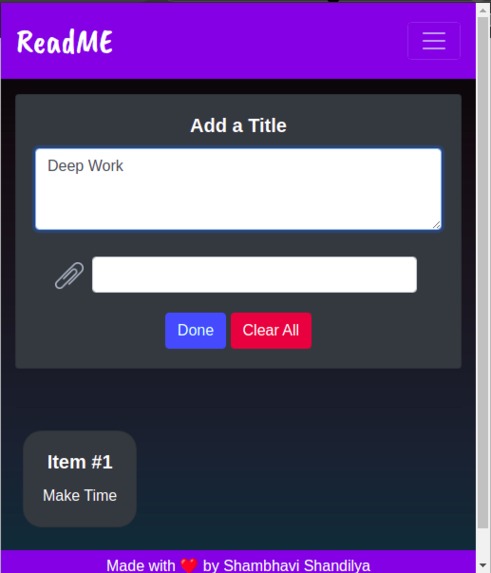
Lists
-
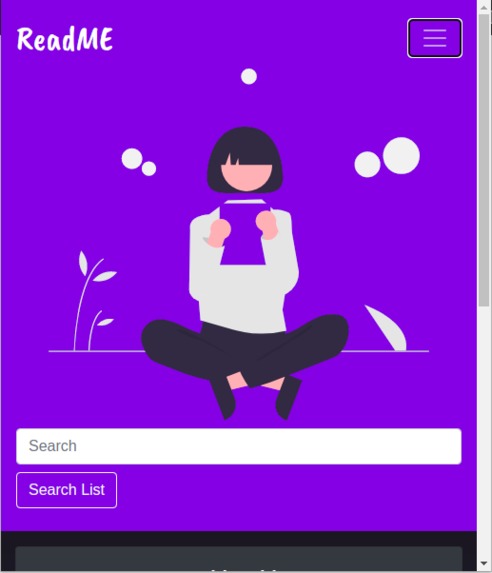
Search feature
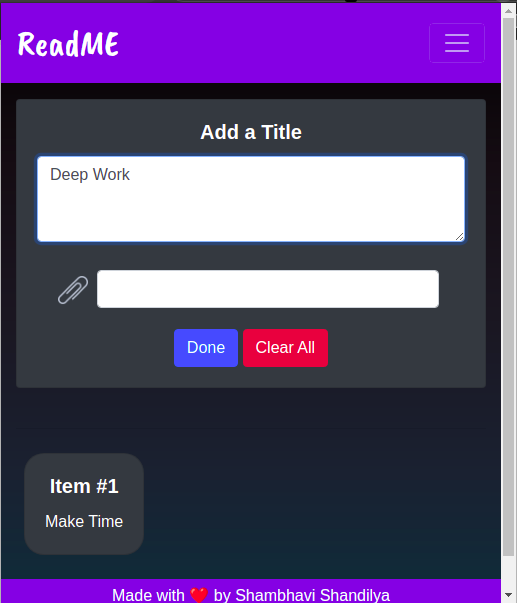
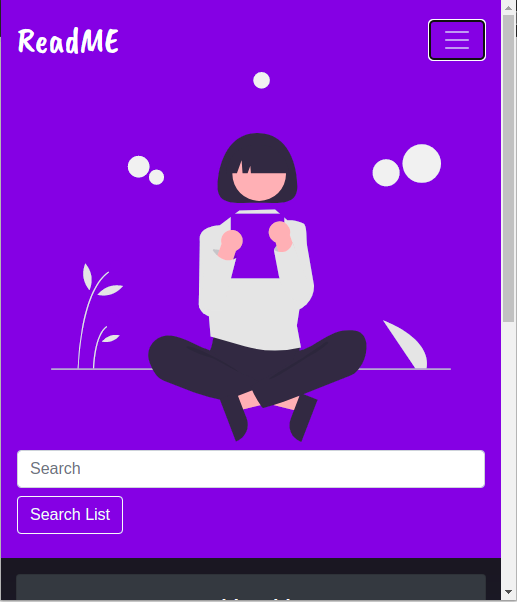
ReadME
Inspiration 💡
- We all might have downloaded the Reading List App on our phone, used it for a few days, then left it idle. I have done the same plenty of times. I realized the primary reason for it not being effective is that we are not reminded of its presence constantly. Be it a student or a working being, we spend most of our time on a web browser, writing emails and assignments. Therefore, I decided to build this application as a web-extension. If the application stays right in front of your eyes most of the time, you are likely to use it.
What it does ⚙️
ReadME is a Chrome Extension built to make your life more structured and easy-
🗒Reading Lists Accessible: We spend most of our time on the web browser. So, it's a great idea to keep all your notes in the browser itself. You can also add links with the list item created.
🗒Search Lists: You can also search from the lists. This makes accessing items real quick.
How I built it 👩💻
I have used HTML, CSS, and Javascript to build this extension.
Challenges we ran into ⚠️
Though the extension seems easy to use, it wasn't easy to build this using pure Javascript.
- onclick() -> According to the security policy, we cannot use onclick() function in chrome extensions. This took away a lot of time debugging and finally changing the code.
Usage 🔖
Steps to run the extension:
- Open chrome://extensions/ on your google chrome web browser.
- Download the zip file of the repository and extract it (or just clone the repo).
- Switch to development mode in the extensions tab.
- Unpack the folder cloned.
Thats it,now run the extension on any of your tabs.
Accomplishments that we're proud of 🚀
I could finish the project in a short span of time; it's, of course, an achievement for me. Despite participating solo, I could finish it in time using vanilla Javascript and not any libraries.

Log in or sign up for Devpost to join the conversation.