
Inspiration
I am dyslexic and a relatively slow reader, which makes long books, text or documentation feel daunting. But i found that when i listen and read at the same time i can stay focused longer, read faster and retain a bit more detail. However every TTS reader i have tried has two deal-breaking problems:
- Built-in censorship - TTS engines silently skip or refuse to read content containing violence, death, suicide, or any “sensitive” topic. In many books, this means missing entire critical scenes, often without warning..
- “Trust me, bro" privacy policy - they send your content to their servers to stream or generate the audio, which is a privacy risk
I wanted a reader that was fully offline, uncensored, and fast, something that I could trust not to skip story beats or sacrifice my privacy. That motivation became the foundation for CicadiaReader.
What it does
CicadiaReader is an on-device, text-to-speech reader powered by the highest ranked open-source TTS model, Kokoro 82m, running completely locally on iOS.
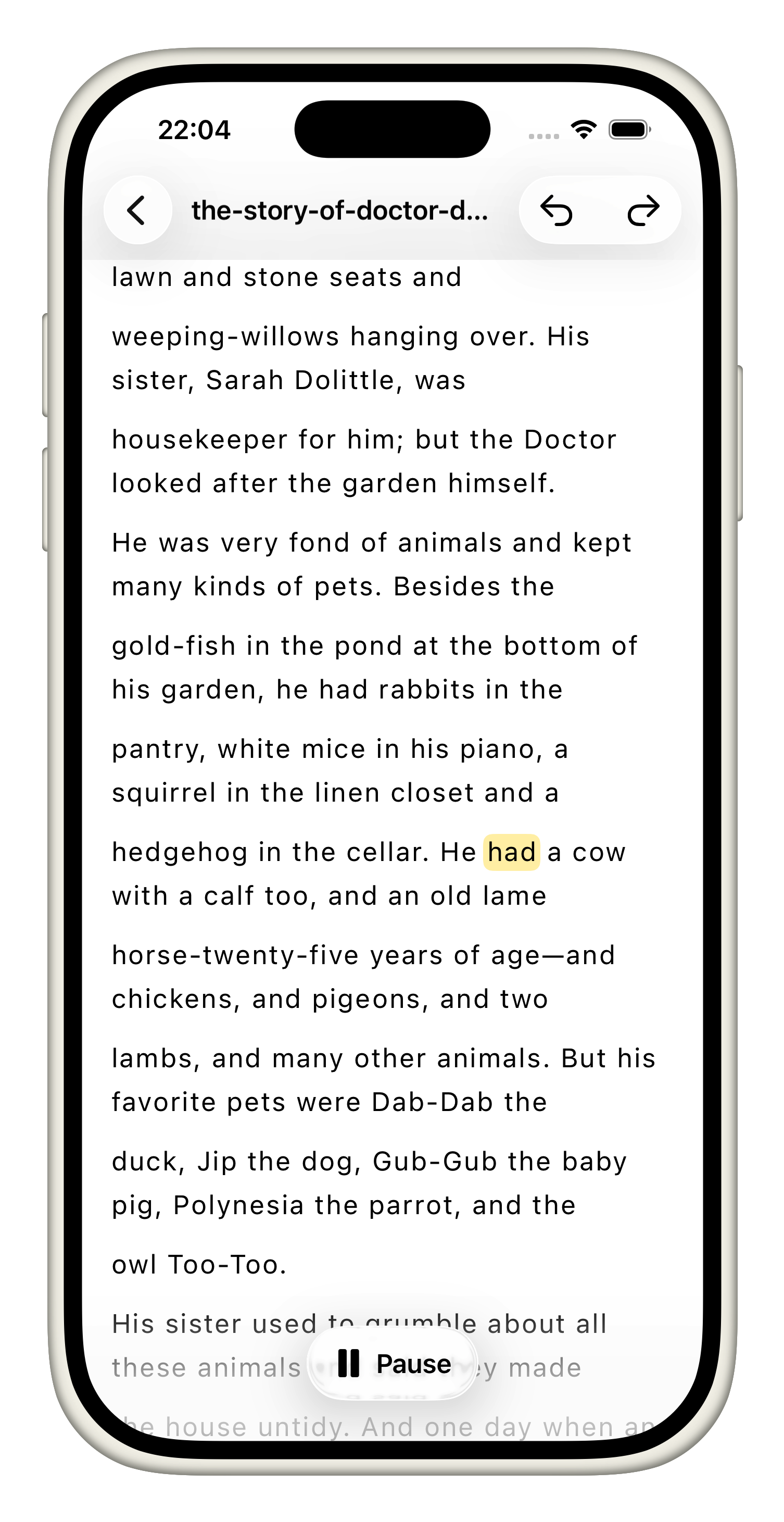
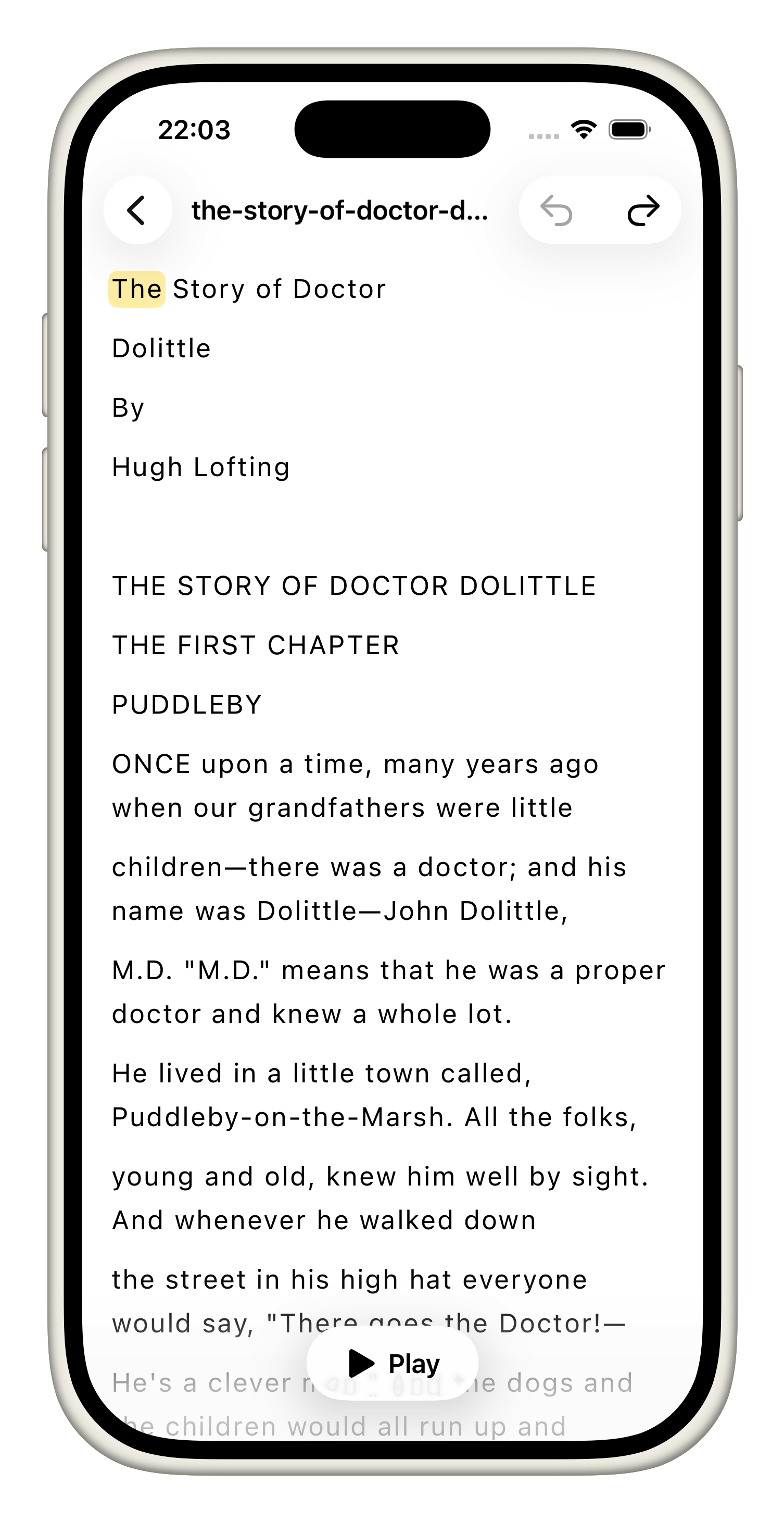
Users can import PDFs or paste any text and start listening instantly. The app processes text in real time with almost no visible hitches, and the user can jump forward or backward by sentence while following along with highlight-based word tracking.
How we built it
The app is written in Swift, and currently only supports the iOS platform
- The downloadable app is kept lightweight (under 40 MB).
- On first launch, it downloads the ~380 MB Kokoro coreml model.
- We transcribe the users file (PDF) into a plain text file cached within our apps directory, the as the user scrolls, we sequentially load chunks (for display), which are then further subdivided into smaller chunks, and preprocessed before being passed to the kokoro model pipeline (where the text is properly chunked, cleaned & phonetized before interfacing with the model)
- The small audio chunks generated are then directly played back live, at the same time we also calculate the currently being read word which is then highlighted (uses weighted durations per word within the generated chunks to estimate alignment)
Challenges we ran into
The biggest challenges i run into besides integrating the model are performance related:
- Ensuing seamless audio generation (with minimal delays):
- Pre-buffering pipeline, which after the user start playback, pre-generates upcoming chunks in the background
- Also created a cache which stores all of the generated audio files within the current session in case the user want to go back and replay sth already generated
- Loading and displaying large files (books etc):
- Sequentially loading & preprocessing chunks as the scrolls through the content
- Lazily calculating layout and displaying text
Accomplishments that we’re proud of
- Achieving near real-time, fully offline TTS with no censorship and no network dependency.
- Maintaining an initial app size under 40 MB while delivering a high-quality 380 MB model post-install.
- Smooth handling of long books and large PDFs with minimal UI lag.
- Designing a reading flow that feels natural, immersive, and responsive.
What we learned
- On-device machine learning is incredibly powerful when optimized well.
- User experience heavily depends on this single feature being executed extremely well, which means eliminating tiny hitches and delays, every ms matters, and all performance optimization no matter how minor are welcome.
What’s next for CicadiaReader
- Better word detection using phoneme-based alignment: generating phonetic sequences and using a small alignment model to map phonemes to words, which should provide more accurate results.
- Speed adjustment: give the user the ability to control the wpm reading speed.
- Support for multiple voices and voice switching.
- More languages, which will be the most difficult but also the most valuable addition.
- Further performance optimizations

Log in or sign up for Devpost to join the conversation.