-
-
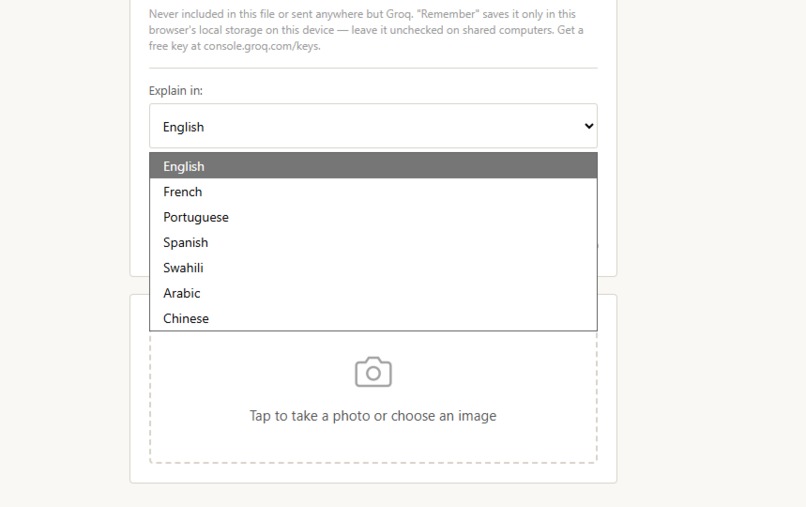
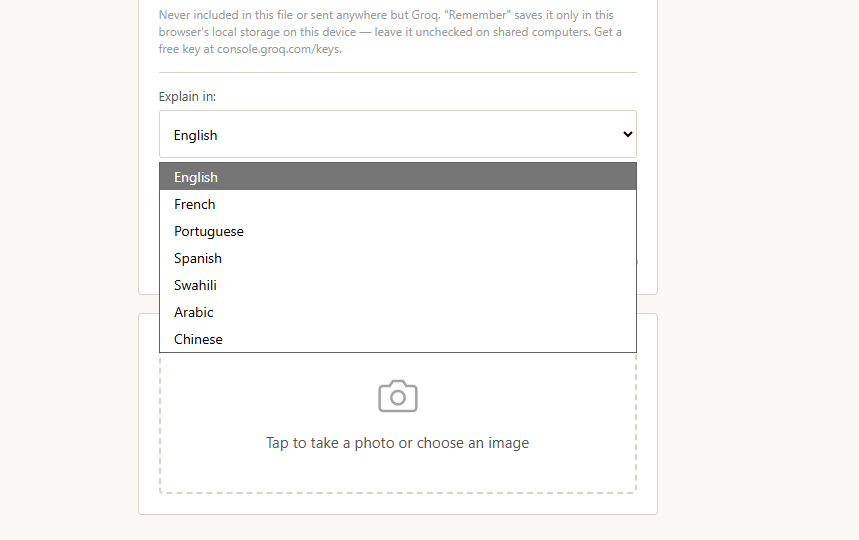
Language selection
-
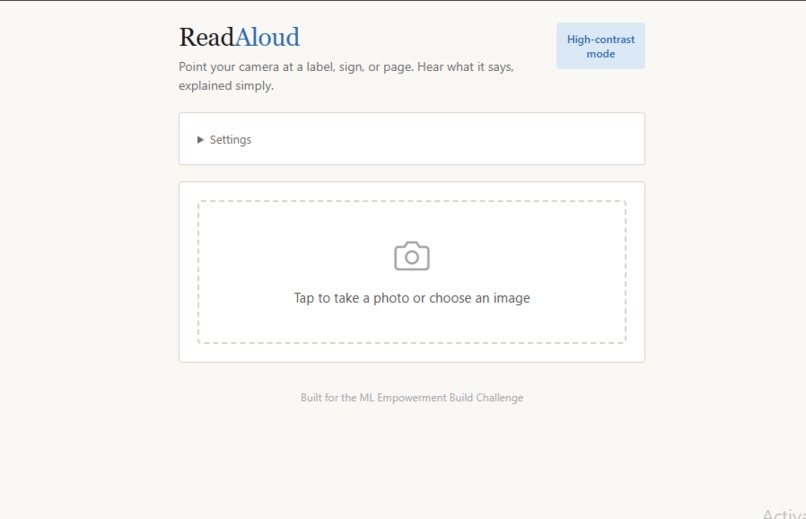
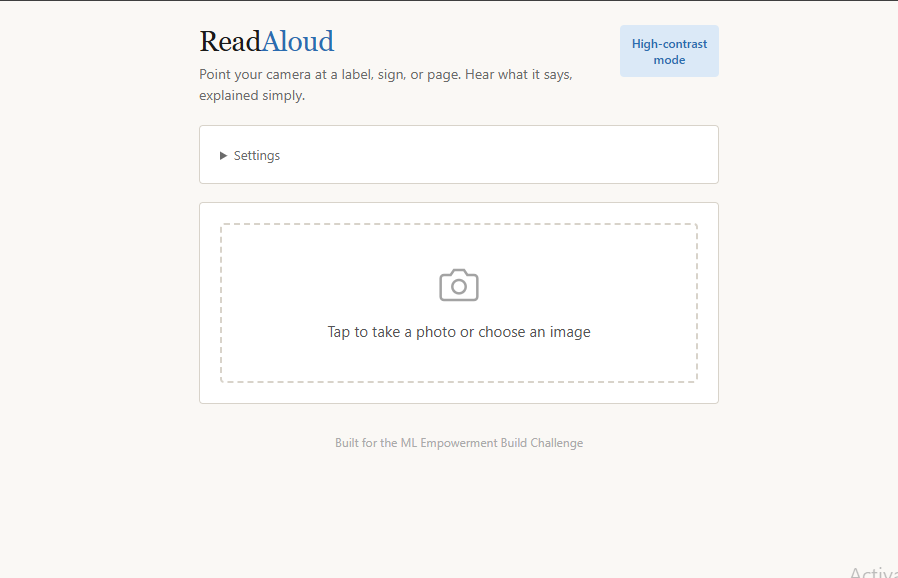
Home screen
-
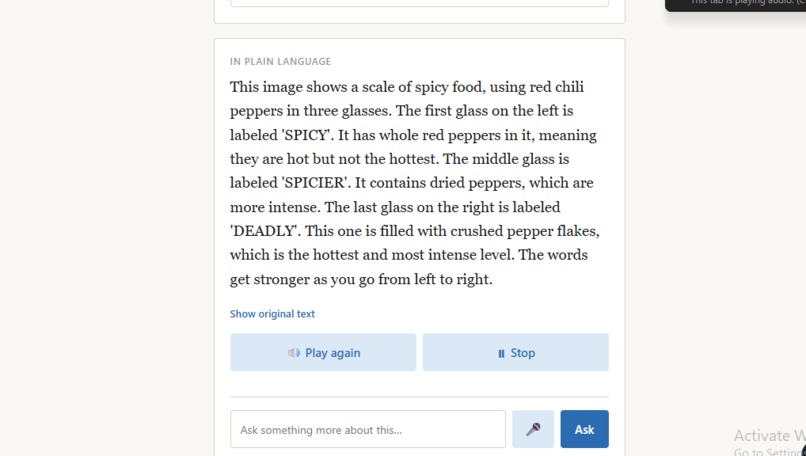
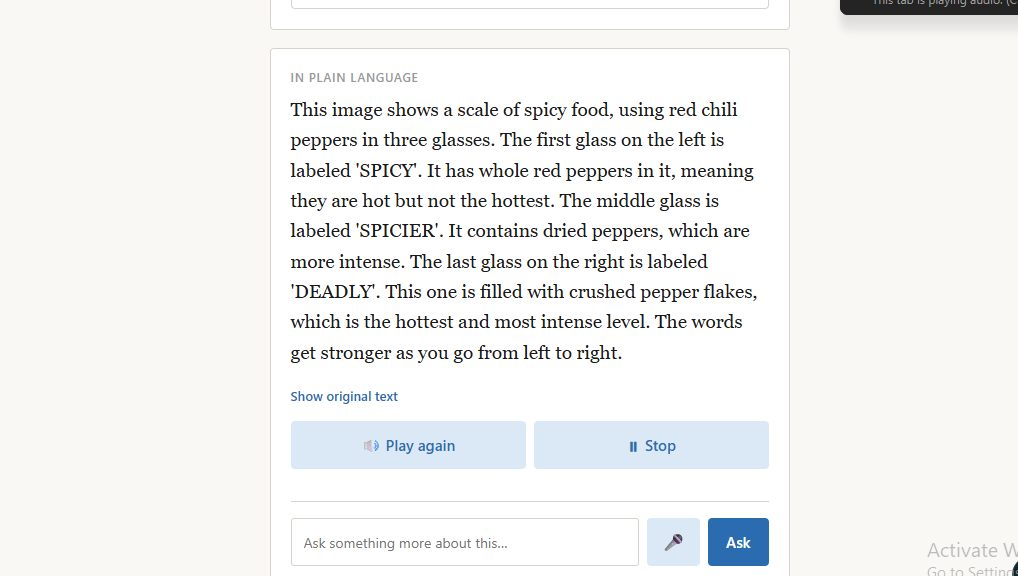
Explanation result
-
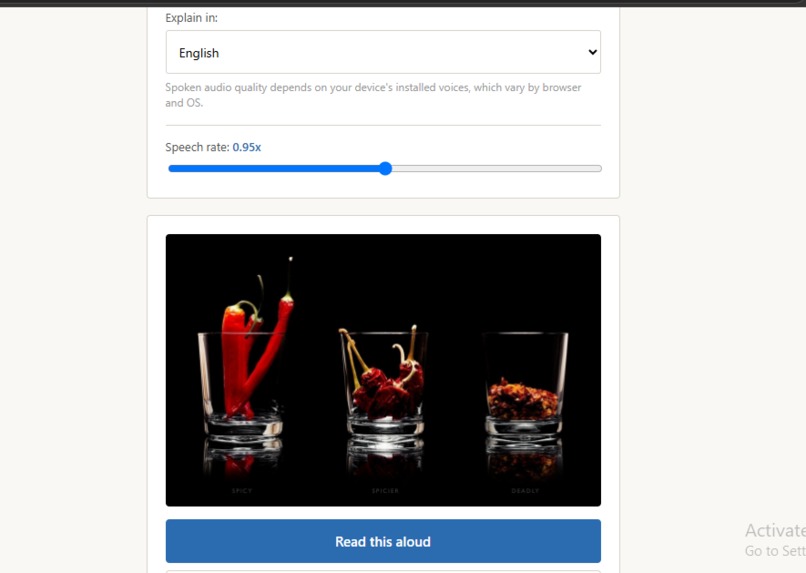
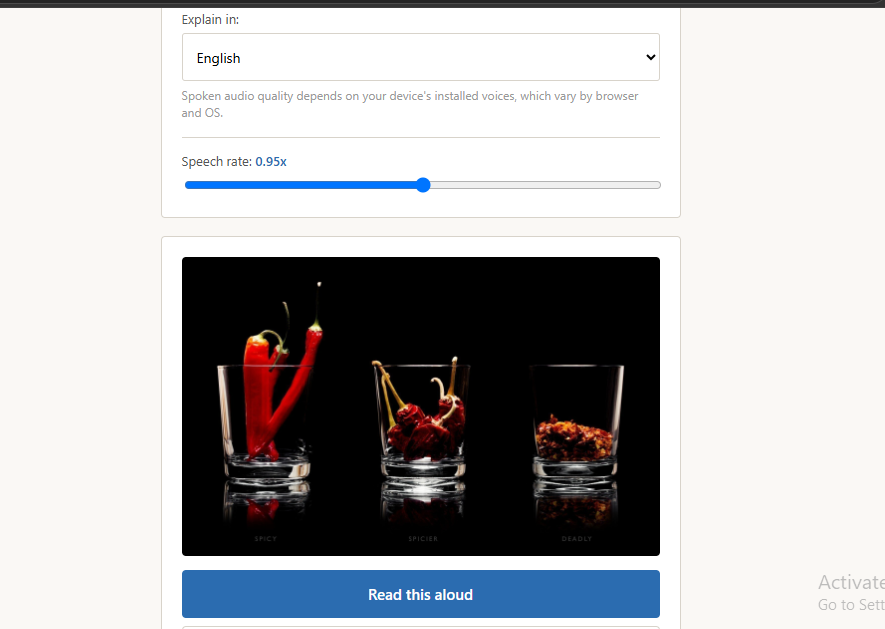
screenshot
Inspiration
I wanted to build something that solves a real, everyday problem instead of another generic chatbot. I kept coming back to a simple fact: a huge number of people — people with low vision, people who never had the chance to become fully literate, or just anyone staring at dense fine print — can't independently read the things that matter most: a medicine label, a warning sign, a form, a contract. AI can see and understand text far better than it could a few years ago, so I wanted to put that capability directly into the hands of people who need it most, in the simplest way possible: point your phone, and hear it explained.
What it does
ReadAloud turns any photo of printed text into a spoken, plain-language explanation.
Point and capture — take a photo of a label, sign, page, or document AI reads and explains — a vision-capable AI model transcribes the text and explains what it means in clear, everyday language (not just a literal translation — actual context: what it says, why it matters, and what action to take if it's a warning or instruction) Speaks it aloud — using the browser's built-in text-to-speech, so the person doesn't have to read anything at all Works in multiple languages — English, French, Portuguese, Spanish, Swahili, Arabic, and Chinese Ask follow-up questions — type or speak a follow-up question about the same photo ("what's the dosage for a child?"), and the AI answers using the image it already saw, like a real conversation Voice input — for people who struggle to type or spell, there's a microphone button so they can just talk instead Accessibility-first design — a high-contrast mode with larger text and touch targets, and an adjustable speech rate, built directly into the app rather than bolted on afterward How I built it
The whole app is a single self-contained HTML/JavaScript file — no backend, no build step, no installation. It runs directly in any modern browser, which matters a lot for accessibility: the people who need this most often don't have the newest devices or reliable ability to install apps.
The camera capture uses the browser's native file/camera input Images are sent to a vision-capable language model (via Groq's API) which returns both the raw transcribed text and a plain-language explanation as structured JSON Text-to-speech uses the browser's built-in SpeechSynthesis API — free, works offline, no extra service needed Voice input for follow-up questions uses the browser's SpeechRecognition API Follow-up questions are sent as a real conversation — the original image and first answer stay in context, so the AI actually remembers what it looked at Challenges I ran into Vision model selection — my first model choice turned out to be text-only and couldn't actually see images at all, which meant the whole pipeline silently failed at the most important step. I had to research and swap to a genuinely vision-capable model. API key security — since this project needed to be public on GitHub, I couldn't hardcode my API key into the source code. I explored building a backend proxy to hide it entirely, but given the time constraints of the challenge, I made the deliberate choice to have users provide their own free API key at runtime instead — a normal, secure pattern that keeps zero secrets in the codebase. Testing on real devices — getting the camera to work properly on an actual phone (versus a laptop browser) took some real troubleshooting around local network testing and HTTPS requirements for camera access. Balancing detail vs. simplicity — my first version of the AI's explanations were too short to be genuinely useful. I iterated on the prompt to strike a balance: detailed enough to actually help someone who can't read the original, but still simple and jargon-free. What I learned
I learned a lot about the practical gap between "the AI can technically do this" and "this actually works reliably for a real user in a real situation" — things like graceful handling when a photo has no readable text, making sure a live demo doesn't break on a flaky network connection, and designing an interface that's genuinely usable by someone with low vision, not just visually appealing to me.
Built With
- accessibility
- computer-vision
- css3
- fetch-api
- groq
- html5
- javascript
- json
- large-language-models
- prompt-engineering
- qwen
- responsive-design
- rest-api
- speech-recognition
- text-to-speech
- web-speech-api

Log in or sign up for Devpost to join the conversation.