Inspiration
1.3 billion people worldwide live with visual impairments. 700 million have dyslexia. Yet 96% of web pages fail basic accessibility standards. Most internet content is designed to be read, not heard — creating a massive barrier for anyone who relies on audio to access information.
We wanted to build something that removes that barrier completely.
What it does
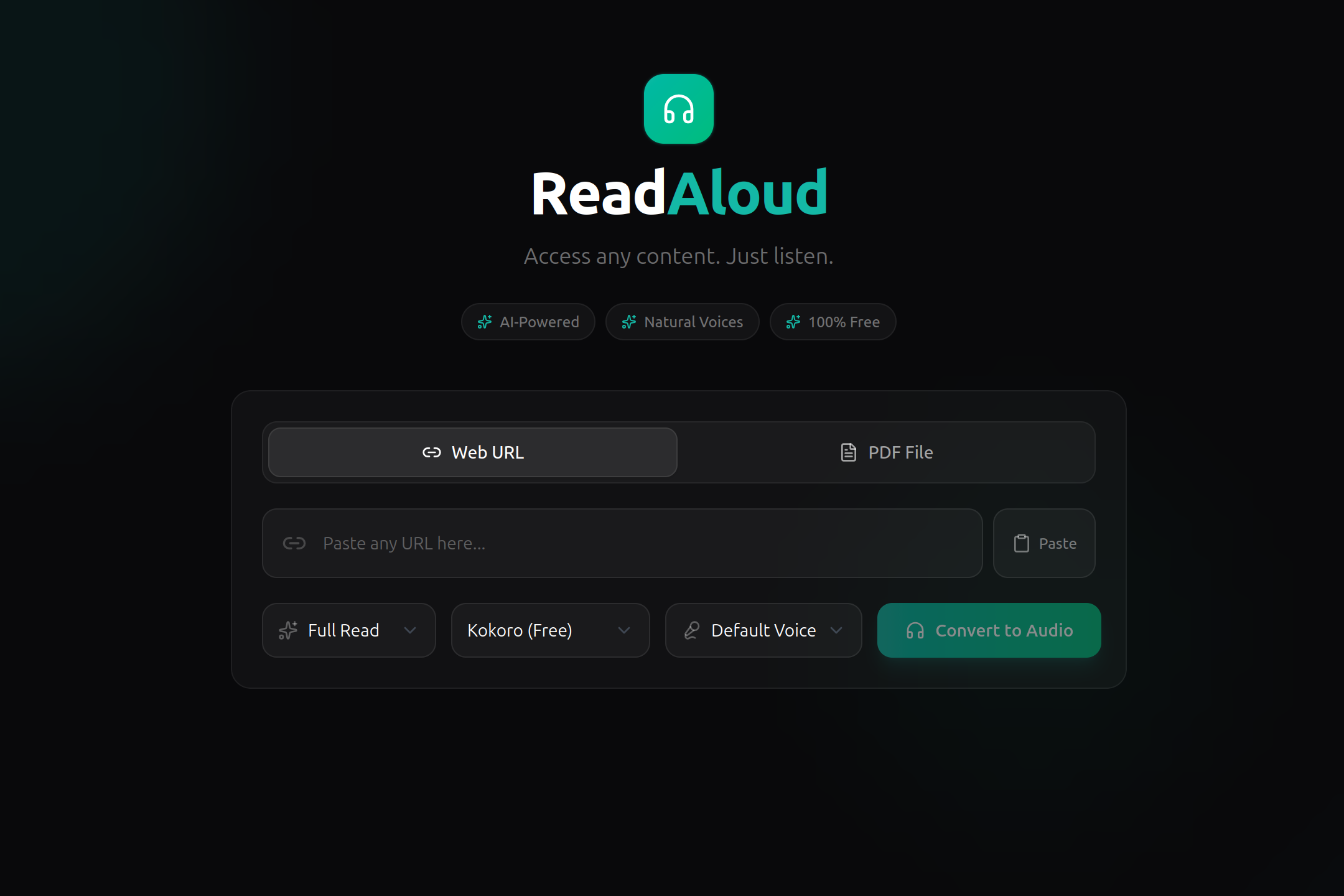
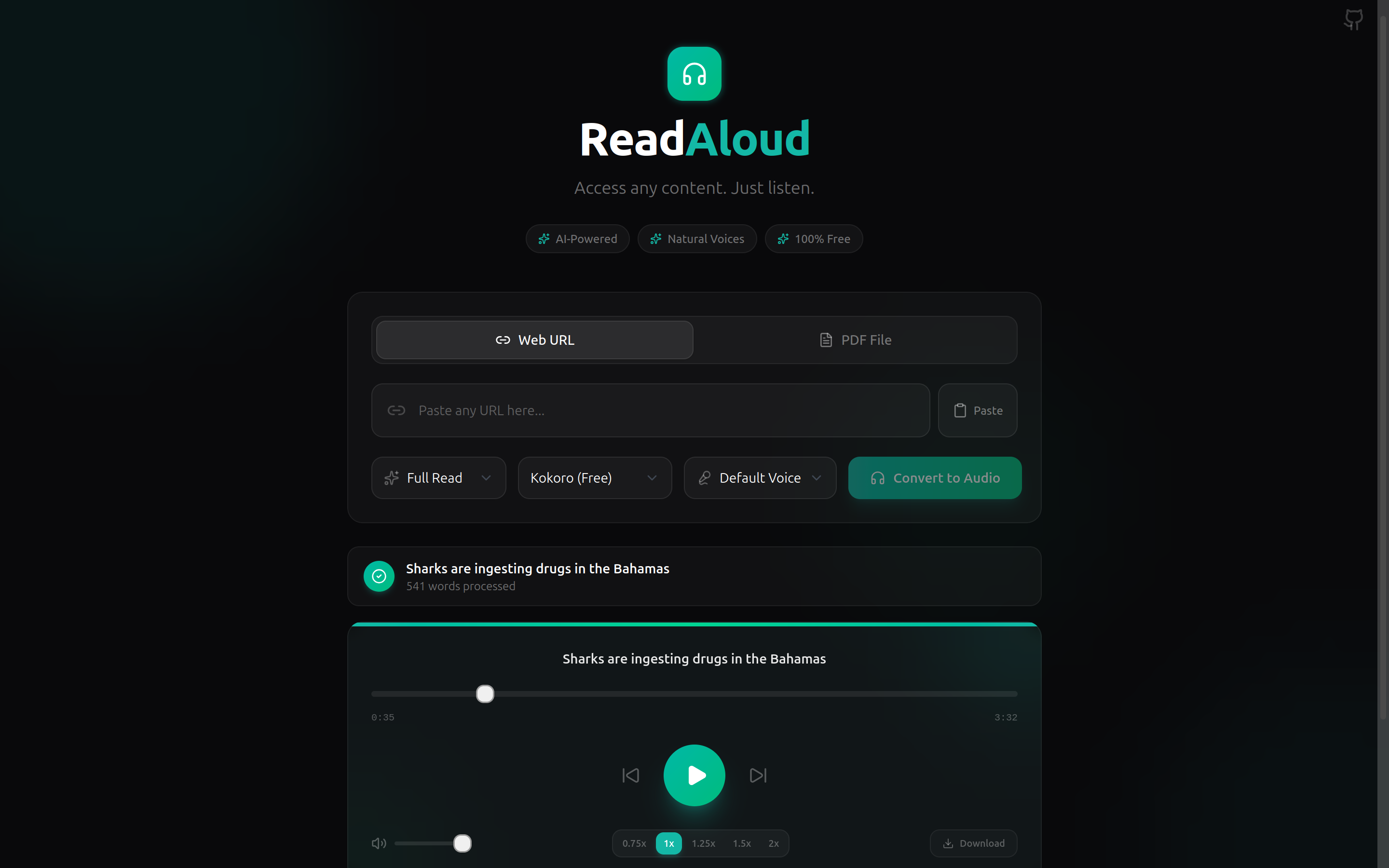
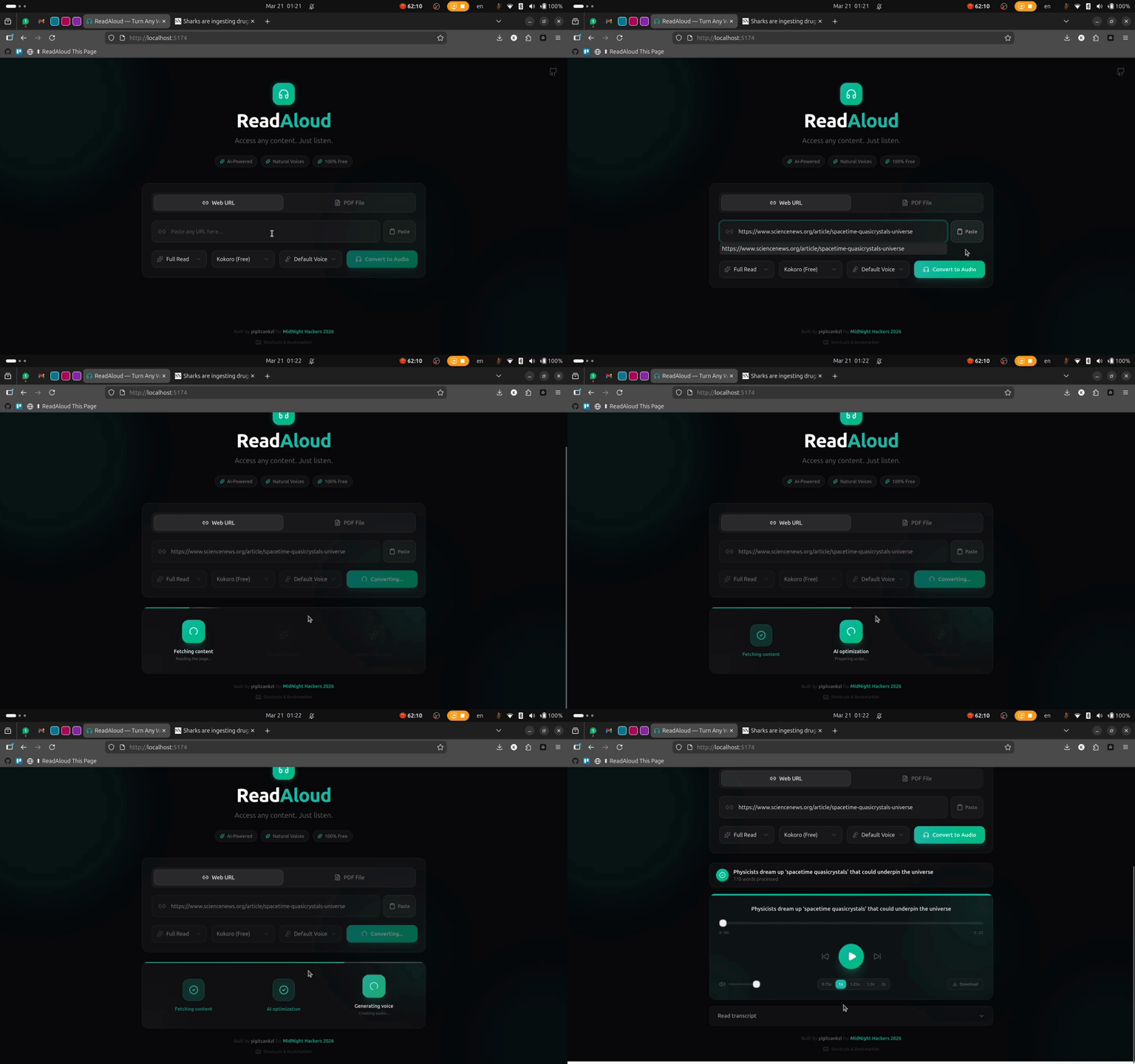
ReadAloud lets you paste any URL or upload a PDF, and converts it into natural-sounding audio in seconds. Our AI extracts the content, cleans it up, optimizes it for listening, and generates speech with 50+ natural voices — completely free.
Key features:
- URL & PDF input with drag-and-drop support
- Full read or AI-powered summary mode
- 50+ natural voices via Kokoro-82M (free, local TTS)
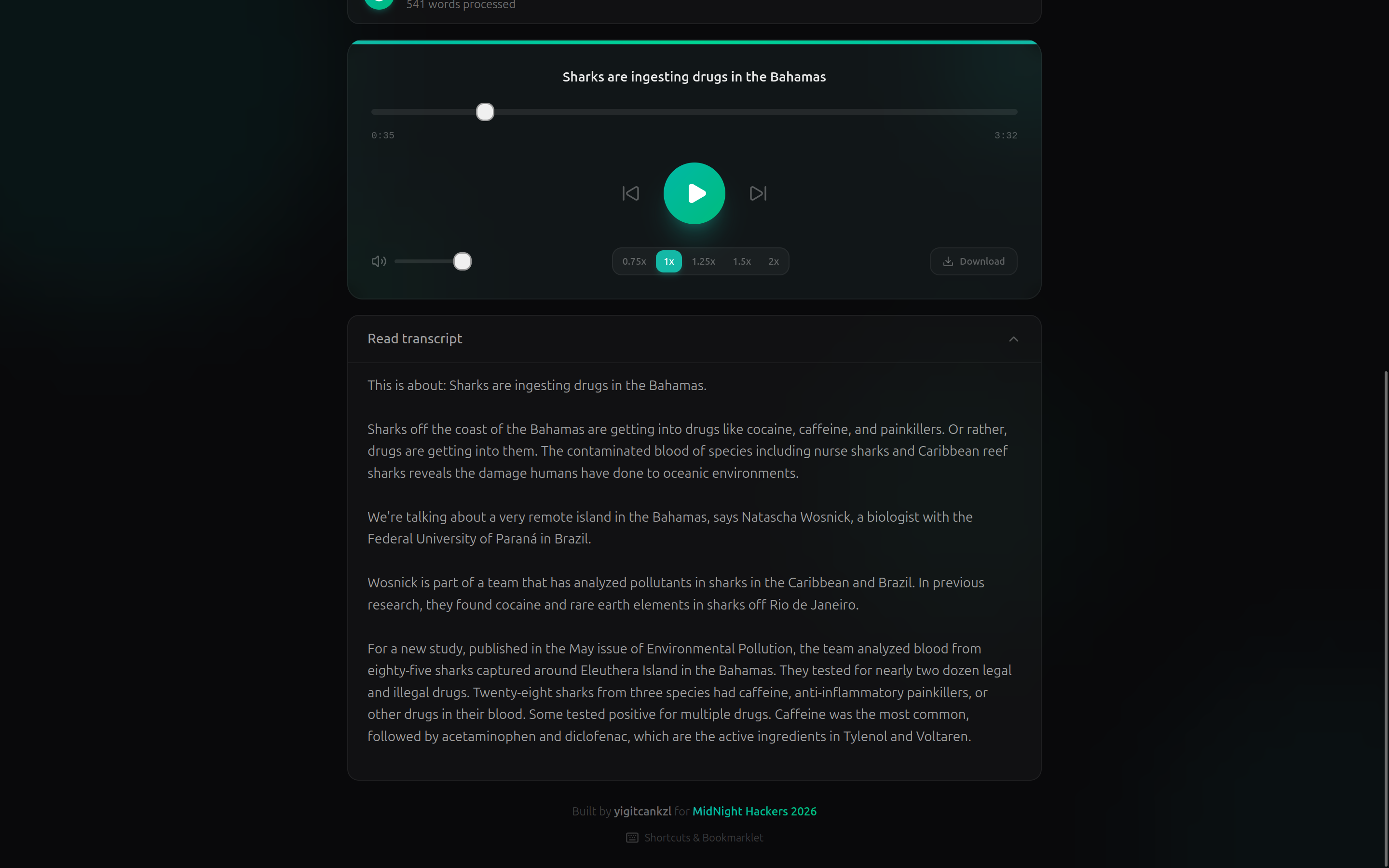
- Playback controls: speed, skip, volume, seek, MP3 download
- Built-in accessibility: screen reader support, ARIA labels, keyboard shortcuts
- Bookmarklet for one-click conversion from any webpage
How we built it
- Frontend: React + Tailwind CSS + shadcn/ui, bundled with Vite
- Backend: Python FastAPI with async processing
- AI: Gemini 2.5 Flash for content optimization, Kokoro-82M for text-to-speech
- Extraction: readability-lxml, BeautifulSoup, PyMuPDF for PDFs, trafilatura as fallback
The architecture follows a pipeline: Input → Extraction & Cleaning → AI Optimization → TTS Engine → Audio Streaming with HTTP Range support.
Challenges we faced
- Cross-origin audio playback was silenced by the Web Audio API's
createMediaElementSource— we had to disable the waveform analyser and simplify the player - Snap-packaged ffmpeg couldn't access
/tmp, so we added an imageio-ffmpeg fallback - Large audio files were timing out through the Vite proxy — we added 300s timeout and HTTP 206 partial content support
- Content extraction varies wildly across websites — we layered multiple extractors (readability-lxml → trafilatura → BeautifulSoup) for reliability
What we learned
- Accessibility-first design requires thinking about every interaction from the perspective of screen reader and keyboard-only users
- Free AI tools (Gemini free tier + Kokoro open-source TTS) can deliver production-quality results at zero cost
- Audio streaming is harder than it looks — Range requests and proper Content-Length headers matter
Built With
- beautiful-soup
- elevenlabs
- fastapi
- gemini-ai
- kokoro-tts
- pymupdf
- python
- react
- readability-lxml
- shadcn/ui
- tailwind-css
- vite

Log in or sign up for Devpost to join the conversation.