
Inspiration
Growing up with immigrant parents, I did not take the normal path to become fluent in English. My first langauge was spanish and was placed in ESL classes when I was young. We wanted a to create a tool that would help a younger me and people around the world who were on the path to becoming fluent in English or need a little reading.
What it does
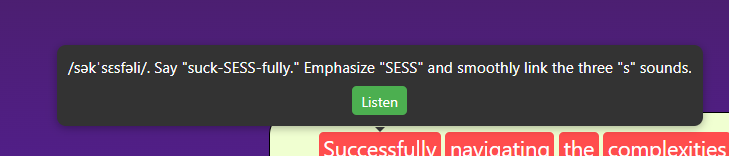
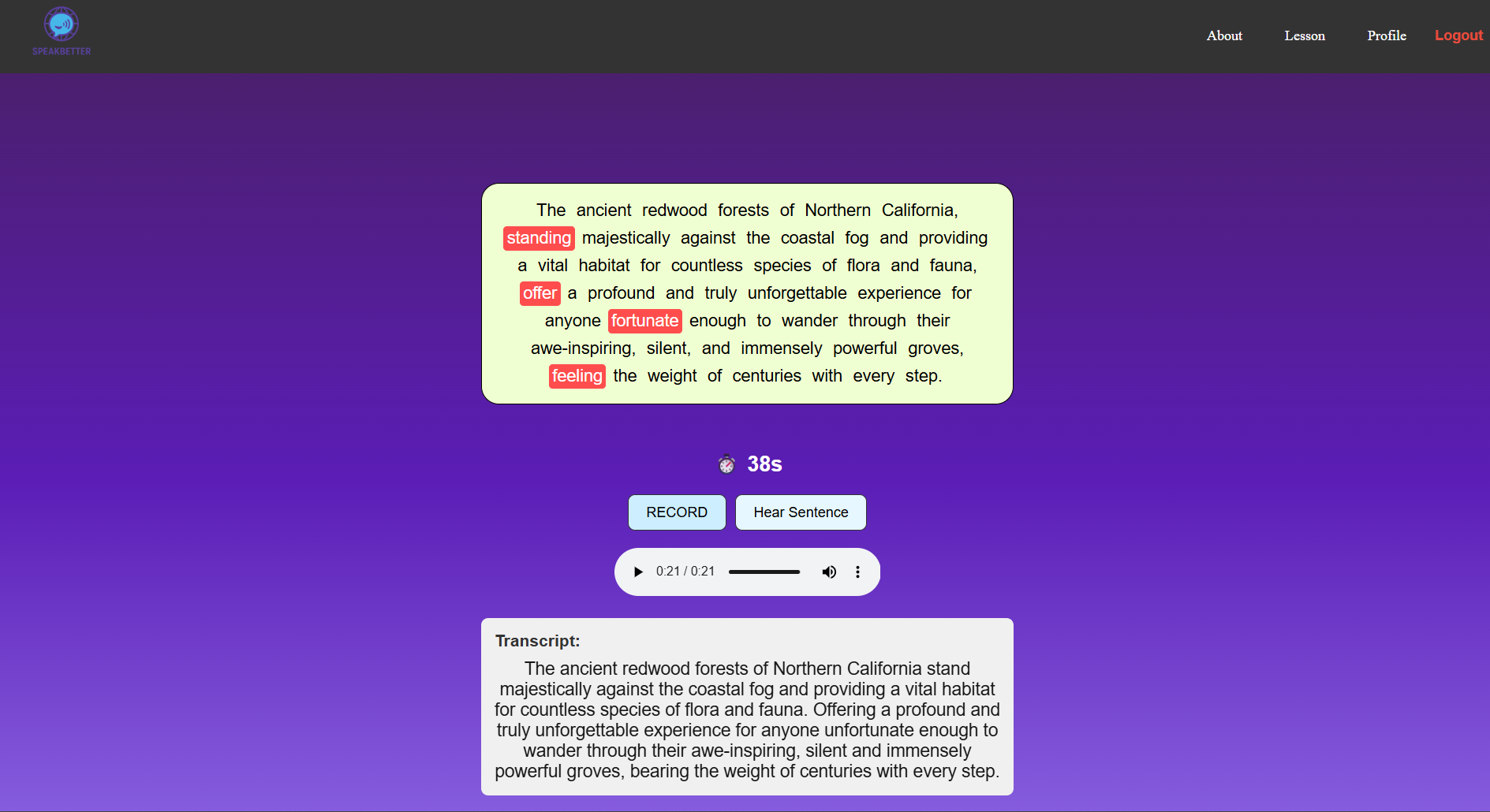
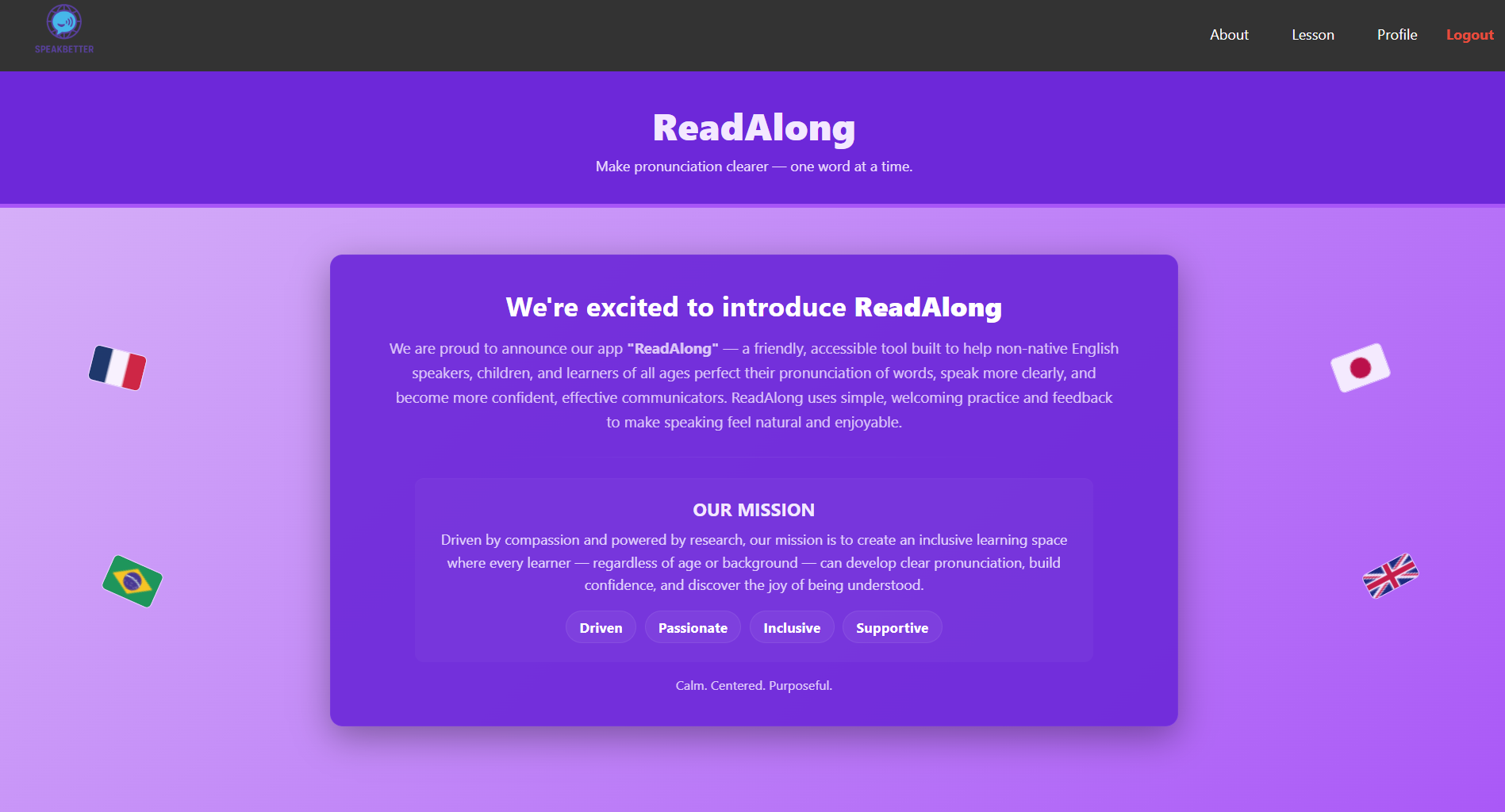
The website generates a text for the user to read out loud. The user's speech is recorded and sent to gemini to compare the transcript of the speech and the generated text, where Gemini would send back the list of words that were mispronounced. Those mispronounced words would be highlighted in the text and when you hover over them the way to pronounce the word and an audio button to hear how the word is pronounced.
How we built it
Frontend: React + Vite for a clean and responsive interface. Speech Recording: Used the browser’s Web Audio API to capture user audio. Transcription: Sent the speech recording to Gemini to convert speech to text Analysis: Sent both the user transcript and the original passage to Gemini, which identifies errors and generates natural-language feedback. Voice Output: Used ElevenLabs API to synthesize the model reading and generate audio for the words Design Goal: Keep everything running client-side for speed and simplicity; no external hardware required — just a laptop, mic, and webcam.
Challenges we ran into
Getting consistent, accurate transcriptions for different accents and reading speeds. Prompt-engineering Gemini to return structured, useful feedback instead of long text responses. Timing and audio sync issues between the ElevenLabs playback and mic recording. Managing latency between multiple API calls while keeping the experience smooth enough for a live demo.
Accomplishments that we're proud of
Built a fully working prototype within the hackathon time that integrates two major AI APIs (Gemini + ElevenLabs). Created an intuitive, engaging interface that children or ESL learners could realistically use. Got positive results: the app successfully detected pronunciation mistakes and delivered clear feedback in both text and voice form. Met new people
What we learned
How to chain multiple AI models (speech-to-text, text analysis, text-to-speech) into one cohesive, interactive pipeline. How crucial prompt design and data formatting are for getting reliable responses from LLMs. Importance of accessibility and inclusivity in educational tech — small UX choices can make a big difference for learners.
What's next for ReadAlong
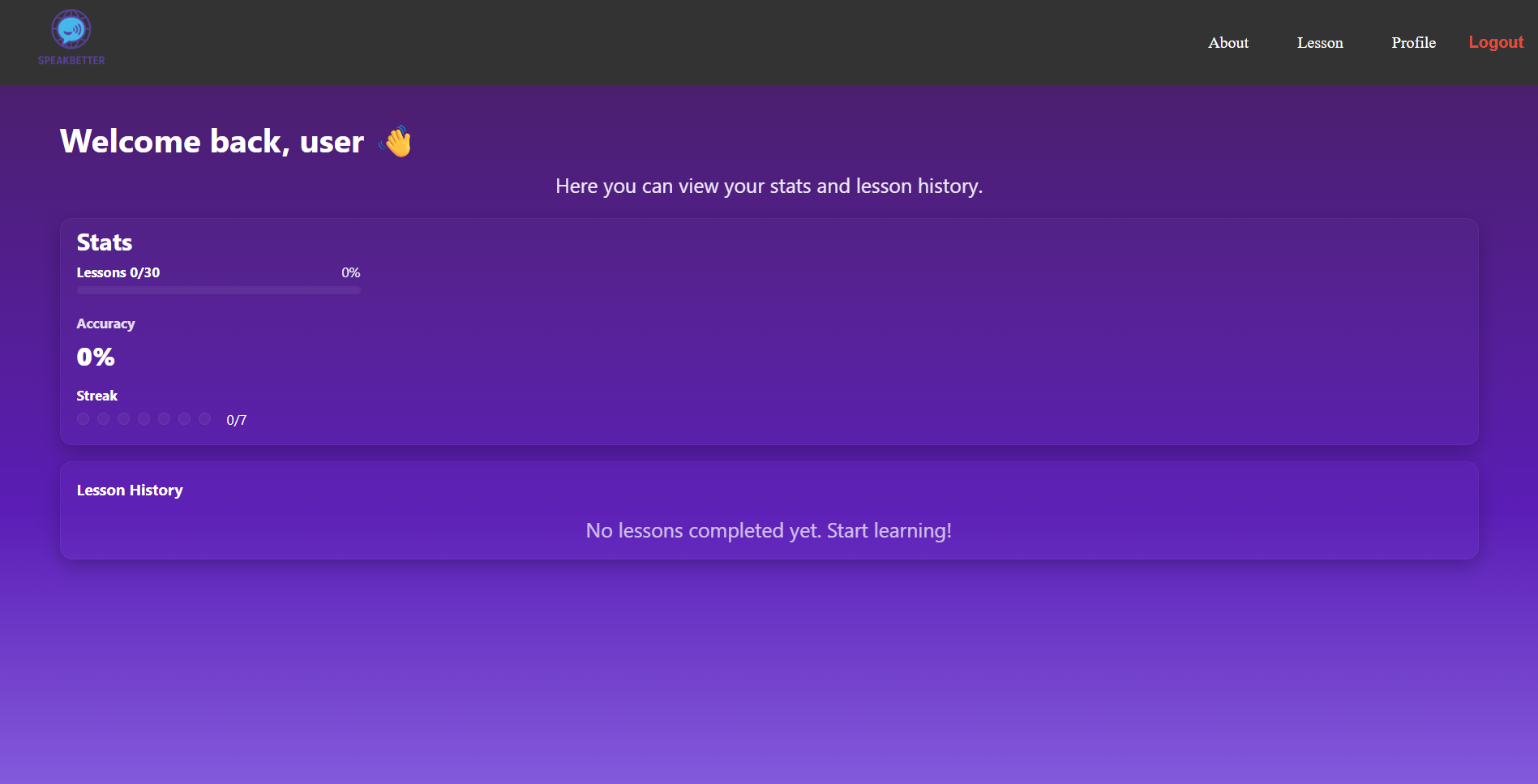
Multilingual Support: Use Gemini for translation and ElevenLabs for multilingual voices to support ESL learners. Teacher Dashboard: Allow educators to assign passages and monitor student progress. Mobile App: Deploy a mobile-friendly version so learners can practice reading anywhere.


Log in or sign up for Devpost to join the conversation.