-
-
How it works
Inspiration
I was inspired by how many people struggle with reading online content due to dyslexia, ADHD, or visual impairments. While there are tools that improve accessibility, many require installation, subscriptions, or constant internet access. I wanted to create something simple, lightweight, and offline-friendly.
What it does
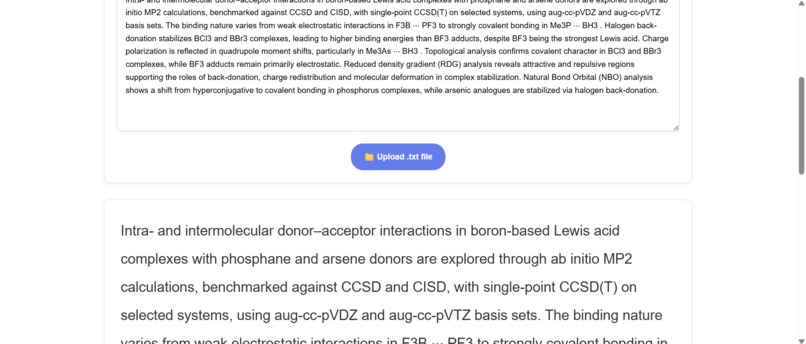
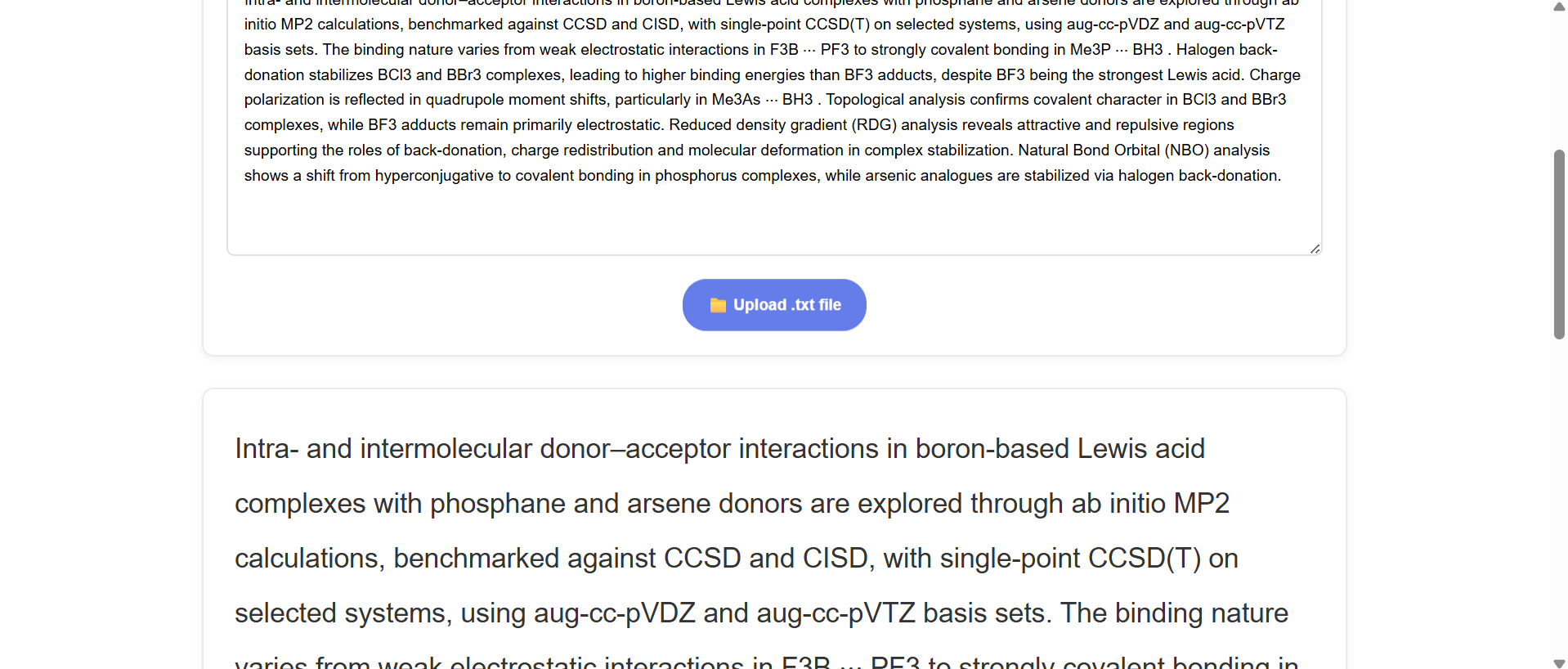
ReadAble is a browser-based tool that improves reading accessibility. It allows users to paste or upload text, reformat it with dyslexia-friendly fonts and color themes, adjust font size and spacing, and listen to the text using built-in text-to-speech. All preferences are stored locally, so users can return to the same setup every time without needing an account or backend.
How I built it
I built ReadAble using only front-end technologies — HTML, CSS, and vanilla JavaScript.
- HTML5 for semantic structure and accessibility compliance
- CSS3 for responsive design, themes, and readability enhancements
- JavaScript for interactivity, customization controls, and text-to-speech integration using the Web Speech API
User preferences are stored in localStorage, making the app fully functional offline after the first load.
Challenges I ran into
One of the biggest challenges was ensuring the tool remained accessible across browsers while keeping it entirely client-side. Implementing the Web Speech API consistently was tricky since voice support varies between browsers. I also had to carefully balance design and readability, adding customization without overwhelming users with too many options.
Accomplishments that I'm proud of
I'm proud that ReadAble runs entirely in the browser with no backend dependencies, making it lightweight and private. It follows accessibility best practices, supports dyslexia-friendly fonts, and remembers user preferences automatically. I’m especially happy that it works offline and offers a clean, distraction-free interface that anyone can use immediately.
What I learned
I learned how powerful front-end technologies can be when building for accessibility. Working with the Web Speech API taught me how to handle speech synthesis and browser compatibility. I also deepened my understanding of WCAG guidelines and how small design choices — like spacing, color contrast, and focus states — can make a huge difference for accessibility.
What's next for ReadAble
Next, I want to expand ReadAble with features like:
- Support for more file formats (PDF, DOCX)
- Multi-language text-to-speech voices
- Cloud storage for saving and sharing preferences
- A mobile-friendly interface for on-the-go reading
- Additional accessibility features such as focus modes and highlighting for active text
Ultimately, I want ReadAble to grow into a universal reading companion that helps everyone engage with written content comfortably and confidently.

Log in or sign up for Devpost to join the conversation.