-
-
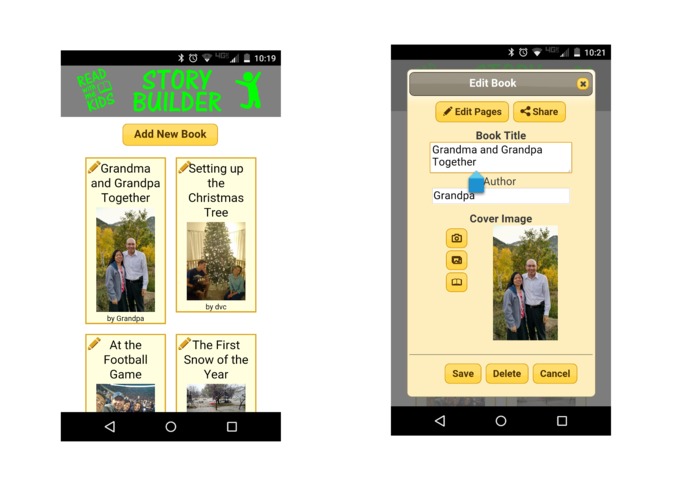
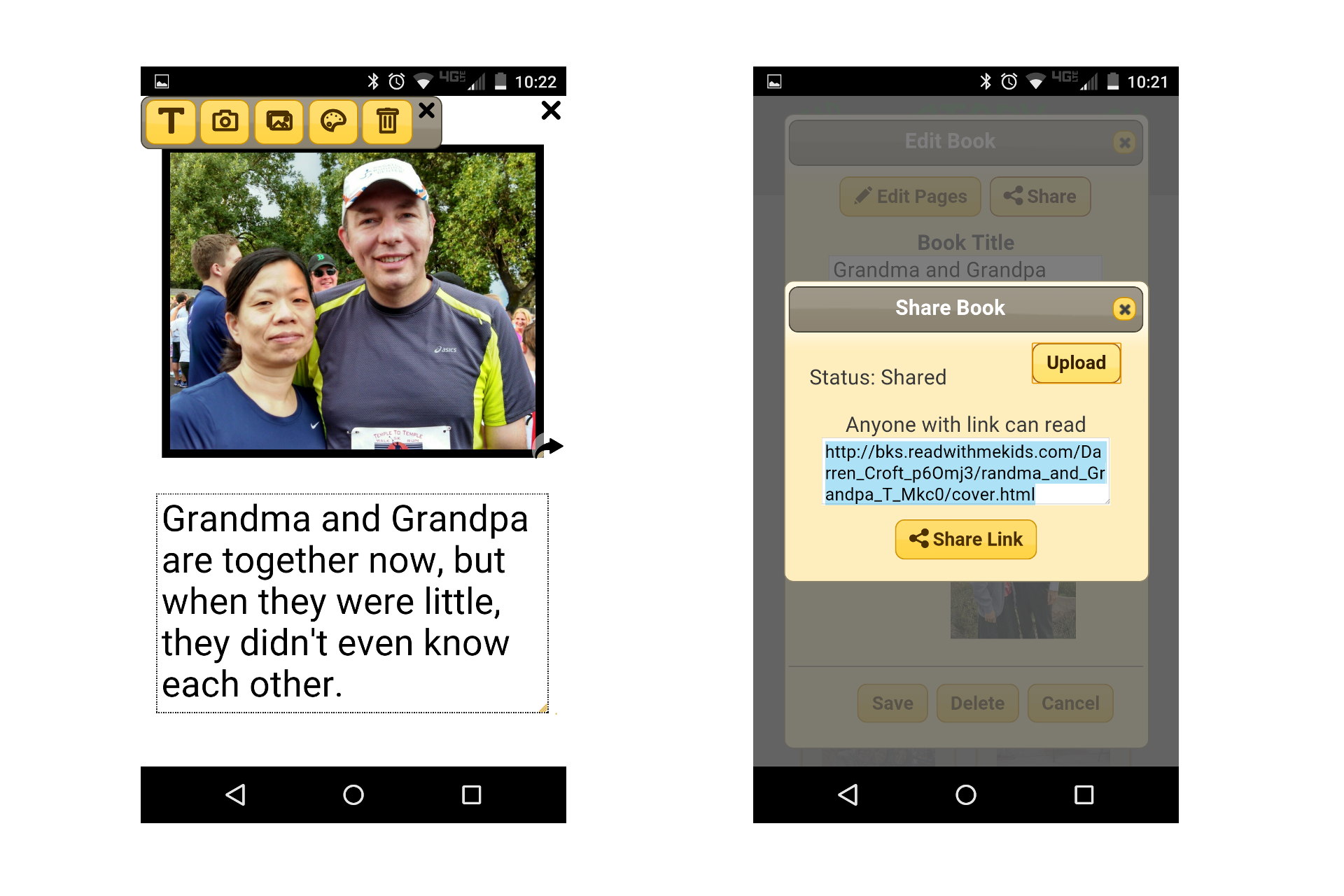
Your books are shown in a list. Pressing the edit icon allows you to change the name or picture, or share it.
-
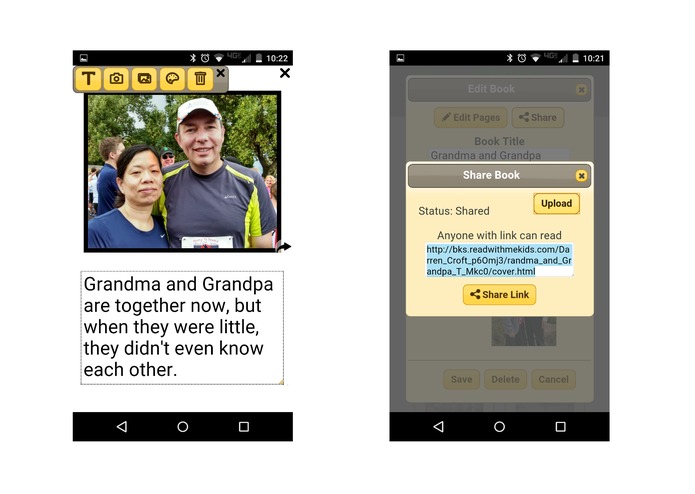
Use the toolbar to add text, or a picture, or change the background color. When done, upload and share.
-
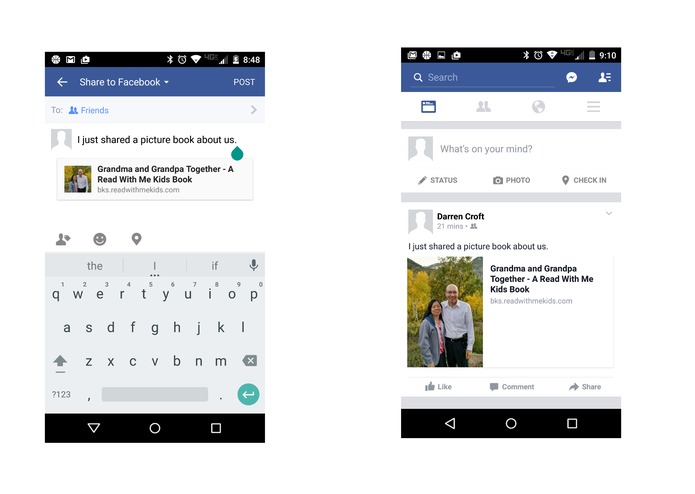
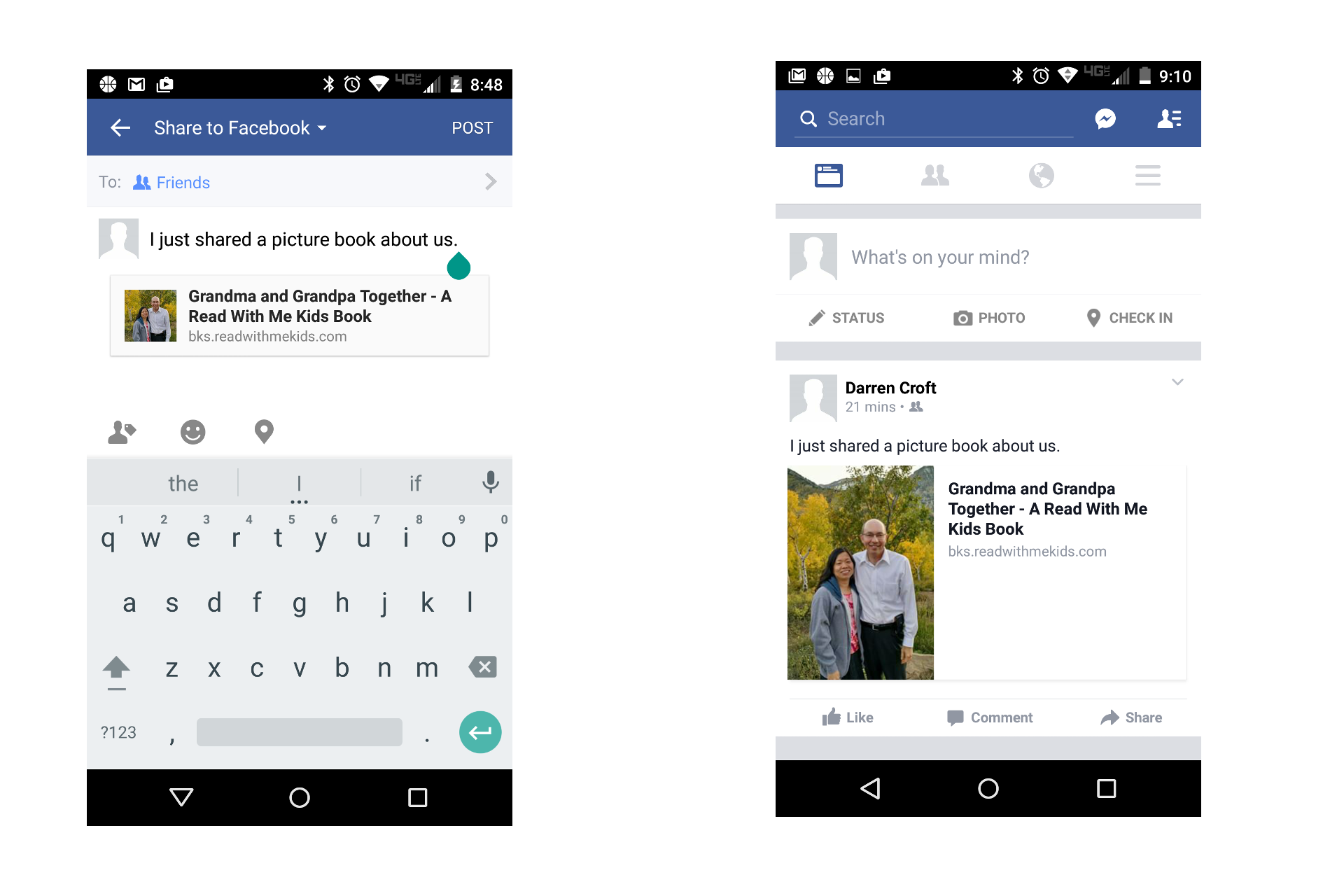
Sharing a book on Facebook takes only a few button presses.
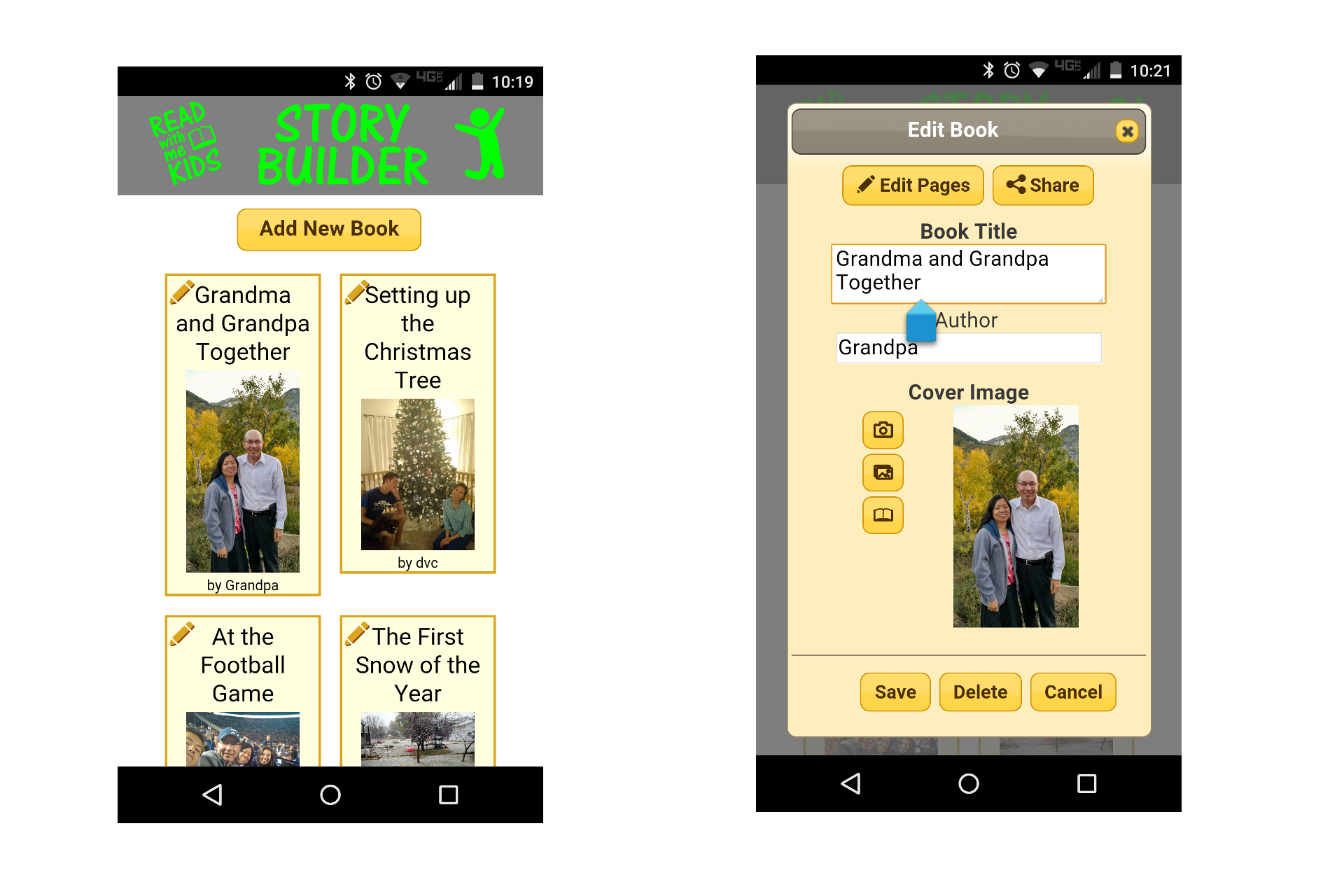
Reading and Family!
One of the most important skills a child can learn is to read, and one of the greatest strengths to help us through life's inevitable challenges is a strong sense of personal and family identity.
Read with Me Kids Story Builder is a simple app to leverage smartphones and tablets to create children's picture books. Spend a few minutes with a child and easily create a story with pictures and words the child chooses. The story is instantly a little piece of family history, and is a great motivation for a child to want to read! The creation process is very valuable too.
While reading, tapping a word highlights it to help the child focus and read it. If you tap the same word every time you come to it, a child will quickly learn to read that word! As you gradually tap on more and more words the child's abilities will continue to grow.
Books can be shared over the internet with family and friends, and you can even "Read Together" over any distance. When one person highlights a word or turns a page, everyone sees it! Creating and sharing books with one another is a great way for grandparents, traveling parents, non-custodial parents, and other mentors and friends to stay in touch with young children.
Example Picture Books
I have a new grand daughter and created a little book about her. This is a fun book to read with siblings, cousins, or even to share with other adults. In a few years when she is learning to read, it will be pretty special to read it together and talk about what it was like when she was born. A Little Book of Smiles
This book tells a little piece of family history to our grand kids (and our kids enjoyed it too). Grandma and Grandpa Together
A book focusing on one of our children. Jonathan is Happy
The possibilities are endless, and focusing on making a children's picture book takes away the pressure of writing a "Family History."
Requirements
To build stories, you currently need to install the app on a device running Android 4.0 or higher. Future versions will run on IOS as well.
Shared books can be read on any device with an internet connection and a modern browser. No software installation is required.
The Technology
The pages are rendered with HTML5 and CSS3. This provides a very rich and stable layout engine with many future possibilities for nice content creation. I was also able to leverage built in features to allow the books to scale from small screens to large screens and still keep the same layout.
The back end is built on Google Cloud Services. The cost of entry is minimal, and it will automatically scale to support many users.
Building Stories Features
- Take new pictures with your device's camera
- Use pictures already in your device's photo collection
- Add multiple pictures to a page
- Pictures can be set as a background
- Pictures can have colored borders
- Pictures can overlap one another
- Add multiple text boxes
- Text automatically sizes to fill the box
- Change font color and transparency
- Change background color and transparency
- Move and re-size pictures and text by touch
- No internet connection required to build stories
Reading and Sharing Features
- Read on the device where it was created, no internet connection required
- Upload the story to the internet with a simple button press
- Share a link to uploaded books using apps on your phone including email, text, Facebook, or Google+
- Shared books have the same layout and formatting on all devices
- Tap words to highlight them and ask the child to read them
- Read together over the internet. When one person highlights a word or turns a page, everyone reading together sees the same thing
Current Beta Issues
Read With Me Kids Story Builder is still in Beta and there are a few known issues.
- Reading together is not tracking disconnects, so if you come back within an hour you may see names of people that are no longer reading. You can ignore that and continue.
- While reading together it is possible to go too fast. If you turn two pages quickly, or change the page and immediately highlight a word, the other people may not see the second action if their device is still loading and initializing the original page turn.
- Uploading files will transmit all files even if no changes have been made to them.
- You need to stay on the uploading screen until it completes
- There are no customization settings for the reading experience.
- Page transitions are implemented, so it is snappier than the initial rollout, but javascript files have not been optimized and server caching is not enabled so we still expect further performance improvements in production.

Log in or sign up for Devpost to join the conversation.