Hackathon Submission — Shelf
Inspiration
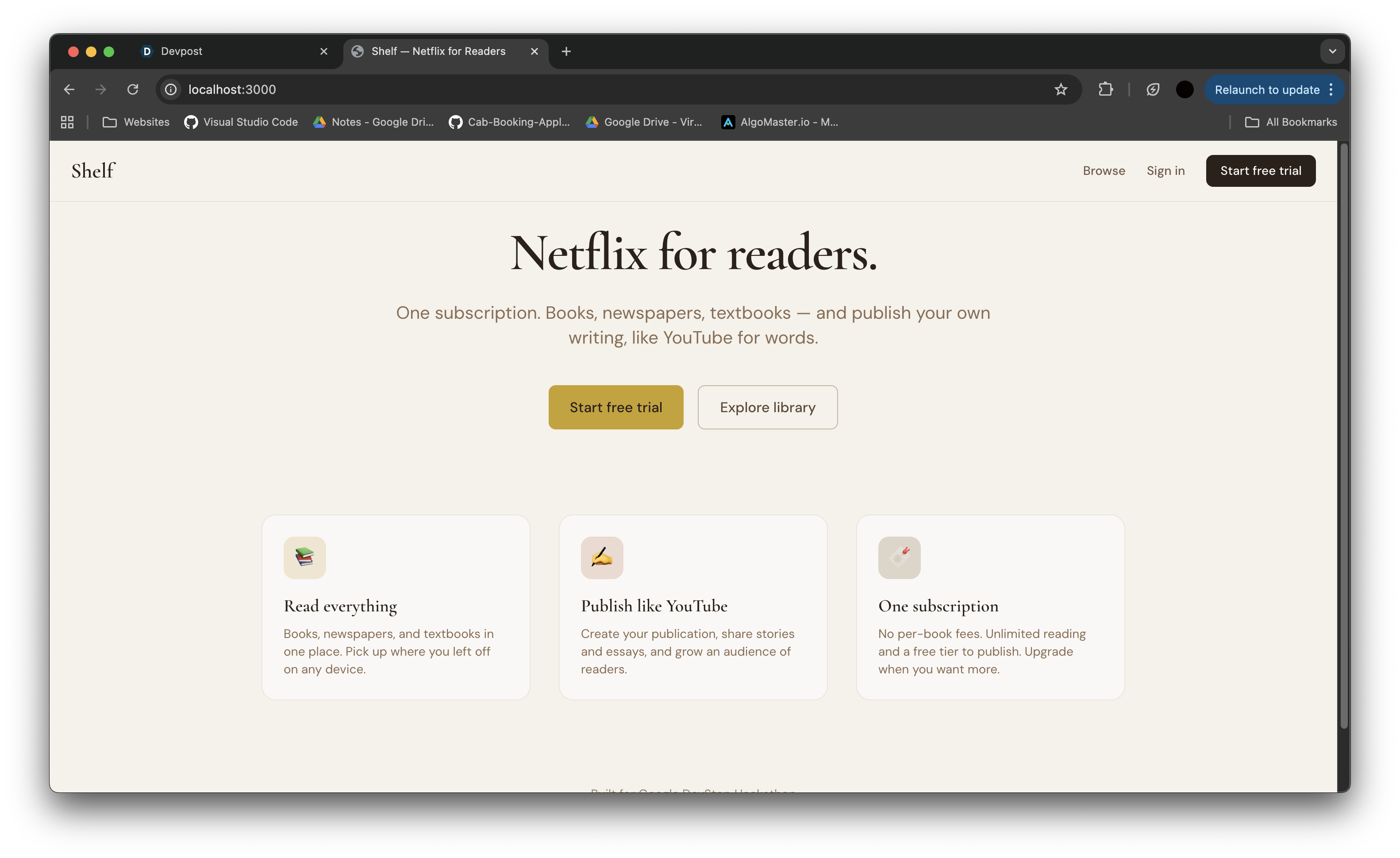
I wanted one place where you could read everything—books, newspapers, textbooks—and publish your own writing without juggling multiple subscriptions or starting a blog from scratch. The idea: Netflix for reading, plus YouTube for writing. One subscription for unlimited reading, and a built-in way for anyone to create a “channel” (we call it a publication) and share stories and essays. Shelf is that single place—where your reading and your writing live together.
What it does
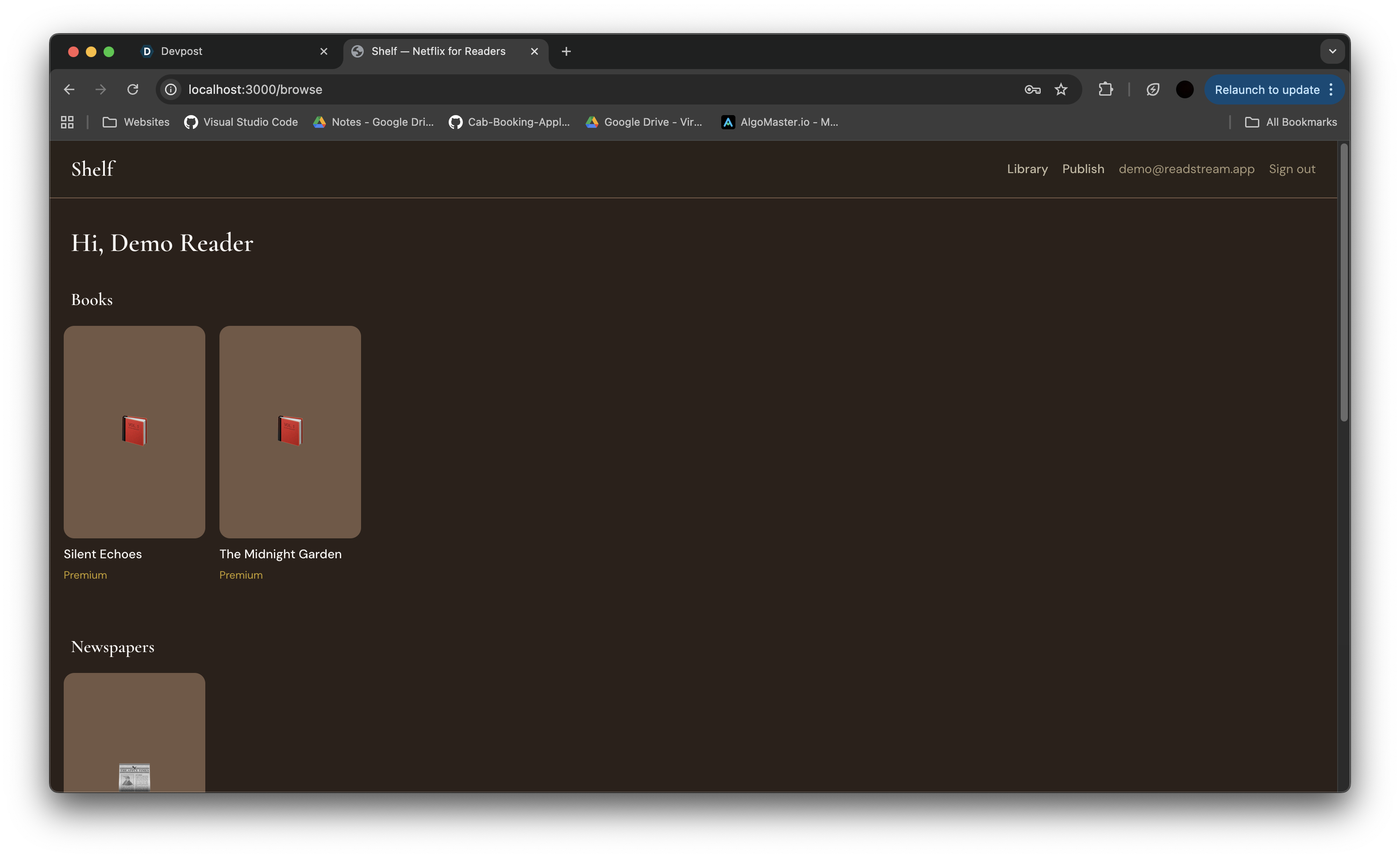
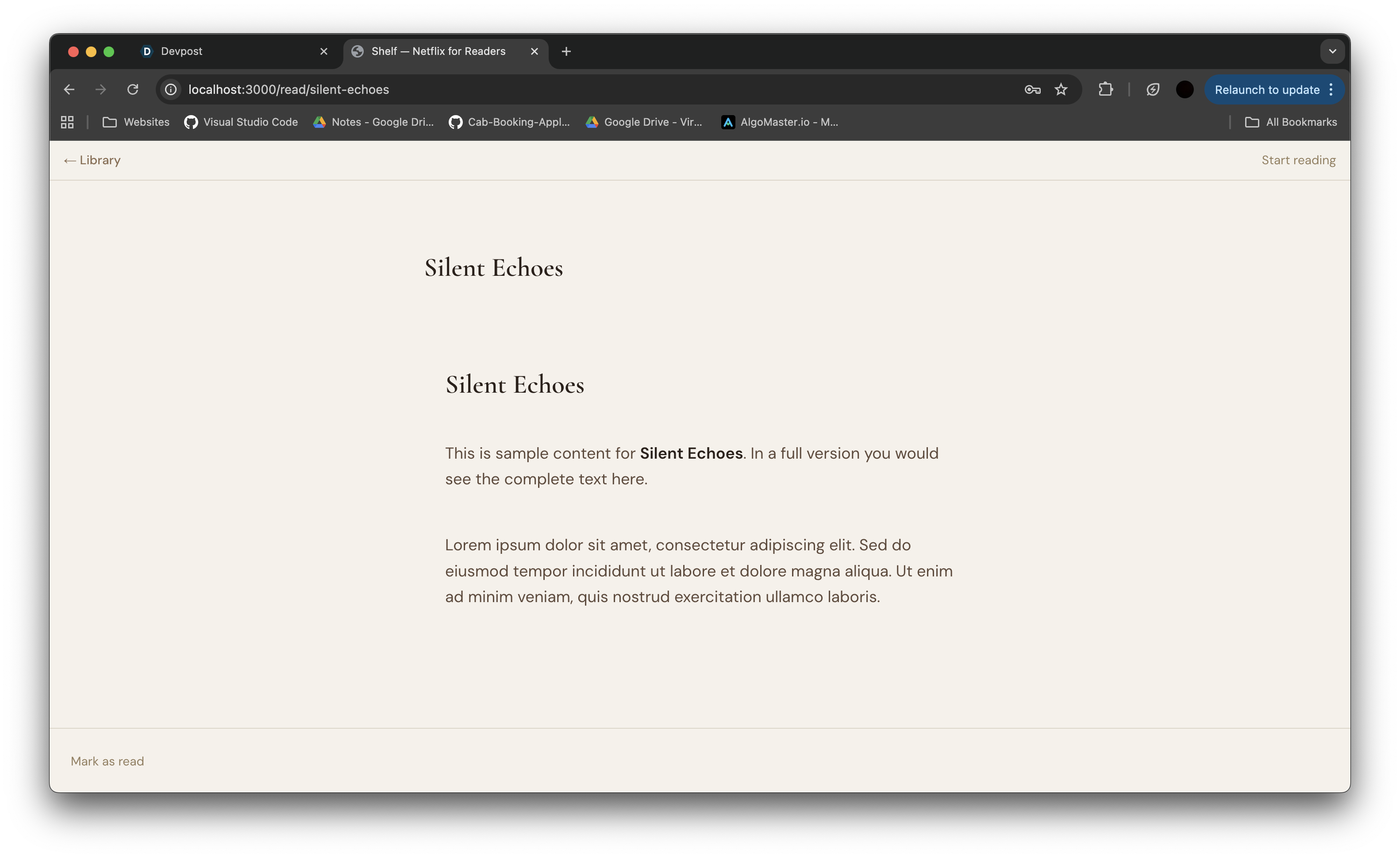
- Unified library: Subscribers browse Books, Newspapers, and Textbooks in one app. Click any title to read in a clean e-reader view with progress tracking.
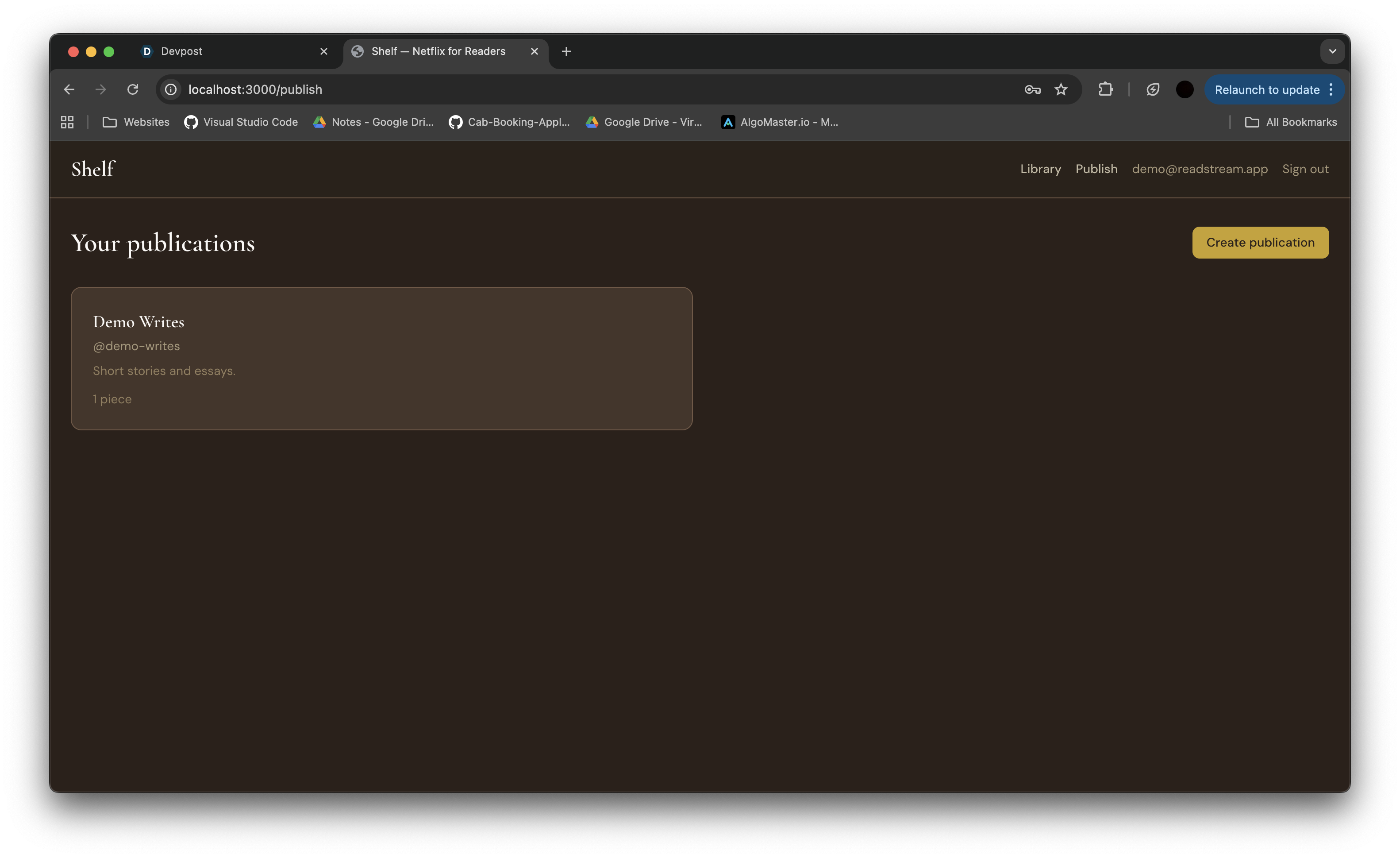
- Publish like YouTube: Users create a publication (e.g. @my-stories), then publish pieces with a title, description, and Markdown content. Those pieces show up in a “From the community” row so every reader can discover creator content.
- Subscription tiers: Free and premium (monthly/yearly) with gated content so premium books are only available to paying subscribers. Free users can still read open content and publish their own work.
- Auth and sessions: Sign up, sign in, and a session keeps you logged in. No OAuth required for the demo.
How I built it
- Next.js 14 (App Router) for the full stack—pages and API routes in one repo. Server components load content and pass it into the UI.
- Prisma + SQLite for the database. We modeled users, subscriptions, content, publications, and reading progress. SQLite kept the demo simple with no external DB.
- Tailwind CSS for styling. We used a warm, readable palette (cream, paper, ink, gold) so it feels like a reading product.
- Session-based auth with httpOnly cookies and bcrypt for passwords. We encode a small payload (user id + session id) in the cookie so we didn’t need a session table.
- Minimal Markdown for reading: we built a small parser for headings, paragraphs, and bold so published pieces render cleanly without pulling in a heavy library.
Challenges I ran into
- Scope vs time: We had to cut features to ship. Full CommonMark, search, and recommendations are on the list for later; we focused on auth, browse, read, and publish so the story was complete.
- Session handling: Getting stateless-ish sessions right in cookies (encoding, httpOnly, sameSite) took a few iterations so redirects and logouts behaved correctly.
- Unique slugs and handles: User-created content and publications need URL-safe, unique identifiers. We slugify titles and de-duplicate (e.g.
my-story,my-story-2) and enforce one@handleper publication.
Accomplishments
- End-to-end flow in one weekend: From landing page to sign-up, browsing, reading, and publishing—with subscription gating—all working in a single app.
- Creator-first design: Treating “publish your own writing” as a core feature, not a side note. Publications and community content are first-class in the UI and data model.
- Clean, readable UI: Choosing a distinct look (serif headings, warm colors) so Shelf feels like a reading app instead of generic SaaS. The name “Shelf” fits both “your reading shelf” and “your writing on the shelf.”
What I learned
- Scoping pays off. Picking a few core flows (auth, browse, read, publish) and doing them well beat adding half-built features.
- SQLite is enough for a hackathon. Prisma + SQLite gave us relations and migrations without any DB hosting—great for a fast demo.
- Small design choices matter. Fonts and a simple color system made the product feel coherent and intentional.
What's next for Shelf
We’d add full-text search, a proper Markdown (and maybe PDF) renderer, file uploads for covers and attachments, and real subscription payments. We’d also invest in discovery: categories, trending, and the ability to follow publications. The goal stays the same: one place to read everything and publish your own—Shelf as the home for both.
Built With
- next.js
- prisma
- sqlite
- tailwind
