-
-
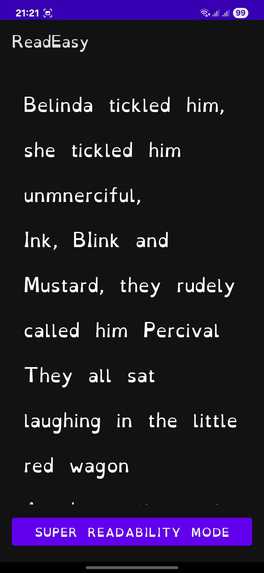
Example of an opened saved text
-
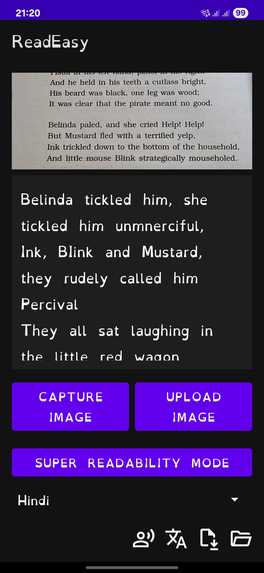
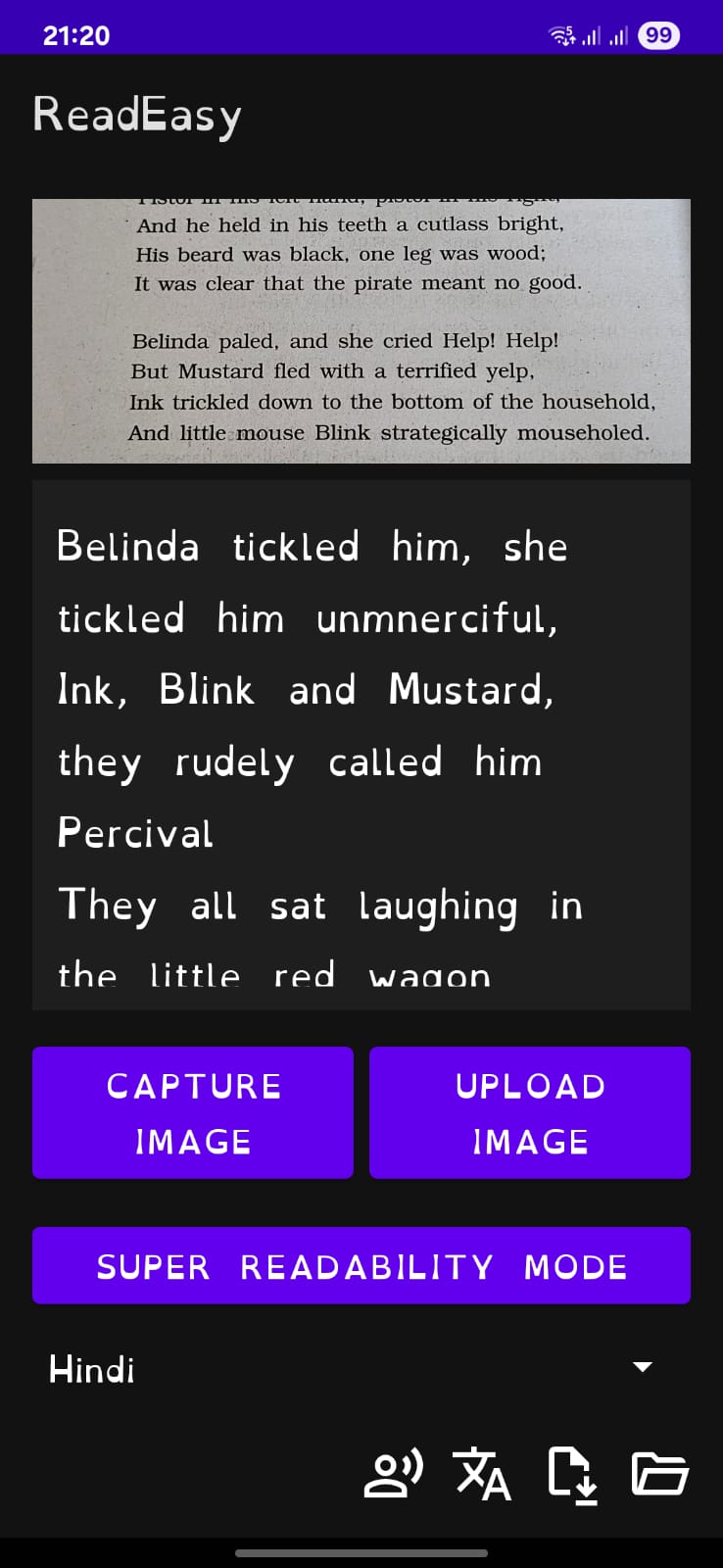
Live translation
-
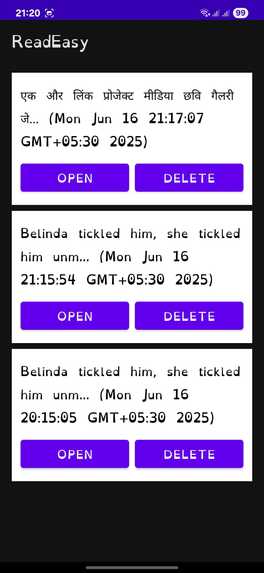
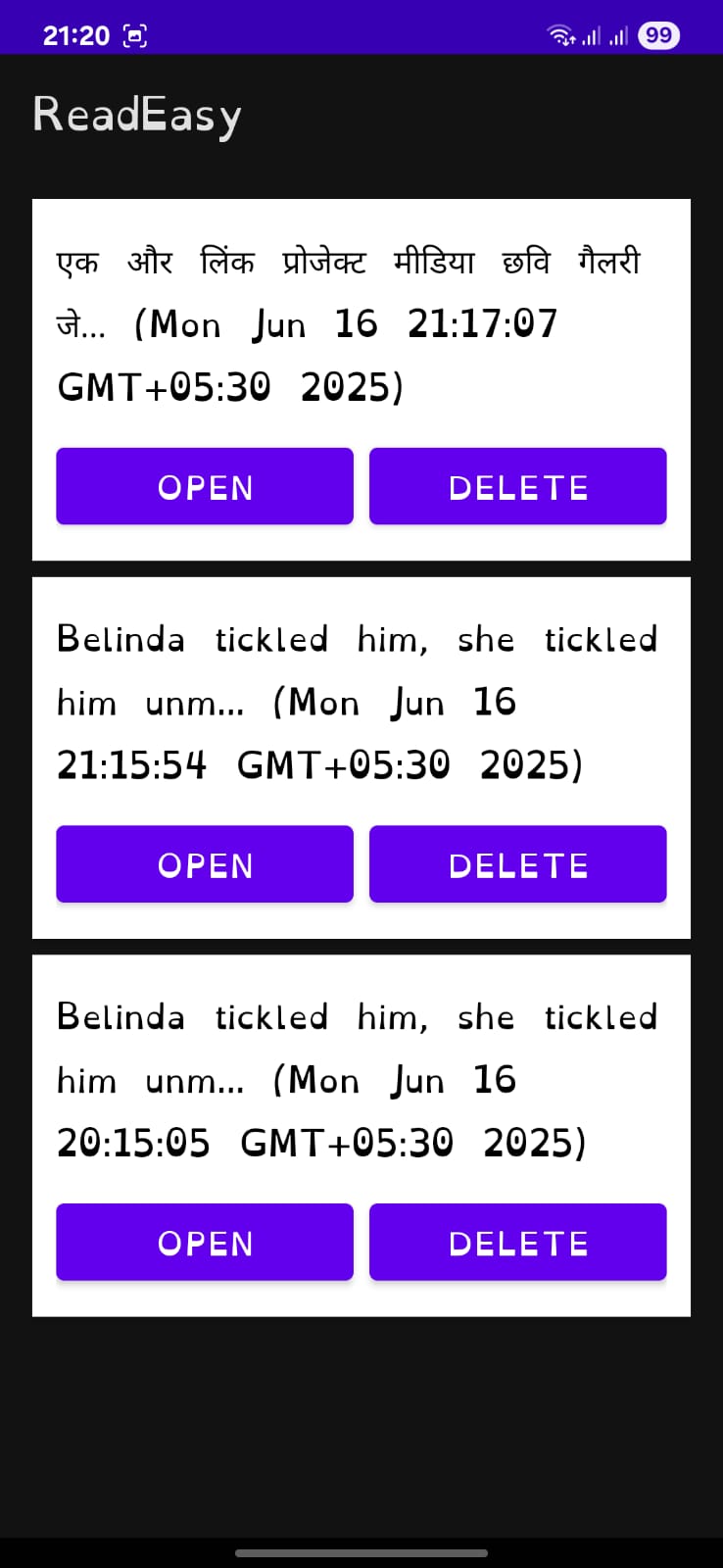
Example of list of saved texts
-
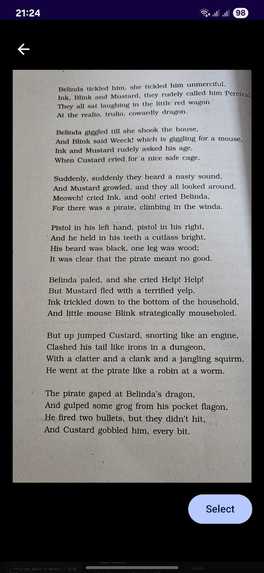
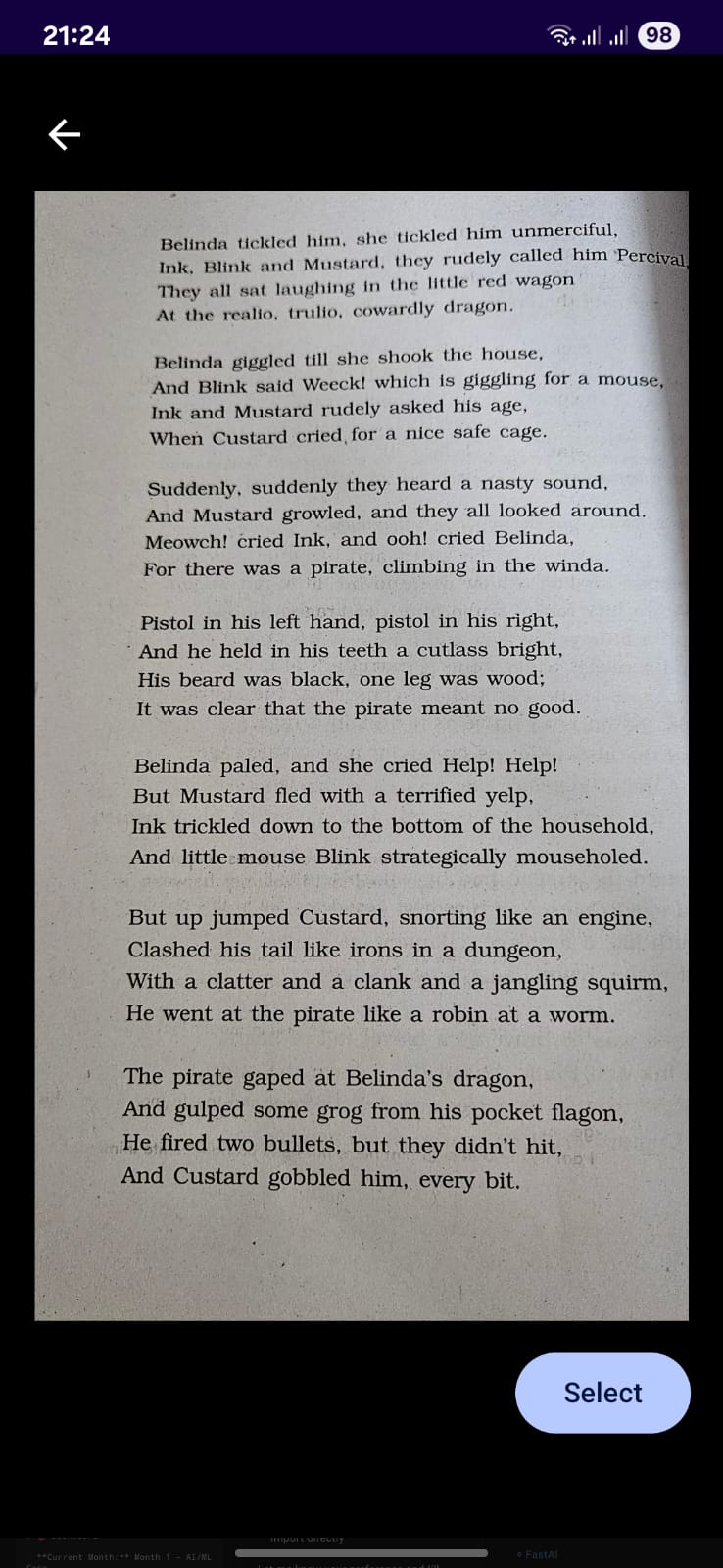
Image Used as sample in the video
-

App Icon

✨ About the Project
ReadEasy was born out of a simple, powerful idea: What if the ability to read and understand your world didn’t depend on language, literacy, or internet access?
Over 773 million adults worldwide lack basic literacy skills, and 1 in 5 people have some form of reading disability like dyslexia. That number climbs even higher when you include language barriers, visual impairments, and low digital literacy.
This project was inspired by real people:
A student in a rural school struggling to read English textbooks
My grandmother, who couldn’t read her medication label
A friend traveling in Tamil Nadu who couldn’t understand signs written only in Tamil
A worker handed a form in English, a language they don't speak
Each faced a shared barrier: written text they couldn’t access or understand. I built ReadEasy for them — and millions more like them.
🧱 How I Built It
ReadEasy is an offline-first Android app, built using Kotlin, ML Kit, and the Jetpack ecosystem. I focused on speed, simplicity, and privacy.
Key components:
ML Kit Text Recognition v2 — high-accuracy OCR, even on handwritten or scanned text
ML Kit Translate — on-device, offline language translation for 50+ languages
Room DB — save and revisit processed text with metadata
TextToSpeech — reads out recognized or translated text in any supported language
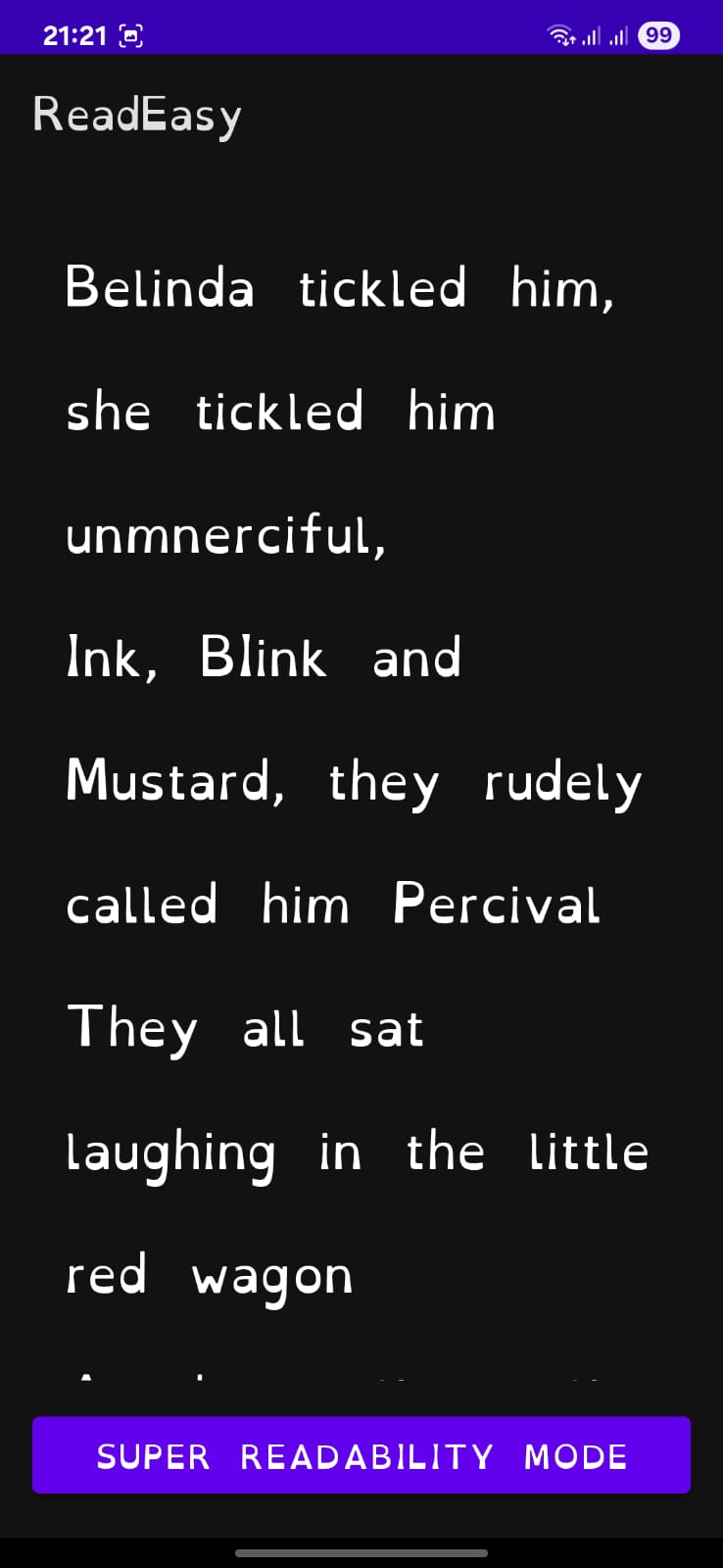
Custom UI/UX — clean icon-driven design with OpenDyslexic font and large touch targets for accessibility
💡 What I Learned
Accessibility is not an add-on — it’s a design foundation. Small choices (like font or spacing) change how people feel about reading.
Offline-first is essential, especially in areas with poor or intermittent connectivity.
Speed matters. Users will abandon features that feel sluggish — every millisecond counts.
Trust must be earned. If users don’t understand what the app is doing (e.g., no feedback on translation model downloads), they won’t return.
🧩 Challenges Faced
Model download glitches: ML Kit doesn't expose progress or completion reliably, which confused users the first time they chose a new language.
Language selection UI bugs: Some devices failed to show the selected language in the spinner — fixing this was more frustrating than expected.
Save reliability: Earlier builds didn’t save consistently across app restarts. I redesigned the DB layer for robustness.
Making text optional: Creating an app usable without needing to read the UI required intensive icon testing and simplifying every screen.
🚀 Things Currently Available:
This is a major release that brings a significant evolution to ReadEasy:
Complete UI overhaul — improved layout, icons, and dyslexia-friendly visuals
Support for 50+ languages via local translation
Save Page functionality — bookmark and access OCR results later
Improved performance — smoother interactions and smarter caching
Better language selection UI with persistent states and visual feedback
🎯 Use Cases (Grounded in Reality)
A 14-year-old in a government school uses ReadEasy to scan an English worksheet. He doesn’t know the language — the app translates it to Hindi and reads it out loud. He finally understands the assignment.
An elderly woman in Tamil Nadu, who never learned to read, points the camera at her medicine strip. ReadEasy extracts the English text and speaks it in Tamil— she feels independent again.
A construction worker from Bengal, unfamiliar with English, uses the app to understand warning signs at a site. A camera scan, quick translation, and he's safe.
A dyslexic college student struggles with dense PDFs. She uses the app to extract and read the text in OpenDyslexic font — helping her focus and retain better.
These aren’t edge cases — they’re daily realities for millions.
🌍 What I’m will Continue Building Towards Even After the Hackathon:
ReadEasy isn’t just an app — it’s a step toward equity in access. I envision a world where anyone, regardless of education, disability, or geography, can see, understand, and use the written word.
Built With
- android
- android-studio
- google-mlkit
- kotlin
- material-components
- opendyslexic
- roomdb
- viewmodel
- xml

Log in or sign up for Devpost to join the conversation.