-
-
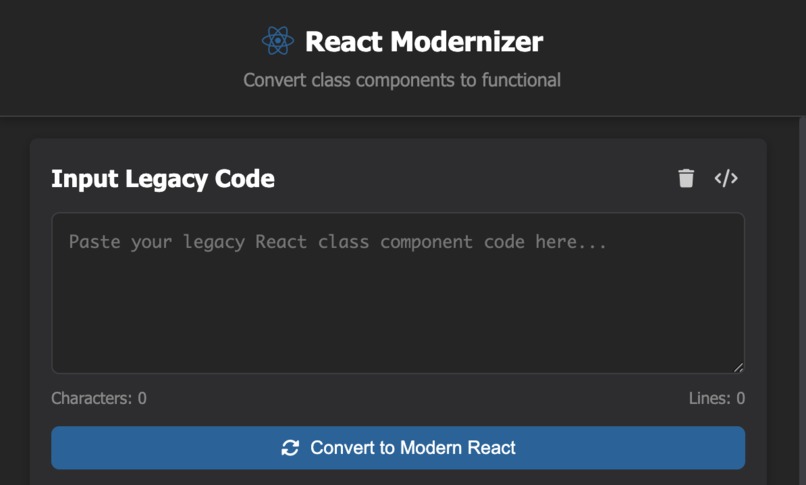
React Modernizer convert page
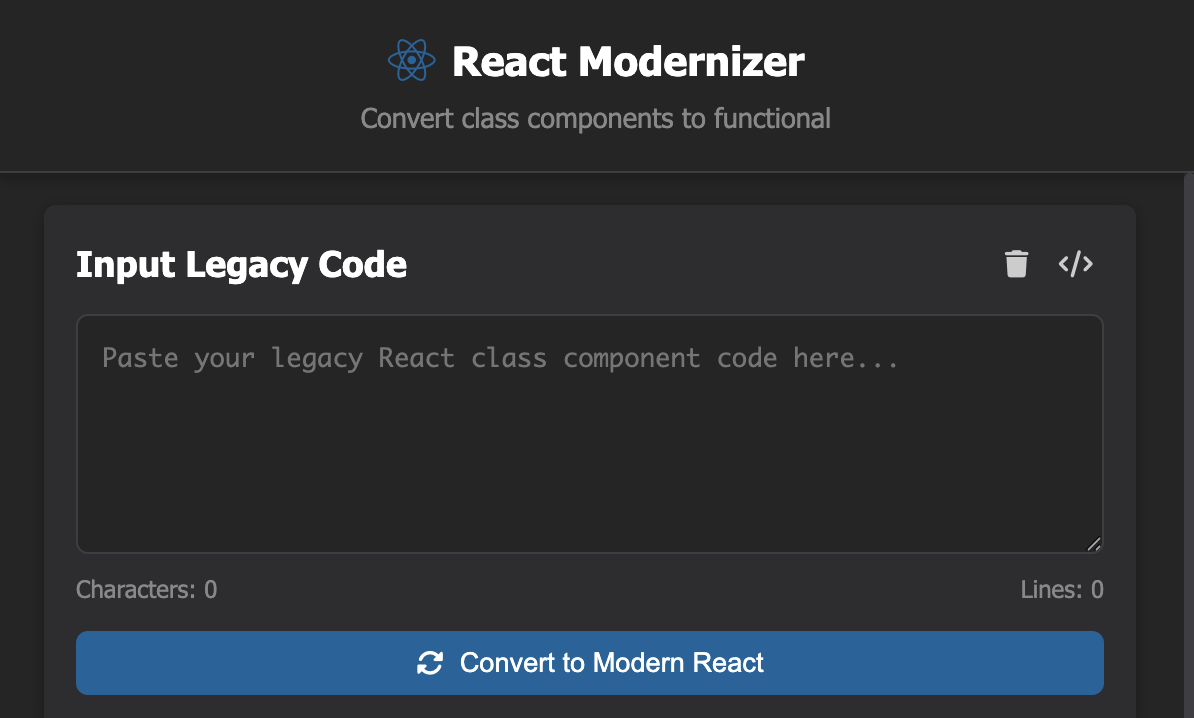
Inspiration
The reason behind this project being inspired by my and other developers that I have interviewed experience of having trouble refactoring old React apps was due to their complexity. I had the desire to establish a tool that would help to bridge the gap between the present and the past and turn outdated code into modern React components without any hassle. By creating React Moderniser, I am aiming to help developers save time and make fewer mistakes.
What it does
React Moderniser is a Chrome Extension that lets developers paste their legacy React code and instantly convert it into modern functional components** in just a click of a button.
Key features include:
- A side-by-side code comparison between the "before" legacy and "after" modernised code.
- Migration notes that explain what changes were made and why.
How I built it
Frontend:
- HTML, CSS, and JavaScript for the extension UI.
- Interactive components like character counters, notifications, export buttons, and a loader for AI processing feedback.
- Fully self-contained in
popup.htmlandstyles.css
Backend:
- Gemini AI APIs (Prompt, Summarizer, Rewriter) to:
- Summarise legacy React code.
- Transform class components into modern functional components.
- Generate contextual migration notes explaining code changes.
- Chrome Storage API to persist user input and code transformations between sessions.
Challenges I ran into
- Integrating AI responses: Initially, we faced difficulty connecting the Gemini AI APIs to the Chrome Extension. Network requests from the extension were blocked or misconfigured, which delayed testing the modernisation and summarisation features.
- UX design for developers: Balancing functionality with simplicity while showing migration notes and code comparison.
Accomplishments that I'm proud of
- Successfully implemented side-by-side diff viewing of legacy vs modern code to improve user-friendliness.
- Generated migration notes that show each transformation step.
- Created a tool that saves developers hours of manual refactoring and reduces errors during migration.
What I learned
- Working with Chrome Extensions: I learned how to manage storage, communicate between popup and background scripts, and handle permissions effectively.
- API integration challenges: Connecting to Gemini AI APIs reinforced the importance of understanding CORS, network requests from extensions, and debugging asynchronous calls.
- Problem-solving and perseverance: Encountering technical roadblocks, like API connectivity issues, pushed us to research, experiment, and iterate until the features worked seamlessly.
What's next for React-recode-extension
- Enhanced AI suggestions: Add smarter, more context-aware migration notes for larger codebases.
- Project-wide modernisation: Enable users to paste multiple files and refactor entire projects at once.


Log in or sign up for Devpost to join the conversation.