ReachGuard 🛟
A small button. A clear handoff. Someone who says, “I can help.”
💡 Inspiration
You leave the library late. Halfway home, you feel unwell. You want someone you trust to know—but unlocking your phone, finding a contact, and explaining everything suddenly feels like a lot. You manage to send a message. Then comes the harder question: Did anyone actually take responsibility for helping? That gap became the focus of ReachGuard. We brought together two projects: a wearable emergency-assistance prototype and CallGate, an existing system for scoped contact verification and auditable events. During the hackathon, we built a shared help-response workflow around a simple idea: Sending a request and having someone accept it are two different moments. People should be able to tell them apart.
🛟 What it does
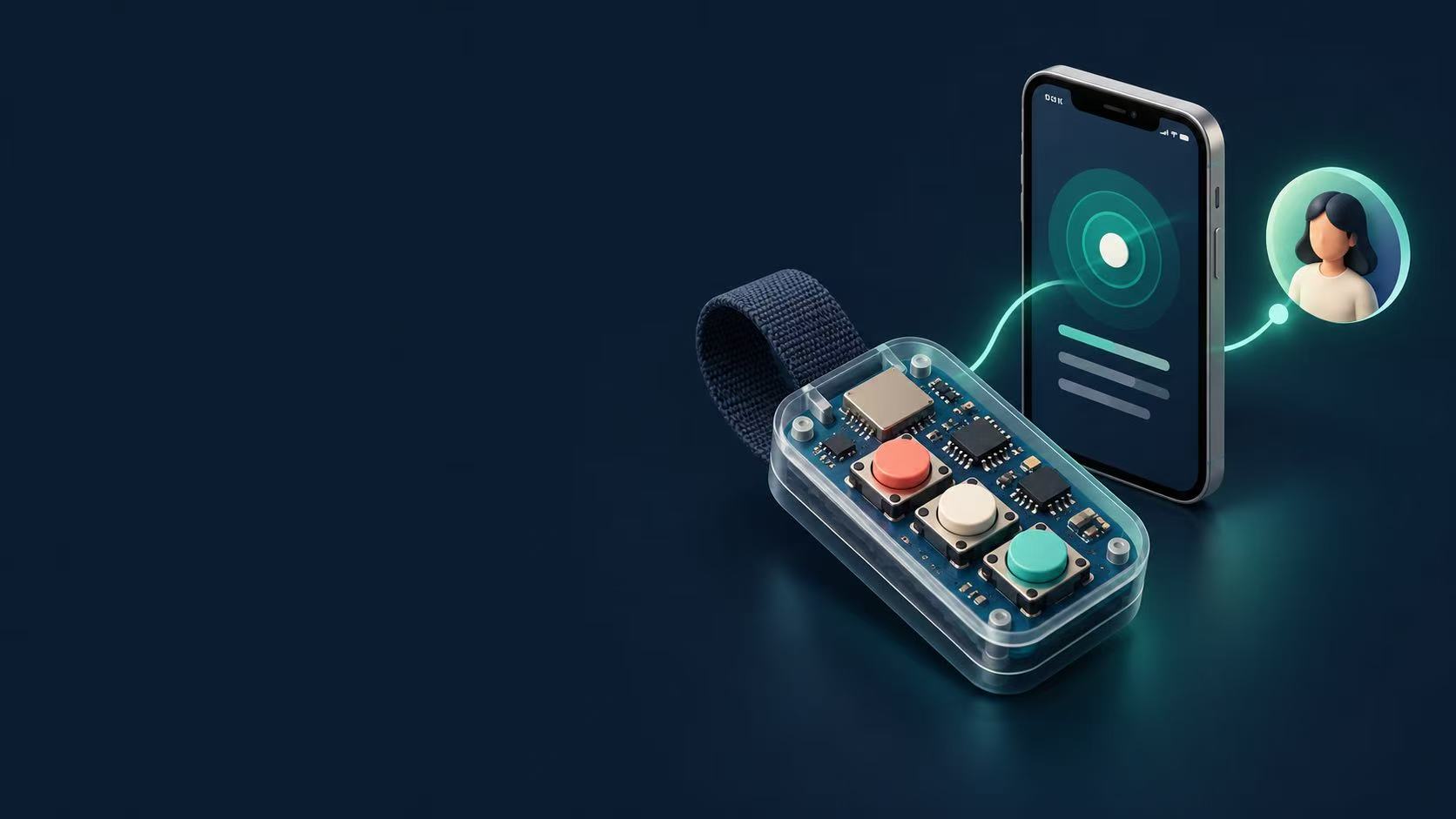
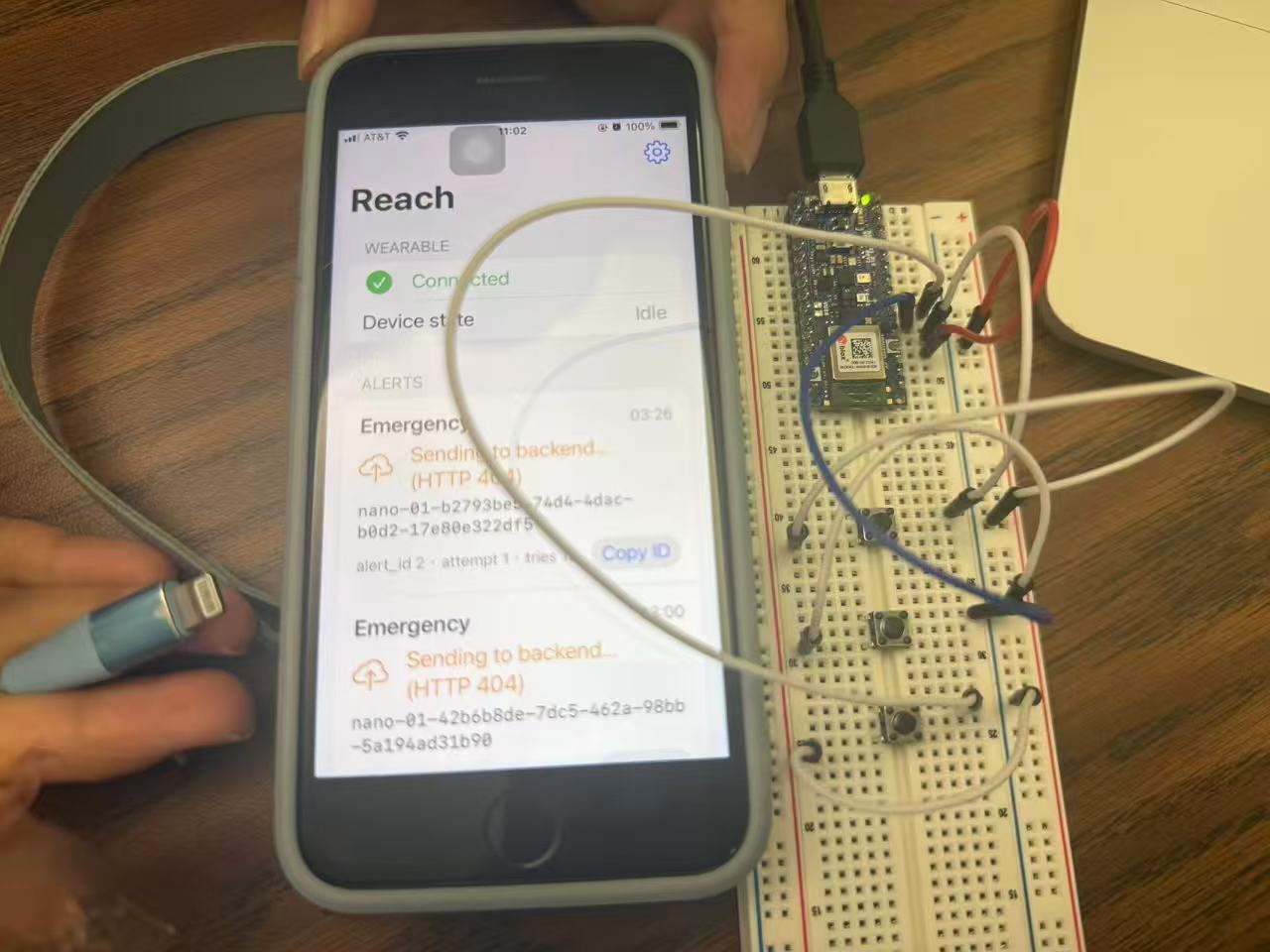
ReachGuard connects a wearable help trigger, an iPhone gateway, and a contact response page.
The intended experience is simple:
- Press and hold. Initiate a help request, with a short cancellation window to catch accidental activation.
- Pass it through the phone. The iPhone receives the device event over Bluetooth and uploads it.
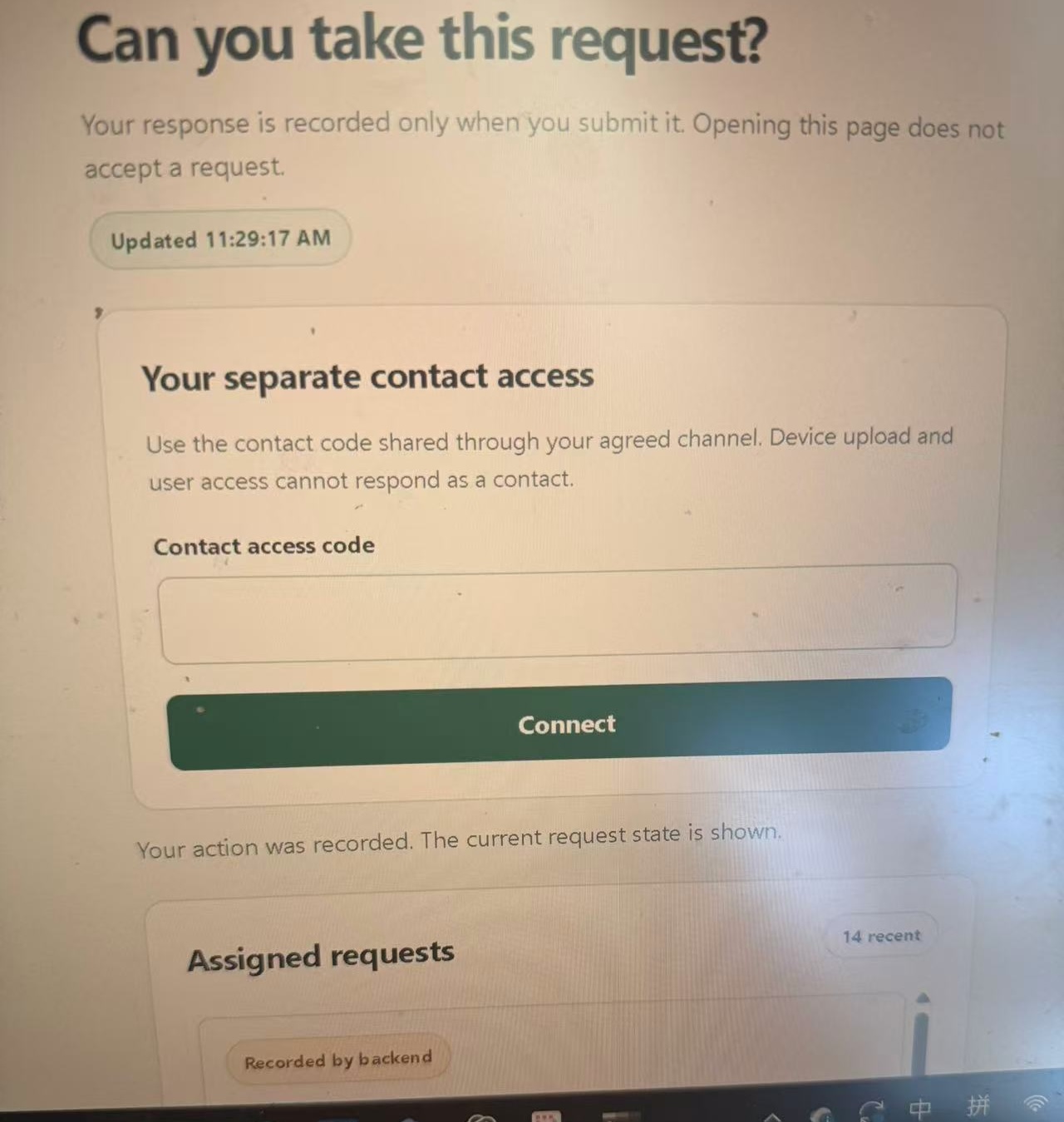
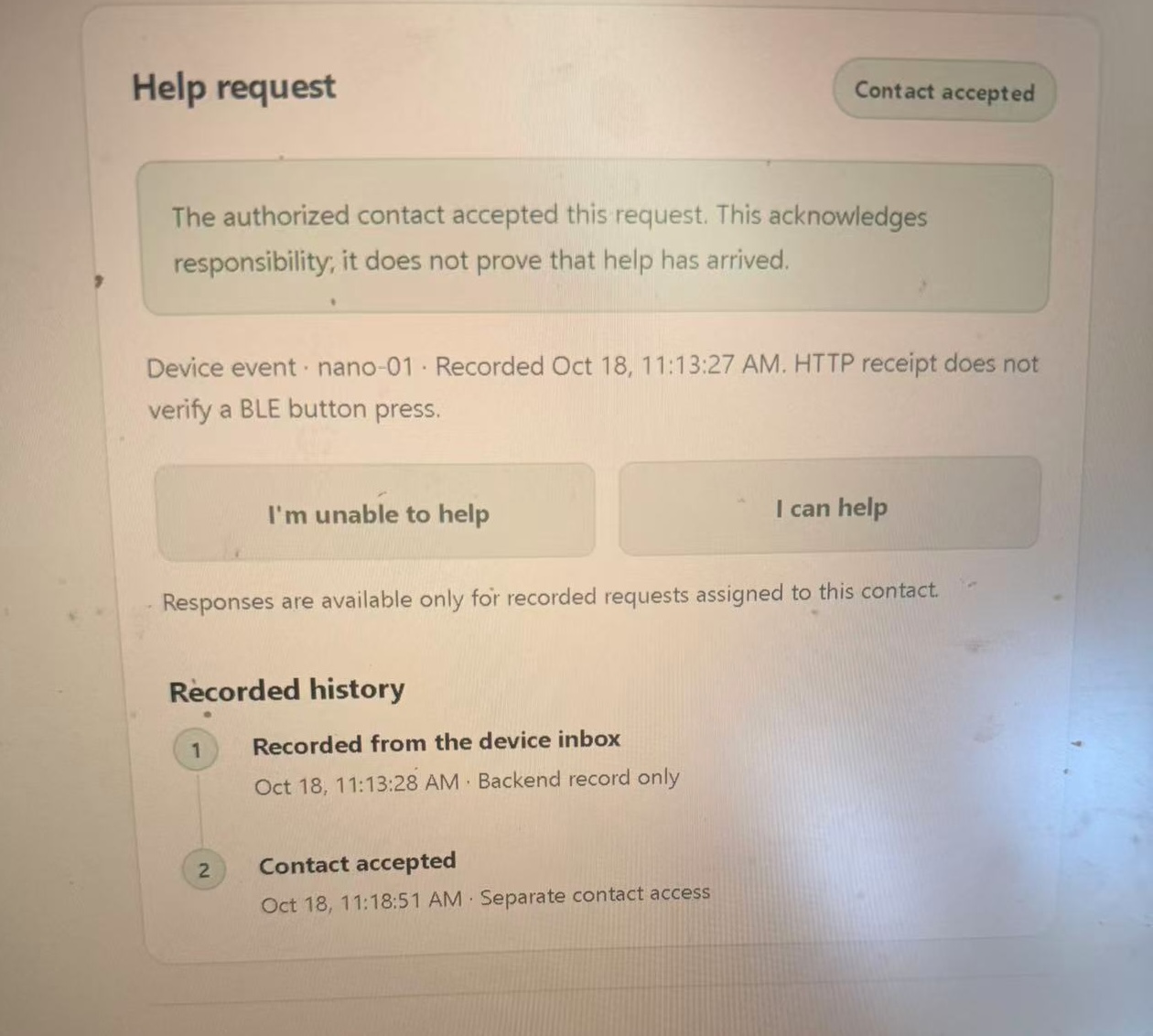
- Let a contact respond. An assigned contact opens their authorized page and chooses whether they can help.
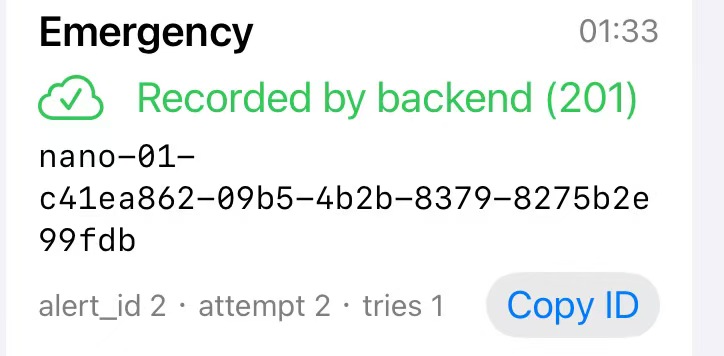
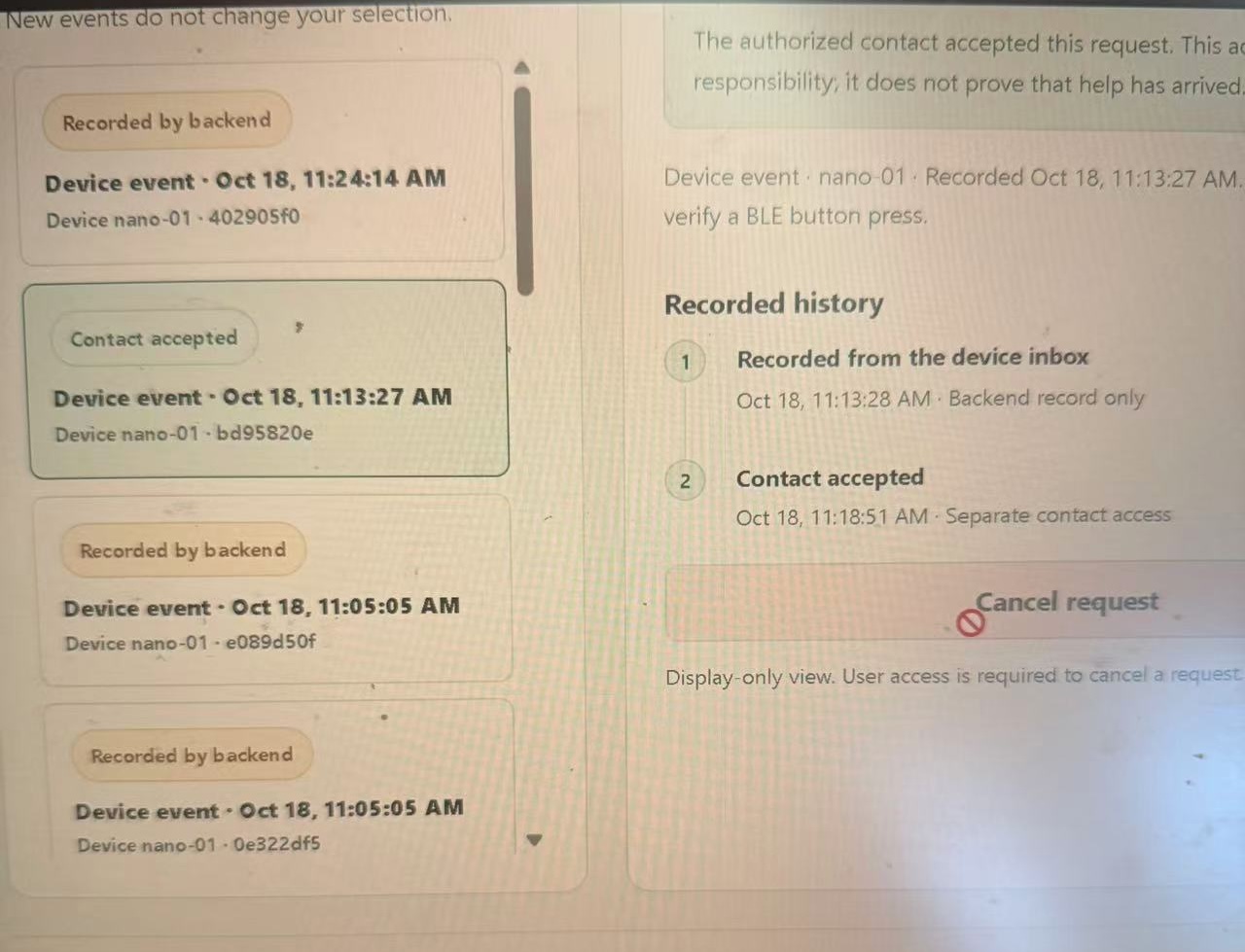
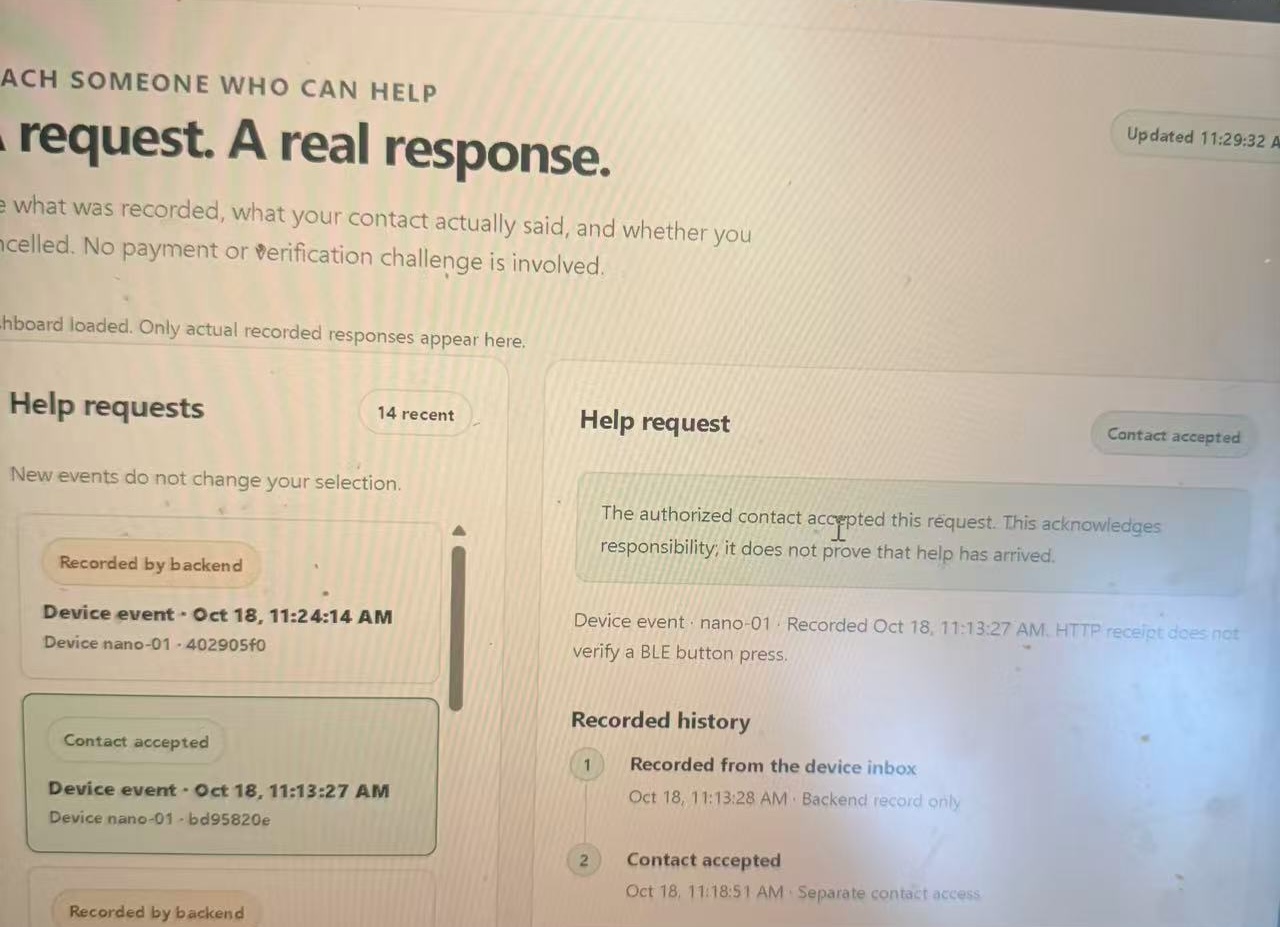
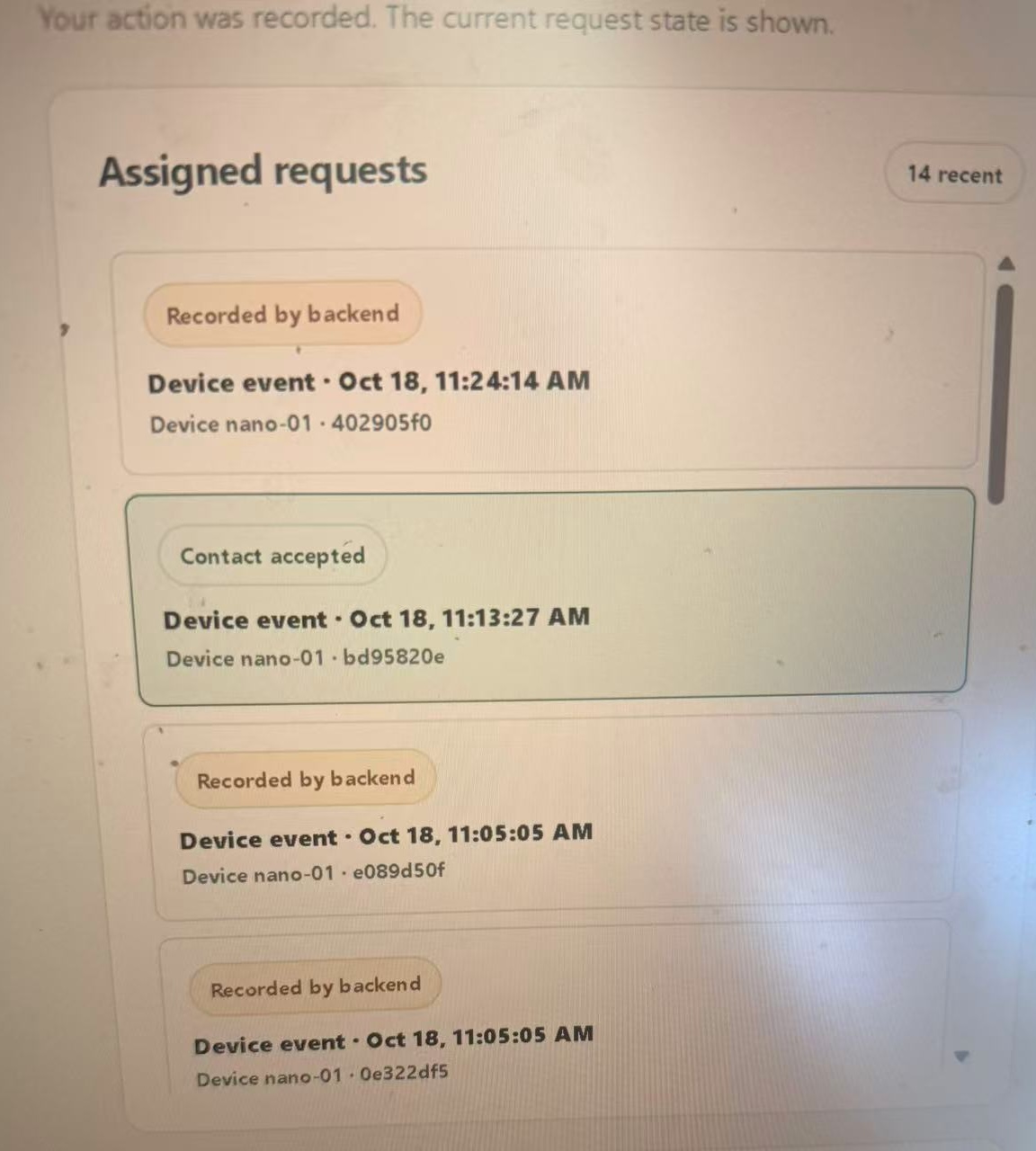
- See the handoff. The dashboard shows what actually happened, including when the backend recorded the request and when the contact accepted it.
Our prototype separates three states that are easy to confuse: Phone received → Backend recorded → Contact accepted
A Bluetooth acknowledgment does not mean someone is coming. A successful upload does not mean a person has seen the request. “Contact accepted” means the contact has explicitly agreed to take responsibility; it does not claim that help has arrived. The wearable design supports Emergency, Medical, and Family requests. These are requests to configured contacts—not automatic calls to police, hospitals, or emergency dispatch.
⚙️ How we built it
Wearable: Arduino Nano 33 BLE Sense Rev2, using an nRF52840, physical buttons, and BLE. The firmware design includes long-press activation, debouncing, a cancellation window, acknowledgment handling, and bounded retries.
iPhone gateway: Swift and CoreBluetooth. The gateway is designed to decode an Alert, save it locally before acknowledging receipt, and upload a help_request. Configuration stays on the phone, with the device credential stored in Keychain.
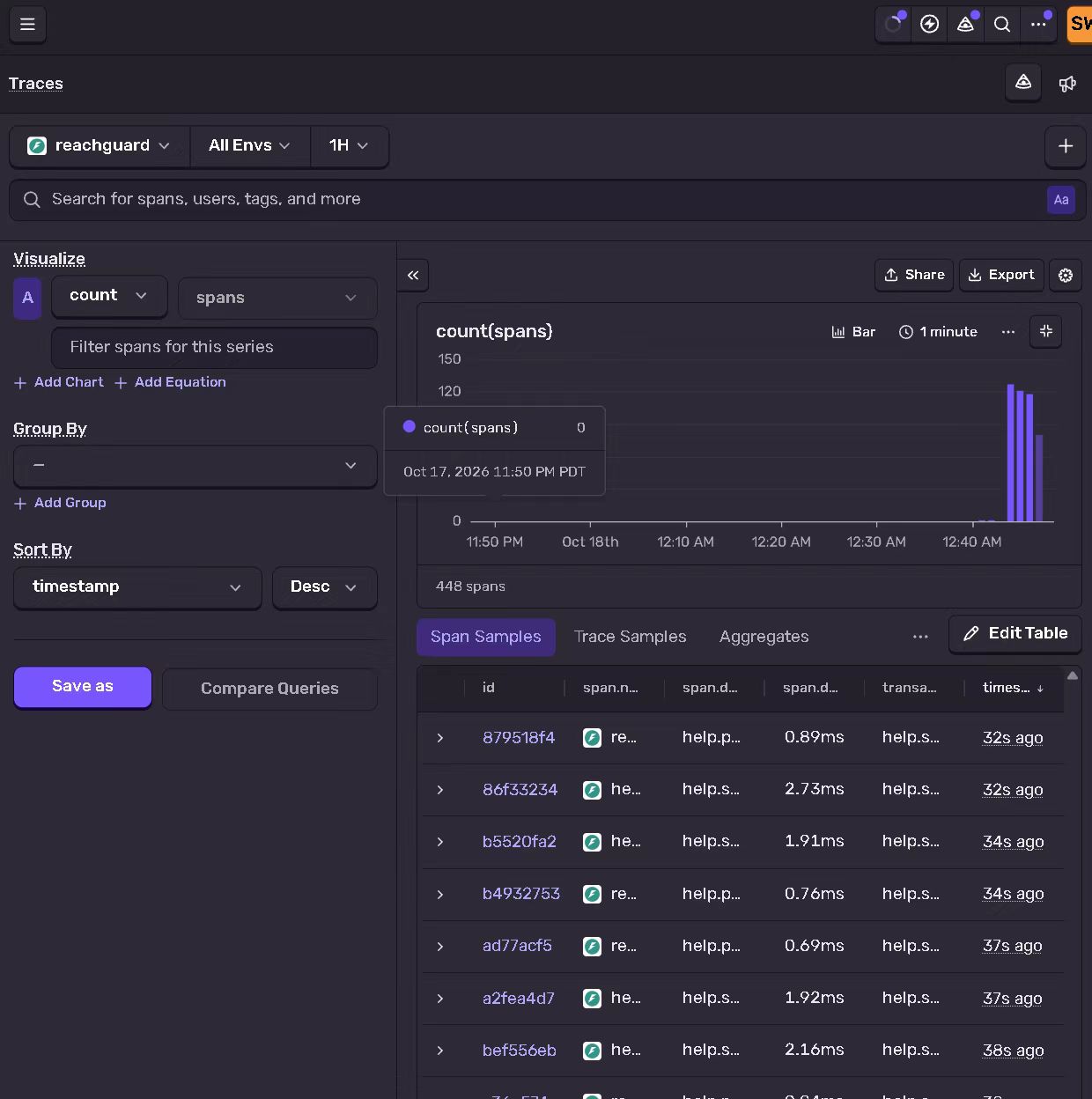
Backend: Python, FastAPI, and SQLite. Each request has a stable event ID. Retrying the same event returns the existing record; reusing its ID with different content is rejected.
Contact coordination: Separate permissions for device submission, contact responses, and dashboard viewing. A device credential can submit a request, but cannot accept it on a contact’s behalf.
Interface: An English dashboard and mobile contact page with a readable event history, clear response states, and explicit connection errors.
Emergency assistance does not require a payment challenge, a transaction amount, or a fraud detector’s permission to begin.
🧪 What we have demonstrated
We completed a real phone-to-backend-to-contact rehearsal:
-An iPhone Shortcut submitted a new help request over HTTPS. -The backend recorded it under its event ID. -An authorized contact responded from an iPhone. -The dashboard displayed Contact accepted for that same request.
We matched the event ID across the receive record and response history and recorded the demonstration.
We also demonstrated the complete hardware workflow: a physical button press, BLE reception by the Swift iPhone gateway, successful backend upload, and contact acceptance displayed on the dashboard for the same event ID. We recorded this demonstration.
🧩 Challenges we ran into
A request should survive a retry without becoming a second emergency
A connection can fail after the server has already received an upload. Creating a new event ID on every attempt would make one incident look like several. We use stable event IDs and persistent deduplication so retries refer to the same request.
Network failures became part of the product work
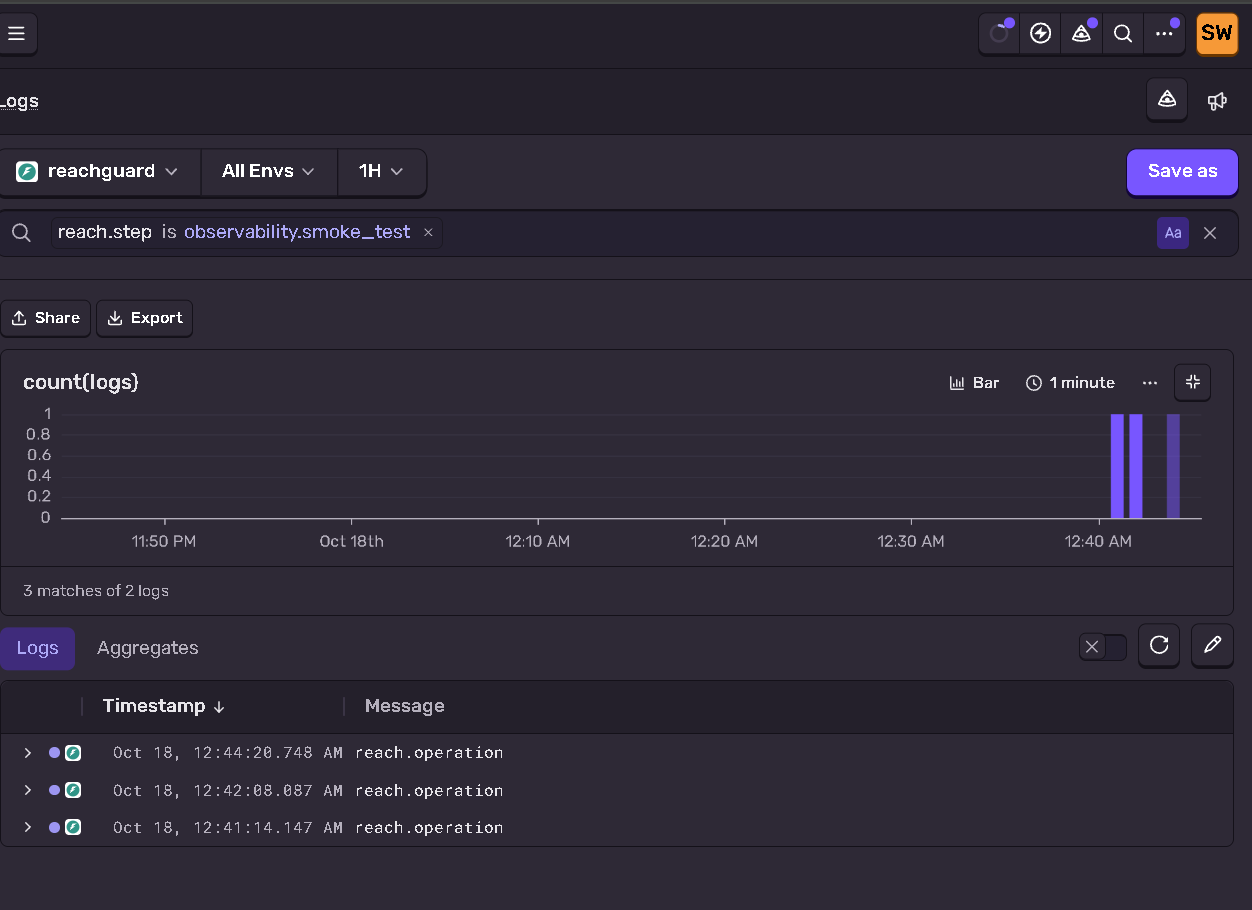
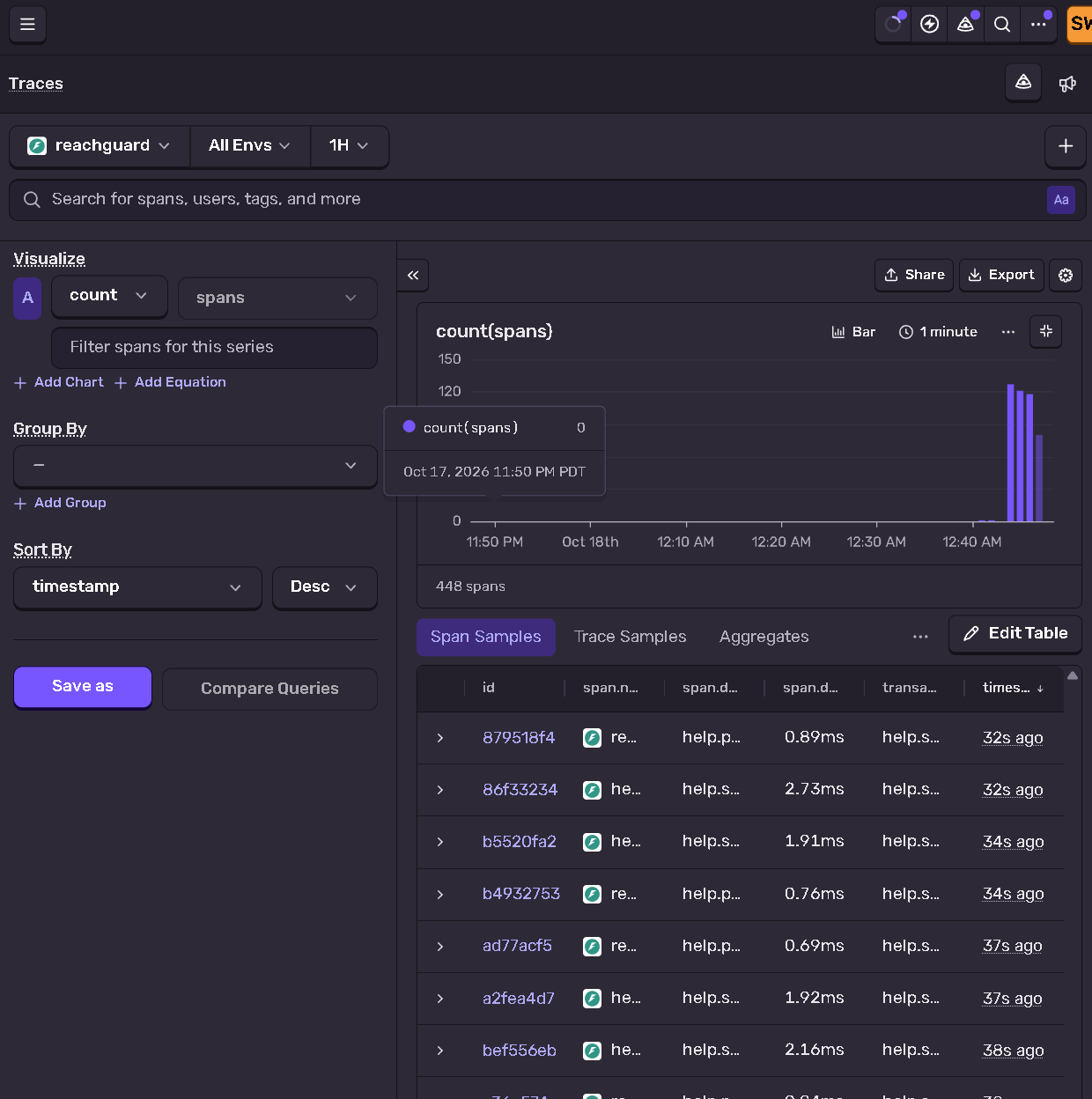
Campus connectivity and interrupted tunnels repeatedly affected testing. We had to distinguish a local service failure from an unavailable public endpoint, restore connectivity, and preserve the original records and credentials.
This also shaped the interface: an offline connection must remain visibly offline, rather than looking like an empty inbox.
Our first integration asked the wrong question
We initially connected the wearable event to CallGate’s payment-verification flow. It worked technically, but made someone asking for help pass through steps meant for authorizing a transaction.
We changed direction. ReachGuard now gives help requests their own response workflow, while preserving the separate payment prototype.
That decision made the product easier to explain—and more faithful to the person using it.
🏆 Accomplishments we’re proud of
-Completing a real iPhone request-and-response loop across separate role interfaces. -Keeping device acknowledgment, server receipt, and human acceptance distinct. -Handling duplicate requests, conflicting IDs, cancellation, and concurrent responses with an auditable history. -Turning separate hardware and backend efforts into a shared interface contract.
Building a backup demonstration while keeping unverified hardware claims out of our results.
📚 What we learned
The most useful feedback in a stressful moment may be very small:
“Your request was recorded.”
Then, only when it is true:
“Someone accepted it.”
Designing around those statements forced us to examine every acknowledgment, permission, and screen. It also gave the two halves of our team a concrete integration target: one event, traced from its origin to a person’s response.
🚀 What’s next
Our next priority is broader testing of the complete workflow under interrupted connectivity, across different iPhone states, and with multiple contacts.
After that, we want to evaluate interrupted connectivity, unanswered requests, and cancellation with prospective users. We also plan to explore accessible device feedback and ways to reach another contact when the first cannot help.
ReachGuard is a research prototype with configured demo contacts. It does not establish verified human identity, dispatch emergency services, or guarantee a response.
Our first goal is concrete: make a request for help become a visible, accountable handoff.
Source code: https://github.com/Cyberchopin/reachguard



Log in or sign up for Devpost to join the conversation.