-
-
Cover
Inspiration
Most repairs begin with a broken object and a phone photo—not a service manual. People search for phrases like “lamp flickers” or “cup cracked at the base,” then receive generic advice that has never seen the object in front of them.
WebMCP gave me a chance to rethink that experience. If a website can expose its capabilities as tools, a browser agent can do more than describe a page: it can work with the person inside a shared, visible workspace.
That raised an important question: what should an agent be allowed to do when the outcome involves a real person holding a screwdriver?
RE:PAIR is my answer. The agent can inspect evidence, operate the digital workspace, ask focused questions, and draft a cautious repair plan. It cannot feel a loose connection, smell burnt plastic, or decide that a mains-powered device is safe to open. I designed that boundary into the product instead of hiding it in a disclaimer.
What it does
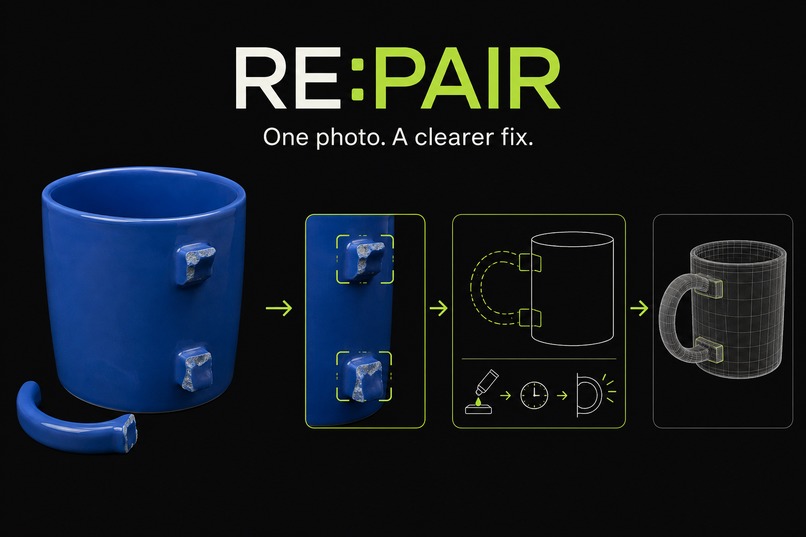
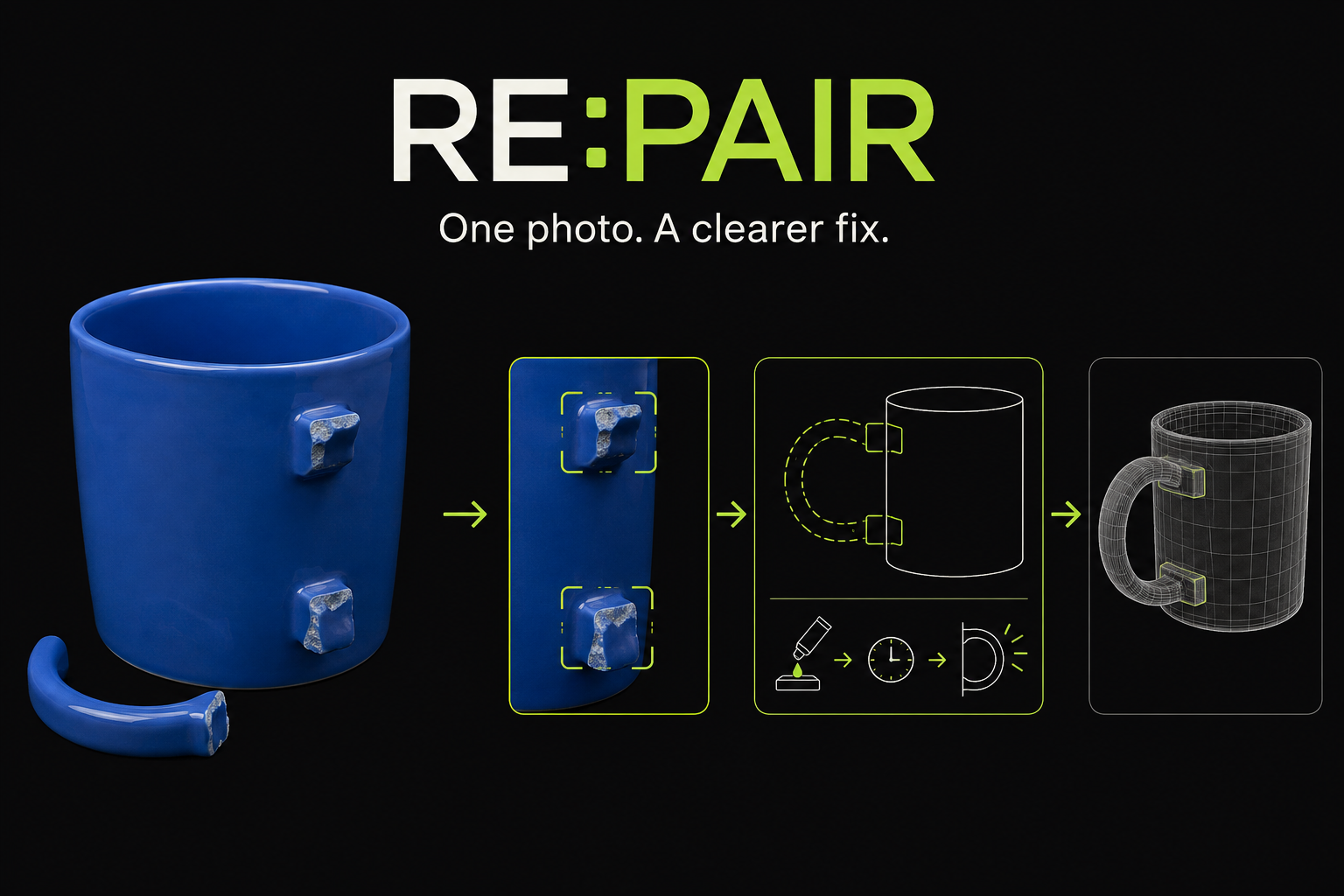
RE:PAIR turns one photo of an everyday object into a collaborative repair workspace for a person and a browser agent.
The experience can begin in three ways:
- The agent can select a bundled demo object, giving judges a completely agent-driven path with no manual setup.
- The agent can import an image from a public HTTPS URL when the source permits browser access.
- A person can choose a private image from their device. In that case, WebMCP prepares and focuses the uploader, then returns a successful
awaiting_userhandoff so the person can approve the operating-system file picker.
Once an image is ready, OpenAI produces a structured visual assessment containing the likely object, visible condition, possible failure points, uncertainty, repair hotspots, clarifying questions, and safety category.
The workspace then connects every view to the same state:
- Hotspots on the photo, the optional 3D model, the semantic hotspot list, and agent focus calls all select the same repair area.
- The agent can open the most useful clarifying question, but only the person can record a physical observation.
- The agent can draft guidance that separates evidence for a diagnosis, evidence against it, unknowns, limitations, stop conditions, and the safest next step.
- High-risk categories—including mains electricity, damaged batteries, gas, medical devices, structural systems, and unknown chemicals—trigger a deterministic professional-help stop. No repair instructions are generated in those cases.
For suitable objects, an image-to-3D provider can generate a GLB that the user can orbit, zoom, and explode. The photo, hotspot controls, and repair guidance remain fully usable if 3D generation is unavailable, so 3D enhances the experience without becoming a single point of failure.
Every browser-agent action appears in a compact, always-visible assistant panel. It shows the tool source, lifecycle state, timing, redacted input and result, and the visible change caused by the action. This makes the agent’s work inspectable instead of magical.
The WebMCP contract is deliberately narrow. The agent can read workspace state, select a demo, import a public image, prepare the private-image uploader, start or cancel work, focus a hotspot, request a human observation, draft guidance, and undo its own changes. Only the person can grant access to a local file, report a physical observation, approve a repair, or mark the work complete.
How I built it
The frontend uses React 19, TypeScript, and Vite. Zustand manages session-only workspace state, Zod validates every boundary, and Three.js—through React Three Fiber and Drei—powers the optional 3D scene.
The WebMCP runtime registers tools on the browser’s model-context API. Registration is stage-aware and diff-based: the agent only sees actions that are valid for the workspace’s current state, newly available tools are registered, and retired tools are removed.
Every mutating tool receives an expected state version. If the page changes between the agent reading the workspace and taking an action, the tool returns a structured stale-state error instead of silently overwriting newer work. Registration refreshes also wait for in-flight calls to finish, allowing a mutation that changes its own availability to return cleanly.
I designed the image tools around browser security rather than around a simulated success:
- Bundled samples give the agent a reliable, zero-click demo path.
- URL imports accept only HTTPS sources, reject embedded credentials, enforce supported image types and the 24 MB limit, and still respect the remote server’s CORS policy.
- Local file access remains user-controlled. The tool prepares the uploader and reports an
awaiting_userstate instead of pretending that an agent can bypass an operating-system permission boundary.
The backend consists of stateless Vercel serverless routes for visual analysis, 3D generation, and plan drafting. It does not store user images or provider jobs. The server validates image bytes and dimensions, binds the image and analysis to a short-lived HMAC-signed session, wraps provider job identifiers in opaque signed tokens, and returns only validated public contracts. OpenAI analysis uses Structured Outputs with storage disabled.
On the client, images are resized to a 2,048-pixel long edge and encoded below 2.9 MB before upload. Polling uses bounded exponential backoff, cancellation propagates through compression and network requests, and object URLs are revoked when an image is replaced, reset, or unmounted.
My test suite covers the domain model and WebMCP runtime with Vitest, the interface with Testing Library, and end-to-end accessibility and real browser tool registration with Playwright and axe-core.
Challenges I ran into
The mock lied
My first WebMCP mock behaved more conveniently than the browser. It passed an options object to execute, replaced duplicate registrations, and never interrupted an active tool call. The real API behaved differently: duplicate names could be rejected, execution received only its declared input, and registration changes could affect an in-flight call.
The result was a classic integration trap: everything passed in unit tests and failed in the browser. I rebuilt registration as a state diff, handled duplicate-registration errors safely, deferred refreshes until active calls returned, and added real Chromium coverage so the mock could not drift again.
A file picker is a permission boundary
My first uploader tool highlighted the page correctly but reported HUMAN_ACTION_REQUIRED as a failure. That was technically honest but poor product semantics—and it made a successful WebMCP action look broken.
I changed the contract. The tool now succeeds after preparing and focusing the uploader, returning awaiting_user with one clear instruction. For a completely autonomous demonstration, the agent can instead select a bundled sample or import a public image URL. This gives me both a smooth demo and a truthful privacy model.
Serverless behavior differed from local development
Routes that worked locally initially returned 500 and 504 responses on Vercel. I converted them to fetch-style handlers with ESM-safe imports and tightened the contracts at the deployment boundary.
3D generation was not reliable enough to own the critical path
The image-to-3D provider sometimes returned generic failures and incomplete pending payloads. I separated authentication, payment, and request errors, accepted valid placeholder fields while a job is pending, and redesigned the product so the repair assessment always comes first. A failed 3D model no longer blocks the repair workflow.
Drawing the authority line
It was tempting to let the agent answer clarifying questions or approve a plan because that would make the demo faster. I decided that any action requiring physical presence should remain a human action. In RE:PAIR, those actions are either omitted from the tool surface or represented as explicit handoffs.
Accomplishments that I’m proud of
- A real WebMCP experience verified through the browser’s actual tool API, not only through mocks.
- A fully agent-driven demo path: the agent can select a sample image, analyze it, focus the likely failure point, ask for missing physical evidence, and draft the safest plan.
- A truthful private-file flow that treats the operating-system picker as user consent and reports it as a successful handoff.
- An activity panel that makes every agent action legible without exposing image data, signed URLs, tokens, or hidden reasoning.
- Deterministic safety stops for high-risk repair categories, independent of model confidence.
- A workspace that remains usable when WebMCP, WebGL, or the 3D provider is unavailable.
- Keyboard-accessible camera controls and a semantic hotspot list, backed by automated accessibility checks.
What I learned
WebMCP works best when tools represent meaningful product actions rather than low-level clicks. A browser agent becomes more useful when it can call the same validated logic as the interface and more trustworthy when every action produces a visible, reviewable result.
I also learned that “the agent cannot do this” is sometimes the correct product outcome. The important distinction is between a failure and a handoff. Selecting a bundled demo is an agent action. Importing a permitted public URL can be an agent action. Granting access to a private local file is a human permission—and the interface should say so clearly.
Finally, optimistic state versions made agent actions safe to retry, and evidence-led outputs proved more useful than confident-sounding diagnoses. For physical work, uncertainty is not noise; it is part of the safety model.
What’s next for RE:PAIR
- Support multiple photos so the agent can request a specific angle or close-up.
- Let users export the evidence, observations, and plan as a shareable repair record.
- Add more image-to-3D providers behind the same signed job contract.
- Explore part identification and sourcing as a separate, clearly labeled agent capability.
- Add repair-history memory that remains user-controlled and never weakens the physical safety boundary.
Built With
- biome
- css
- meshy
- motion
- node.js
- openai
- playwright
- react
- react-three-fiber
- three.js
- typescript
- vercel
- vite
- vitest
- webmcp
- zod
- zustand


Log in or sign up for Devpost to join the conversation.