-
-
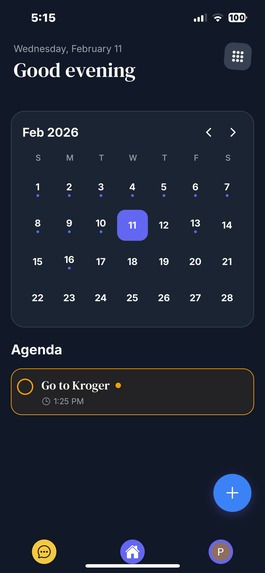
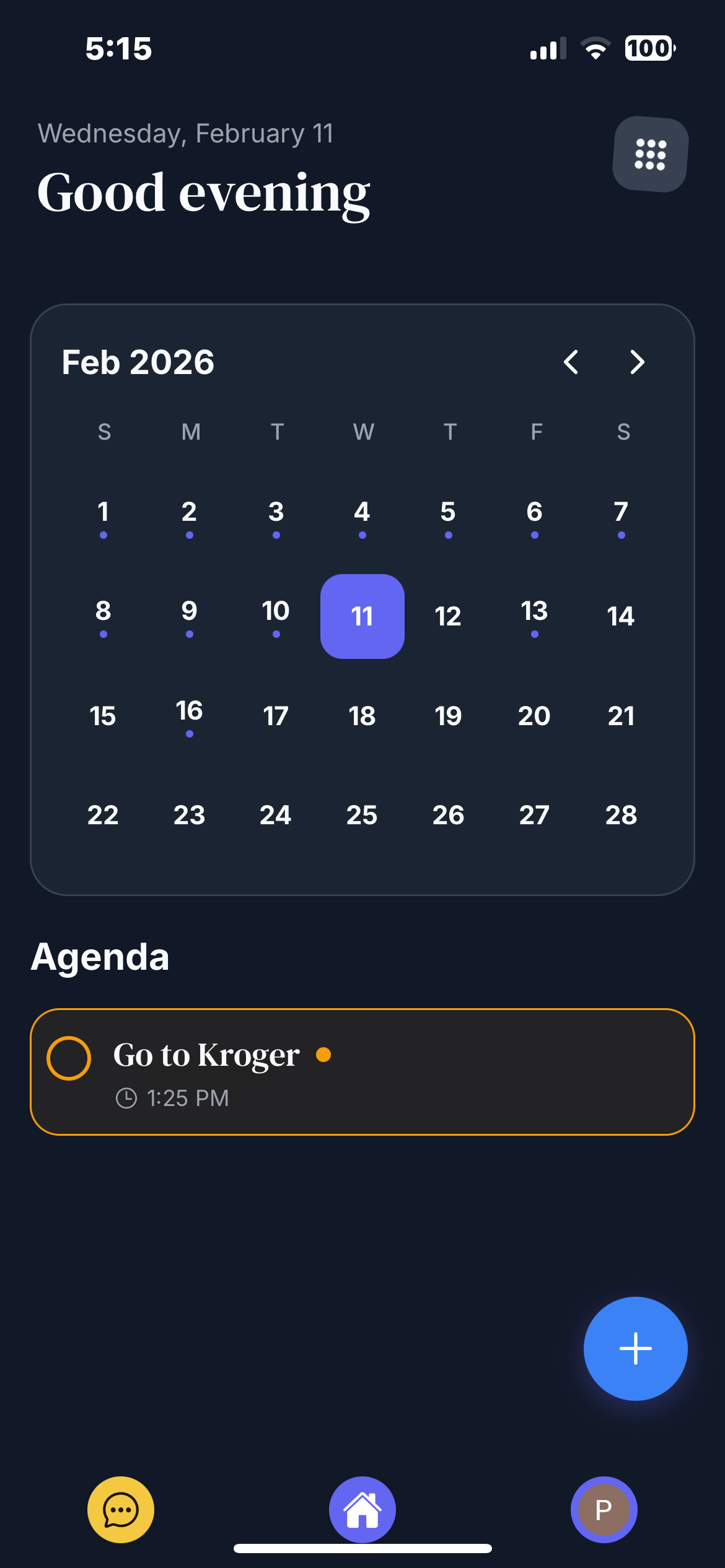
Callendar View
-
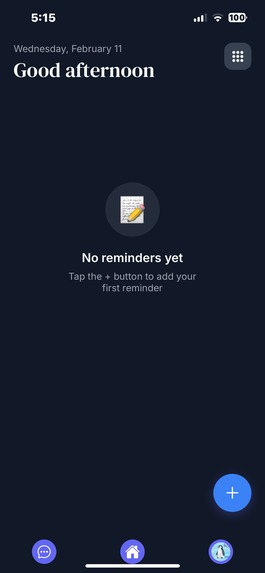
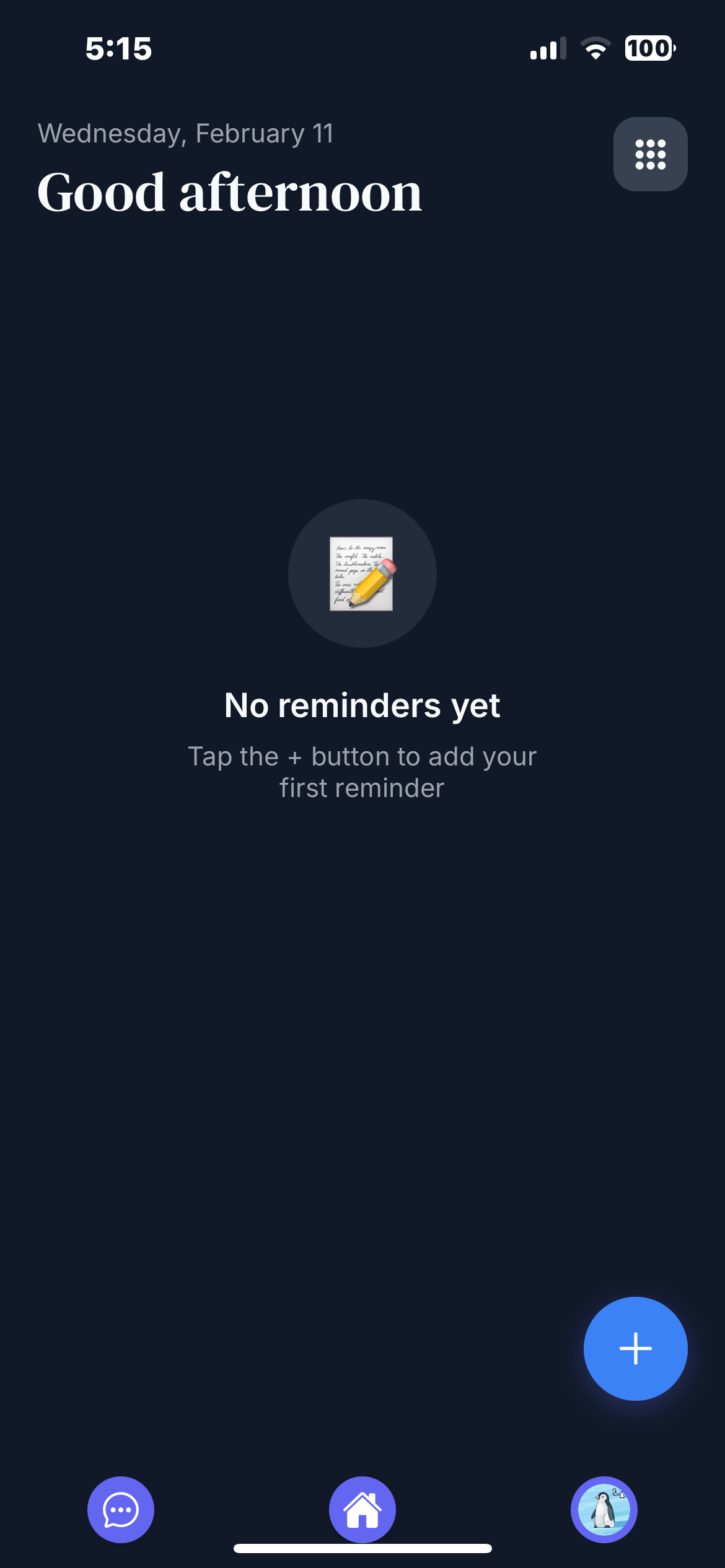
Empty Reminders
-
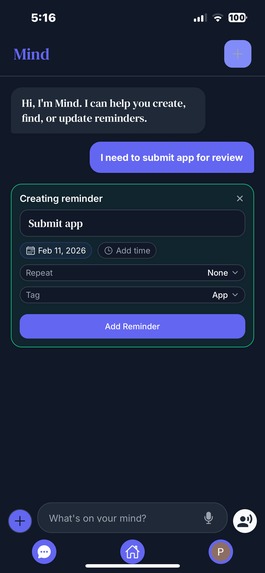
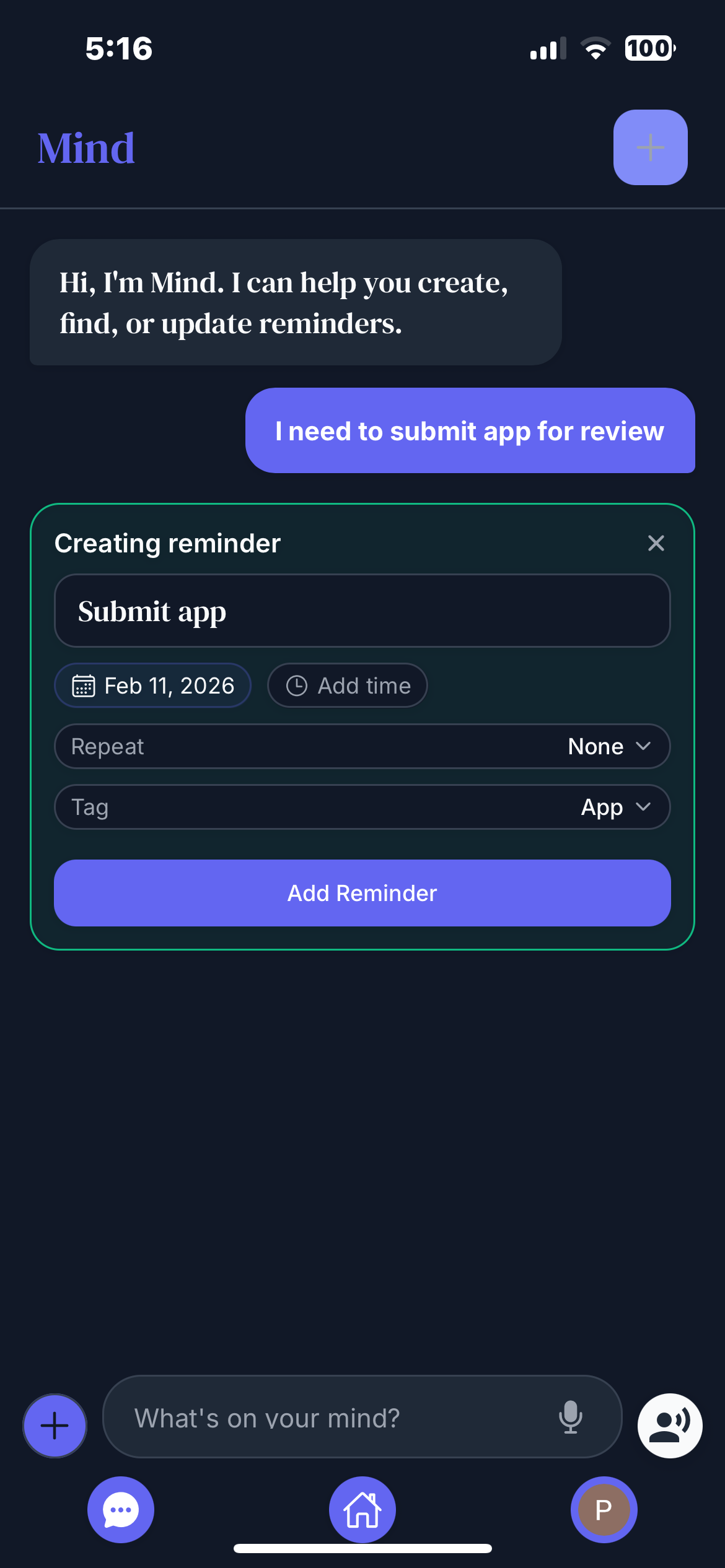
AI Created Reminder
-
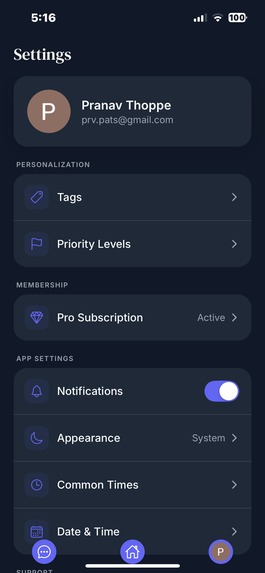
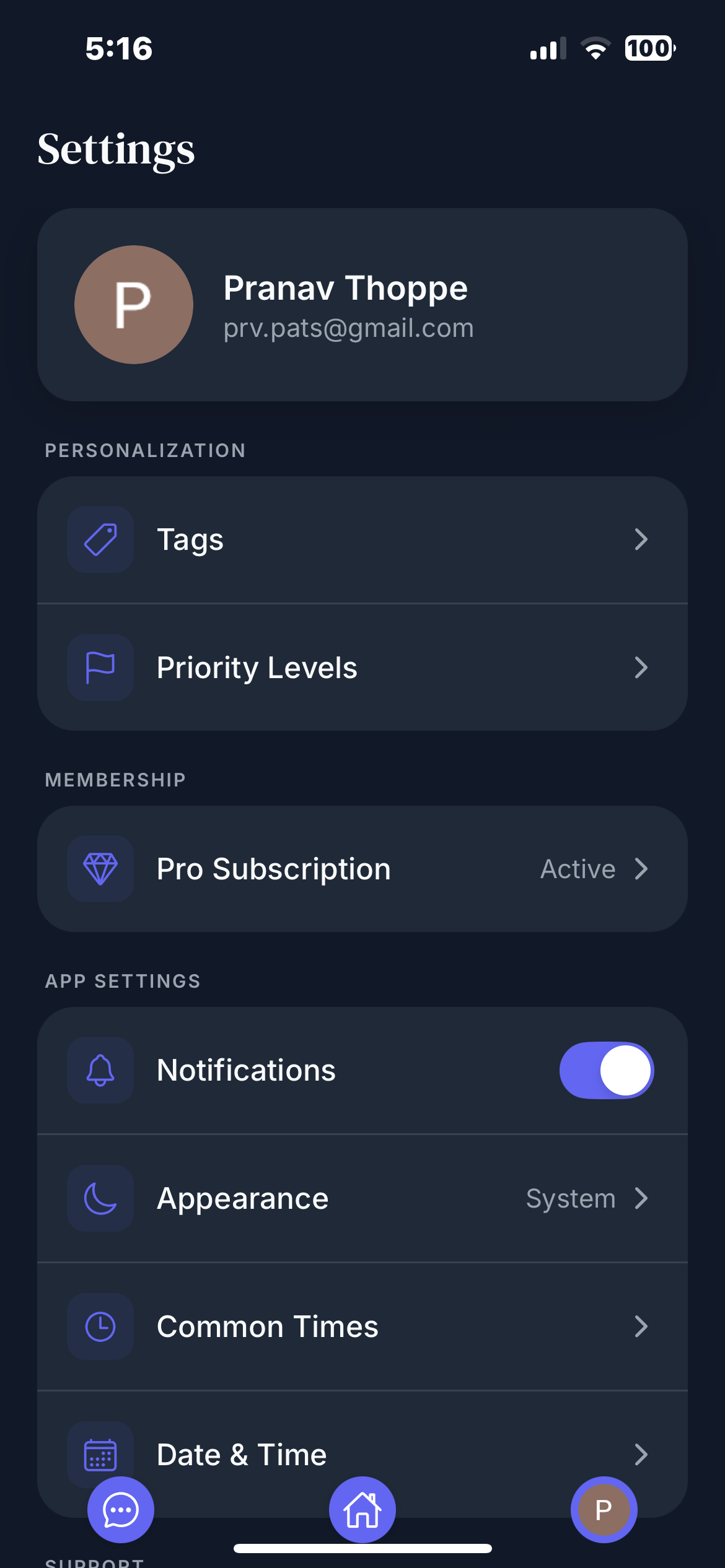
Settings
-
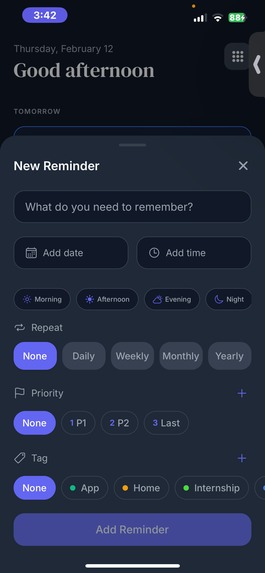
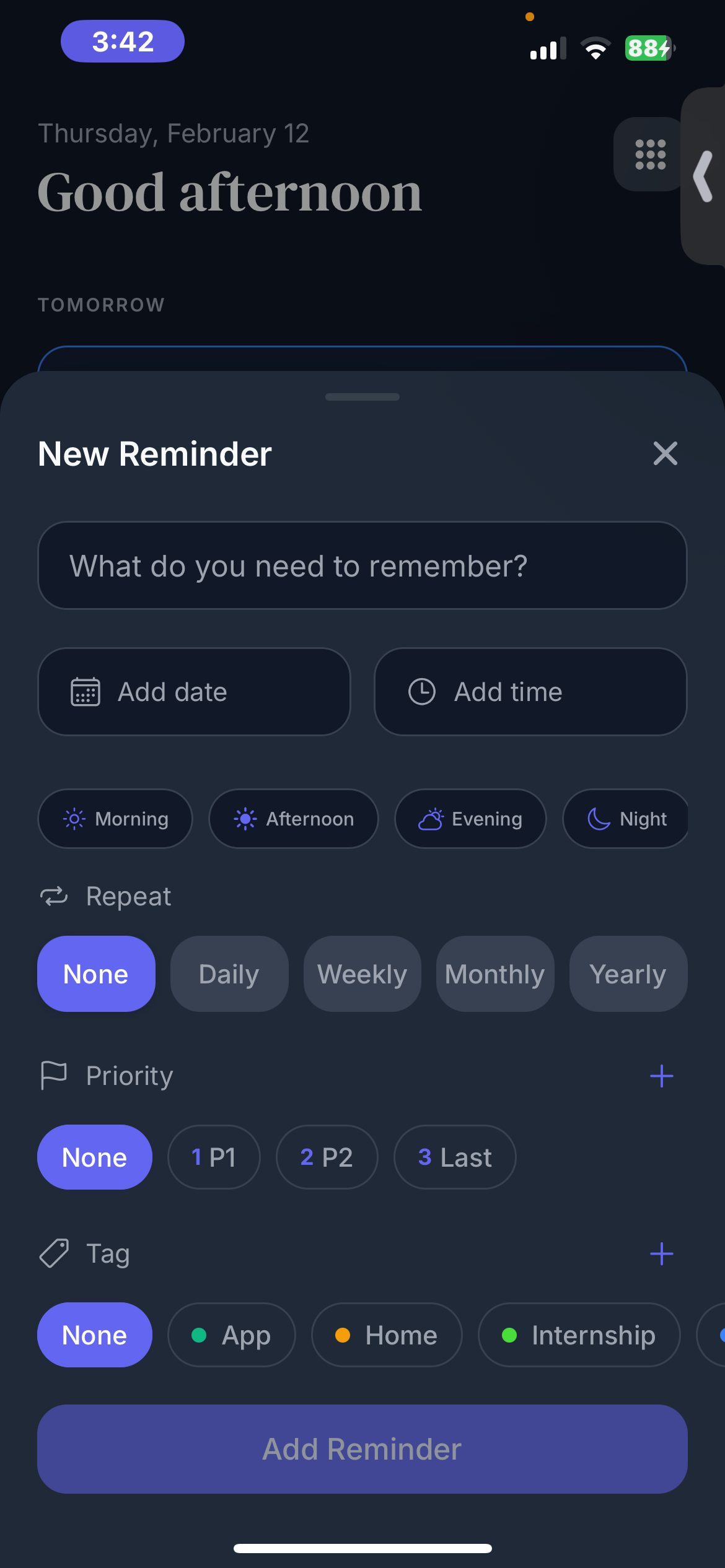
Add Reminder screen
-
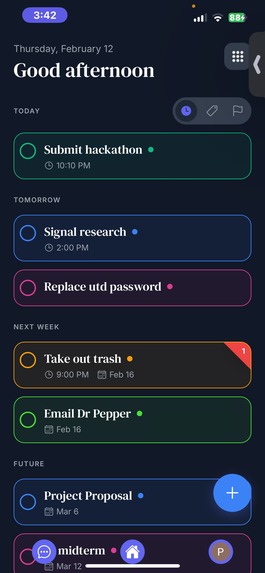
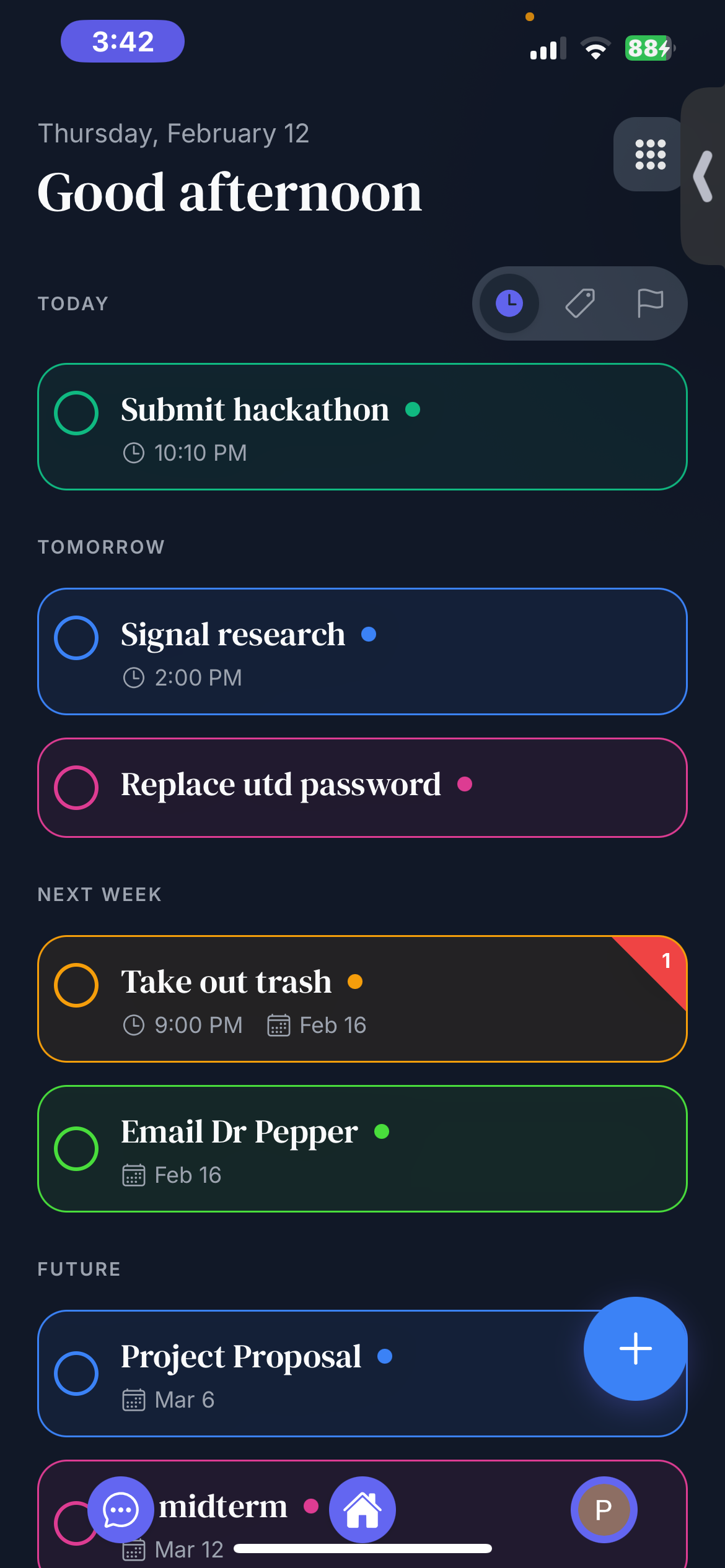
List View
-
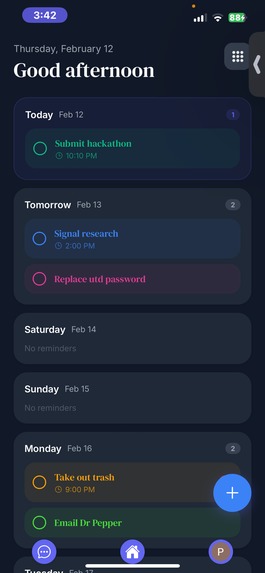
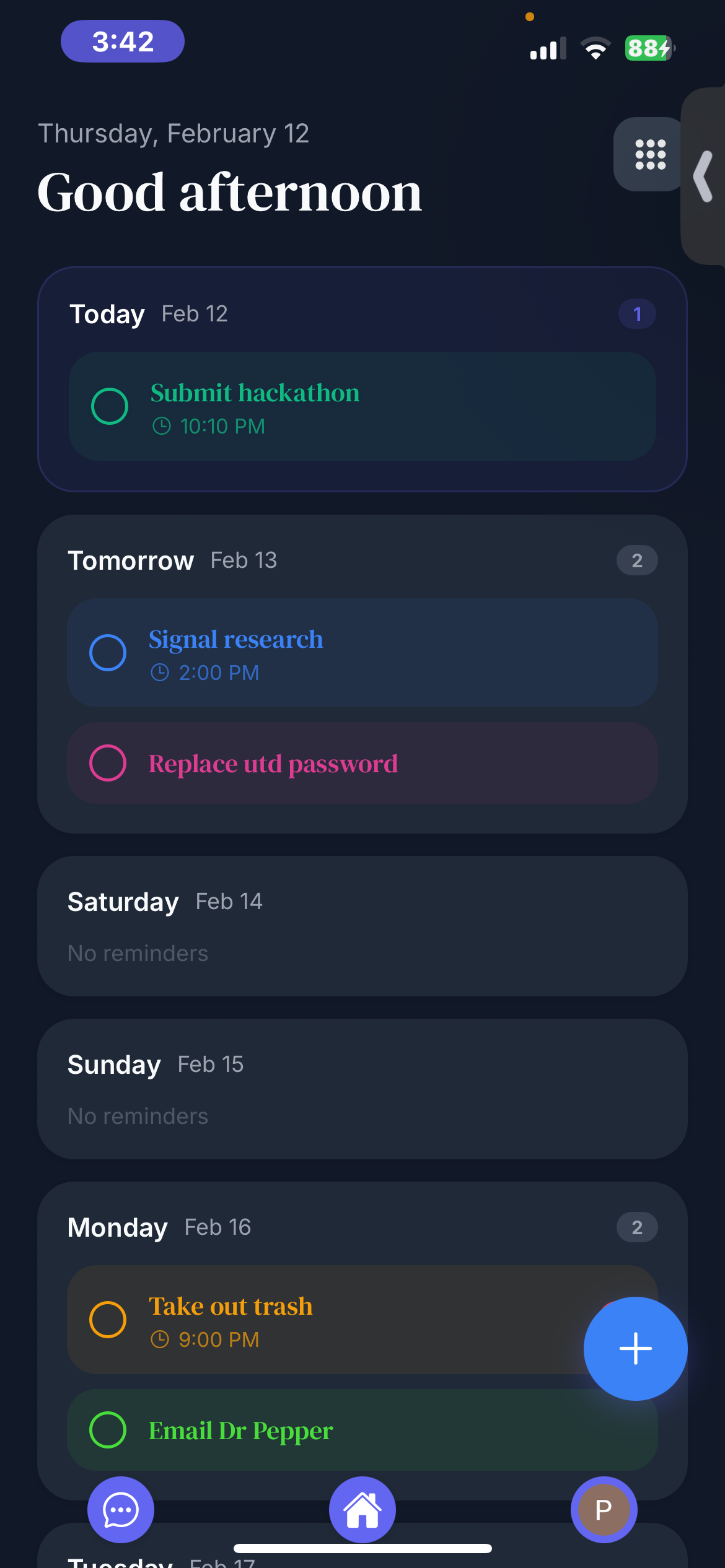
Week View
Inspiration
Remind Me was inspired by the recent wave of AI-centered productivity tools. Applications like modern AI assistants and workspace platforms have shifted the user experience from traditional interfaces toward conversational interaction. Instead of menus being the primary way users interact with software, the intelligence behind the application becomes the interface itself.
I wanted to bring that idea into a reminders application. Traditional reminder apps are functional, but they require manual organization and searching. I was particularly inspired by systems that feel like a centralized workspace — where tasks, conversations, and organization exist in one place. The goal was to create a reminders app that feels less like a utility and more like a personal assistant.
What it does
Remind Me is a mobile reminders application that combines a familiar reminder interface with an AI assistant.
The app allows users to:
Create reminders through conversation instead of manual input
Ask the AI about past reminders
Search schedules naturally (e.g., “What do I have tomorrow?”)
Manage tasks without navigating complex menus
The design intentionally resembles a standard reminders app so users immediately understand how to use it, while the AI chat interface adds a new way to interact with their schedule. The focus is reducing friction — users should not need to think about how to use the app in order to use it.
How I built it
Remind Me was built using React Native with Expo and deployed to the iOS ecosystem through the App Store and TestFlight.
AI-assisted development played a major role in the workflow:
UI concepts and layouts were mocked using AI design tools
Visual references were used to guide implementation
Conversational behavior was implemented through an AI assistant layer
The development pipeline looked like this:
Mockups and layout exploration using AI design tools
Translating layouts into React Native components
Implementing reminder logic and data handling
Integrating conversational interaction
Preparing the application for App Store submission and device testing
Challenges
The biggest challenges were not building the UI — they were product-level requirements.
Key difficulties included:
Integrating the subscription/payment SDK
Preparing the application for TestFlight distribution
Meeting App Store review requirements and policies
Moving from Expo testing to a fully distributable mobile app build
Database user saving
Transitioning from local testing to an installable application required handling permissions, policies, and platform restrictions that don’t appear during early development.
Accomplishments that we're proud of
This project represents my first fully deployable mobile application.
Previously, I tested apps only locally using Expo Go. For this project, I successfully:
Built a complete mobile app
Installed it directly on my own phone
Distributed it through TestFlight
Prepared it for public users
Reaching a point where real users can install and use the product was a major milestone.
What I learned
The most important lesson from this project was how AI can be used as a development tool rather than just a feature.
Instead of trial-and-error prompting, I learned how to:
Rapidly prototype interfaces
Iterate on designs using references
Use AI tools to accelerate implementation
I also gained practical experience with mobile deployment, app store requirements, and the difference between a working prototype and a publishable product.
What's next for Re-Mind
The next step for Remind Me is real-world usage and feedback. The plan is to:
Expand testing to more users
Improve the AI interaction
Add additional organizational features
Refine the experience based on user behavior
The long-term goal is to turn Remind Me into a productivity tool that reduces the mental effort required to manage everyday tasks by allowing users to simply talk to their reminders.
Built With
- antigravity
- cursor
- expo.io
- react-native
- revenue-cat
- supabase

Log in or sign up for Devpost to join the conversation.