Inspiration
Our group is from a wide range of backgrounds - from low level hardware design to backend developers. We were also inspired from (this video)[https://www.youtube.com/watch?v=puFSdfIRNIw], but took it a vast other direction with multiple screens, fully configurable front-end, and being a great project to combine our skills into a cohesive design.
What it does
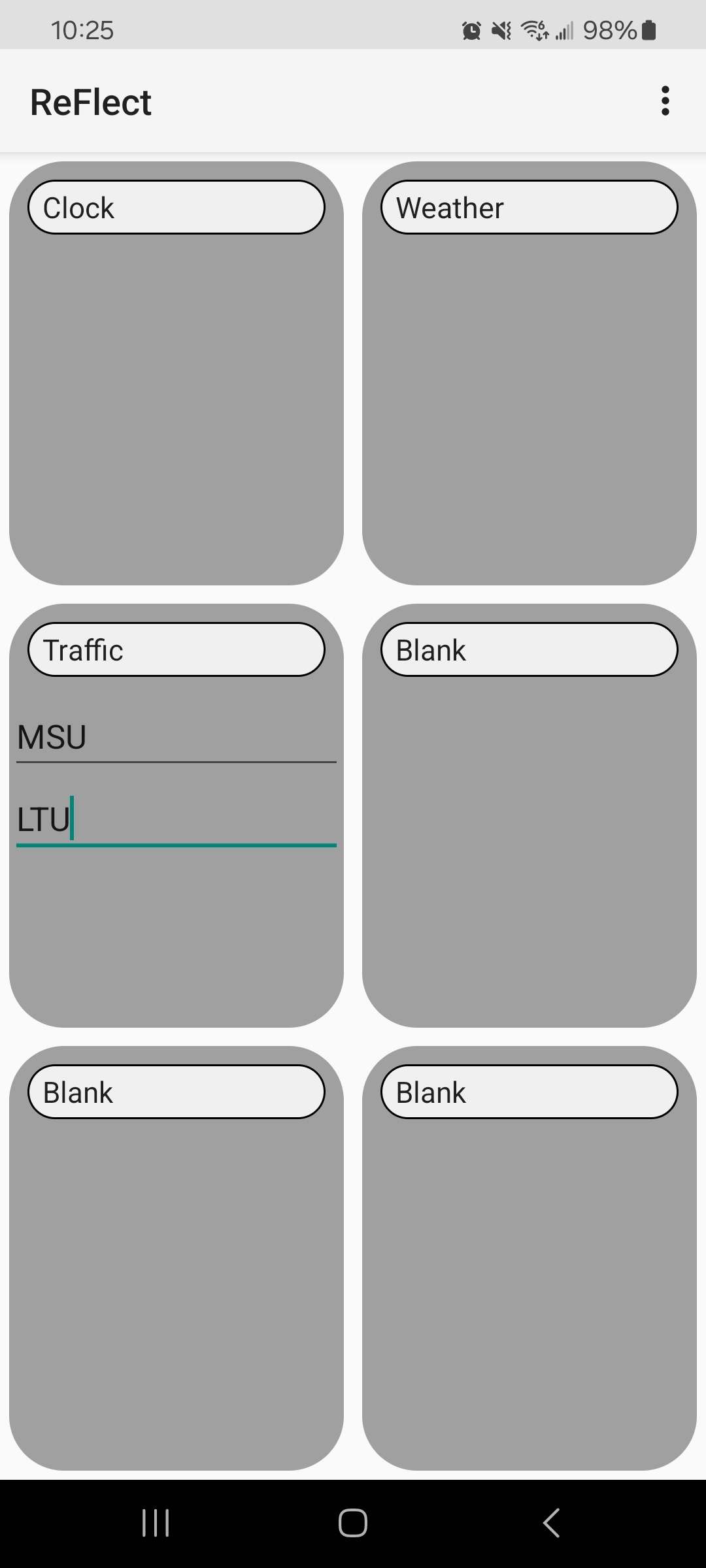
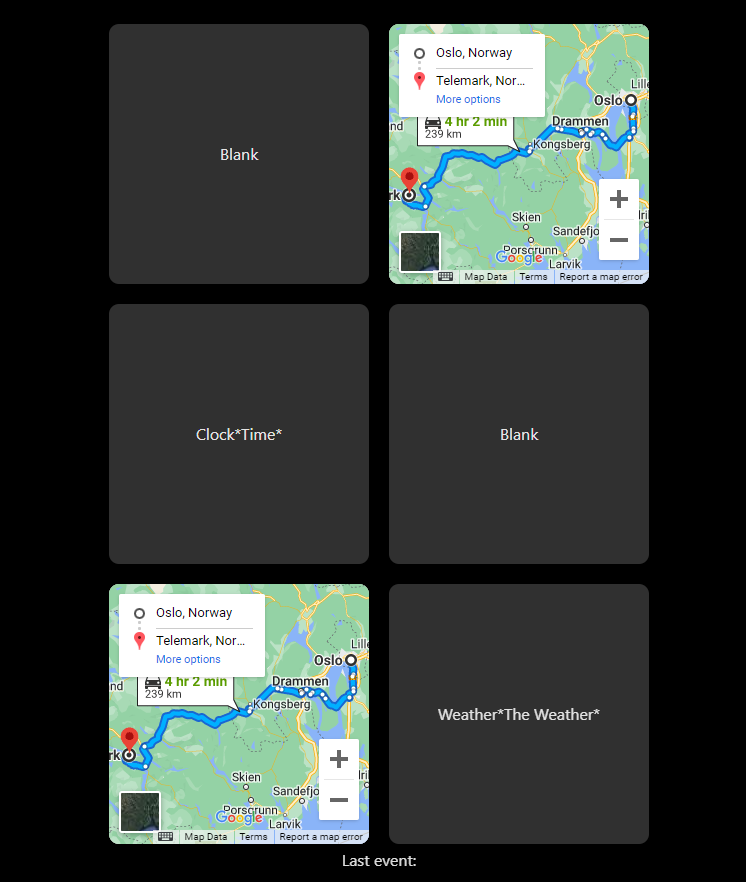
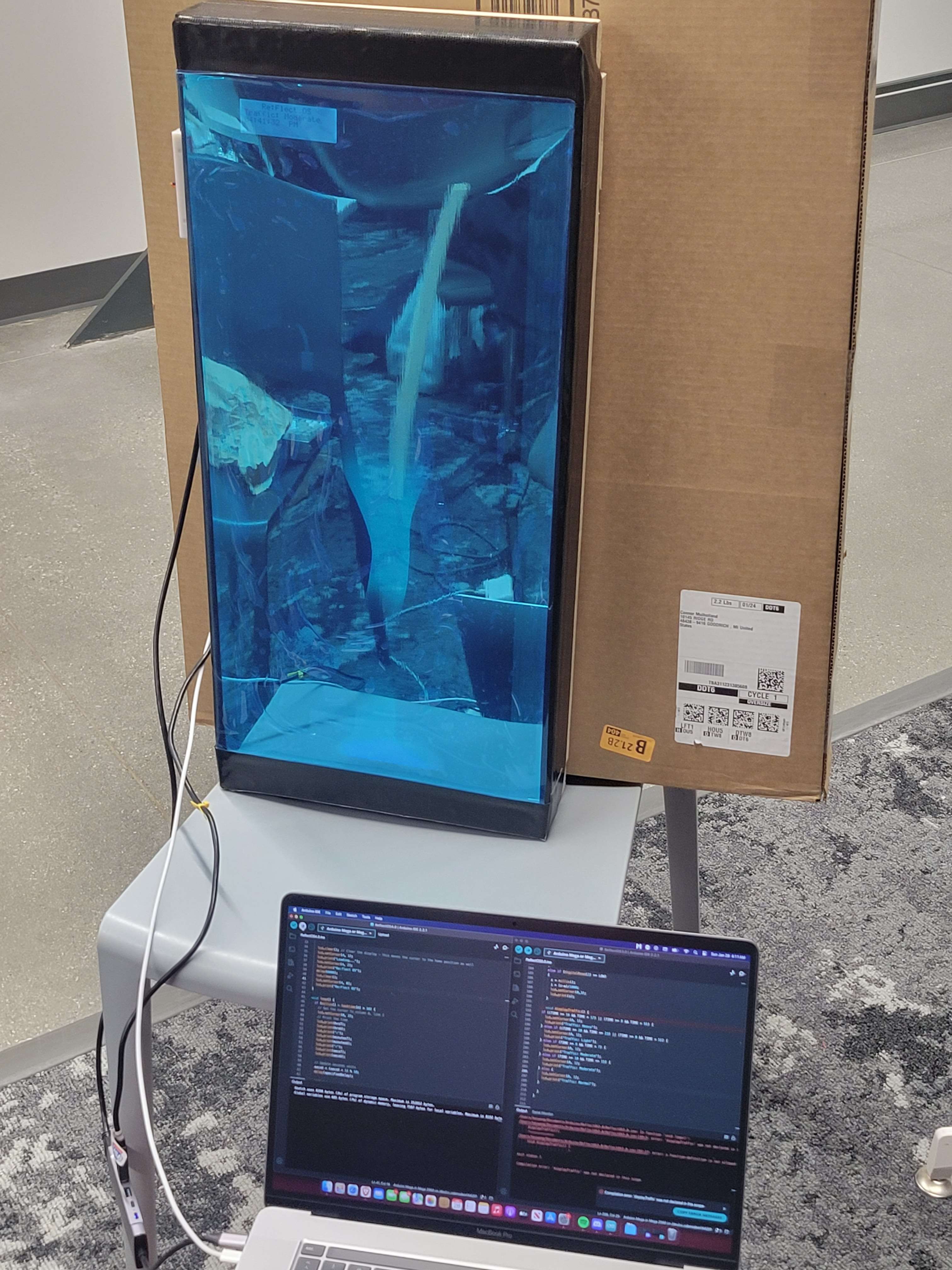
Our smart mirror shows the time, the weather, your upcoming commute, has a stopwatch built-in, and is fully configurable with an Android app!
How we built it
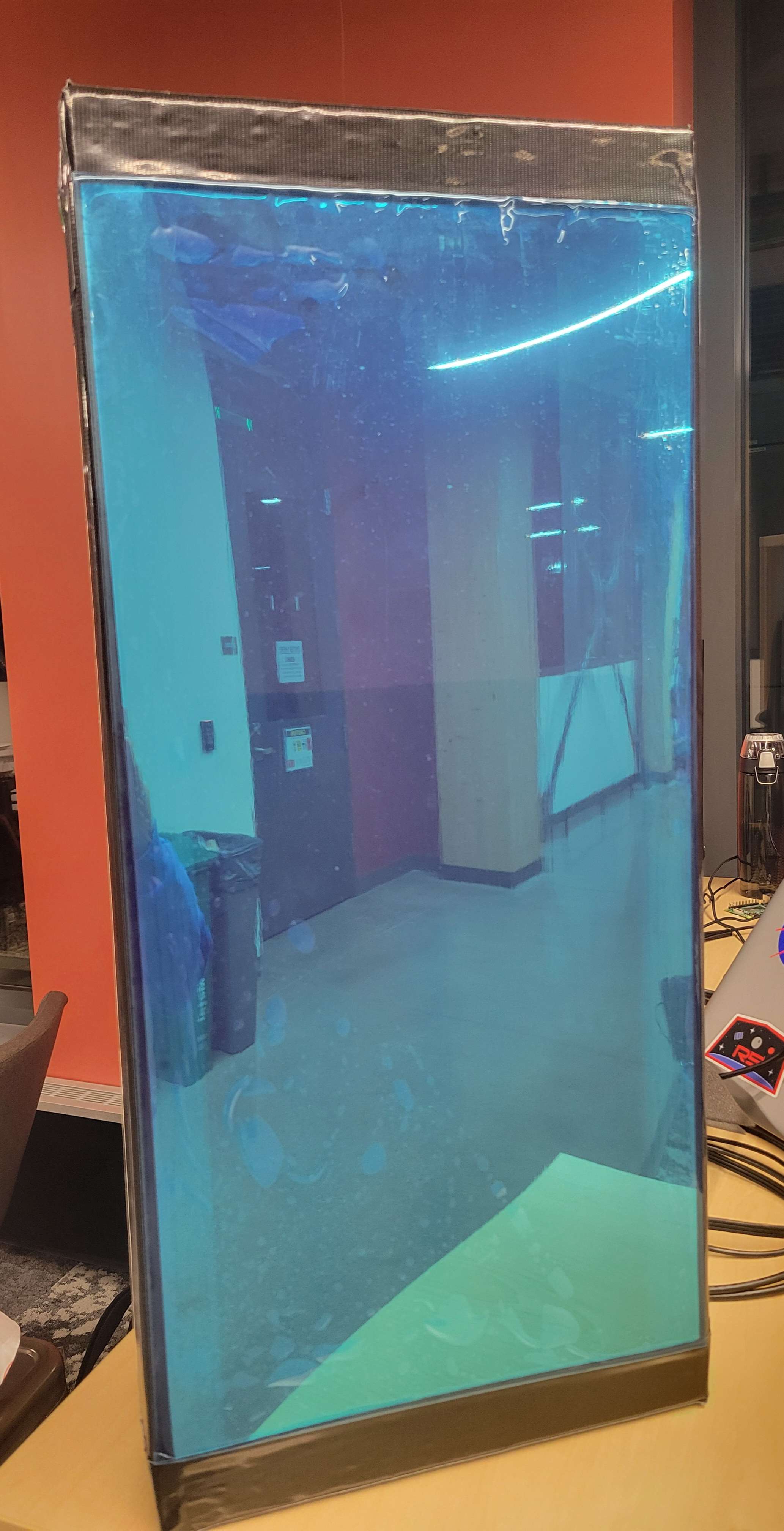
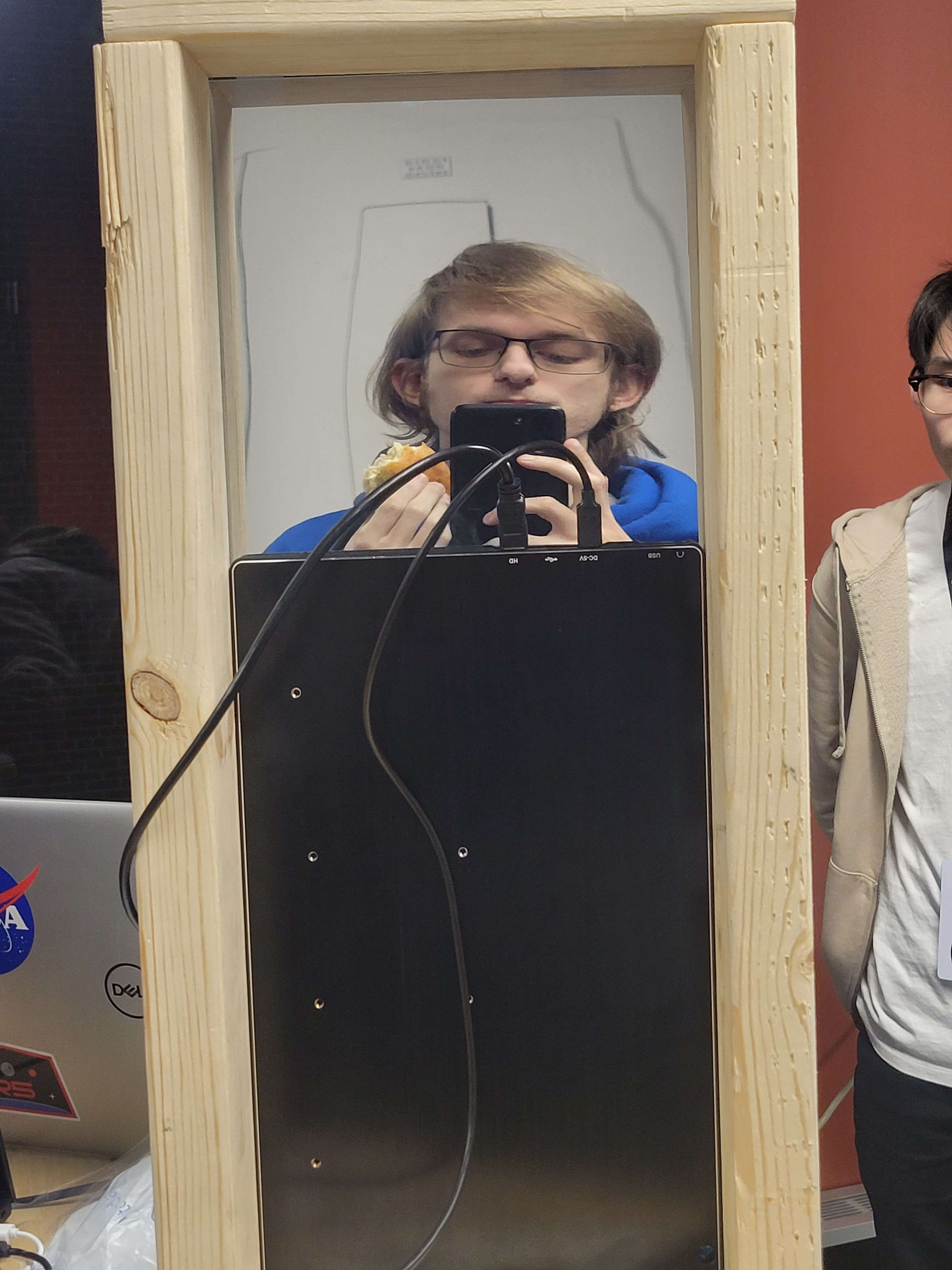
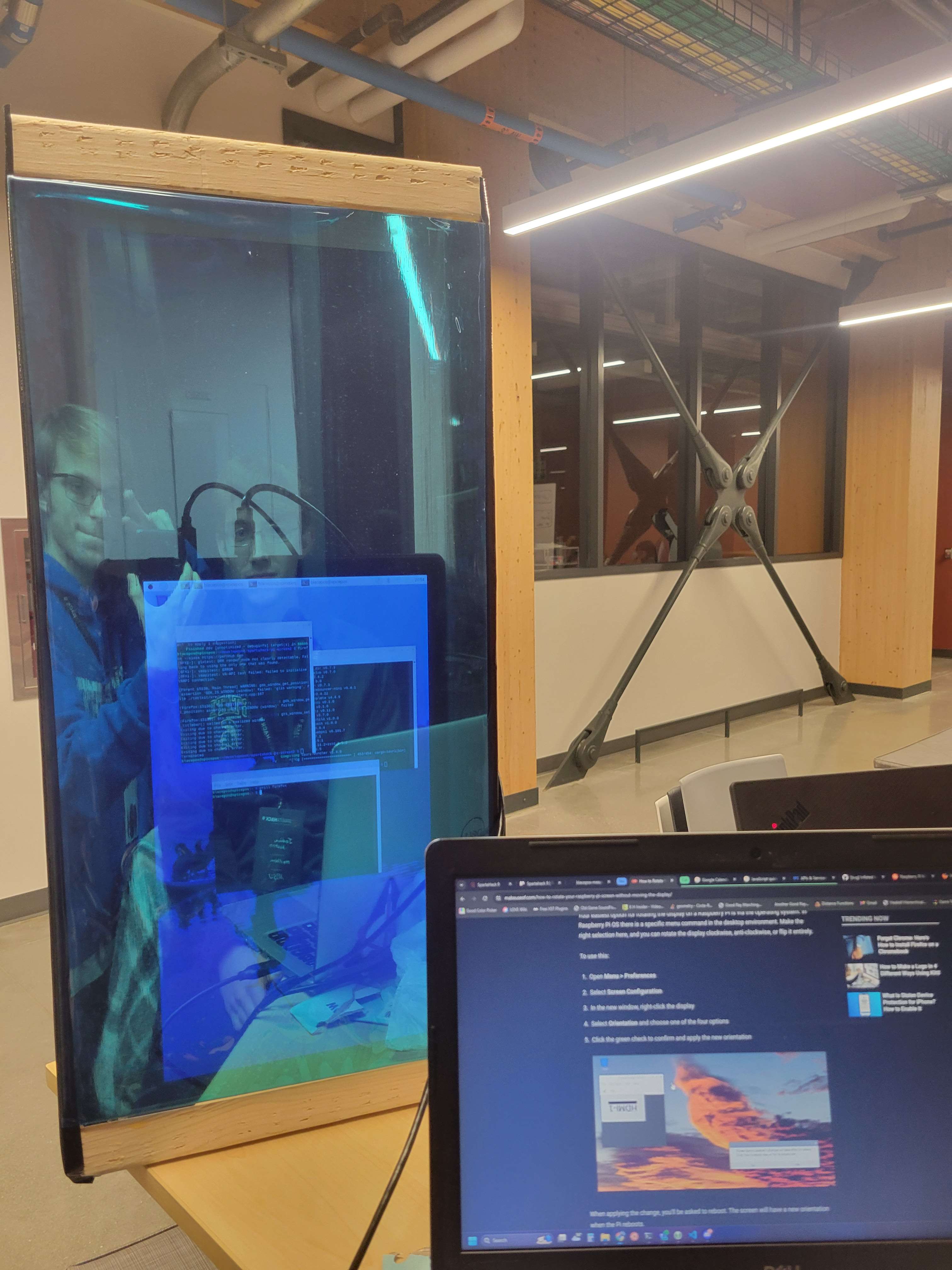
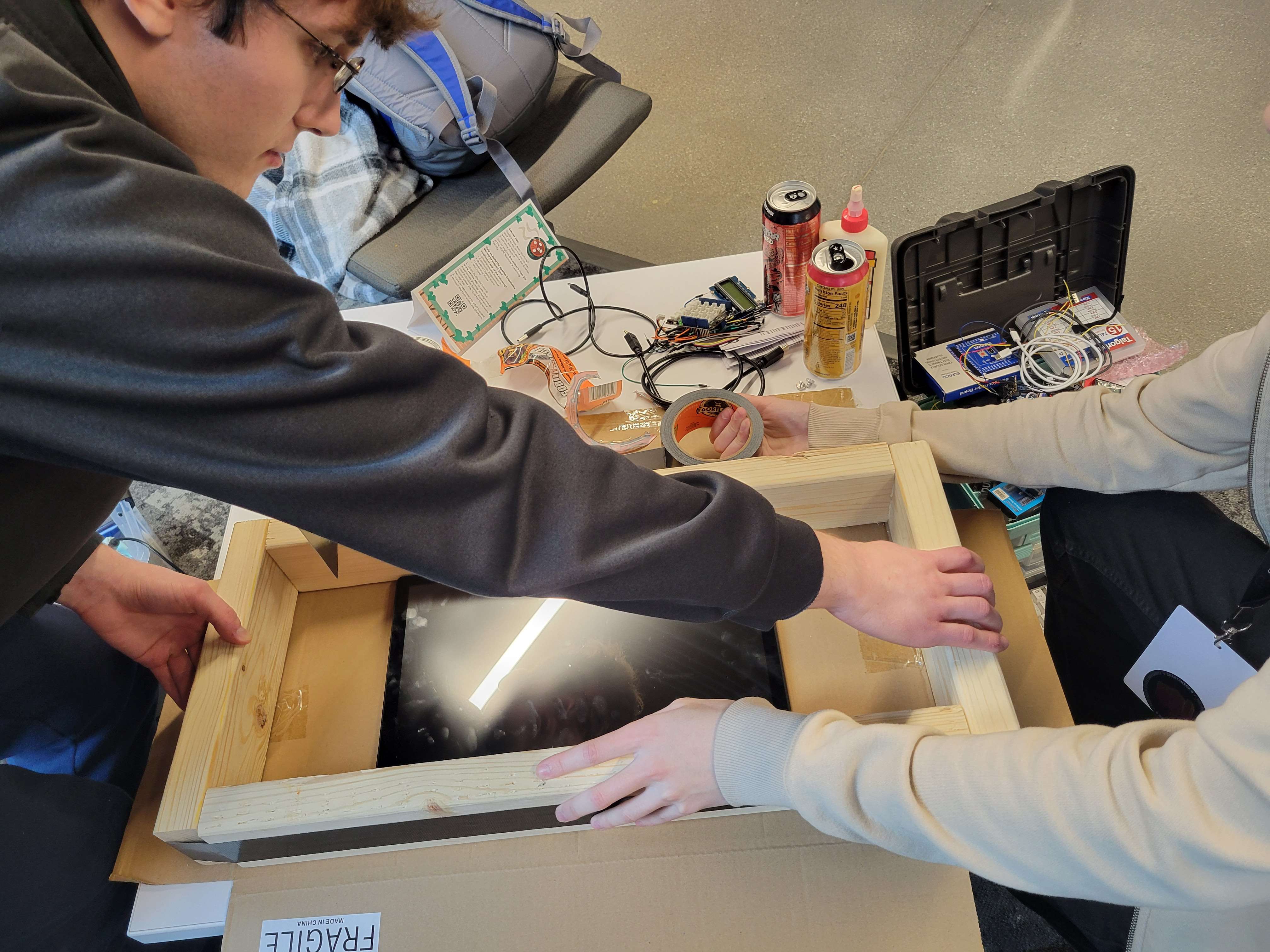
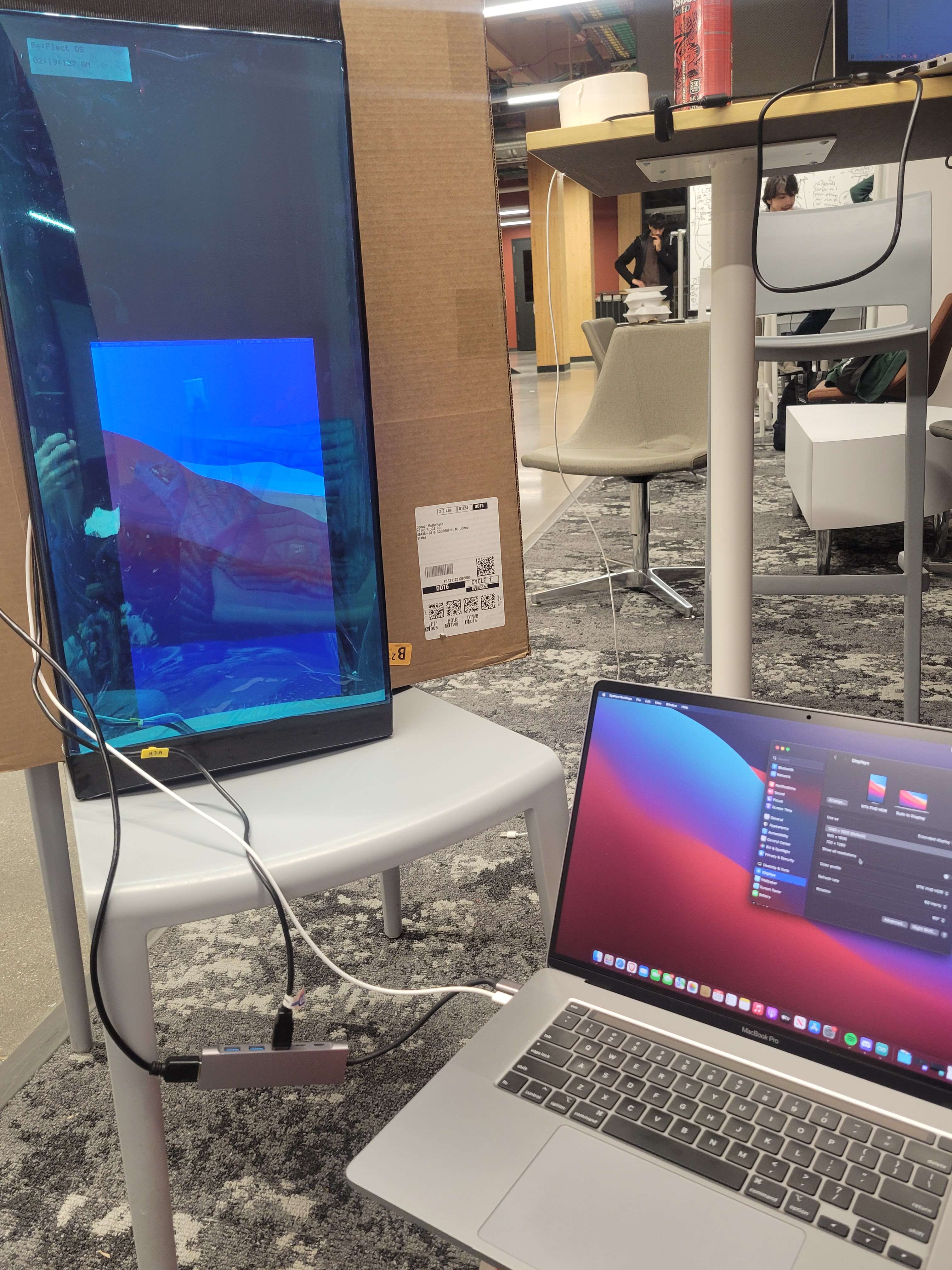
Our project is a 2-way mirror which allows light through both sides, but reflects half the light that comes into contact. We used this to embed a couple screens into the back of the mirror, and programmed the screens to show all of the information.
Arduino
Kai put together and programmed the Arduino, using the LCD screen to display the date, time, and using a switch on the side for a stopwatch.
Raspberry Pi
Josh programmed the RPi backend and screen frontend, taking the packets from the app and implementing the configurable features.
Android App
Connor programmed the app frontend and backend, sending packets to the RPi to be used to display the user-configured smart mirror.
Challenges we ran into
There was 3 broken temperature sensors, no cable to connect the RPi (mini HDMI) to the screen (micro HDMI), many many problems with really everything - especially Bluetooth - but we think we solved (or hid away) most of the bugs.
Accomplishments that we're proud of
We got the project going very fast despite not knowing much about some technologies, while being very verse in the others. We're very proud of overcoming the struggles of working on such a different project, and making something bigger than us individually.
What we learned
Connor
I learned a ton about Android Studio during the hackathon. I already had a small amount of experience playing around with it, but I never made anything as complex as this, while basically learning Kotlin from a small amount of prior Java experience
Kai
I learned that there are some better time libraries than some. Also to bring extra parts since I had so many that did not work. Also time scheduling with an Arduino.
Josh
I learned about creating a UI in React, some aspects of Bluetooth, and more advanced web server concepts like Server Sent Events (SSE). Combining SSE and React is a great way to have a UI update in real time, which can be seen in our app as the screen updating as soon as the app updates layout.
What's next for Re:Flect
This project has a lot of potential for such a prototype, as all the "smart" mirrors on the market really only show the time or maybe play music. This prototype could have a lot more modules, such as connecting to the user's google calendar, setting alarms for waking up, etc.
Built With
- android-studio
- google-cloud
- http
- javascript
- kotlin
- microcontrollers
- react
- rust
- udp


Log in or sign up for Devpost to join the conversation.