-
-
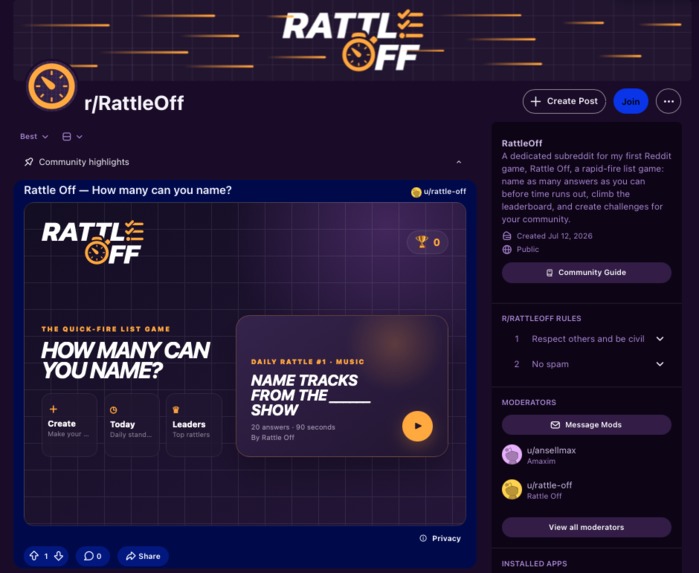
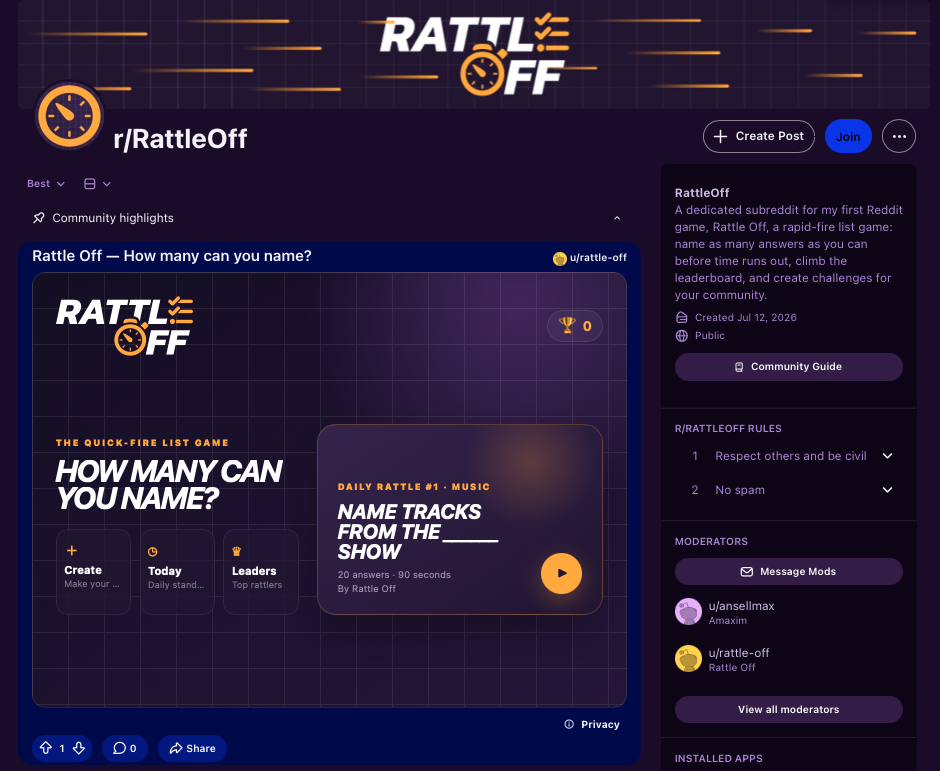
Subreddit Installation and Main Menu Post
-
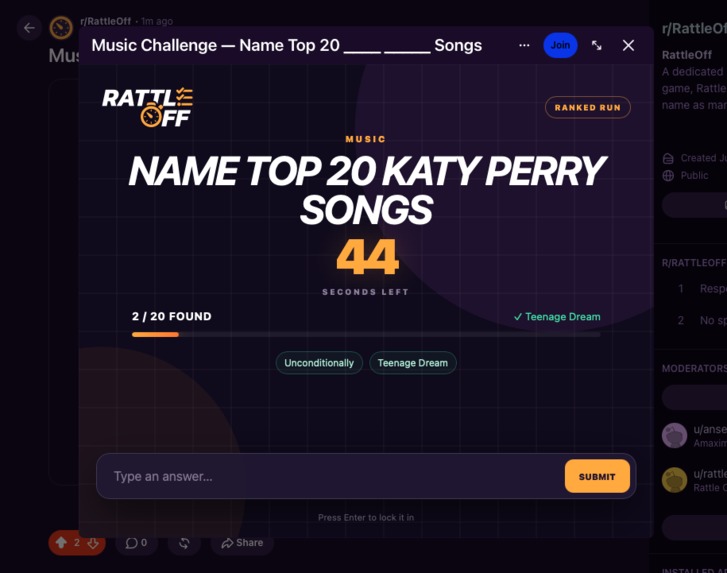
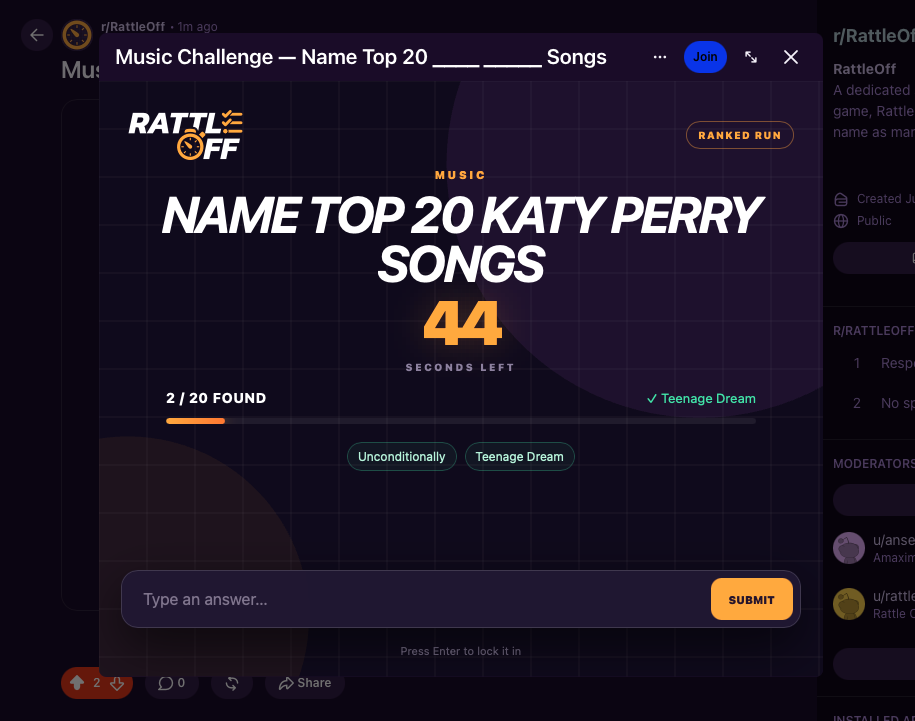
Gameplay Screen
-
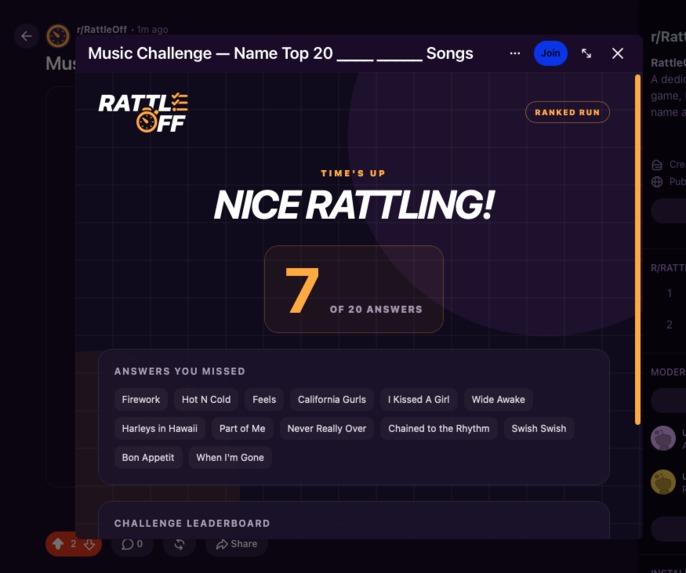
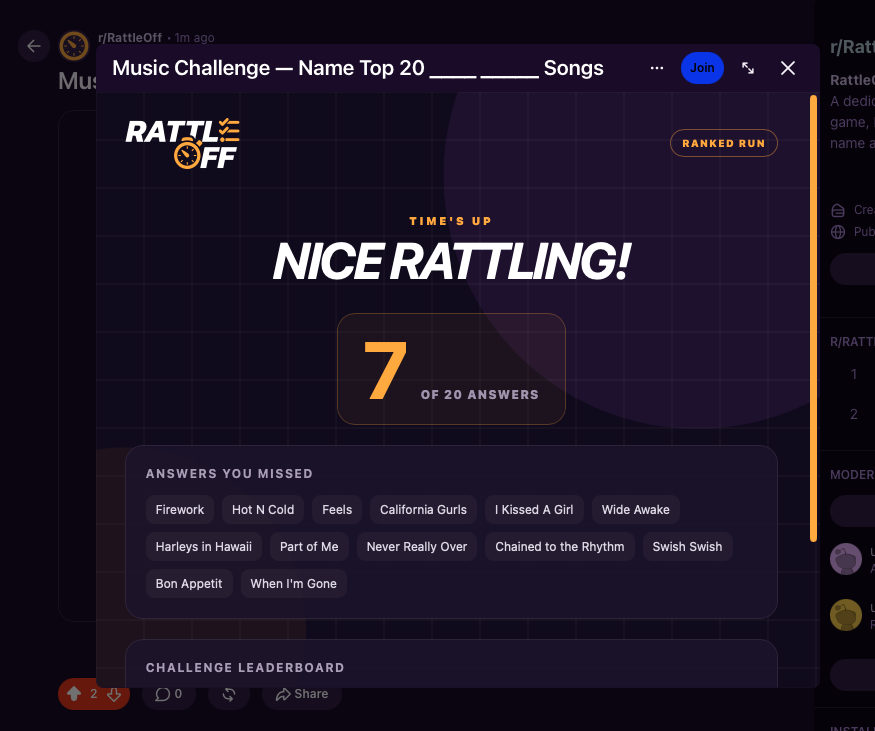
Game Over Screen
-
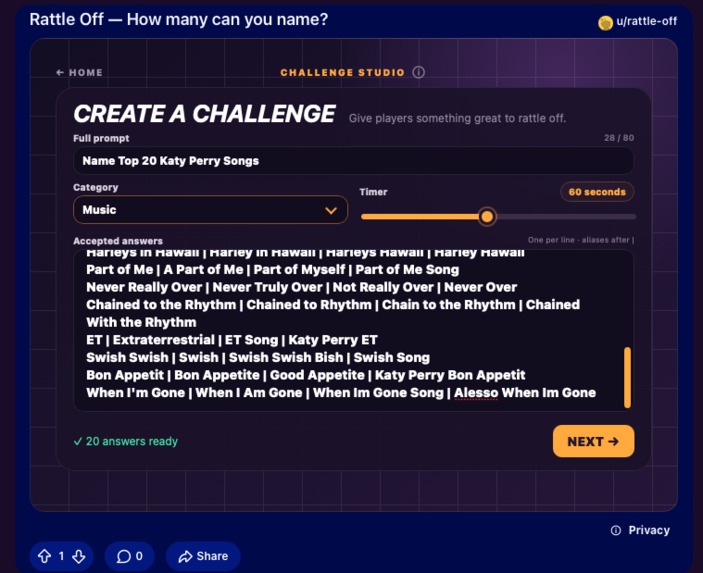
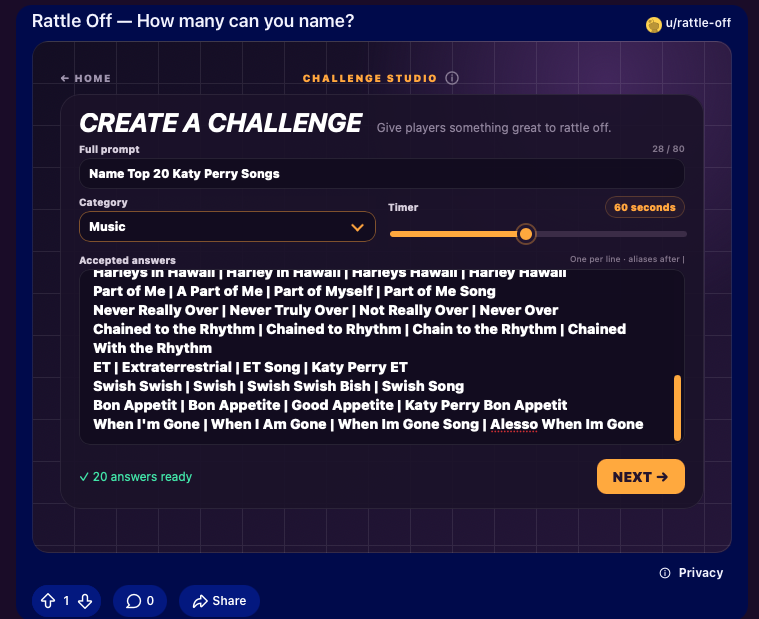
Creating a Challenge
-
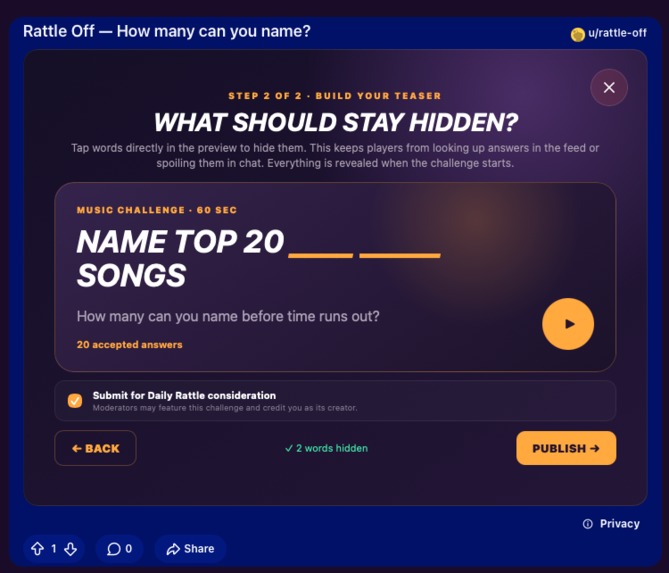
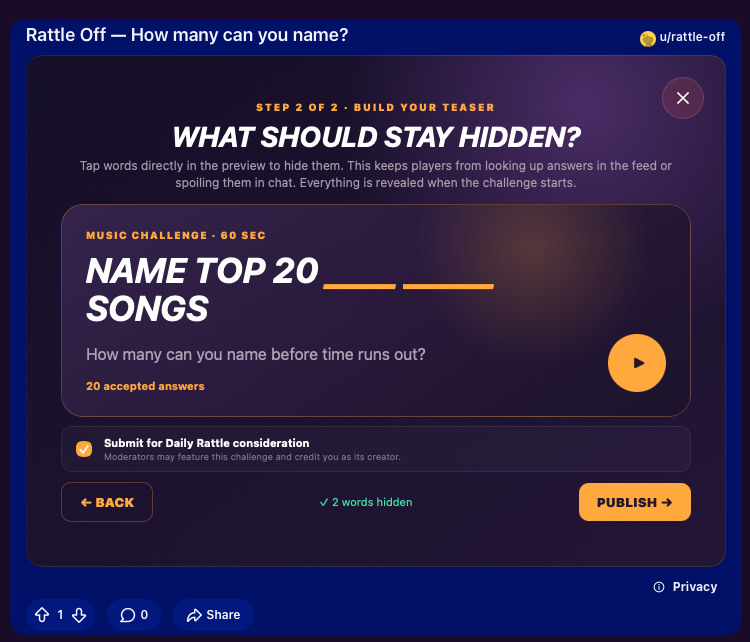
Challenge Preview
-
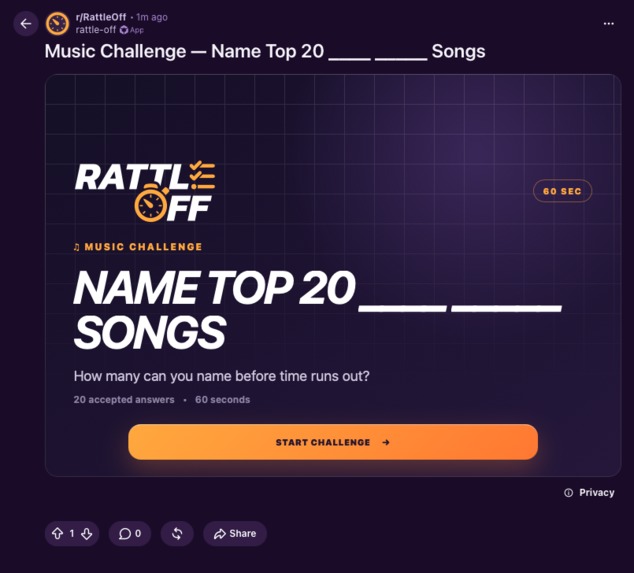
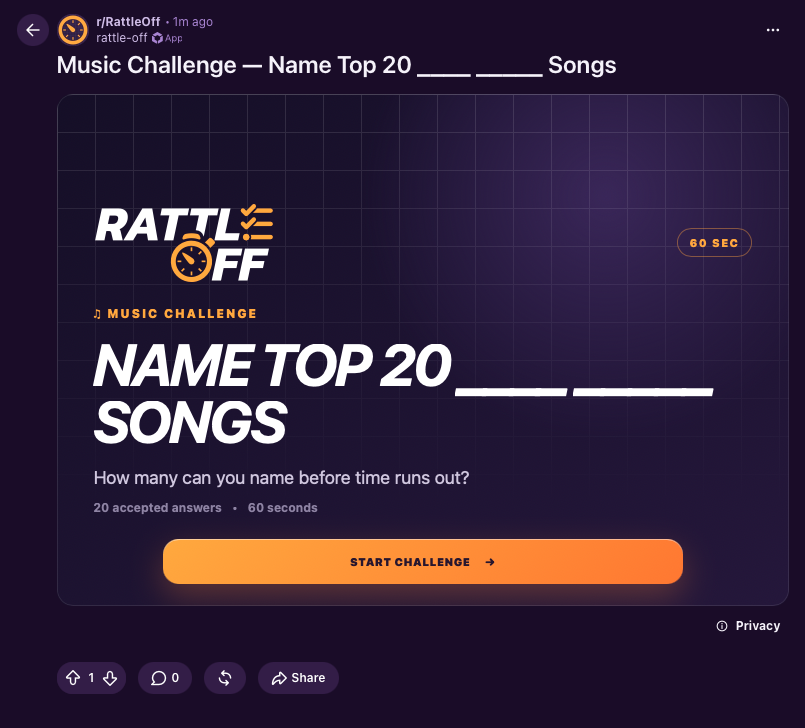
User Generated Challenge Post
-
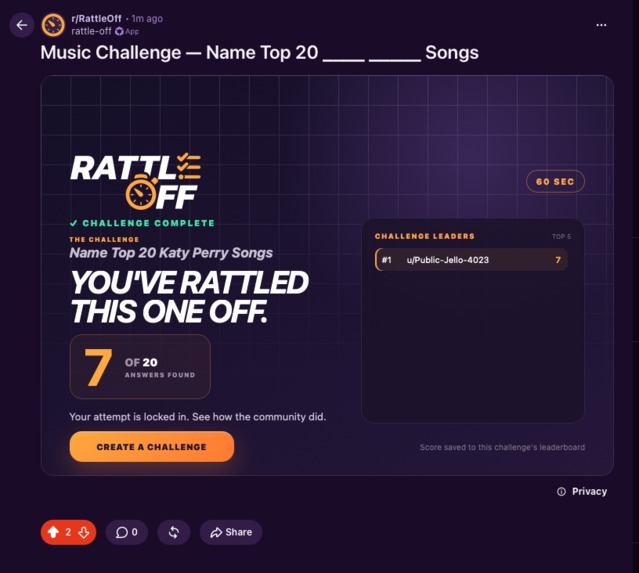
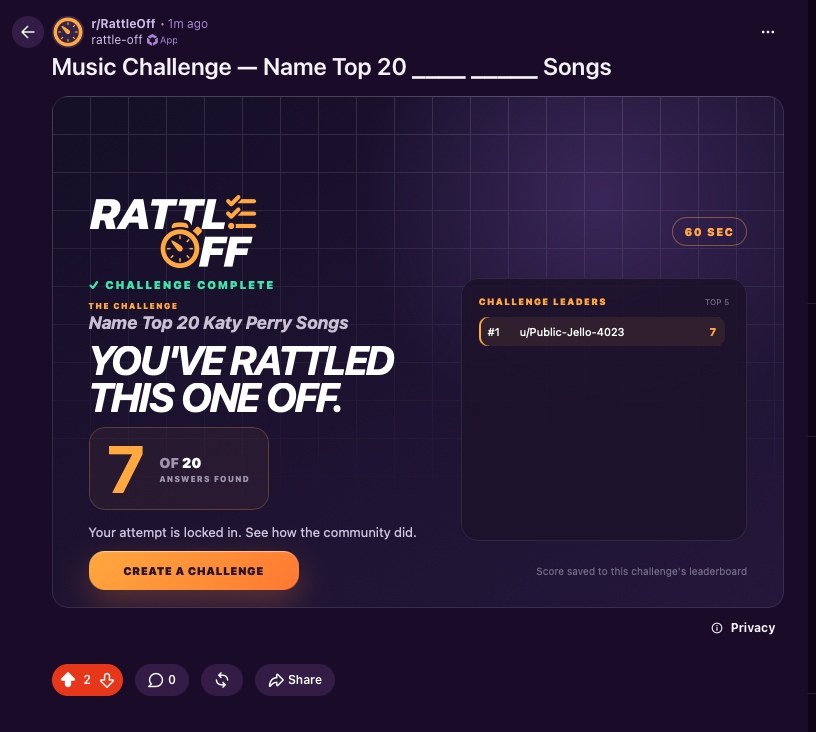
Local Challenge Leaderboard
-
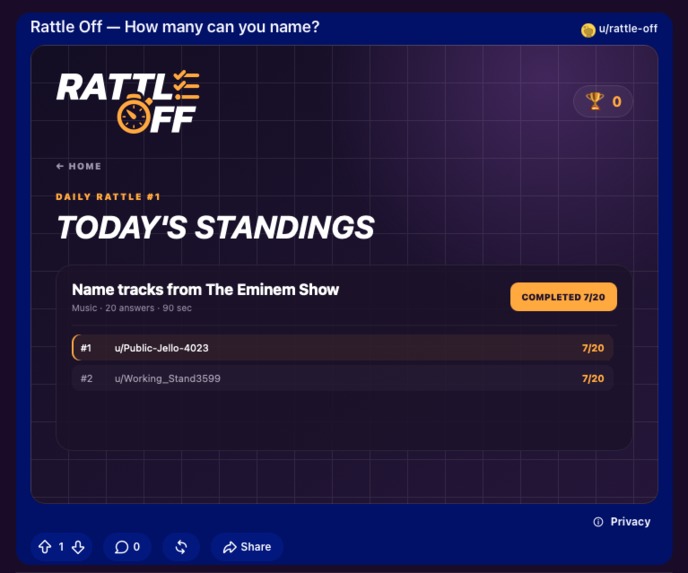
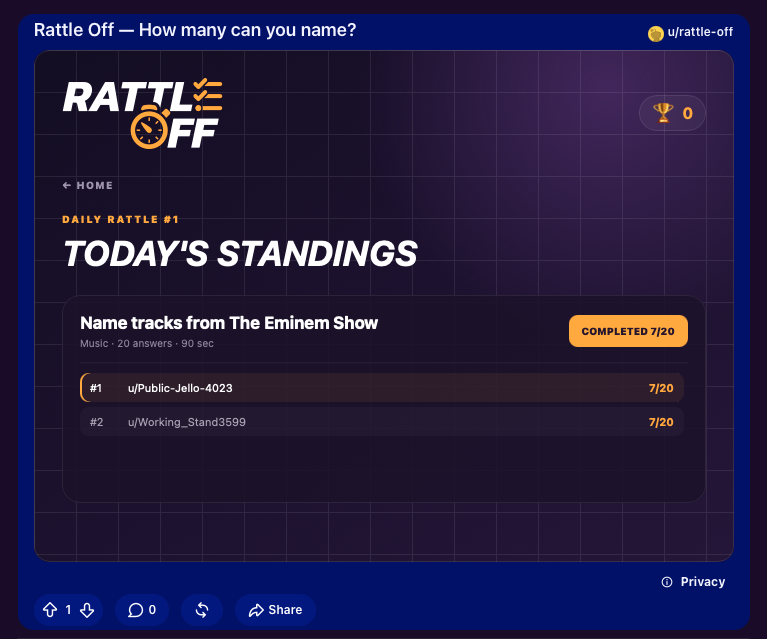
Daily Rattle Leaderboard
-
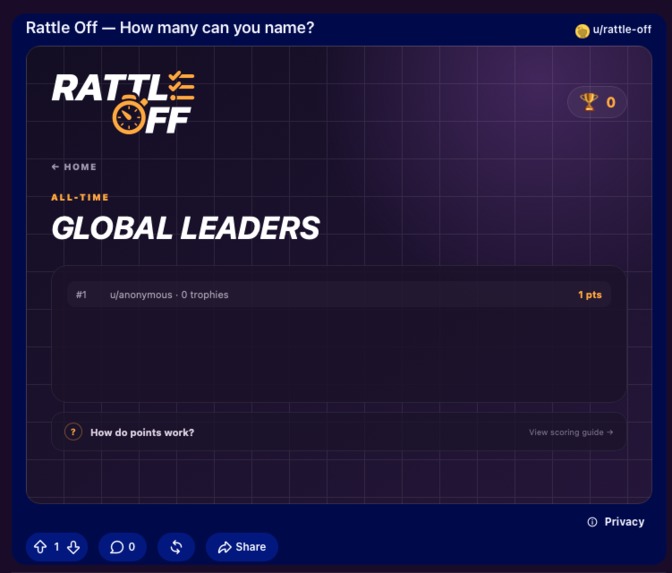
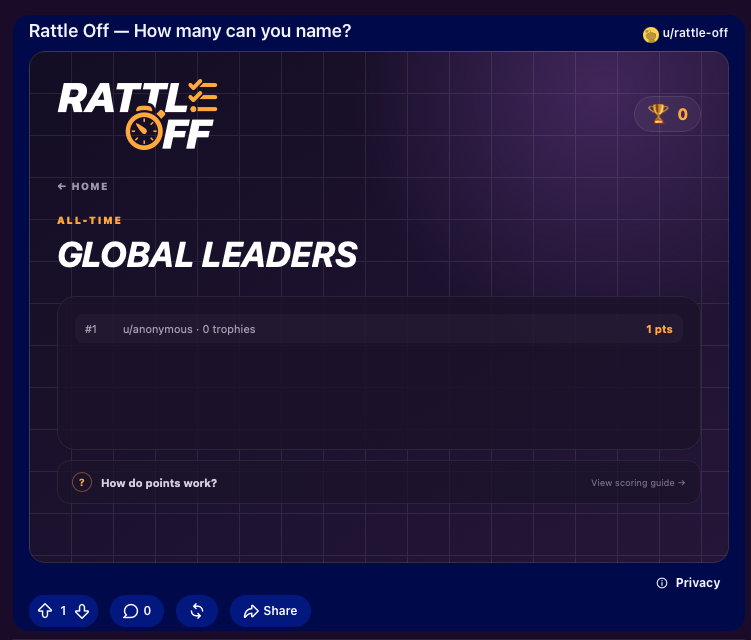
Global Ongoing Leaderboard
Inspiration
Inspiration for Rattle Off came pretty simply. There are a ton of those addicting quick-fire social games that fit nicely on YouTube shorts. It's engaging, quick, and you don't get bored seeing it every day. I simply picked one of my favorites and put in my own twist with it.
And so came Rattle Off.
What it does
Rattle Off is basically a "categories" game, where, given a prompt, you "rattle off" as many valid answers as you can before the timer runs out.
For example, for a Rattle Off Challenge with the prompt "Eminem Songs", you would try to name as many valid answers as you can in a certain time limit, i.e., "'Till I Collapse", "Sing for the Moment", etc.
And all this is user generated as a post, so I figured it would be an awesome way to express your interests and let other people who might share those interests engage with you. Creators set the prompt, timer, and accepted answers, including aliases for answers with alternate names or spellings. They also choose which words to hide in the teaser shown in the feed, so the full challenge is only revealed once someone starts playing. You know how fun it is listing off things you're an expert on? Your coworkers might not care that you can name all Eminem songs in an album, but Rattle Off does.
In each challenge you have one ranked attempt and a local leaderboard, where you can see how you fared against other users who also participated in that specific challenge. Once time runs out, you also get to see every answer you missed. Challenge creators sit their own games out to keep the leaderboard honest.
There's also two features that go hand in hand: the Daily Rattles and the global leaderboard.
Daily Rattles
Each day, a new "Daily Rattle" is featured on the main menu. This will either be created by moderators OR by users.
When creating their own posts, users can opt in to submit their challenge to be featured as a Daily Rattle. Moderators have a special menu to review nominations, approve or reject them, queue their own challenges, and pick one to go live immediately. Otherwise, approved challenges rotate in automatically.
Daily Leaderboard
Once you have participated, you can revisit the Daily Rattle Rankings to see where you stand. Answers found decide the order, with speed breaking the tie. Watch with glee as people attempt to usurp your position but fail OR look in resigned horror as you drop down in the rankings and there's no way to climb back up!
Global Leaderboard
At the end of each Daily Rattle, your results are locked and counted towards your global score. Your percentage of the board becomes points, with bonuses for the top three. You can also earn capped creator points when unique players finish challenges you made. Unlike in the daily rankings, you have a chance here to climb up in positions as this leaderboard is ongoing.
How we built it
I built this using Reddit's drop in Devvit Phaser Template. It had pretty much all I needed to get started.
I built separate entry points for the lightweight inline challenge card, the expanded game, the community hub, and the moderator console. That allowed me to keep the post sitting in the feed fast while loading the heavier game code only after someone decides to play.
The actual gameplay screen is built with Phaser 4. I primarily used it to draw the game's shifting background, grid, answer burst effects, and the confetti at the end of the round. I also used it to load and play the valid and invalid guess sounds.
For the prompt, timer, answer input, progress, and results, I decided to keep it as accessible HTML layered over that canvas, which let me utilize Phaser's game feel without making text input and responsive layout harder than they needed to be.
Of course, on the backend I used what the template provided me. I used Hono routes to store data, own the timer, and validate every guess in an intelligent way, such that I don't have to assume valid answers on the client side.
Redis of course was used to store challenges, attempts, Daily Rattle nominations, completed runs, Daily standings, and global scores. I used Reddit's API to create user challenge as its own custom post. I also used Devvit menu actions to give moderators access to the Daily manager (for setting Daily Rattles and also approving or denying user submissions for those Daily Rattles). I also used a scheduled task to handle Daily reset and scoring to cycle the next Daily Rattle and lock in user scores for that Daily Rattle.
Challenges we ran into
This was my first time developing a Devvit app, so there was a bit of a learning curve. But the docs were very clear.
Accomplishments that we're proud of
I like the overall look of the app. It's very polished. The app avoided the complexity trap and kept things simple and enjoyable.
What we learned
This was officially my second Phaser game. I learned a lot more on top of what I already know, mainly how adding effects is so much easier. And how Phaser seamlessly blends with native HTML elements.
What's next for Rattle Off
There's a lot of things I couldn't risk implementing in such proximity to the deadline, but if I get the chance, I'd like to add a couple of things to keep things interesting:
- Making it more competitive, perhaps awarding rare items for Daily Rattle winners or badges perhaps?
- Harder game modes: quicker timer with special conditions like Rattling Off answers in alphabetical order (ascending or descending), in special orders (like album tracks), etc.
- Subsets mode: instead of "Eminem Songs", we can have "Eminem Songs (That don't have the title in the chorus)"
Built With
- devvit
- html
- phaser.js
- typescript

Log in or sign up for Devpost to join the conversation.