



Inspiration
Standing in a shop abroad, the friction is never the maths. It is the interruption: unlock the phone, open a calculator, retype a number you are already looking at, then translate the result back into what it means. The number was in front of you the whole time.
A second, smaller thing became the detail we care most about. A price written
1.299,90 in Rome and 1,299.90 in New York is the same amount, but most converters
read one of them wrong by a factor of a thousand. If an app is going to read prices
from the world, it has to read them the way the shop wrote them.
What it does
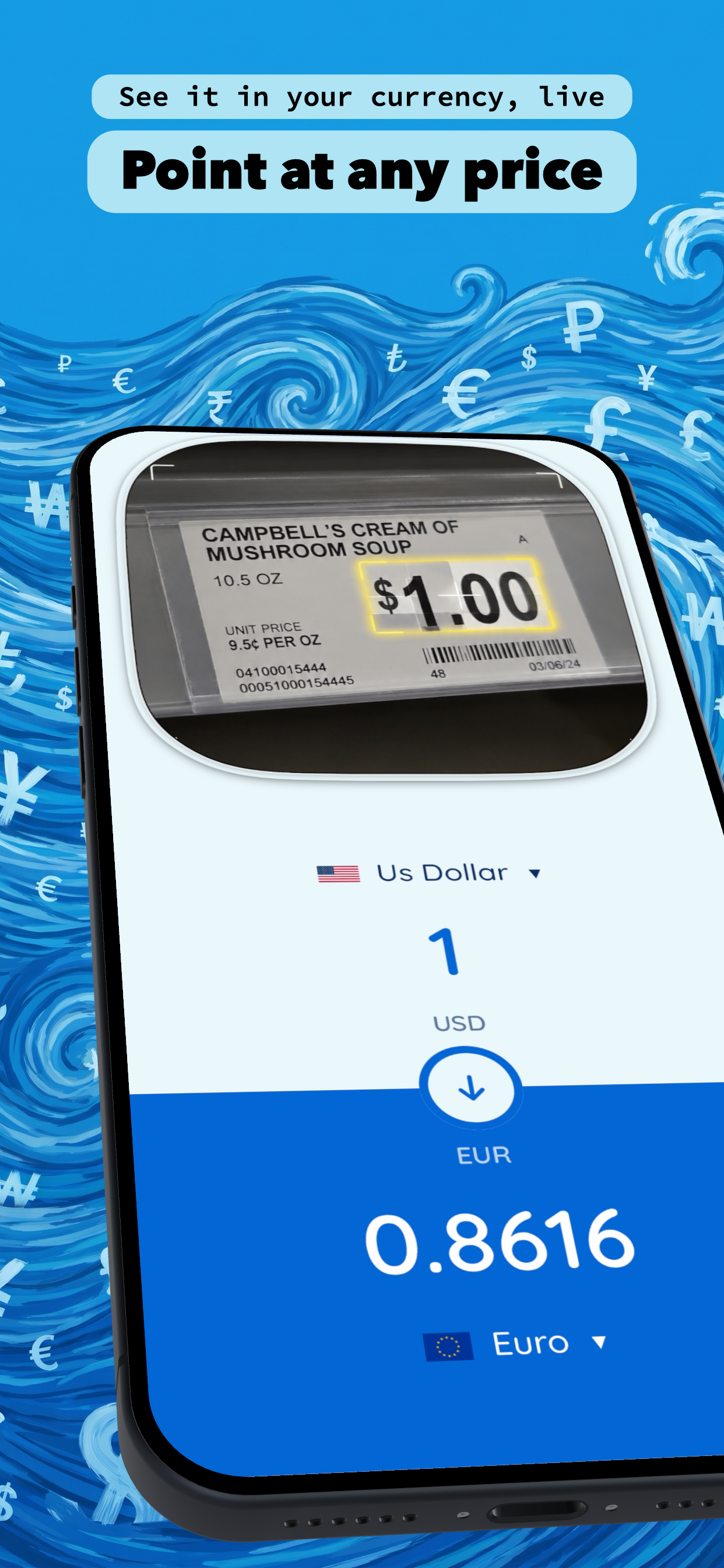
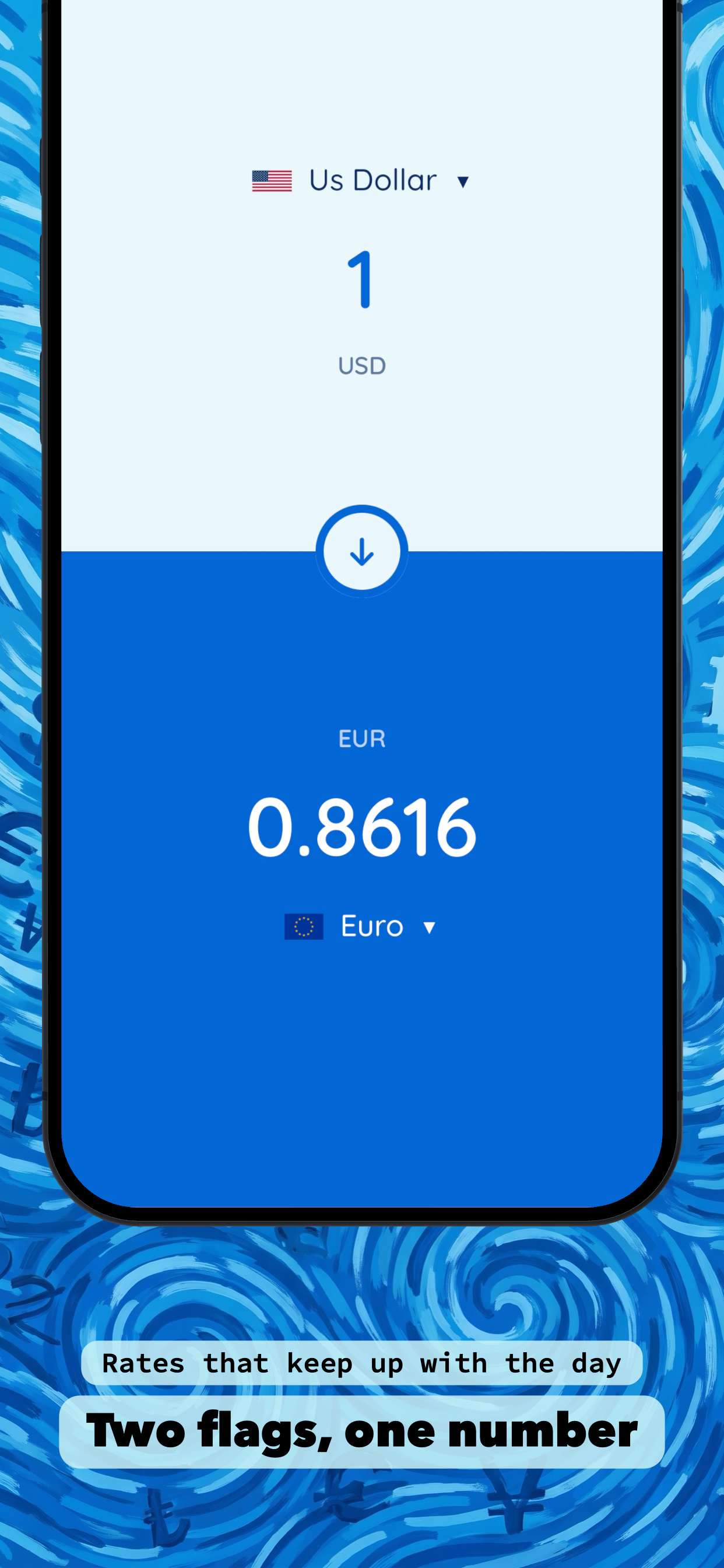
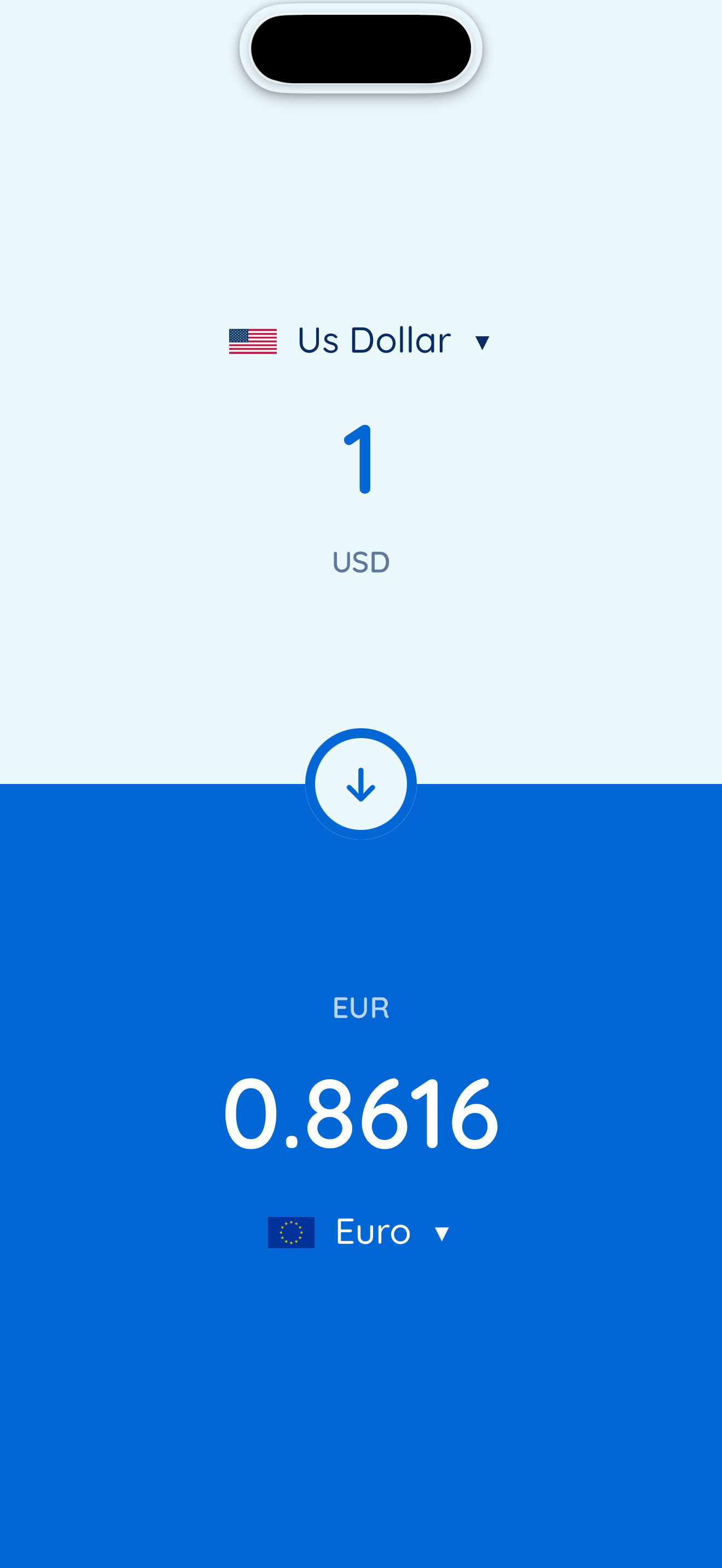
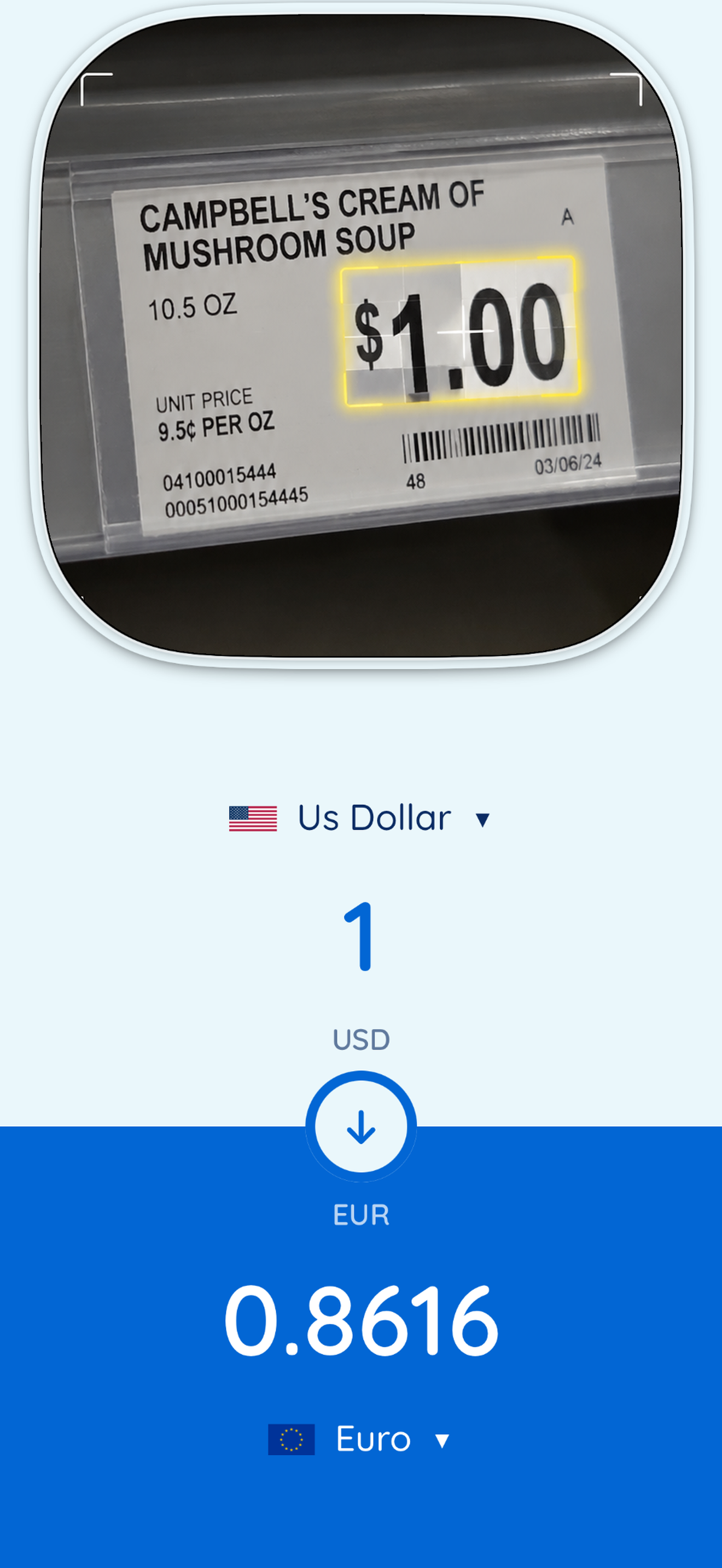
RateSea converts a price into your own currency. You can type an amount and read it back, or you can point at it: pull the screen down from the very top of the display and a camera slides out of the Dynamic Island. Aim it at a price tag, a menu or a receipt and the converted amount appears underneath, live, while you move. Pinch to zoom in on small print.
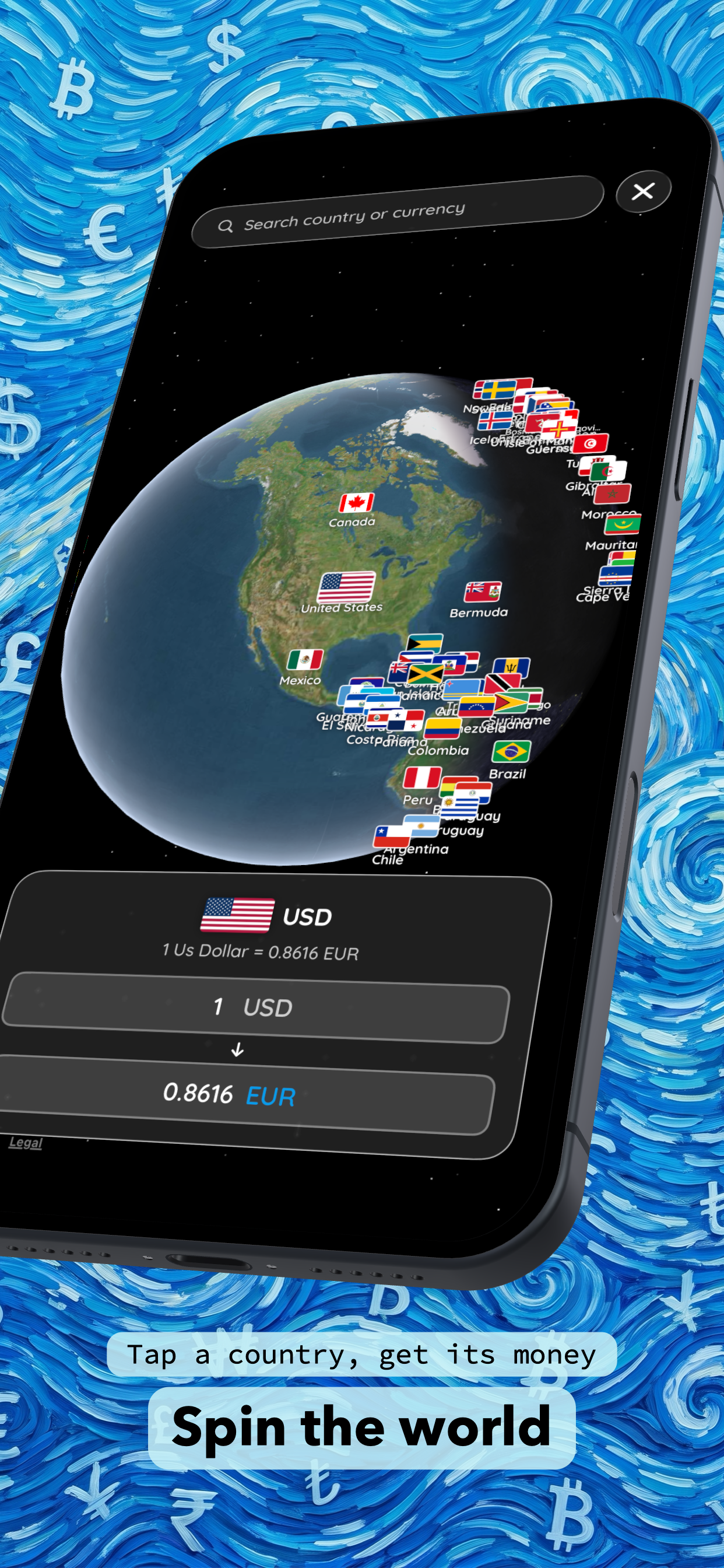
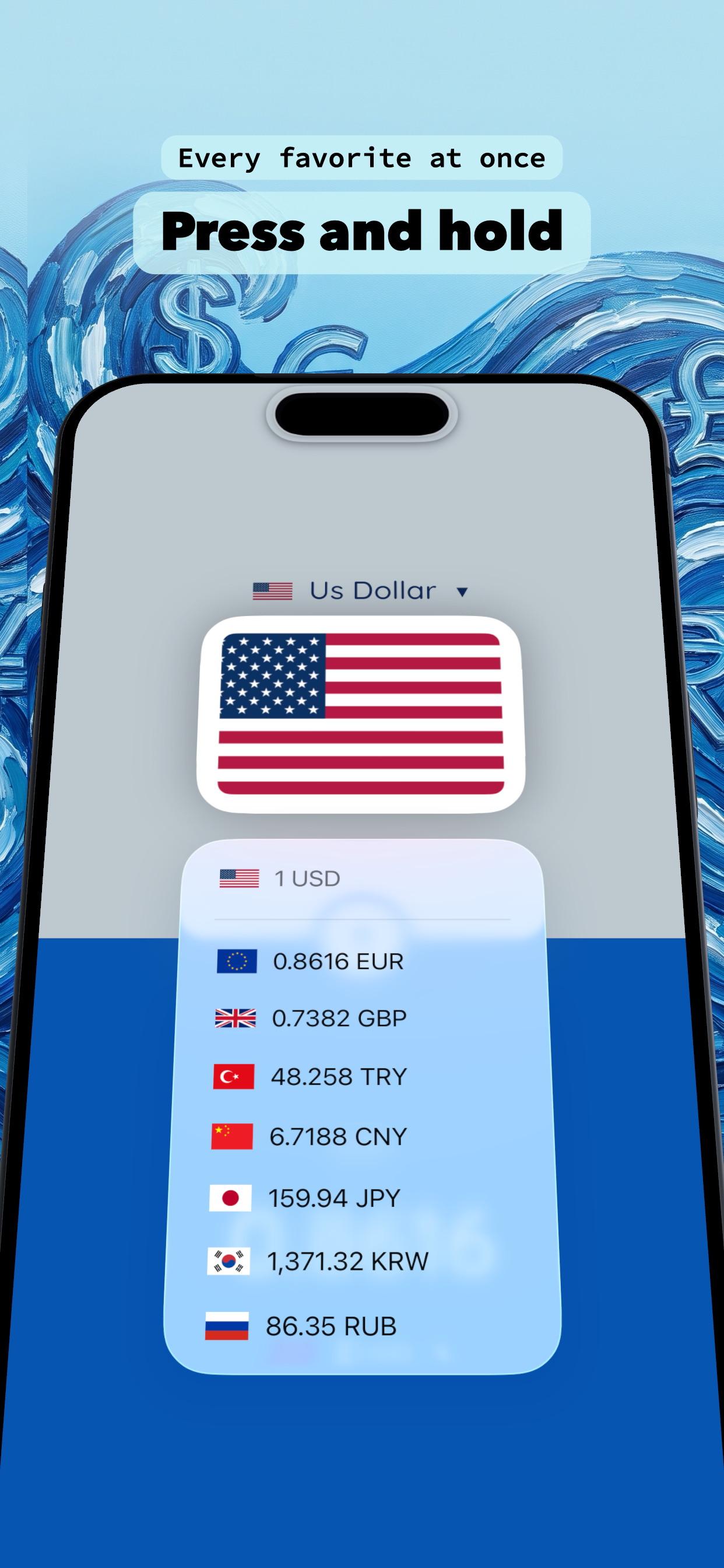
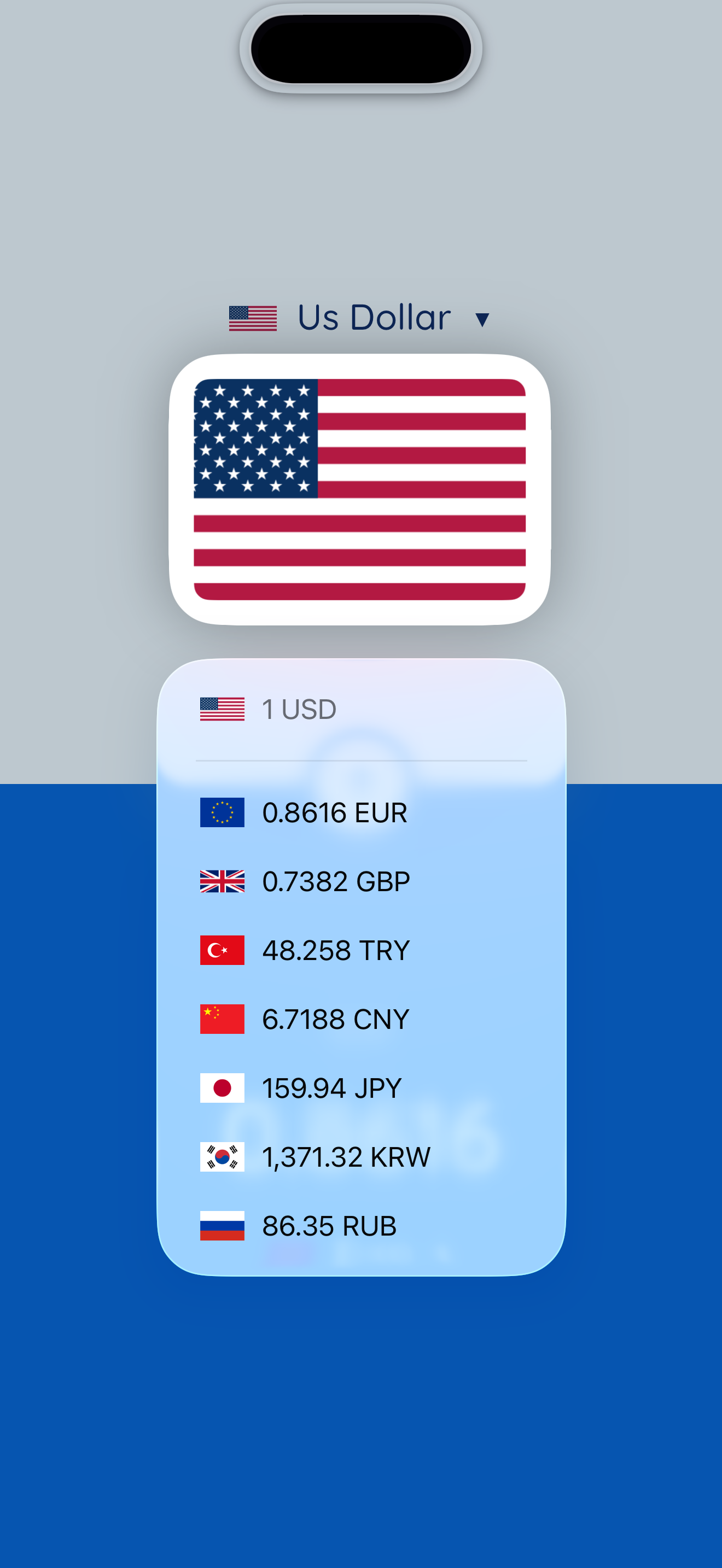
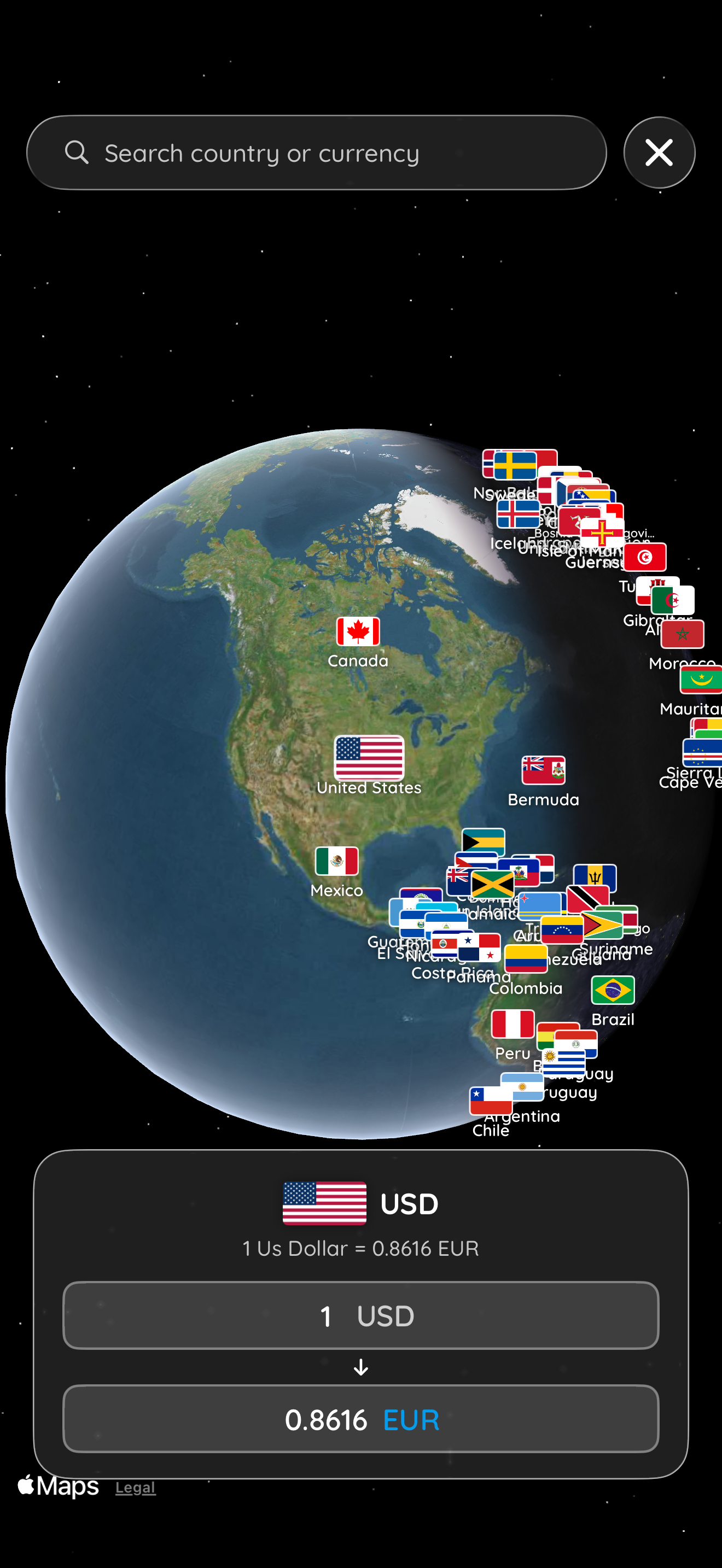
There is also an Atlas: spin an interactive globe, tap any country, and its currency drops into the converter. Swipe right on a rate to favourite it, then press and hold an empty area of the home screen to see your amount in every favourite at once.
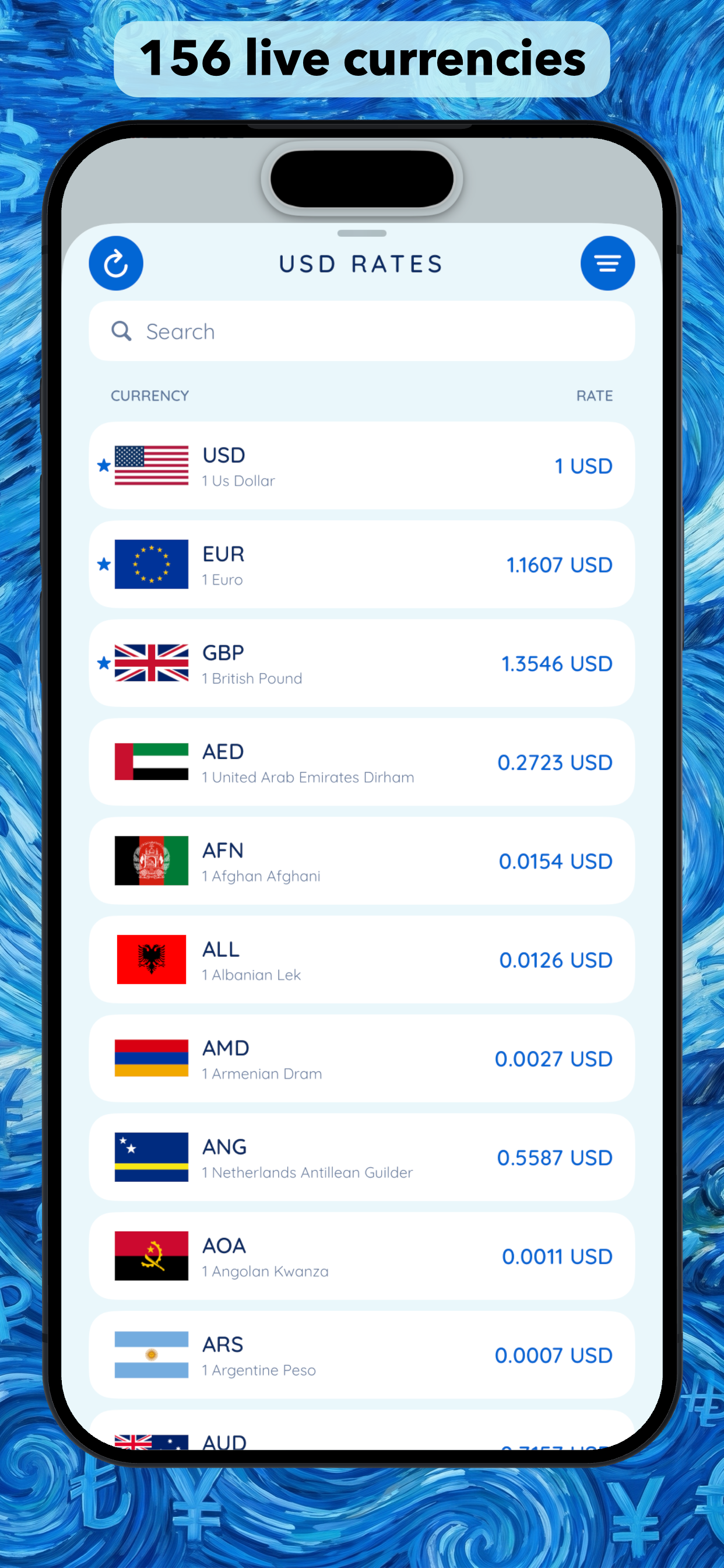
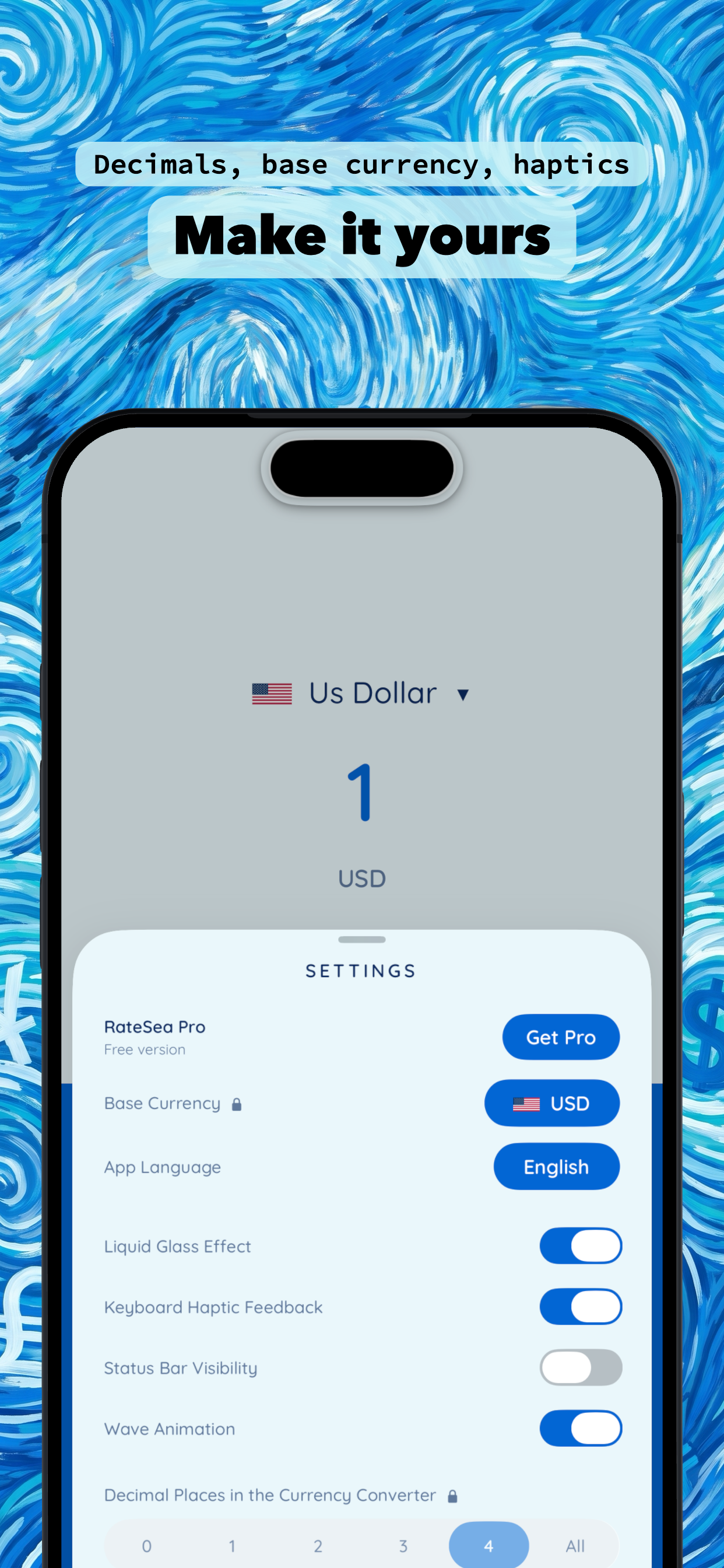
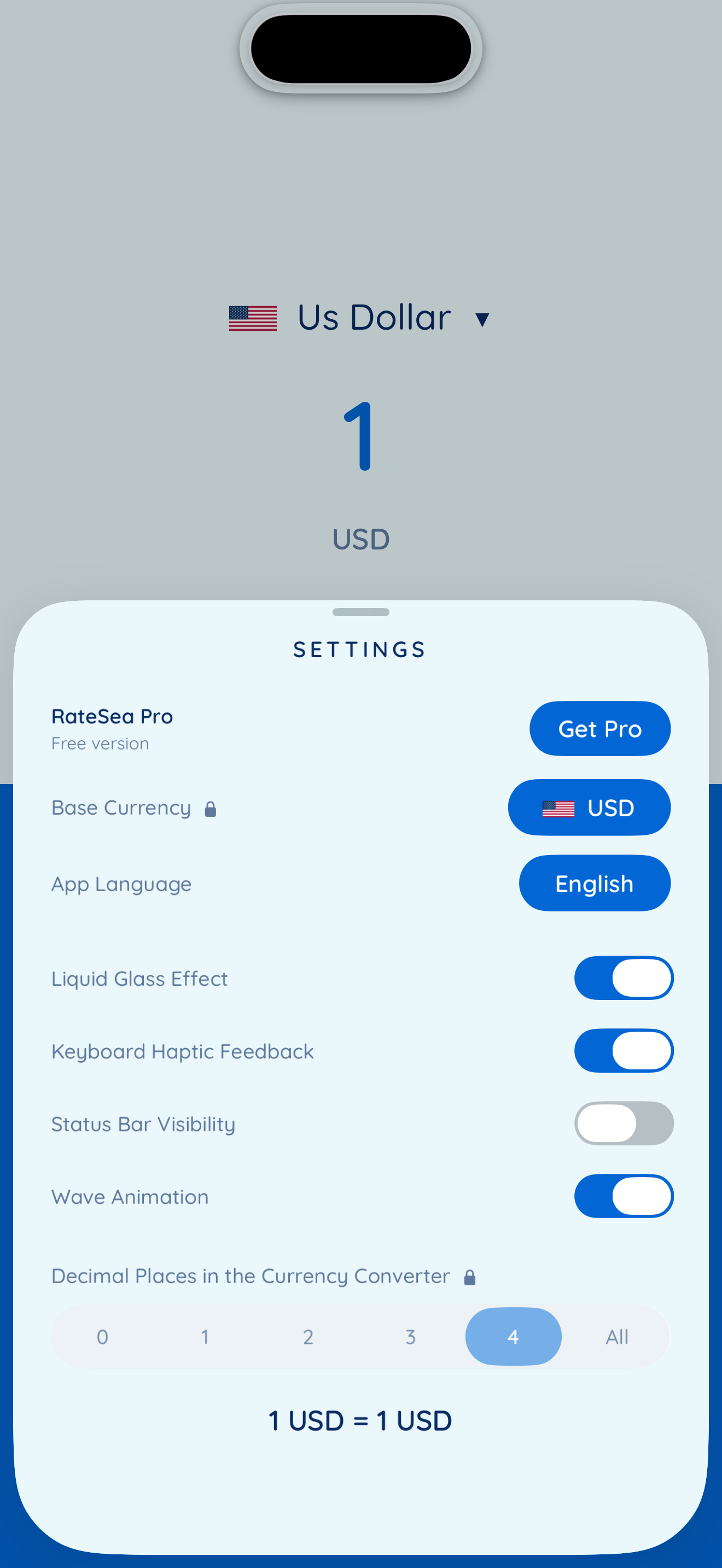
156 currencies, reference rates refreshed through the day, 50 languages, no account and no sign-up.
How we built it
UIKit, iOS 16 and up. VisionKit's DataScannerViewController does the text
recognition entirely on device. No photo is taken, stored or uploaded. MapKit draws
the Atlas globe. Rates come from the Frankfurter API.
RevenueCat handles the subscription. The app never asks whether a specific product was
bought; it asks a single entitlement, ratesea_pro, through one accessor. That made a
late change cheap: when we decided the AR camera and the globe should become Pro
features after a seven-day trial, the rule moved into one file and no screen changed.
Ads run through AdMob behind the same kind of single decision point, plus a remote flag read from a static JSON file, so advertising can be switched off without shipping a new build.
The interaction the whole app is built around is the camera that grows out of the
sensor housing. For that to look right, the shell has to match the real hardware, not
an approximation. The dimensions published on the web are wrong. For the iPhone 17e
they were off by 19 points. So we rasterised Apple's own sensorBarImage artwork from
the Xcode simulator device profiles and measured every model that runs iOS 16.
Challenges we ran into
CACornerMask is not animatable. Rounding the top corners mid-animation popped.
The fix was to let the shell overhang the top edge by its own corner radius, so the
transition happens outside the visible area.
Blur could not ride the spring. fractionComplete on a UIViewPropertyAnimator is
set, not interpolated, so UIView.animate will not carry it. We drive the blur
ourselves with a CADisplayLink on a matching curve.
iOS 26 opened a keyboard out of nowhere. Tapping the main menu button popped an alphabetic keyboard, on a screen whose only text fields are number pads. The screen makes itself first responder to catch shake gestures, and iOS 26 asks the first responder for an input view while presenting a menu. A view controller has none, so the system keyboard appeared. Resigning first responder just before the menu presents fixed it.
Reading numbers the local way. Rather than hardcode separators, we derive them per
currency by scanning Locale.availableIdentifiers and taking the majority.
50 languages. Every user-facing string, including permission prompts. Apple added
eleven localizations in March 2026 and they need region-qualified codes: bn-BD,
ur-PK, sl-SI. Plain bn is rejected, which costs an afternoon to discover.
Accomplishments that we're proud of
The camera does not feel bolted on. It starts as the exact shape of your Dynamic Island or notch and expands into a viewfinder, then collapses back into it.
We wrote a pure Swift test for the device geometry: 157 assertions, no Xcode, no simulator, running in about a second. It checks the tables against measured values and catches internal contradictions. It found two mistakes we had already made and one trap we would certainly have shipped: the "e" models. The iPhone 16e and 17e look modern but use a notch, not a Dynamic Island.
And the app is genuinely finished in 50 languages, not eight, including the eleven Apple added this March.
What we learned
Measure instead of trusting published numbers. Keep one decision point per concern, because the change you did not plan for will arrive. And ship the remote off switch before you need it, not after.
What's next for RateSea: Currency Converter
Offline rates, so the last known figures survive a flight. Historical charts, since the data source already exposes time series. App Intents and a Lock Screen widget for the pair you check every day. A layout that uses the iPad rather than tolerating it. And a proper introductory offer on the subscription, which we deliberately left until we had real usage to price against.

Log in or sign up for Devpost to join the conversation.