Inspiration
We wanted to add software to a preexisting software project. And, we had our tetris project from 15-112.
What it does
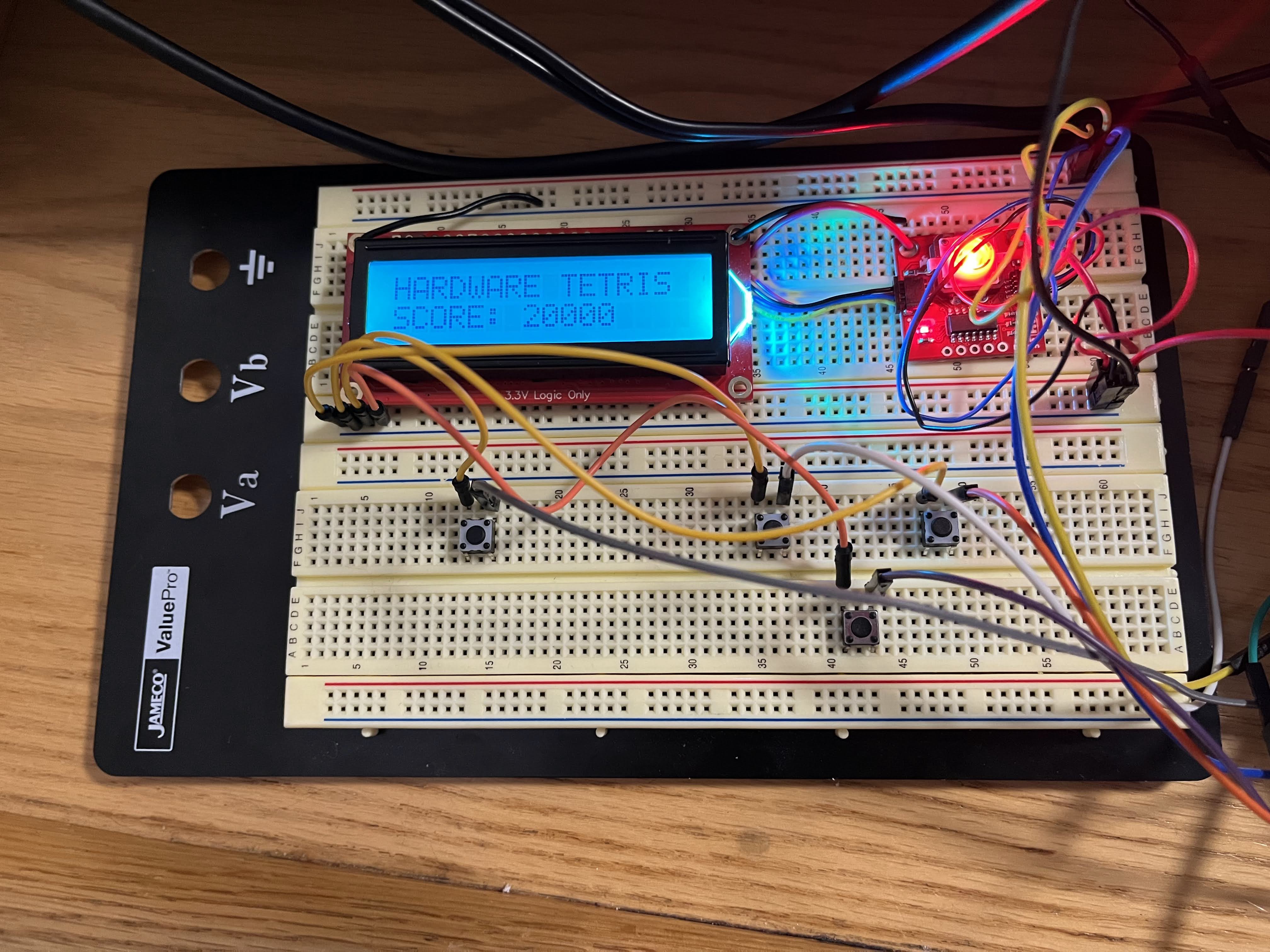
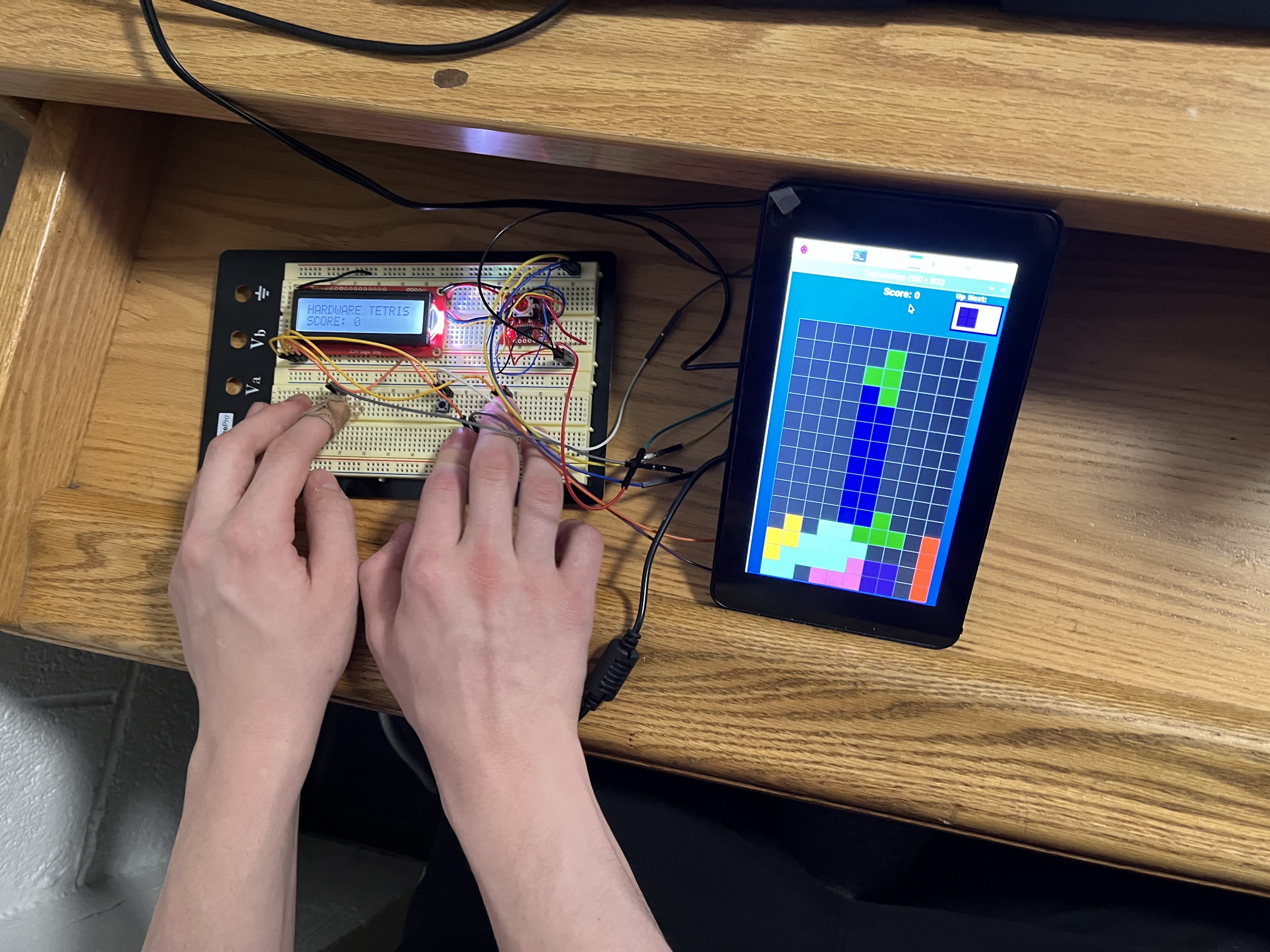
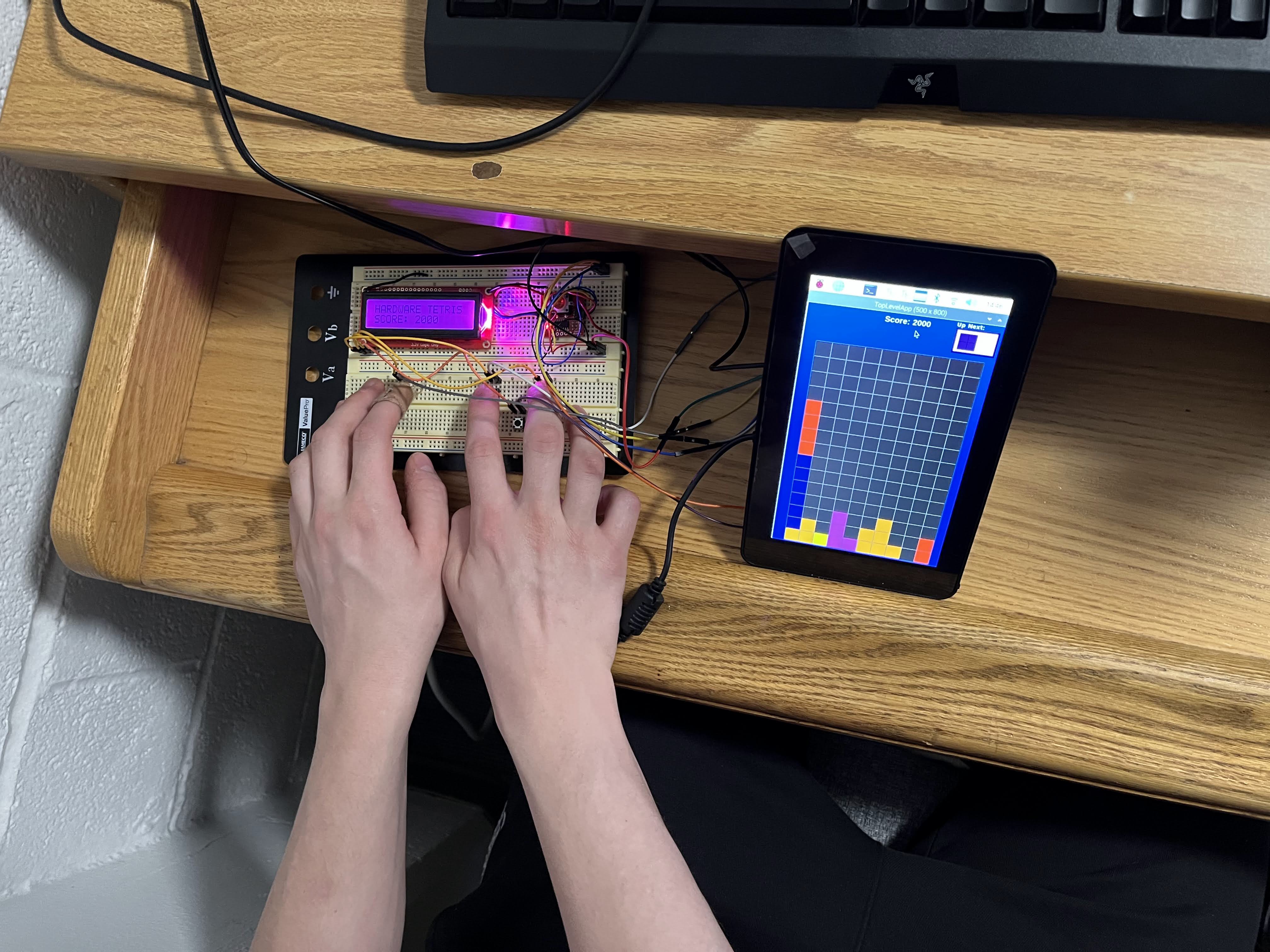
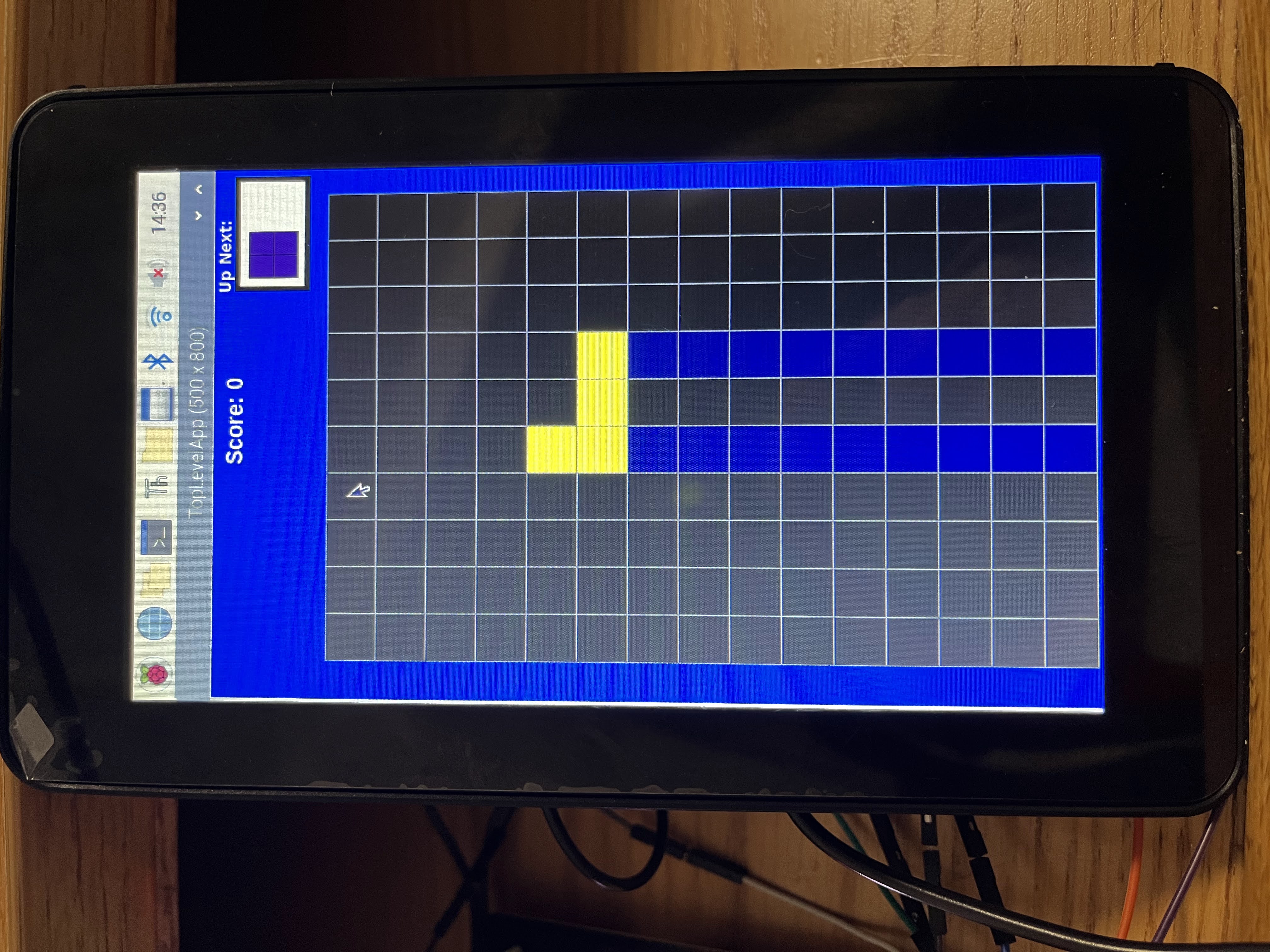
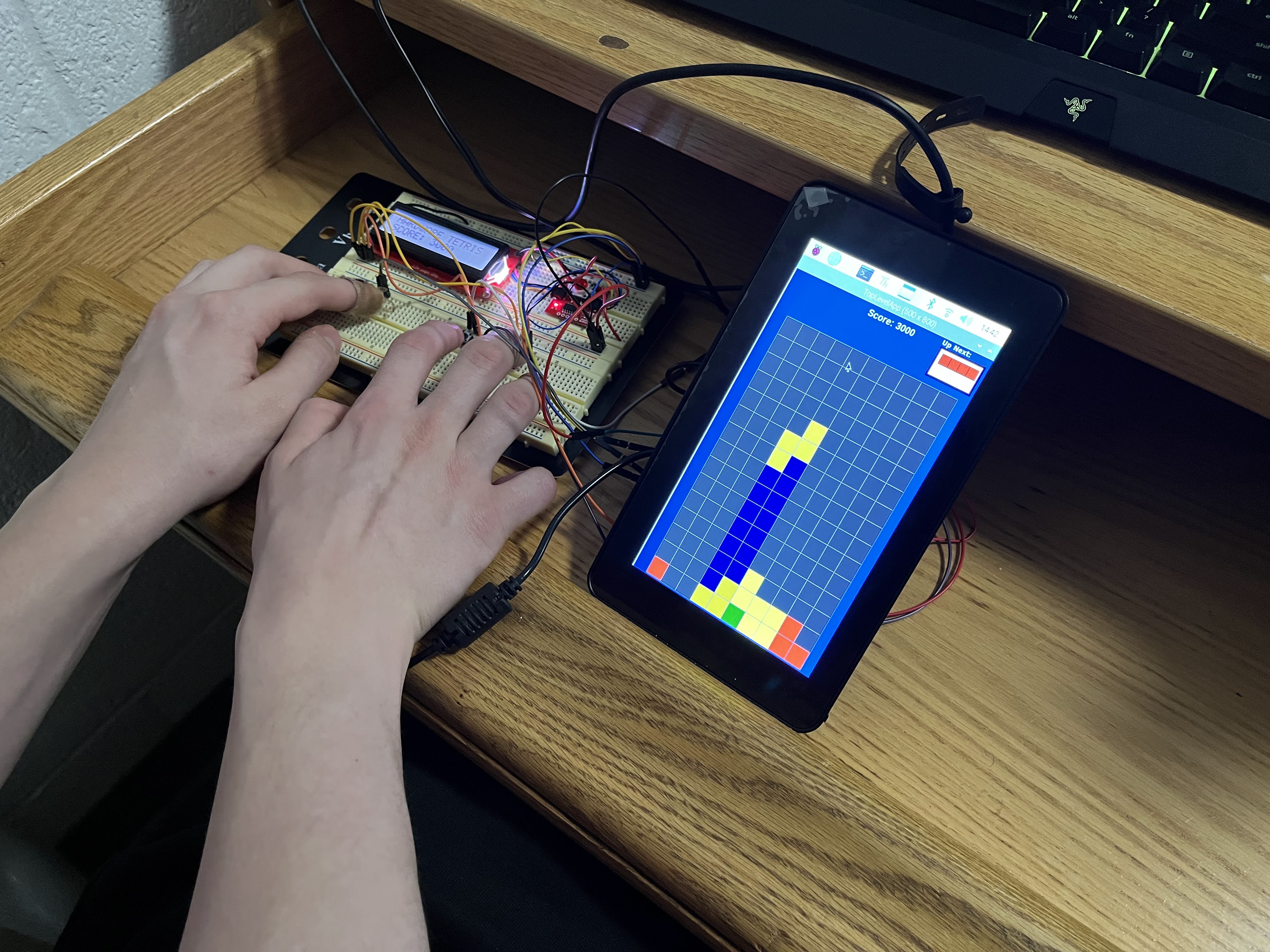
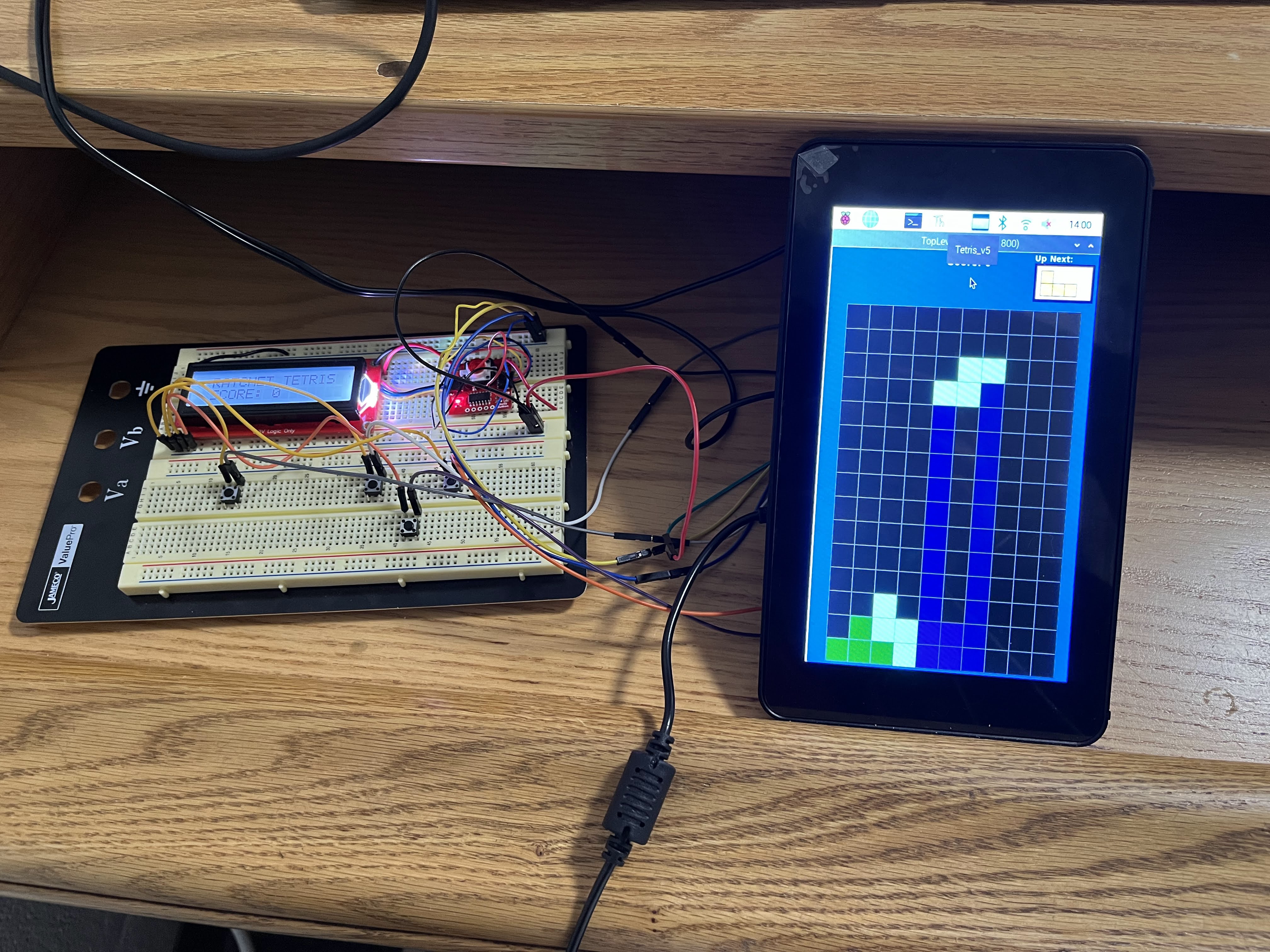
Using the base code we created for 15-112 using the instructions provided by David Kosbie link, we added software features and hardware control. There are four buttons to control the pieces, a reset button that lights up, and a screen that displays the score and changes color. There is also music and sound effects.
How we built it
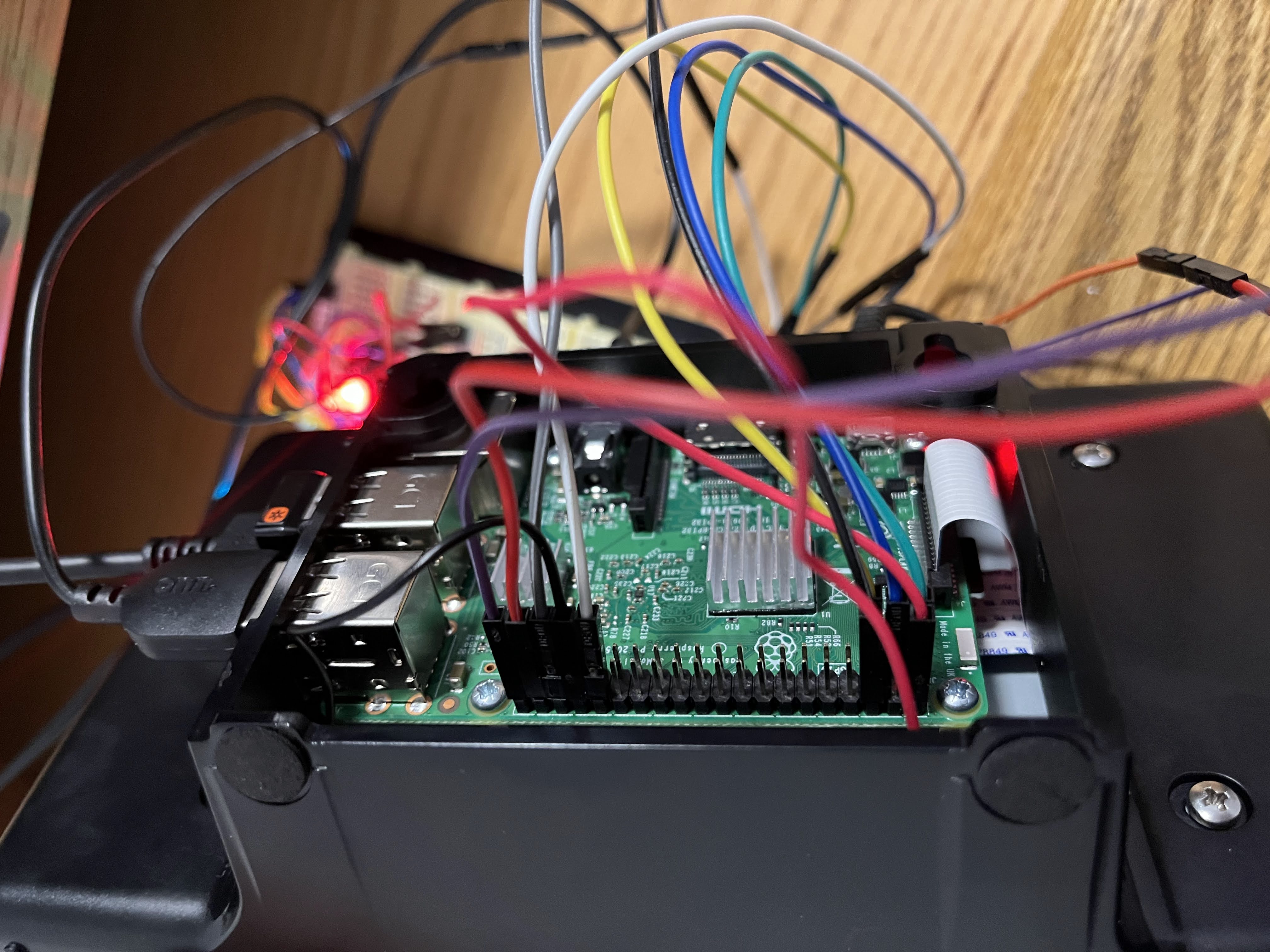
The four buttons that control pieces are directly connected to GPIO pins. The reset button and screen communicate with the pi through i2c. We were able to communicated with the button using the SMBus module, reading the byte of data for its status and writing brightness directly to its registers. For the display, we had to use the sparkfun qwiic module to communicate with it. Sound effects were implemented with pi game, and other software features were implemented directly.
Challenges we ran into
We had trouble initially setting up the pi, needing to reformat the sd card and had some issues setting up cmu_112_graphics. We also found that i2c had some challenges. Without direct control over how sparkfun's module worked, there were sometimes conflicts with our communication with the button, meaning features had to be limited. The button also sometimes returned false positives, so we polled it three times to see if it was actually reading true. With our simple implementation of the piece controlling buttons, the responsiveness of the game is not perfect.
Accomplishments that we're proud of
We are proud of adapting an existing project, and completing our first raspberry pi hardware project.
What we learned
We learned how to use buttons on raspberry pi, how to use i2c communication, and how to set up a raspberry pi.
What's next for Hardware Tetris
We would like to add nicer buttons, soldered connections, a hold feature, and fewer wires connecting to the Pi.
Built With
- gpio
- i2c
- pi
- python

Log in or sign up for Devpost to join the conversation.