-
-
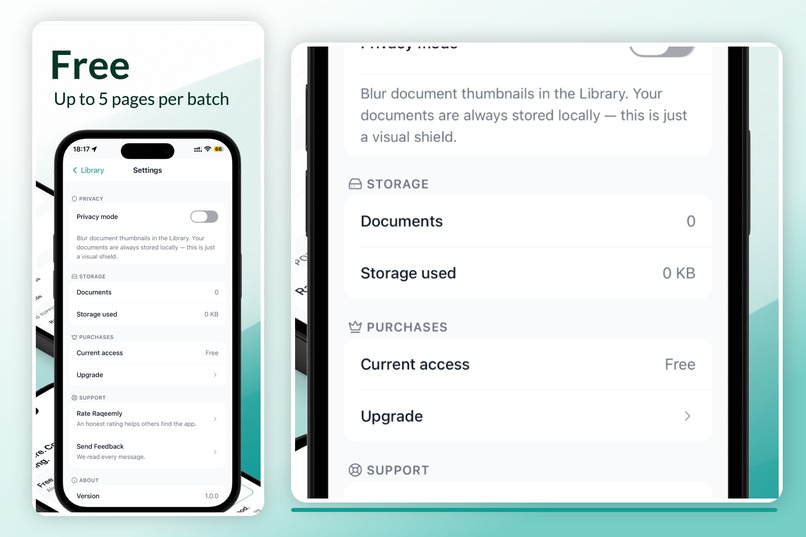
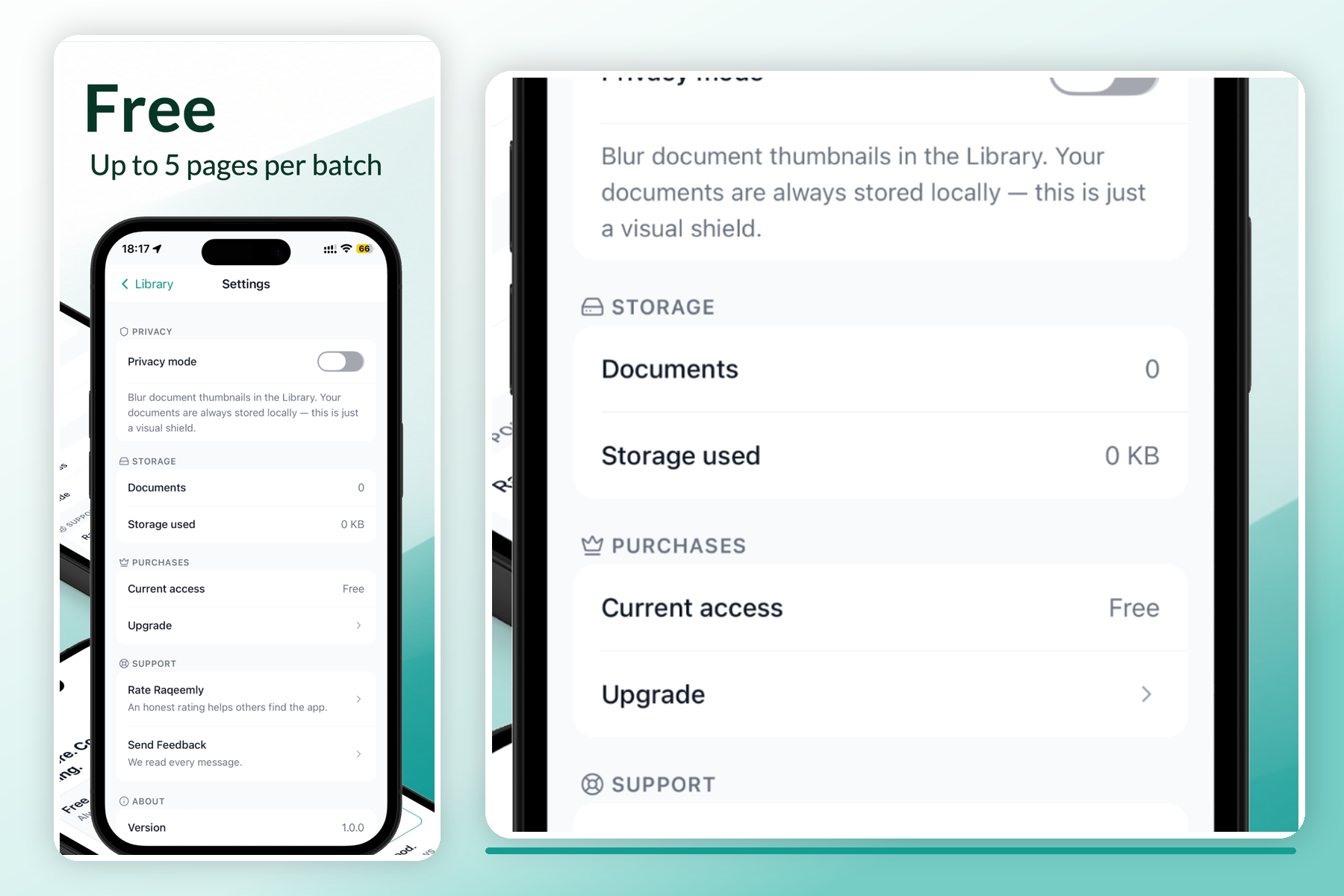
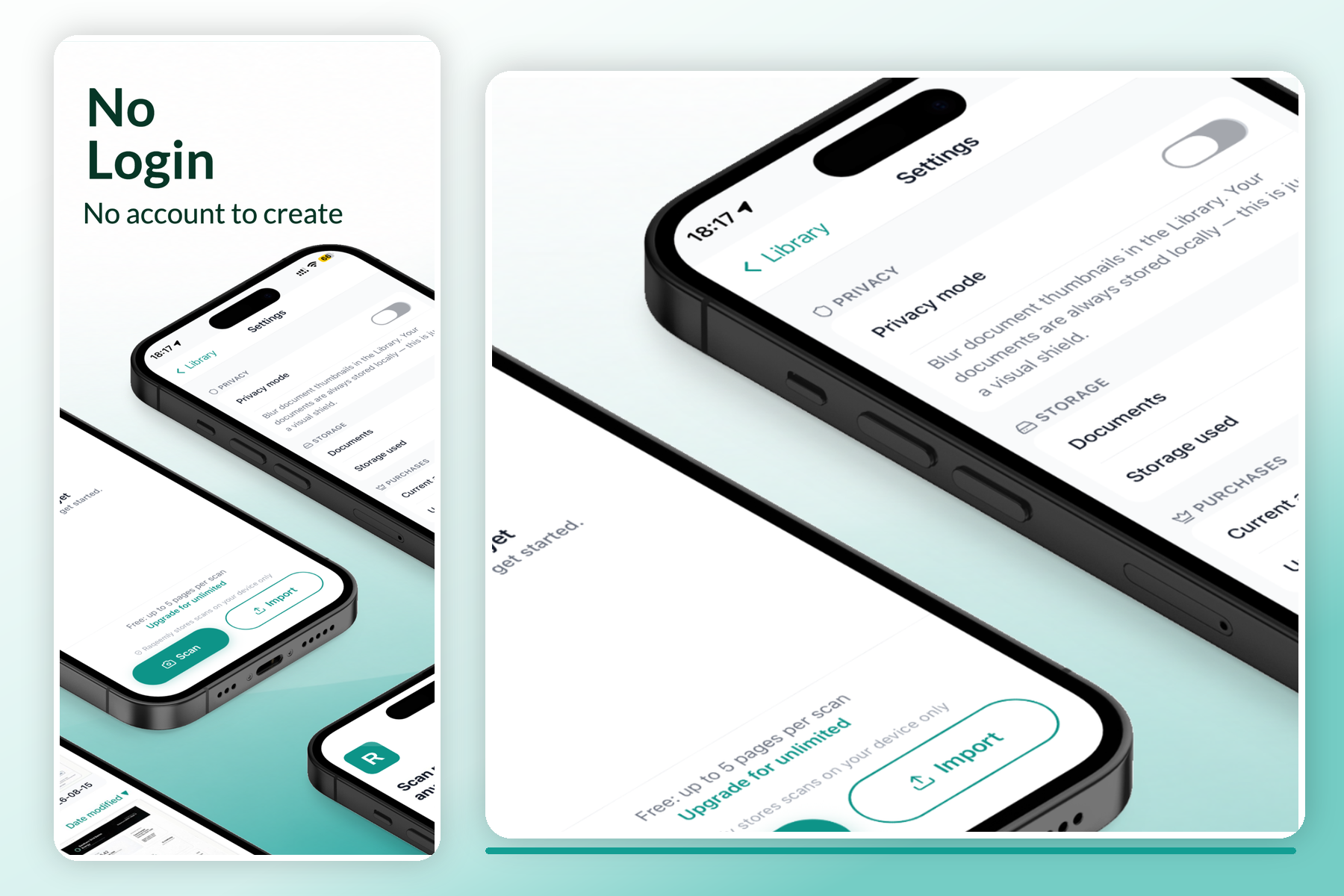
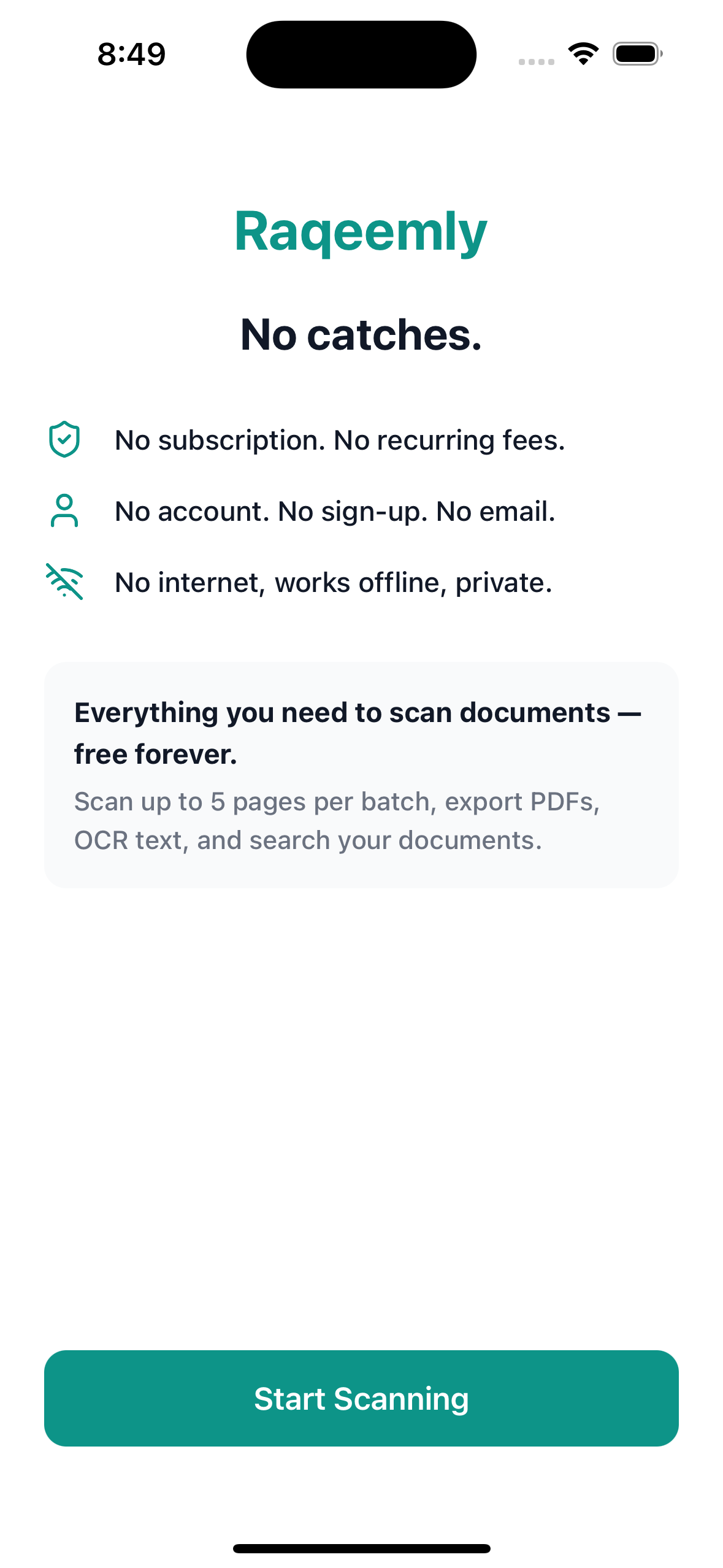
Free covers scanning, enhancement, text search and PDF export — five pages per batch. Settings shows exactly what is stored.
-
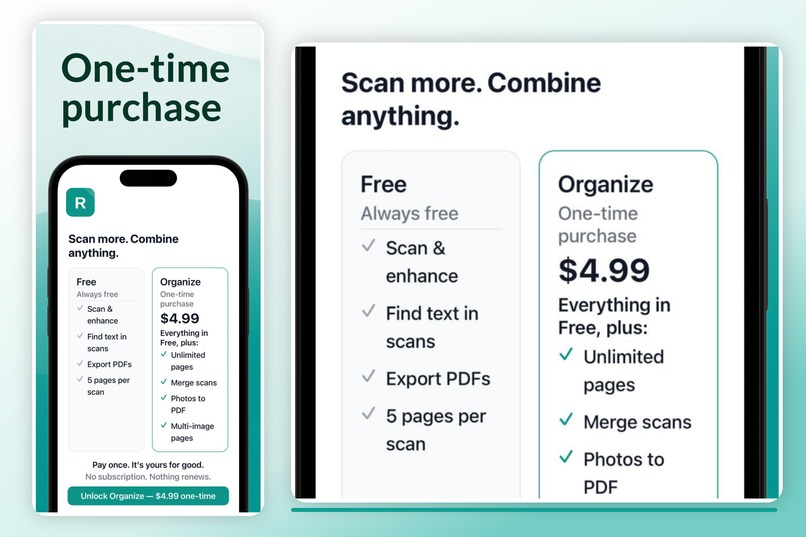
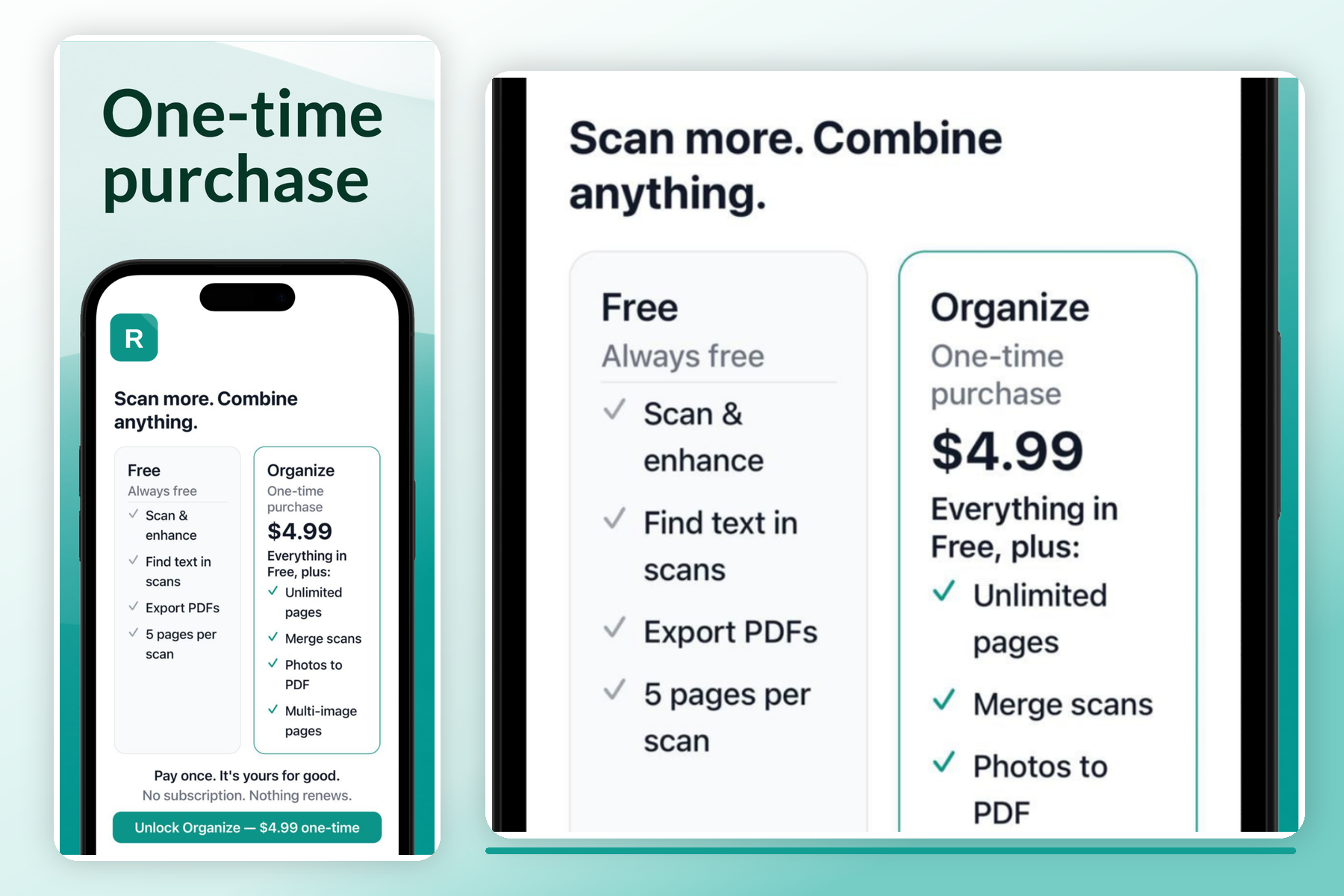
One purchase unlocks unlimited pages and merging. No subscription, nothing renews. Purchases handled through RevenueCat.
-
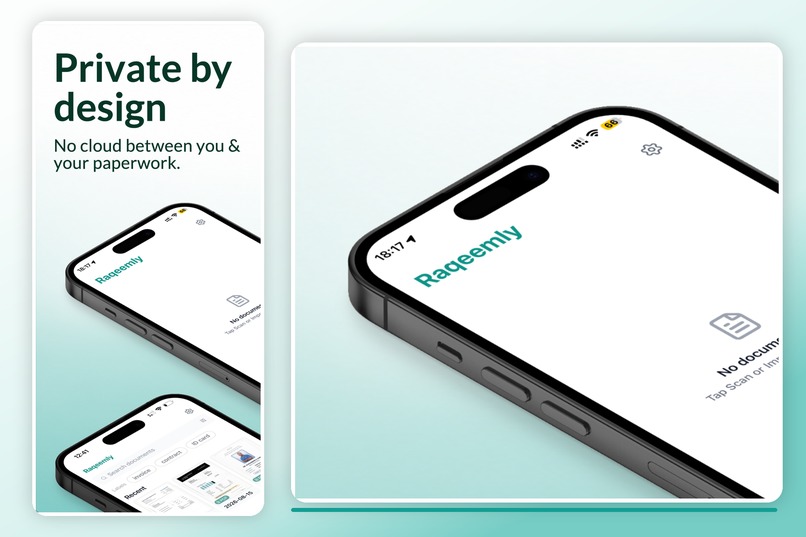
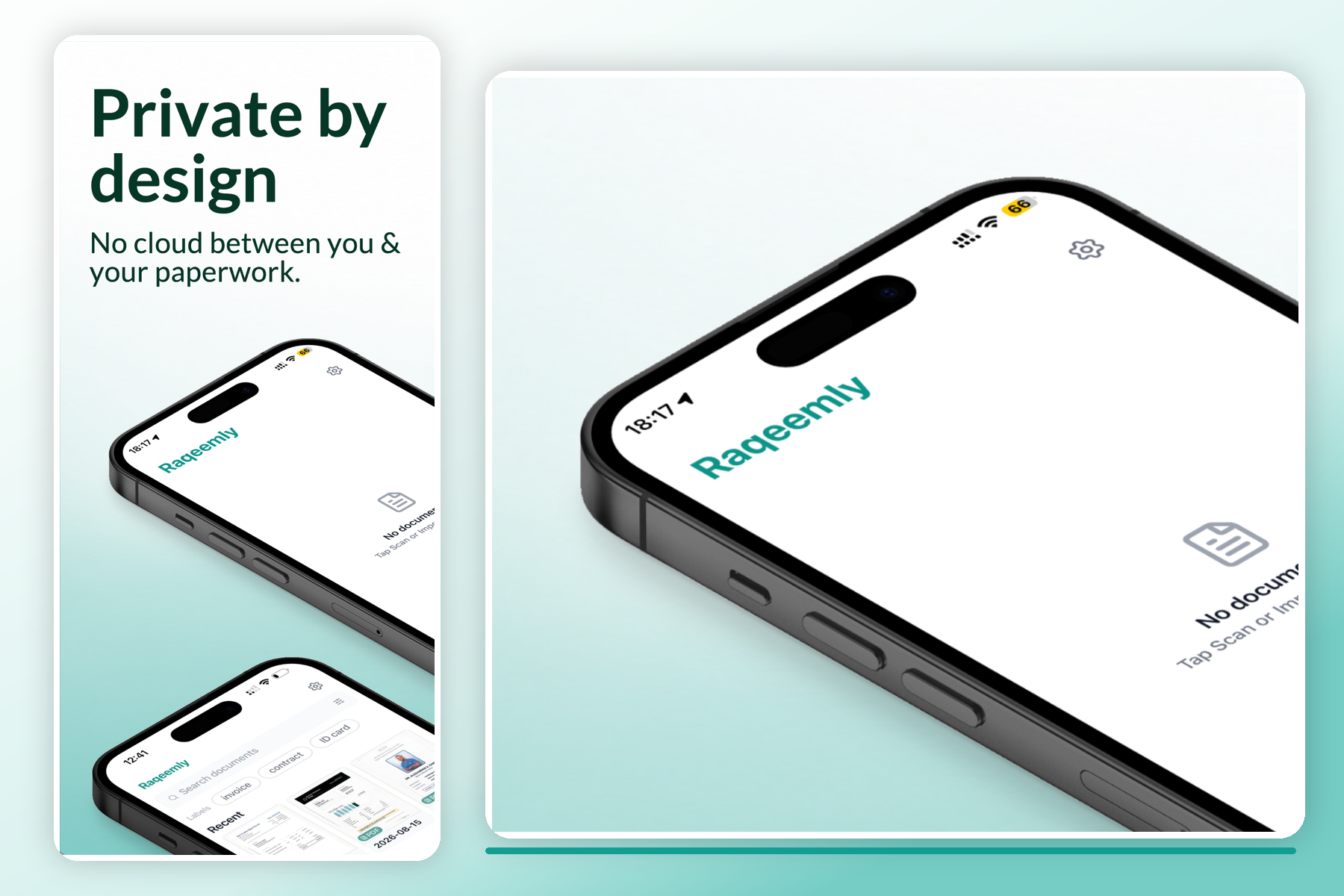
There is no upload path in the app. Airplane mode changes nothing, because no scan was ever going to leave the phone.
-
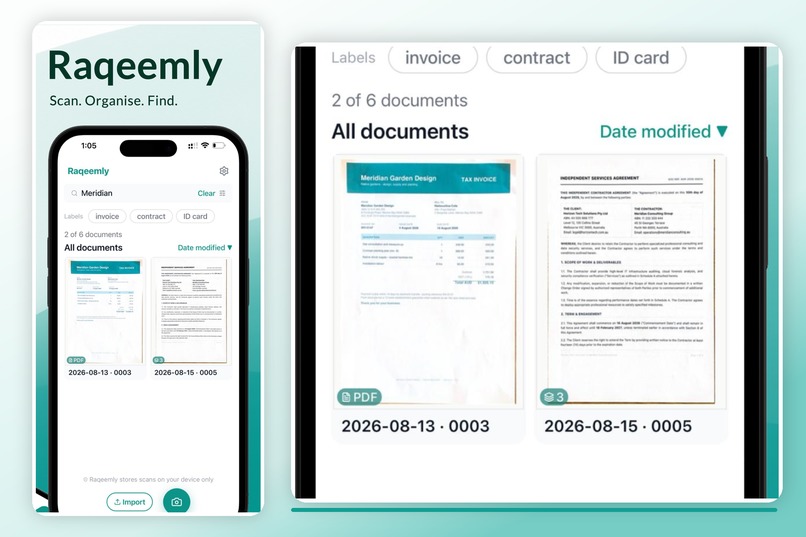
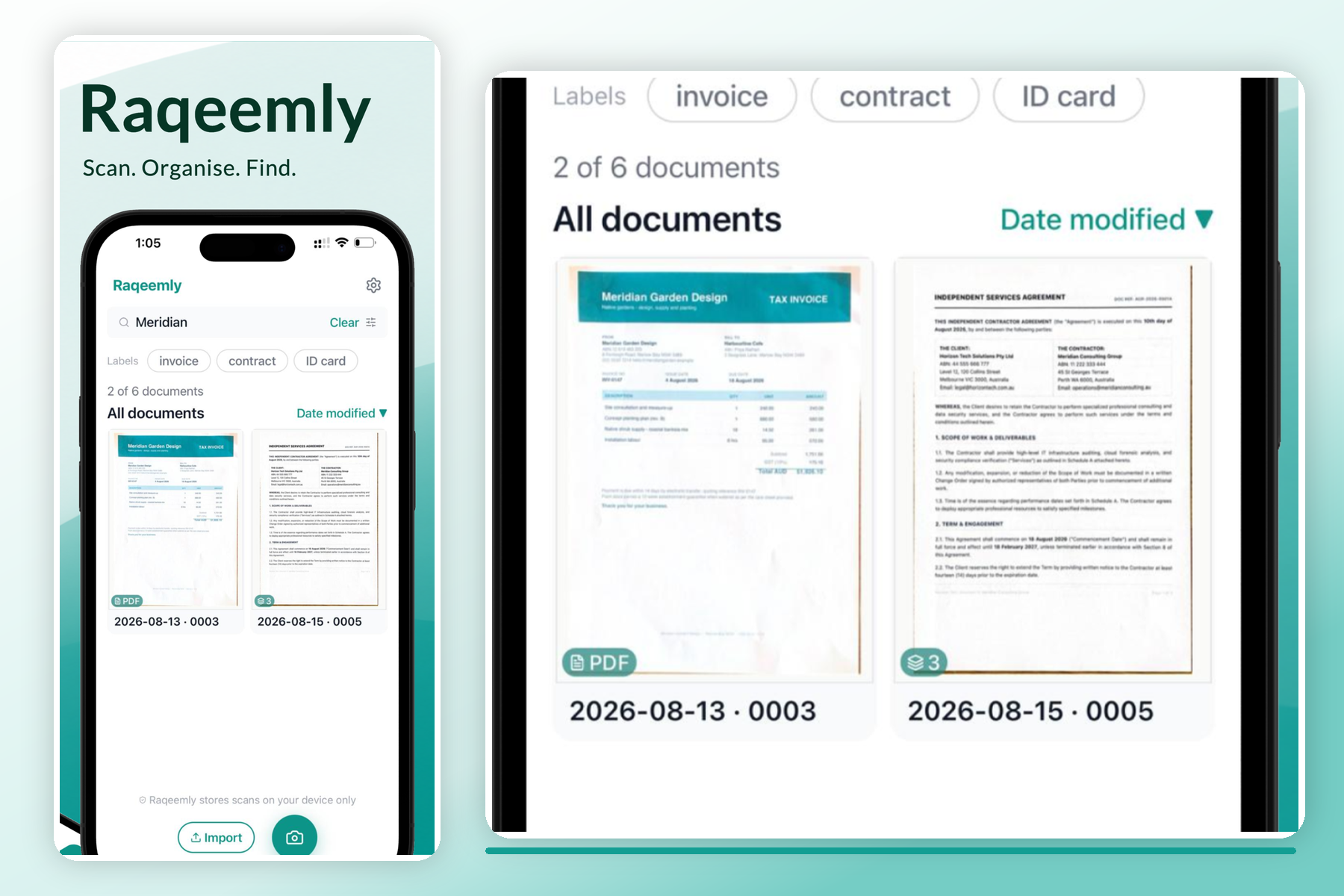
The library. Every scan is searchable by its own text, the index is built on the device and never leaves it.
-
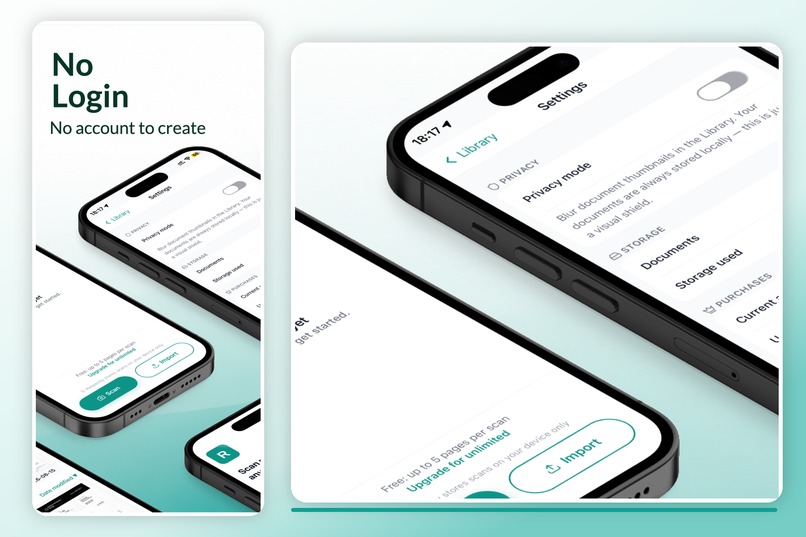
No account to create, so there is no email to collect, no password to store, and no server holding your documents.
-

App icon, 1024x1024.
-
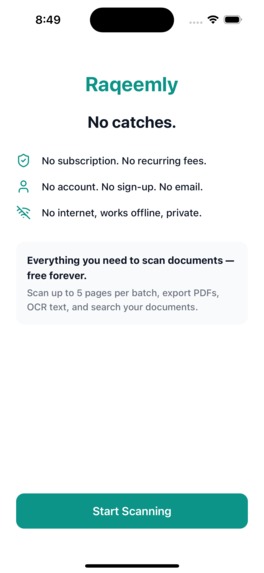
Unframed 1179x2556 screenshot of the app.

Inspiration
Microsoft Lens was the scanner I actually used. When it was discontinued I went looking for a replacement and found the same pattern everywhere: make an account, accept a subscription, upload your documents to someone else's server, or live with a watermark. For scanning a passport, a contract, or a tax receipt, that trade is worse than the problem it solves.
So I built the thing I wanted. Raqeemly is a document scanner that runs entirely on the phone. No account, no subscription, no watermark, no upload.
What it does
Point the camera at a document. Raqeemly detects the edges, corrects the perspective, removes shadows and glare, and saves it as a PDF or image. Multiple pages batch into one file. Text is extracted so you can search inside your own scans later.
Everything stays on the device. There is no backend, because there is nothing to send anywhere.
How I built it
React Native and Expo. Scanning runs through expo-document-scanner, which wraps Apple's VisionKit on iOS and Google ML Kit on Android; OCR uses ML Kit text recognition. Both sit behind a single scanner service interface, so no screen ever calls a platform API directly — a constraint that kept the door open for a third build flavour later.
Documents and extracted text live in local SQLite. Payments run through RevenueCat as a one-time unlock, not a subscription. There is no backend at all — nothing to deploy, nothing to secure, nothing to leak.
Most of the real work wasn't the scanning. It was everything around it: classifying transient native errors correctly, permission handling strict enough to pass Play's production checks, and shipping the same codebase through two very different store review processes.
Challenges I ran into
The native scanner rejects with transient errors that look identical to a hardware failure. My error handling classified them as one, and the app silently fell back to the plain camera on first run. Finding that took a full read-only trace across five files and a native module before I touched any code.
Google Play's production checks then blocked the release over a media permission the app requested but did not need. Fixing it properly meant proving which library actually required it — the answer was none.
Accomplishments that I'm proud of
Shipping to both the App Store and Google Play as a solo developer, with no server to run and no user data to hold. The privacy claim in the listing is structural, not a policy promise — there is no cloud component to opt out of.
Holding the line on one-time pricing in a category where every competitor has moved to subscriptions.
What I learned
Diagnose before editing. Most of the days I lost were spent fixing things I had not yet understood.
What's next for Raqeemly — Offline Document Scanner
iPad support, and getting the extracted-text search to hold up on large libraries.
Built With
- android
- expo.io
- ios
- javascript
- kotlin
- mlkit
- nitro-modules
- react-native
- revenuecat
- sqlite
- swift
- visionkit

Log in or sign up for Devpost to join the conversation.