-
-

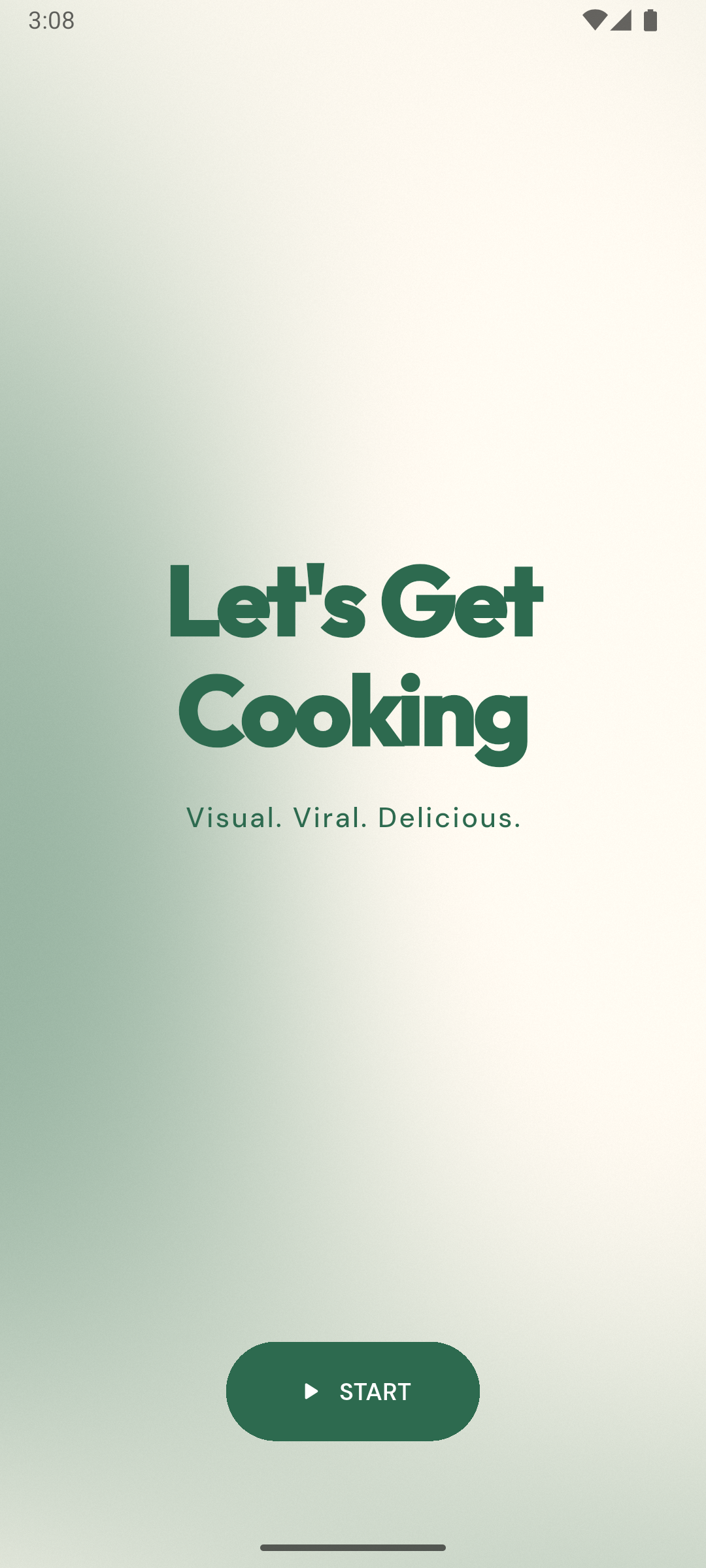
The Splash Screen with the App Name
-
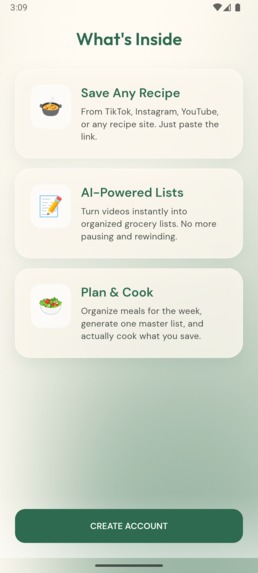
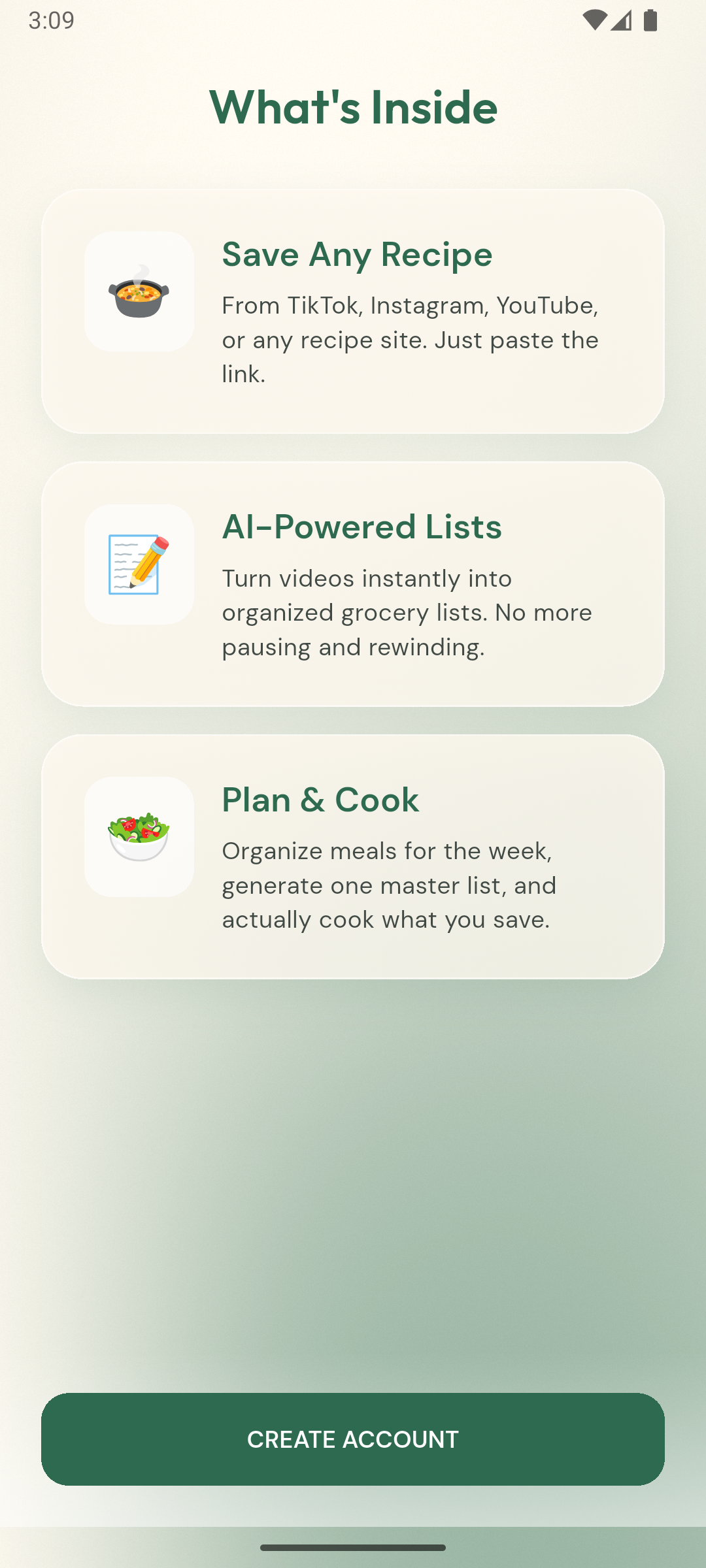
The Welcome Screen with all the core features listed
-
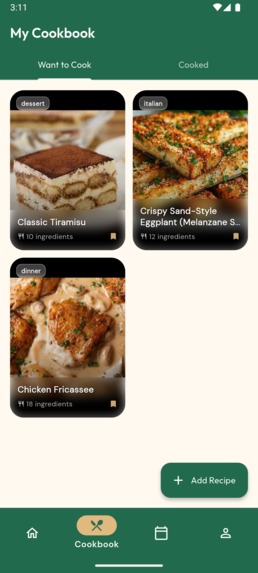
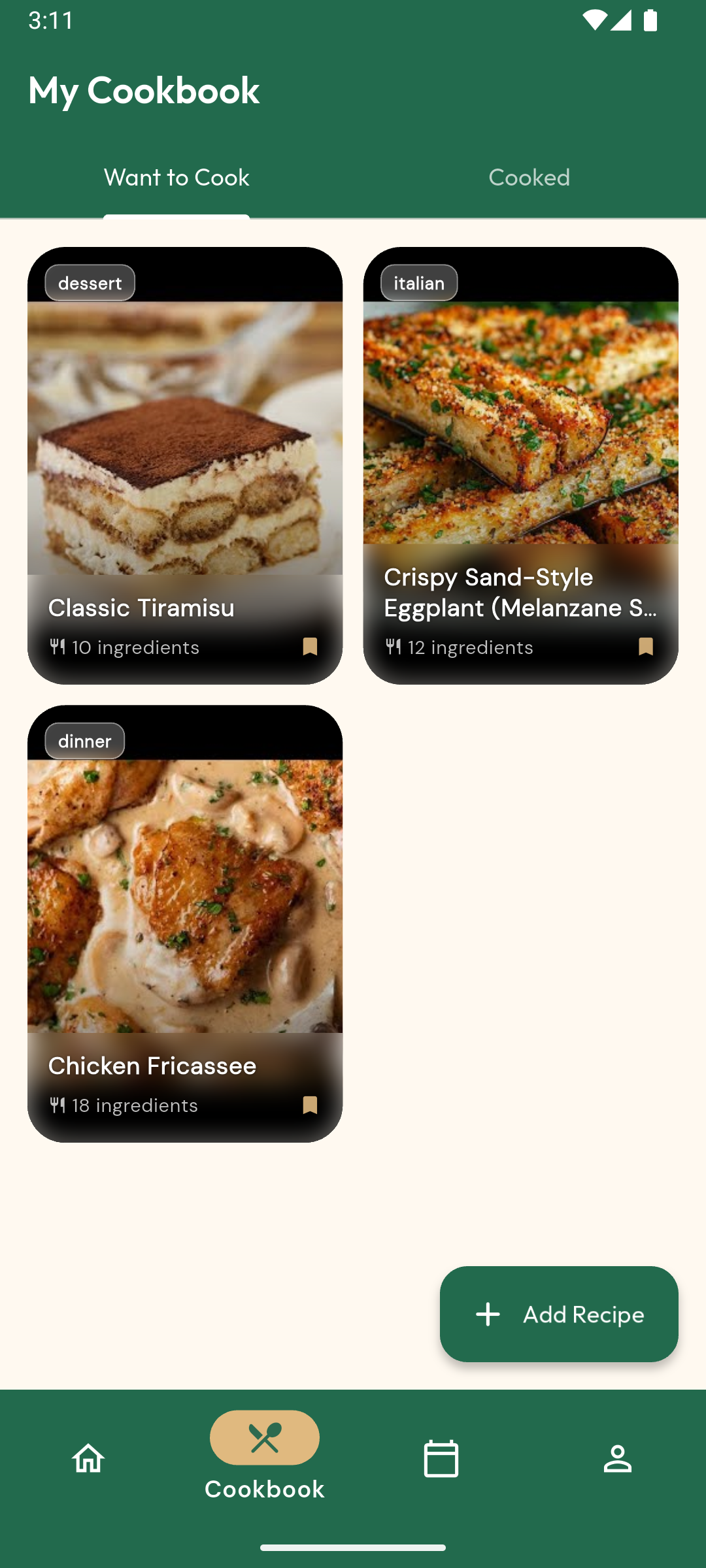
The Recipe Tab seperated into Want to Cook and Cooked
-
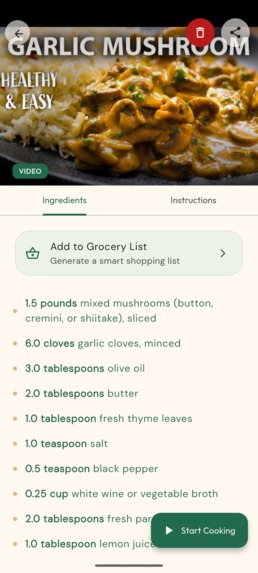
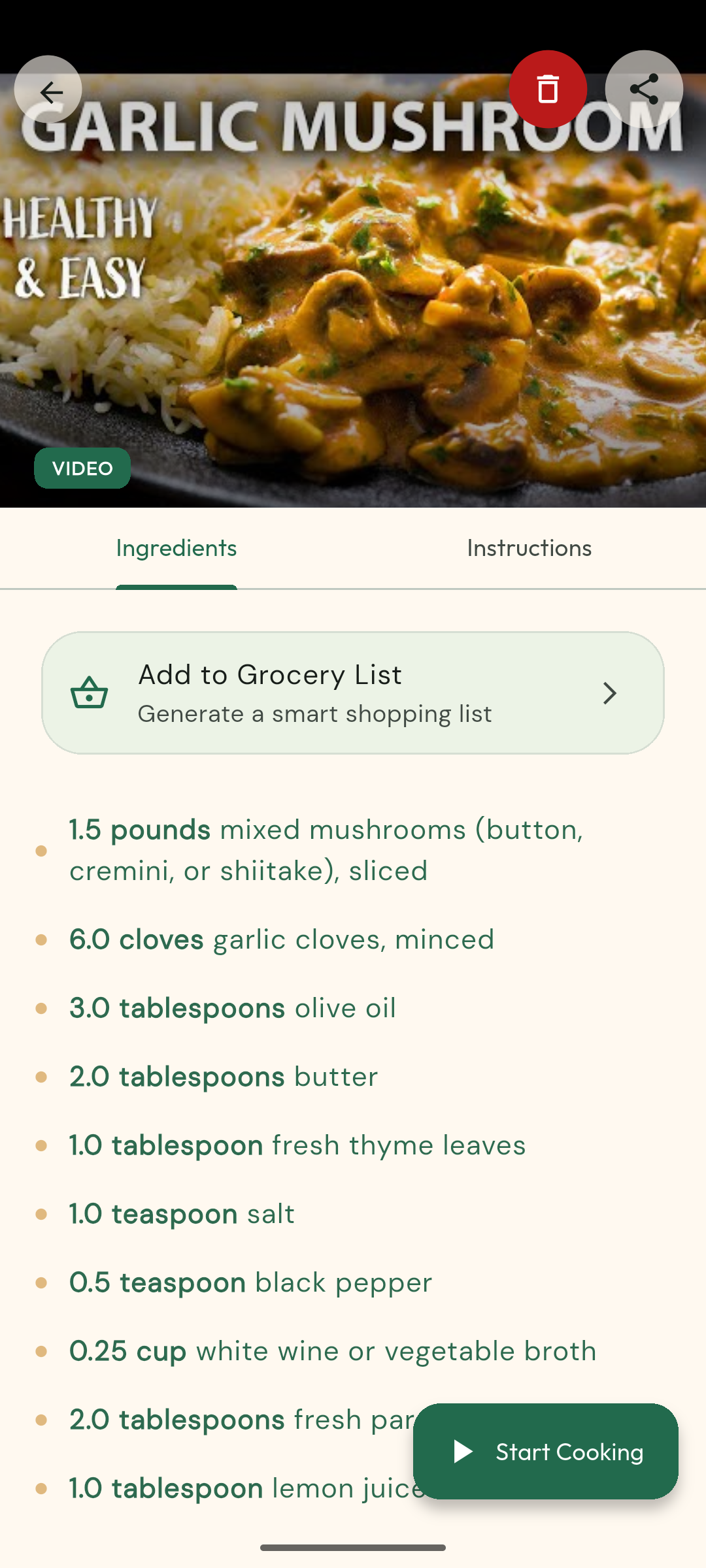
The Recipe Detail Screen with the option to start cooking
-
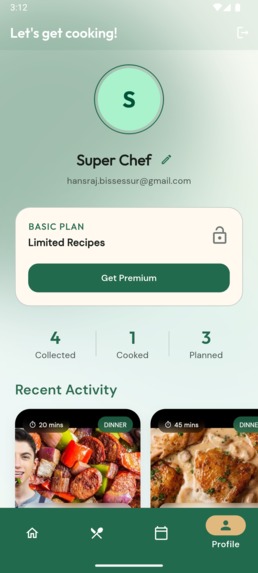
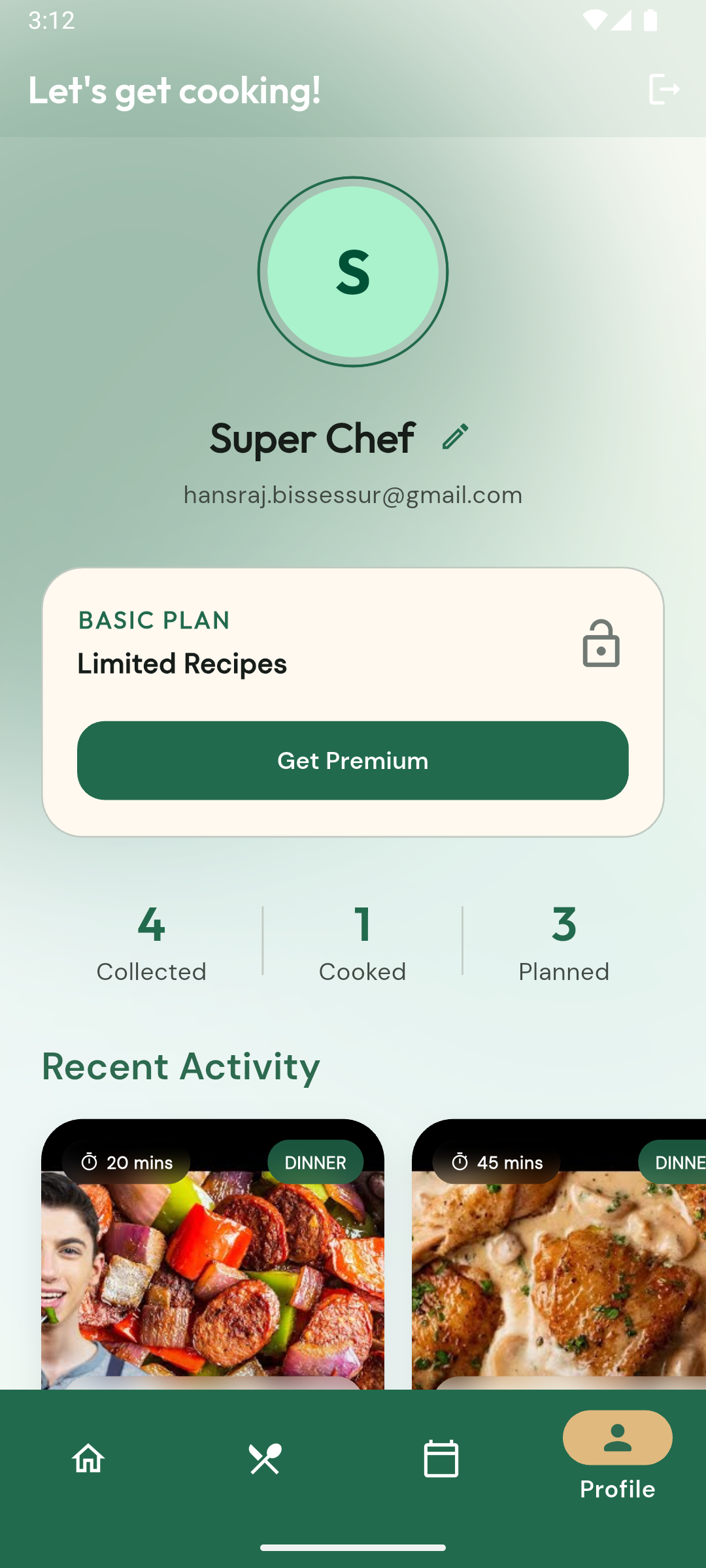
The Profile Screen with the user basic plan
-
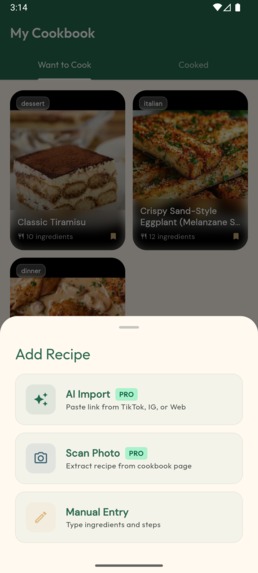
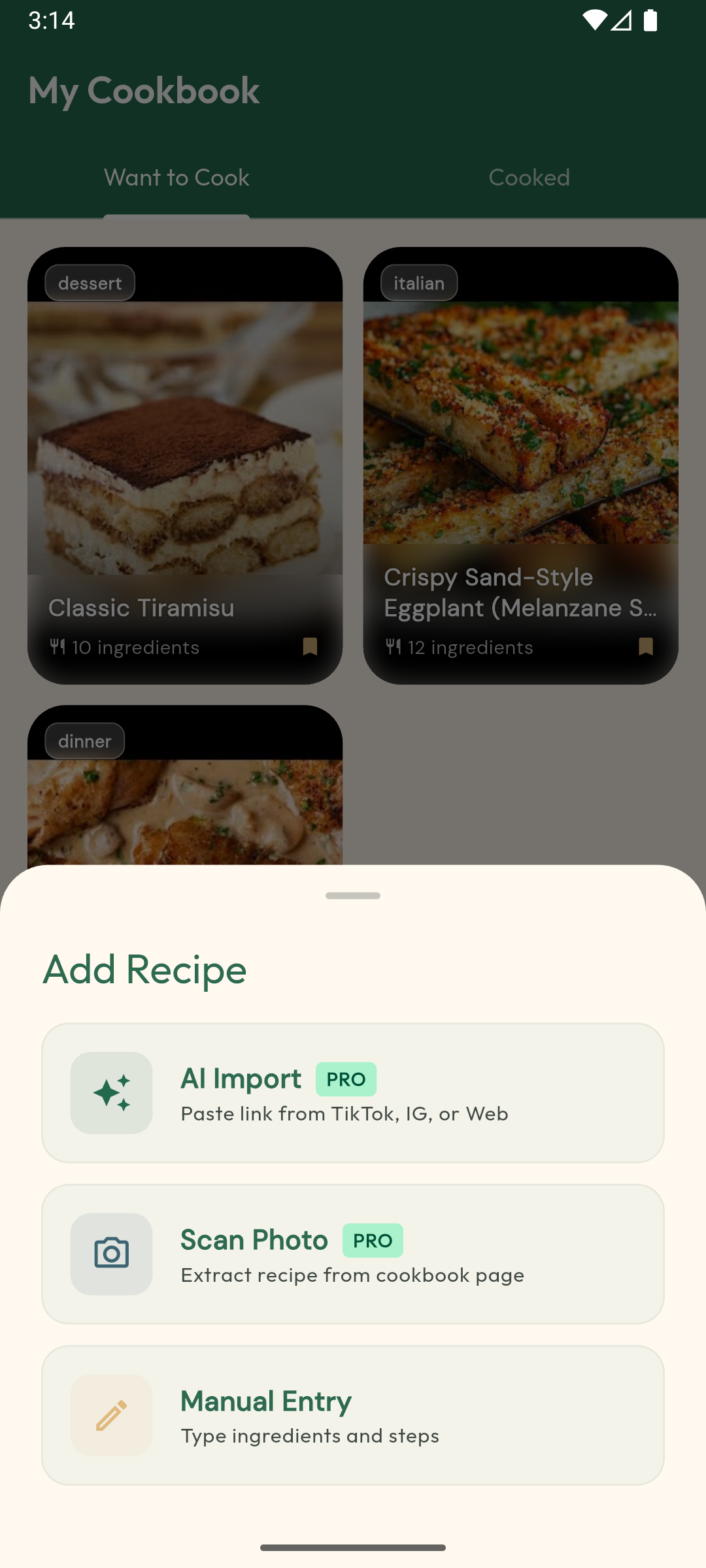
The widget with the different option to add recipes
-
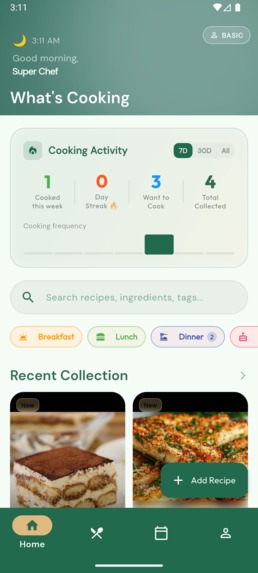
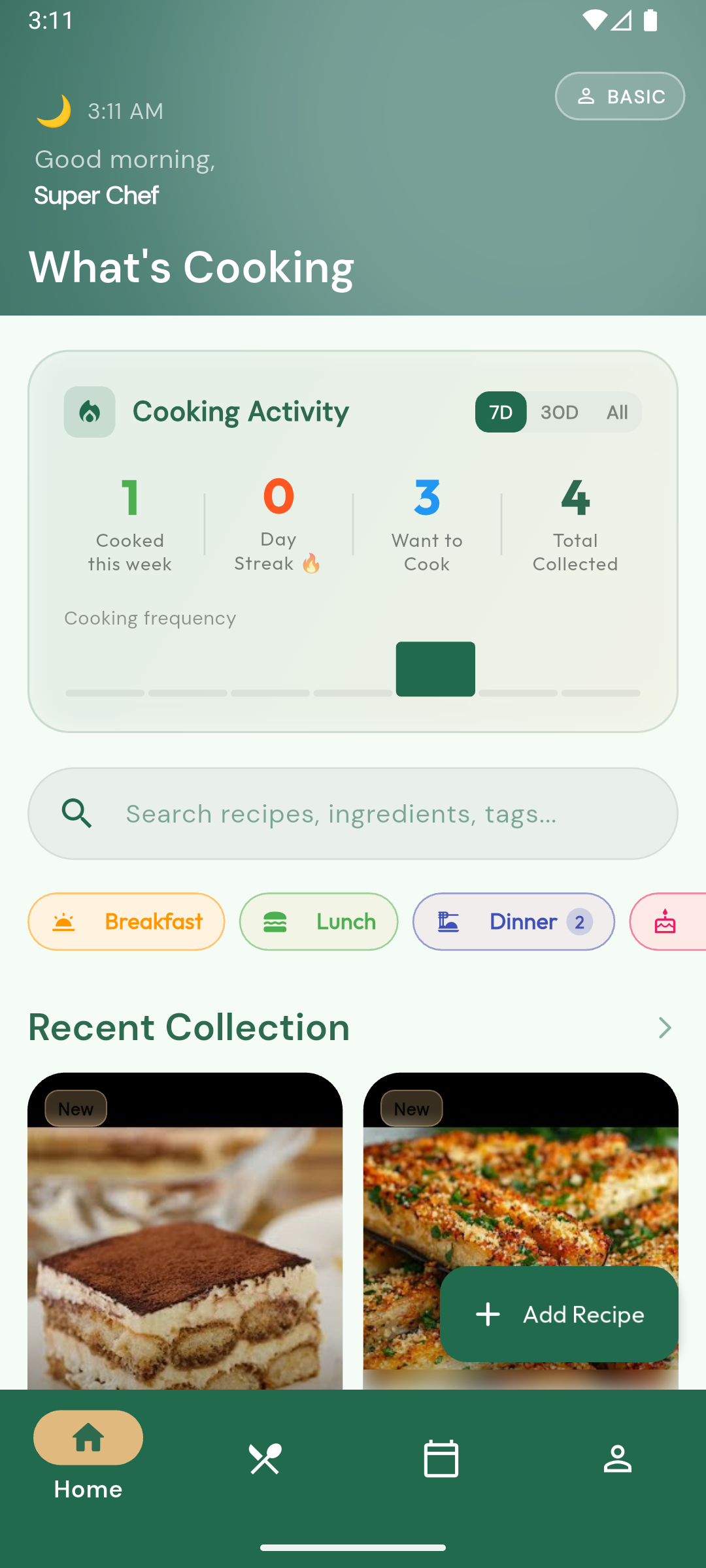
The Home Screen with the User engagement info, recent collections, search and filter options
-
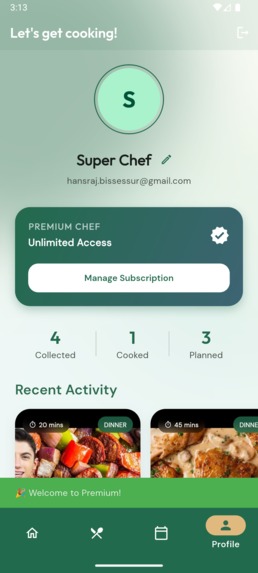
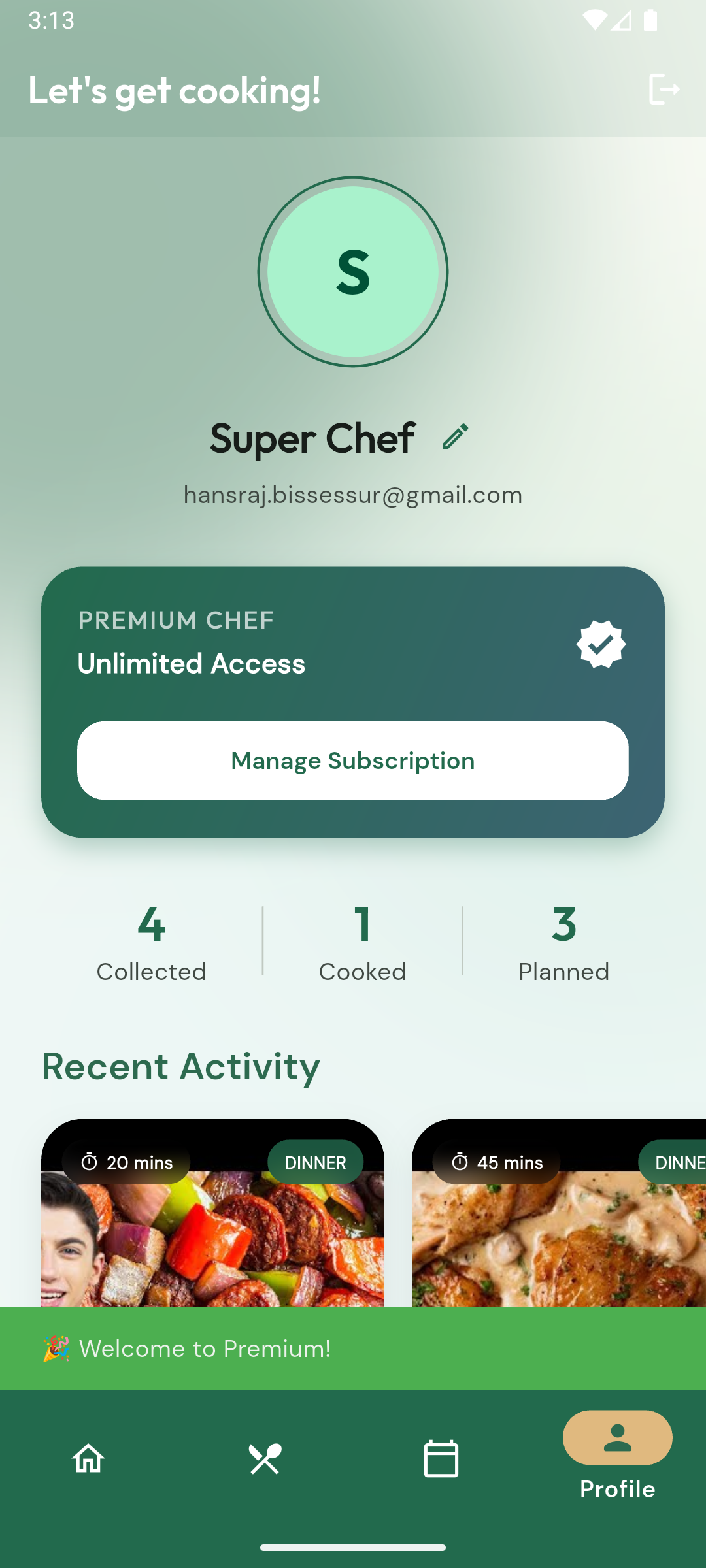
The Profile Screen with the premium user account
-
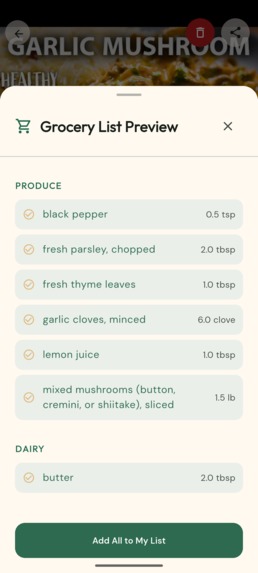
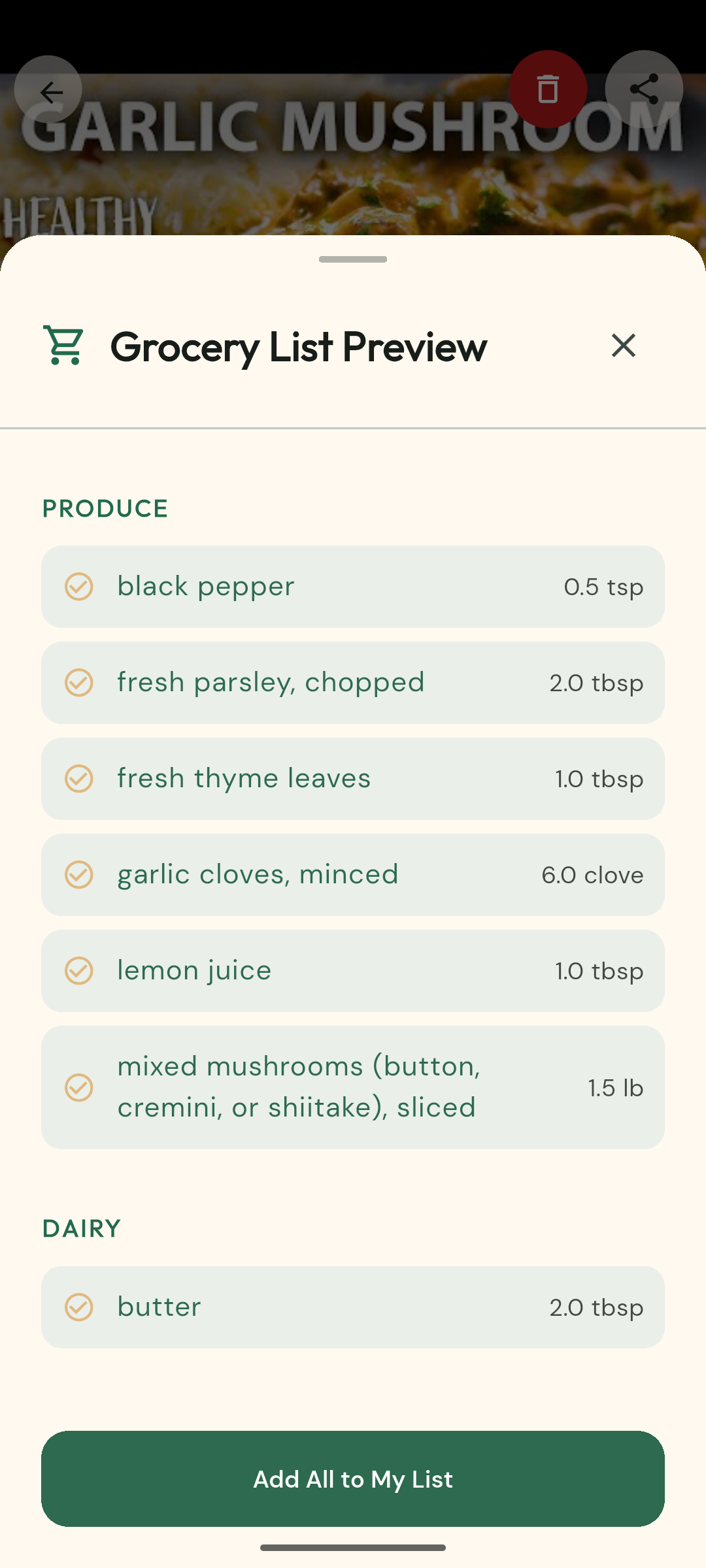
The Add to Grocery List Screen displaying all the required ingredients
-
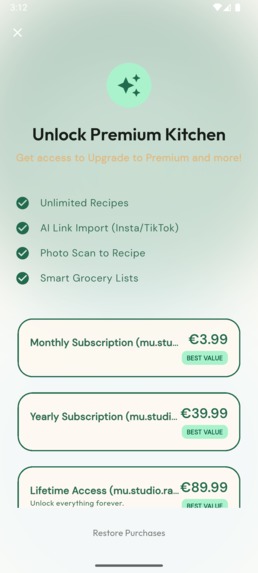
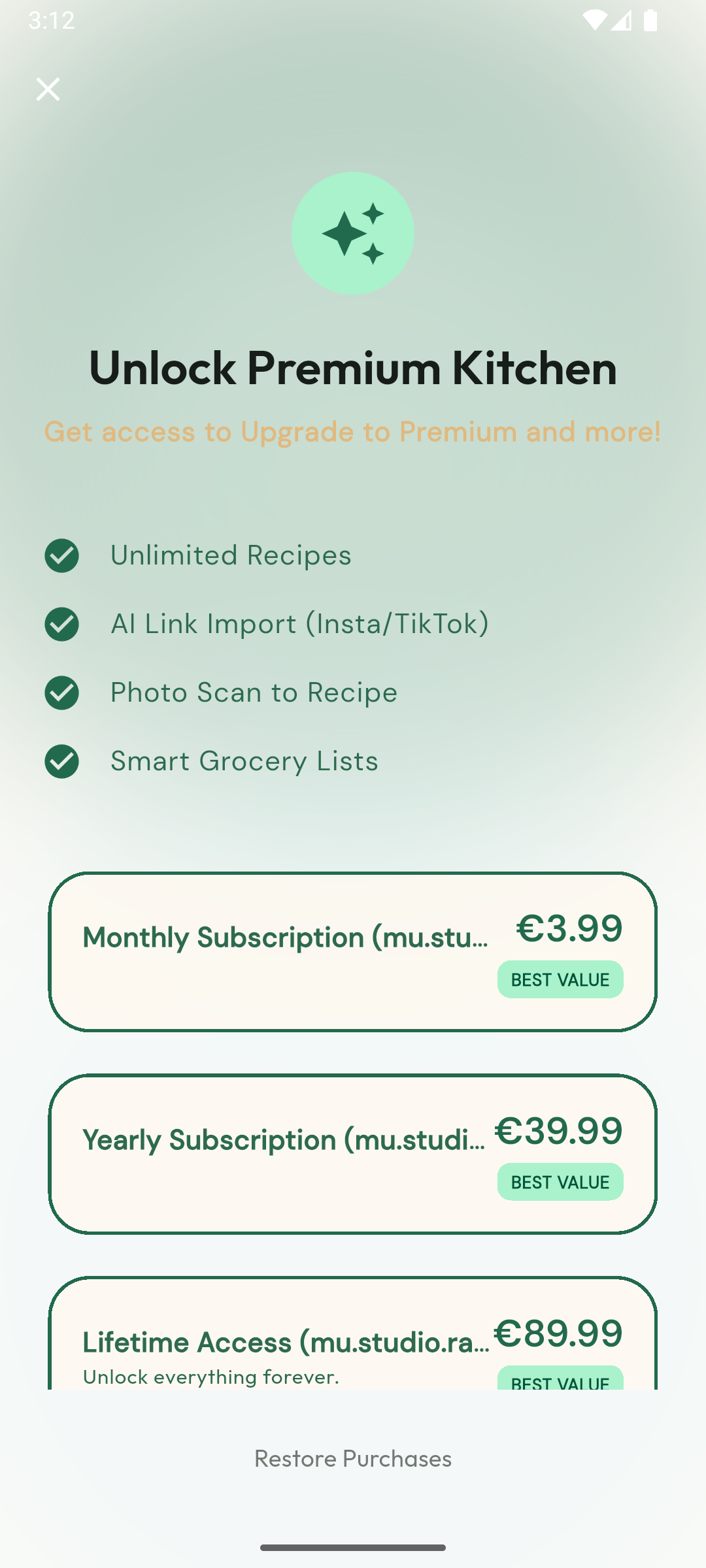
The Paywall Screen with the RevenueCat integration
-
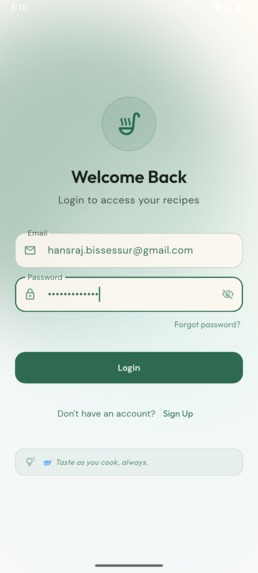
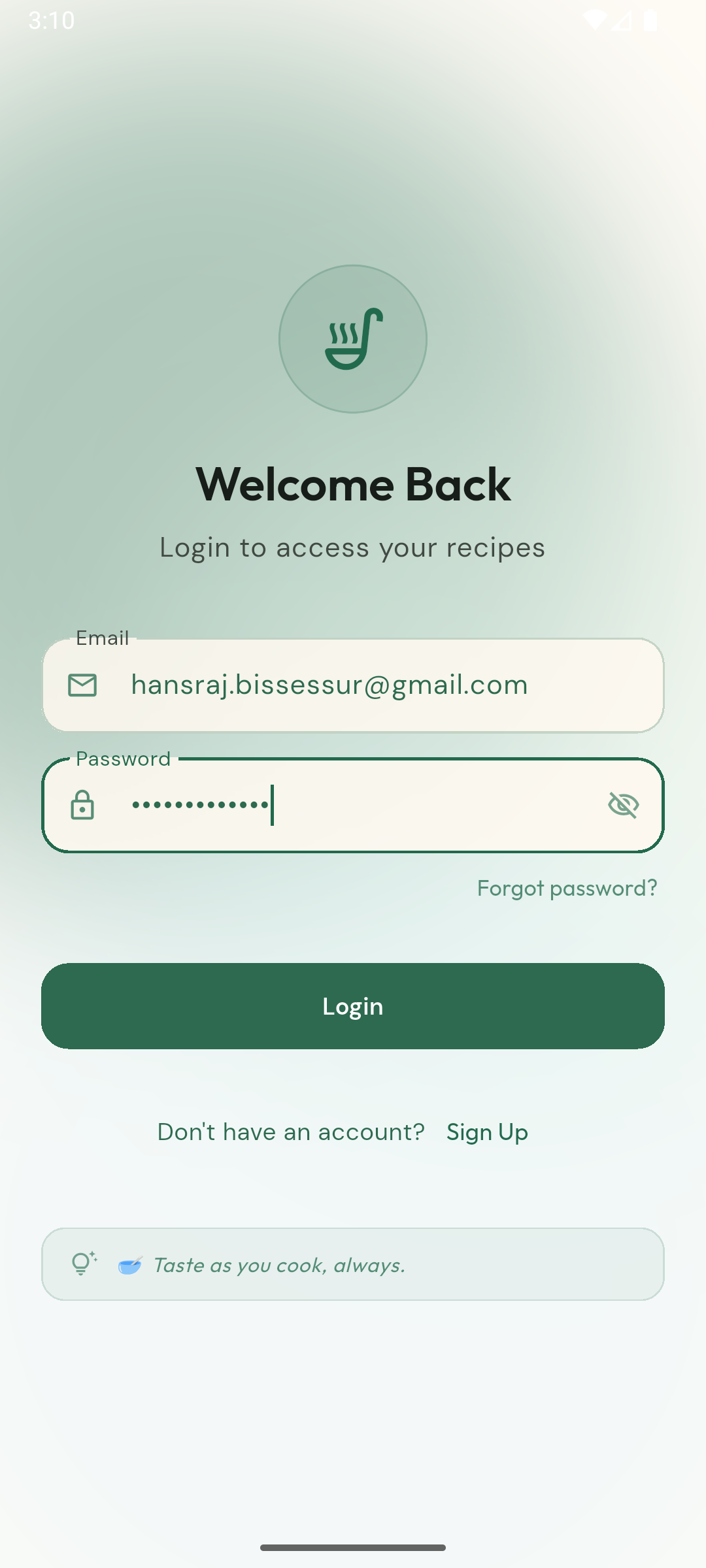
The Login Screen with the Supabase Authentication services
-
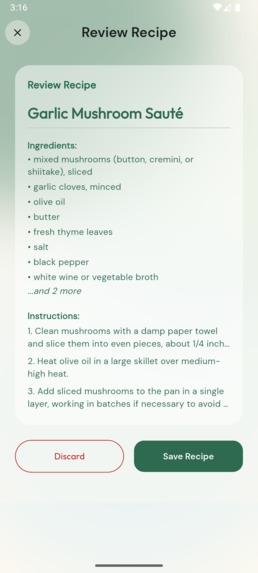
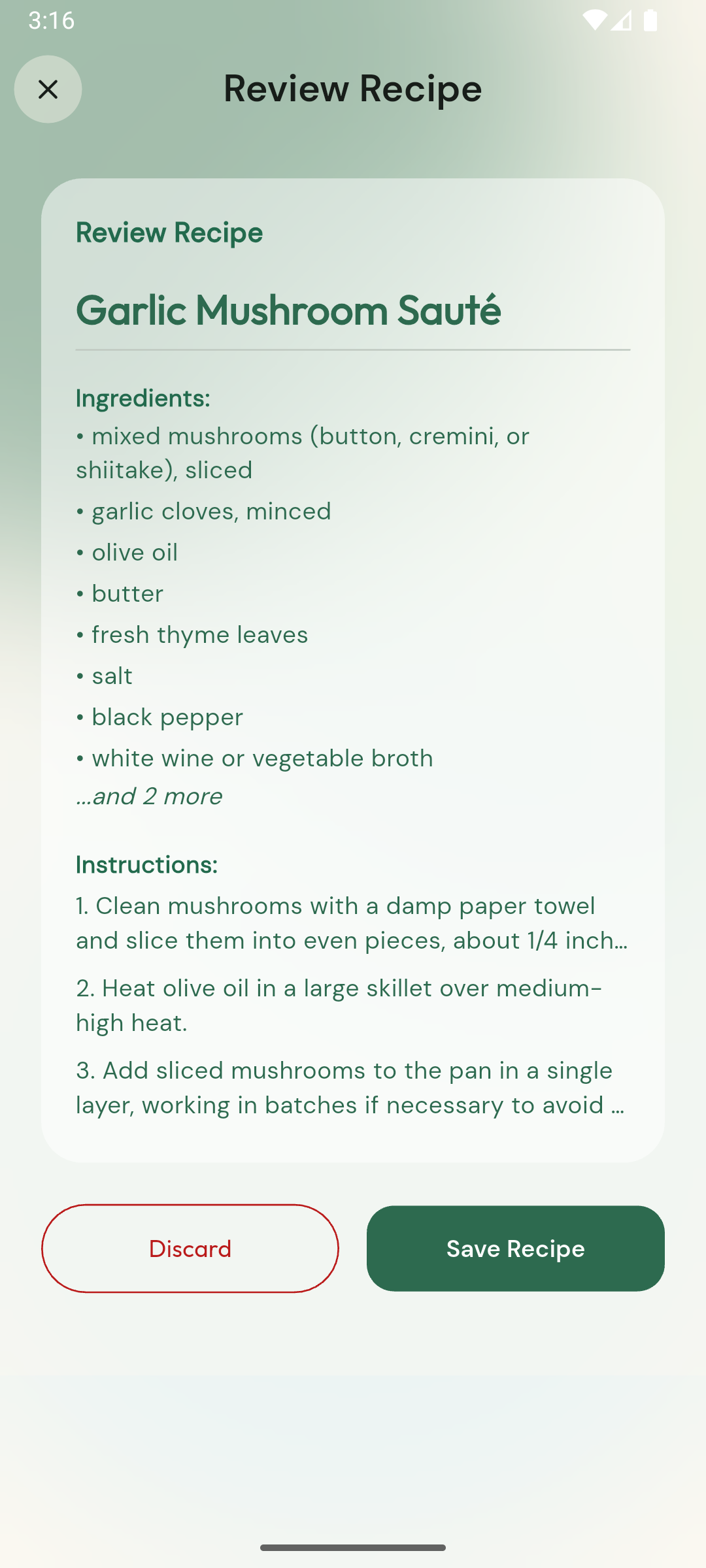
The AI generated recipes ingredient and instructions from the recipe video link
-
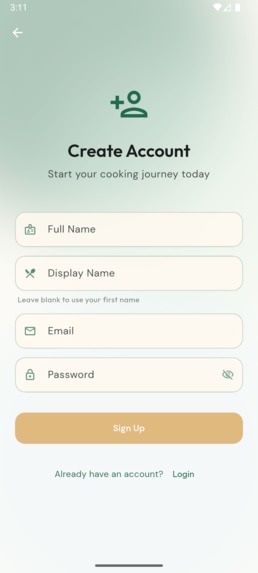
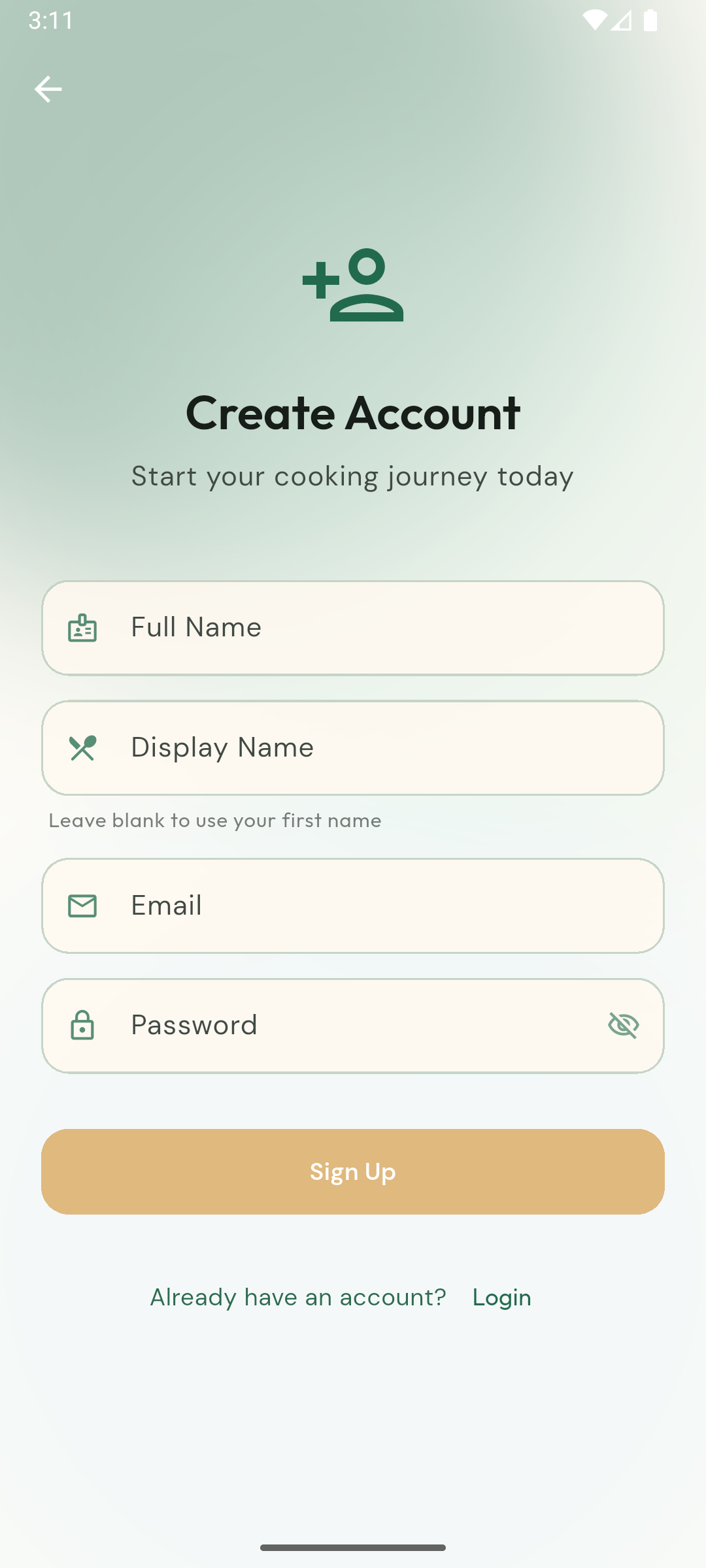
The Signup Screen with the Supabase Authentication services
-
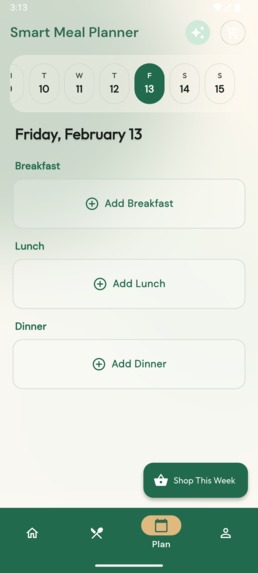
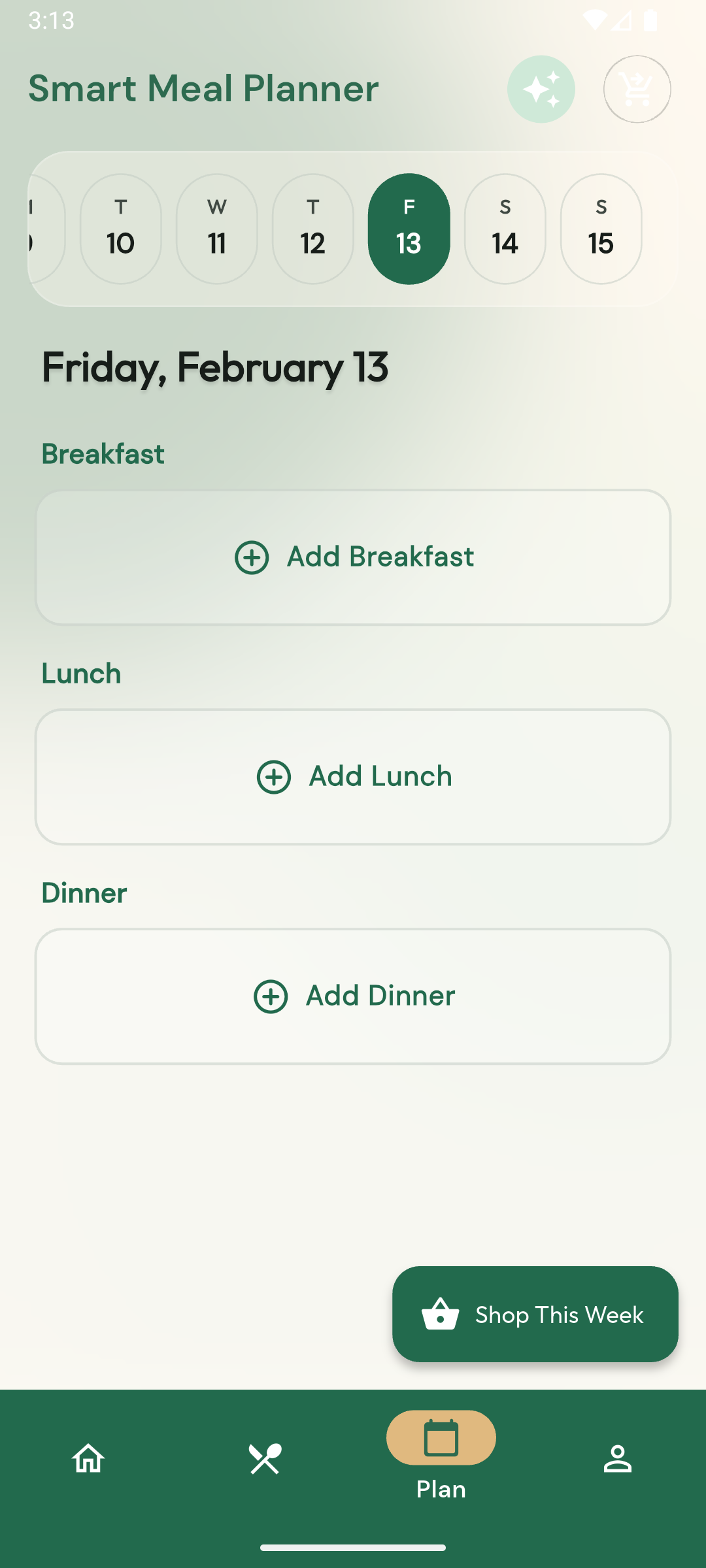
The Weekly Meal Planner Screen with the list of recipes
-
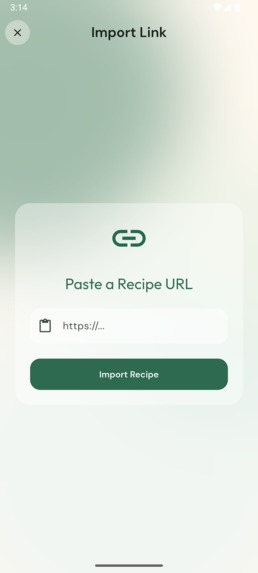
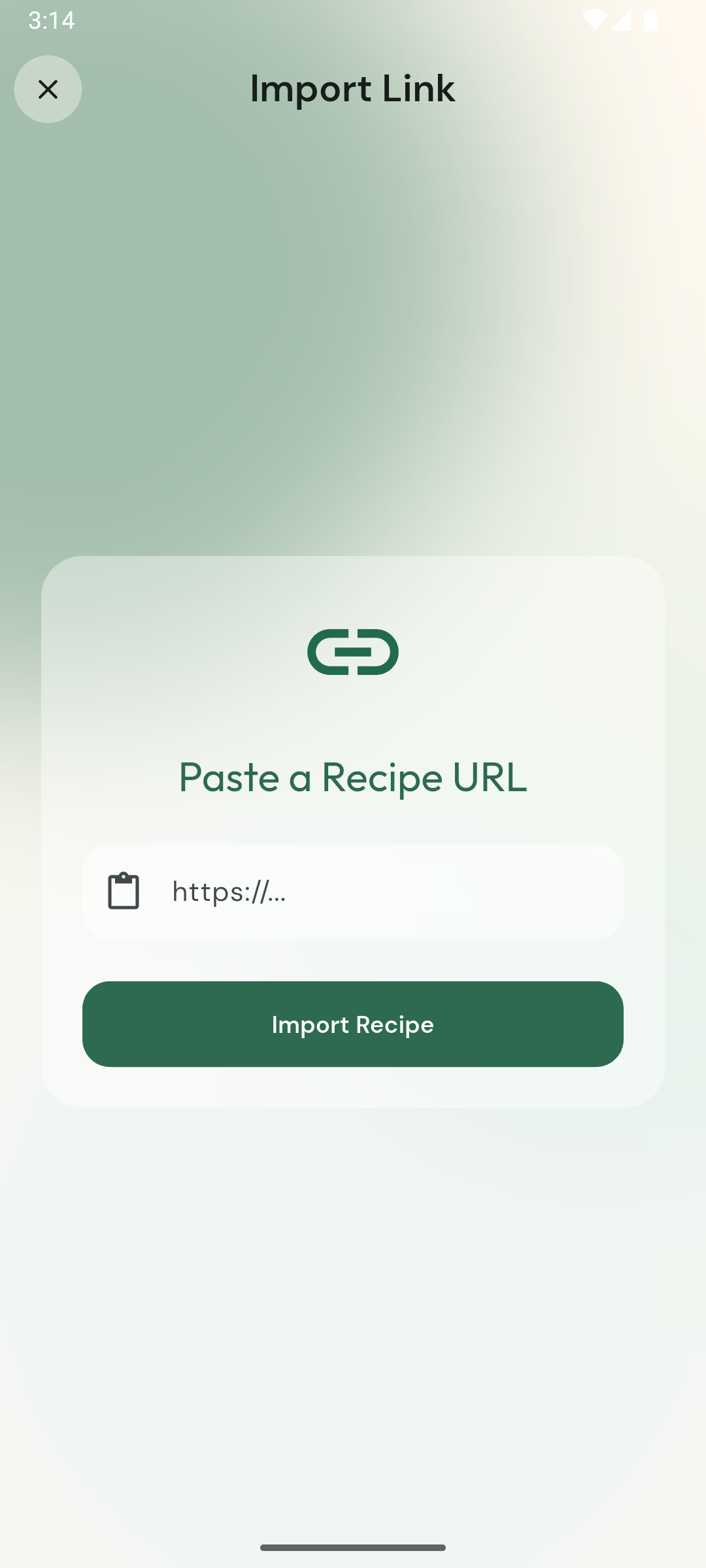
The Video Link Import Screen
-
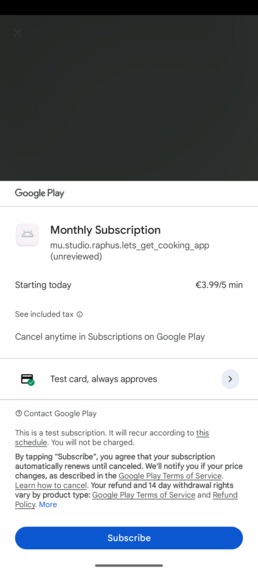
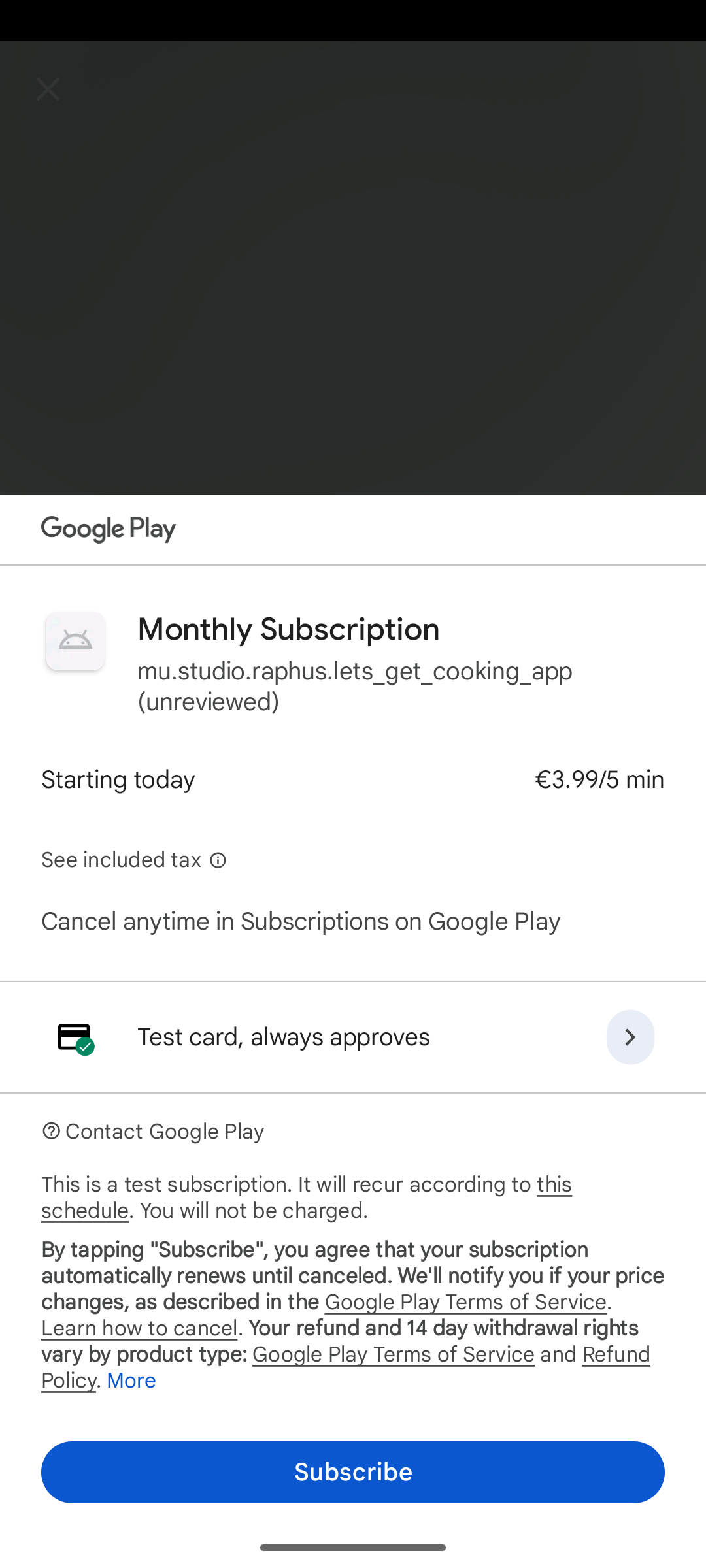
The Payment screen for Google Play subscription
-

The Confirmation screen
-
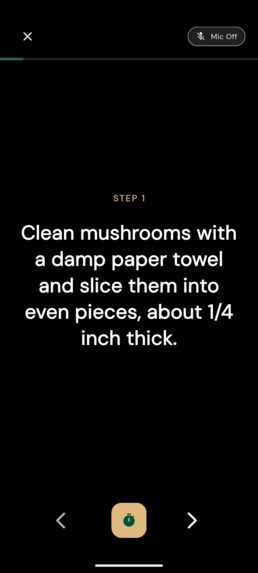
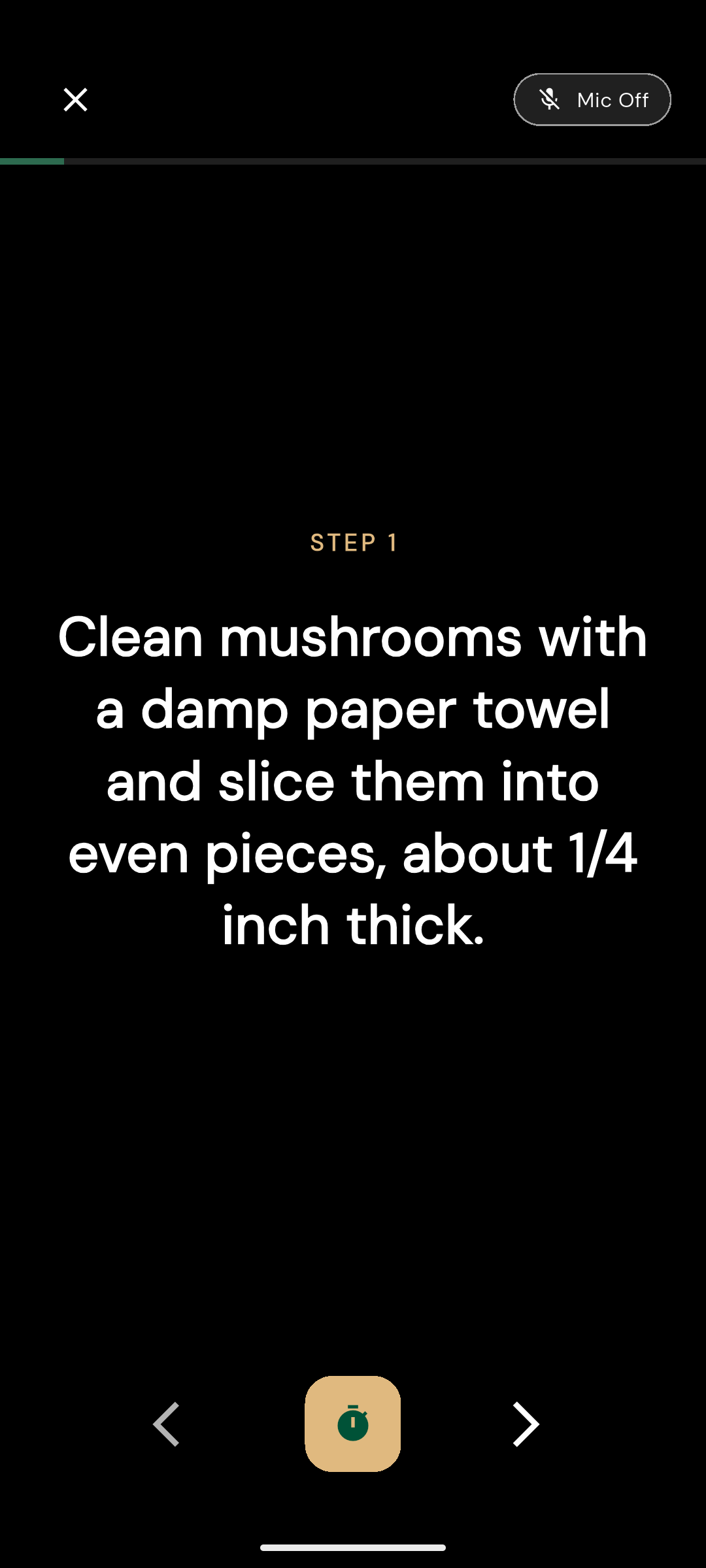
The cook mode with user physical interaction with the app (voice over)

Inspiration
The idea for Let's Get Cooking was born from a common modern struggle: the endless "Save for Later" collection of cooking videos. We scroll through mouthwatering recipes on Instagram, YouTube, and TikTok, saving them with every intention of cooking... yet most never make it to the kitchen. The reason? The tedious process of manually noting ingredients, converting units, and creating shopping lists creates just enough friction to kill the motivation.
What it does
Let's Get Cooking bridges the gap between passive video watching and actual cooking. Rather than building another static recipe book, the app acts as a smart assistant: paste a video URL (or text), and it instantly analyzes the content, extracts structured recipe data, and delivers a ready-to-use shopping list. The entire experience is designed to feel natural and effortless—mirroring the joy of cooking itself—which inspired the warm "Terra Cotta & Basil" aesthetic that gives the app its inviting, homey feel.
How we built it
Let's Get Cooking is a cross-platform mobile app developed with Flutter for smooth native performance on iOS and Android. It features a solid full-stack architecture:
The Brain (AI Core)
The heart of the app is theAIRecipeExtractorservice. It processes video URLs or text inputs via the Anthropic API (Claude Sonnet). A carefully engineered prompt enforces strict, consistent output in a definedRecipedata structure—automatically separating ingredients from step-by-step instructions.The Backpack (Backend)
Supabase powers authentication and a PostgreSQL database for storing users' personal digital cookbooks. Real-time synchronization between device and cloud is managed through aRecipeProvider.Monetization
RevenueCat was integrated from early development to handle the "Pro" subscription tier. This unlocks premium features such as unlimited AI-powered imports and advanced smart grocery lists.The Logic (Grocery Engine)
A customGroceryListGeneratorintelligently combines ingredients across multiple selected recipes. It uses keyword-based categorization and smart matching to group items correctly (e.g., distinguishing "frozen pizza" from "pizza dough" and sorting them into the appropriate store aisles).
Challenges we ran into
The "Culinary Math" Problem
Combining ingredients from different recipes is surprisingly complex. Matching "1 onion" with "1 cup chopped onions" fails with naive string comparison. This required building robust normalization logic for units, quantities, and preparation states.Subscription Sandbox Testing
Properly testing in-app purchases proved challenging. We invested significant effort in state management and edge-case testing to ensure thePremiumProvideraccurately reflects RevenueCat entitlements—preventing free users from accessing costly AI features.
Accomplishments that we're proud of
Conquering AI Hallucinations
While casual LLM chatting is straightforward, forcing reliable, type-safe JSON output suitable for database storage is difficult. Through advanced prompt engineering, theAIRecipeExtractorconsistently parses inputs into structured objects (e.g.,{quantity: 1.0, unit: "cup", item: "onion", prep: "chopped"}) with very high accuracy.A Production-Ready Freemium Architecture
From the beginning, we built with commercial viability in mind. Early integration of RevenueCat and Supabase enables a complete freemium model. Feature gating (AI import limits, advanced grocery tools) works reliably via thePremiumProvider, making the app genuinely App Store-ready.
What we learned
(Section to be expanded with key insights from the development process.)
What's next for Let's Get Cooking
Snap & Cook (Computer Vision Integration)
Allow users to photograph their fridge or pantry—the AI will instantly suggest recipes using only the ingredients they already have, helping reduce food waste.Hands-Free Cooking Mode
Cooking gets messy fast. We plan to add voice navigation support ("Next step", "Repeat ingredient", "Timer start") so users can follow instructions without touching their device with sticky or flour-covered hands.
Built With
- anthropic-claude-api
- authentication
- dart
- flutter
- http-(api-requests)
- postgresql
- purchases-flutter-(revenuecat-sdk)
- revenuecat-sdk
- supabase

Log in or sign up for Devpost to join the conversation.