-
-
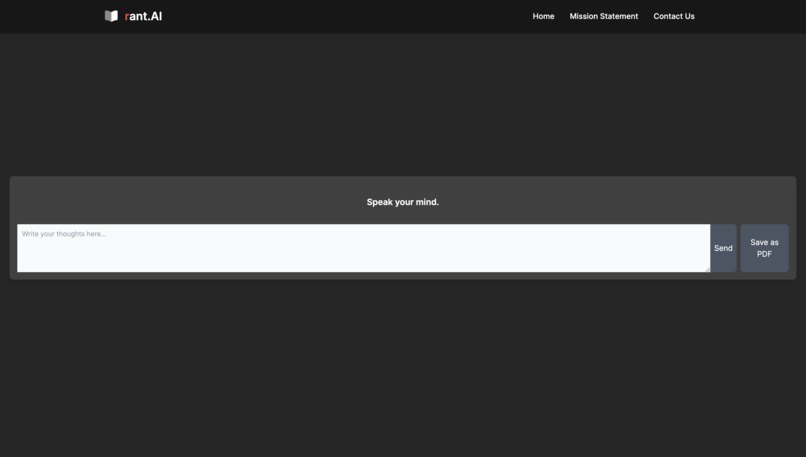
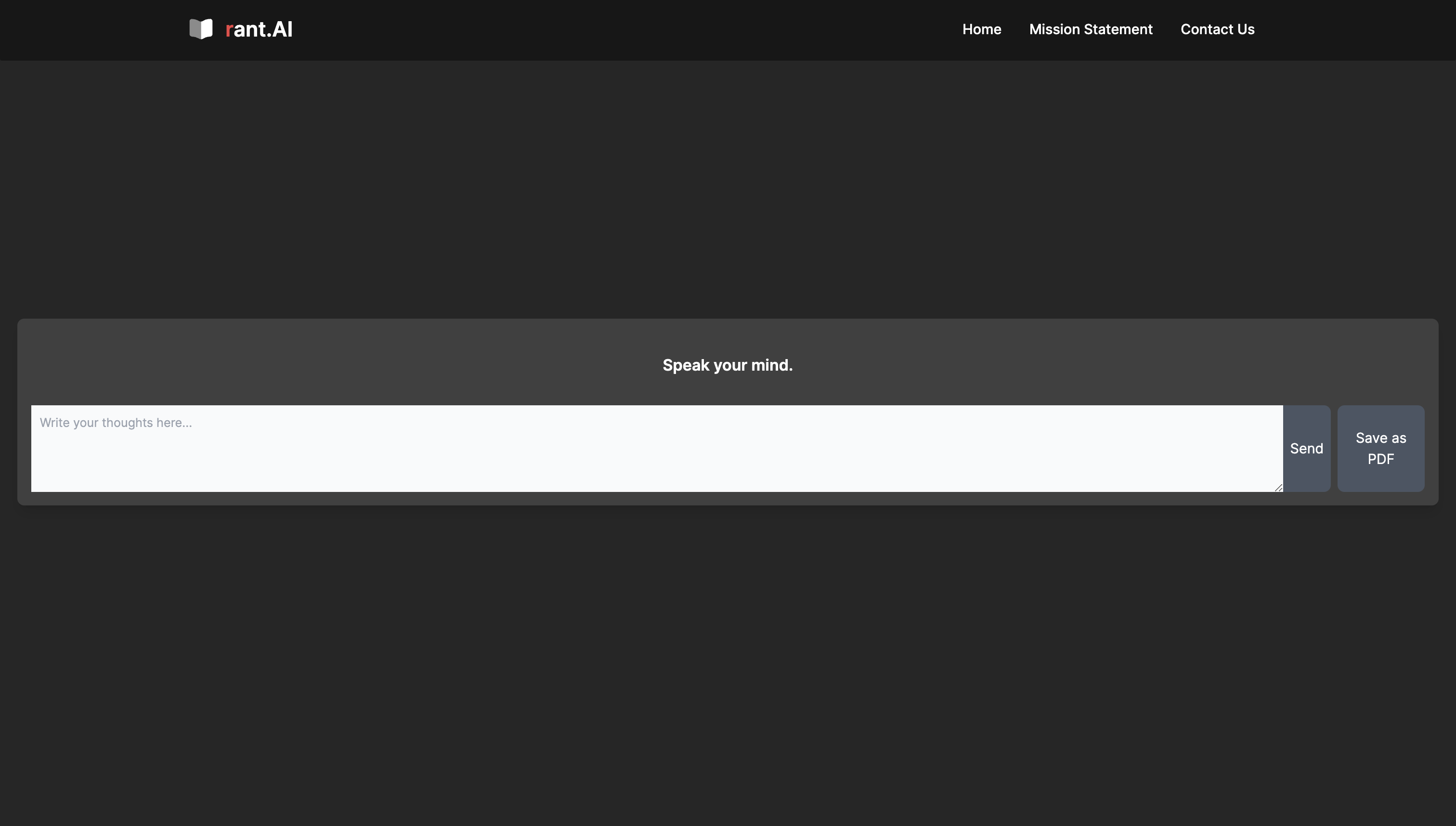
Homepage
-
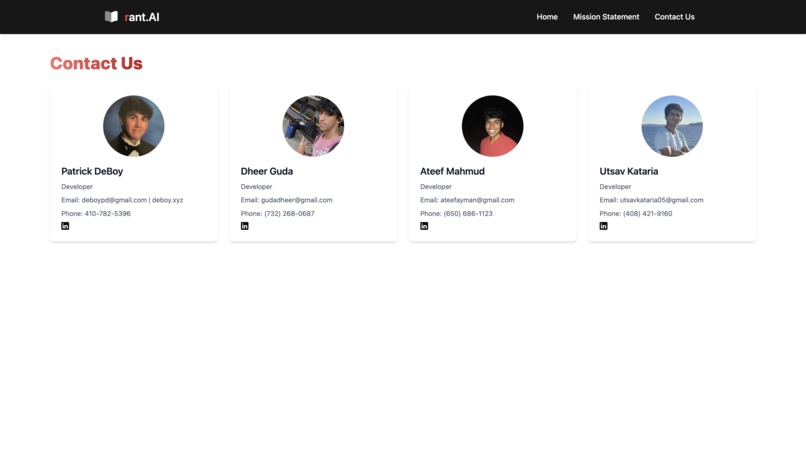
Contact Us
-
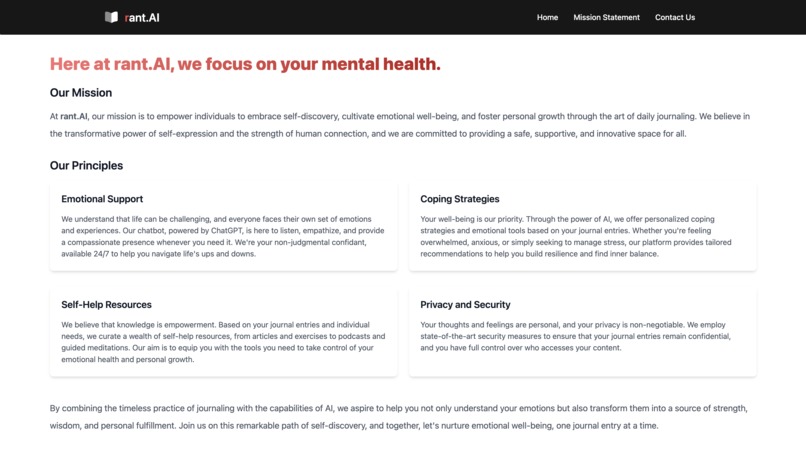
Our Mission
Inspiration
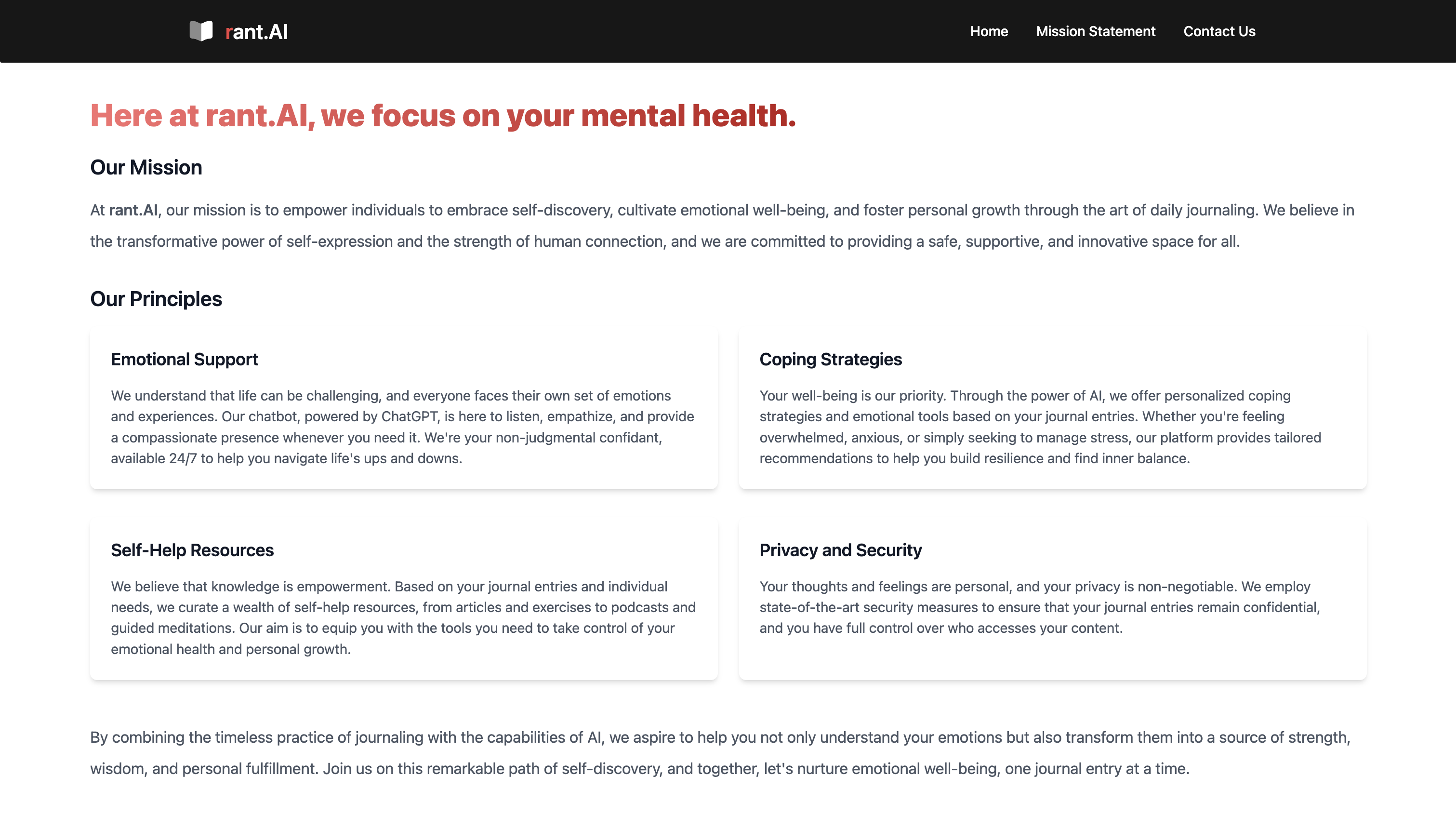
As first-time hackers, we had little to no idea of what we could accomplish, but we knew we wanted to spend the next 24 hours working on something that could truly drive change. We all recognized that there is a major lack of support for those struggling with mental health, especially in this country. Communicating one’s mental state is paramount in the healing process; however, sometimes sharing extremely personal information like that can be tremendously difficult. That’s where rant.Ai comes in. It’s a safe space where you can rant about your problems anonymously and receive instant feedback from an AI therapist. We believe it can be a valuable resource for all people who want an outlet for their thoughts and feelings.
What it does
Our platform enables users to journal or vent their thoughts and feelings without fear of judgment. Powered by OpenAI, our chatbot delivers personalized emotional support, coping strategies, and self-help resources based on the user's journal entries. Users have the option to save their conversations with the AI support bot as a PDF file for future reference.
How we built it
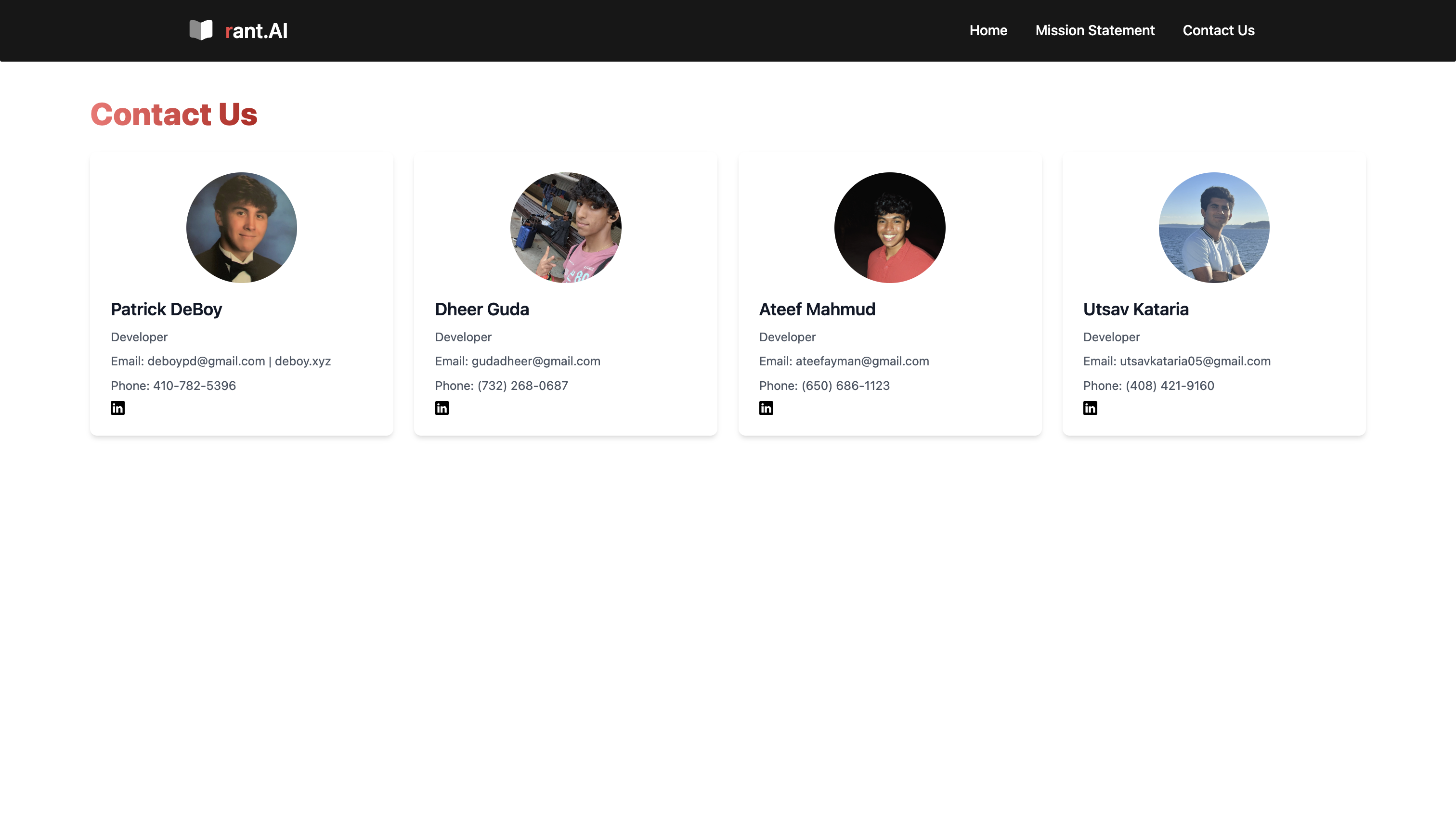
Frontend We created a React.js-based project that encapsulates an OpenAI API, modified to act in the manner of a human emotional therapist. It introduces the user to a chat interface in which they can type in their requests, which subsequently are inserted into an array. Additional React.js extensions were used in coupling with other libraries in order to create an interface in which text from the user and AI companion would surface as a chat-like application. “Our Mission” and “Contact Us” webpages were created and attached to the main website, containing information about the development of the app as well as information on its developers.
Backend
Backend Interaction:
Our code interacts with a backend service hosted by OpenAI to facilitate chatbot-like responses. This is done through asynchronous HTTP requests using the Axios library. The main function responsible for this interaction is sendToOpenAI.
Authentication:
To access the OpenAI API, the code includes an authentication header with a bearer token ('Authorization': OpenAI Token). This token serves as an authentication mechanism to ensure secure access to the OpenAI service.
Message Formatting:
Before sending a request to OpenAI, the user's message is formatted to meet the service's requirements. The code creates a messages array with a predefined system message and the user's input message. The user's message is then sent as a request to the OpenAI chat completion endpoint (https://api.openai.com/v1/chat/completions).
Response Handling:
The code handles the response from OpenAI by extracting the generated content from the API response and storing it in the generatedResponse variable. This generated content represents the AI's response to the user's input.
Message Splitting:
After receiving the AI's response, the code splits it into individual sentences using regular expressions (response.split(/[.!?]/)). This step is crucial for breaking down the AI's response into digestible sentences.
Frontend Display:
The split AI sentences are then processed and combined with the user's input message. These messages are stored in the messageList array, where each message is tagged with a number (e.g., "1. User's Message", "2. AI Response 1", "3. AI Response 2", and so on). These tagged messages are intended for display in the chat interface.
Frontend Integration:
The tagged messages are integrated into the React front-end component's state (messages array), and the chat interface is updated to display the conversation thread, including the user's input and AI responses.
In summary, the backend interaction in this code involves sending user messages to OpenAI's GPT-3.5 Turbo service, receiving AI-generated responses, and formatting and displaying these responses in a user-friendly chat interface. The code ensures authentication, proper message formatting, and message splitting to create a seamless experience for users.
Challenges we ran into
We initially tried to implement Bard AI but were unfortunately unable to access its API due to Google’s restrictive policies. In addition, when using OpenAi’s API, we ran into a lot of bugs upon implementation.
Accomplishments that we're proud of
During the hackathon, our team achieved significant milestones. We mastered several new programming languages, including React, Typescript, and CSS. We seamlessly connected a highly efficient frontend and backend user experience using Next.js, facilitating a smooth and responsive interface. Crafting an intuitive user interface to enhance accessibility was another noteworthy accomplishment. Implementing web redirection further improved user interaction. Lastly, we successfully trained an AI bot, a new experience for all of us.
What we learned
One of our key takeaways was gaining a deep understanding of how to harness the power of OpenAI's API, allowing us to integrate cutting-edge AI capabilities into our project. Moreover, we learned the intricacies of creating a user-friendly front-end application, focusing on design, user experience, and interactivity. The hackathon also offered us the opportunity to delve into full-stack development, a valuable skill that encompassed both the frontend and backend aspects of our project. Lastly, our exposure to React, a popular JavaScript library, was instrumental in building dynamic and responsive user interfaces. These newfound skills not only enriched our hackathon journey but also equipped us with valuable knowledge for future projects and innovations.
What's next for rant.AI
Looking ahead, our project is poised for exciting developments. We plan to implement a speech-to-text feature, enhancing user accessibility by allowing spoken input for journal entries. This feature not only adds convenience but also makes our platform more inclusive. Furthermore, we will reduce processing time, ensuring that user interactions are even more seamless and responsive. Additionally, we intend to establish a comprehensive database of journal entries for each user, creating a valuable lasting resource for personal reflection and growth. Moreover, we're exploring the integration of emoji detection to better understand and analyze the emotional content of user entries.
Built With
- css
- git
- github
- html
- javascript
- next.js
- node.js
- openai-api-(gpt-3.5-turbo)
- react
- tailwind.css
- typescript
- vscode


Log in or sign up for Devpost to join the conversation.