-
-
RoboRover
Inspiration
Robots are great at collecting data, but terrible at telling a simple story. I wanted a tiny rover that can narrate its day like a human: what it saw, what changed, and what mattered - without the cloud, privacy-preserving . That led to Robot Diary Co-Pilot: local image captions with LLaVA-7B and diary writing + Q&A with gpt-oss:20b (via Ollama), all over a home LAN.
What it does
• Captures images from a Pi camera as the rover drives.
• Shows a live timeline in a browser (laptop) with the latest photo + short caption.
• Lets you press Create travel diary (20B) to weave recent moments into a readable travel log (using gpt-oss:20b).
• Lets you Ask (20B) natural-language questions about the last N moments (e.g., “What changed in the last minute?”).
• Works fully offline (Pi + laptop, no cloud).
How I built it (2 scripts + a tiny camera bridge)
Pi (robot)
pi/vision_bridge_gst.py— GStreamer pipeline that saves JPEG frames to/tmp/ov/current/ov%08d.jpg.
- (Camera →
libcamerasrc/v4l2src→jpegenc→multifilesink.)
- (Camera →
pi/diary_agent.py— Watches that folder, adds a lightweight overlay summary (state, risk, etc.), and POSTs the newest frame to the laptop portal every few seconds.
Laptop (Windows)
diary_portal.py— A tiny Flask app that:- Receives pushes at
/api/postand shows them on a timeline. - Calls Ollama locally:
llava:7bfor image captions andgpt-oss:20bfor reasoning, Q&A, and diary writing. - Provides Ask (20B), Create travel diary (20B), and New Journey.
- Receives pushes at
Model use
- All text reasoning/summaries/diary/Q&A are produced by
gpt-oss:20bvia Ollama. LLaVA:7Bis used only for the (fast) image caption.
Architecture (offline, LAN only)
Camera → vision_bridge_gst.py (Pi) → JPEGs → diary_agent.py (Pi) → HTTP POST → diary_portal.py (Laptop) → Ollama: llava:7b + gpt-oss:20b → Timeline + Diary UI
Privacy by design • No cloud calls; all inference is on the local laptop via Ollama. • Images and generated text live in Documents/diary_data/ on the user’s machine. • The Pi can be air-gapped; only sends to the LAN laptop.
Why it satisfies the hackathon rule: the diary creation and all Q&A are produced by gpt-oss:20b running in Ollama on the laptop.
What I learned
• Keeping the prompt and context short is crucial for latency on local LLMs.
• Simple, windowed state makes “new journey” resets instant and prevents 20B from re-reading hundreds of old events.
• Troubleshooting Ollama on Windows benefits from small, repeatable PowerShell Invoke-RestMethod tests.
Challenges
• Time/out + endpoints: Mixing up /api/chat vs /api/generate (Ollama) produced 404s; default read timeouts were too short for 20B. Fixed using /api/generate and longer, configurable timeouts.
• Throughput vs quality: If the Pi posts too often, captions queue and stall. Solved with --min_interval_s and a lightweight “heartbeat”.
• Image orientation + clock drift: Added optional 180° rotation and normalized timestamps in the Flask view.
• Memory creep in the UI: The timeline could grow large; added a rolling window and a New Journey button to explicitly clear state.
What’s next
• Lightweight change detection on the Pi to only post when the view changes.
• Add map/location “breadcrumbs” to the diary (even coarse-grained).
• Export the diary as Markdown/PDF for sharing.
⸻
Built with (comma-separated list)
Python, Flask, HTML/CSS/JS, Ollama, gpt-oss:20b, LLaVA-7B, Raspberry Pi OS, PowerShell, curl, Requests, OpenCV-python-headless (optional), Pillow (optional)
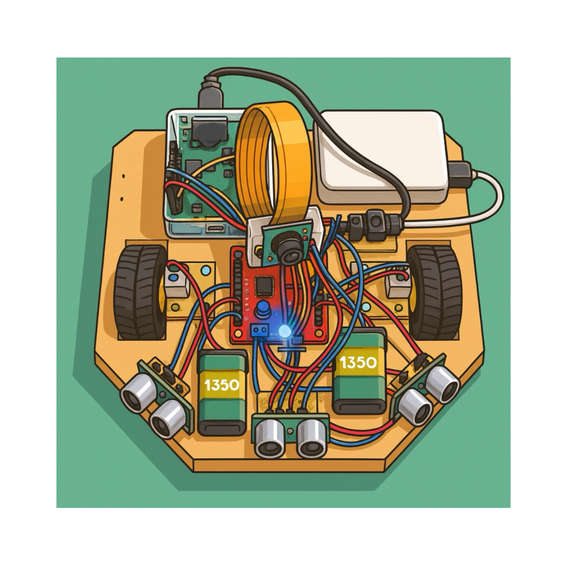
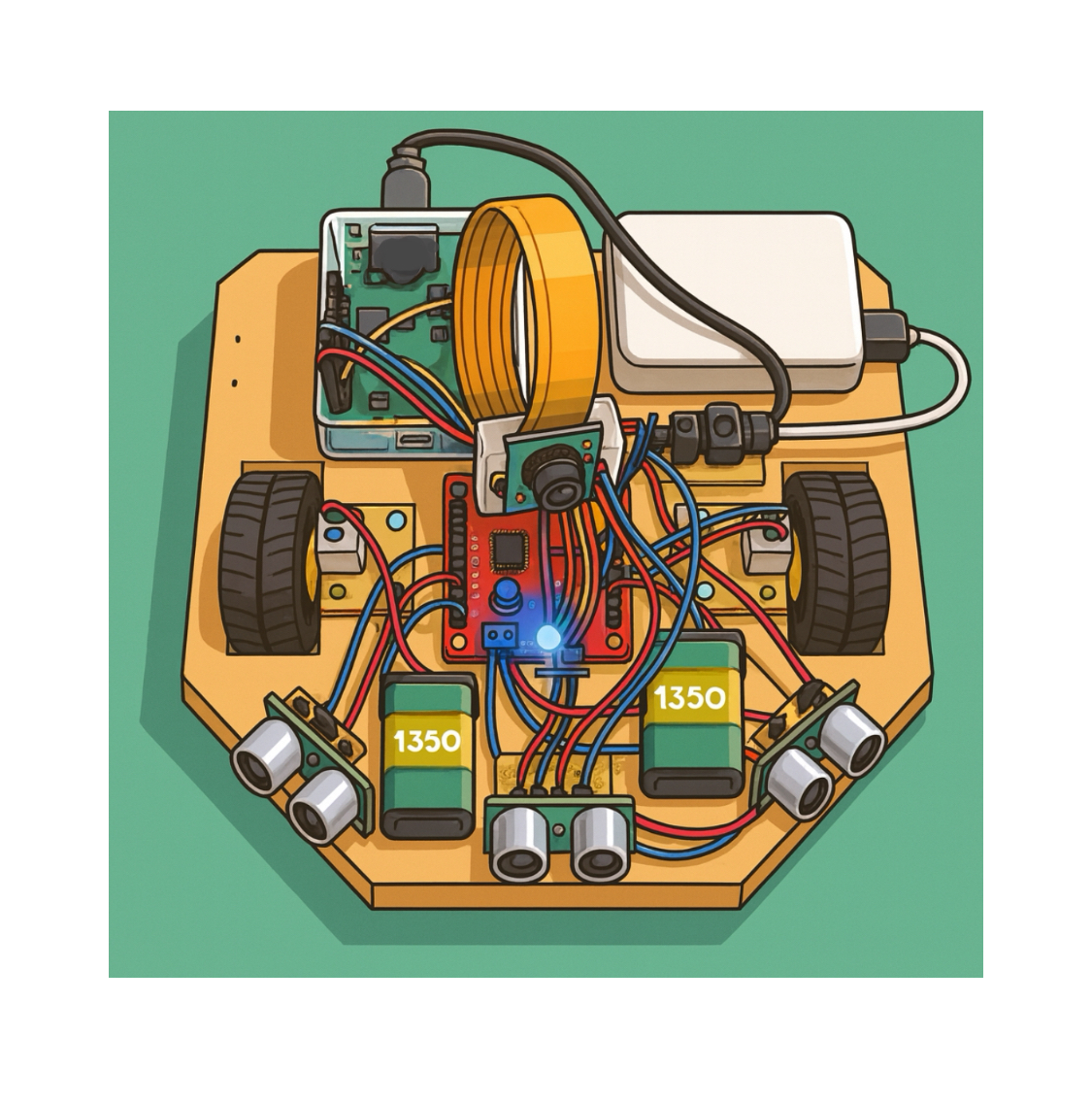
(Note: the rover is a basic 3-wheel platform with a Pi5, Pi camera; a Hailo hat and a Arduino Nano are present but not required for this diary pipeline.)

Log in or sign up for Devpost to join the conversation.