Inspiration
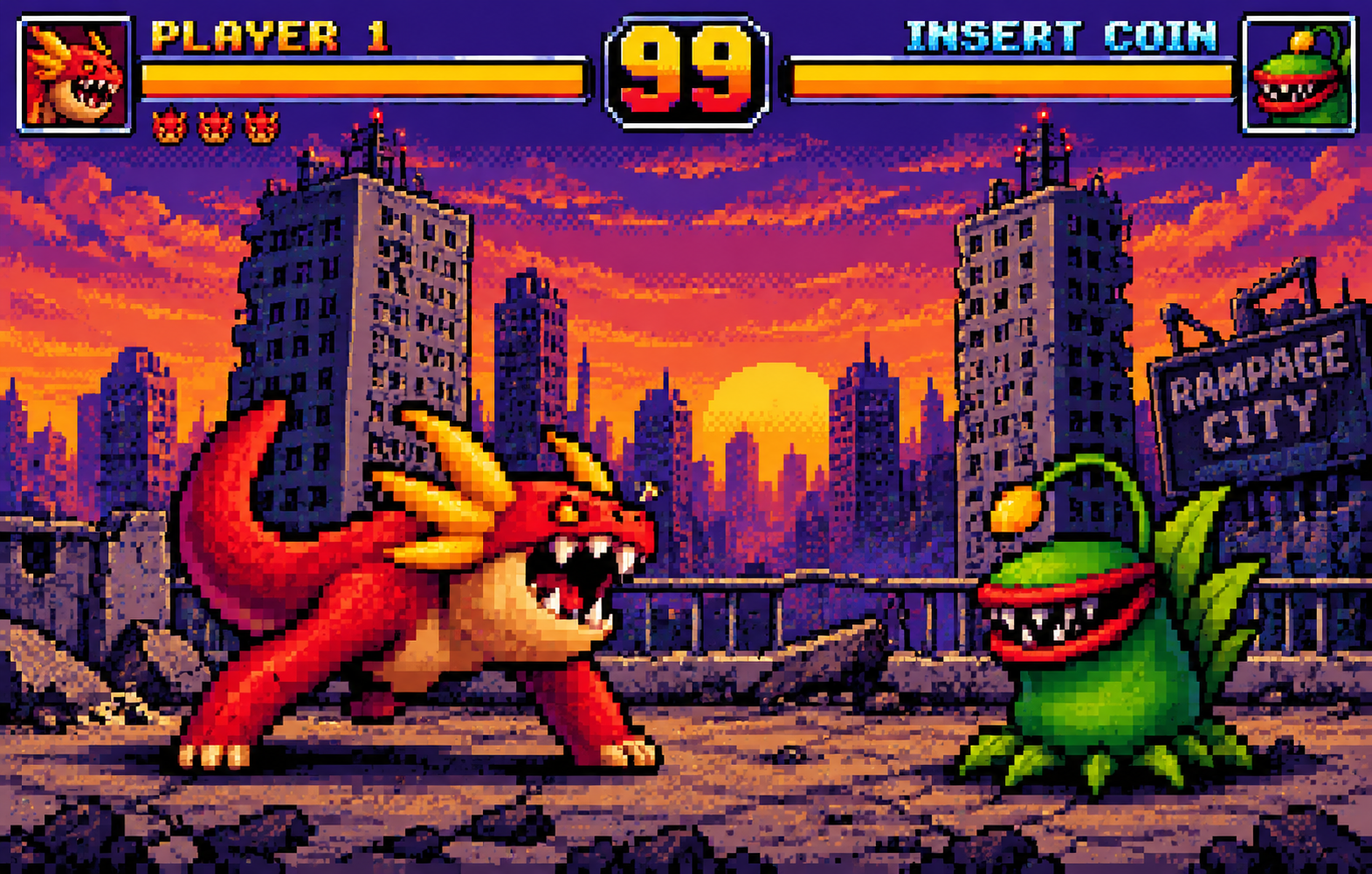
Rampage City started with a question: what if you were the giant monster protecting the city?
We wanted to bring the spectacle of monster battles into the player’s own space. A table becomes a miniature city, buildings crumble, and a small forest becomes the setting for a creature’s transformation into a hero.
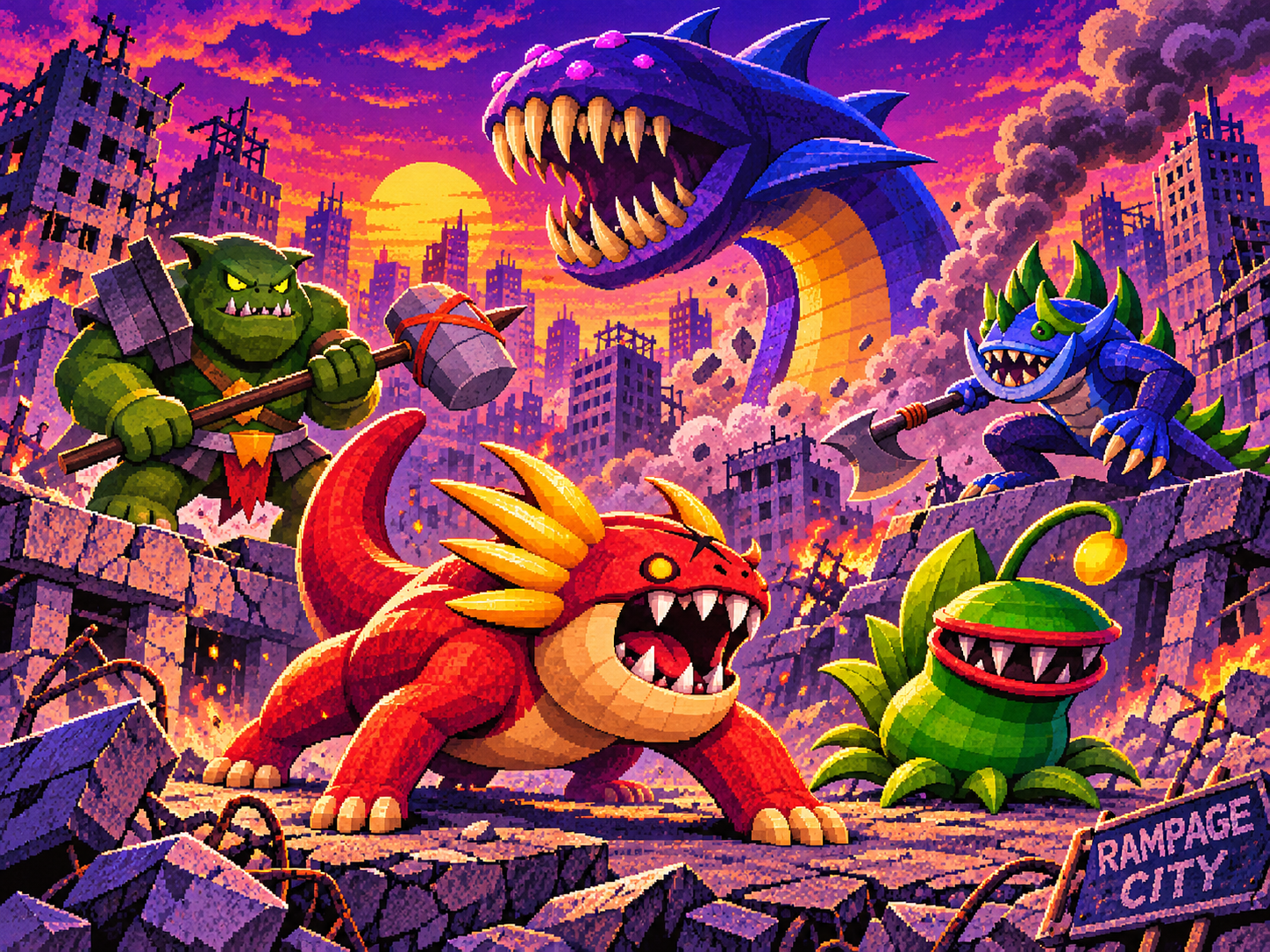
Our story begins with meteors that mutate local plants and animals. Many become destructive, but some feel compelled to protect humanity. You play as one of those defenders.
What it does
Rampage City is a hand-tracked mixed reality action game built around a virtual, physical-style GameDeck. Players grab its joystick and press its buttons to control a heroic salamander.
Players choose a real-world surface, then adjust the game world’s position, scale, and orientation. A skippable opening cinematic introduces the story, followed by an interactive tutorial and a portal into the city.
Combat combines melee attacks, projectiles, jumping, and dashing. Staggered enemies create opportunities for aimed dash finishers that reward the player with health. Earned points unlock flame breath, an orbiting fire ring, and friendly healing mushrooms that help restore the player and surviving buildings.
Enemy waves introduce building-attacking plant monsters, burrowing ranged enemies, player-hunting attackers, and an Orc boss with visible attack warnings.
How we built it
We built the project in Unity using C#, Meta XR tools, and the Mixed Reality Utility Kit. Room data lets us place the forest and city on available surfaces, while hand interactions make the GameDeck’s joystick, buttons, and volume sliders usable without traditional menus.
We used Unity Timeline to stage the meteor impact, drifting mutation fog, creature transformations, and combat in the opening cinematic. Gameplay systems handle enemy behavior, damage, stagger windows, health pickups, power-ups, waves, and resetting the city.
The GameDeck also communicates through physical alphanumeric displays and illuminated buttons. Its settings tray slides out like an old laptop’s CD tray, keeping controls within the game’s tactile design.
Challenges we faced
World scaling was one of our biggest challenges. Shrinking the city’s models was only the beginning: movement speed, jump height, attack distances, projectiles, debris, and effects all needed to behave consistently between a small tabletop and a larger floor placement.
Hand interactions required repeated headset testing. Small sliders, overlapping grab areas, scaled object hierarchies, and pause behavior could each affect how the controls felt.
We also worked through transitions between placement, cinematic, tutorial, and gameplay; reset behavior as the project grew; and an occluded-player silhouette that needed to work correctly on Quest.
With limited time, we had to balance new features against reliability and performance.
What we learned
We learned that mixed reality needs frequent testing on the device. Something that looks correct in Unity can feel very different when it sits on a real table and is controlled with your hands.
We also learned that miniature worlds depend on readability. Clear silhouettes, visible attack warnings, understandable button states, and effects that reveal the action matter more than adding detail everywhere.
Most importantly, we learned how interconnected these systems become. Placement affects combat, pause affects interaction, and every new feature needs to work with transitions and resets.
What’s next
Our next focus is polishing the seated experience, improving performance, and making the controls and combat easier to understand at a glance. We also want to expand the city’s sense of life while preserving the central idea: becoming a monster that protects humanity—one tiny building at a time.

