-
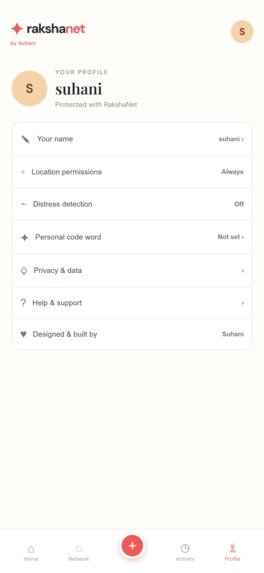
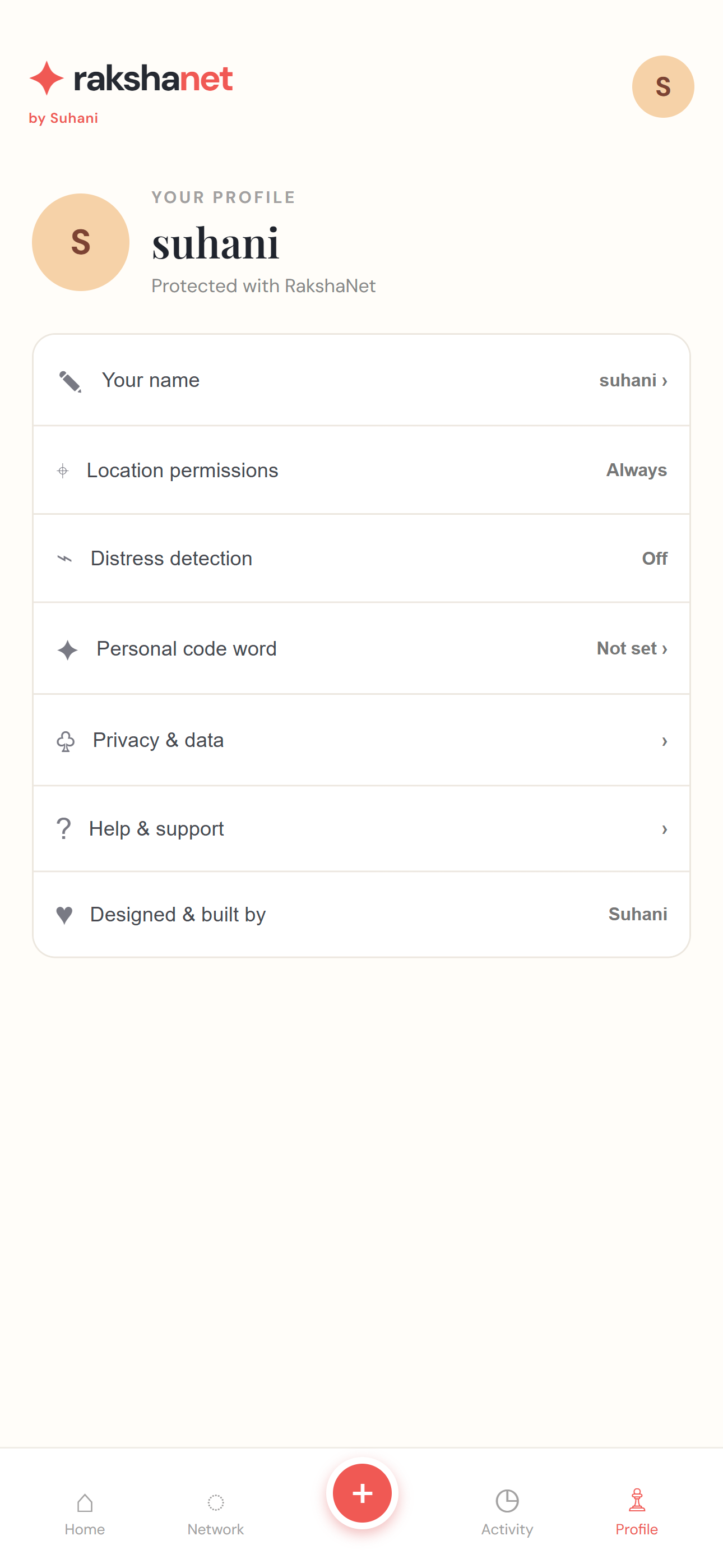
profile
-
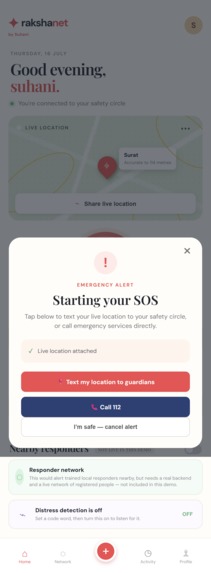
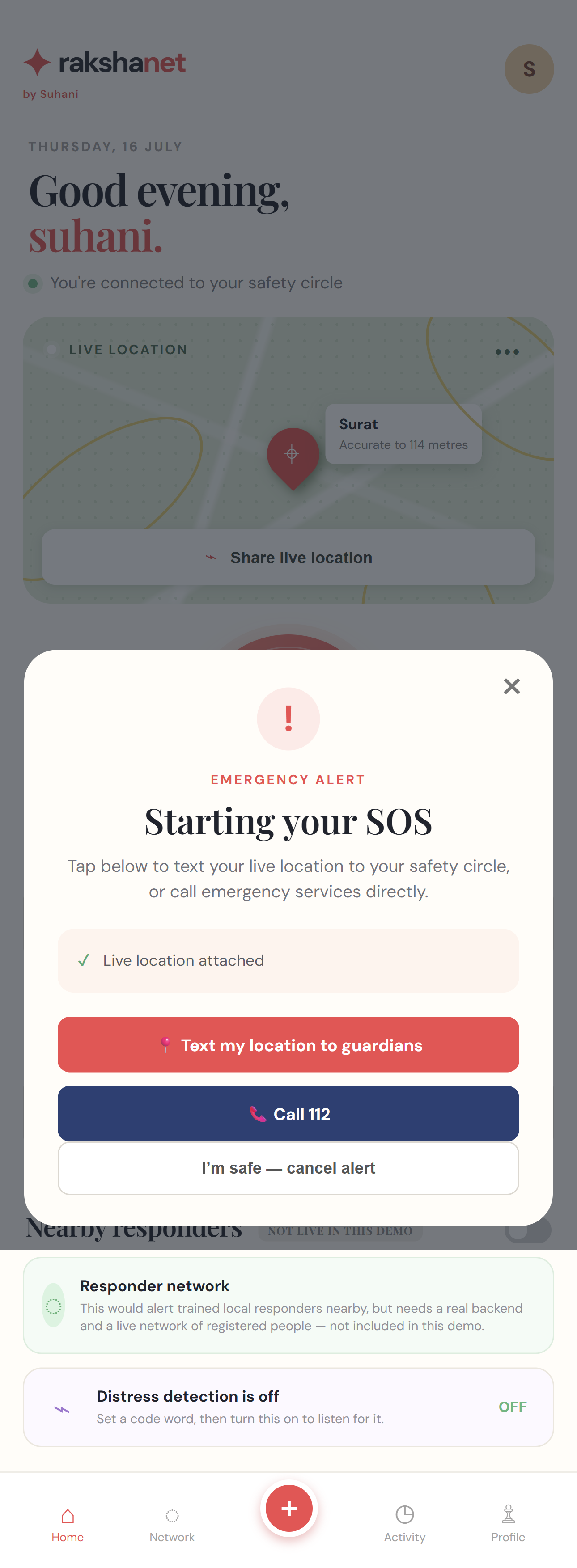
sos button
-
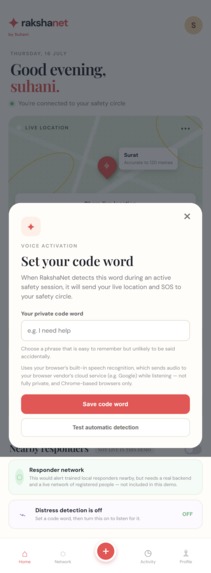
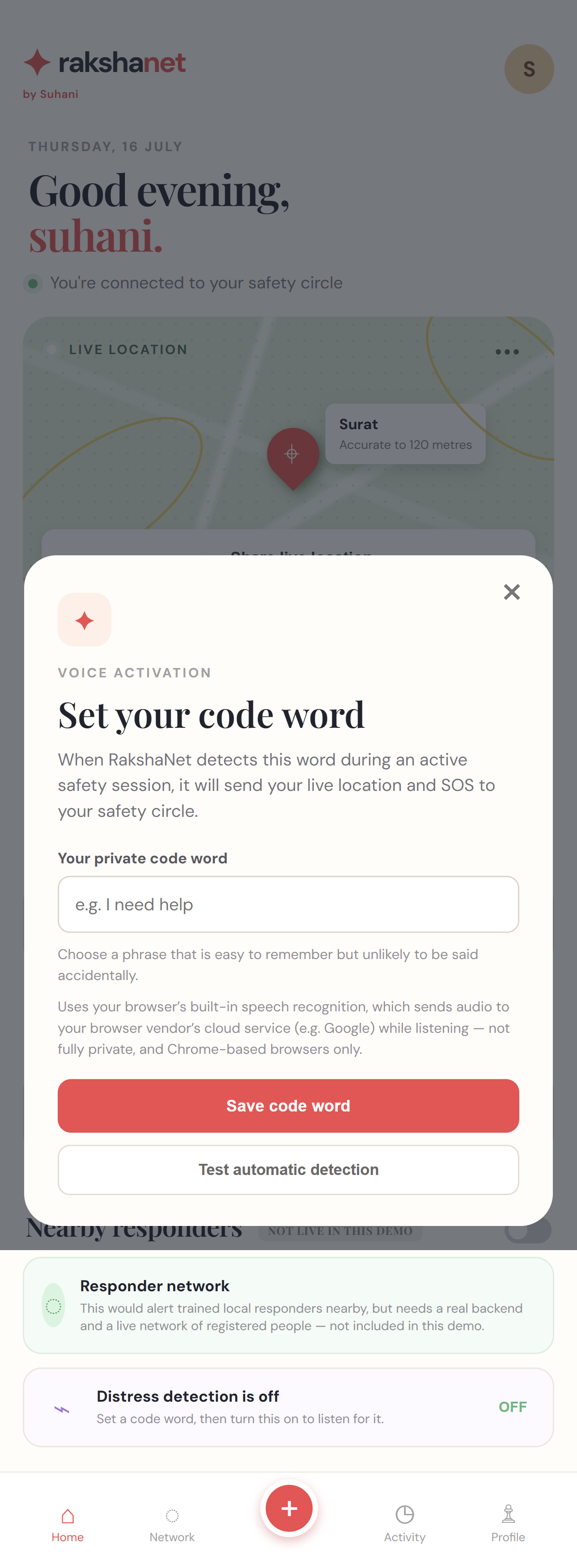
set distress detection code word
-
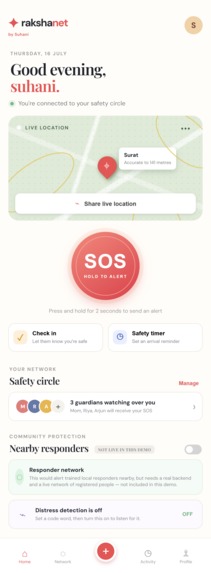
home page
-
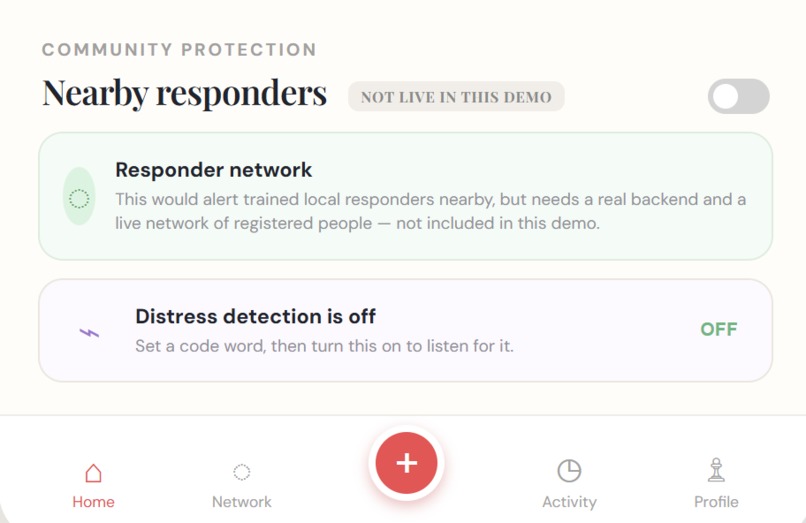
not live in demo
Inspiration
Most personal-safety apps make the same mistake: they promise things they can't actually deliver. "14 trusted responders nearby," automatic emergency dispatch, always-on protection — features that only work if a real backend, a paid SMS gateway, and an active user base already exist. For a hackathon project, that's usually just a nice-looking lie.
I wanted to build the opposite: an app where every feature either genuinely works, or clearly says it doesn't. RakshaNet only claims what it can back up with real code.
What it does
RakshaNet is a personal-safety companion that works entirely in the browser — no backend, no paid services, nothing to install for the people you're trying to reach.
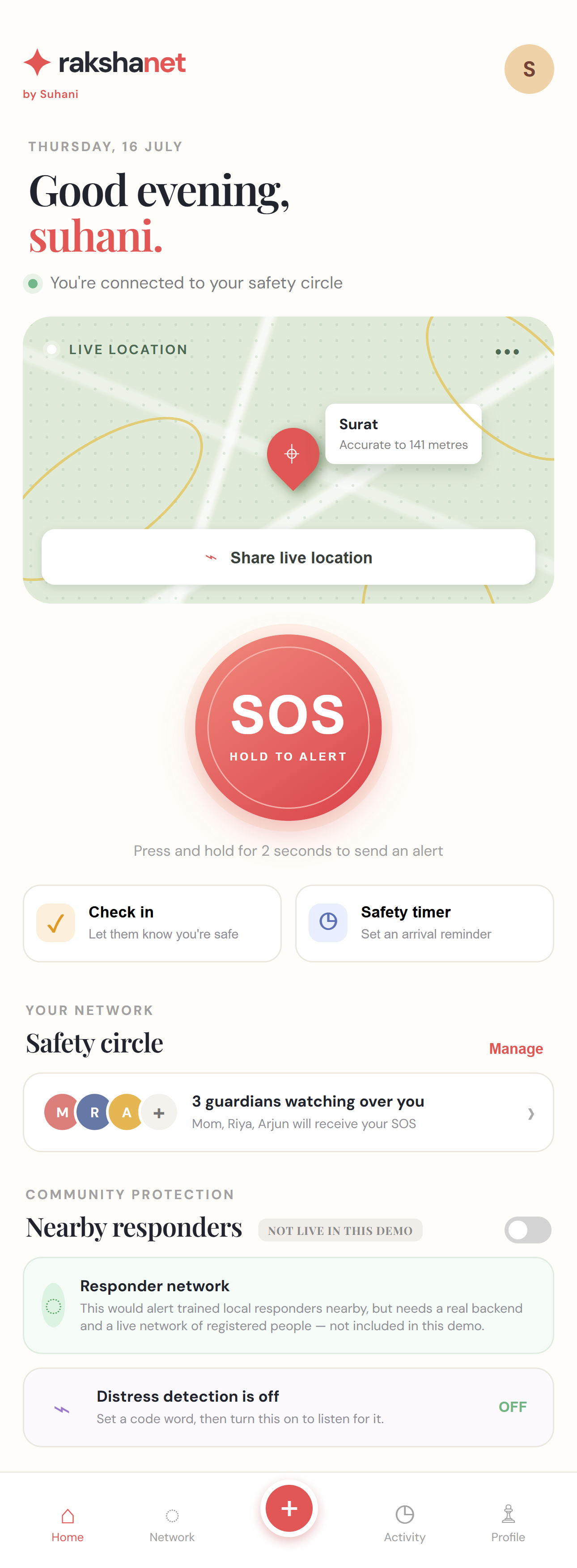
- Real live location — pulls your actual GPS coordinates and reverse-geocodes them to a real place name
- One-tap SOS — hold the SOS button to open a pre-filled text with your live location to your emergency contacts, or call 112 directly
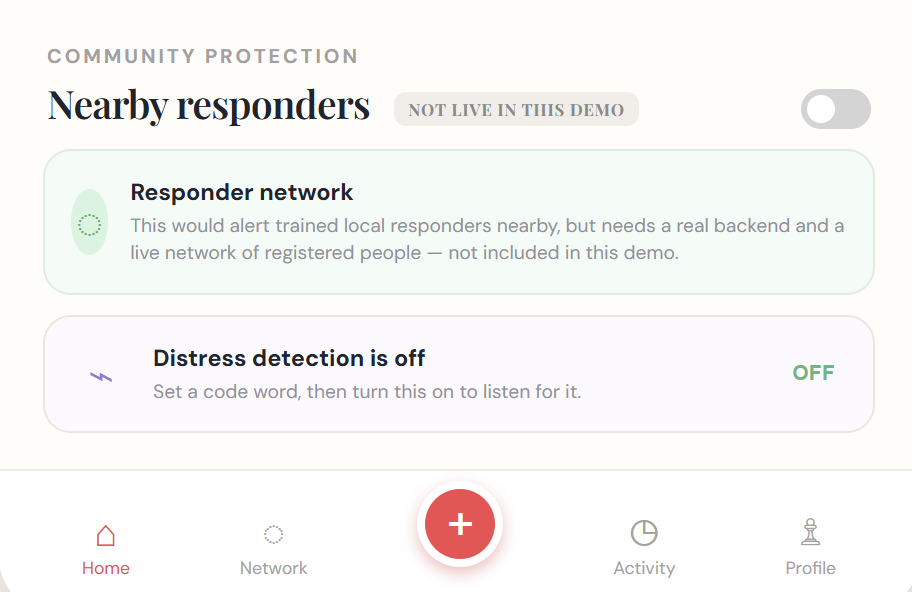
- Voice-activated code word — say a phrase you've set, and RakshaNet triggers an SOS automatically using real browser speech recognition
- Safety timer — a real countdown that checks in on you when it ends, and starts an SOS if you don't confirm you're safe
- Persistent safety circle — your contacts, code word, and activity history are saved locally and survive a refresh
Features that need infrastructure we didn't have time to build — like a live responder network — are visibly labeled "not live in this demo" instead of faked.
How we built it
Plain HTML, CSS, and JavaScript — no framework, no build step. That was a deliberate choice: it means the safety-critical path (location → alert) has zero points of failure from a server going down.
navigator.geolocationfor live location tracking- The Web Speech API for hands-free code-word detection
sms:andtel:URI schemes to open real messaging/calling apps pre-filled with an alert, instead of pretending to send them silentlylocalStoragefor contacts, code word, and activity history- A free, no-key reverse-geocoding API to turn coordinates into a real place name
Challenges we ran into
- A real cross-browser bug almost shipped silently. Early on, several
top-level JavaScript variables shared names with HTML element IDs
(
toast,contactsModal,codeWordModal). Chrome tolerated it, but Safari throwsCan't create duplicate variable that shadows a global propertyand refuses to run the script at all — meaning the entire app would have been dead on arrival for every iPhone user. Renaming three variables fixed it, but finding it meant testing in something closer to a real WebKit engine, not just Chrome DevTools. - Being honest is harder than it sounds. It's tempting to fill a UI with confident-sounding copy. Deciding exactly which claims to keep, soften, or remove — like the "14 responders nearby" placeholder — took more thought than writing the feature itself.
- Browser APIs aren't as portable as they look. Speech recognition, the Notification API, and Web Share all behave differently — or don't exist at all — across Safari, Chrome, and Android. Building around that gracefully, instead of assuming one browser's behavior, shaped a lot of the code.
Accomplishments that we're proud of
What we learned
That "fully functional" isn't binary — it's a set of honest tradeoffs you make explicit to the user. And that testing across real engines (not just your own browser) catches bugs that would otherwise only show up in a judge's hands, at the worst possible time.
What's next for RakshaNet
- A real backend with an SMS gateway (e.g. Twilio) for guaranteed delivery
- A native app wrapper (React Native/Expo) for background location and always-on voice detection
- A real registered-responder network for the community protection feature
- End-to-end encryption for location data in transit and at rest
Built With
- clipboard-api
- css3
- geolocation-api
- html5
- javascript
- localstorage
- rest-api
- web-share-api
- web-speech-api

Log in or sign up for Devpost to join the conversation.