-
-
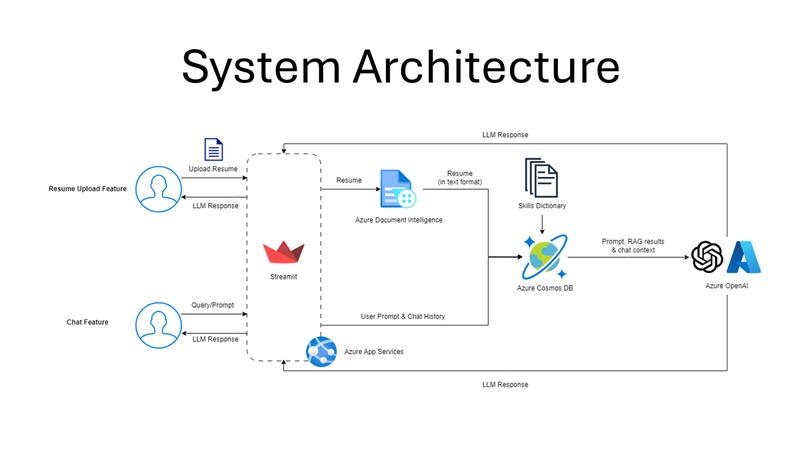
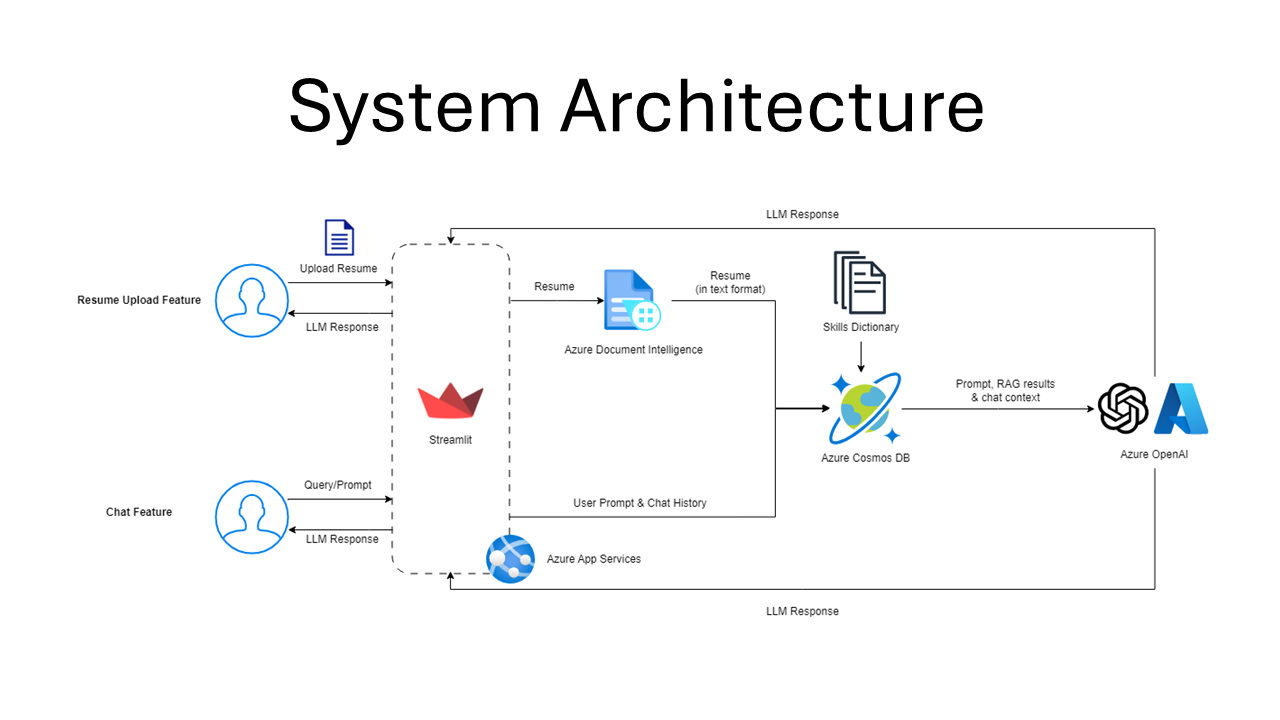
System Architecture
-
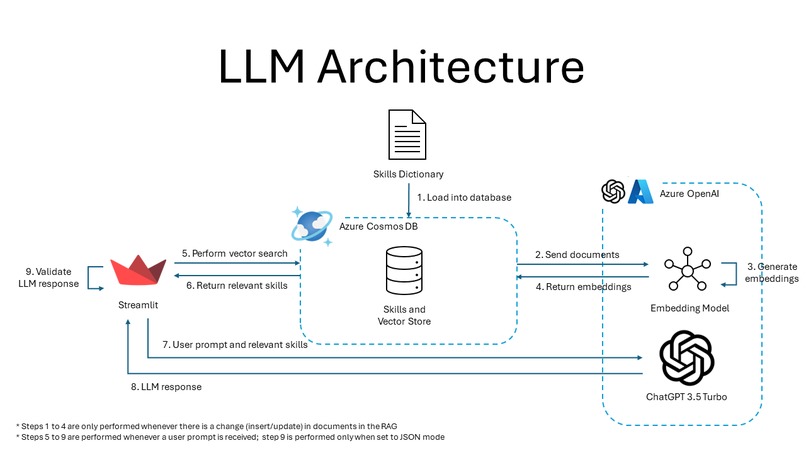
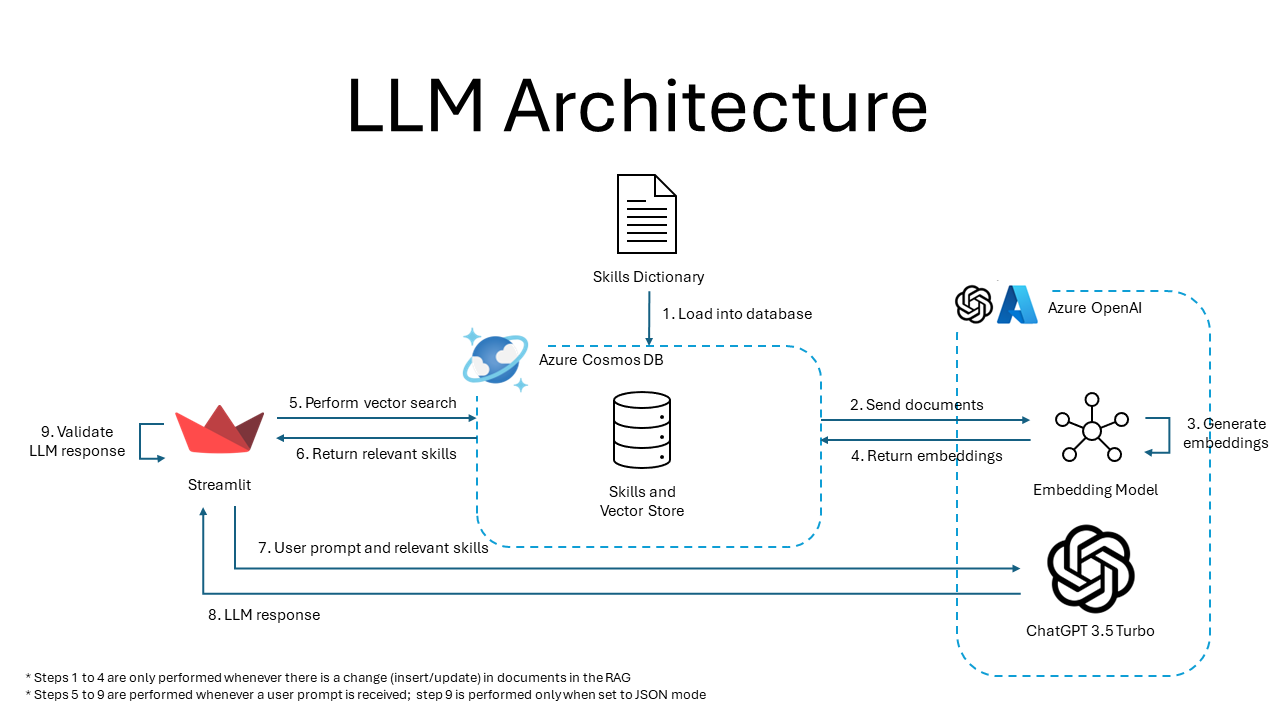
LLM Architecture
-
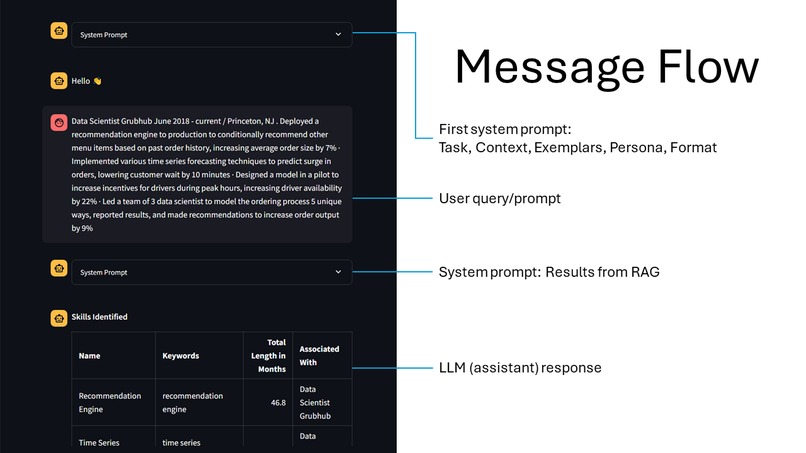
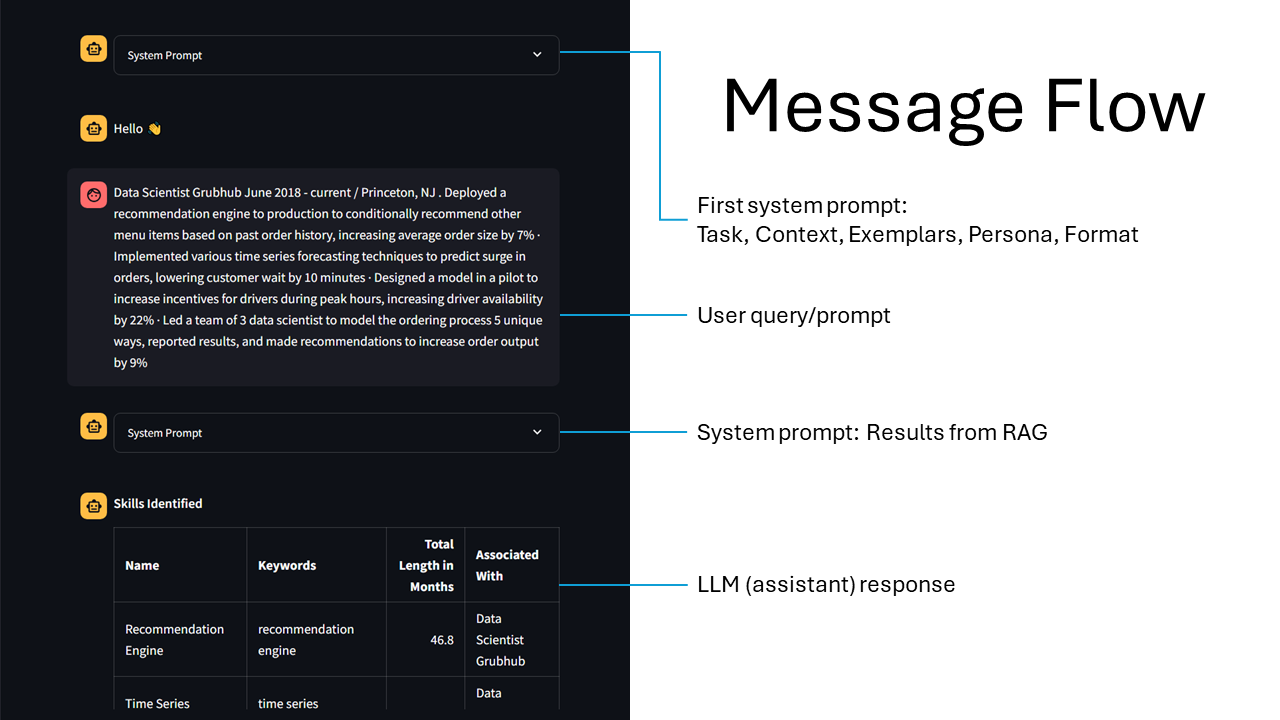
Message Flow
-
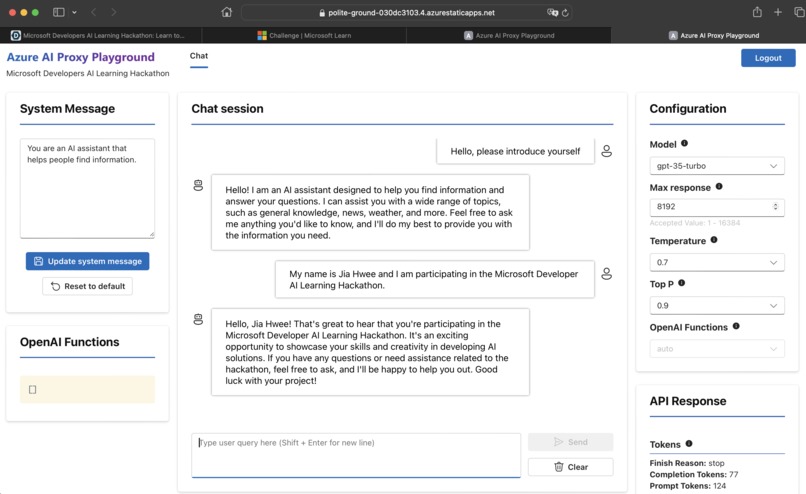
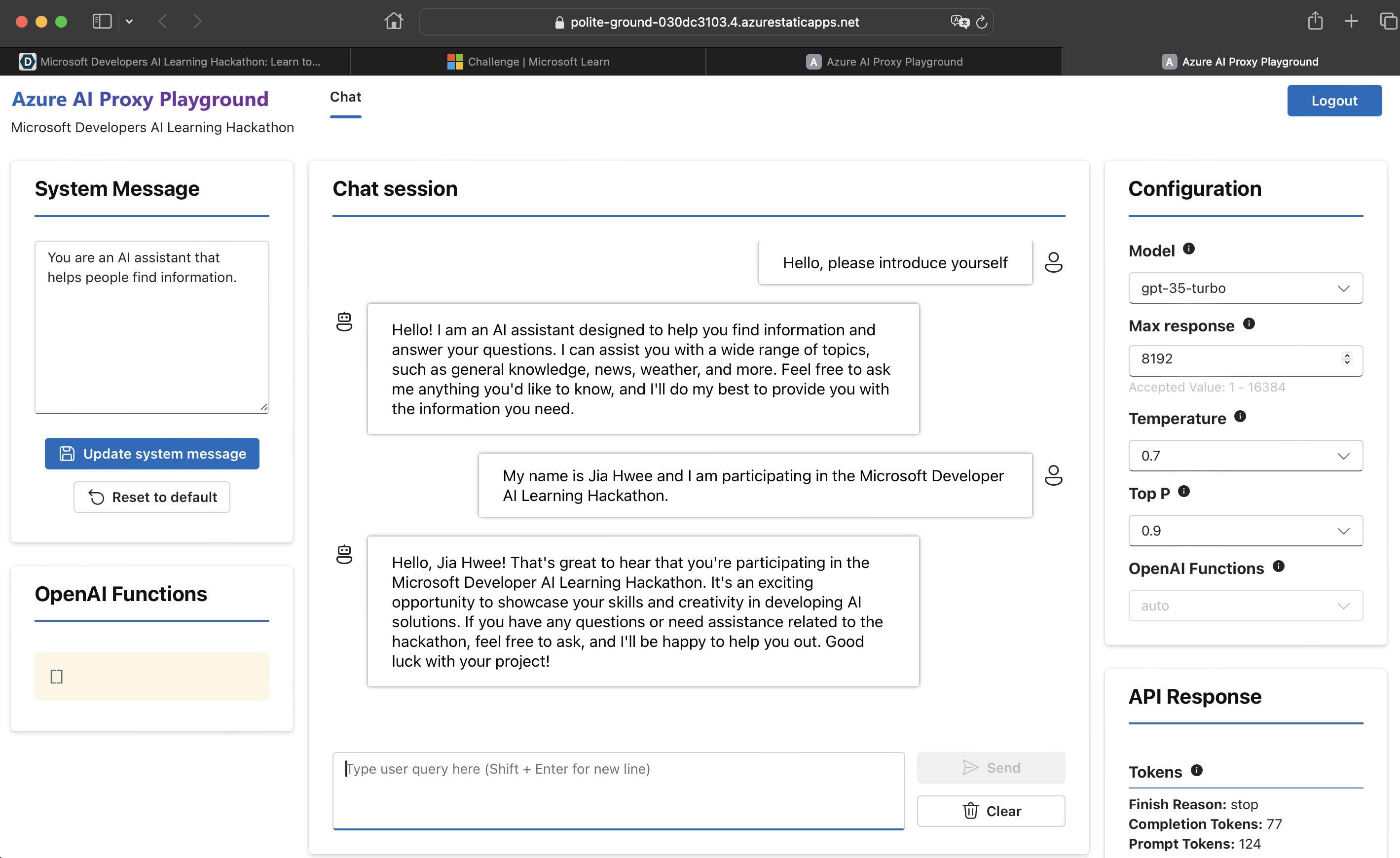
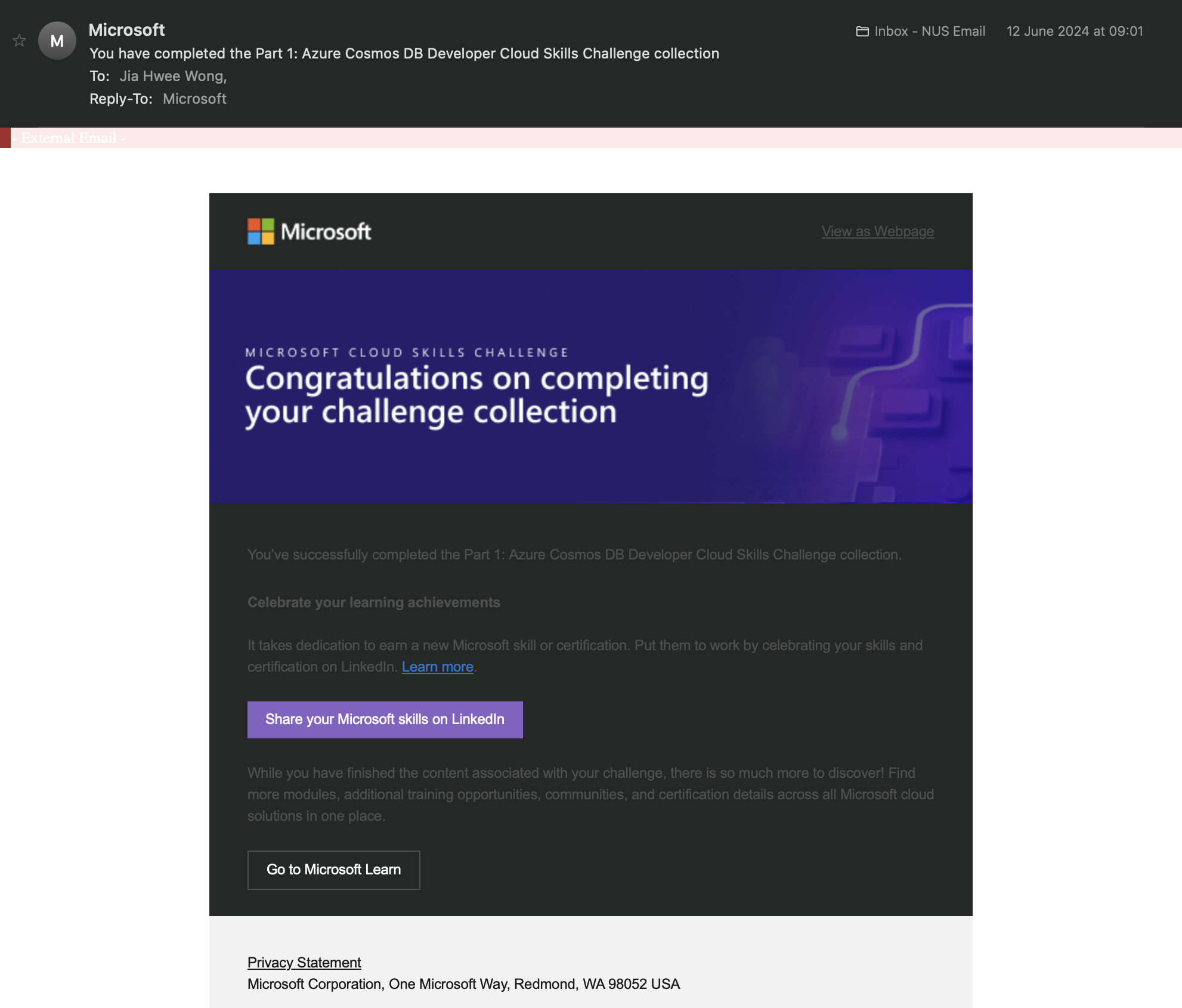
(Phase 1) Jia Hwee Wong Completion
-
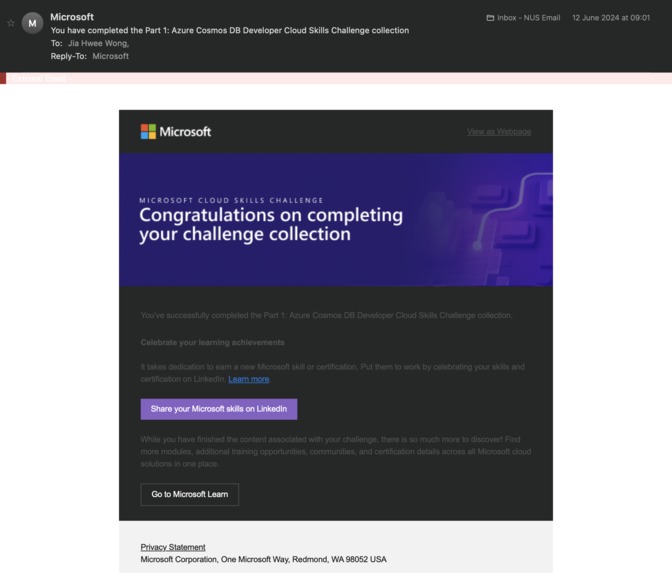
(Phase 1 Part 1) Jia Hwee Wong Completion
-
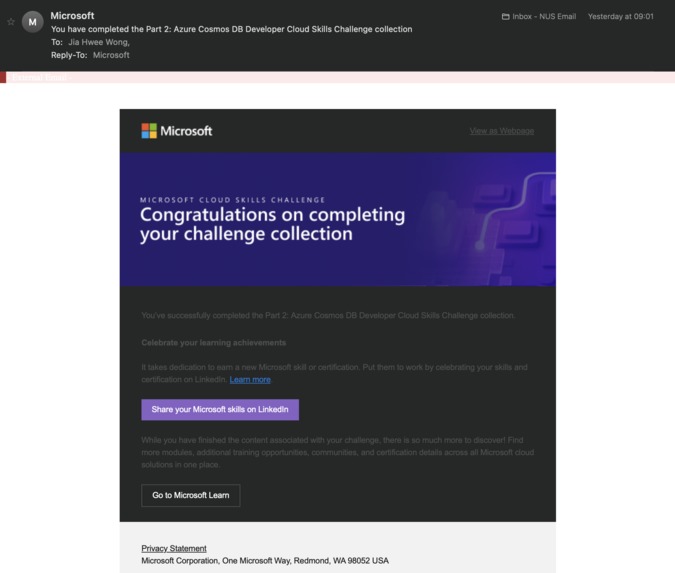
(Phase 1 Part 2) Jia Hwee Wong Completion
-
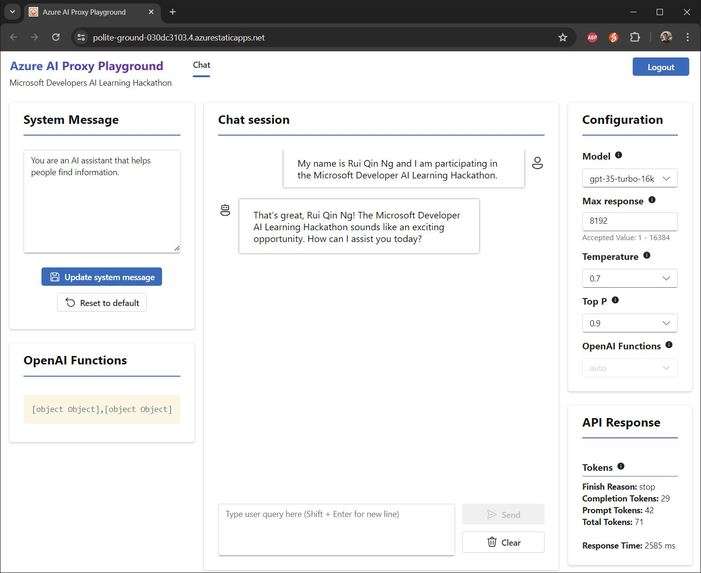
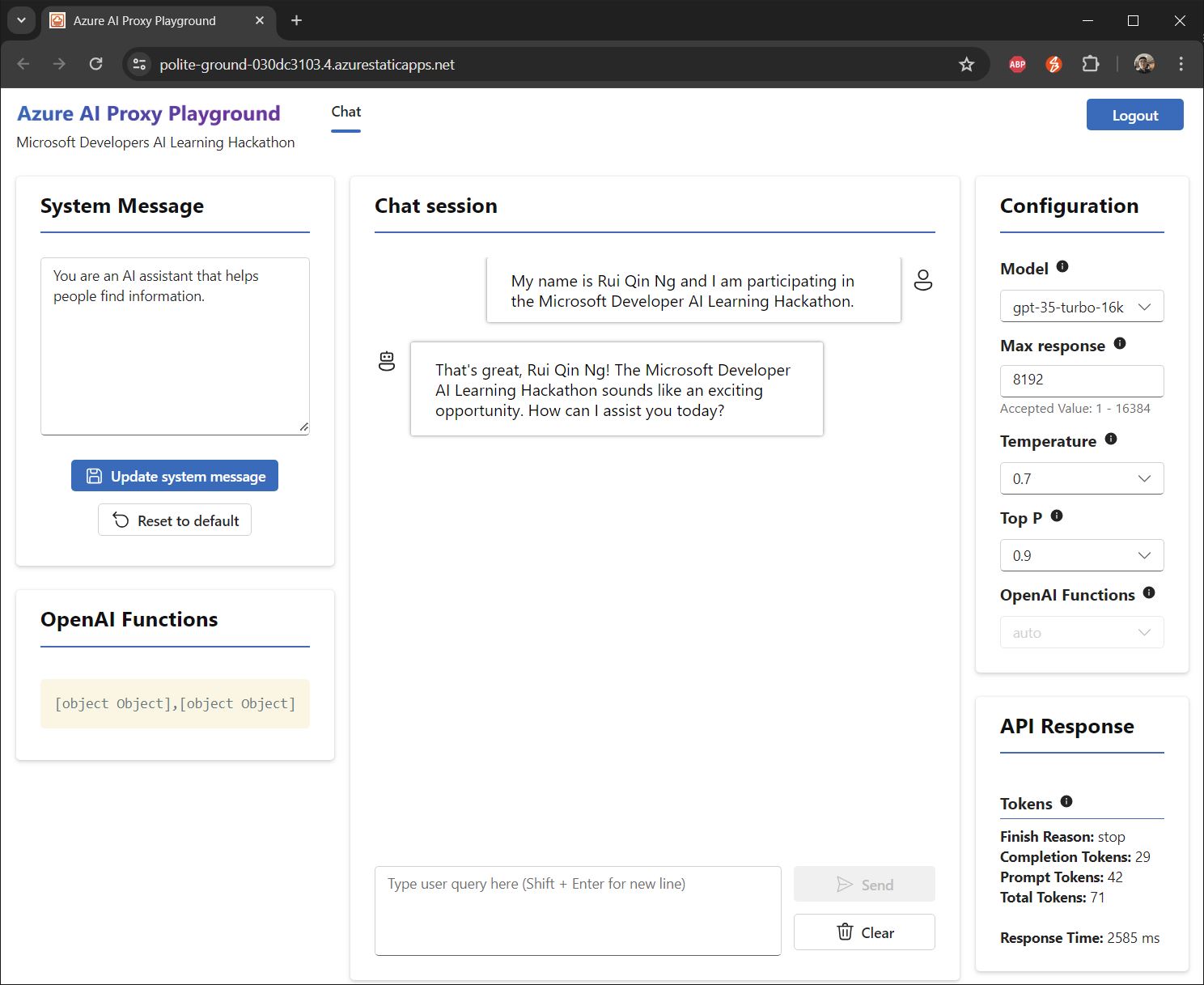
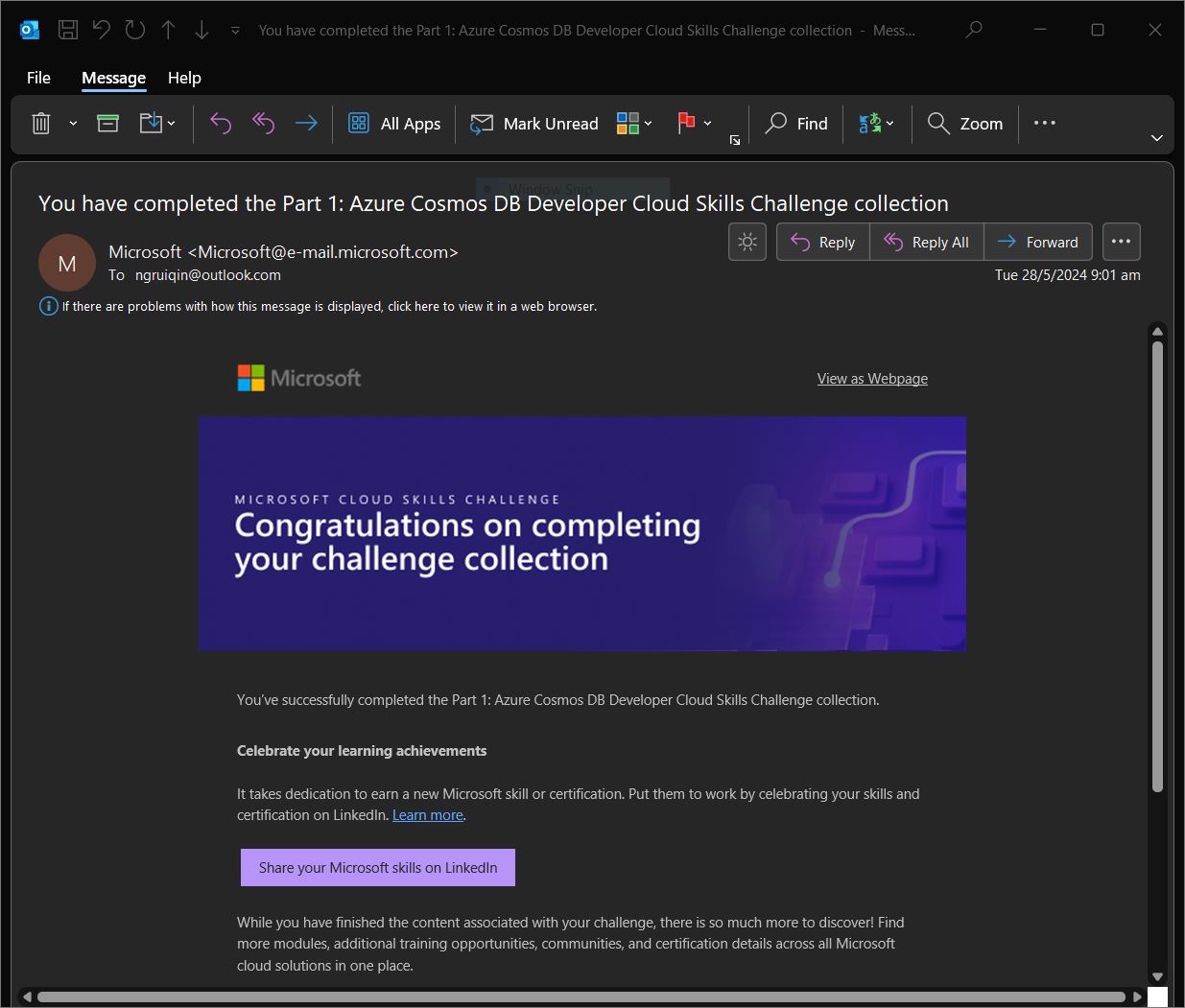
(Phase 1) Rui Qin Ng Completion
-
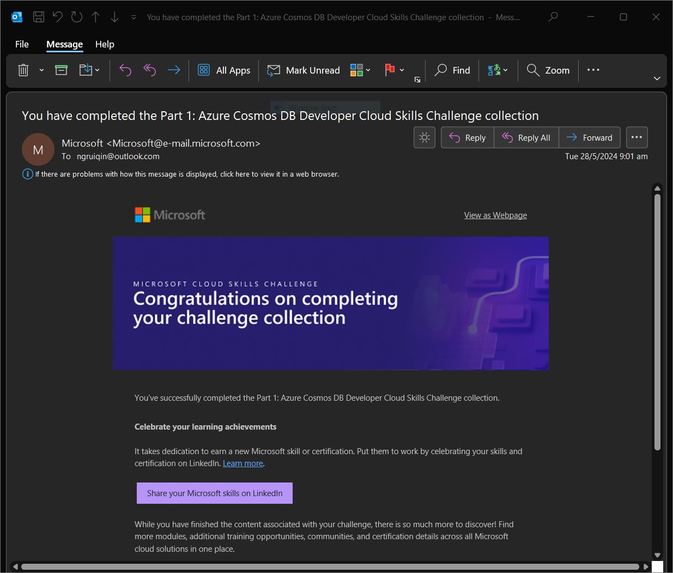
(Phase 1 Part 1) Rui Qin Ng Completion
-
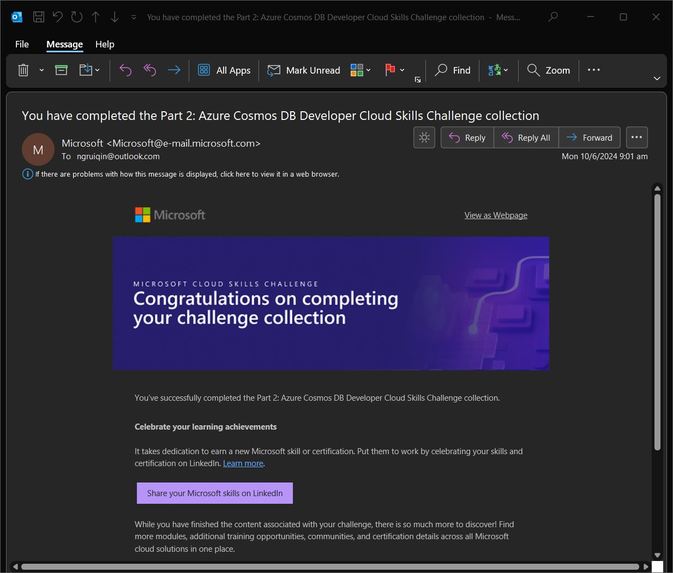
(Phase 1 Part 2) Rui Qin Ng Completion

Raisume: Smart Skillsistant that Identifies and Infers Skills from Resumes
Human Resources (HR) recruiters play a pivotal role in selecting and hiring the right candidates to drive company growth. This task is challenging, as recruiters must quickly strategize and fill open positions while managing the interview process with hiring managers (TalentEdge, 2024). Additionally, recruiters face the daunting task of sifting through an average of 250 applications for every job opening (Glassdoor, 2016), making the selection process even more demanding. Furthermore, recruiters face difficulties in finding candidates that possess skills that matches with the job description. (Godbersen, 2023)
To address these challenges, we developed Raisume, or Rais, an Azure AI-powered application designed to streamline the resume filtering process for HR professionals.
Use Cases
Summarise Skills Written in Resumes
Rais intelligently identifies and extracts skill keywords from resumes, presenting them in a concise, readable tabular format. Recruiters simply upload resumes into Rais, and the app handles the rest, eliminating the need for manual keyword searches.
Rais achieves this by first using Azure's Document Intelligence to convert resumes into text format. This text is then passed to Azure CosmosDB, which searches for contextual data. Finally, the text and contextual data are fed into Azure OpenAI's GPT-3.5-Turbo, which identifies and extracts all relevant skills.
Answer Queries Related to Skills
Rais also functions as a smart assistant, capable of answering questions about skills. In the fast-changing job market, HR recruiters may struggle to keep up with emerging trends and technical jargon. With Rais, recruiters can ask questions to clarify these terms, helping them assess their relevance to specific roles.
Azure CosmosDB maintains a dynamic database of relevant skills, which serves as a grounding data source, providing contextual knowledge to Rais. The core of Rais's functionality is powered by Azure OpenAI's GPT-3.5-Turbo, which uses the recruiter’s queries and the contextual knowledge from Azure CosmosDB to deliver precise and relevant responses.
System Design
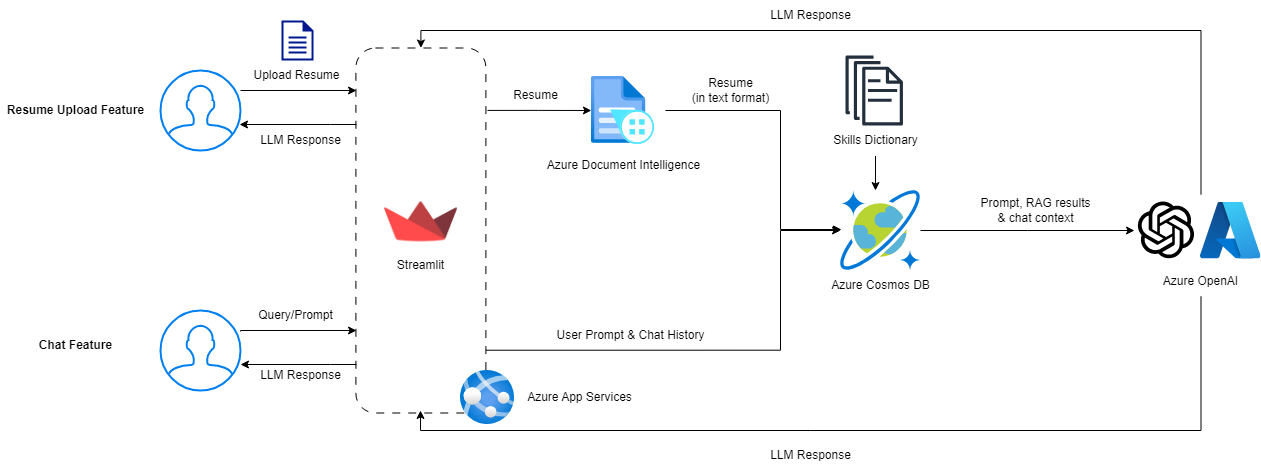
We utilised the following resources and datasets for Raisume:
- Azure App Services to seamlessly host updated versions of Raisume, built with Streamlit, with GitHub Actions for CI/CD
- Azure Document Intelligence (layout model) to accurately extract plain text from documents
- Skills Dataset (from Skill Extractor Cognitive Search) as documents for the RAG: https://github.com/microsoft/SkillsExtractorCognitiveSearch/blob/master/data/skills.json
- Azure Cosmos DB, as a RAG, to store skills from the Skills Dataset, generate embeddings for each skill and perform vector searches for prompts/documents
- Azure OpenAI (ChatGPT 3.5 Turbo 16k) to identify and infer skills from the prompt, results from the RAG and chat context
Functionalities
Resume Analyser
The resume analyser is the front page of the Streamlit application, allowing users to upload a resume supported by Azure AI Document Intelligence, and utilising ChatGPT on Azure OpenAI to extract and identify skills stated and described in the resume respectively.
Firstly, to parse documents, the Azure AI Document Intelligence Python SDK for the (prebuilt) layout model is used. This allows us to control how the parsed text is being fed to ChatGPT - the document can be segmented into multiple subheadings and paragraphs, where we ensured each paragrah starts with a new line and that there is an empty line before each subheading.
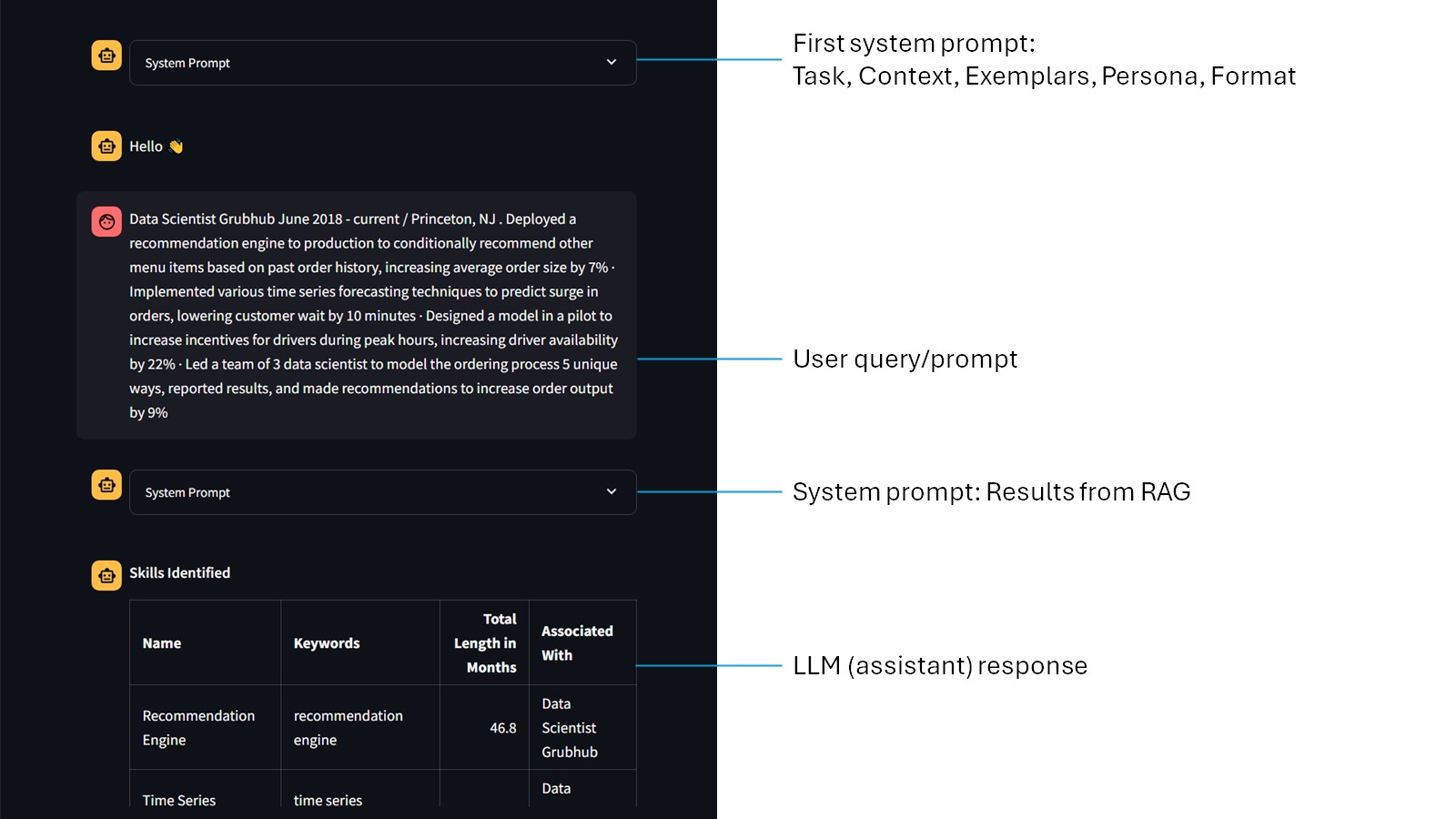
Secondly, to help guide ChatGPT on the what to expect - and most importantly what the output should be like - the prompt engineering technique by Jeff Su is utilised, which comprises of six key components: Task, Context, Exemplars, Persona, Format, and Tone. (Su, 2023) Other than the tone component, we used these elements to create our first system prompt for all resume uploads. To ensure that ChatGPT returns a JSON object, {'type': 'json_object'} argument is being passed to the response_format parameter in chat.completions.create().
Thirdly, to guide the LLM towards identifying and inferring relevant skills, we utilised Cosmos DB as a RAG to retrieve relevant skills by using the resume content as the query. The skills dataset is preloaded and embedded, prior to performing a vector search to extract the 50 most similar skills in the MongoDB database. The results are then passed as a system prompt after the user prompt.
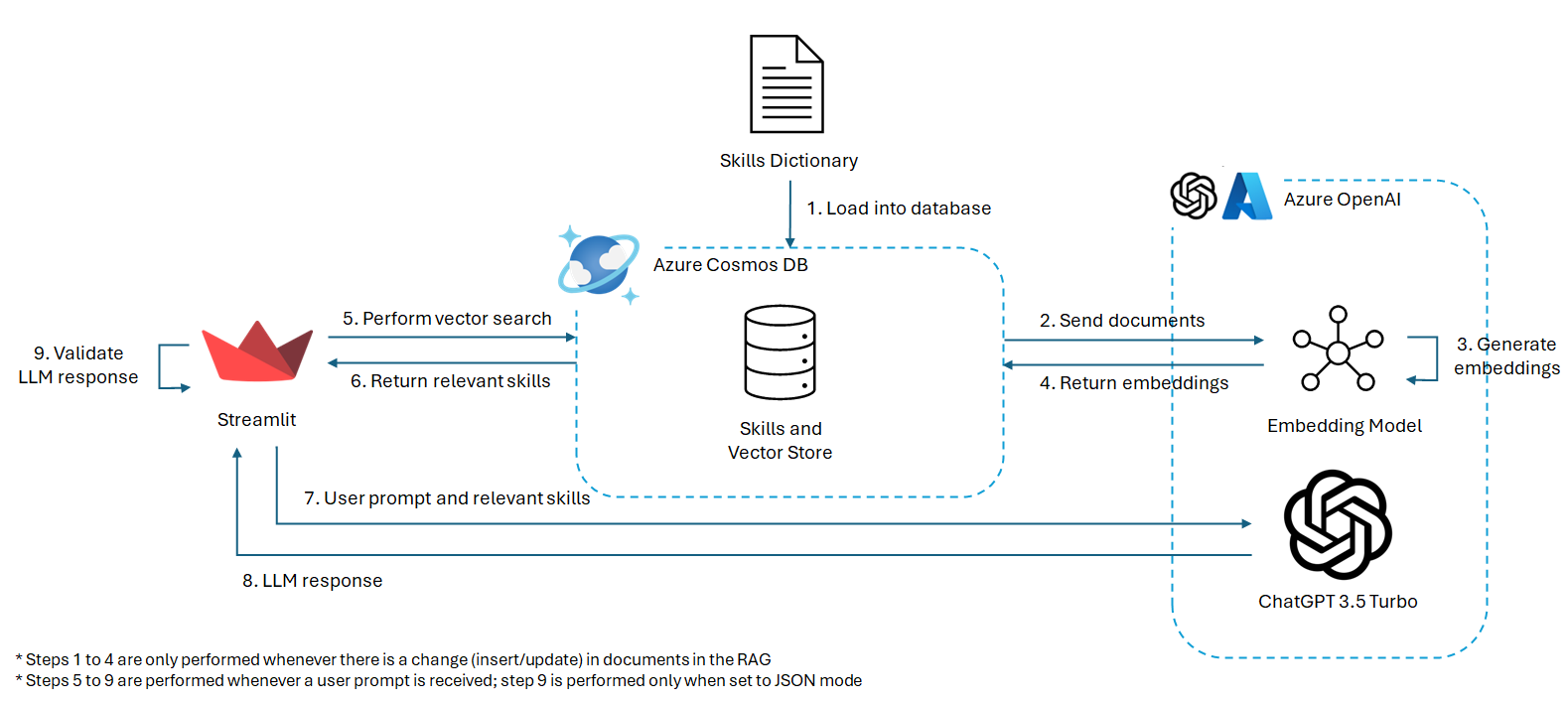
Lastly, to validate ChatGPT's response, the response is being decoded using json.loads(). If the response is not a valid JSON, the Completions API will be called again.
if isinstance(response_format, dict) and response_format['type'] == 'json_object':
        # Check if valid json
        num_retries = 0
        valid_json = False
        while (not valid_json) and (num_retries <= 3):
            response_message = response.choices[0].message.content
            try:
                json.loads(response_message)
                valid_json = ('skills' in response_message) and ('predicted_skills' in response_message)
            except ValueError:
                # Get another response
                num_retries += 1
                response = get_llm_response(chat_client, messages, response_format, stream)
Chat
The chat feature in Rais is similar to many implementations of generative AI applications, allowing users to freely enter text and receive a response from the LLM. Similar to resume analyser, we utilised the five (out of six) components by Jeff Su to create our first system prompt for all chat instances. However, we only requested ChatGPT to include the skills tables (identified and inferred) in Markdown format, but did not validate the response as it is unstructured.
Next, vector search is being performed on the RAG (elaborated in the previous section: Resume Analyser).
Lastly, to show the response in real time, stream=True is passed into chat.completions.create(), along with all the chat history in messages.
Chat History
The chat history page displays all messages, from both the resume analyser and chat, in one page. This allows the user to look through all their interactions with ChatGPT, along with the engineered system prompts and RAG results.
Challenges Faced
- SKU S0 & 'Warm'
To get started, we had to spin up the necessary resources such as CosmosDB and Azure OpenAI. We ran the bicep file provided in the dev guide. Unfortunately, the following errors were thrown:
CosmosDB
The maximum cores for workload profile Warm cannot be more than 0.Azure OpenAI
The subscription does not have QuataId/Feature required by SKU 'S0' from kind 'openAI' or contains blocked QuotaID/Feature
We resolved the issue by spinning up CosmosDB manually via the console and used Azure's proxy OpenAI instead of Azure OpenAI.
- CosmosDB Connection Session Expiration
While generating the embeddings to store as vector field in CosmosDB, the cursor repeatedly timed out despite setting no_cursor_timeout=True. As a result, we were unable to load our data into CosmosDB. We solved this by implementing a recursive solution to carry on the data loading in a new session from where the previous cursor has left off.
def add_collection_content_vector_field(self, collection_name: str):
        '''
        Add a new field to the collection to hold the vectorized content of each document.
        '''
        collection = self.db[collection_name]

        def process_documents(skip_count=0):
            try:
                with collection.find({}, no_cursor_timeout=True).skip(skip_count) as cursor:
                    for doc in cursor:
                        # Remove any previous contentVector embeddings
                        if "contentVector" in doc:
                            del doc["contentVector"]

                        # Generate embeddings for the document string representation
                        content = json.dumps(doc, default=str)
                        content_vector = self.generate_embeddings(content)

                        collection.update_one(
                            {"_id": doc["_id"]},
                            {"$set": {"contentVector": content_vector}},
                            upsert=True
                        )

                        # Keep track of processed documents
                        skip_count += 1

            except pymongo.errors.CursorNotFound:
                logger.error("Cursor expired. Resuming from last processed document.")
                process_documents(skip_count)  # Recursively continue from the last processed document
            except Exception as e:
                logger.error(f"Error processing documents: {e}")
                raise

        # Start processing documents
        process_documents()
- Error 422 invalid string (Langchain)
We encountered the following error when attempting to perform a vector search using Langchain AzureCosmosDBVectorSearch class:
UnprocessableEntityError: Error code: 422 - {'detail': [{'type': 'string_type', 'loc': ['body', 'input', 'str'], 'msg': 'Input should be a valid string', 'input': [[3923, 14071, 3956, 527, 1070, 30]]}, {'type': 'string_type', 'loc': ['body', 'input', 'list[str]', 0], 'msg': 'Input should be a valid string', 'input': [3923, 14071, 3956, 527, 1070, 30]}]}
We continued to encounter this error despite trying out different Langchain versions. Thankfully, we were able utilize CosmosDB vector search as a perfect alternative to Langchain.
- Error 500 from ChatGPT
ChatGPT can, at times, throw a HTTP 500 error which is not deterministic. However, there is a built-in retry function and we do not need to handle the error.
- Token limit exceeded (ChatGPT)
When the chat history is too long, the user might get an error where the number of tokens has exceeded the token limit. We changed to a model that allows a higher number of tokens, but in future work, a token counter like tiktoken should be used and chat contexts should be summarised or removed when the message history is too long.
Future Work
Resume and Job Description Matching & Analytics
Future enhancements for Rais include capabilities for resume and job description matching and advanced analytics. By leveraging Azure CosmosDB to store resumes and job descriptions, Rais can be further developed to filter applicants for specific roles or groups of similar roles. Additionally, Rais can perform trend and demographic analysis on applicant data, providing valuable insights for HR departments.
Applicant-Facing Features
Rais can be expanded to assist applicants in finding the open job roles most relevant to their resumes, eliminating the need to browse through the company hiring portal. Moreover, Rais can answer any questions applicants may have about job descriptions and the company itself, providing a comprehensive and user-friendly experience.
Rais It Now!
App URL: https://azurecosmosdb-hackathon-eyc4g2chfgdbfhdg.eastus-01.azurewebsites.net/
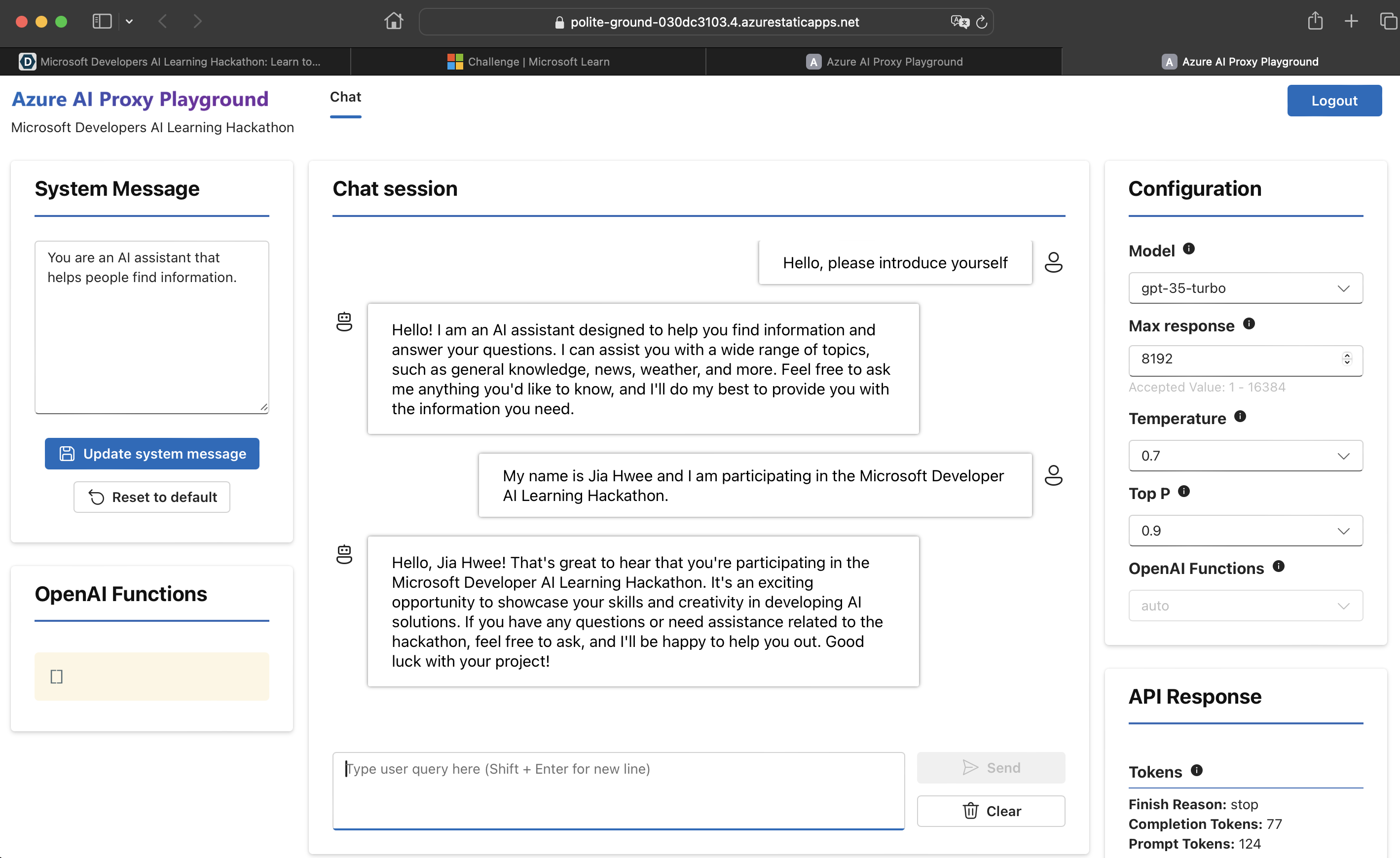
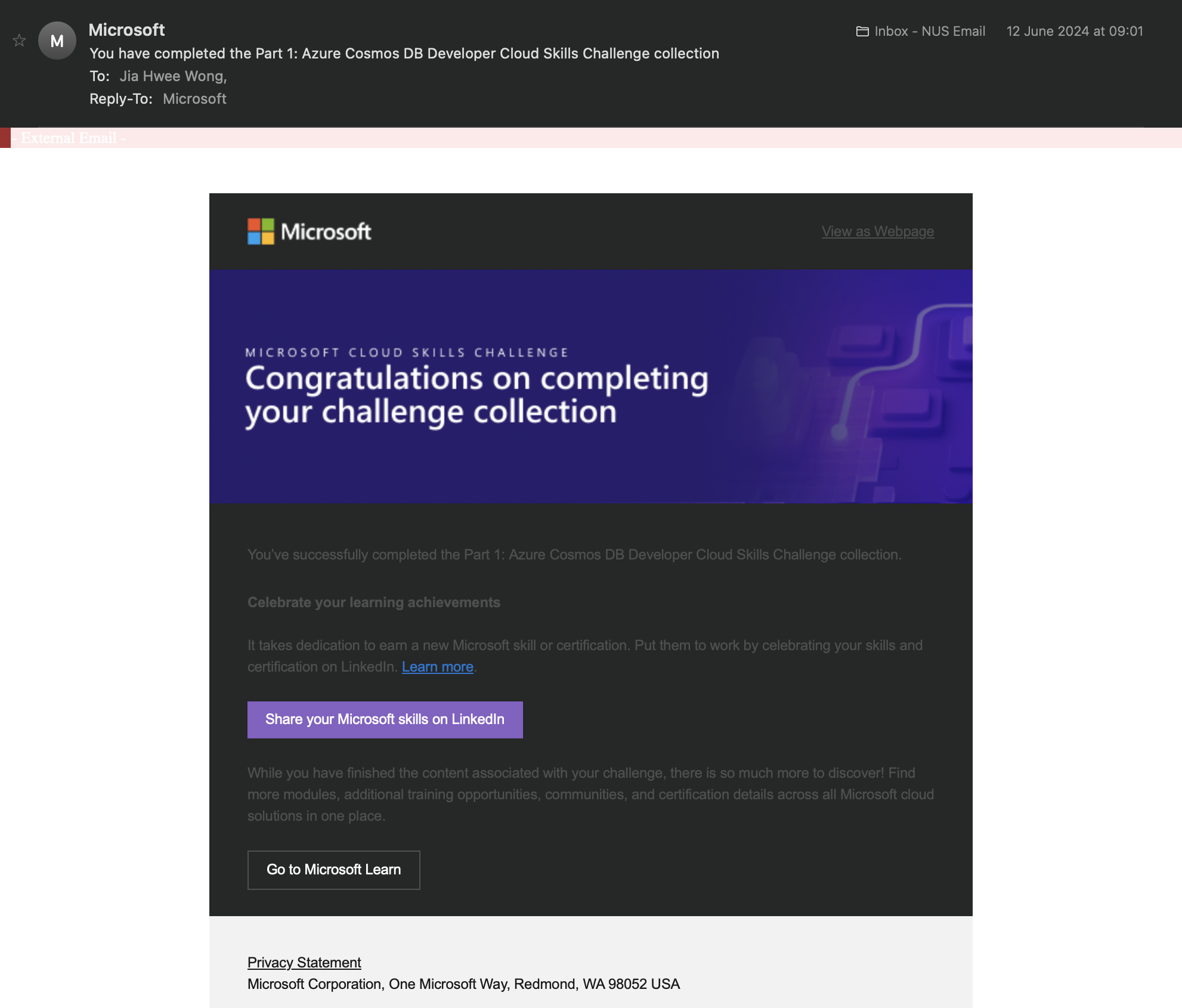
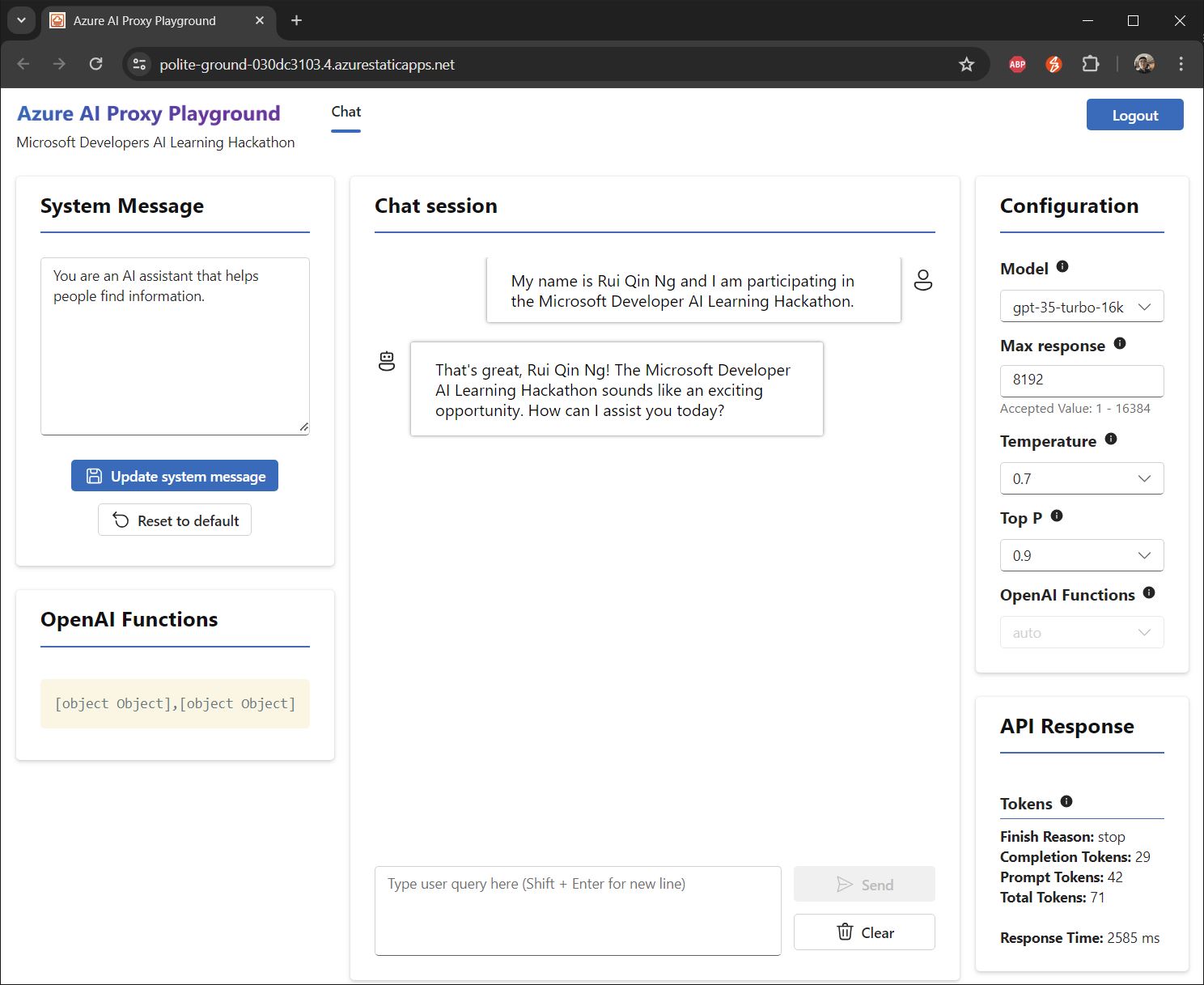
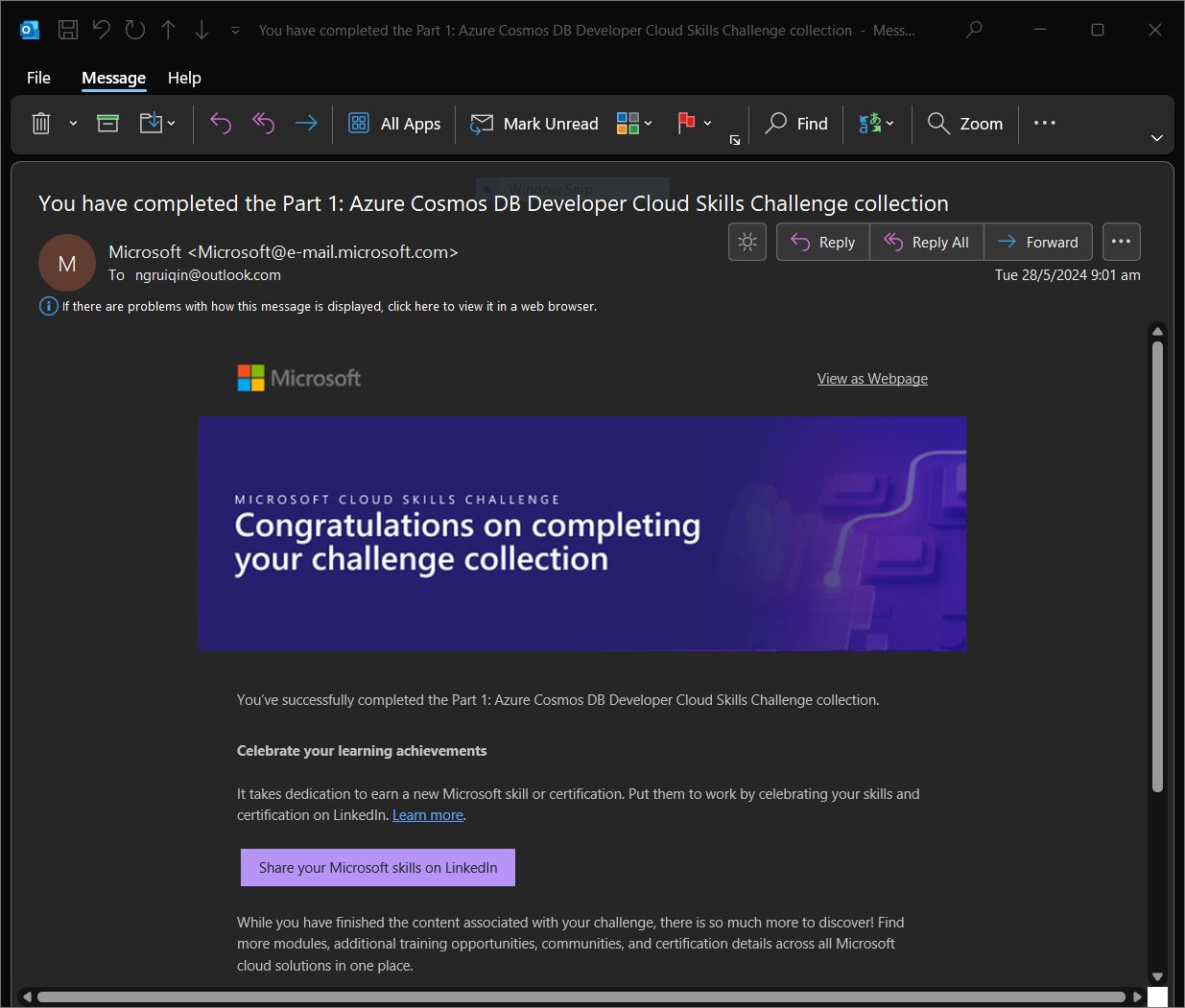
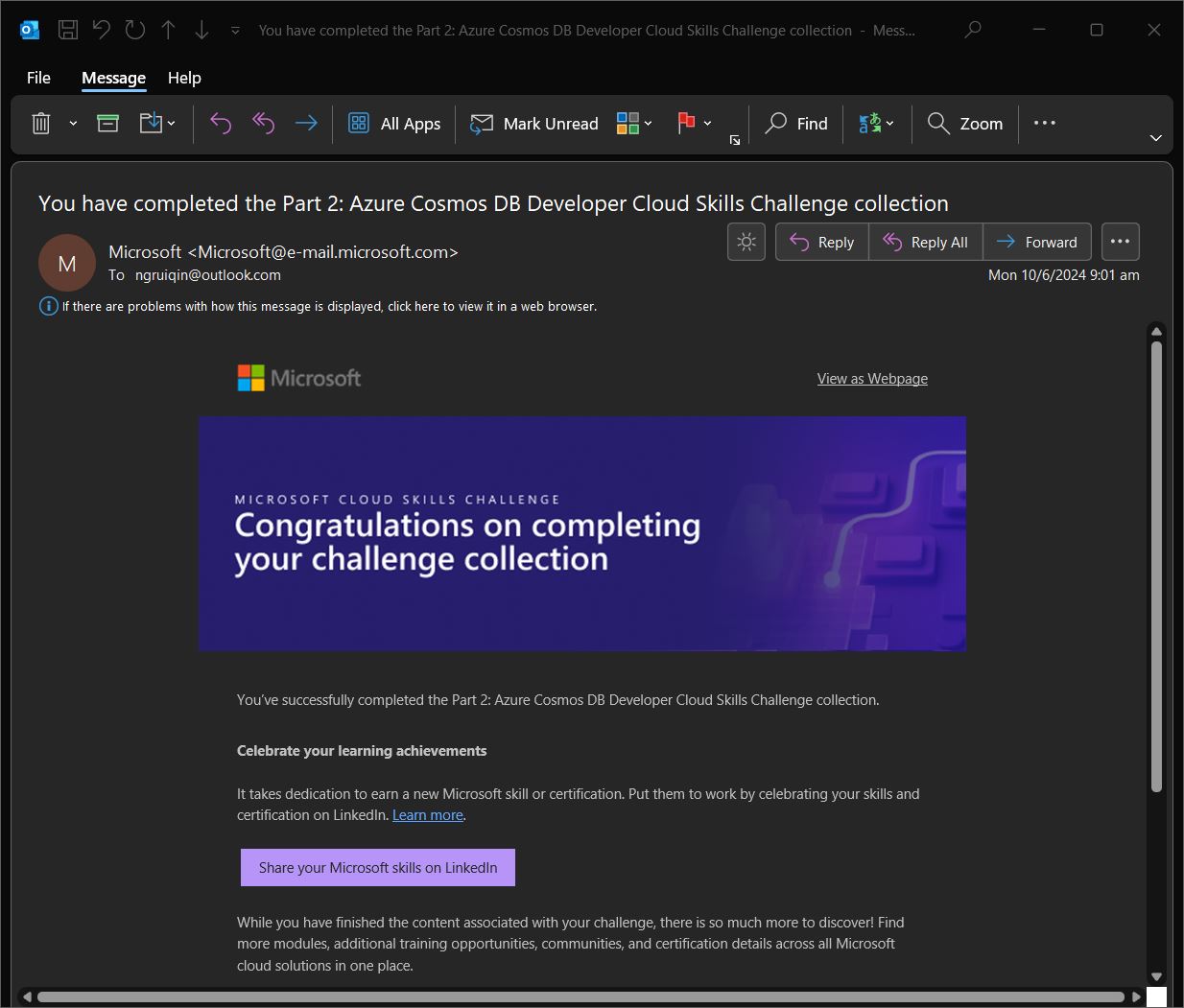
Phase 1 Screenshots

Team Members Details
| Devpost Email | Devpost ID | Microsoft Email | Microsoft Learn Username |
|---|---|---|---|
| [email protected] | ngruiqin | [email protected] | RuiQinNg-6520 |
| [email protected] | e0175141 | [email protected] | JiaHwee-0311 |
References
Glassdoor, 2016. Why Is Hiring So Hard for Employers Right Now? https://www.glassdoor.com/research/why-is-hiring-so-hard-right-now
Godbersen, 2023. 10 pain points of HR recruiters in large corporations and how Executive Search Firms can make their life easier: https://frankgodbersen.com/10-pain-points-of-hr-recruiters-in-large-corporations-and-how-executive-search-firms-can-make-their-life-easier/
TalentEdge, 2024. What is the Role of an HR Recruiter? https://talentedge.com/articles/what-is-the-role-of-a-hr-recruiter/
Su, 2023. Master the Perfect ChatGPT Prompt Formula (in just 8 minutes)! https://youtu.be/jC4v5AS4RIM

Log in or sign up for Devpost to join the conversation.