-
-
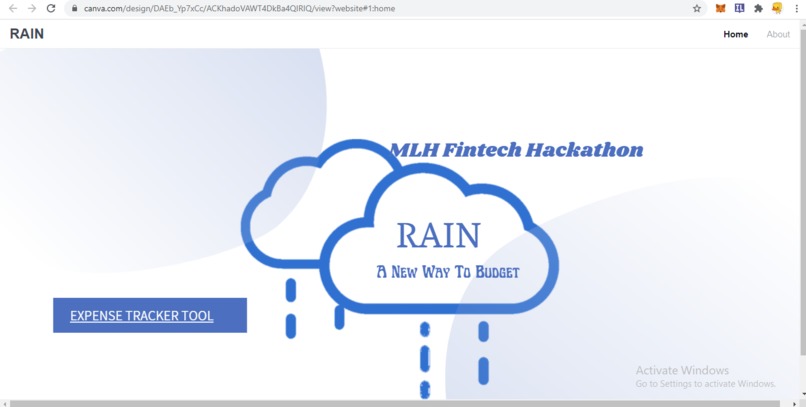
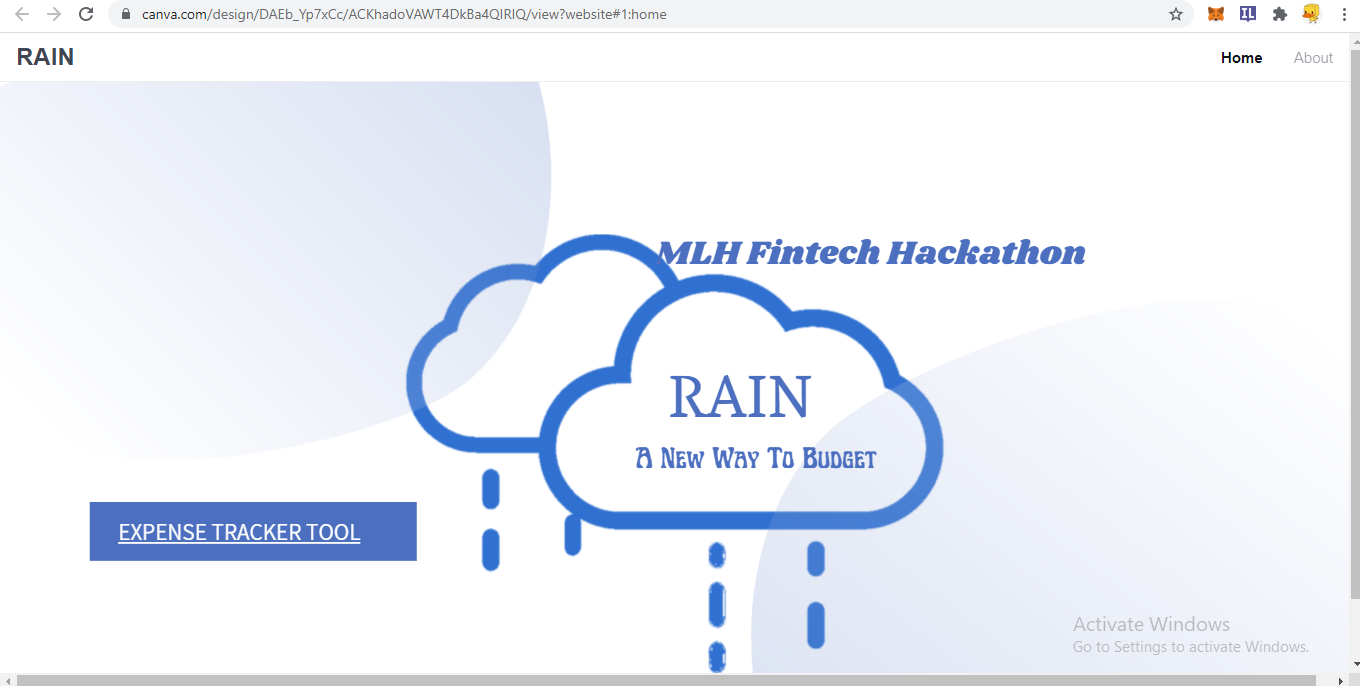
HOME PAGE
-

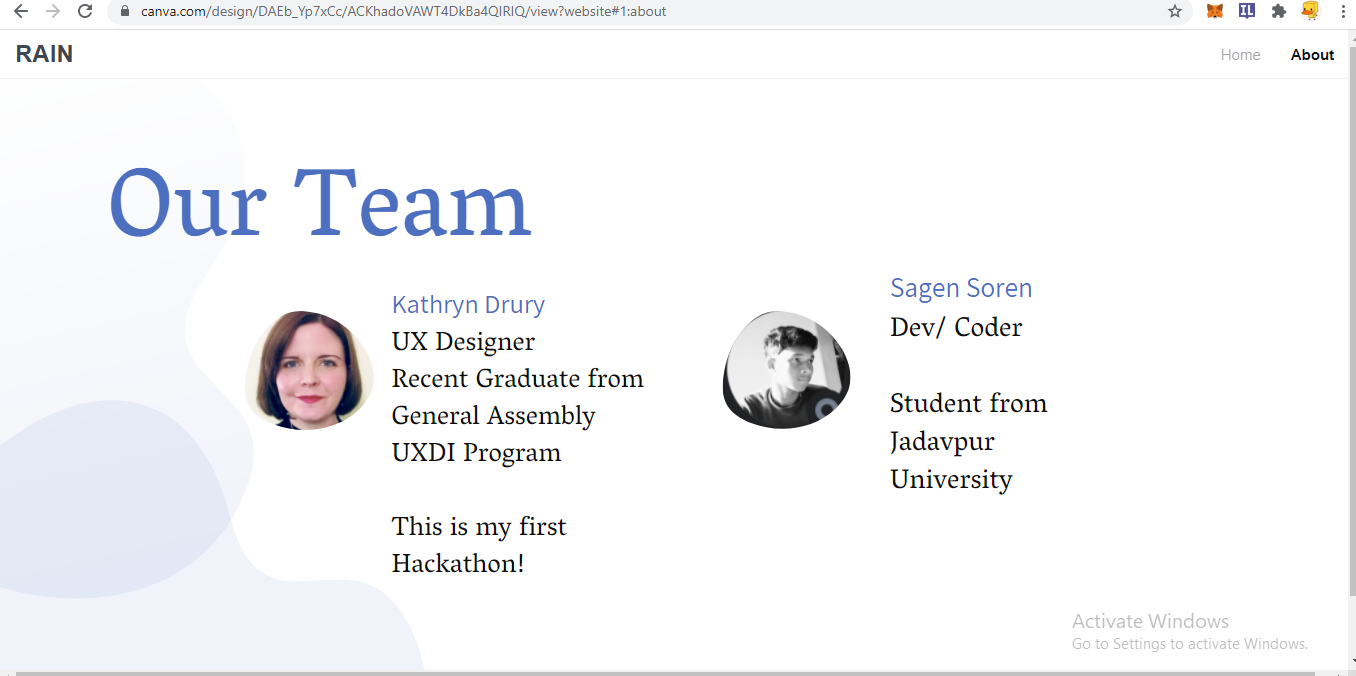
ABOUT
-
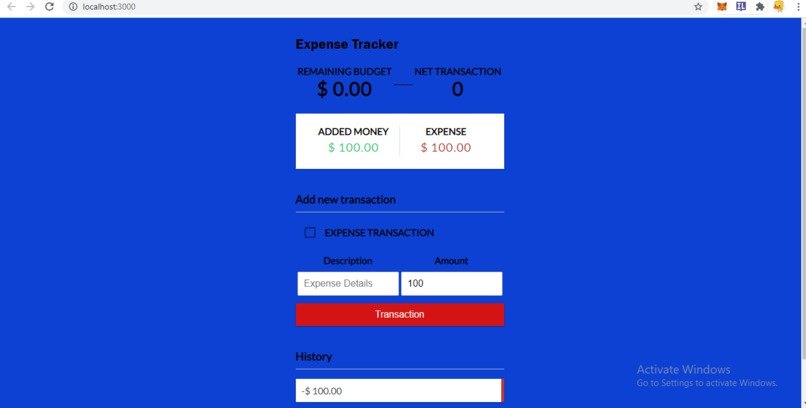
Expense Tracker Tool
-
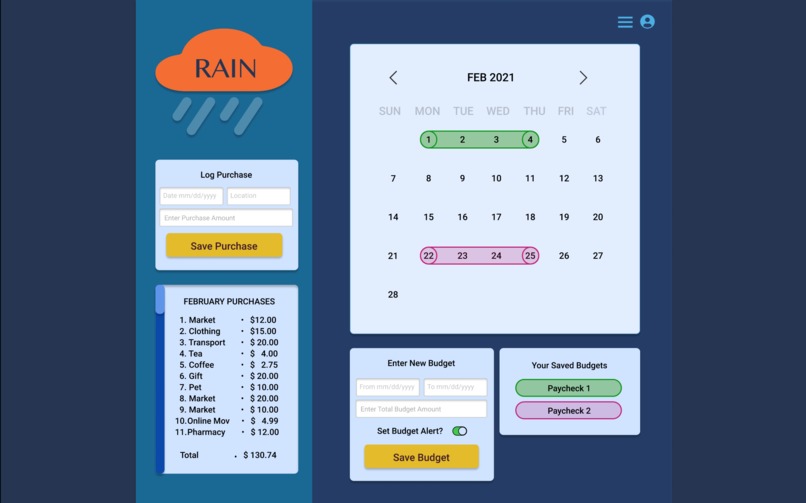
Prototype UI
-
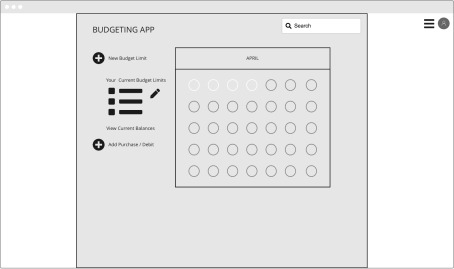
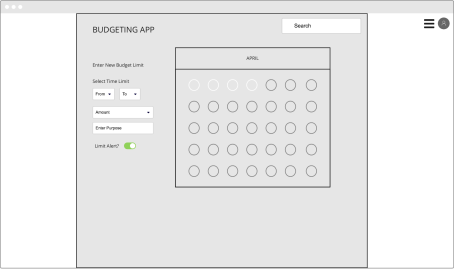
Wireframe 1
-
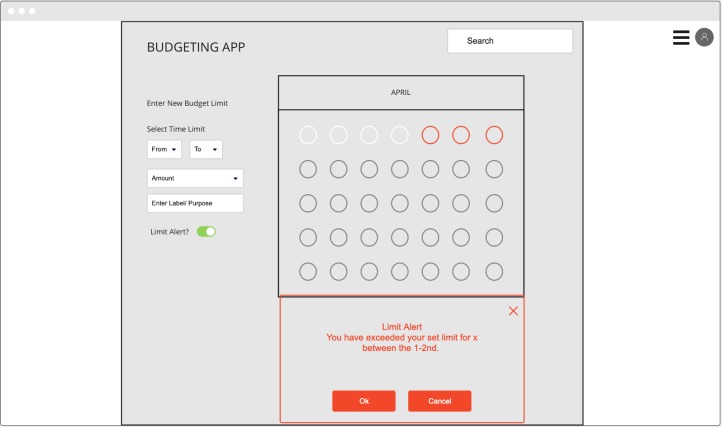
Wireframe 2
-
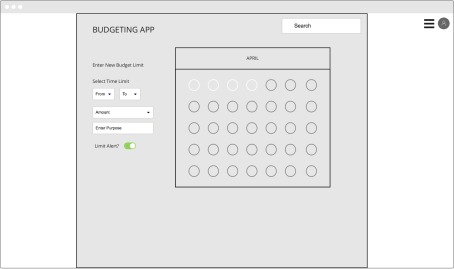
Wireframe 3
The IDEA
We buy a lot of stuffs, consume different types of services on day to day basis. So how about we try to monitor our daily expenses? That would be healthy way to save money. So we present you this basic tool we have designed that can monitor your budget on day to day basis.
Our Story
We were inspired to make Rain because existing budgeting apps do not allow flexibility of budgeting or an alert when a budget is close to being exceeded.
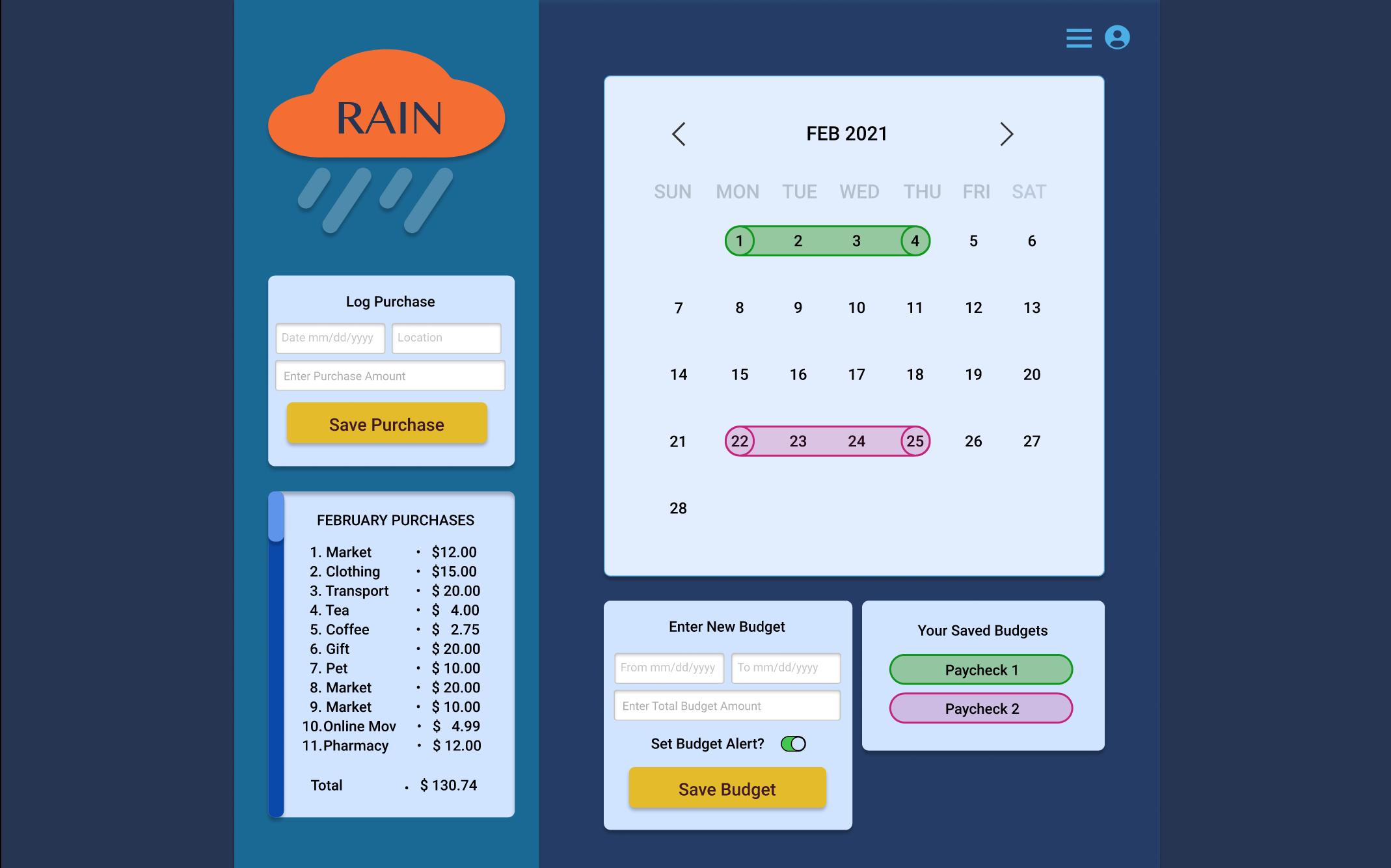
Rain allows users to add multiple budgets per month and assign them to different purposes. Users can set an alert for each budget within a set time frame of their choice to prevent them from going over budget.
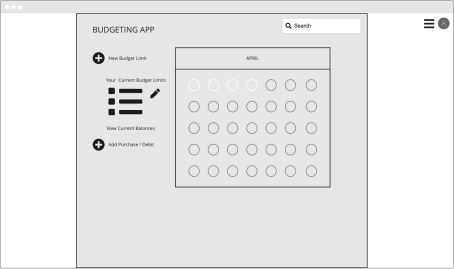
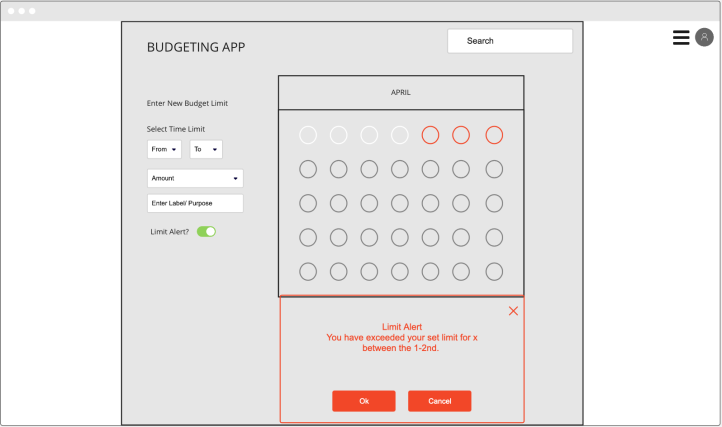
We initially brainstormed ideas via the discord chat, researched other budget apps, created wireframes, then a Figma Prototype. We experimented with using Anima to export the code for the interactive Figma prototype but did not have time to combine this with altered javascript code. Neither of us had experience adapting exported Figma code and developing it into a fully functional web app. Though we learned a lot trying, we decided to create a version of the app with a simplified UI.
We had a lot of fun and pushed ourselves and our skills to learn more.
Kathryn successfully used Anima to export a Figma UI design for the first time for handoff to a dev, gained experience working with Sagen, and enjoyed participating in her first hackathon!
Sagen has learned to use react and deployed the mini daily expense tracker app on Heroku. Kathryn is exceptional in making UI designs though I was not able to implement it fully in this short period.
We want to spend more time combining the UI design with the functionality of the web app. We would also like to build Rain into a completely responsive web app.
Why We Made Rain:
We were inspired to make Rain because existing budgeting apps do not allow flexibility of budgeting or an alert when a budget is close to being exceeded.
What Rain Does:
Rain allows users to add multiple budgets per month and assign them to different purposes. Users can set an alert for each budget within a set time frame of their choice to prevent them from going over budget.
How we created Rain:
We initially brainstormed ideas via the discord chat, researched other budget apps, created wireframes, then a Figma Prototype. We experimented with using Anima to export the code for the interactive Figma prototype but did not have time to combine this with altered javascript code. Neither of us had experience adapting exported Figma code and developing it into a fully functional web app. Though we learned a lot trying, we decided to create a version of the app with a simplified UI.
What We Learned:
We had a lot of fun and pushed ourselves and our skills to learn more. Soren learned about Figma and enjoyed the challenge of coding a web app. Kathryn successfully used Anima to export a Figma UI design for the first time for handoff to a dev, gained experience working with Soren, and enjoyed participating in her first hackathon!
Whats Next For Rain:
We want to spend more time combining the UI design with the functionality of the web app. We would also like to build Rain into a completely responsive web app. This is the project story so far.
Tools
- HTML5
- CSS
- React.js
- Material-ui
- Node.js
- Canva
- Figma
Features
- Mobile First
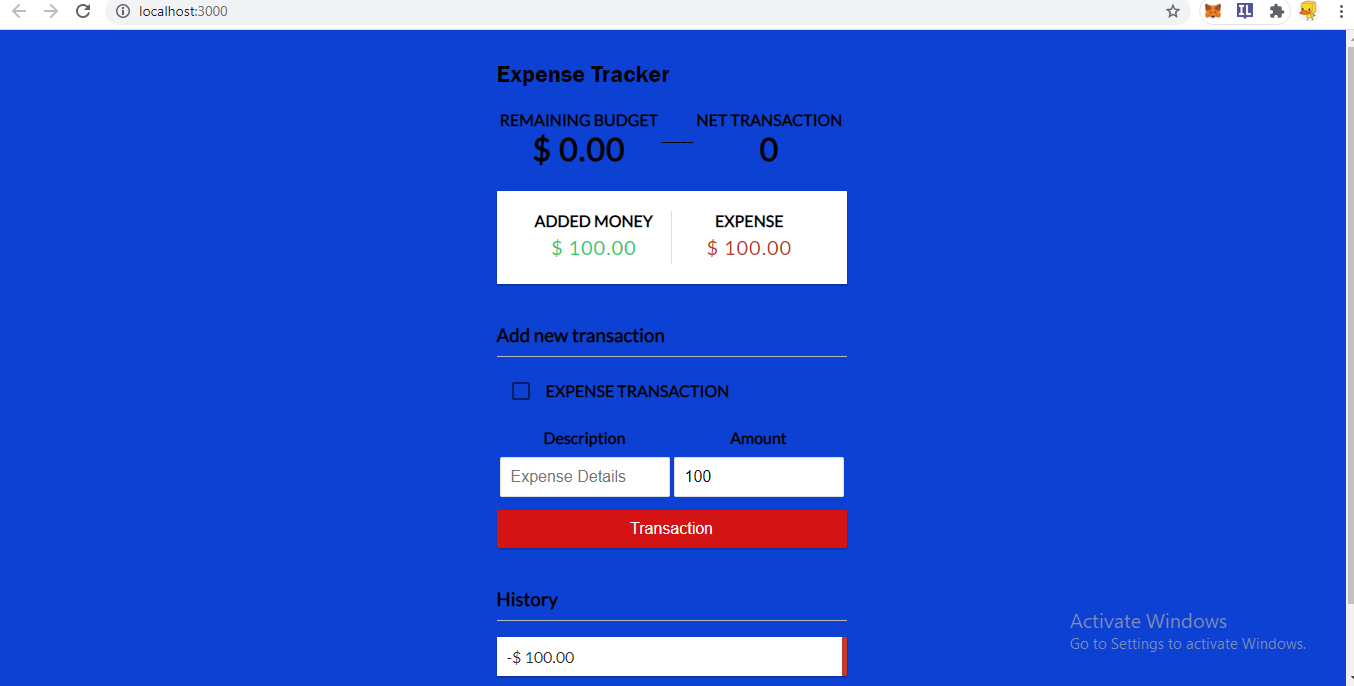
- You can add money transaction which will be linked to your budget
- Amount will be reduced as you make transaction
- WARNING will pop up if you cross your minimum budget value which is 0.00
- Your net transaction will be shown next to it
- History to keep track of your transaction
- You can remove a transaction from history

Log in or sign up for Devpost to join the conversation.