Inspiration
A wooden toy train set is a little machine you build with your hands: lay the track, set a switch, push the train and watch what happens. That loop of build, run and fix is exactly what programming feels like, minus the syntax. We wanted to put that toy on your real table and let you discover code by playing with it, with no keyboard, no controllers and nothing to type.
What it does
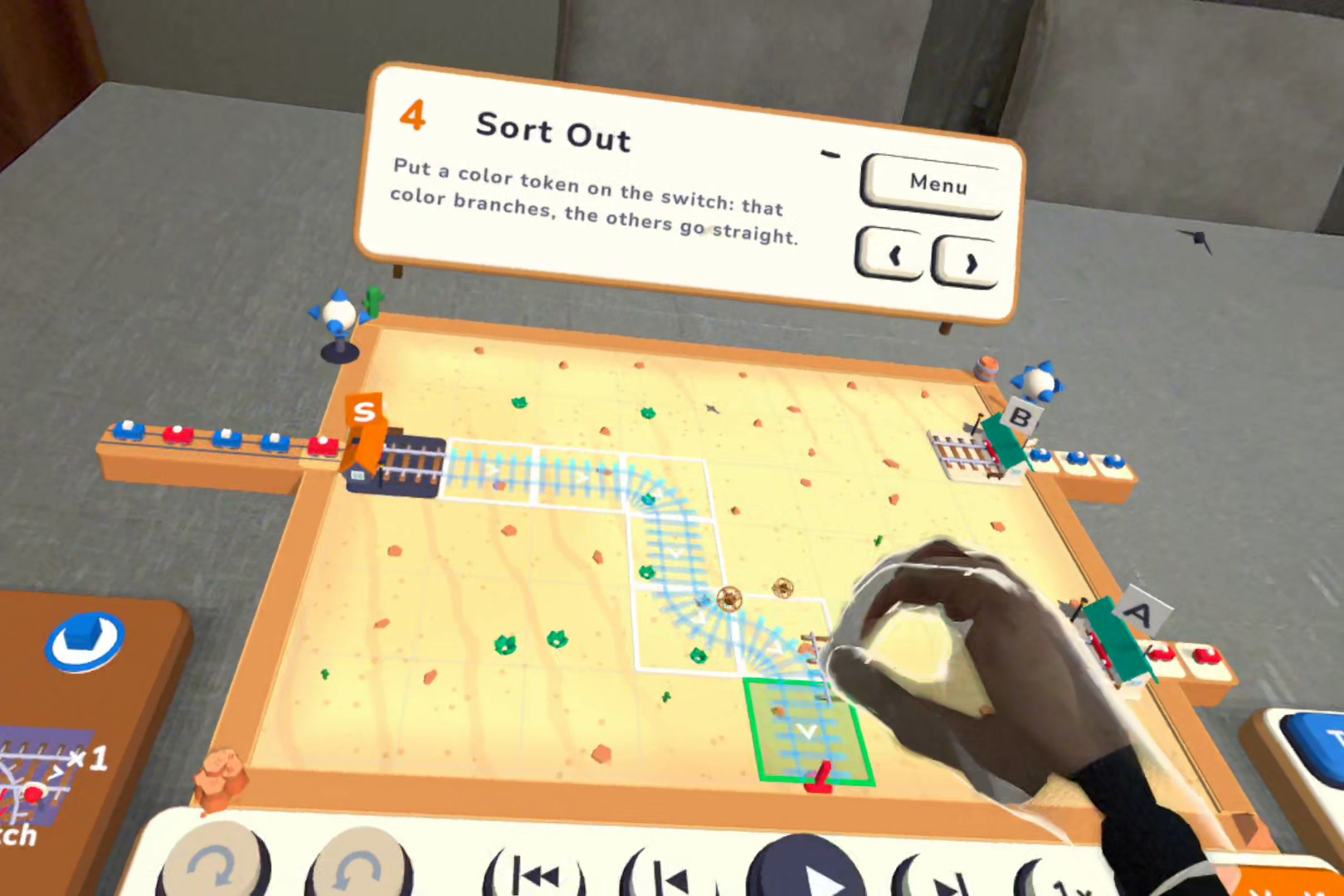
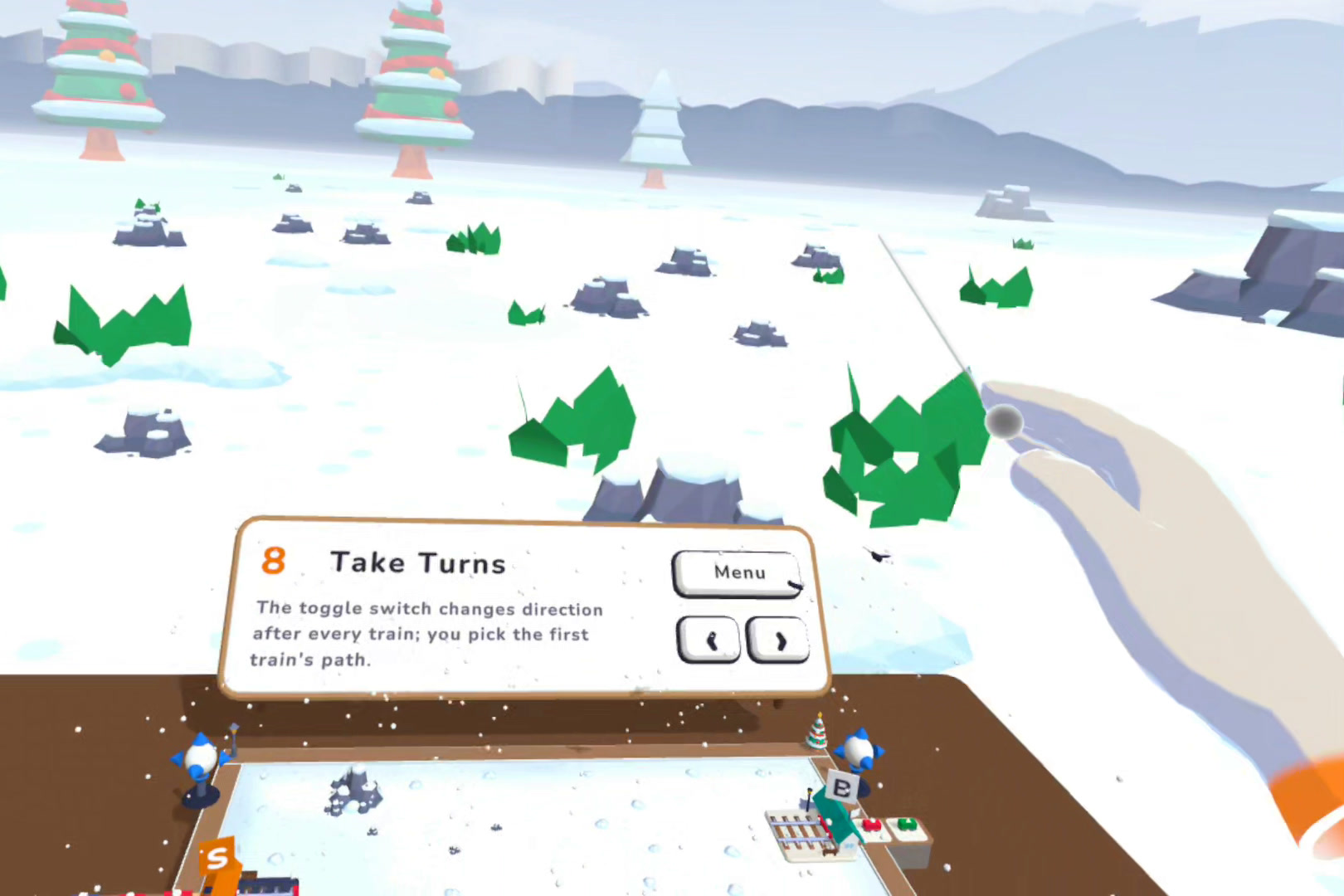
Railcode VR is a mixed-reality puzzle game for Meta Quest 3, played only with your hands. Through passthrough, a toy train board appears in your real room, and you can move it onto your table with its handles.
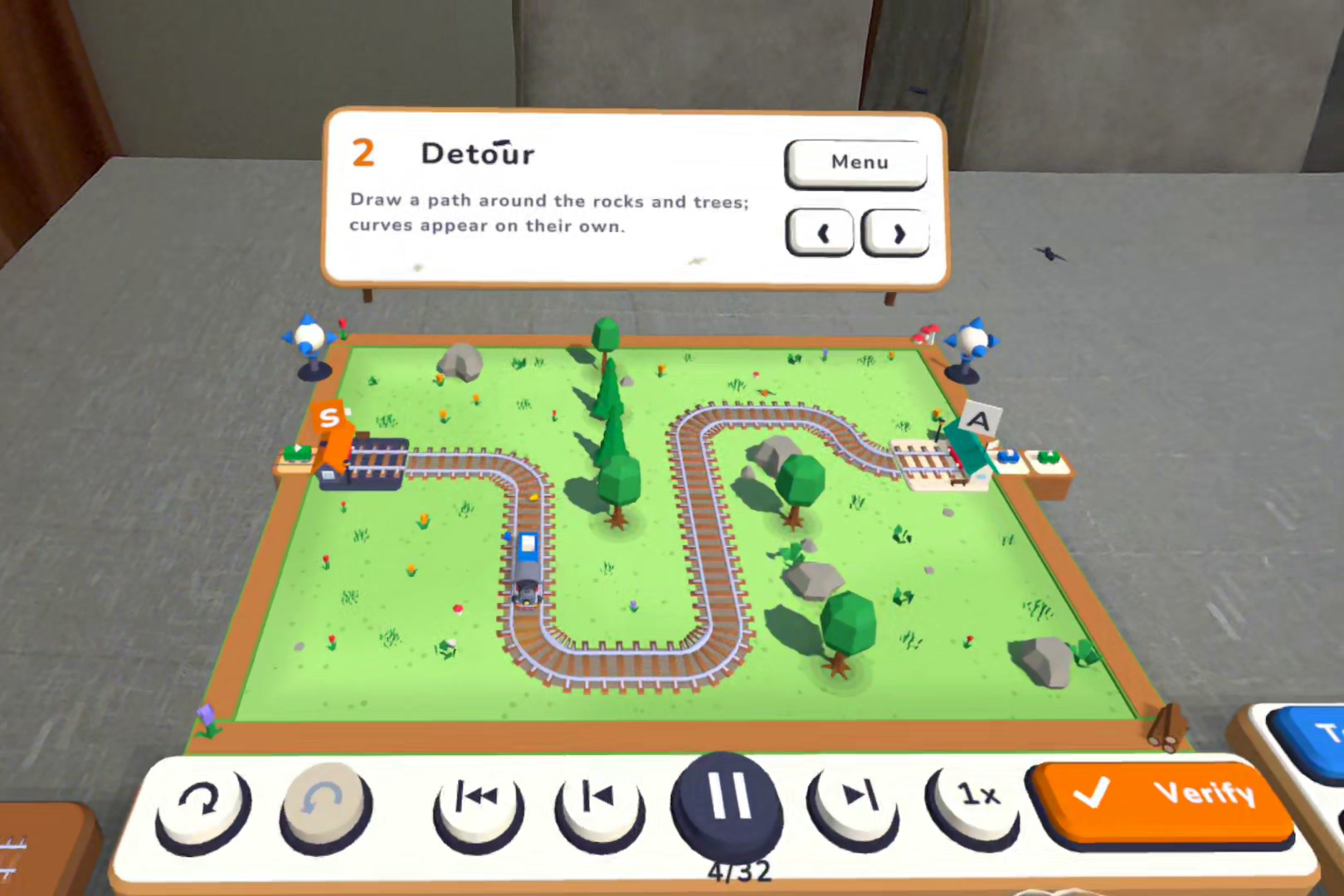
- Build: pinch rails from the tray and draw track cell by cell with your fingertip. Drop switches, counters, paint stations and scrap yards onto the line, and give them color tokens.
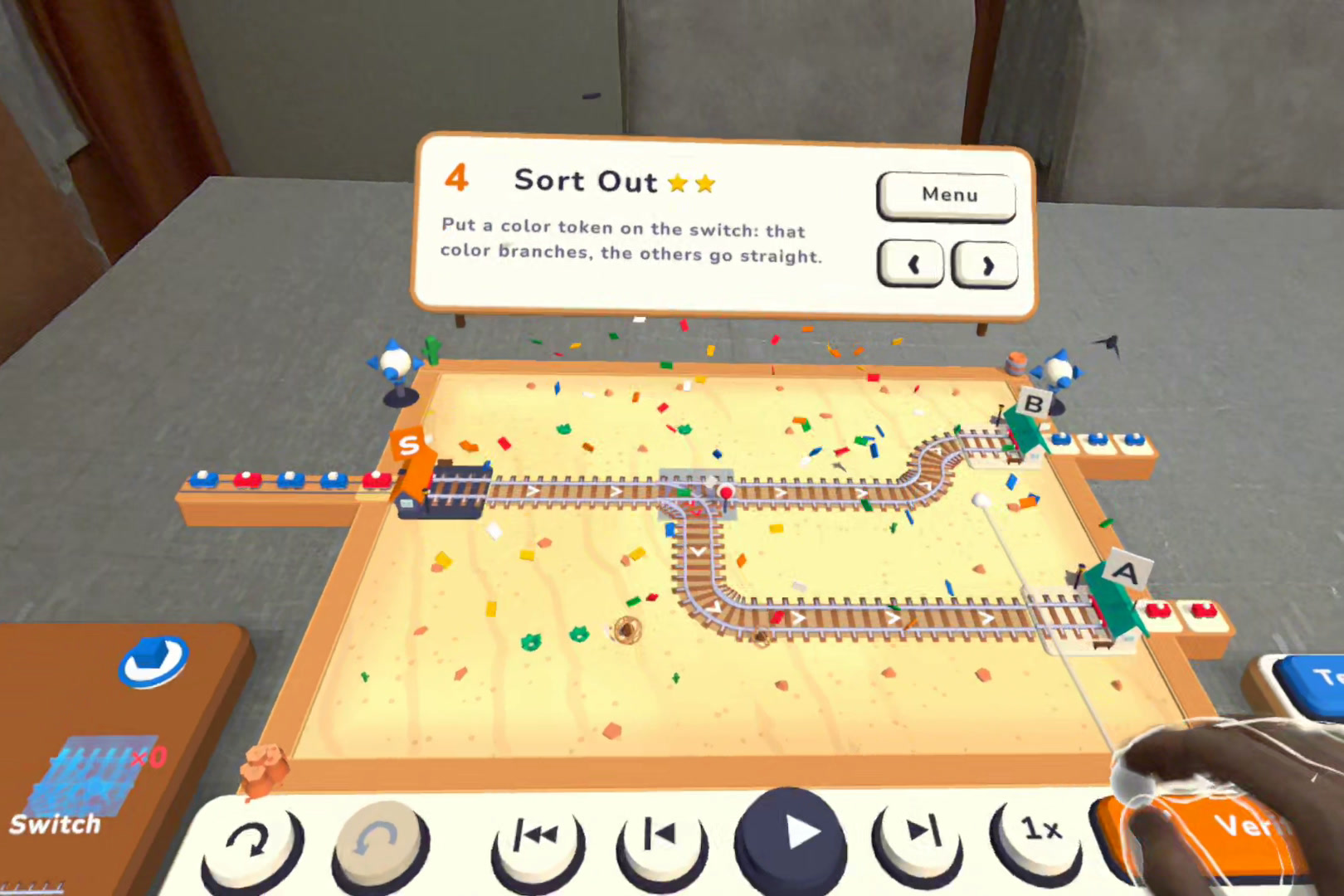
- Run: press play and colored cargo trains roll out of the station. Each one has to reach the right target, in the right order.
- Test: every level sends several different train sequences down your track. A solution only passes if it handles all of them, just like a program has to pass all of its test cases.
Every piece is a programming idea you can see:
| Piece | Idea |
|---|---|
| Color switch | if (cargo == red) |
| Toggle switch | state that alternates |
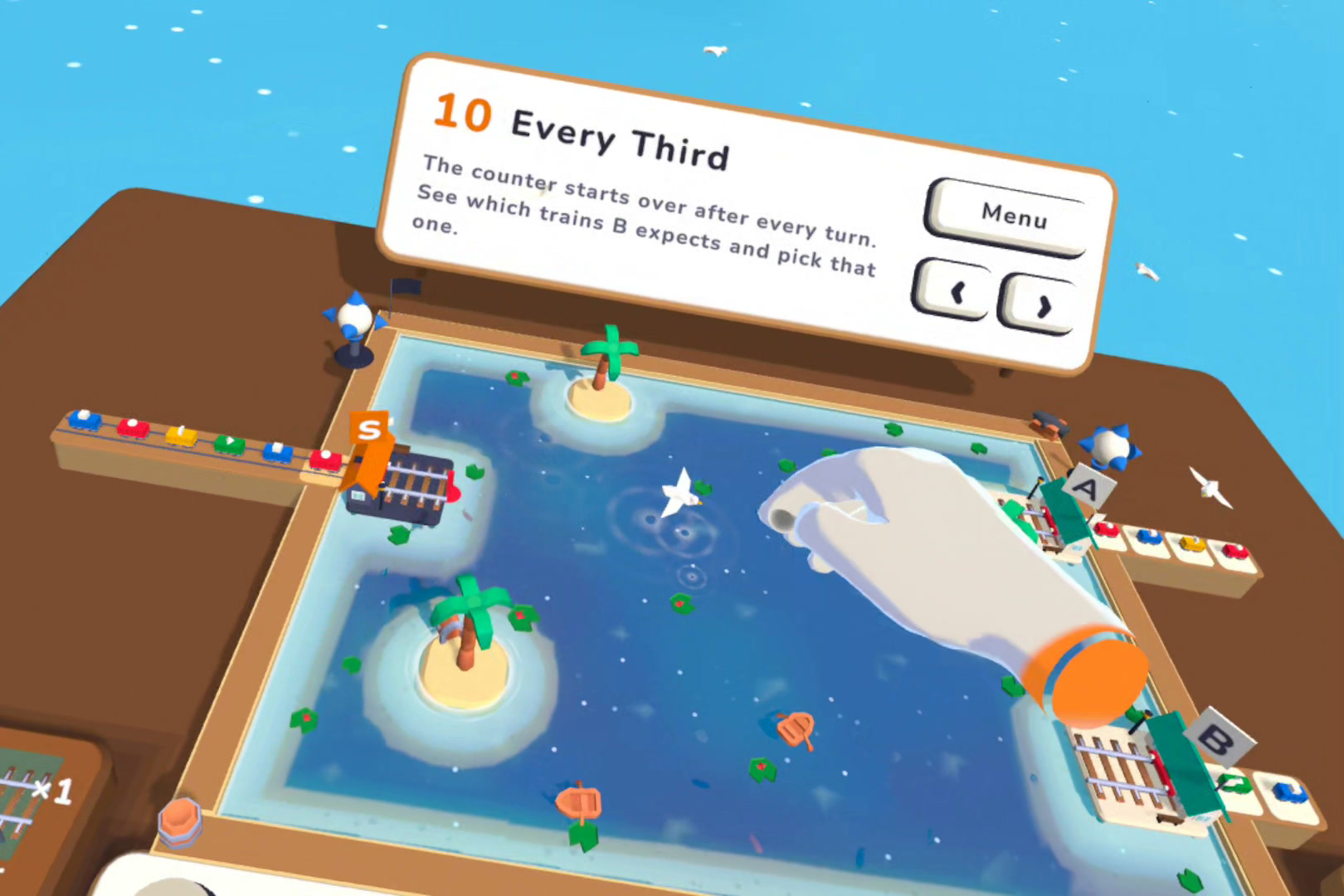
| Counter switch | counting: every n-th train takes the branch |
| Paint station | changing a value |
| Scrap yard | filtering |
| Merge | two paths joining into one |
The counter is plain modular arithmetic: set to n, it sends train k down its branch when
$$k \equiv 0 \pmod{n}$$
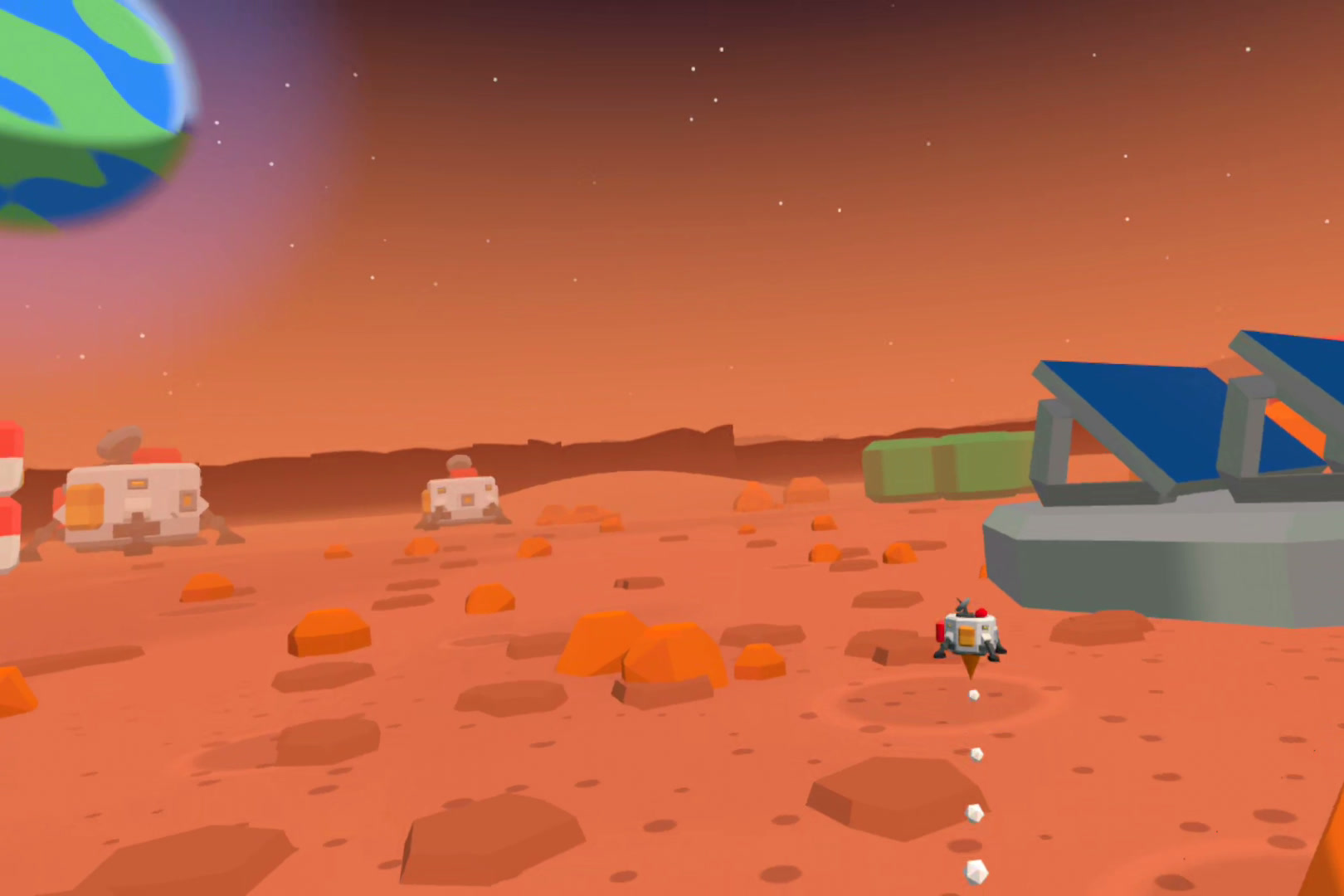
There are 14 levels across six worlds: a meadow, a desert, snow, a harbor, Mars and the Moon. White arrows preview where the trains will go before you run them, and stars reward solutions that use fewer pieces and fewer steps.
How we built it
- Rules first, in a web prototype. We designed the game as a deterministic simulation in TypeScript, with a Three.js tabletop for trying out interactions and Vitest tests for every piece and for every level's reference solution.
- Unity 6 for Quest 3. The game runs on Unity 6 with OpenXR, XR Hands, the XR Interaction Toolkit, AR Foundation and Unity OpenXR: Meta for passthrough and hand tracking. We ported the TypeScript core to C#, and the C# tests mirror the TypeScript ones, so both versions give exactly the same results.
- Made for the headset. All models share one small palette texture, each world's props are baked into combined meshes, and every control is a physical object on the table: push buttons, a tray, handles to move the board, and a ring menu that opens when you tap a piece.
- Assets: Kenney (CC0), KayKit and Synty asset packs, and the hand model from the XR Hands samples.
Challenges we ran into
- Precise input without controllers. The pinch point moves as the fingers close, and hand tracking jitters. A stroke starts on the cell that was highlighted before the pinch, diagonal movements resolve to the cell the hand actually crossed, and distant buttons are pressed with a ray from the hand.
- Turning pieces was confusing. Early versions let you rotate and mirror pieces with a wrist twist or with ring buttons, and in playtests even we got lost. We removed turning completely: pieces now face the way their rails go, and a switch points its free branch towards the station no rail reaches yet. Every level still works, and a test checks that each switch lands in the right shape.
- Reading text in mixed reality. Labels sank into scene objects and stayed behind after panels closed. Titles now float above the board and turn to face your head, and picking an option closes the ring by itself.
- Teaching gestures. Our first demonstration hand, made of spheres and rods, looked bad. We replaced it with a real hand model posed into pinch gestures and baked into meshes.
Accomplishments that we're proud of
- A complete game played only with your hands: no controllers, no keyboard, no typing.
- Players use conditionals, state, counting and test cases without ever reading a definition.
- Automated tests use simulated hands to play and solve every level.
- Six themed worlds on your own table, from a grassy meadow to the surface of the Moon.
What we learned
- With hand tracking, fewer and more forgiving controls beat more options. Removing rotate and mirror made the game easier to play and the levels clearer.
- Physical metaphors (a tray to pick from, buttons to push, a board to grab) need much less explanation than menus.
- A deterministic core with good tests let us change the interaction freely, knowing the puzzles still worked.
- Mixed reality changes layout: everything has to stay readable from a seated position, above both real and virtual objects.
What's next for Railcode VR
- Night levels and new chapters with new pieces.
- More languages.
- A level editor, so players and teachers can make and share their own puzzles.
Built With
- claude
- quest3
- unity
