Inspiration
We've all been there before, a "quick check" on Google turns into endless hours of doomscrolling. Standard screen-time apps are too polite and lock users out of the screen, but this does not address the underlying issue. Hence, we wanted to build something that actually fights back.
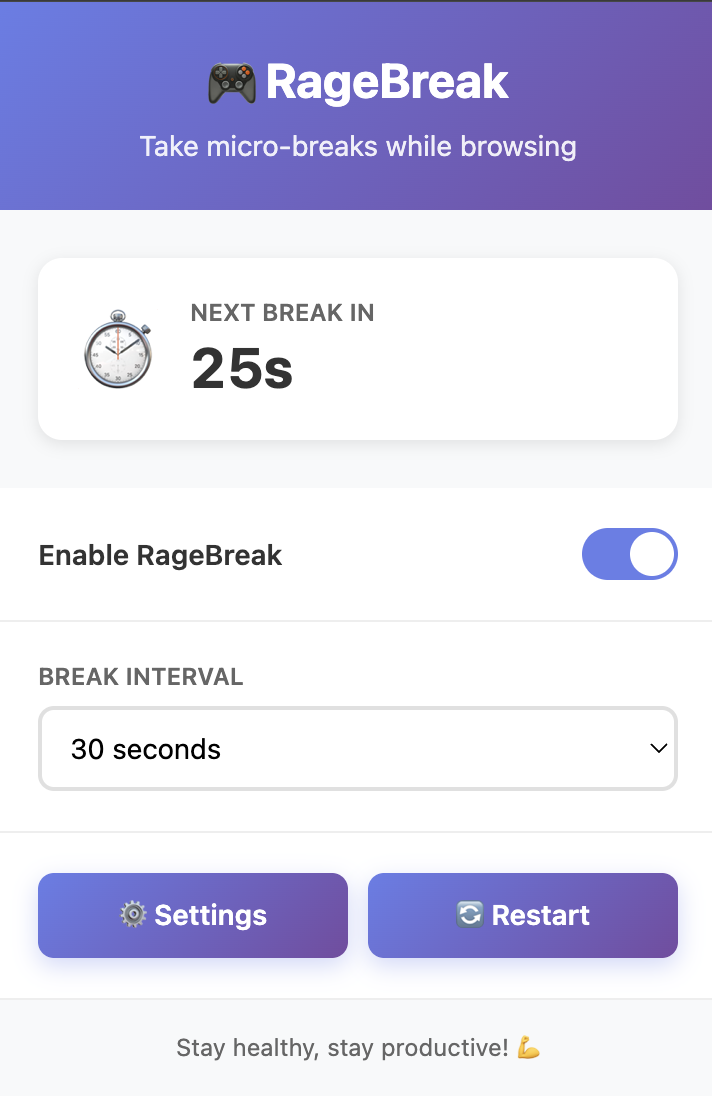
Hence, the creation of RageBreak, a funny twist to conventional screen-time apps. It is a tool that doesn't just ask you to stop, but makes the act of wasting time as annoying as possible. Whether it is a parent trying to keep their kid off their computer, or someone just trying to make their friend's internet experience a living hell, RageBreak will be the right tool for you.
What it does
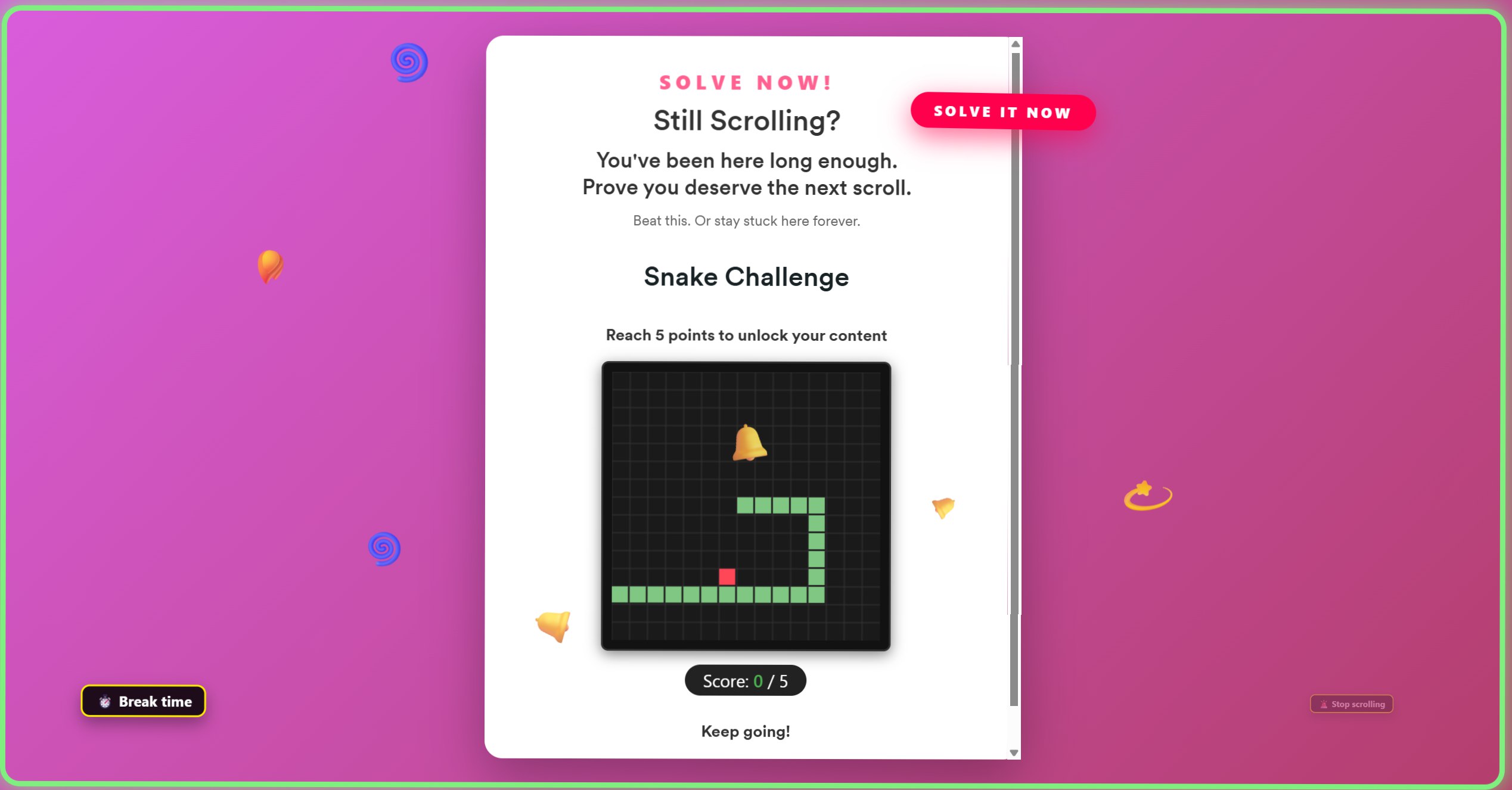
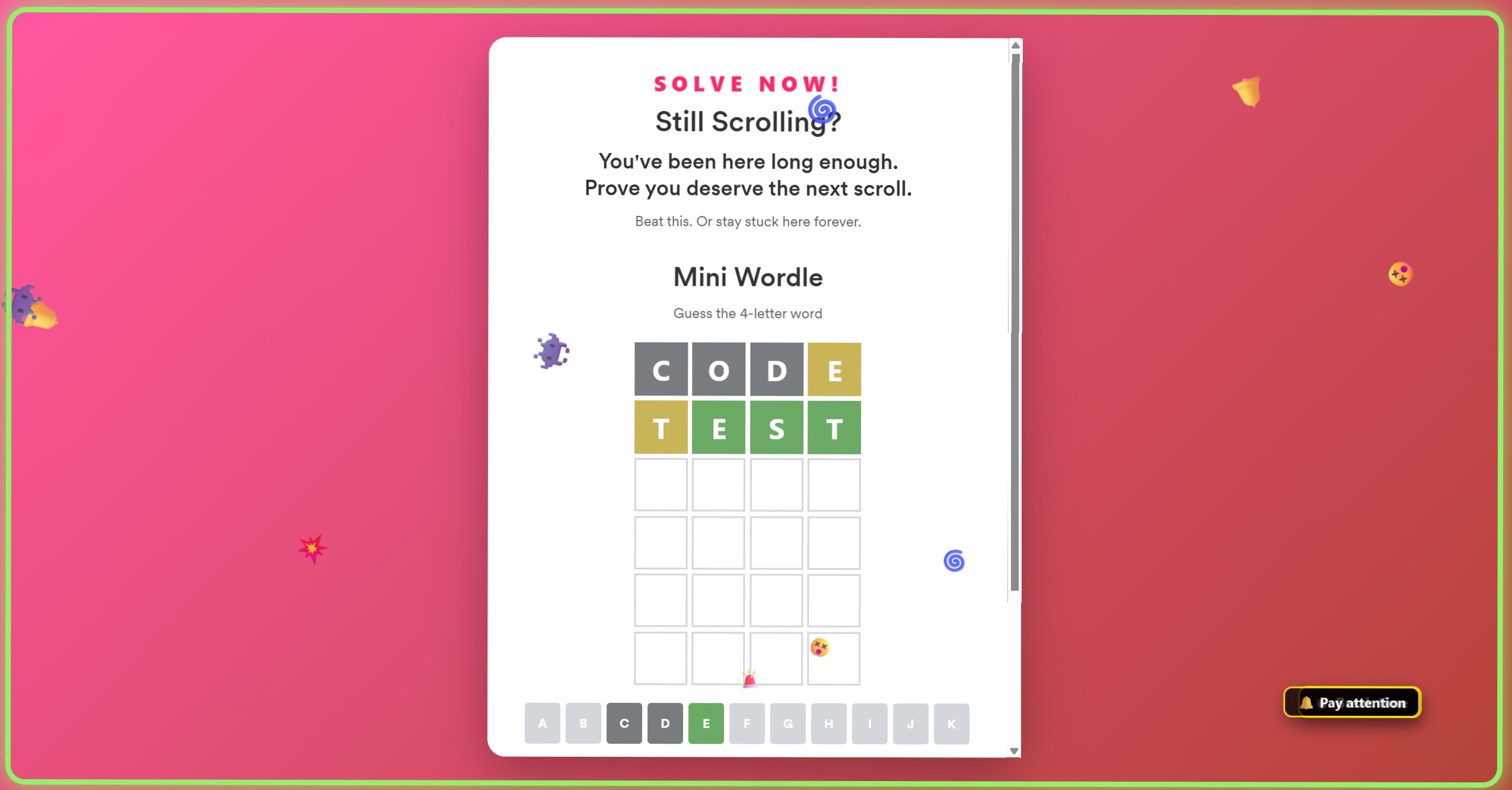
RageBreak is a Chrome extension designed to kill mindless doomscrolling. Instead of a simple timer, it uses an aggressive overlay that hijacks your browser and forces the user to win mini-games to carry on with what they are doing. It was engineered with the sole purpose of transforming your computer usage into a living hell.
How we built it
For the structure of the build, we used a Google Chrome extension. We used Javascript for functionality and CSS for styling. Additionally, we relied on AI with constant human oversight to architect the logic, debug complex edge cases, and ensure the codebase remained robust and functional.
Challenges we ran into
Whenever we hit a curb and were unable to progress, we used AI to help us troubleshoot our problems. While it did help us get closer to what we were envisioning, sometimes the generated code caused confusions further down the line as we were unfamiliar with the generated code.
Accomplishments that we're proud of
As a team, we are proud that we were able to work together so seamlessly in integrating code, while maintaining great communication and enjoying the process. We are also proud to build something that is very annoying. (We had our fair share of interruptions while working on DevPost and GitHub because we forgot to turn the extension off).
What we learned
We learnt how to create a Google chrome extension. We also learnt how to integrate a web cam and detect movements. For most of us, it was also our first time using AI tools to generate code, and so learning how to navigate through that was a good lesson.
What's next for RageBreak
We want to make it more entertaining while also being more annoying. More mini-games will be included in future versions, such as Flappy Bird, Minesweeper, Word Search, etc. Additionally, to make it more annoying, the difficulty will also be higher, so that users will be stuck on RageBreak for longer, and hopefully get more infuriated.

Log in or sign up for Devpost to join the conversation.