-
-
chatbot
Inspiration
I've always struggled with procrastination, often doing the bare minimum and convincing myself that it was enough as an excuse to slack off. However, the one person that would consistently push me to my limits was my brother reminding me to do more. He would ask, "Is this truly your best effort?" and challenge me to be better. Productivity is limitless and you can always do more, be better since there’s always someone half your age and double your skill
The reason we built this bot was because I realised that you can't always have someone by your side and supervising you to make sure that you are truly doing your best and consistently pushing yourself. This is ultimately a solo journey that others may help in but this bot will assist you in this journey as a simple and clear way to marking down your progress.
What it does
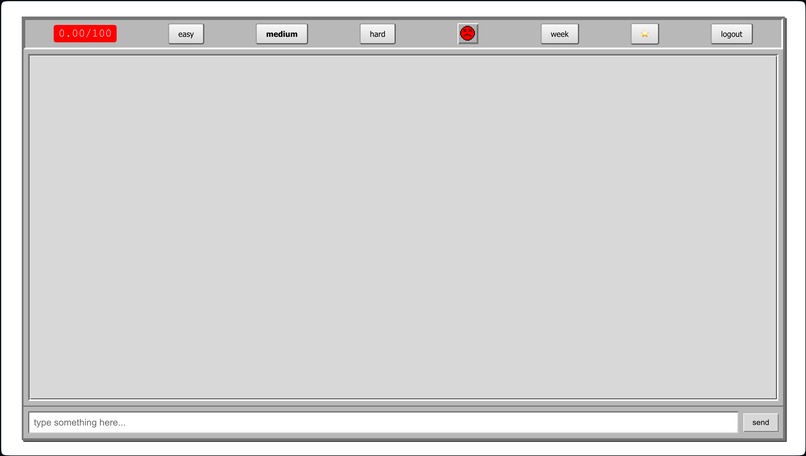
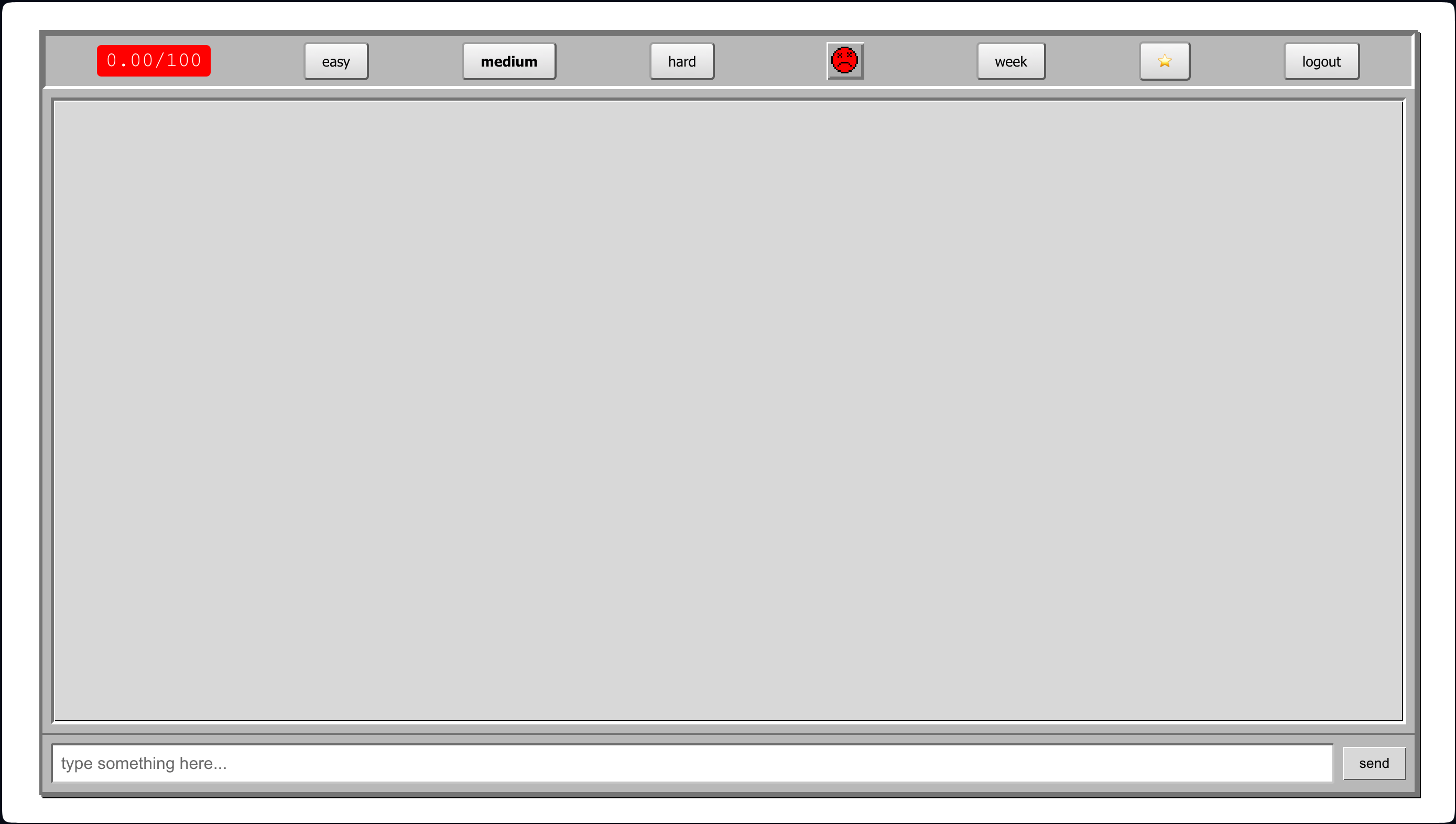
Our RageBot will chat to the user to boost productivity. It is requires the user to send it their standups and what they've done in the day and may send multiple messages as they accomplish their goals throughout the day. Upon sending our accomplishments, our bot will roast the user saying: "C'mon is that really the best you can do? I could do all of this in like 40 minutes" as well as giving a productivity score out of 100 and our emoji sprites will smile or frown or die corresponding to our average daily productivity score. The level of harshness will be scaled by 3 difficulty level buttons ranging from "easy", "medium" and "hard" where easy will be a nice and gentle approach to motivation and hard being harsh and stern.
We also have a week tab in which it displays a short summary as well as the average score achieved for each day of the week. So that users may compare with previous days to see how productive they've been throughout the week.
How we built it
We utilised OpenAI’s GPT-3.5 model api to send queries and receive responses. The chat bot was created using react, displaying our average scores as well as the emoji sprite. Our backend was created using TypeScript to store all the user data and to store the prompts for the model to use.
Challenges we ran into
On Day 1, two of our members had to dropout due to medical reasons thus halving our manpower. Because of this, we had to truncate our ideations and feasible features relative to our workload.
Another challenge was fine tuning the prompts to get the desired personality trait of the easy medium and hard bot so that user's don't change the personality of the bot as well as adhering
Accomplishments that we're proud of
We are proud that we were actually able to create a product with just two members. I think this is a useful tool that when polished could be used by the public especially when we add more features.
Even as a two-man team we also suffered from additional responsibilities in our personal lives which led to less time available towards working on RageBot. However, we are still very happy with the end result despite this.
What we learned
We learned about prompt engineering AI and how it responds to certain prompts and to receive our desired outcome. We learned about how to use the gpt api and link it to our front end and back end. We learned how to prioritise the features that are most important in our website to ensure that the maximum quality was reached given our member count handicap.
How we could improve
- We feel a lot more time, we would be able to flesh out our ideas more thoroughly towards our project to the best of our ability. However, with only around ten hours of work, this was a very hard goal to achieve. Yet, we still very much enjoyed this experience because of how much harder and efficient we had to work because of these pitfalls.
- For future hackathons / projects, we will ensure that our teammates are fit to undergo the time commitments of a hackathon, as we certainly feel that we were undermanned for the job at hand.
What's next for RageBot
Riot Mode: Invite friends to join and create a Riot chat as a group to compete and rage as a collective (hence riot) Web Blocker: Our RageBot will block certain unproductive websites until a user specified score threshold is reached to maximise productivity. Monthly recap: We will colour in each date cell of the month block with colours corresponding to our score such as red, yellow, green (or as a spectrum in between) to give a quick colour analysis of each day.


Log in or sign up for Devpost to join the conversation.