Problem Statement/Inspiration
When we were first presented with this project, we wanted to make sure we tackled a very specific problem. We spoke to Robert from HOPPR who led the workshop for this technical track. He presented us with a few problems we could tackle, one of them being the lack of an accuracy checker in most radiology departments. Many departments rely solely on human inspection of medical imaging. As we all know, humans aren’t perfect. We get sick, fatigued after a long day's work, and lose focus at times. The error rate may be 3-4%, however it increases drastically (up to 30%) in cases of abnormalities. It would help if there was some kind of system used to verify the radiologist's interpretation.
Our Solution
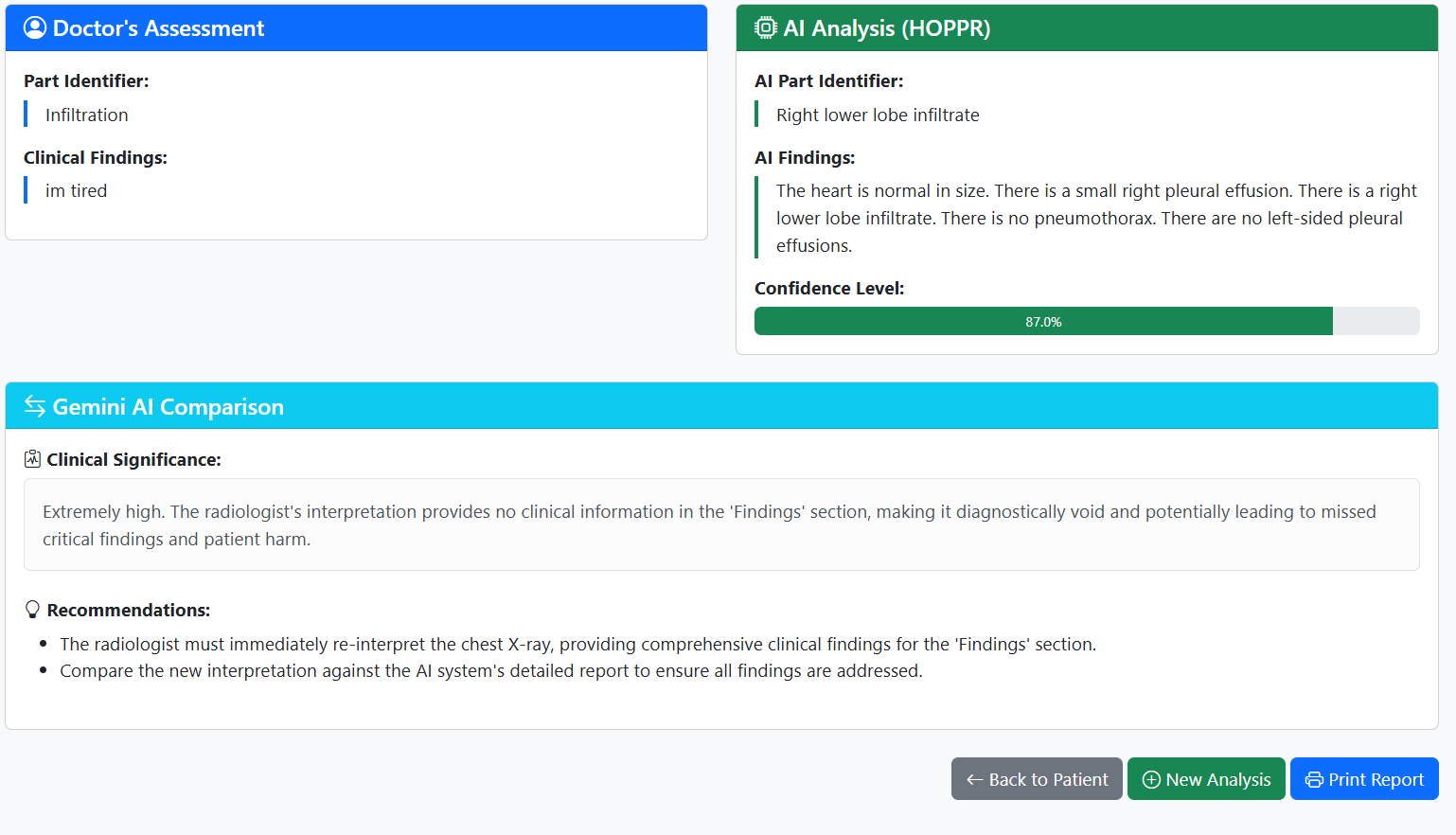
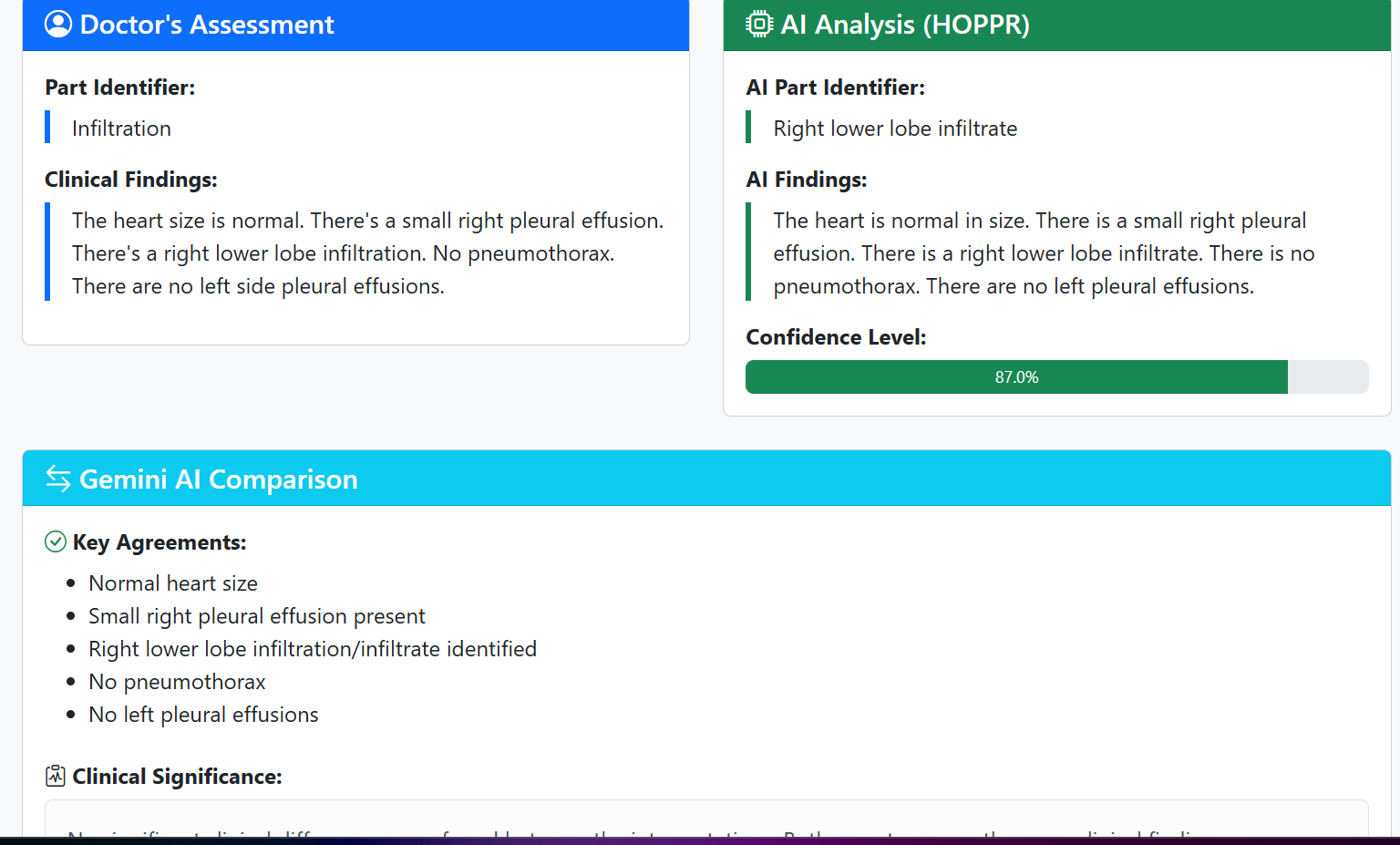
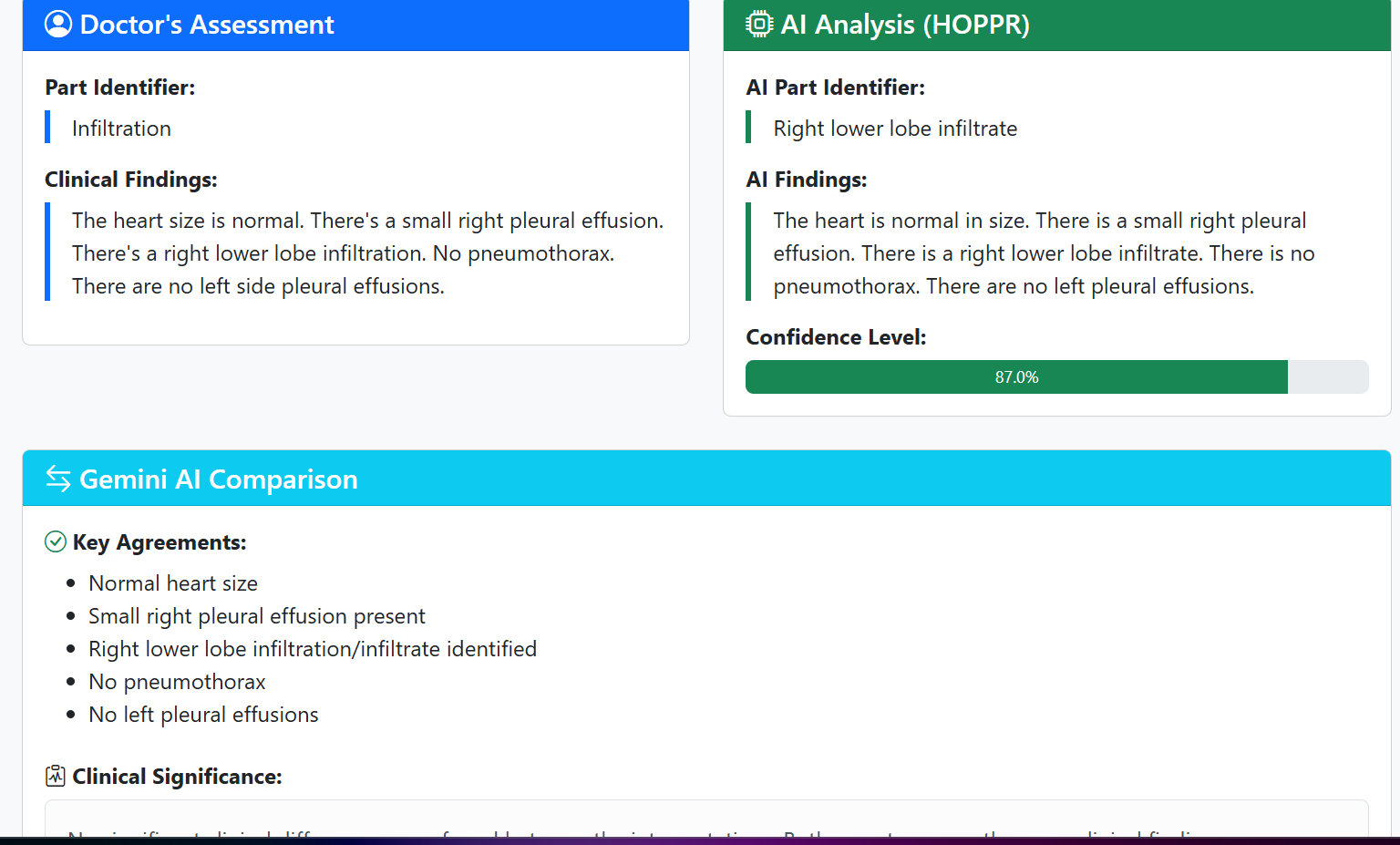
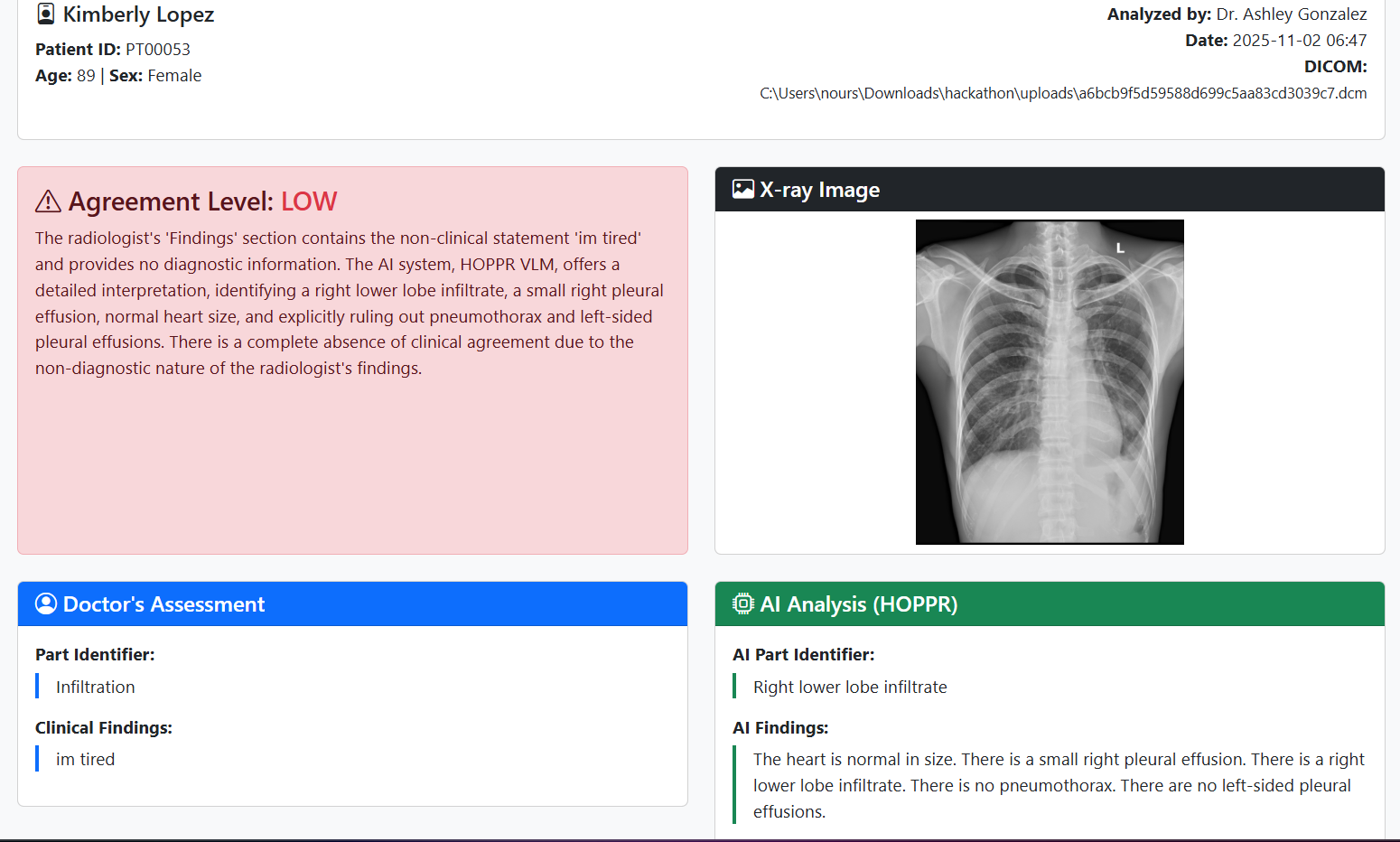
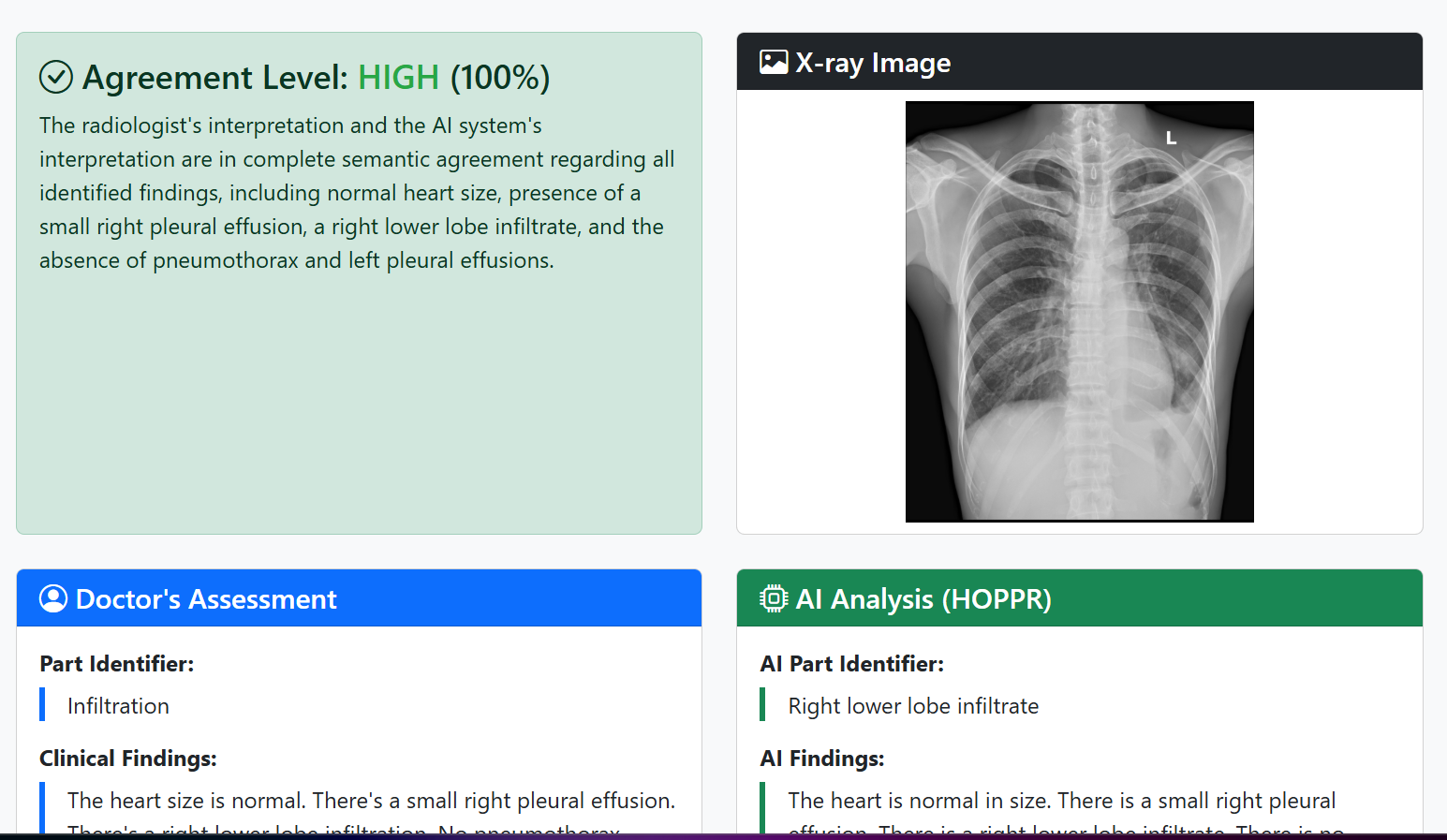
We created a platform, currently in the form of a website for simplicity’s sake, with the purpose of comparing the interpretation from the radiologist to the results of the vlm_demo.py file provided to us by HOPPR. The vlm_demo code takes in a DICOM, analyzes it, and returns what it sees in the image. Using an LLM to compare the interpretations, the platform is able to return a conclusion based on the comparison, stating if it is a match or not. If there is something missing from the radiologist’s input, the platform will flag it, and advise them to recheck letting them know what could be missing. Since we are using an LLM, comparison of two interpretations that don’t match word for word but have the same meaning is not an issue.
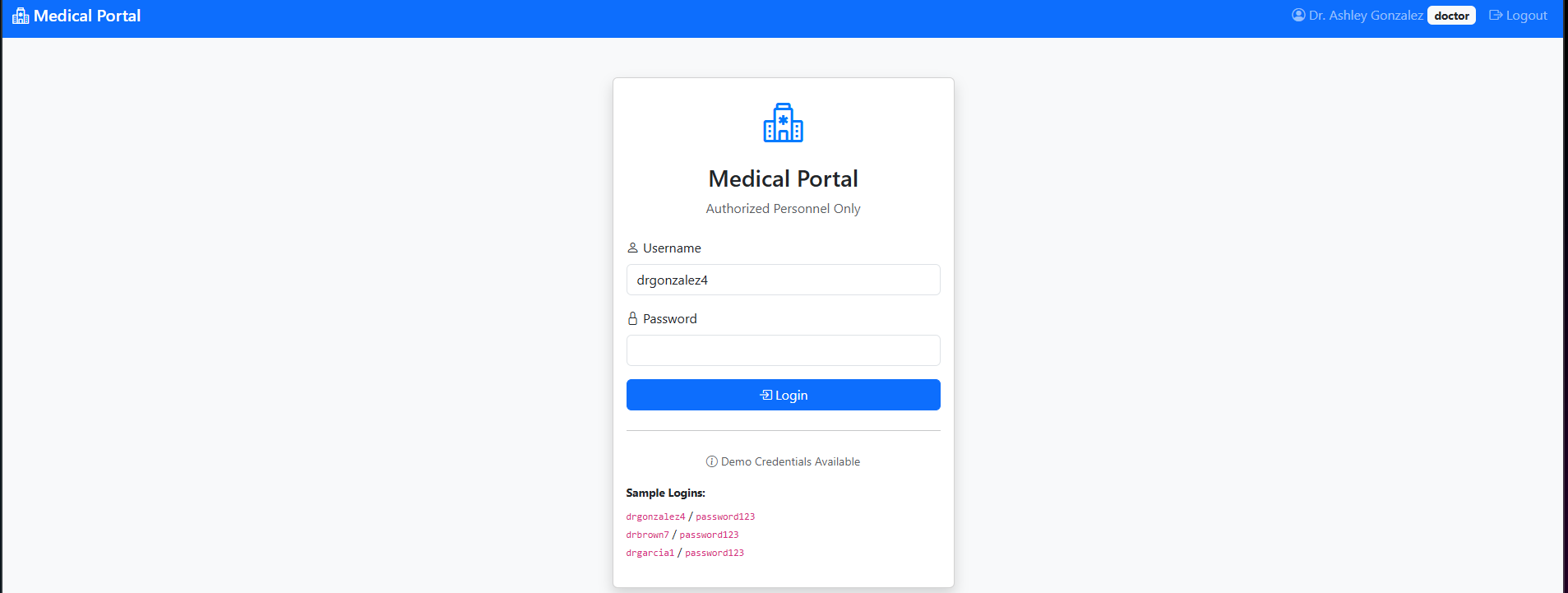
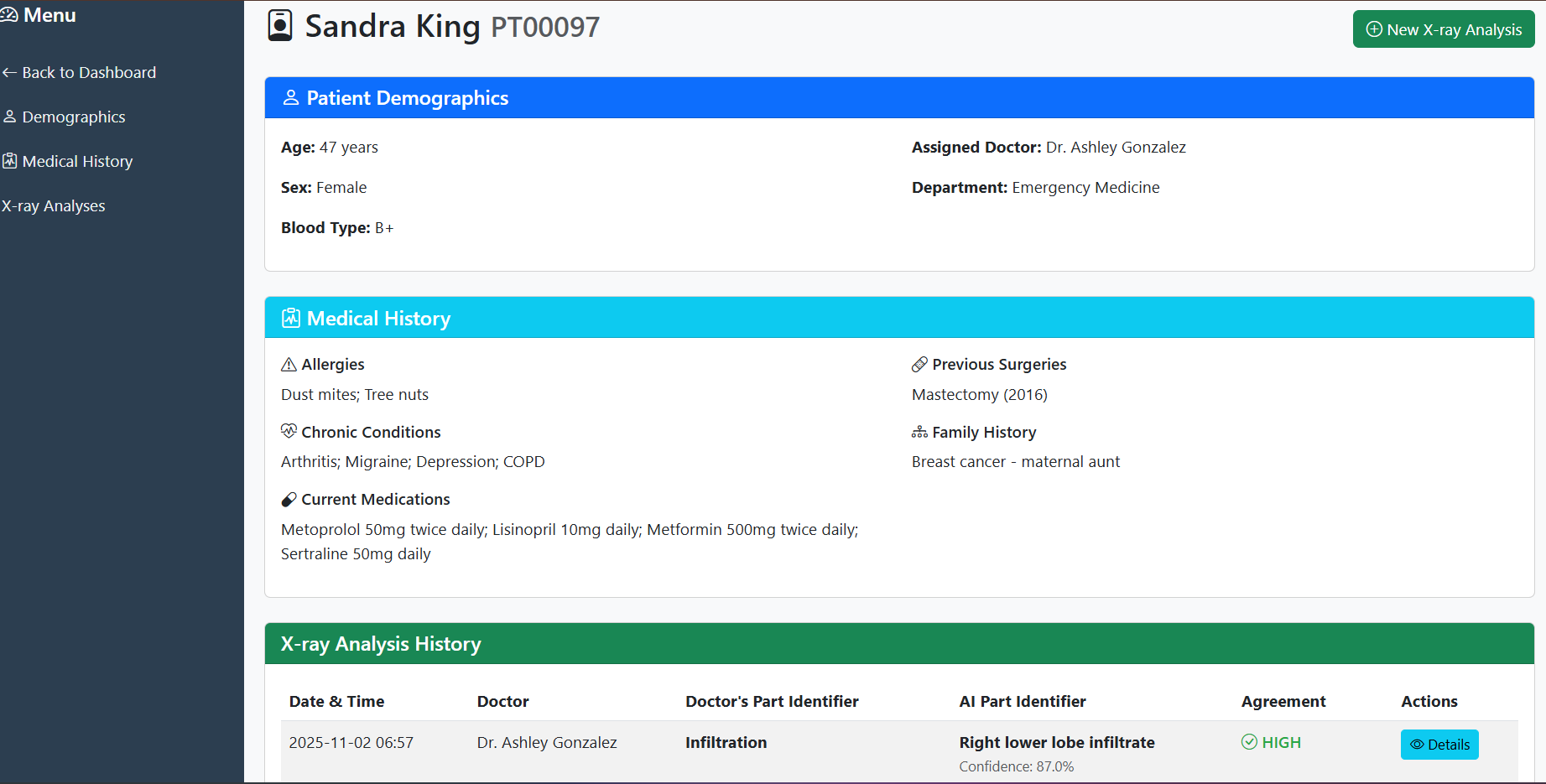
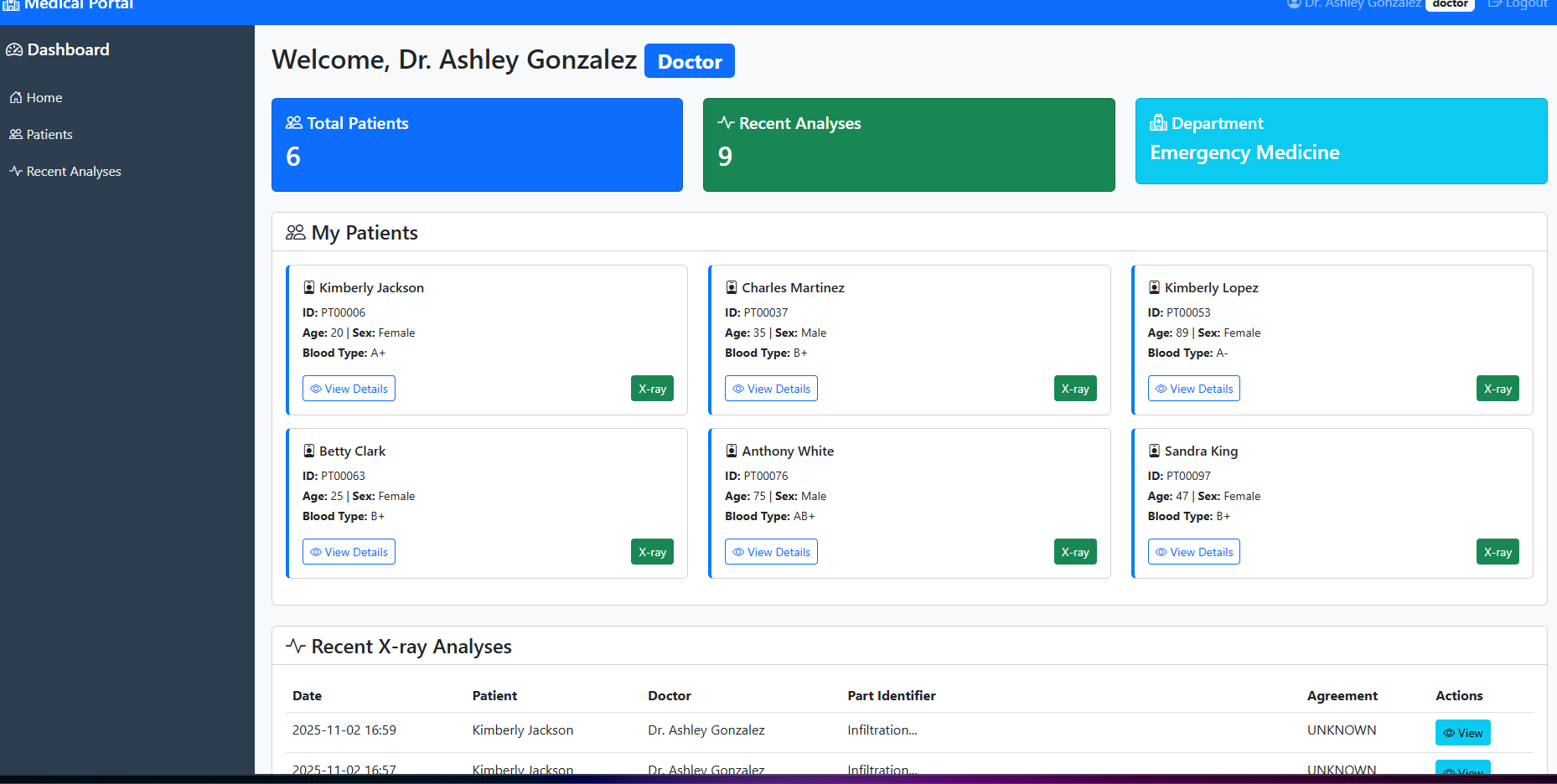
When first opening the website, it will prompt one to login using usernames and passwords we will provide. Then it will take you to the dashboard which contains all the patients belonging to the specific doctor you logged in to. Clicking on the patient will take you to their profile, containing the name demographics and patient history. From this profile, you can click to input a DICOM. This will take you to a screen that will prompt you to place your specific interpretation, then asks you to either pull a file from your computer, or select from the preloaded files. After submitting, it will show you how much of a match your interpretation was, the DICOM image itself, as well as your interpretation and the results from the VLM next to one another for you to compare as well. One important feature to mention as well is the platform will keep a history of all the DICOMs you have imputed for that specific patient.
How we built it (Tech Stack)
After coming up with the idea, we used claud as a tool to set up the backend and frontend of the platform. We input the information about the platform such as the problem statement, our solution, and any major details we wanted to be a part of the platform. It was somewhat a process of trial and error. We would tell claud to add or remove something, then test it out and see how it runs. We first focused on making sure the main tool in the platform ran smoothly. After accomplishing this, we focused on making it user friendly. From making sure things were clear and easy to read, to the colors not being too overwhelming, to the placement of each item on the screen, everything was well thought out.
Tech stack Claud: a series of large language models used to create the platform Gemini API key Vlm_demo.py chat_gpt
Challenges we ran into
We ran into a few challenges along the way. The first challenge we faced was actually making sure the VLM could run properly. We had to make sure everything was installed properly, and that all the paths were aligned properly. Robert helped us a lot in this sense.
After this was figuring out what problem we were trying to handle as well as what solution we wanted for said problem. Took us some time, there were many ideas thrown out and there were a few times where we had to start over. However, I’m proud to say we overcame the challenge.
Next was getting the Gemini Api key used to work. With a long time of trial and error, and some back and forth with claud, we were able to figure out which specific AI model should be used.
Another challenge we faced was making sure the tool itself ran properly and presented the information properly, however in the end we figured it out.
What's next for Medical Portal:
Creating an app that can be used only in hospital settings Having the option to create an account using hospital credentials The history stating what type of scan it is

Log in or sign up for Devpost to join the conversation.