-
-
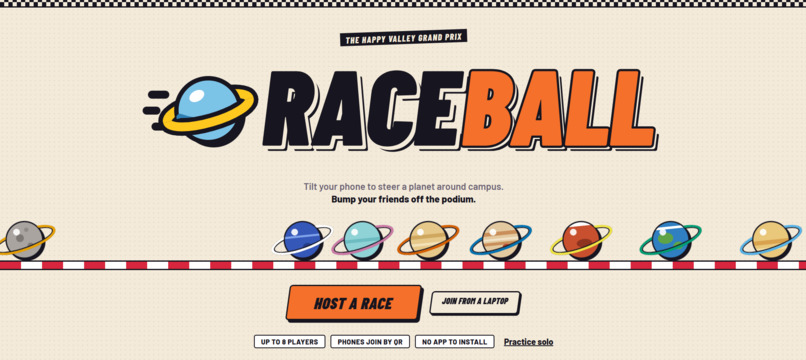
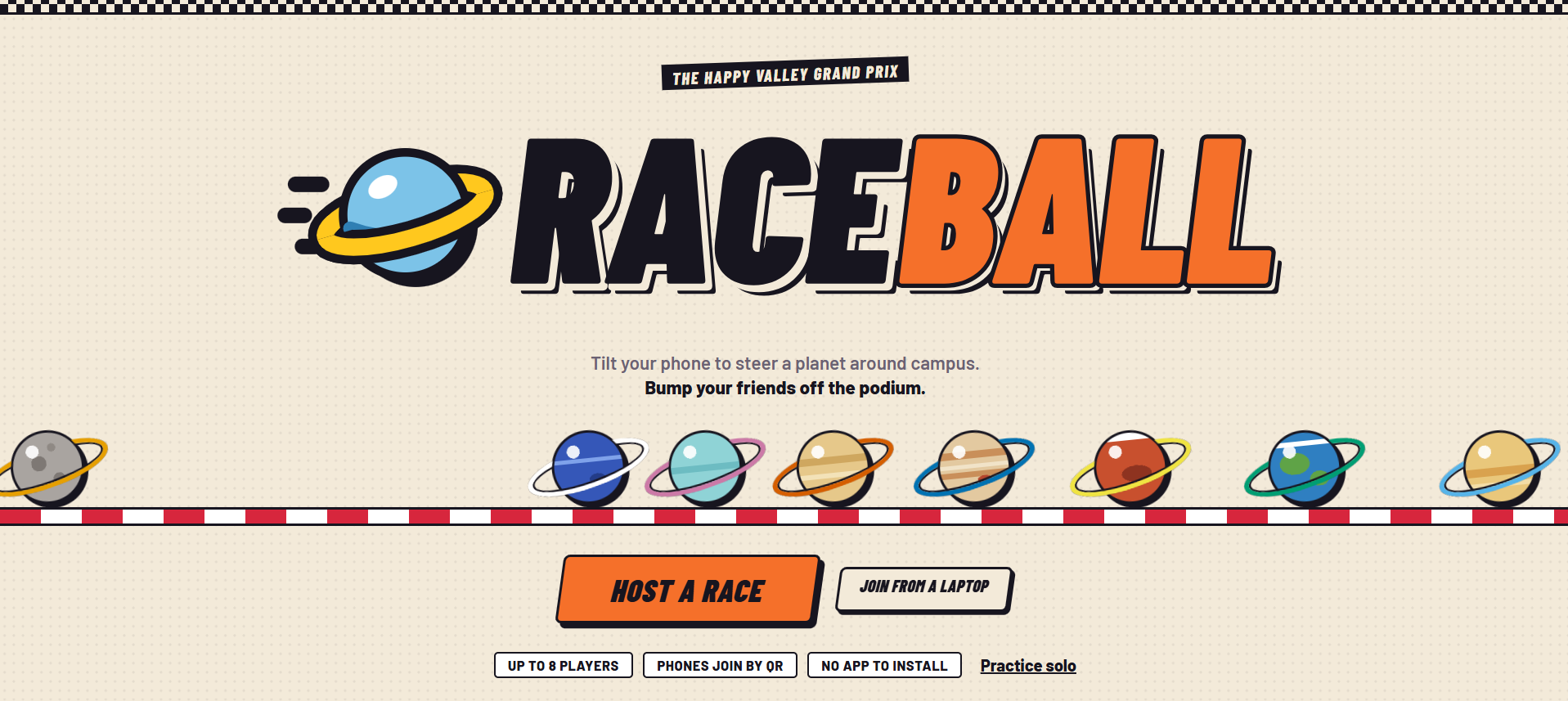
Web App Home Page
-
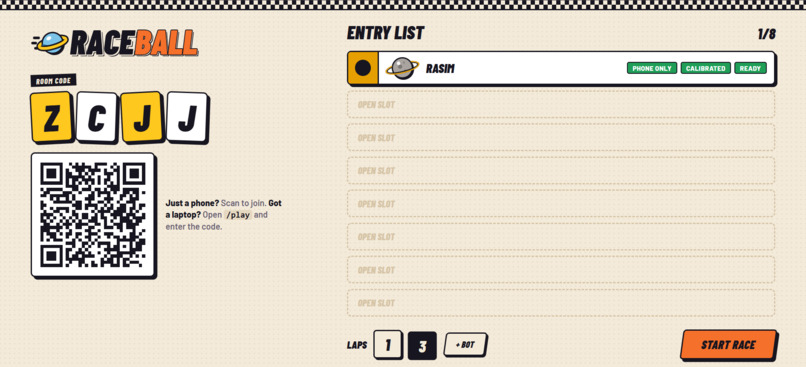
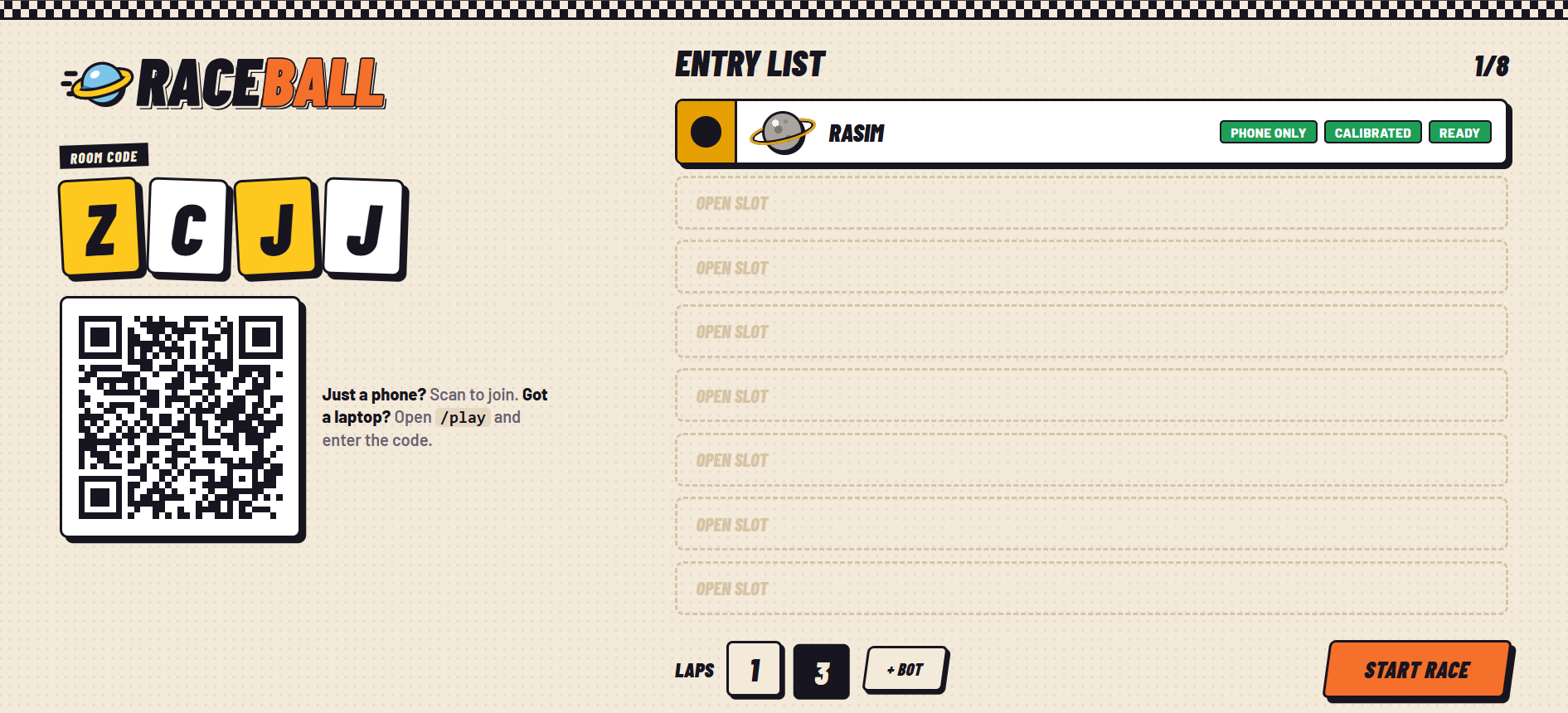
Scan QR Page and Team up
-
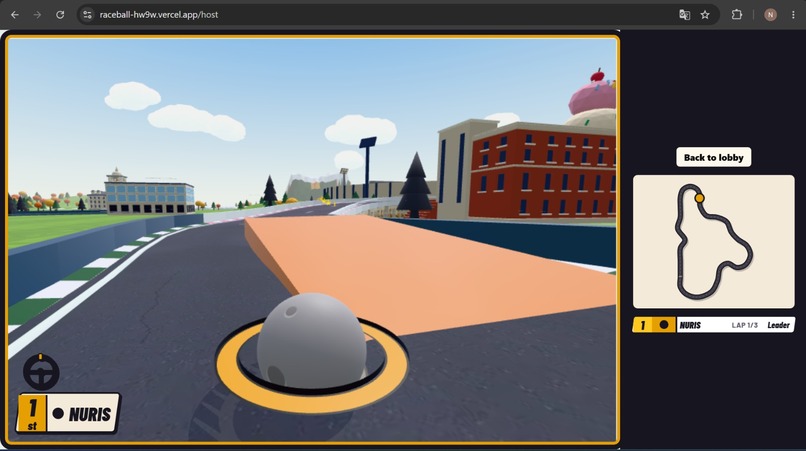
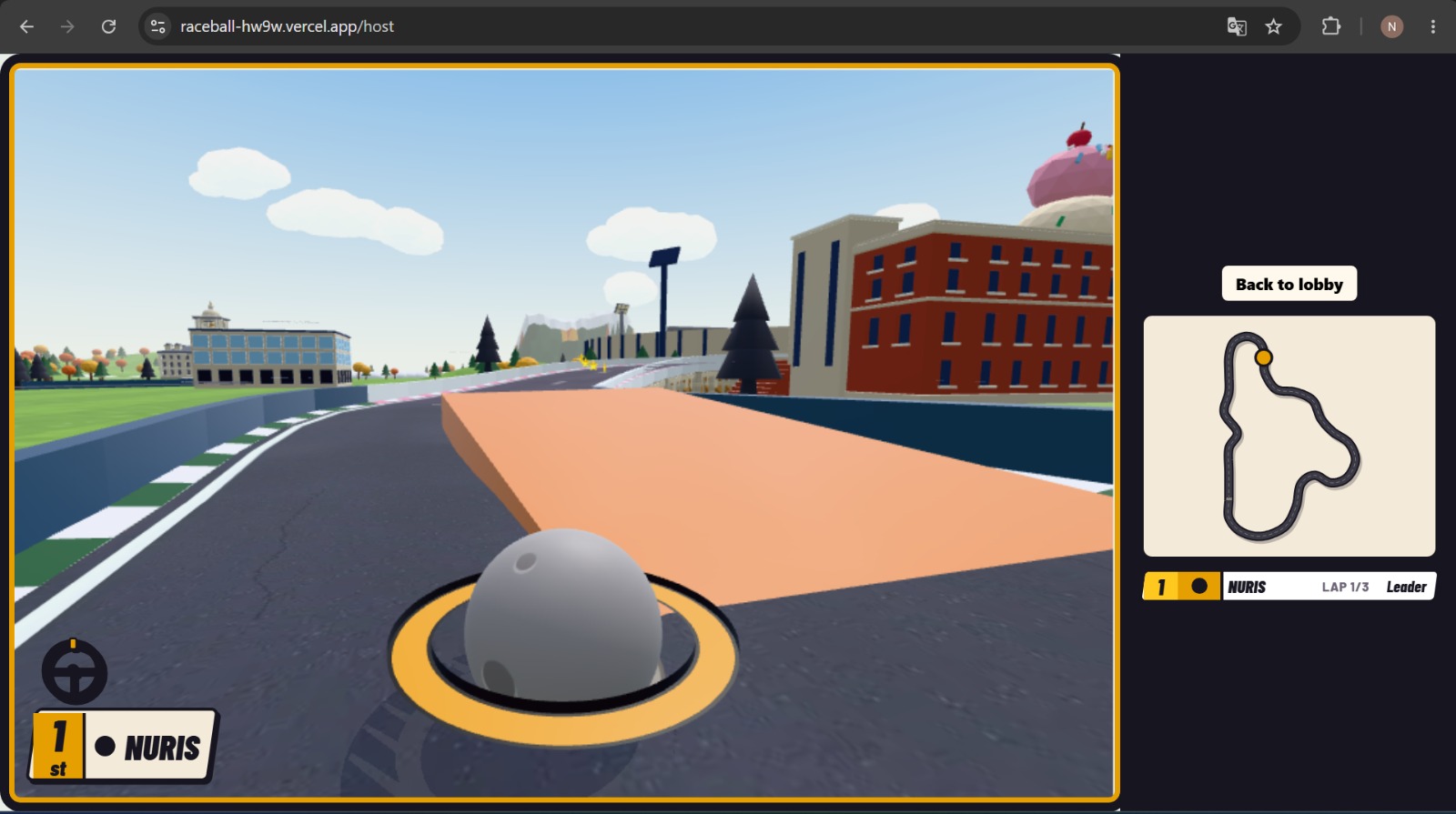
Game
Inspiration
Not every kid has a console or a gaming PC at home. A lot of families have one shared laptop and a phone in every pocket, though. We wanted a racing game that needs nothing more than that: open a web page on Dad’s laptop, scan a QR code with your phone and you’re racing. Nothing to buy, nothing to install, no accounts.
Then we looked at the phone in our hands and realized it’s already a steering wheel. Hold it sideways, tilt to turn, hold your thumb down for gas. Anyone who has ever pretended to drive knows how to play, from a seven-year-old to a grandparent, with no buttons to learn first.
HackPSU’s theme this year is space, so every racer is a planet, from Mercury to Neptune. The track is a toy-sized Penn State, rolling past Old Main, the Lion Shrine, the Creamery and Beaver Stadium. Up to eight people can race on one screen, so it works for a family on a Friday night or a dorm lounge on a game day.
What it does
RaceBall is a planet-racing party game for 4–8 players. All you need is a phone.
- Join in seconds: The big screen shows a room code and a QR code. Scan it, pick your planet (Mercury through Neptune, one per player), and your phone becomes a steering wheel. Nothing to install.
- Your phone is the controller: Hold it like a wheel and tilt to steer. Hold your right thumb down for gas and your left for brake. Shake the phone to fire items.
- Race the Happy Valley Grand Prix: It's a 1.1 km loop through a stylized Penn State, past Old Main, Pattee Library, the Lion Shrine, the Creamery and Beaver Stadium. Each section has its own mechanic: library-step bounces, a banked jump at the Lion Shrine, a cone ramp and puddles at the Creamery, a stadium tunnel, and boost pads on College Ave.
- Bump your rivals off the track: Real ball physics makes the bumping work, and campus-themed items help: Blue & White Boost, Lion Roar (a shockwave that blasts nearby players away), and Creamery Spill (a slippery puddle you leave behind).
- Two kinds of screens: Players with a laptop get their own chase camera. The shared big screen works like a sports broadcast, with a live track map, standings, and follow-cams for phone-only players.
- At the end you get a podium, a brag card, and session stats (wins, best lap) that carry over between rematches.
How we built it
- TypeScript monorepo: one language and one shared protocol for the server, screens and phone controller.
- Server: Colyseus on Railway, running the only physics simulation (Rapier) at 60 Hz. Phones send inputs, and every screen draws the same race, so nothing gets out of sync.
- Phone controller: a lightweight web page that turns tilt into steering, with filtering, calibration and shake detection to fire items.
- 3D and UI: Babylon.js for the game, React for the menus, and a Penn State track built in Blender with Python scripts.
- Hosting: Vercel for the web pages, since motion sensors need HTTPS, and Railway for the live server connection.
Challenges we ran into
- Phones rotating the screen: Tilt a phone far enough to steer and it flips into portrait mode mid-race. We built a layered fix: lock the orientation where the browser allows it, guide iPhone users to turn on Portrait Lock, and counter-rotate our own UI as a fallback.
- Latency: Tilt → server → screen has to feel instant, or steering feels mushy. Server-side physics prevents cheating and desync but adds a network round trip, so we spent real time on smoothing, drawing your own ball ahead, and shrinking snapshot size.
- Getting motion sensors working in the browser: iOS only grants sensor access after a user tap, and only over HTTPS. That shaped our whole dev setup: tunnels to test on real phones, and hosting split between Vercel and Railway because Vercel can't hold WebSocket connections.
- Making bumps feel fair: Collisions had to be strong enough to be satisfying but not so strong that one hit ruins your race.
Accomplishments that we're proud of
- It's a real multiplayer game: 8 players, a room code or QR to join, reconnect support, bots to fill empty slots, and rematches. All of it runs from a browser.
- Players with only a phone are first-class: They don't need a laptop, because the big screen gives each of them a follow-cam.
- A whole campus track, built from code: the route, colliders, checkpoints and landmarks are all generated by scripts, so we could reshape the track and rebuild it in minutes.
- One art direction: a consistent look from the lobby to the podium.
- Accessibility built in: auto-gas, sensitivity and dead-zone settings, a color and a shape for every player, captions for audio cues, and a reduced-motion setting that turns off camera shake.
What we learned
- Motion controls are mostly a signal-processing problem: filtering, calibration and dead zones matter more than raw sensor data.
- Netcode: how server-authoritative multiplayer works, and the tradeoffs between consistency and responsiveness.
- Teamwork: how to split a game across three people with a shared protocol as the contract between us, so we could build in parallel without blocking each other.
What's next for RaceBall
- Lower steering delay: client-side prediction for your own ball
- LAN server mode: for venues with bad Wi-Fi
- More cosmetics: starting with different planets
- A second map: downtown State College at night
Built With
- babylon.js
- blender
- cloudfare
- colyseus
- css3
- devicemotion-api
- docker
- gtlf
- gtlf-transformer
- html5
- javascript
- node.js
- python
- railway
- rapier
- react
- typescript
- vercel
- vite
- wake-lock-api
- webassembly
- webgl